

Personalized Outbound Strategy
Get The Right Outbound Strategy In Minutes
Enter your email to get a custom plan & stack recommendation for your business
It's being carefully crafted by AI
Please check your mailbox in 5 minutes
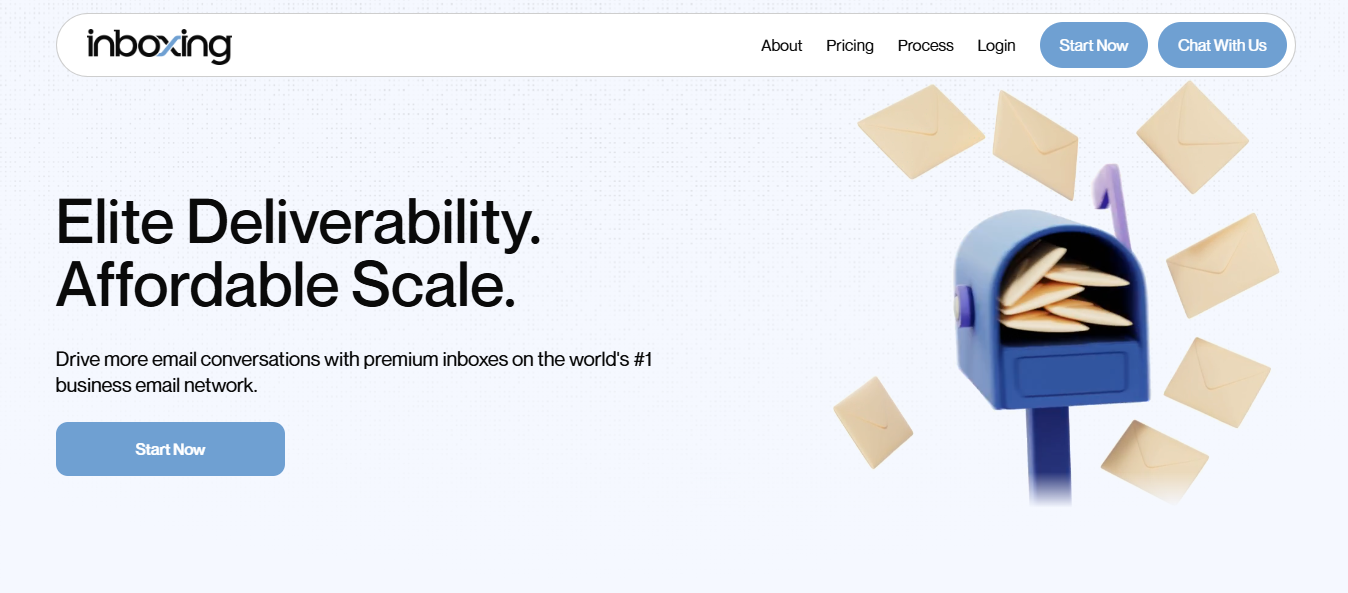
Inboxing sells cold email inboxes for 61 cents each.
That price caught my attention. Google Workspace resellers were charging me $3.50 per mailbox, so I wanted to see what I’d give up by paying one-fifth as much.
Here’s what I found. Inboxing charges $30 for a domain and includes 49 inboxes. Each inbox sends two to five emails daily, giving the domain a maximum of 245. Three standard mailboxes can deliver the same volume for around $10.
I’m also putting 49 inboxes behind one domain reputation. If that domain gets flagged, all 49 could go silent that afternoon.
Inboxing offers domain swapping for that exact situation. What it doesn’t offer is a way to know when the situation occurs.
The first thing I check with any infrastructure provider is the cost of one inbox.
That took a little work with Inboxing because it prices by domain. Starter costs $30 per domain, and each domain holds 49 inboxes, making each inbox 61 cents.
Most providers charge $2 to $3.50. I wanted to understand what created that difference.
The answer is density.
Most providers place two or three mailboxes on each domain. Mailforge recommends no more than three. Inboxing puts 49 on one domain, which is how it lowers the price.
That works because spam filters judge the domain, not each mailbox separately. Every inbox shares the domain’s reputation. The domain’s total sending capacity remains the same whether I divide it among three mailboxes or 49.
Inboxing keeps each mailbox slow to remain within that limit. Each sends two to five cold emails daily, while a typical Workspace mailbox handles twenty to thirty.
The maths leads to the same result. Forty-nine inboxes sending five emails each produce 245 daily, roughly the output of three busy mailboxes.
I get similar throughput. The difference is how many addresses send those emails and how little each address costs.
That could help. If a prospect blocks one address, they haven’t blocked the domain, and an inbox sending five emails daily may look less automated than one sending thirty.
It also creates risk. If the domain gets flagged, I lose 49 inboxes instead of three. Inboxing lists easy domain swapping as a feature, suggesting this situation isn’t unusual.
Personalization and outreach in LinkedIn groups is not supported.
Every plan includes automated setup, SPF, DKIM, strict DMARC, full API access, CSV uploads, free domain masking, and WhatsApp support.
I couldn’t find Inboxing on G2, Capterra, or Trustpilot. I also found no Reddit discussions, customer testimonials, or client logos on its website.
For a provider targeting agencies, that’s unusually little public evidence. So this section focuses on what that silence means.
Inboxing never identifies its email provider. The website simply calls it the “number one business email network.”
I went back to the specifications: 49 inboxes on one domain, each sending 2 to 5 cold emails daily.
That doesn’t sound like Google Workspace or Microsoft 365 Business. Those services allow much higher volume per mailbox, and providers don’t typically place 49 of them on one domain. These figures suggest a cheaper tenant sold in bulk and kept at low sending volumes.
I’d want the provider named in writing before buying.
The main risk is concentration. If one domain gets flagged, 49 inboxes stop at once.
Inboxing presents easy domain swapping as the solution. But that only works if I know which domain has failed, and the product offers no monitoring, placement testing, or health dashboard.
The real questions are how quickly a domain burns at this density and how I’d know it happened. No customer has answered either publicly.
I’d buy one domain for $30 and test it for a month.
I’d send from it, run placement tests through another tool, and monitor the reply rate. Billing is monthly with no commitment, so the experiment costs one domain.
There’s no free trial, demo, or documentation, so I didn’t buy a domain or send emails through one.
However, Inboxing publishes its four-step setup process, so I followed it to understand what each stage requires.
Most providers give me a dashboard with a form. Inboxing lets me order domains through its platform, API, or an AI assistant.
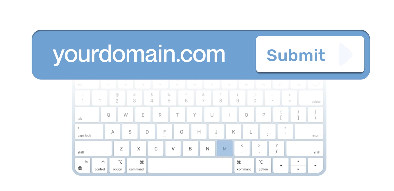
The AI option stands out. If I’m setting up domains for five clients at once, describing what I need could save time over entering everything manually.
The order asks for my sender name, redirect, and a few optional settings.
Domain masking is free, which matters. Without it, every cold domain redirects to my main website, showing spam filters that they belong to the same company.
I can also paste names in bulk or upload a CSV, so naming 49 inboxes takes one step instead of 49.
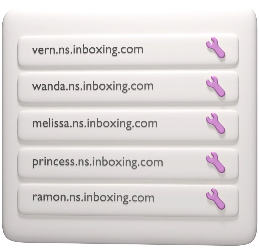
They can either update the nameservers for me or guide me through changing them at my registrar.
That gives them control over my entire domain, not just its email. If the domain hosts my website, they also control where it points.
Their team manages the setup, DNS records and compliance checks. Every plan includes SPF, DKIM and strict DMARC.
Strict DMARC offers stronger protection than most providers include, so I was pleased to see it.
The setup guide says one to two hours, while the feature list says 24. I’d plan for 24.
Once setup is complete, the inboxes appear automatically in my sending platform. There’s no CSV to download or list of credentials to copy.
The process then ends with one sentence: I’m ready to begin warming. Inboxing provides no warm-up tool, so warming all 49 inboxes becomes my responsibility and expense.
Every plan promises either 49 or 25 inboxes per domain.
At $30 per domain, that’s the difference between 61 cents and $1.20 per inbox. The page never explains which number applies.
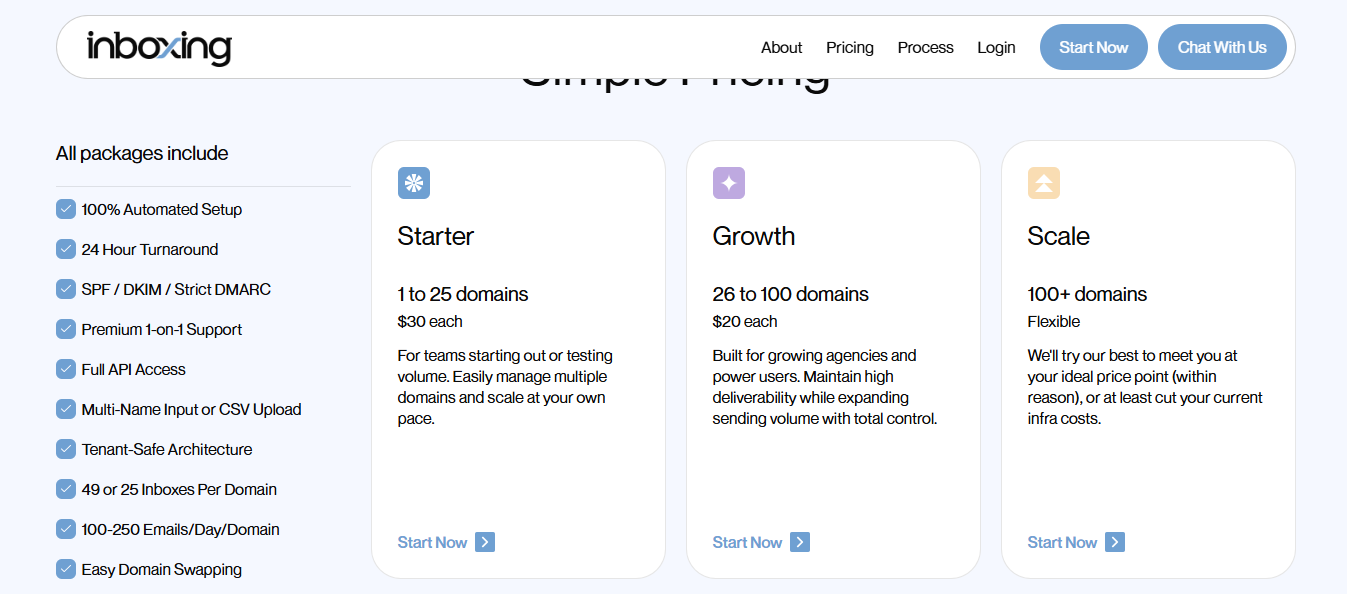
Inboxing charges per domain rather than per inbox. That decision makes its pricing look very different from other providers
Every plan includes automated setup, SPF, DKIM, strict DMARC, API access, CSV uploads, free masking,g and either 25 or 49 inboxes per domain.
At $30 per domain with 49 inboxes, each inbox costs 61 cents. Most competing providers charge $2 to $3.50.
Each Inboxing mailbox sends 2 to 5 emails daily. A Workspace mailbox sends 20 to 30.
One Inboxing domain produces up to 245 emails daily for $30. Three conventional mailboxes can deliver the same volume for $9 to $10.
Measured that way, I pay three times more for similar output.
Starter costs $30 per domain, but an additional domain costs $40 monthly. I’d calculate my full requirement before ordering.
No plan includes warm-up or monitoring. I also supply my own domains, so registration costs sit on top of every figure above.
Above 500 domains, the pricing page says “flexible” and offers to meet my price point “within reason.” That could help large agencies but tells everyone else very little.
To send 1,000 emails daily, I’d need 4 domains, which would cost $120 per month, excluding domain registration.
After adding warm-up for 196 inboxes, the total passes $200. The headline price was 61 cents per inbox.
The pricing tiers make its target customer clear. Starter supports up to 100 domains, Growth begins at 10,1 and Scale starts at 501. Those tiers weren’t designed for a team managing five domains.
High-volume senders who already know what they are doing with deliverability.
If this is your first email infrastructure purchase, choose a provider that includes warm-up.
Inboxing initially won me over with its price. But it never addressed the factor that determines whether cold email works: knowing my mailboxes are healthy before falling reply rates expose the problem.
That gap is why I would look at Mailforge.
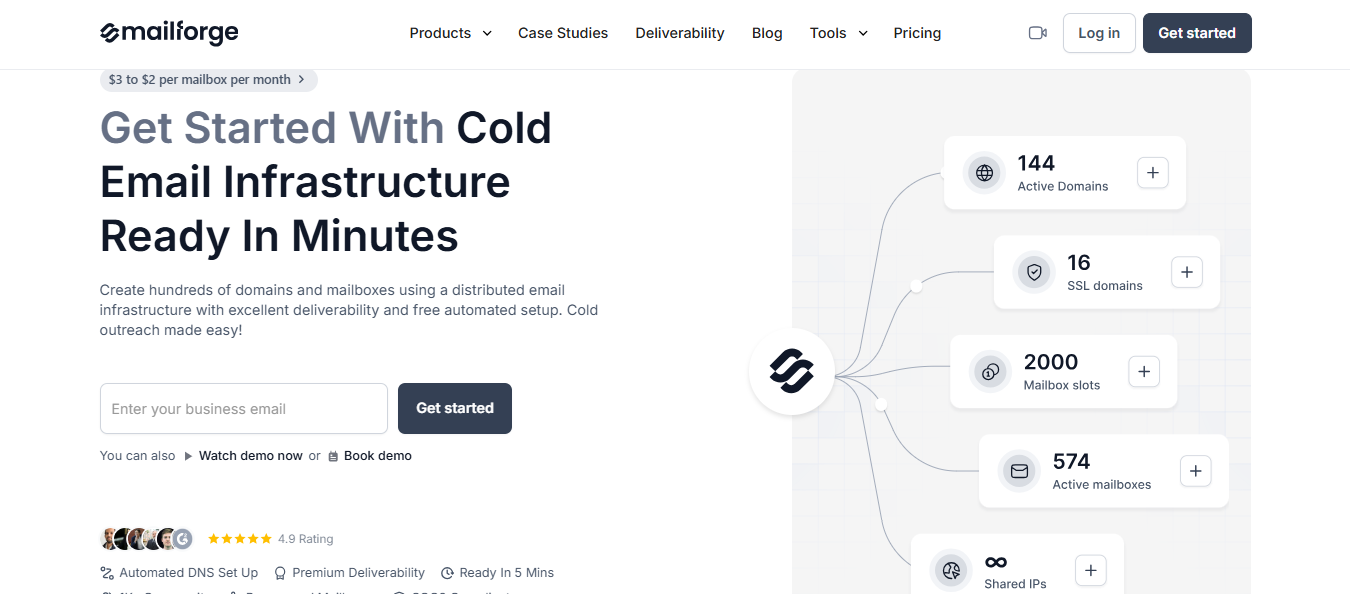
Inboxing completes setup and tells me I’m ready to start warming. That final word carries a lot of weight because warming 196 inboxes becomes my job and another expense.
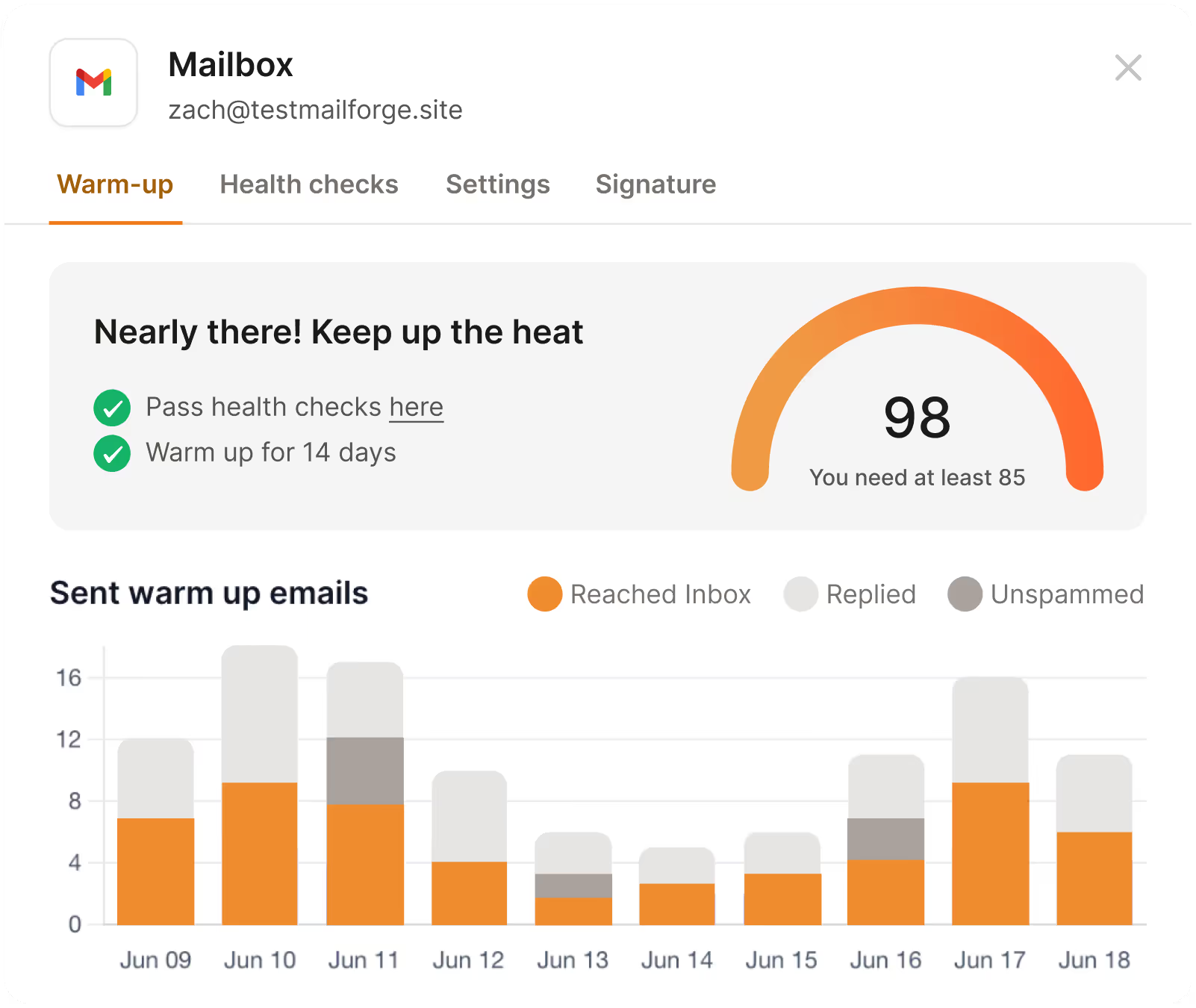
Mailforge warms inboxes through Warmforge at no extra cost. It also sells pre-warmed domains if I want to avoid waiting.
Domain swapping only helps when I know which domain needs replacing. Inboxing provides the swap but doesn't help me identify the problem.
Mailforge runs placement tests and displays health scores.
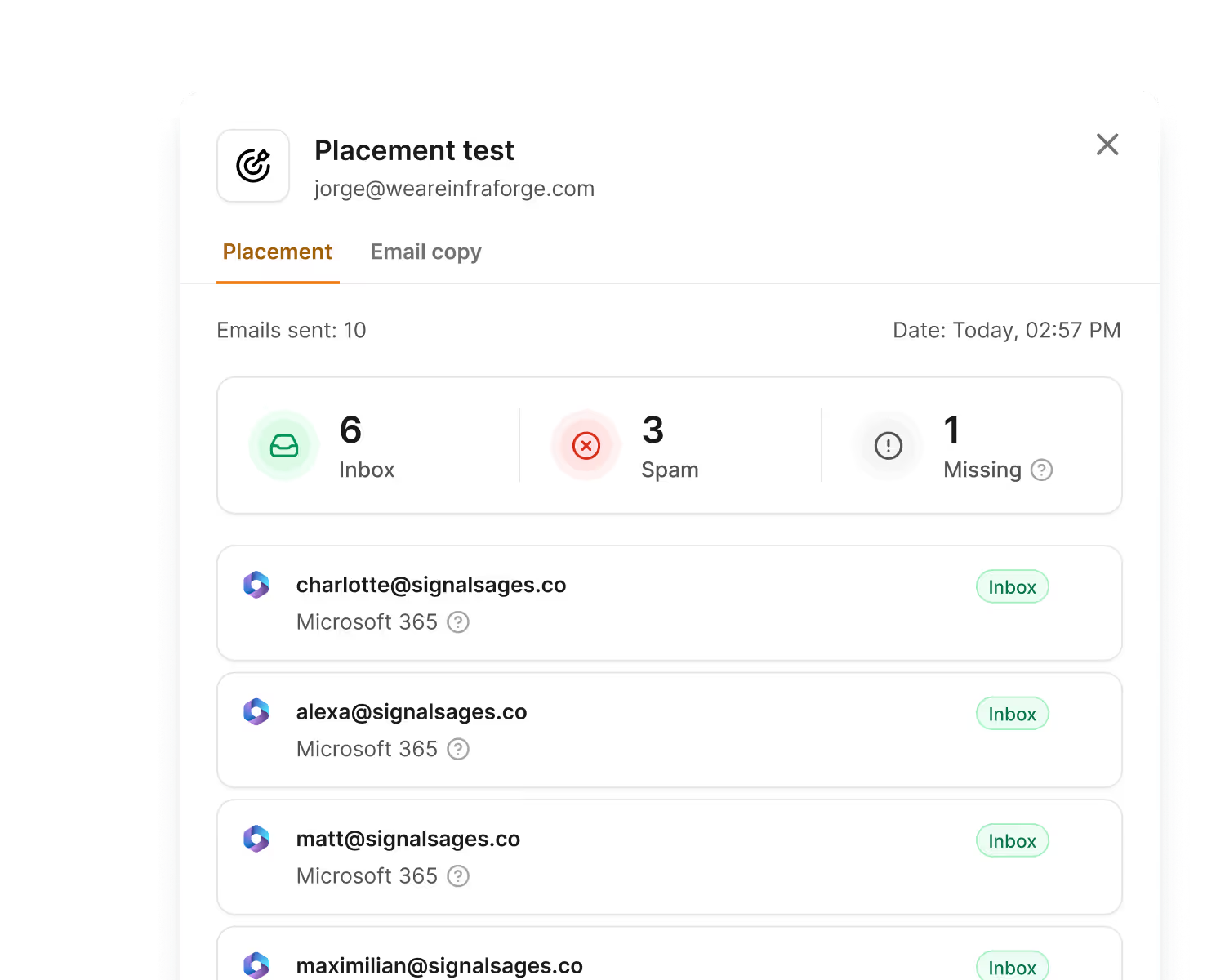
A failing domain appears as a number on the dashboard instead of a silent drop in replies three weeks later.
When 49 inboxes share one reputation, one flag can take down the entire group. Mailforge recommends three inboxes per domain, spreading the same volume across more reputations.
Rebuilding three inboxes takes an afternoon. Rebuilding 49 could take a week.
Inboxing controls the whole DNS zone. If that domain hosts a website, its DNS is now under Inboxing’s control too.
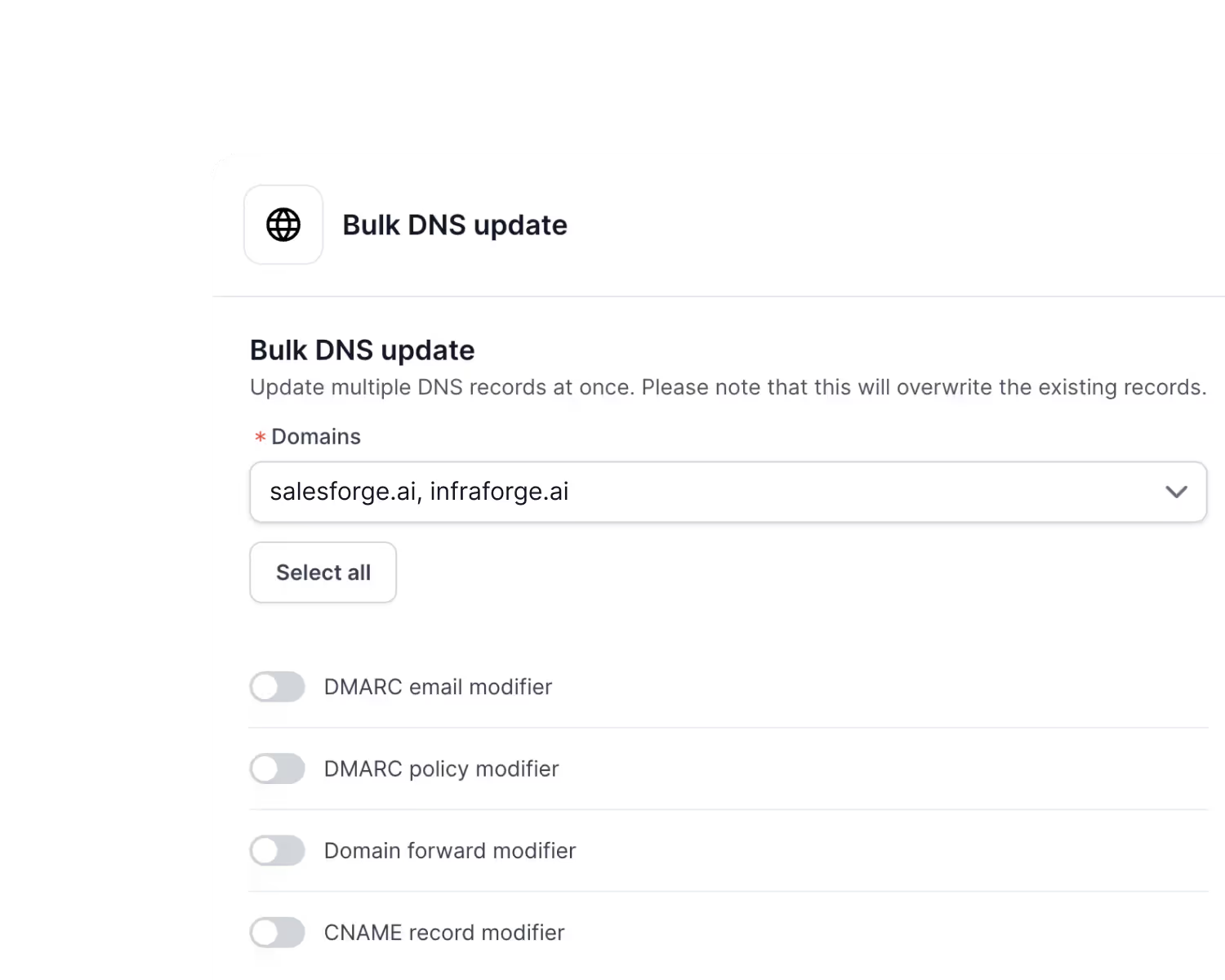
Mailforge lets me manage DNS records in bulk and transfer domains in or out whenever needed. Nothing becomes stranded if I leave.
Enter your email to get a custom plan & stack recommendation for your business
Please check your mailbox in 5 minutes

Yes, Inboxing can be worth it if you already manage warm-up and monitoring and need hundreds of low-volume sender identities. At $30 per domain, few providers can match its headline price.
The answer changes if you expect the platform to manage deliverability for you. It includes no warm-up, no placement testing, and no way to identify a failing domain.
With 49 inboxes sharing one reputation, one flag can take down all 49 at once.
If you’d rather use fewer mailboxes that send reliably, Mailforge warms them for free and displays their health scores. Salesforge manages the sequences on top.
Start with Mailforge and know your inboxes are alive before your reply rate tells you.
.jpg)

.jpg)

.jpg)