

Personalized Outbound Strategy
Get The Right Outbound Strategy In Minutes
Enter your email to get a custom plan & stack recommendation for your business
It's being carefully crafted by AI
Please check your mailbox in 5 minutes
A founder opens LinkedIn, finds 80 decent prospects, and asks the same question every outbound team eventually asks: "Can we make this feel researched without spending the whole afternoon stalking profiles?"
That is the job Humanlinker is trying to solve.
Short answer: Humanlinker is a good fit if your biggest outbound problem is weak personalization. Its strongest idea is simple: analyze the prospect, infer communication style with DISC-style guidance, pull useful context, then help your team write a more relevant email or LinkedIn touch.
But if your problem is volume, deliverability, mailbox infrastructure, inbox rotation, or operating outbound just like this G2 user across many senders, Humanlinker is not the whole system. It can improve the message. It does not remove the need for a serious sending engine behind the message.
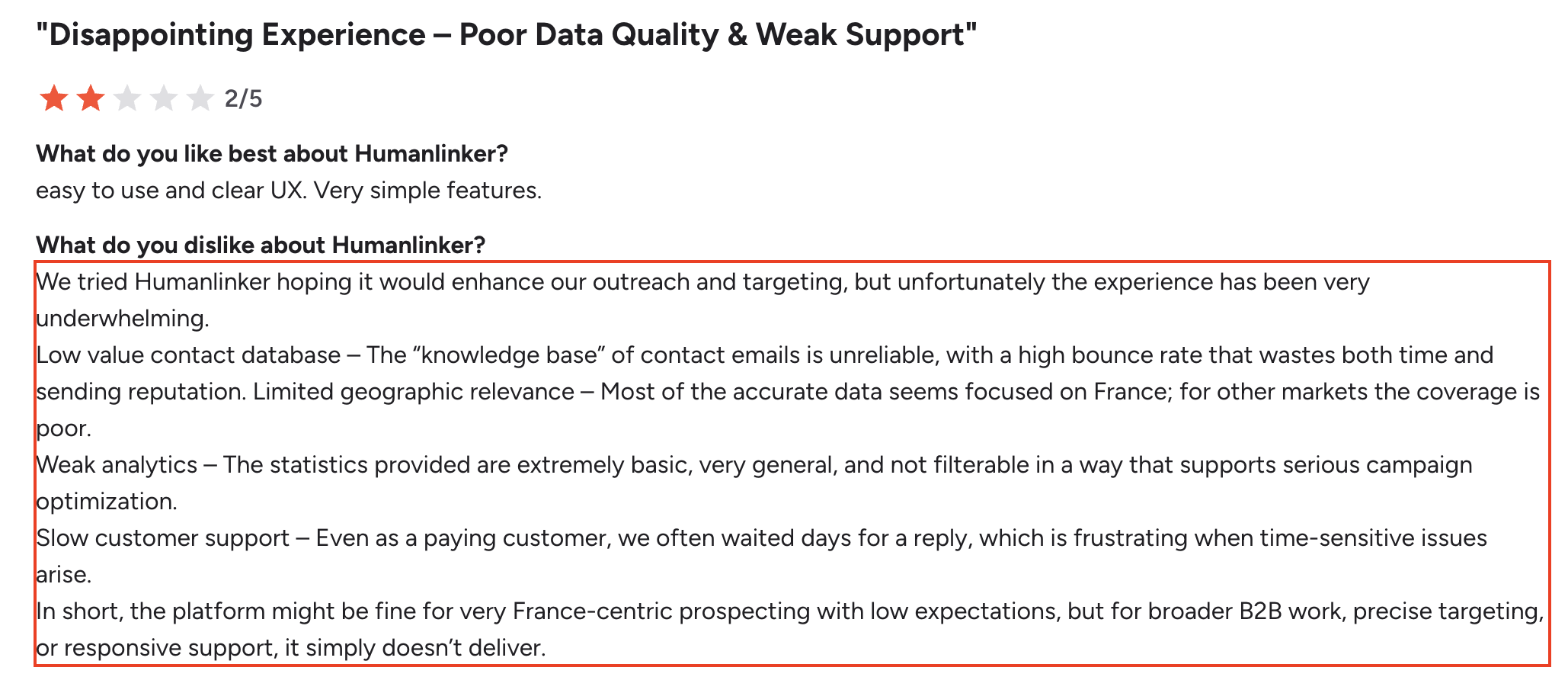
That distinction matters.
Humanlinker is best for founders, agencies, and revenue teams that want AI-assisted prospect research, DISC-based communication advice, meeting prep, and email plus LinkedIn campaigns from one workspace.
It is less compelling if you need to run high-volume cold outreach across many mailboxes and LinkedIn senders, because the Pro plan is still tied to one user, two email inboxes, one social account, and AI-credit/enrichment quotas.
The practical verdict:
If you only need better first lines, Humanlinker deserves a look.
If you need a complete outbound operating system, look beyond personalization.
Humanlinker is an AI sales copilot for B2B prospecting. It combines prospect research, AI copywriting, email and social outreach, meeting prep, CRM integrations, enrichment, and a unified inbox.
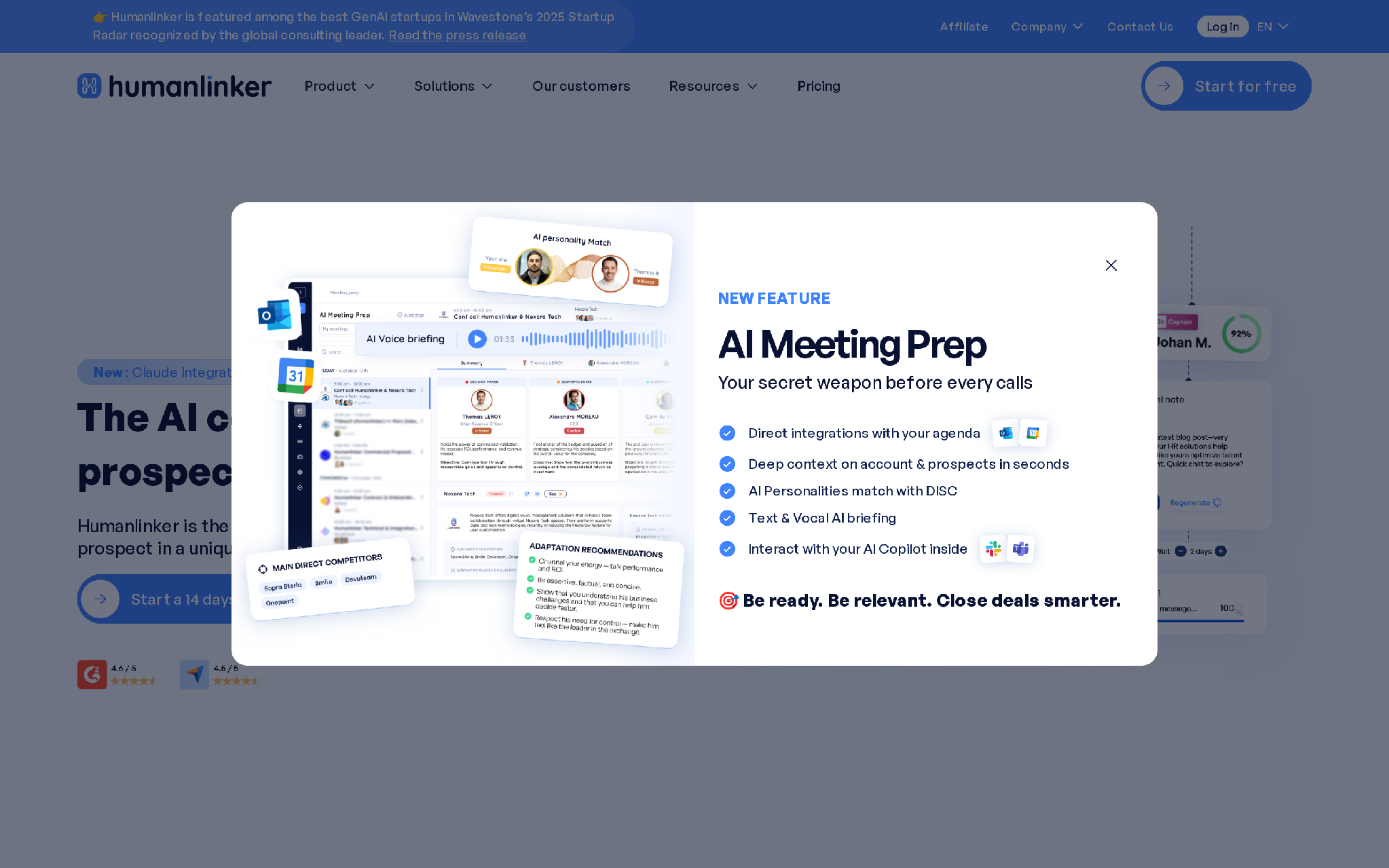
The product's sharpest angle is personality-led personalization. Humanlinker analyzes a prospect's profile, company context, and communication style, then recommends how to approach that person.
That is different from a basic mail merge tool.
A basic sequencer says: "Hi {{first_name}}, saw you're at {{company}}."
Humanlinker is trying to say: "This person cares about speed, risk, proof, status, or consensus. Write the message accordingly."
That is a better starting point.
The risk is that sales teams confuse a better starting point with a complete outbound machine.
I evaluated Humanlinker as a buyer would: not by asking whether the AI sounds impressive, but by asking where the product sits in a real outbound workflow and what breaks when campaign volume increases.
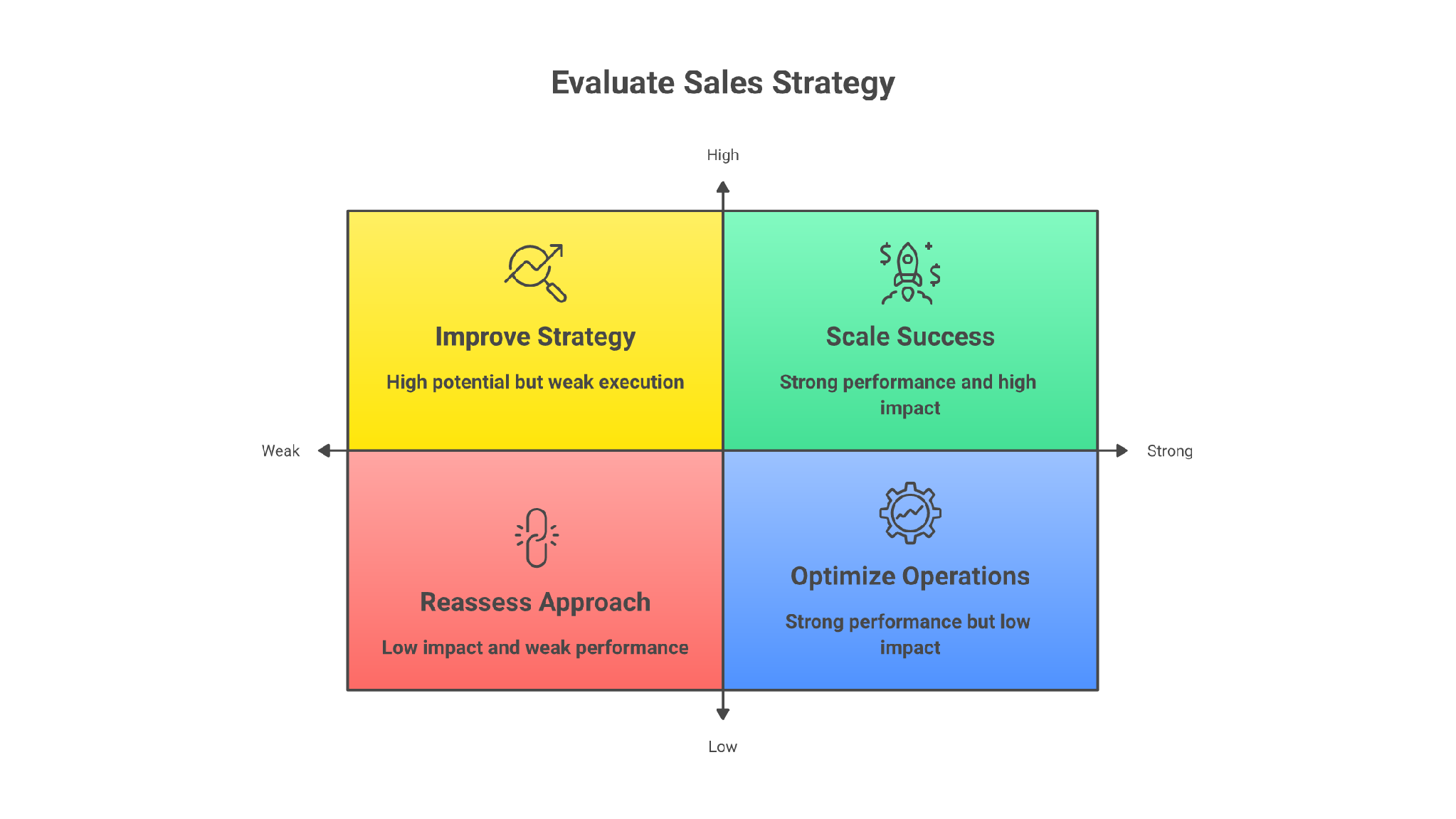
Humanlinker's best feature is not "AI writing."
Most AI writing outbound is cheap now. The harder part is giving the AI enough buyer context to avoid bland messages.
Humanlinker is useful because it packages context into a rep-friendly workflow.
The input is a prospect or account. The trigger is a rep preparing outreach, a campaign, or a meeting. Humanlinker processes public context, contact data, and profile signals, then turns that into message angles and sales notes.
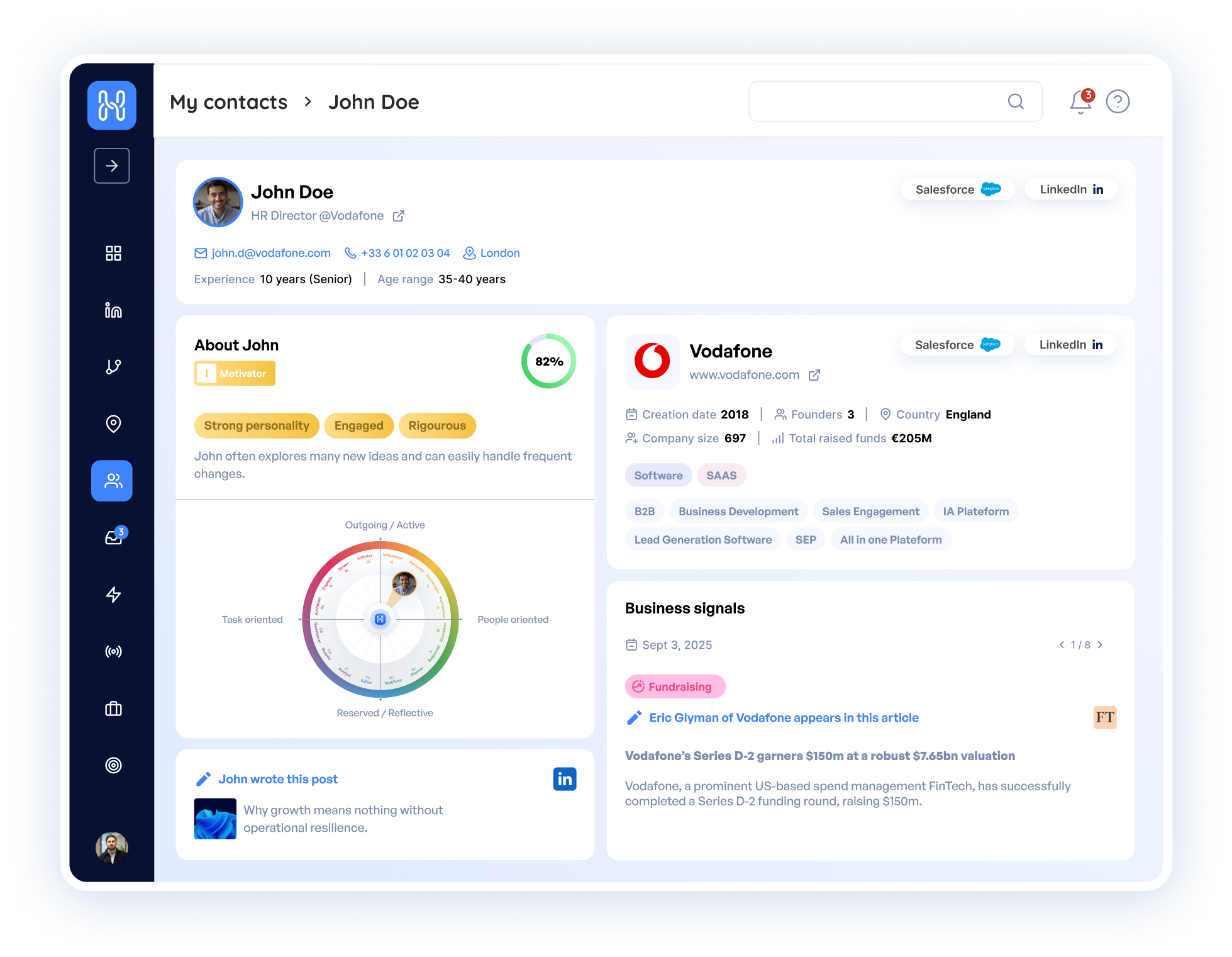
The output is not just copy. It is a point of view on how to approach the person.
That helps when your reps are stuck between two bad options:
Humanlinker gives them a middle path.
Here is the practical version.
An agency selling RevOps consulting into French SaaS companies does not need a 900-word account thesis for every prospect. It needs a fast reason to write. Humanlinker can help a rep see that the VP Sales recently hired SDRs, prefers concise communication, and cares about forecast discipline.
The rep can turn that into a short message about pipeline visibility instead of another "noticed your growth" opener.
That is the kind of expert workflow where personalization pays off: narrow list, clear buying trigger, one useful observation, then a message that sounds like it came from someone who understands the account.
The DISC angle is the product's most memorable feature.
If the prospect looks more direct and outcome-driven, the message should get to the point faster. If the prospect is more detail-oriented, vague benefits will fall flat. If the prospect is consensus-led, proof and risk reduction matter more.
That kind of guidance will not magically create pipeline.
But it can stop reps from sending the same tone to every buyer.
That is a real improvement.
Humanlinker is not only a cold email tool. Its meeting prep matters because personalization should not stop after the first reply.
For an AE, the workflow looks like this:
This is where Humanlinker can be more useful than a basic cold email sequencer.
For example, imagine a founder books a call with the COO of a 120-person logistics company. A weak prep process gives the founder a generic company summary and three discovery questions. A stronger workflow pulls the prospect's role, likely operating pressures, recent hiring signals, and communication style into one briefing.
The result is not "AI magic." It is a better first five minutes of the call: fewer obvious questions, tighter framing, and a clearer path to the business problem.
The problem is not that Humanlinker lacks personalization.
The problem is that personalization is only one part of outbound.
You still need clean data, safe sending infrastructure, mailbox rotation, warmup, reply handling, bounce control, LinkedIn execution, CRM hygiene, and a feedback loop from replies back into targeting.
Tools are not the strategy. The workflow is the strategy.
Humanlinker's Pro plan starts at EUR69 per month for one user. It includes a 14-day trial, two email inboxes, one social account, contact recommendation volume, email enrichment volume, and AI credits.
That can work for a solo operator or a small revenue team.
It becomes tighter when you want to run outbound across many inboxes, many LinkedIn profiles, and several campaigns at once.
Outbound scale is rarely blocked by whether the AI can write one more custom line.
It is blocked by sending capacity, domain reputation, reply routing, and how quickly the team can learn from what comes back.
Humanlinker uses AI credits for parts of the workflow, including meeting prep and AI-assisted work. On Pro, the credit pool is visible and limited.
That is not automatically bad. Credit-based pricing can make sense when AI usage is expensive to serve.
But it changes the buying question.
You are not just asking, "Can this write better messages?"
You are asking, "Will my team use enough AI actions each month that we hit the ceiling before the campaign teaches us anything useful?"
For a quality-first team, that ceiling may be fine. For a scaling outbound team, it can become operational drag.
AI personalization is only as good as the input.
If the prospect has thin public data, stale LinkedIn activity, vague company context, or a generic role, the message will still need human editing.
That is not a Humanlinker-only problem. It is a category problem.
The mistake is letting reps trust AI lines because they look specific. Specific does not always mean relevant.
Humanlinker has a 14-day free trial and a Pro plan starting at EUR69 per month for one user. Business and Enterprise are custom-priced, with Business positioned for teams of more than five people and Enterprise for larger revenue teams.
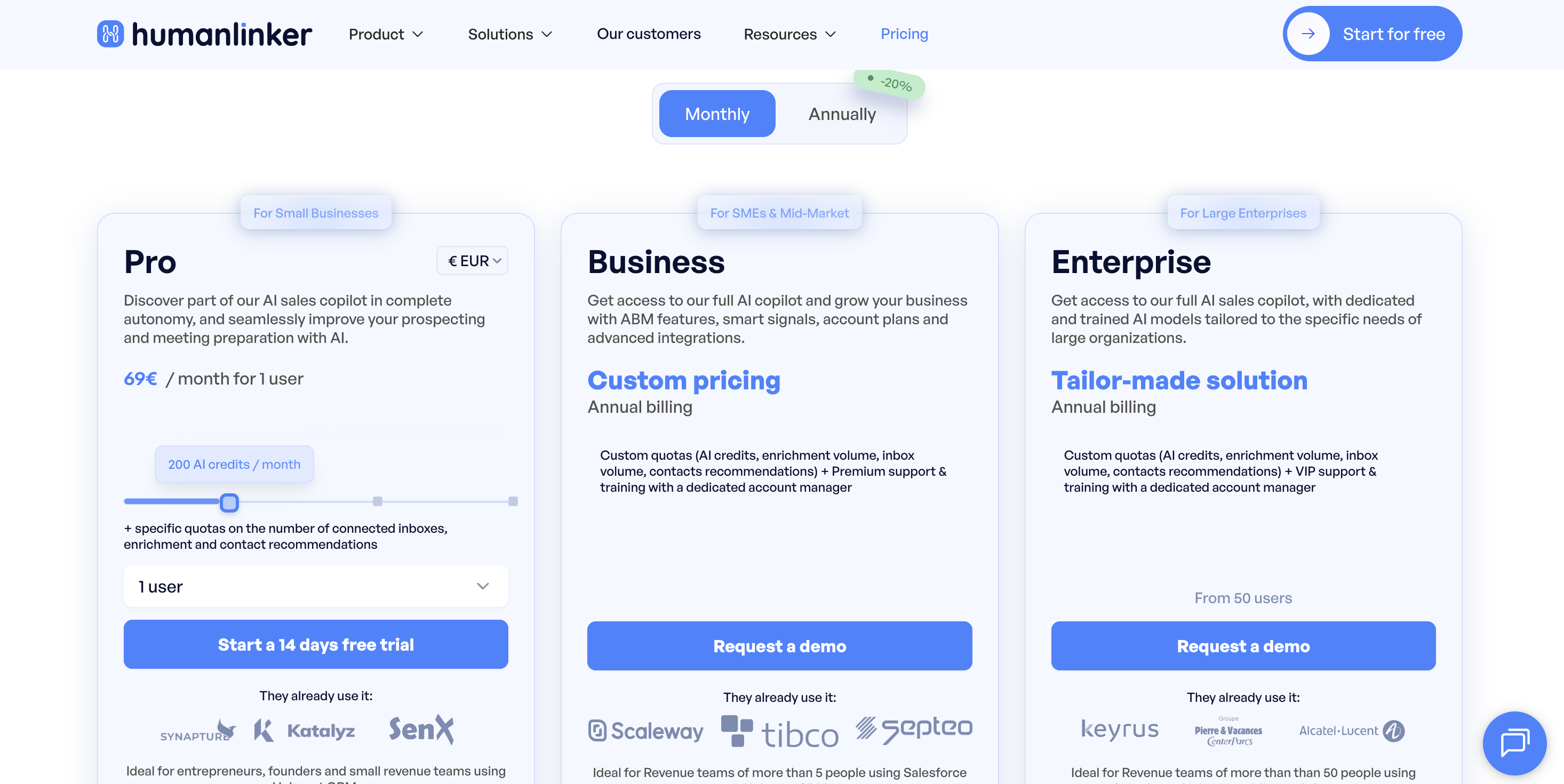
The Pro plan is the useful reference point because it tells you how Humanlinker thinks about the product:
The real cost is not just the subscription.
The real cost is the operating model around it.
If Humanlinker improves reply quality on a focused account list, the price can make sense. If you are trying to use it as a high-volume outbound engine, you will likely need other tools or a different platform.
Humanlinker has a clear product idea. That is a good sign.
It is not another generic sequencer pretending personalization means a variable field.
Humanlinker and Salesforge are not the same kind of tool.
Humanlinker starts with the individual prospect: understand the person, shape the message, prepare the rep.
Salesforge starts with outbound execution: run email and LinkedIn sequences, manage replies in Primebox, use AI personalization, protect deliverability with Warmforge, and scale across unlimited mailboxes and unlimited LinkedIn senders without seat-based pricing.
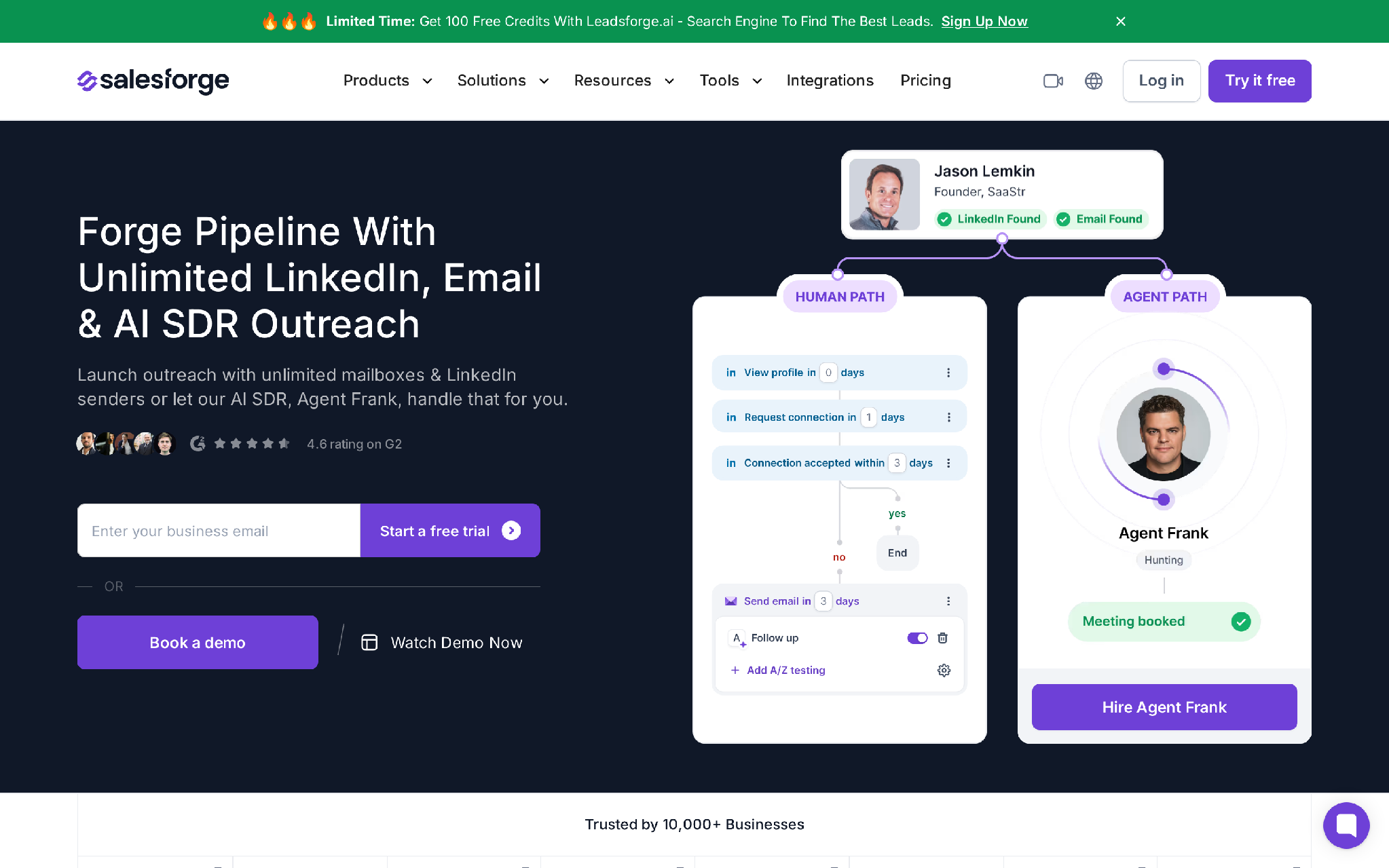
That difference matters because most outbound teams do not fail at one step.
They fail at the handoff between steps.
The better outbound workflow looks like this:
In the Forge stack, Primeforge handles Google Workspace or Microsoft 365 mailboxes, Mailforge handles distributed/shared email infrastructure, Infraforge handles private infrastructure, Leadsforge helps with lead data, Warmforge handles warmup and deliverability, and Salesforge orchestrates the outreach.
That is why Salesforge is a better fit when the bottleneck is the outbound system, not just the opening line.
Salesforge's localized greetings and localization support also matter here because personalization is not only about the prospect's job title.
If your campaign targets Germany, France, Brazil, and Japan, the greeting, opener, and tone cannot all sound like they were written for a US buyer. A native-language greeting is a small detail, but small details are often what tell a prospect whether the message was adapted for their market or sprayed globally.
In a Salesforge workflow, the input is the prospect's market and language context. The trigger is the sequence step. The processing is AI-assisted localization of the greeting and message. The output is a campaign that feels more local without hiring a separate SDR or translator for every region.
That will not save a bad offer.
But it removes one of the obvious tells of lazy international outreach.
But Salesforge is not the right answer for everyone.
Its human-path plans start at $48 per month and include a 14-day free trial, but the broader Forge model is modular. You subscribe to Salesforge, infrastructure, and Agent Frank separately. The active-contacts cap can also feel restrictive because prospects in live follow-up steps count against it. If you want one simple personalization copilot for a small list, Humanlinker may feel lighter.
Agent Frank is a separate AI SDR product, starts at $599 per month billed quarterly, and is demo-gated with no self-serve free trial. That is a higher-commitment path than a rep simply trying Humanlinker for personal outreach.
That is the honest tradeoff.
Choose Humanlinker if your team has a narrow list, a considered sale, and a real need for better message context.
It is especially strong when:
Humanlinker is not trying to be the cheapest mass-send tool.
That is fine.
It should be judged as a quality layer for sales conversations, not as a bulk email cannon.
Do not choose Humanlinker if your real problem is deliverability, infrastructure, or outbound volume.
If your domains are not ready, your mailboxes are cold, your bounce rate is ugly, or your replies are scattered across reps, better AI copy will not fix the system.
That works until scale exposes the weak link.
Humanlinker is also a weaker fit if:
In that case, the better question is not "Which tool writes the best line?"
The better question is "Which system lets us run outbound without burning domains, losing replies, or adding manual work every week?"
Enter your email to get a custom plan & stack recommendation for your business
Please check your mailbox in 5 minutes

Humanlinker is a good tool for personalized sales outreach when your list is focused and your team needs better context before writing.
Its best use case is quality-first prospecting: understand the buyer, adapt the tone, prepare the meeting, and send a message that does not feel like every other cold email.
But outbound does not stop at the message.
If your team is trying to scale email and LinkedIn across multiple senders, you need a system that handles infrastructure, warmup, sequencing, reply management, and feedback loops. That is where Salesforge makes more sense.
Start with the bottleneck.
If the bottleneck is relevance, test Humanlinker.
If the bottleneck is execution at scale, build the outbound system first.
Salesforge helps teams turn cold outreach into a repeatable operating layer: unlimited mailboxes and LinkedIn senders, AI-assisted personalization, Primebox reply handling, Warmforge deliverability, and the Forge infrastructure around it. That is the path when you need outbound to compound instead of depending on one rep manually polishing every message.
This week, audit your current outbound workflow. Count how many prospects are blocked by poor message quality, how many are blocked by weak infrastructure, and how many replies are getting lost after the send.
The answer will tell you whether you need Humanlinker, Salesforge, or both.
.jpg)

.jpg)

.jpg)