You found the company. You found the person. You even found the perfect reason to reach out.
There’s just one problem: you can’t find their email address.
It’s buried somewhere. Or hidden completely. Maybe there’s a contact form, a generic support inbox, and nothing else.
And that matters. Because sending your carefully written message to [email protected] is very different from getting it into the inbox of the person who can actually say yes.
The good news? You don’t need to spend hours digging through websites or guessing blindly.
Company email addresses usually follow patterns. Once you know where to look—and what patterns to look for, you can uncover the right address surprisingly quickly.
I’ve put together seven methods that actually work in 2026, starting with the fastest and easiest and moving into the more hands-on approaches. I’ll also show you how to verify an address before you hit send, so you’re not wasting time emailing addresses that don’t exist.
Here’s how to find company email addresses without wasting an entire afternoon on it.
Search a directory of business contacts by company, job title or industry, then pull the verified email
Very high
Free to start, 100 credits on signup
Finding several people at once, or building a list
Use an email finder tool
Open a LinkedIn profile, click the extension, get the verified business email and mobile number
Very high
Free extension, 100 free credits
Finding one named person quickly
Check the company website
Look through the Contact, About, Team, Press and Careers pages plus the footer
Medium
Free
General and department inboxes
Search on LinkedIn
Check the contact info panel, About section and recent posts on the person's profile
Medium
Free
People who publish their address openly
Use Google search operators
Run targeted search commands that only return pages containing an address
Low to medium
Free
One-off searches when you have time
Work out the email pattern
Find one known address at the company, then apply the same format to your person
Medium
Free
Companies with a public address anywhere
Ask through chat or phone
Ask support, reception or the live chat widget for the right contact
Low
Free
Smaller companies with real humans answering
The short version is that the first two methods will get you an answer in under a minute, and the rest are useful when you only need one address and have time to dig.
6 Ways to Find Company Email Addresses
Each method below works on its own, but they also stack well together. A database gives you the address, and a quick website check confirms it looks right for that company. Start at the top and stop as soon as you have what you need.
1. Use a B2B Contact Database to Find Company Email Addresses
The fastest route to a company email address is to search a database that already holds it.
A B2B contact database is exactly what it sounds like, which is a large, searchable directory of people who work at registered businesses.
Instead of hunting across a website and a LinkedIn profile and a Google search, you type in the company and the database hands you the contacts it holds.
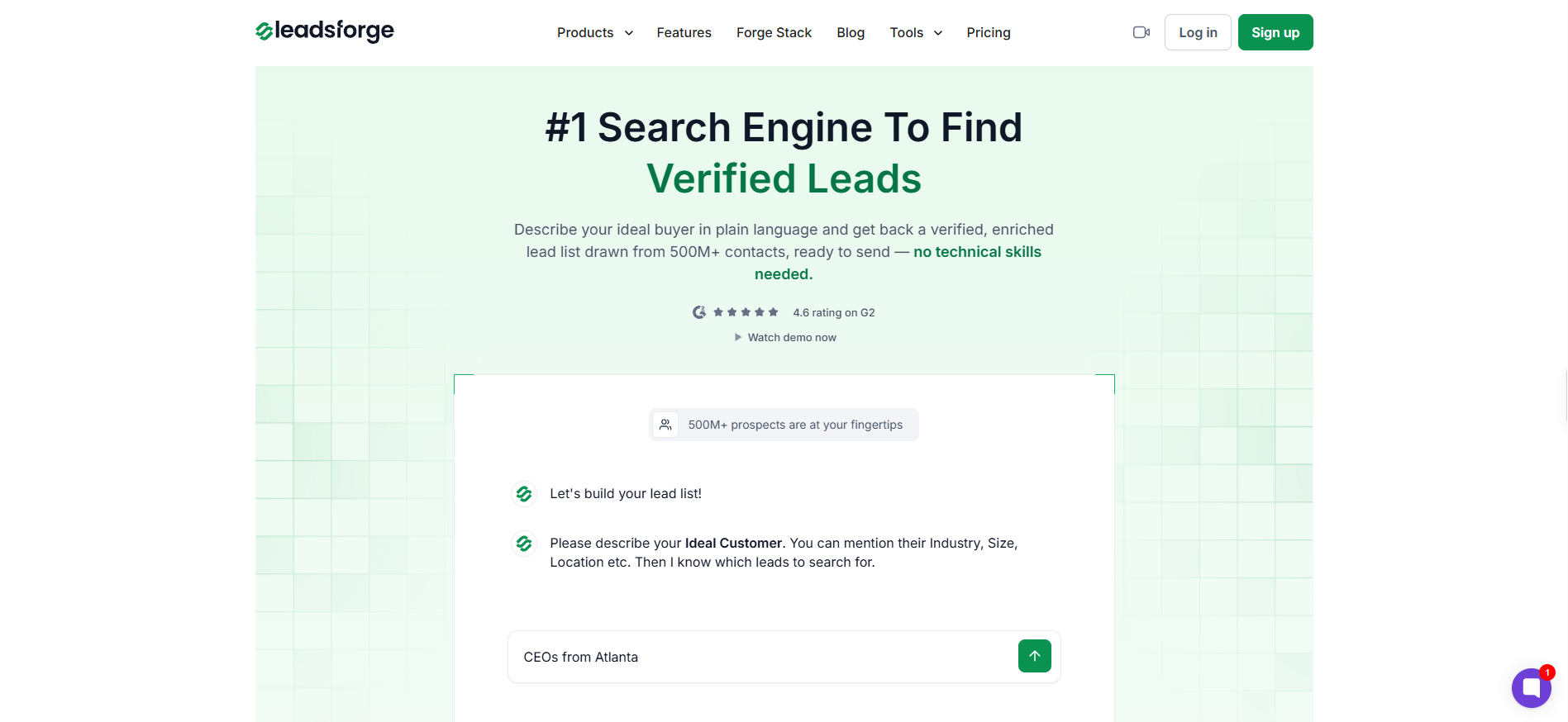
Leadsforge is the one I use for this, and it holds over 500 million contacts.
You can search by company name or domain, then narrow the results by job title, location or industry until you reach the person you actually want.
What makes a database useful for this is the verification sitting behind it.
Leadsforge runs what is called waterfall enrichment, which means it checks several data sources one after another rather than trusting a single provider. If the first source has no address for your person, it moves to the next one, and the hit rate climbs as a result.
There is also an ICP search, where you describe the kind of person you are looking for in plain language and get matched contacts back. That is handy when you know the type of company you want to reach but not the specific names yet.
Where it falls short. A database works best for people at established, registered businesses. If you are trying to reach a two-person studio or a company that launched last month, the coverage gets thin and you will do better with the website and LinkedIn methods further down.
New accounts get 100 free credits, which is enough to test whether the contacts you need are actually in there before you pay for anything. Try Leadsforge with 100 free credits and search your target company first.
GET THAT COMPANY EMAIL ADDRESS FOR FREE
Describe your ICP in Leadsforge and get a targeted lead list in just a few minutes.
2. Use an LinkedIn Chrome Extension to Find Company Email Addresses
If you only need one specific person rather than a whole list, an email finder tool is quicker than a database.
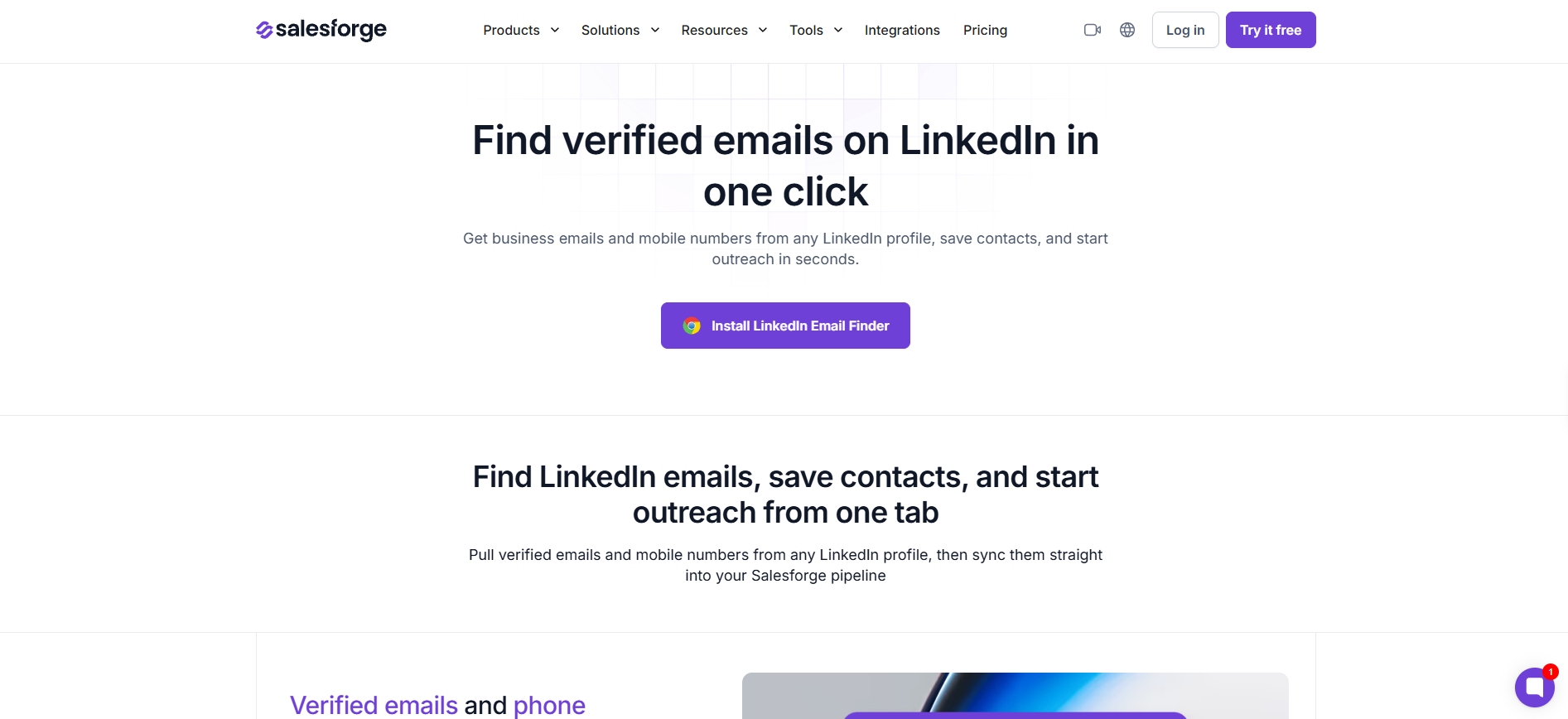
An email finder sits in your browser and does the lookup while you browse. You open the profile of the person you want to reach, click the extension, and it returns their business email address along with a mobile number where one exists.
The Salesforge LinkedIn Email Finder is free to install from the Chrome Web Store, and every new account comes with 100 free credits so you can start looking things up immediately.
The part I find most useful is what it does when it has nothing. Rather than inventing a plausible address and letting you discover it was wrong after the bounce, it tells you no verified email is available for that profile.
Every address it does show has already been checked before it reaches you.
It also pulls in company details alongside the address, so you get a sense of the business without opening another tab.
Where it falls short. It works off LinkedIn profiles, so it needs your person to have one. For a company contact with no LinkedIn presence, the website and pattern methods below will serve you better.
If you want to compare options before committing to one, I have broken down the full landscape in my guide to email finder tools options.
The most obvious method still works more often than people assume, and it costs nothing.
Start with the Contact page, then work through About, Team, Press and Careers. Each of these pages exists to be reached, which means companies are far more willing to publish an address there than anywhere else on the site.
The footer is worth a look too, since a lot of sites park a general address there and nowhere else. If the company publishes a blog, the author bylines sometimes carry a direct address for the writer.
Here is the part most people miss. Even a general address like [email protected] is valuable, because it shows you the domain the company actually sends from.
A careers address tells you the same thing, and a press contact often reveals the full naming format used across the whole organisation.
Where it falls short. You will usually land on a shared inbox rather than an individual. That is fine if you want the company, and unhelpful if you want one specific person.
4. Use Google Search Operators to Find Company Email Addresses
Search operators are short commands that tell Google to look in a specific place instead of searching the whole web.
They look technical, but you only need three of them and you can copy them straight across. Replace company.com with the real domain and the name with your person.
What You Want
What to Search
Any address on the company's own site
site:company.com "@company.com"
A specific person's address anywhere online
"First Last" + email + company.com
An address inside a LinkedIn profile
site:linkedin.com/in/ "job title" "@company.com"
The first one is the most reliable of the three, because it returns every page on the company's own domain that contains an address on that domain. That often surfaces a PDF, an old press release or a team page that the navigation no longer links to.
Where it falls short. This is the least predictable method on the list. When it works it is instant, and when it does not you have no way of knowing whether the address exists elsewhere or simply is not indexed.
5. Work Out the Company Email Pattern
Almost every company picks one email format and applies it to everybody, which means a single known address unlocks the rest of the organisation.
These are the formats you will run into most often.
The process is simple enough. Find any one real address at the company, which is usually a press contact, a careers inbox or a team page listing, and look at how it is built. Then apply that same structure to the name of the person you actually want.
A domain lookup through a WHOIS service occasionally reveals an address too, though registrar privacy has made this far less reliable than it used to be.
Where it falls short. A constructed address is an educated guess, not a confirmed one. Never send to a pattern-built address without checking it first, and the next section covers exactly how to do that.
6. Ask Through Live Chat, Support, or the Phone Line
When every other method comes up empty, the simplest option is to ask.
The live chat widget on a company website is staffed by someone who can usually point you to the right department. Tell them plainly who you are trying to reach and why, and in my experience a good number of them will give you the address or forward your message internally.
The same applies to the main phone line. Reception at a smaller company often knows exactly whose inbox your request belongs in.
One more trick that works surprisingly well is replying to the company newsletter. Those replies go to a real inbox, and the reply address frequently reveals the internal format.
Where it falls short. It is slow, and it depends entirely on who picks up. At a large company you will usually be handed the same general address you already found.
What Counts as a Company Email Address
It helps to be clear about what you are actually looking for, because "company email address" covers three different things and only one of them is likely to get you a reply.
General company inboxes look like [email protected] or [email protected]. Anyone can find these and everyone emails them, which means they are the slowest route to a human.
Individual employee addresses carry the person's actual name. These get read by one person, and they are what the first two methods in this guide are built to find.
One quick clarification, since the phrasing trips people up. If you landed here looking to create a company email address for your own business, that is a different task entirely and involves buying a domain and setting up a business mailbox. Everything above is about finding an address that already exists at someone else's company.
Is It Legal to Find Company Email Addresses
In most cases, yes, and here is the practical version of why.
Business contact details are generally treated differently from personal ones. An address published on a company website, or a work address tied to someone's professional role, sits in a much safer category than a private personal account.
What matters more is what you do next. In the United States, the CAN-SPAM Act does not require permission before you send a commercial email, but it does require you to identify yourself honestly and give people a way to opt out. In the European Union, GDPR does not ban business outreach outright, though it expects you to have a legitimate reason for contacting that person and to say how you got their details if asked.
The rules of thumb that keep you out of trouble are straightforward. Reach out for a reason that makes sense for that person's role, say who you are, and stop contacting anyone who asks you to.
If you are sending at volume or across borders, run your approach past someone qualified rather than relying on a blog post, mine included.
Common Mistakes to Avoid When Finding Company Email Addresses
These are the ones I see most often, and each of them costs more than the time it takes to avoid.
Sending to a guessed address without checking it: A pattern-built address is a hypothesis. Verify it, or you are trading a working sender reputation for a few saved seconds.
Defaulting to the general inbox: Writing to info@ feels productive because you found an address, but those inboxes are crowded and rarely monitored closely. One named person beats three general inboxes.
Reusing a list that has gone stale: Contact data decays faster than almost any other kind, because people move jobs constantly. An untouched list from last year will be meaningfully wrong today.
Chasing personal addresses instead of work ones: A work address tied to someone's role is both more appropriate and more likely to get a professional reply. A private account is neither.
Stopping at one method: The people who find addresses consistently do not rely on a single technique. They check a database, confirm the pattern on the website, and verify before sending.
Final Thoughts on Finding Company Email Addresses
If I had to pick one method for someone starting from nothing, it would be a contact database, because it covers the finding and the verifying in the same step.
That said, the manual methods still earn their place. For a small local business or a brand new company, a careful read of the website will often beat any tool on the market, and it costs nothing.
The habit that matters more than the method is verification. Find the address however you like, then check it works before you send.
1. How do I find a company email address for free?
Start with the company website, checking the Contact, About, Team and Careers pages along with the footer. If that does not work, run the Google search site:company.com "@company.com" to surface any address published on their own domain. Both the Salesforge email finder and Leadsforge also include free credits on signup, which covers a small number of lookups at no cost.
2. What is the most common company email format?
[email protected] is the most widely used format, followed by [email protected] at smaller companies and [email protected] at larger ones. Find one confirmed address at the company and the format it uses will almost always apply to everyone else there.
3. How do I find the email address of a specific person at a company?
Use an email finder tool on their LinkedIn profile, which returns a verified business address in one click. If they have no LinkedIn presence, find any one address at the company, work out the format from it, and apply that format to their name before verifying it.
4. How often should I check that my company email addresses still work?
Every three to six months for any list you plan to reuse. Contact data goes out of date quickly because people change roles, and sending to dead addresses damages the reputation of the address you send from.
5. Is it legal to find and use company email addresses?
Business contact details are generally treated more permissively than personal ones, and neither CAN-SPAM in the United States nor GDPR in the European Union bans professional outreach outright. You still need to identify yourself honestly, have a legitimate reason for contacting that person, and stop when someone asks you to.
6. What is the difference between a company email address and a business email address?
They are used interchangeably in practice. Both refer to an address attached to a company's own domain rather than a free personal service, which is what separates [email protected] from a personal Gmail account.
Book more meetings on autopilot
Set up in minutes. No per-seat pricing. No commitment.
A step-by-step guide to building a cold email list in 2026: define your ICP, source contacts with Leadsforge signals and lookalikes, verify every email, segment by role and trigger, then send through Salesforge with free Warmforge warmup.
Prospecting automation fails at the list, not the send. This guide covers the workflow I run end to end: signal-based sourcing in Leadsforge, waterfall enrichment, multichannel sequences in Salesforge, deliverability controls, and reply handling.


.png)