
Personalized Outbound Strategy
Get The Right Outbound Strategy In Minutes
Enter your email to get a custom plan & stack recommendation for your business
It's being carefully crafted by AI
Please check your mailbox in 5 minutes
I’d already tested Grok Bot for lead generation and used it to find prospects and build an outbound campaign.
But finding the leads is only one part of cold email.
You still need inboxes to send from; those inboxes need to be warmed up, the campaign needs to be built, and someone has to keep an eye on replies once the emails start going out.
Normally, that means moving between a few different tools and managing each part yourself.
So this time, I wanted to see how much of that work I could hand over to one Grok agent.
I gave Grok my website and target audience, then used Leadsforge to find the prospects, Mailforge for the sending infrastructure, Warmforge for warm-up and deliverability, and Salesforge to run the campaign.
The workflow looked like this:
My website + ICP → Grok Bot → Leadsforge → Mailforge → Warmforge → Salesforge → repliesI wanted to see whether Grok could keep the entire campaign in context and move it forward without me managing every step myself.
In this guide, I’ll walk you through the setup step by step, what I let Grok handle, and what I still checked myself before sending.
Yes. Based on my evaluation, Grok Bot can handle a good part of the cold email workflow, but I still wouldn't automate everything without checking its work.
Here’s how I’d rate it for cold email automation:
Grok works better as the agent coordinating the cold email workflow than as the tool trying to do every part of it itself.
For this setup, I use one Grok agent for the full cold email workflow.
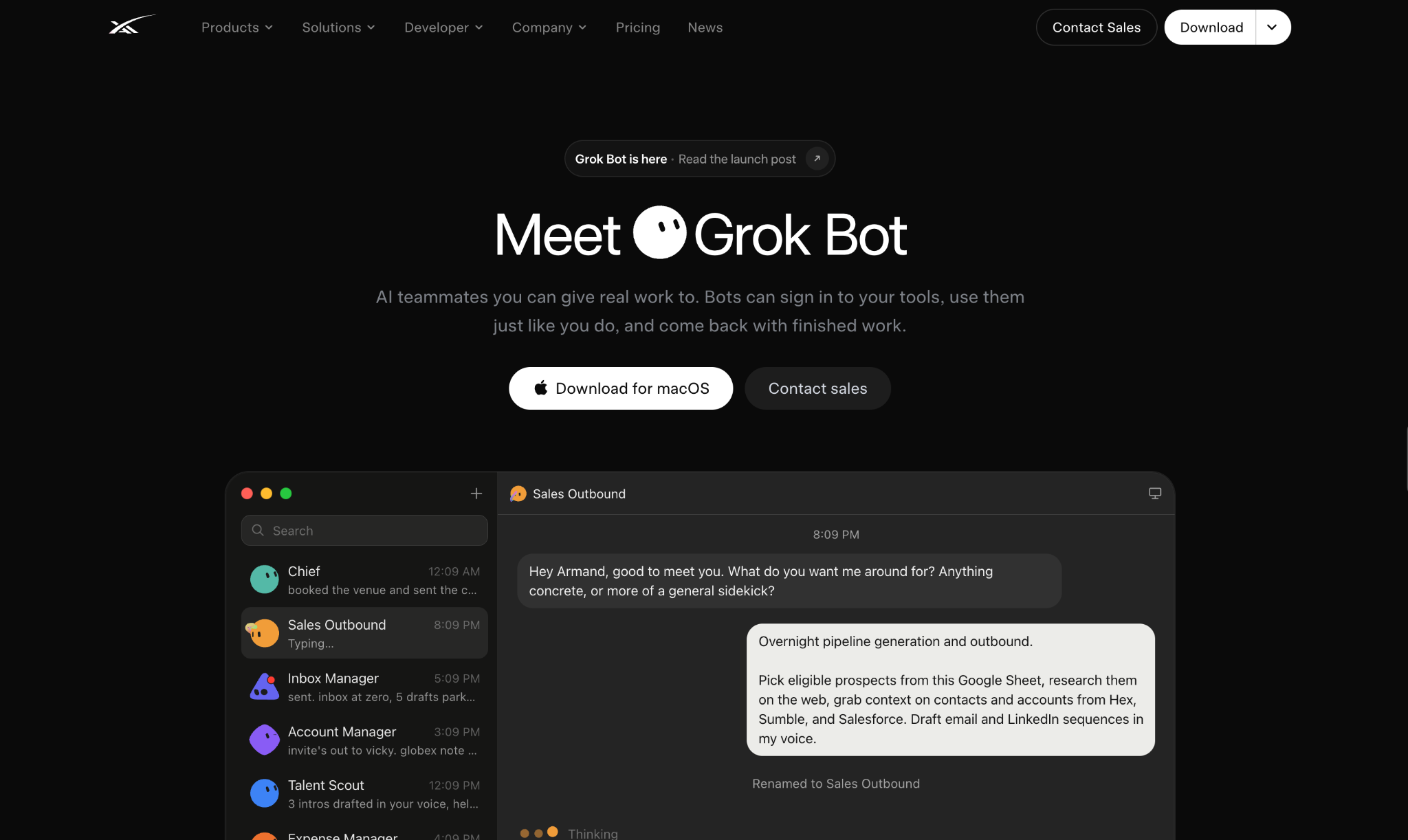
I connect the lead data, mailbox, warm-up, and campaign APIs to the same agent. This lets Grok move from finding a prospect to preparing the campaign without starting a new workflow for each step.
In my case:
So if Grok needs leads, it goes to Leadsforge. If it needs to check the sending setup, it uses Mailforge and Warmforge. Once the leads and inboxes are ready, it can move the campaign into Salesforge.
I still keep the important decisions with me, such as approving the final lead list and checking the campaign before it goes live.
The setup starts with the agent itself.
First, create one agent specifically for cold email. I keep the role simple:
You are my B2B cold email agent. Your job is to understand my product and ICP, find qualified prospects using Leadsforge, manage my sending domains and mailboxes through Mailforge, check warm-up and deliverability through Warmforge, and use Salesforge to create and manage my cold email campaigns.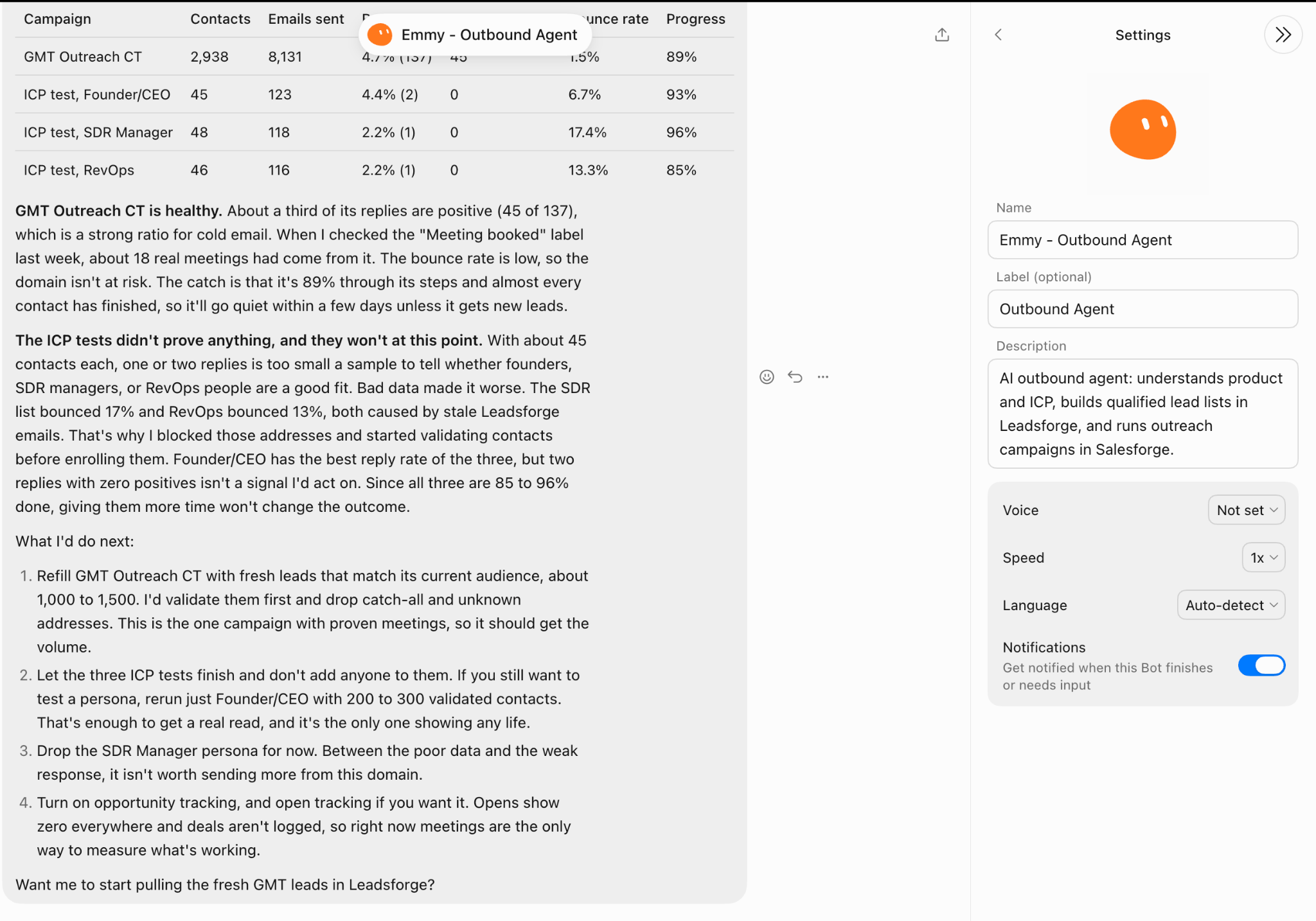
The important part here is deciding what Grok can do on its own and where I still want to step in.
I tell the agent:
At this point, I am not giving Grok every campaign detail. I just want it to understand its role and which decisions still need me.
Next, I connect the Leadsforge API so Grok can pull the prospect data for my campaign.
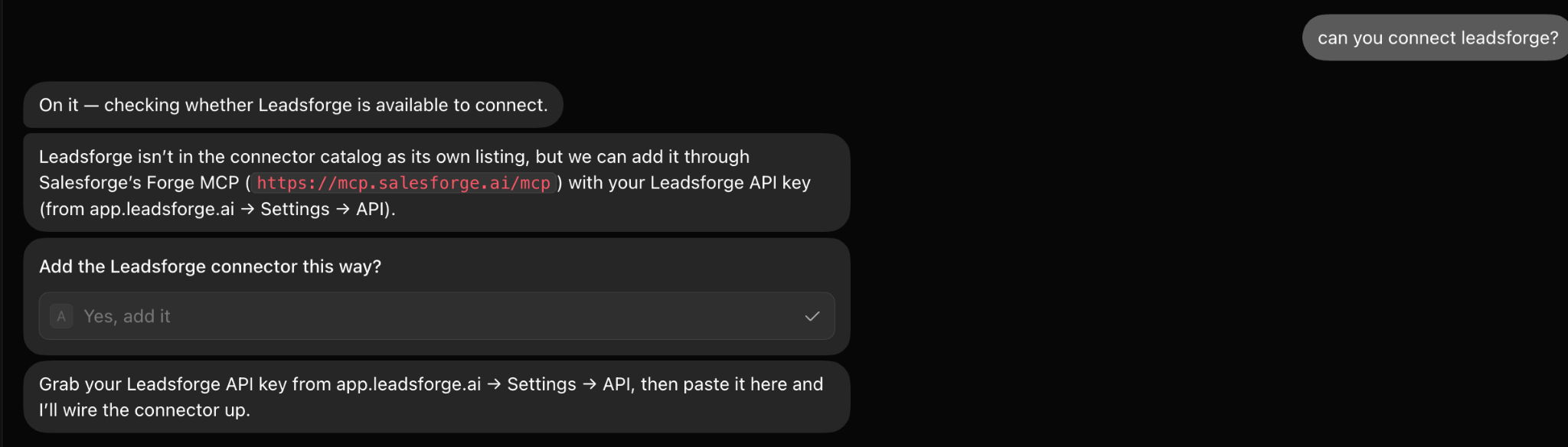
I tell Grok to use Leadsforge whenever it needs:
Grok decides who to look for based on the targeting I give it, then pulls the actual people and contact data from Leadsforge.
Next, I connect the Mailforge API so Grok can work with the domains and mailboxes I use for cold email.
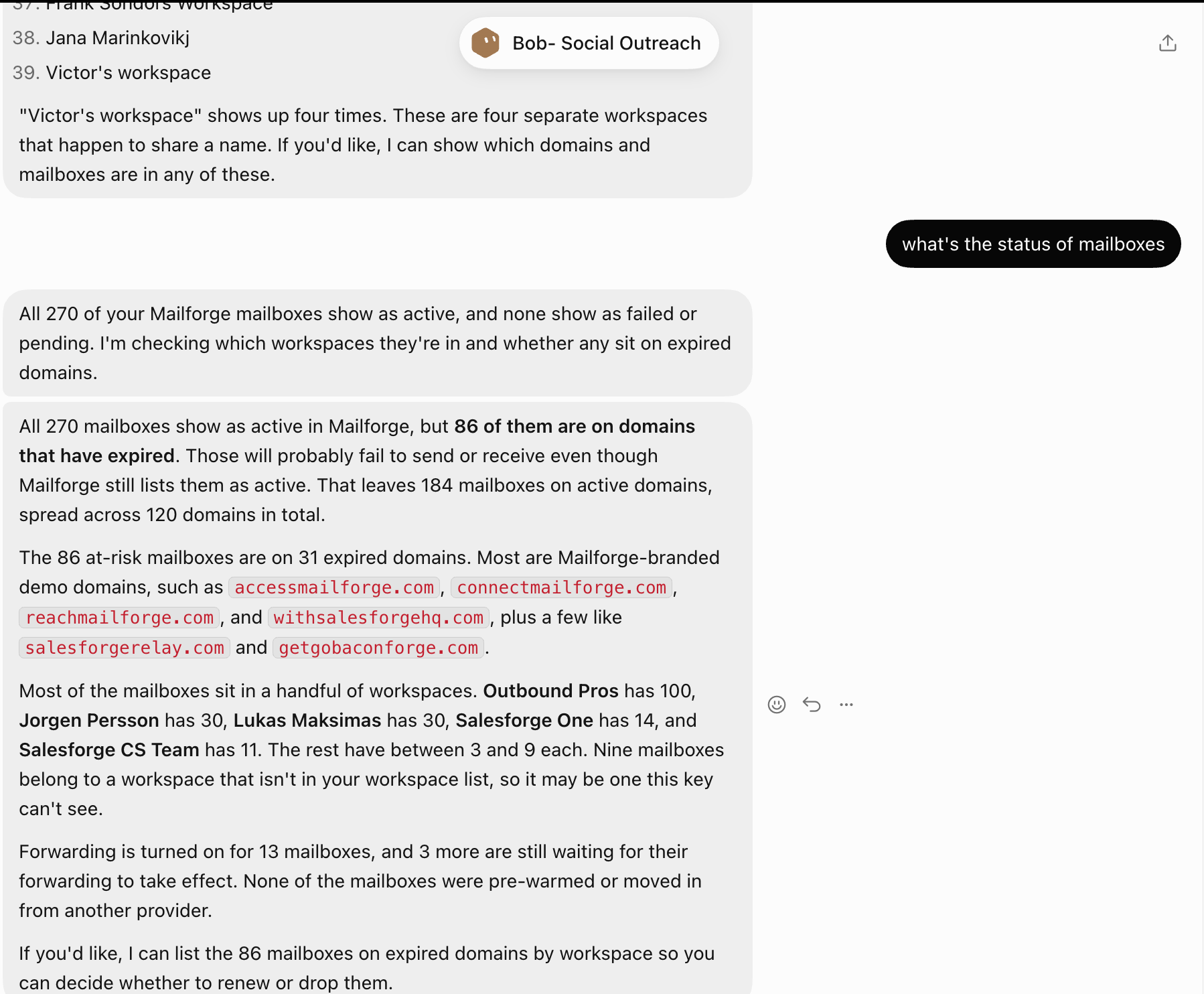
Through Mailforge, Grok can work with:
For example, when I am getting the sending setup ready, Grok can use Mailforge to work with the domains and mailboxes I have created for cold email.
I don't want Grok making assumptions about which mailboxes exist or are available. That information should come directly from Mailforge.
After Mailforge, I connect the Warmforge API so Grok can check the mailboxes before using them for cold email.
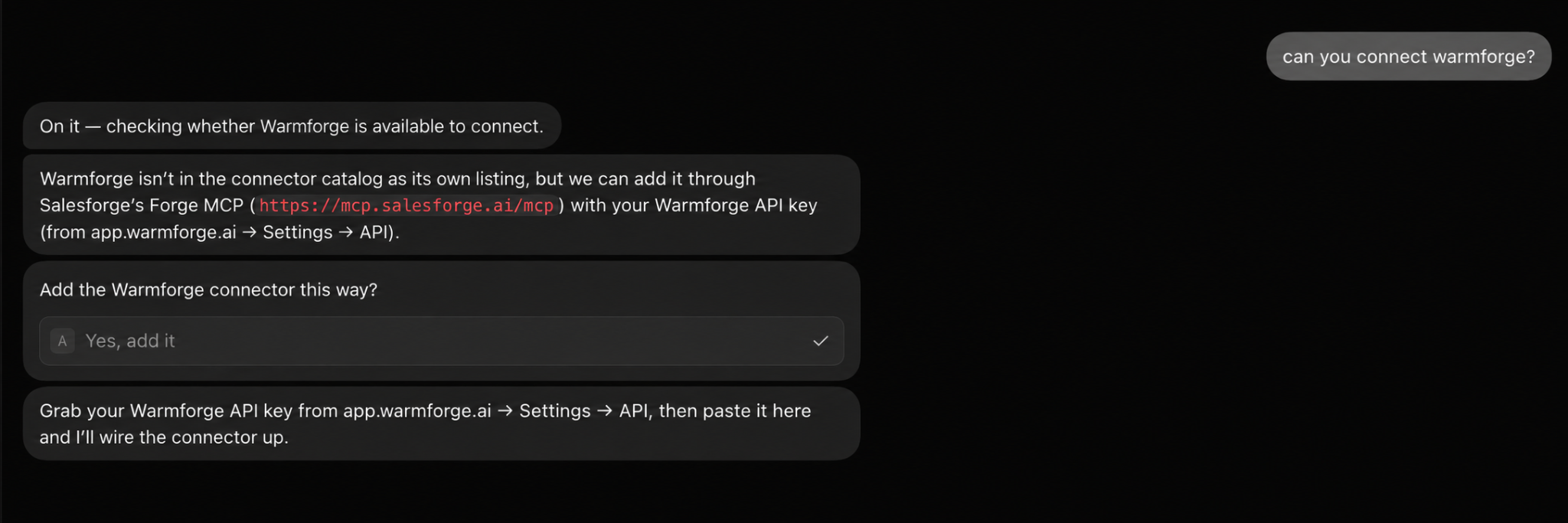
I want Grok to use Warmforge for:
For example, Grok may already know which mailboxes I have in Mailforge. But before those mailboxes are used for a campaign, I want it to check their warm-up and deliverability through Warmforge.
This gives Grok the warm-up and deliverability information for those mailboxes before I move to the campaign setup in Salesforge.
The last API I connect is Salesforge. This is where Grok will create and manage the cold email campaign once the leads and sending setup are ready.
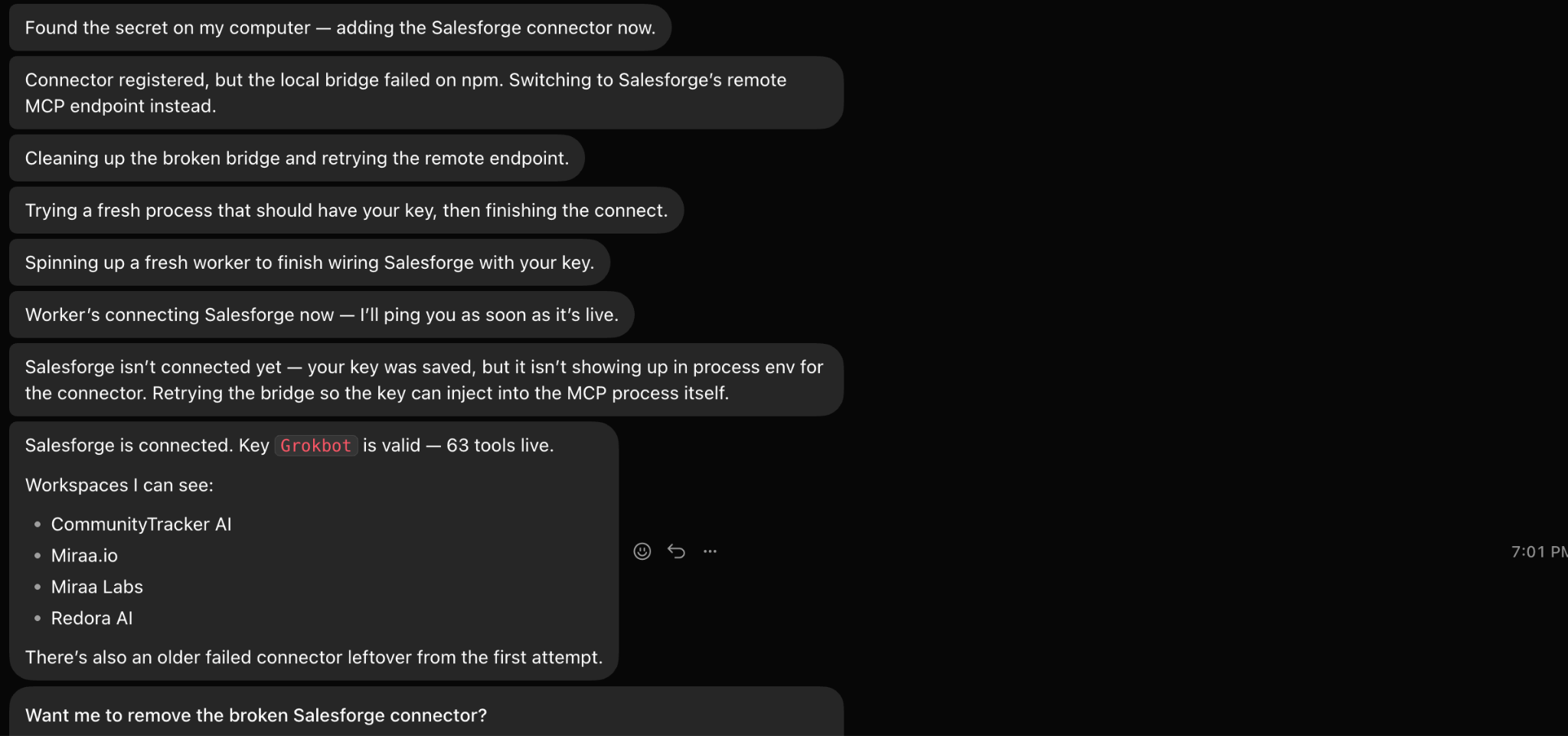
Through Salesforge, Grok can:
This also means I don't have to pull the leads out of Leadsforge as a CSV and then upload them into Salesforge myself. Grok can keep that work inside the same workflow.
Before Grok decides who to email or what to say, I first give it my website so it understands what I am actually selling.
Once the tools are connected, I give Grok the website for the product I want to promote and tell it exactly who I want to email.
For example:
My website is communitytracker.ai. Go through the product, then build this campaign for Heads of Sales and VP Sales at B2B SaaS companies in the US with 20–200 employees.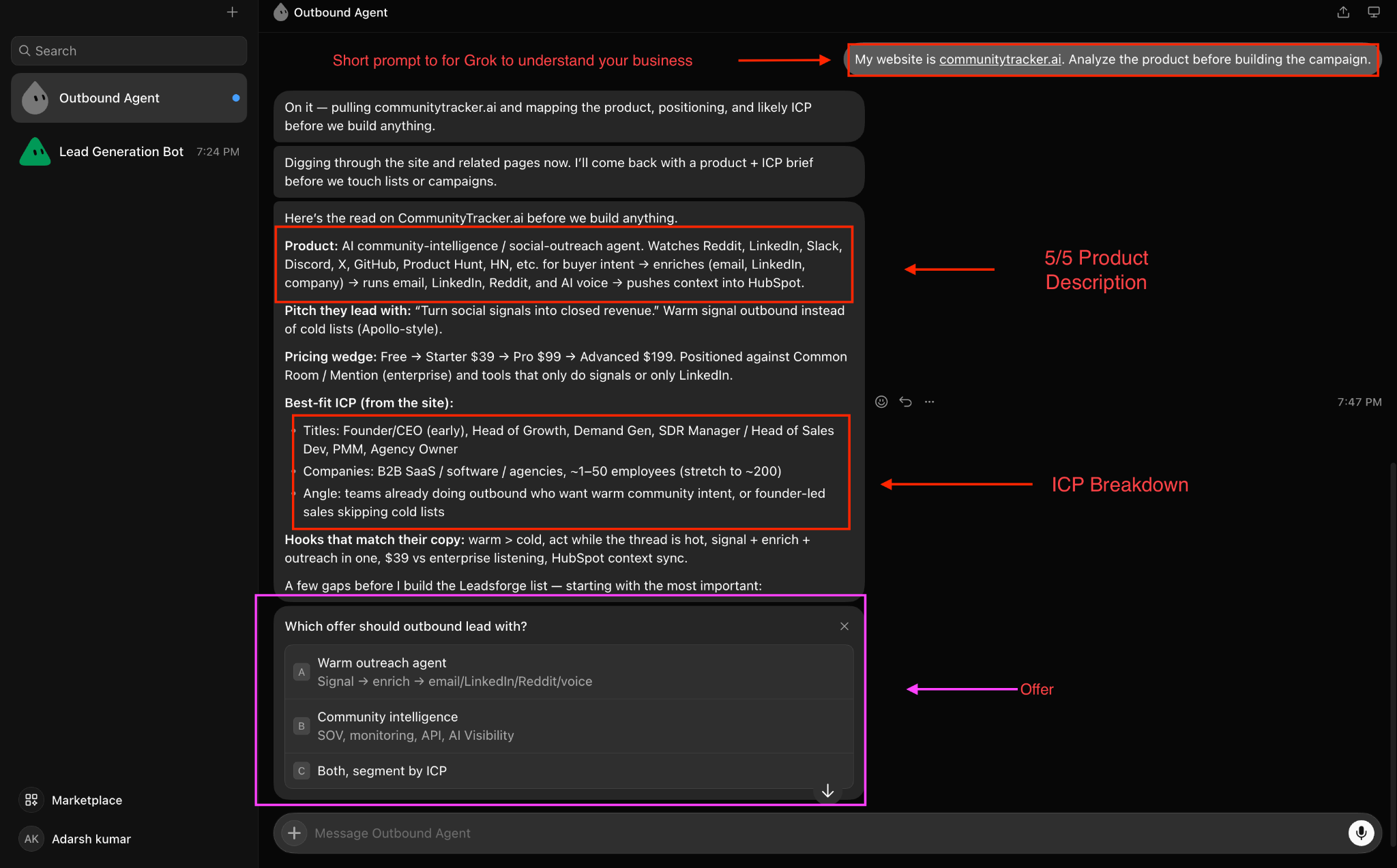
From the website, I want Grok to understand:
Then I add the targeting details Grok will use when it searches Leadsforge:
For example:
Exclude agencies, consultants, junior sales roles, companies with fewer than 20 employees, and companies outside the US.I ask Grok to show me how it understands the product and audience before it starts finding prospects or writing the emails. This lets me fix the offer or targeting before those details are used for the lead search and email copy.
Once those are right, I tell Grok exactly how I want the cold emails written.
Before Grok creates the campaign in Salesforge, I need to decide which mailboxes I will use to send the emails.
I ask Grok to use Mailforge to work with the domains and mailboxes for this campaign.
Then I have Grok use Warmforge to check the warm-up and deliverability of those mailboxes before they are used for sending.
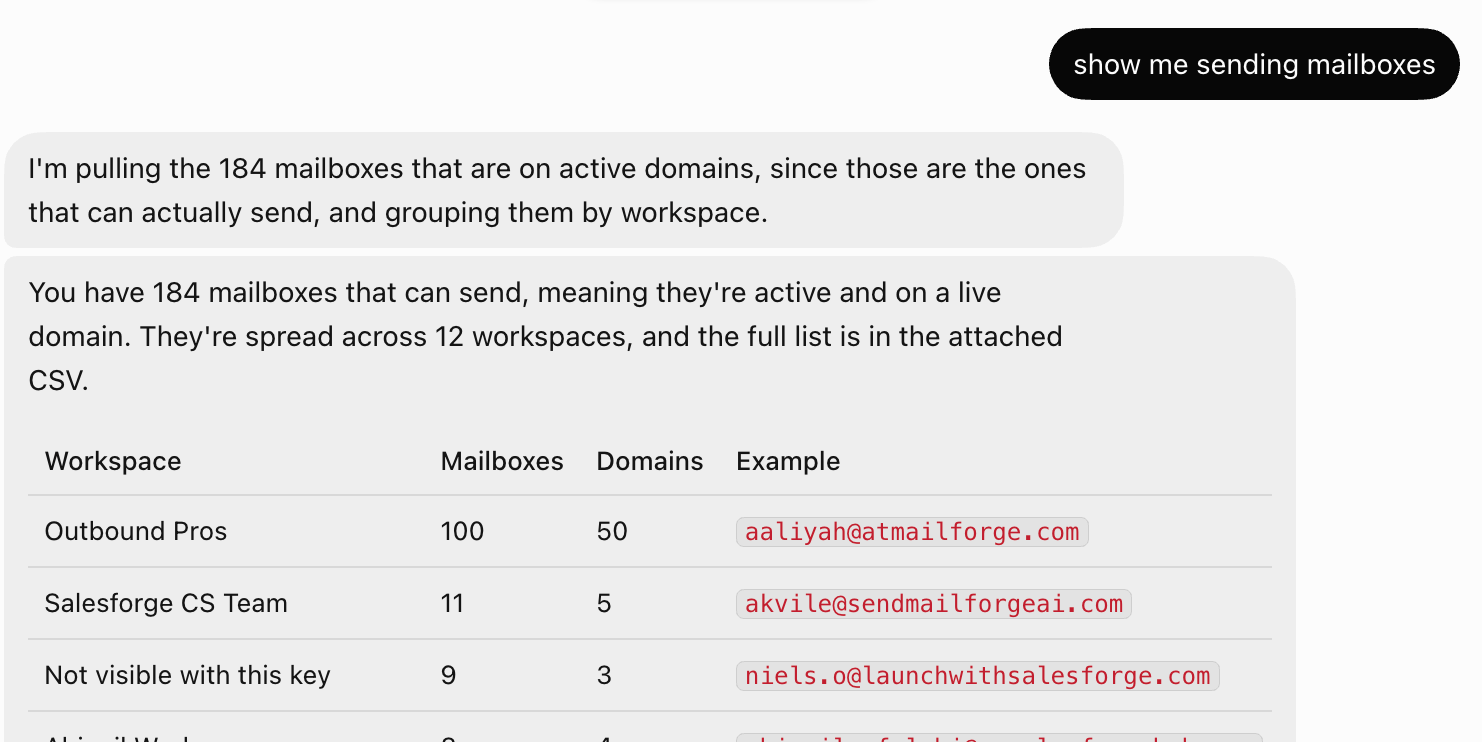
I use the two tools for different parts of the setup:
I give Grok a prompt like this:
Use Mailforge to work with the domains and mailboxes for this cold email campaign. Then use Warmforge to check the warm-up and deliverability of those mailboxes. Show me the results before using any mailbox for sending. If a mailbox still needs more warm-up, leave it out of the campaign for now and continue warming it. Do not create the campaign in Salesforge until I approve the mailboxes we will use.This way, Grok doesn't move from having a list of mailboxes straight into campaign creation. I can first see the Warmforge results and decide which mailboxes I want to use.
Once I approve the mailboxes, I move on to building the cold email campaign in Salesforge.
Once the mailboxes are ready, I ask Grok to build the campaign in Salesforge. Grok uses Leadsforge to find prospects that match the audience I gave it, then prepares the email sequence for those prospects.
I give it a prompt like this:
Use Leadsforge to find prospects that match my target audience. Then create a 3-email sequence for them in Salesforge. Keep each email short and direct, use only claims supported by my website, and end with one clear CTA. Make each follow-up different from the previous email. Show me the prospects and sequence before creating the campaign.After I approve them, Grok can add the prospects and email steps to Salesforge and prepare the campaign for my final review.
Before anything is sent, I ask Grok to show me the complete campaign one last time. I check the prospect list, sending mailboxes, email copy, personalization, follow-ups, and CTA.
I give Grok one final instruction:
Show me the complete campaign before launch. Check that the prospects match my target audience, the approved mailboxes are being used, all personalization fields are filled correctly, and the email sequence follows the rules I gave you. Do not launch until I approve it.If something is wrong, I have Grok fix it first. Once everything looks right, I approve the campaign so it can move forward in Salesforge.
Finally, I tell Grok exactly what I want it to handle from start to finish.
For example,
Run the cold email workflow for this audience. Find 100 qualified prospects through Leadsforge, use Mailforge for the sending domains and mailboxes, check their warm-up and deliverability through Warmforge, and build the campaign in Salesforge. Prepare the email sequence and follow-ups, show me everything before sending, and help me review the replies once the campaign is running. At that point, Grok has everything it needs:
Website + audience → Leadsforge → Mailforge → Warmforge → Salesforge → replies From there, I can keep using the same agent as the campaign runs.
For example:
Find another 100 prospects that match the same audience and prepare them for the next campaign.Or:
Review the replies and show me which prospects are interested and which objections keep coming up.Or:
Use what we learned from the replies to improve the next email sequence.That's why I prefer keeping the cold email workflow with one Grok agent. I can continue from the same campaign context instead of explaining the product, audience, and setup again each time.
A few things helped me keep the setup simple and avoid fixing problems later.
Enter your email to get a custom plan & stack recommendation for your business
Please check your mailbox in 5 minutes

Before setting this up, I was already doing all the same cold email work. I was just moving between different tools to do it.
I would find the prospects, check the sending mailboxes, look at warm-up and deliverability, build the campaign, and then come back later to review the replies.
Grok doesn't remove those steps. It automates more of the work between them. That's what made the biggest difference for me.
Instead of checking each tool myself, I can ask Grok to find the prospects, check the mailboxes, prepare the sequence, or review the replies while using the right tool for each job.
I still wouldn't put the whole campaign on autopilot. I want to approve the targeting, sending mailboxes, and email copy before anything goes out.
For me, that's where Grok works best for cold email automation. It handles more of the repetitive work across the Forge Stack, while I still control what gets sent and who receives it.
.jpg)

.jpg)

.png)