

Personalized Outbound Strategy
Get The Right Outbound Strategy In Minutes
Enter your email to get a custom plan & stack recommendation for your business
It's being carefully crafted by AI
Please check your mailbox in 5 minutes
When you’re chasing accounts based on a hunch, or waiting for an inbound lead that never converts.
The idea of signal-based prospecting begins to make sense. Especially when you want to end that guesswork.
Common Room says it’s the solution, and the platform looks perfect.
Some users genuinely experienced changes in how SDRs prioritize accounts.
But the same users flagging wins were also keeping the second enrichment tool open in another tab.
Implementation stories ranged from smooth to six months of CRM mapping issues.
And more than a few reviews mentioned the contact data wasn't complete enough to run outbound without a backup.
That gap between what Common Room promises and what it delivers, that's what this review is about.
By the end, you'll know exactly what Common Room does well, where it falls short, and whether it fits the way your team actually runs outbound.
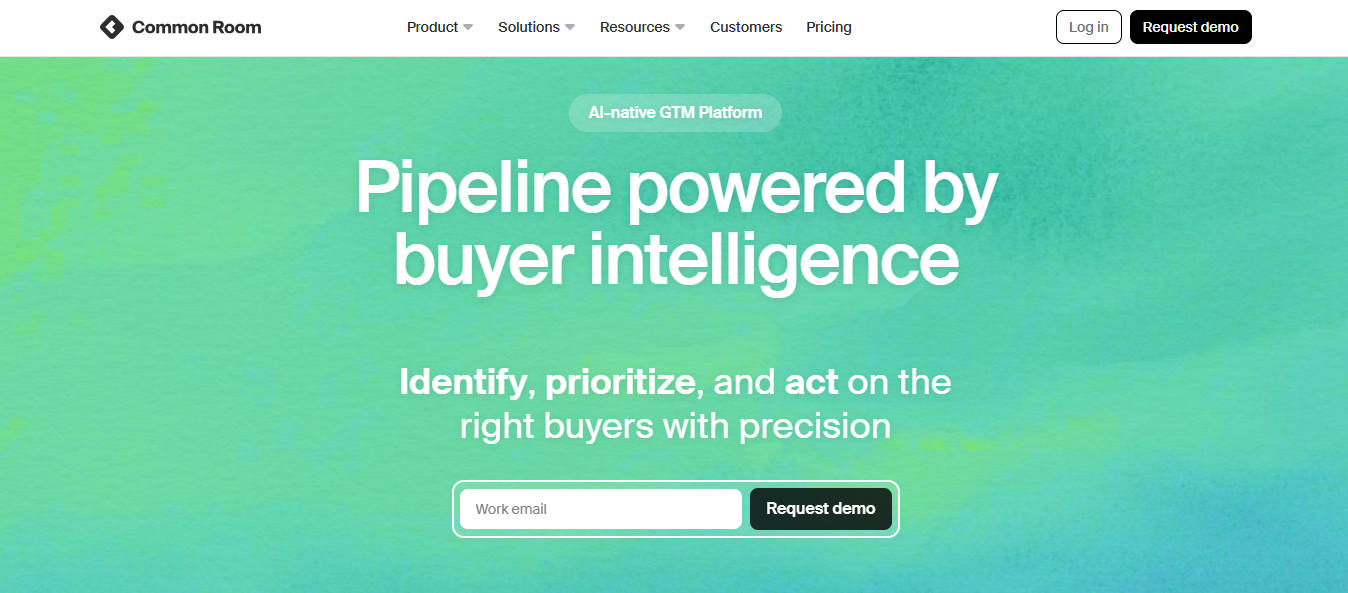
Common Room is a GTM platform built for outbound teams who want to act on buyer signals — not guess at them.
For that it tracks your prospect’s traces across channels. Like visiting your pricing page, comment on a LinkedIn post, starring your GitHub repo, job change, etc.
It then tells you who is showing intent, which accounts to prioritize, and what context to use when you reach out.
The platform runs on three core layers.
Signal capture: First, it collects buying signals from 50+ sources, including LinkedIn, GitHub, Slack, and your own product data.
Identity resolution: Then connects those signals to actual people and companies using their Person360 engine.
Activation: This helps reps take action through workflows, sequence enrollment, and AI-generated outreach using RoomieAI.
It operates as a system that answers one question for your team every morning: who do I reach out to today, and why?
Most outbound teams start with a list. Common Room starts with signals.
You connect your data sources first — LinkedIn, GitHub, your product, your CRM, your website.
Common Room pulls activity from all of them into one place.
One SDR on G2 put it well: Common Room solved his "who do I reach and why" problem. He wanted warm contacts, not cold ones. Common Room gave him that.

Say someone from a target account visits your pricing page. Common Room logs it. That same person comments on your LinkedIn post two days later. It ties both signals to one profile.
Now you know who they are, what they've done, and when they did it.
From there, you build segments based on signal combinations. Job change plus pricing page visit. GitHub activity plus hiring trend.
That segment becomes your daily priority list.
RoomieAI writes the outreach using that signal context. You enroll the contact into a sequence without leaving the platform.
👉 Run LinkedIn and email outreach from one platform with Salesforge
Common Room surfaces the right buyer at the right time. Here are the features that shape that workflow.
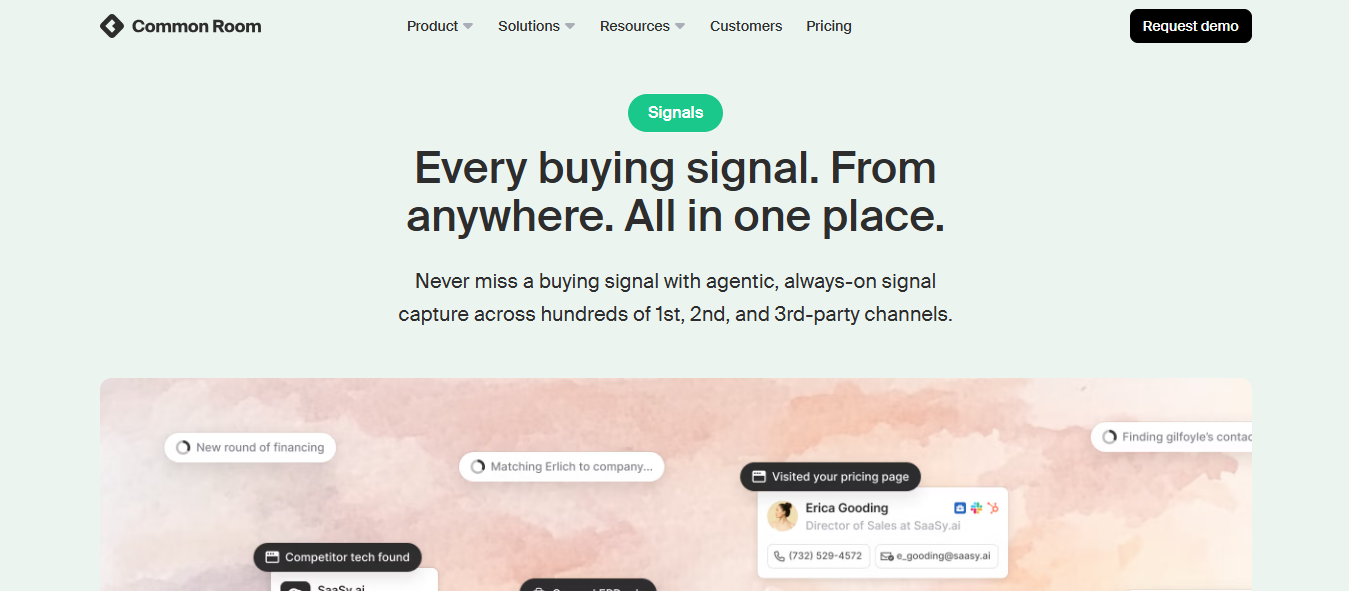
Signal stacking combines multiple buying signals to identify high-intent accounts.
So instead of acting on one signal in isolation, say a website visit, you layer it with a job change, a LinkedIn comment, or a GitHub star from the same person at the same company.
The result is a much clearer picture of who is actually in-market right now.
One G2 reviewer described signal stacking as the feature that changed how his entire team prioritizes outbound.

You then use it to filter a large account list down to only the companies matching their ICP with active, measurable intent.
But this signal stacking only produces useful output if your data sources are connected and mapped correctly from day one.
If your integrations are incomplete, you're stacking incomplete signals, and acting on the wrong accounts.
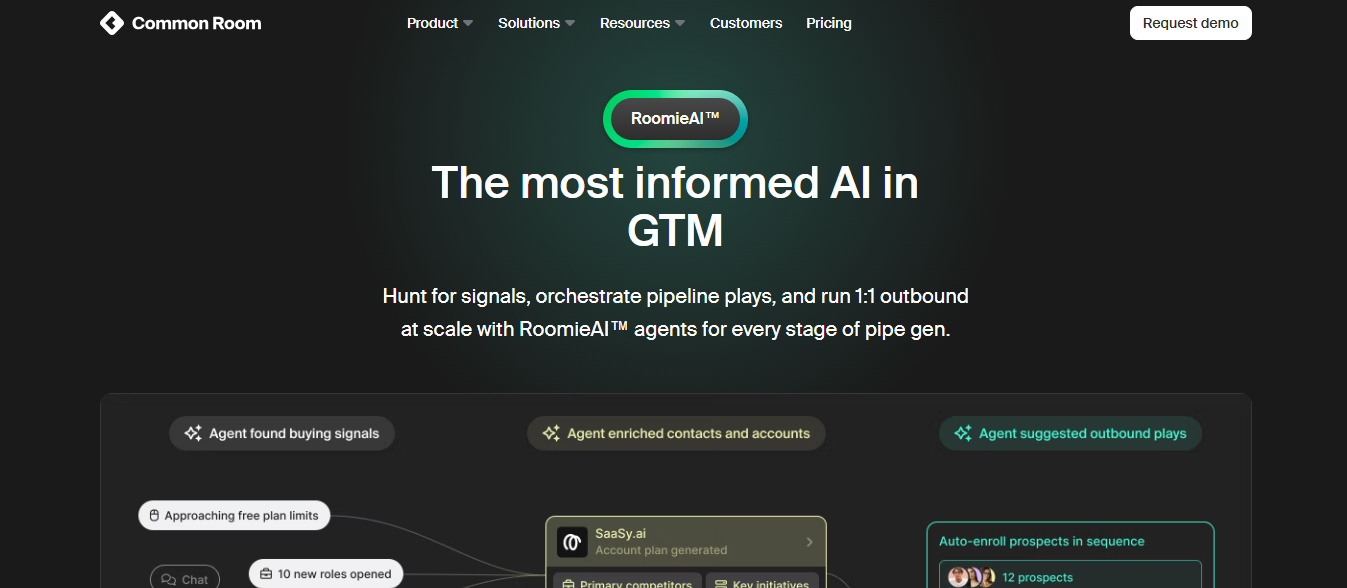
RoomieAI is Common Room's AI layer. It handles the parts of account research that used to take reps 30–45 minutes per account.
You set the parameters for what you need, company size, industry, signal type, and ICP criteria. RoomieAI then hunts for buying signals, fills in account context, and surfaces the contacts most likely to convert.
One G2 reviewer said they open RoomieAI search prompts before anything else every morning.

It pulls in sources, shows its reasoning, and can be saved as a live filter that continuously updates as new signals come in.
Two limitations come up consistently in reviews. First, the AI-drafted outreach messages feel generic without manual editing — multiple reviewers flagged this.
Second, it works best for teams that have already connected rich data sources. Without good inputs, RoomieAI's outputs are only as good as what it has to work with.
Community Intelligence tracks activity across Slack, GitHub, Discord, Reddit, Stack Overflow, and other community forums.
It shows you who is engaging with your product or brand in public spaces, how frequently they engage, and what they're talking about.
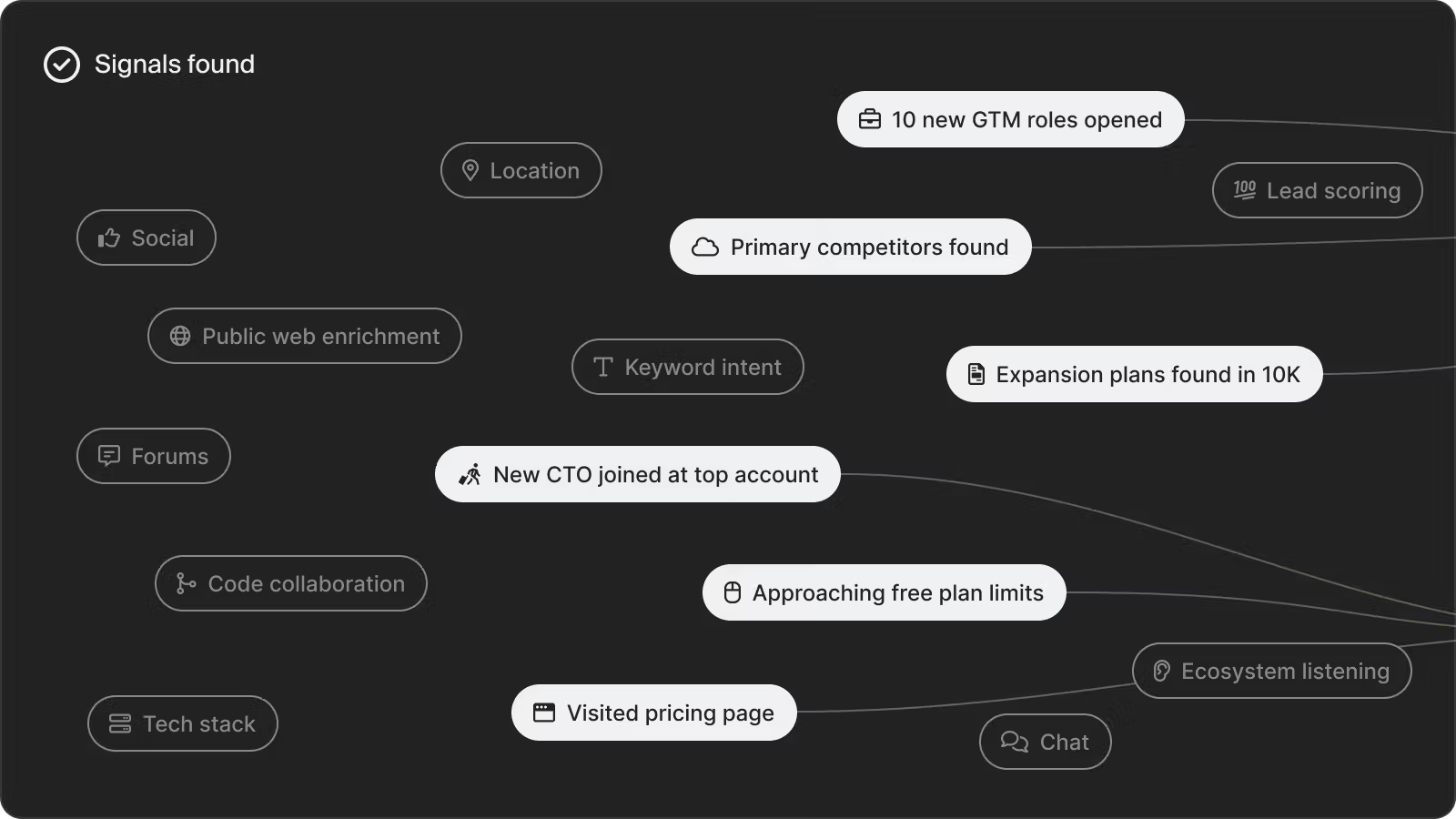
For PLG teams with an active open source project, a developer community, or a user forum, this is genuinely useful.
You can identify your most active users, find champions before your sales team does, and reach out with real context behind the message.
One co-founder at a software company said Common Room helped them understand which companies were meaningfully engaging in their open source community versus which ones were passive.

That distinction shaped their entire outbound priority list.
Segmentation is where Common Room gives reps a lot of control.
You build segments by combining filters, job title, seniority, signal type, account activity, ICP fit score, and CRM data.
It helps you get very specific with filters. Target VP+ contacts at Series B US companies. Add criteria like recent pricing page visits or LinkedIn follows.
One SDR on G2 said he starts every morning by checking his segments.

Another said the ability to create persona-level tags across their team made filtering and prioritization significantly faster.

Workflows handle what happens after a segment is built. You can trigger Slack alerts, enroll contacts into sequences, update CRM fields, or notify the right rep the moment a signal fires.
Still the workflow builder needs more depth. The data inside Common Room is detailed, but the automation layer doesn't always let you act on it the way you want.
One Head of RevOps described this as the biggest bottleneck, the platform surfaces great signals, but moving from signal to action still requires manual steps in some cases.

Common Room identifies companies and individual contacts visiting your website, then ties those visits to known profiles in your database.
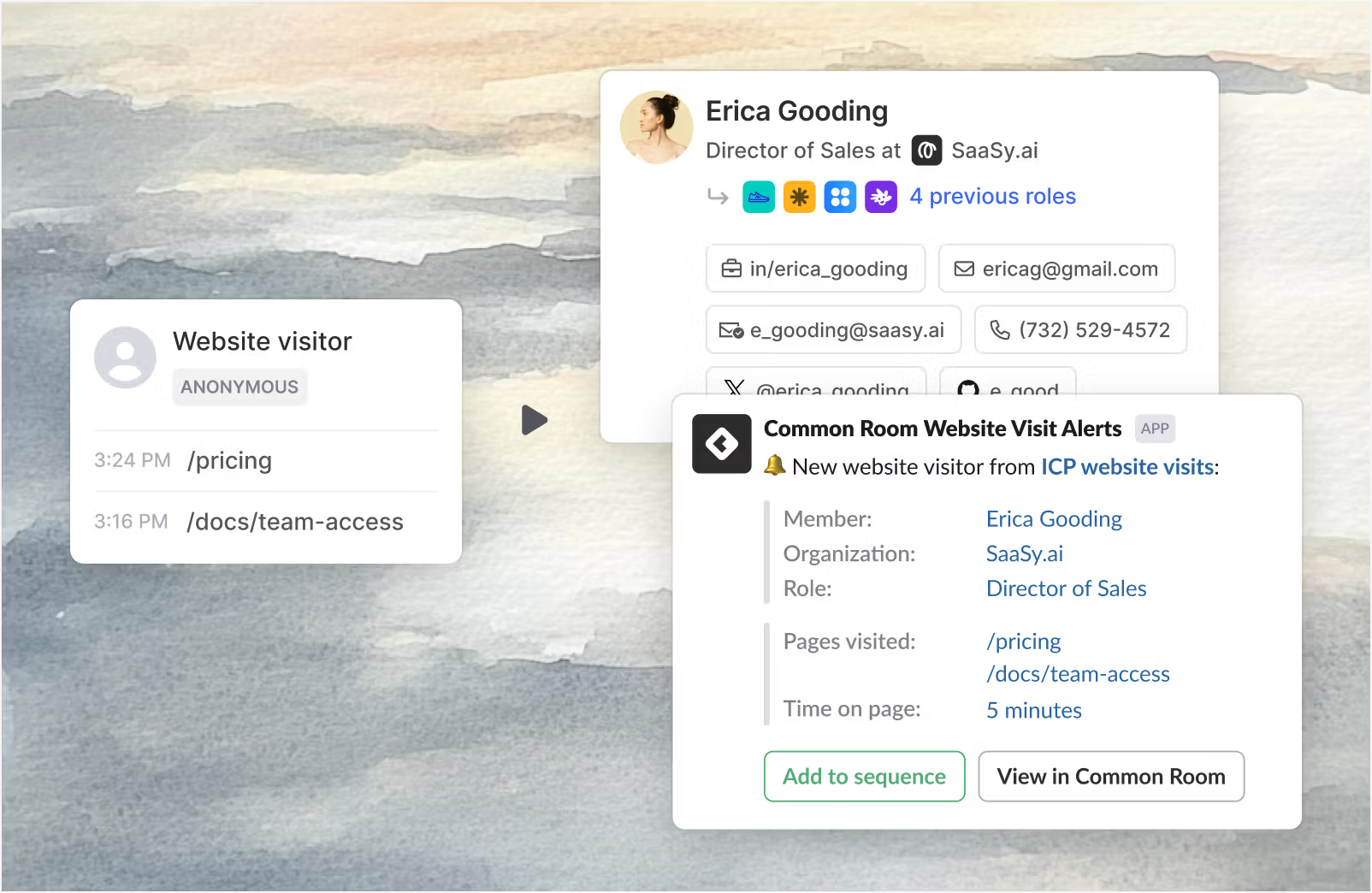
You can see which pages they visited, how long they stayed, how they arrived, and whether they match your ICP
All this connected to a contact record you can act on directly.
One performance marketer on G2 said this was the feature that gave her team something they never had before: contact-level visibility into web traffic.

Instead of knowing a company visited your pricing page, you know which person from that company visited, what else they looked at, and whether they're already in your CRM.
The trade-off is accuracy versus volume. To keep match rates high, Common Room deanonymizes a smaller percentage of total traffic.
You won't get every visitor identified, but the ones that are identified tend to be reliable.
Common Room connects with Salesforce, HubSpot, Outreach, Salesloft, Apollo, Gong, and several other GTM tools.
But CRM integration is also where Common Room runs into its most documented problems.
One reviewer spent six months on implementation, yet their CRM data didn't map cleanly to Common Room's contact and account structure.

Half the features they paid for were unusable until that mapping issue was resolved.
Another flagged recent Salesforce activity, like open opportunities or active conversations, doesn't surface as a visible column inside Common Room.

Reps have to manually check Salesforce to confirm whether an account is already being worked by an AE before they reach out.
In practical terms, Common Room lets you:
If your outbound runs on warm signals, product usage, web visits, community activity, job changes, this feature set covers that well.
What the tool lacks is cold email sending, mailbox warmup, and a built-in contact database for cold prospecting.
Although it tells you who to reach and gives you the context for why. The actual sending infrastructure still needs to come from somewhere else in your stack.
Common Room has three plans. There is no free trial and no self-serve signup — every plan starts with a demo request.
You get 2 seats and up to 35,000 contacts.
Website activity is capped at 240,000 IP enrichments per year.
RoomieAI Capture is not included. Neither are custom signals, job change tracking, or business integrations.
Bombora intent topics are limited to 6.
Support is ticketed only — no dedicated help.
At $1,700/month, the signal access is narrow for what most outbound teams actually need.
You get 5 seats and up to 100,000 contacts.
This is where the platform opens up. RoomieAI Capture, custom signals, job change tracking, automated workflows, Slack alerts, and custom reports all become available.
Website activity increases to 480,000 IP enrichments per year.
Bombora topics go up to 12.
Product activity data is a paid add-on — not included by default.
You get up to 10 seats and 200,000 contacts included.
This is the only plan with comprehensive integrations, auto-recurring data exports, custom product entities, and a dedicated customer success manager.
Website activity scales to 960,000 IP enrichments per year.
Bombora topics increase to 25.
Pricing is negotiated directly with their team — no public number.
5 Tools To Automate Your Sales Workflow in 2026
Common Room works well for signal-based prospecting. Beyond that it starts showing gaps.
Pros

Cons



Use Common Room if your product already has an active user base generating signals like logins, feature usage, pricing page visits.
It works well when your reps reach out to accounts that have already touched your brand in some way. A website visit, GitHub star or a comment on your LinkedIn post.
It also suits teams selling to technical buyers, developers, engineering leads, open source contributors, where GitHub and community signals carry real weight.
It gets difficult when your outbound runs entirely cold — no product data, no community, no existing brand touchpoints to build signals from.
The pricing is also a real barrier for smaller teams. Two seats and limited signal access at $1,700/month is a hard number to justify before you've seen results.
And if you need a built-in contact database to source net-new prospects from scratch, Common Room does not give you that. You'll still need another tool running alongside it.
Common Room tells you who to reach. Salesforge helps you actually reach them.
With Common Room you get intent signals but it stops there. It does not send cold emails at volume, warm up mailboxes, source net-new contacts for cold prospecting.
Salesforge picks up exactly where Common Room stops.
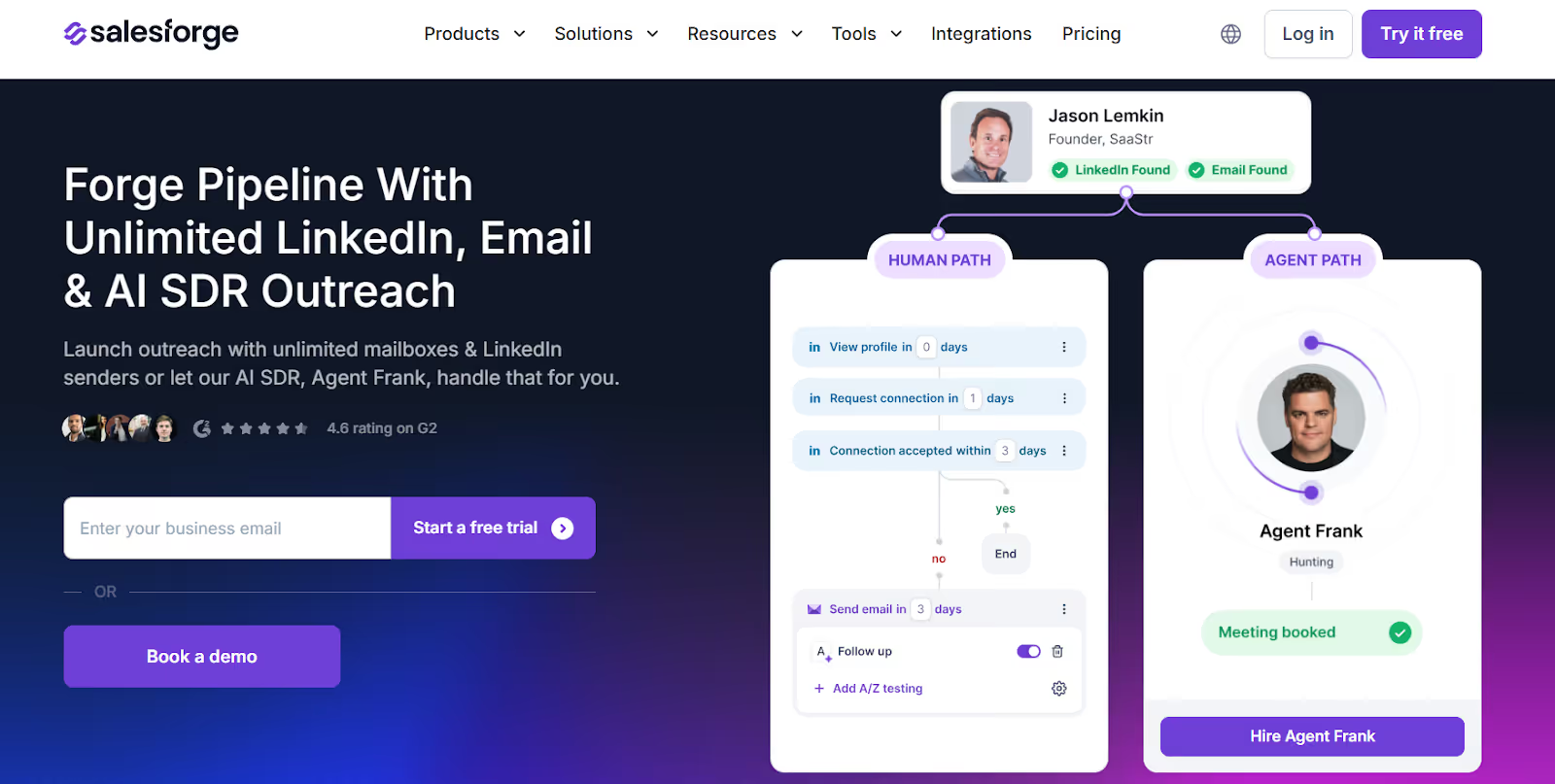
With Salesforge, email and LinkedIn run together in one sequence — not two separate workflows managed across two different tools.

Mailboxes warm up automatically through Warmforge before the first email goes out.
Domains and mailboxes come from Mailforge if you need shared infrastructure, Infraforge if you want dedicated IPs, or Primeforge if your team runs on Google Workspace or Microsoft 365 mailboxes.
Need contacts? Leadsforge gives you 500M+ records searchable by ICP criteria — pushed directly into your sequences without a manual upload.
And when replies come in across email and LinkedIn, Primebox pulls them into one inbox so your reps aren't switching between channels to track responses.
If you want outbound running without a rep touching it daily, Agent Frank handles prospecting, writing, follow-ups, and meeting booking on Auto-Pilot.
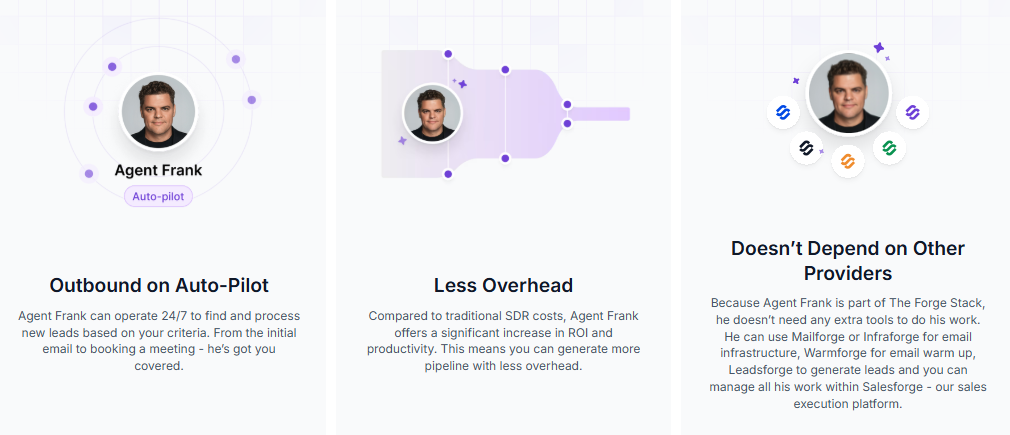
Your team focuses on closing. Frank handles the rest.
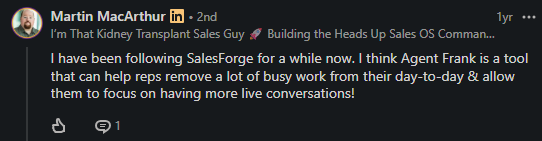
Common Room is a signal layer. Salesforge is the full outbound workflow, from finding the contact to booking the meeting.
Enter your email to get a custom plan & stack recommendation for your business
Please check your mailbox in 5 minutes

Common Room is a solid signal layer. If your team sells to warm accounts with existing product touchpoints, it earns its place in the stack.
But if you run cold outbound to net-new contacts, it leaves you with gaps — no sending infrastructure, no mailbox warmup, no built-in contact database.
That's where Salesforge comes in.
Email and LinkedIn in one sequence. Warmup handled automatically. 500M+ contacts ready to pull from.
And Agent Frank running prospecting and outreach on Auto-Pilot while your team closes deals.
Start your free 14-day trial and see if running email, LinkedIn, warmup, and contact sourcing from one place works better for your team.
.jpg)

.png)


