

Personalized Outbound Strategy
Get The Right Outbound Strategy In Minutes
Enter your email to get a custom plan & stack recommendation for your business
It's being carefully crafted by AI
Please check your mailbox in 5 minutes
If you use Clay for prospecting, you already know the hard part is not finding data.
The hard part is building the workflow.
You have to connect enrichment sources, create lookup steps, and structure the pipeline so leads update correctly.
For many teams, that setup takes days or weeks.
That is why companies started hiring Clay automation agencies, often called Claygencies.
These agencies build Clay workflows that automate lead research, enrichment, and list generation.
In this Claygency review, I looked at 50+ user opinions from founder communities, forums, and marketing discussions.
The goal was to understand what Claygencies actually do, where they help, and what problems users report.
Claygencies are agencies that help companies build automation workflows using Clay.
After reviewing user discussions and opinions about Clay automation agencies, a few consistent themes appeared.
A Claygency is an agency that builds lead generation workflows using Clay.
Clay helps teams find companies and enrich contact data. Many outbound teams use it to build prospect lists.
But setting up Clay workflows takes time.
You must connect data providers and configure enrichment steps.
You also need to structure the workflow so leads update correctly.
A Claygency focuses on building these systems for businesses.
They build workflows inside Clay for you.
These workflows find companies that match your target market.
They enrich contacts with emails, LinkedIn profiles, and company data.
The system then prepares lead lists ready for outreach.
In simple terms, a Claygency helps businesses use Clay to automate prospect research and lead generation.
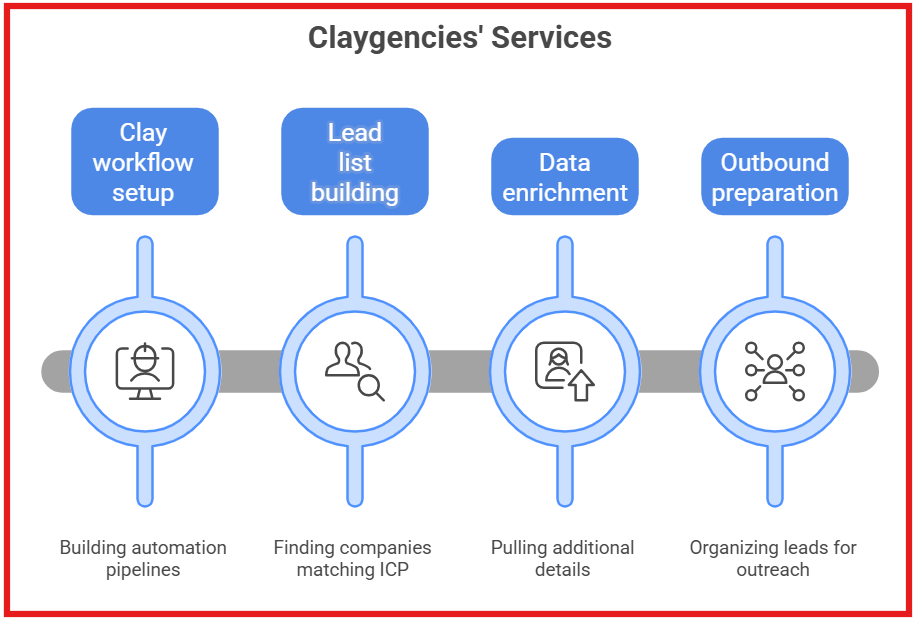
When I looked at how Clay agencies operate, most of them offer a similar set of services.
Their work usually focuses on building systems inside Clay that automate prospect research and lead preparation.
Here are the main services Claygencies usually provide.
Claygencies focus on building the data and prospecting layer.
Once the list is ready, teams usually move those leads into their outreach stack to start campaigns.
Enter your email to get a custom plan & stack recommendation for your business
Please check your mailbox in 5 minutes

To understand Claygencies better, I reviewed discussions where founders and marketers talk about Clay.
Several patterns appeared repeatedly in these conversations.
When I reviewed different Clay agencies, I noticed that each one focuses on a different use case.
Some specialize in CRM enrichment, while others focus on outbound automation or complex workflows.
Here is a quick comparison of Claygencies and where they fit best.
SalesCaptain is a full-funnel outbound agency that uses Clay to help B2B companies generate pipeline with fewer, better-timed contacts.
While many outbound agencies still rely on sending more emails to more prospects, SalesCaptain takes a buying-stage approach. The idea is not to push one generic campaign across the entire market. Instead, SalesCaptain uses Clay to segment accounts, enrich data, track buying signals, and route prospects into the right outbound motion based on how close they are to buying.
This is where SalesCaptain’s full-funnel outbound model stands out. The team builds separate campaigns for different parts of the funnel:
That makes SalesCaptain a strong claygency for teams that want Clay to support actual revenue generation, not just prospect research or list enrichment.
The main advantage is focus. SalesCaptain helps companies contact fewer people, but with better timing, cleaner segmentation, and more relevant messaging. For B2B SaaS companies, service businesses, and enterprise teams, that can make Clay feel less like a data tool and more like the engine behind a complete outbound system.
Best for: B2B teams that want Clay workflows connected to full-funnel outbound, buying-stage segmentation, and booked meetings.
RevenueHoop is a Clay partner focused on RevOps, CRM enrichment, inbound automation, and outbound systems.
It is a good option for teams that need Clay connected deeply into their existing GTM stack. Their profile mentions experience across HubSpot, Salesforce, LeanData, and other B2B SaaS tools, which makes them a strong fit for companies with messy CRM data or disconnected revenue workflows.
RevenueHoop is less of a simple lead list vendor and more of a RevOps execution partner.
Best for: Growth-stage B2B teams that need cleaner CRM data, faster lead routing, and better outbound workflows.
Blue Modern Advisory is a GTM strategy and engineering firm that builds AI-powered prospecting systems.
It is a strong fit for companies that need more than a basic enrichment workflow. Their Clay profile highlights custom list building, account scoring, CRM enrichment, and AI prospecting engines.
The interesting part is that Blue Modern Advisory appears more strategic than tactical. They are a good fit when the challenge is not just “build me a Clay table,” but “help me design a smarter prospecting engine.”
Best for: Startups, enterprises, and financial institutions that need custom AI-powered GTM infrastructure.
Understory is a full-service GTM growth partner that uses Clay as part of a broader allbound system.
Their approach combines outbound, paid media, sales triggers, website traffic automation, and CRM enrichment. That makes them a good fit for teams that want Clay to support multiple GTM channels, not just cold email.
Understory is also useful for companies running more complex segmented campaigns where timing, channel mix, and audience quality matter.
Best for: B2B SaaS teams that want Clay connected to outbound, paid campaigns, and multi-channel GTM automation.
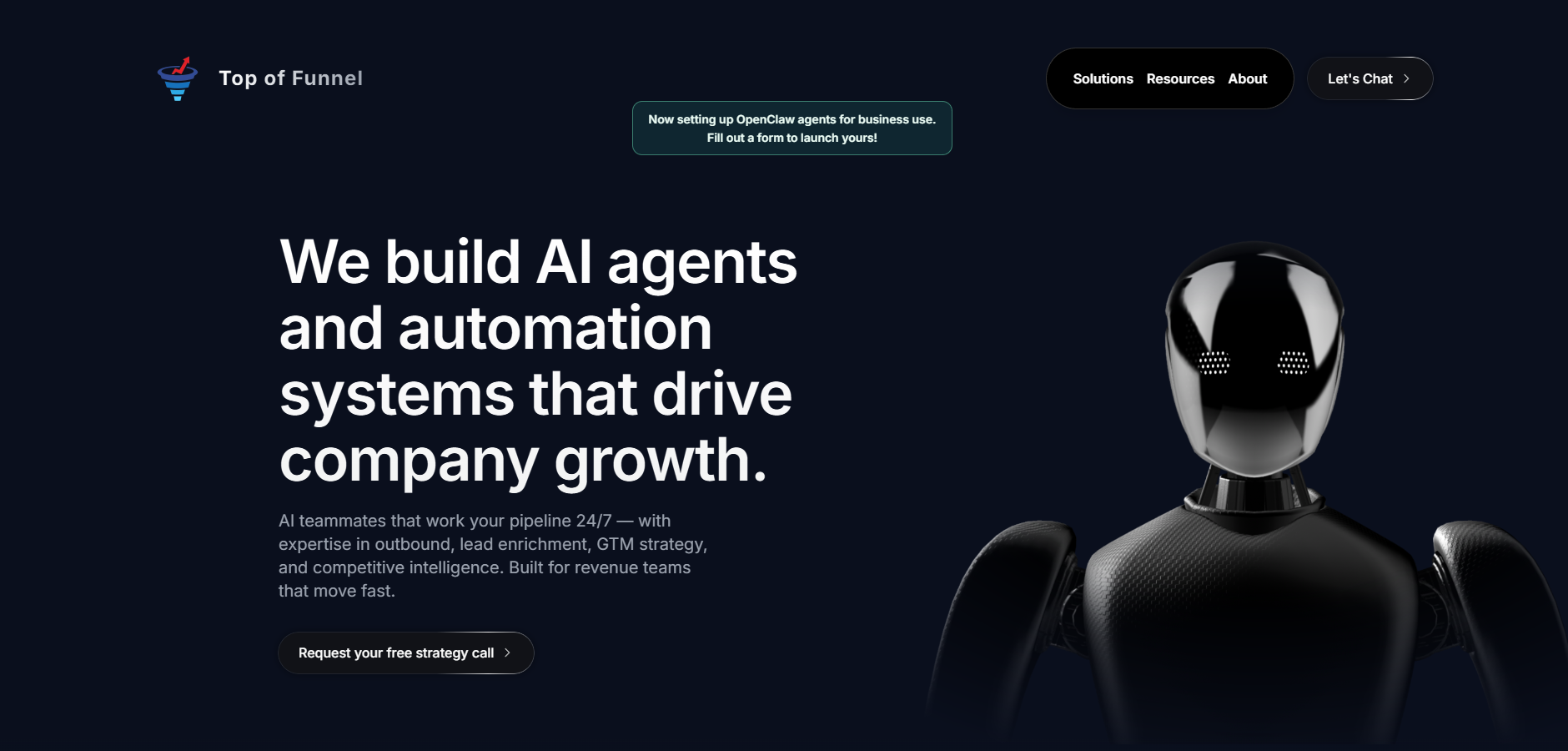
Top of Funnel is a Clay-certified agency focused on web scraping, data enrichment, and cold outbound.
They are a good fit when your prospect data is not easy to find in standard databases. Their profile highlights advanced web scraping, signal-based enrichment, lead sourcing, cold email infrastructure, campaign development, and full workflow automation.
This makes them especially useful for teams that need custom data sources, niche lead lists, or outbound systems built around hard-to-access prospect intelligence.
Best for: B2B companies that need custom web scraping, enrichment, and outbound workflows at scale.
A Claygency can help launch automation faster. But hiring one also comes with trade-offs.
Here are the main advantages and limitations to consider.
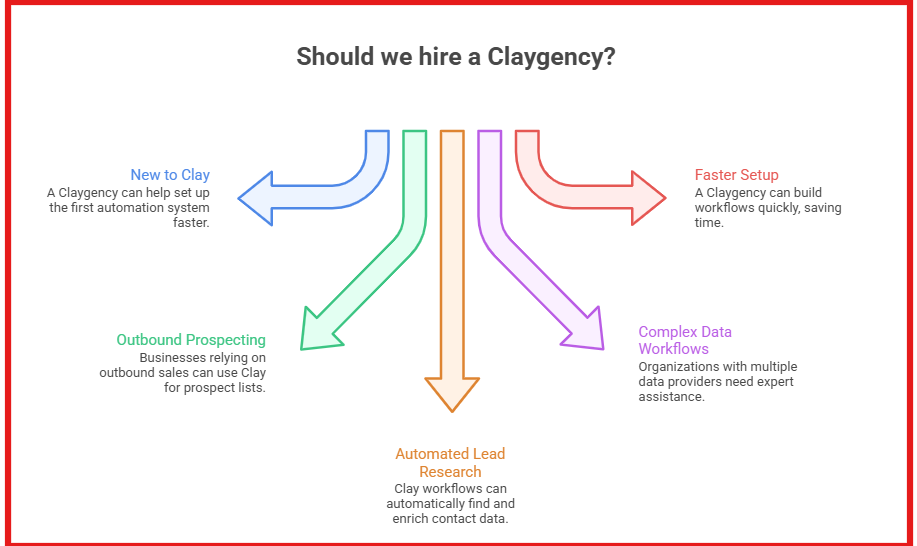
Not every team using Clay needs an agency.
But in some cases, hiring a Claygency can make the setup faster and easier.
From what I see, Claygencies are usually hired when teams want to build automation but lack time or technical experience.
Here are situations where hiring a Claygency can be useful.
In simple terms, a Claygency is useful when a company wants to use Clay for lead generation but does not want to build the workflows internally.
Claygencies usually do not publish fixed prices on their websites.
From what I see, pricing depends on the project scope and the complexity of the Clay workflows.
Most agencies use one of the following pricing models.
In most cases, companies also pay separately for the Clay platform subscription.
Clay uses a credit-based pricing system, and plans start around $149 per month depending on usage.
So the total cost usually includes two parts.
Claygencies usually build workflows in Clay to find companies, enrich contacts, and prepare lead lists.
These workflows often connect multiple data sources and enrichment steps.
Some teams prefer using tools that already handle these tasks.
Instead of building workflows in Clay, they use a stack that separates lead search and outreach.
From my experience, the Forge stack works this way.
I use Leadsforge to find and enrich leads. Then I move those contacts into Salesforge to run outreach campaigns.
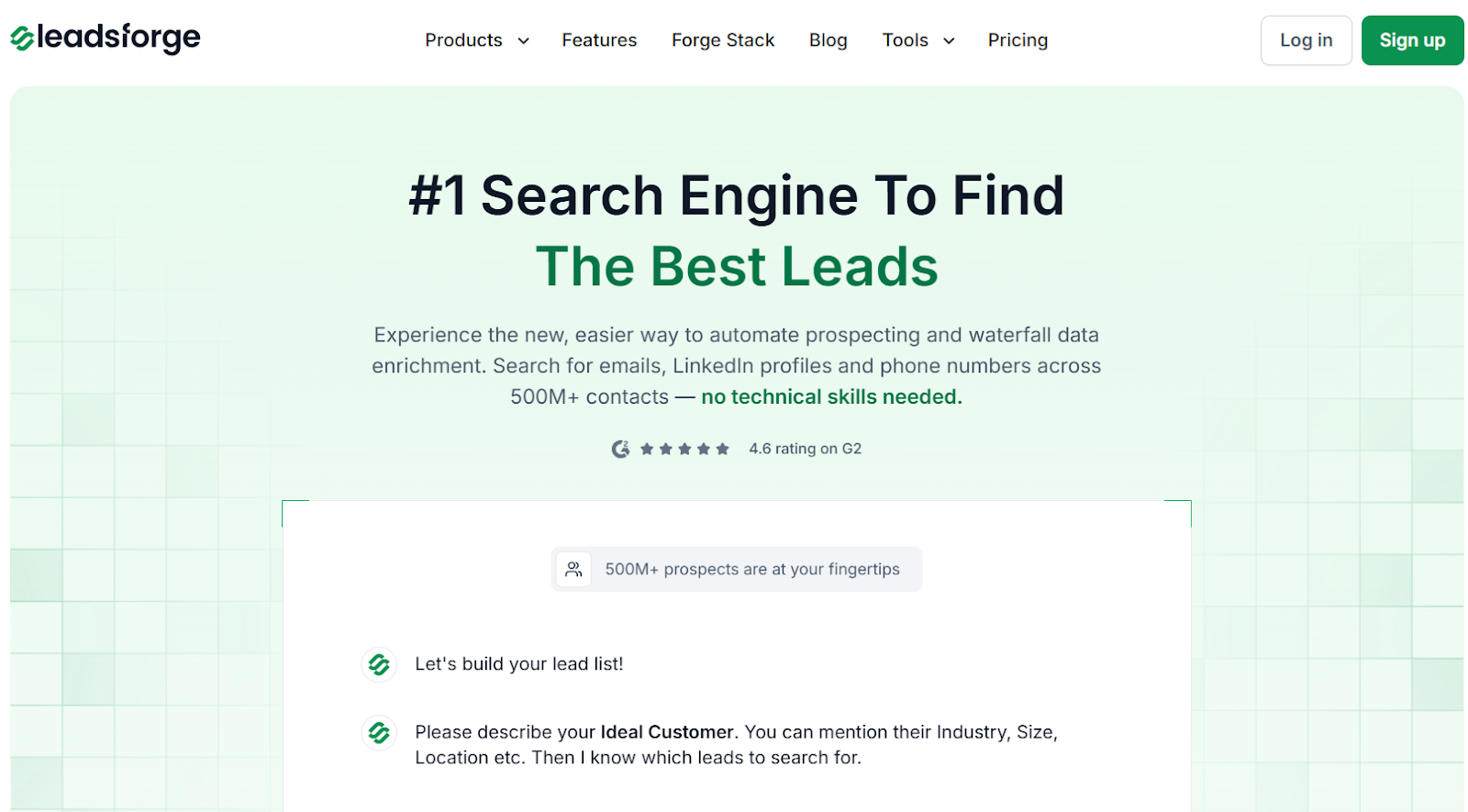
Leadsforge is a B2B lead generation search engine.
I use it to find companies and contacts that match an ideal customer profile.
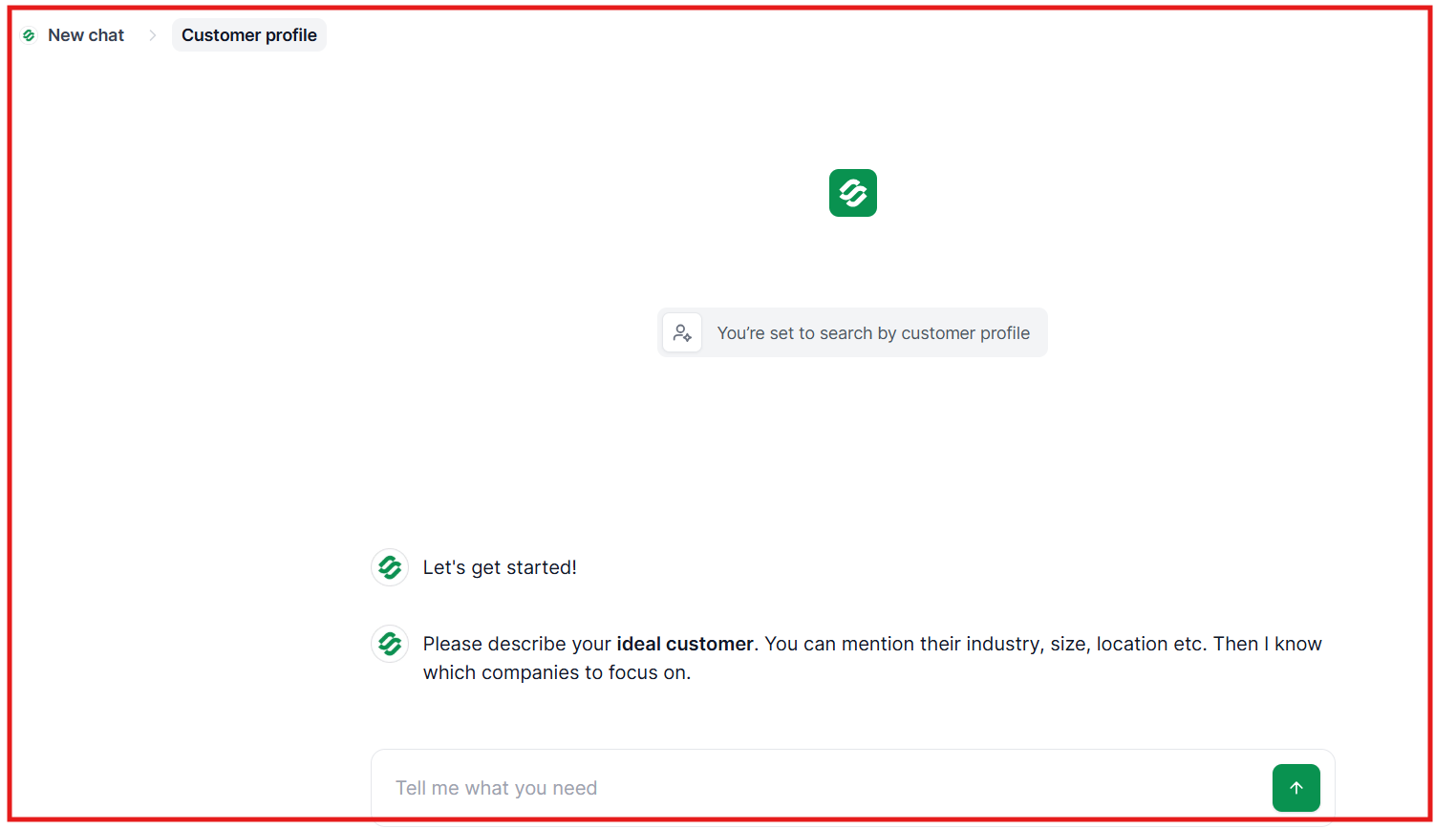
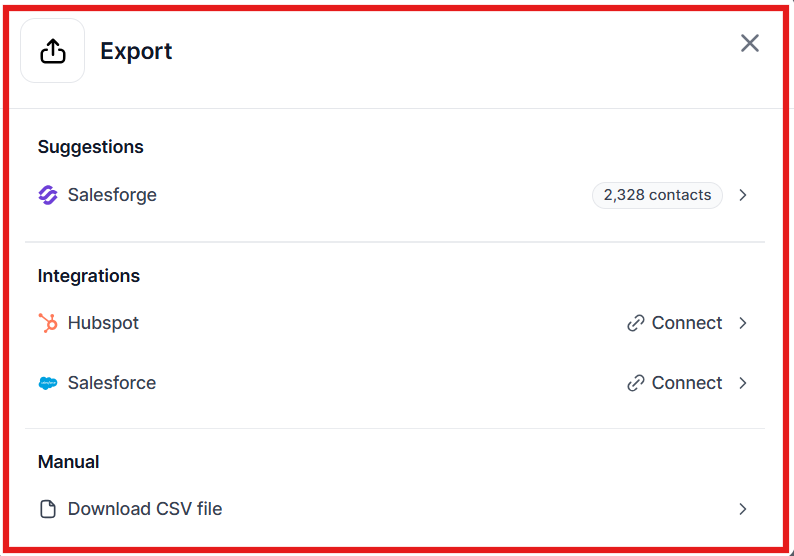
This removes the need to build enrichment workflows inside Clay.
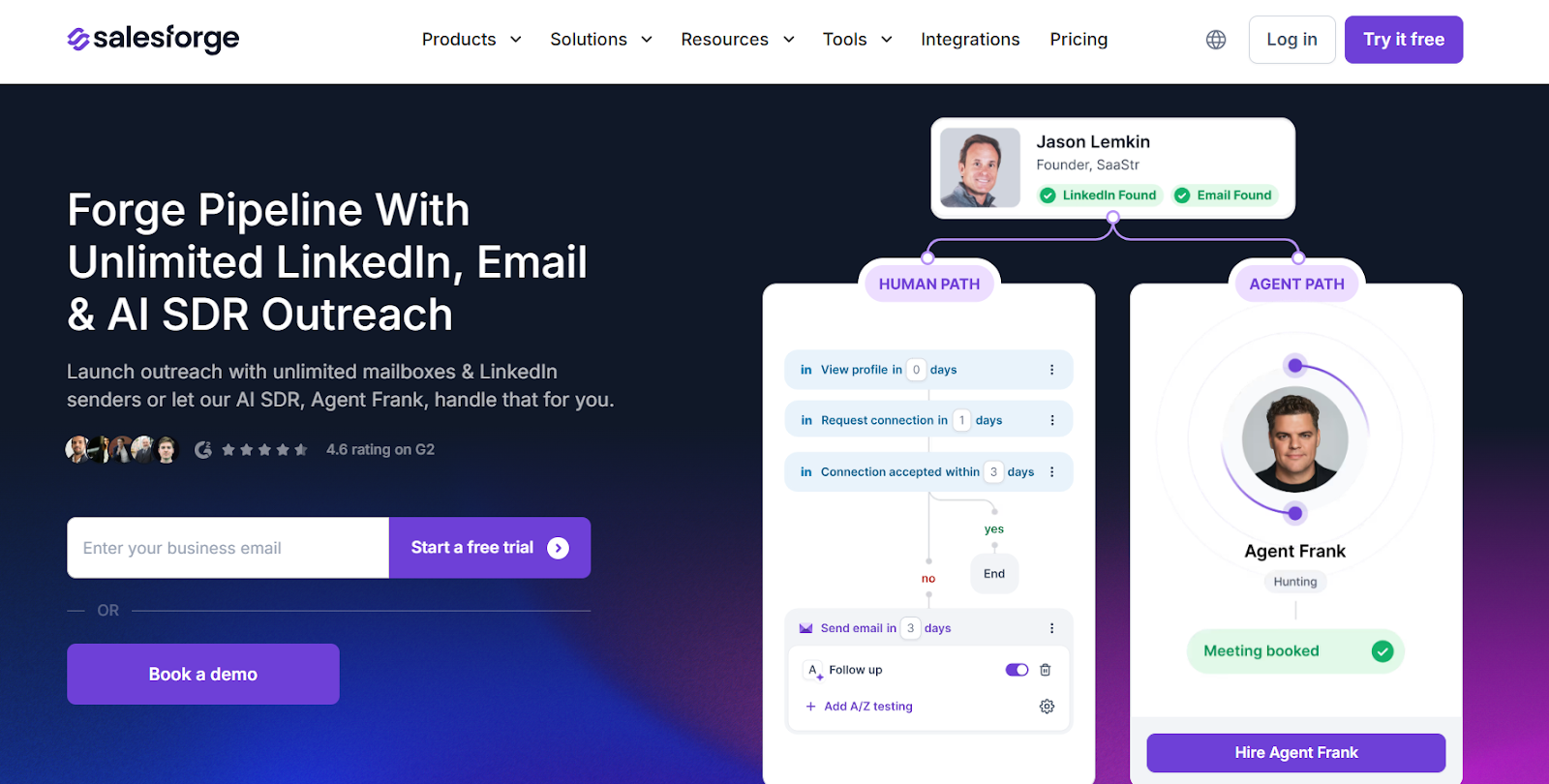
Salesforge is a multi-channel outreach platform.
I use it to send campaigns and manage replies after building lead lists.
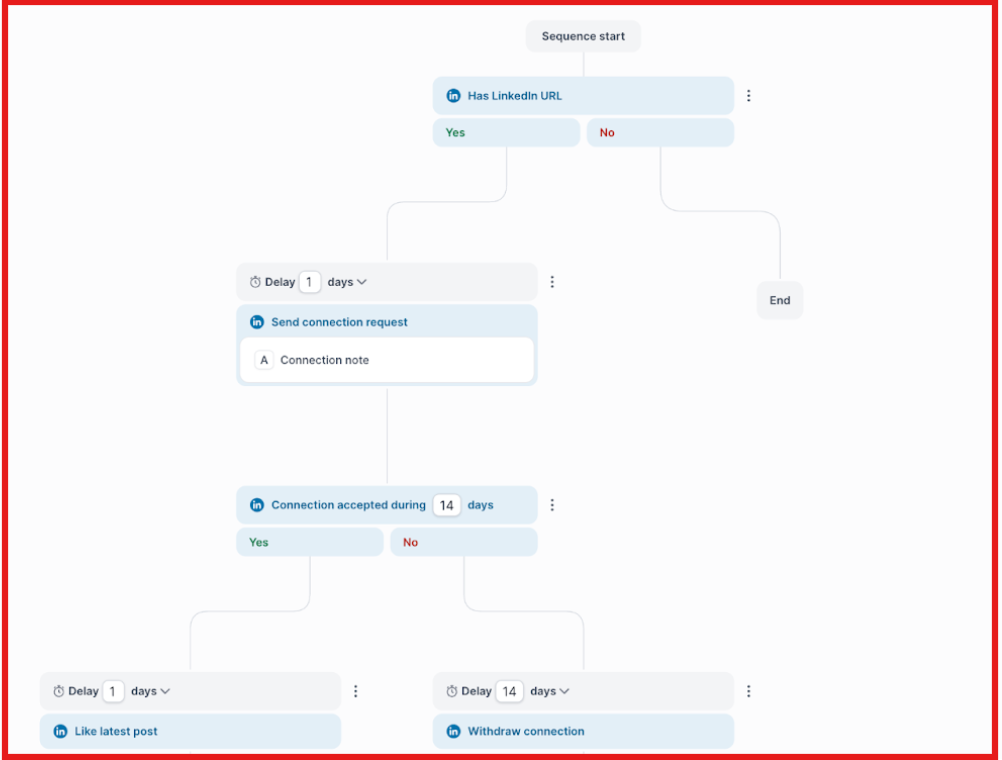
Salesforge focuses on the outreach part of outbound campaigns.
This setup splits outbound into clear steps. Leadsforge finds leads, and Salesforge runs outreach.
Each tool focuses on one part of the process.
Enter your email to get a custom plan & stack recommendation for your business
Please check your mailbox in 5 minutes
Claygencies help companies build advanced workflows in Clay.
These workflows can automate lead search, enrichment, and CRM updates.
However, not every team needs complex automation.
Many teams simply want to find leads and start outreach quickly.
From my experience, using simpler tools can make outbound easier to manage.
Instead of building complex workflows, teams can use tools built for specific tasks.
Leadsforge helps find and enrich prospects, and Salesforge helps run outreach and manage replies.
This setup keeps outbound simple. Each tool focuses on one job.
If your goal is to start outreach faster, Salesforge is a great place to begin.
You can run email and LinkedIn campaigns from one platform.
Start a free Salesforge trial and begin launching outreach campaigns today.
.jpg)

.png)


