If you're running cold outreach, or about to start, you've already heard about the tools selling database access.
Cold outreach is still one of the fastest ways to get customers.
There are plenty of tools selling email lists, and many have good accuracy but a small database. Others only work well in one region.
I've personally tested more than 20 database tools.
These are the 11 best, covered in enough detail that you can make the call quickly.
TL;DR
Leadsforge: A lead search engine with a claimed 500M+ B2B contacts and several ways to search them. Best overall for B2B data on a real budget.
ZoomInfo: The deepest US database and the best intent data here, sold on annual contracts through a sales team. Best for enterprise teams with a RevOps function.
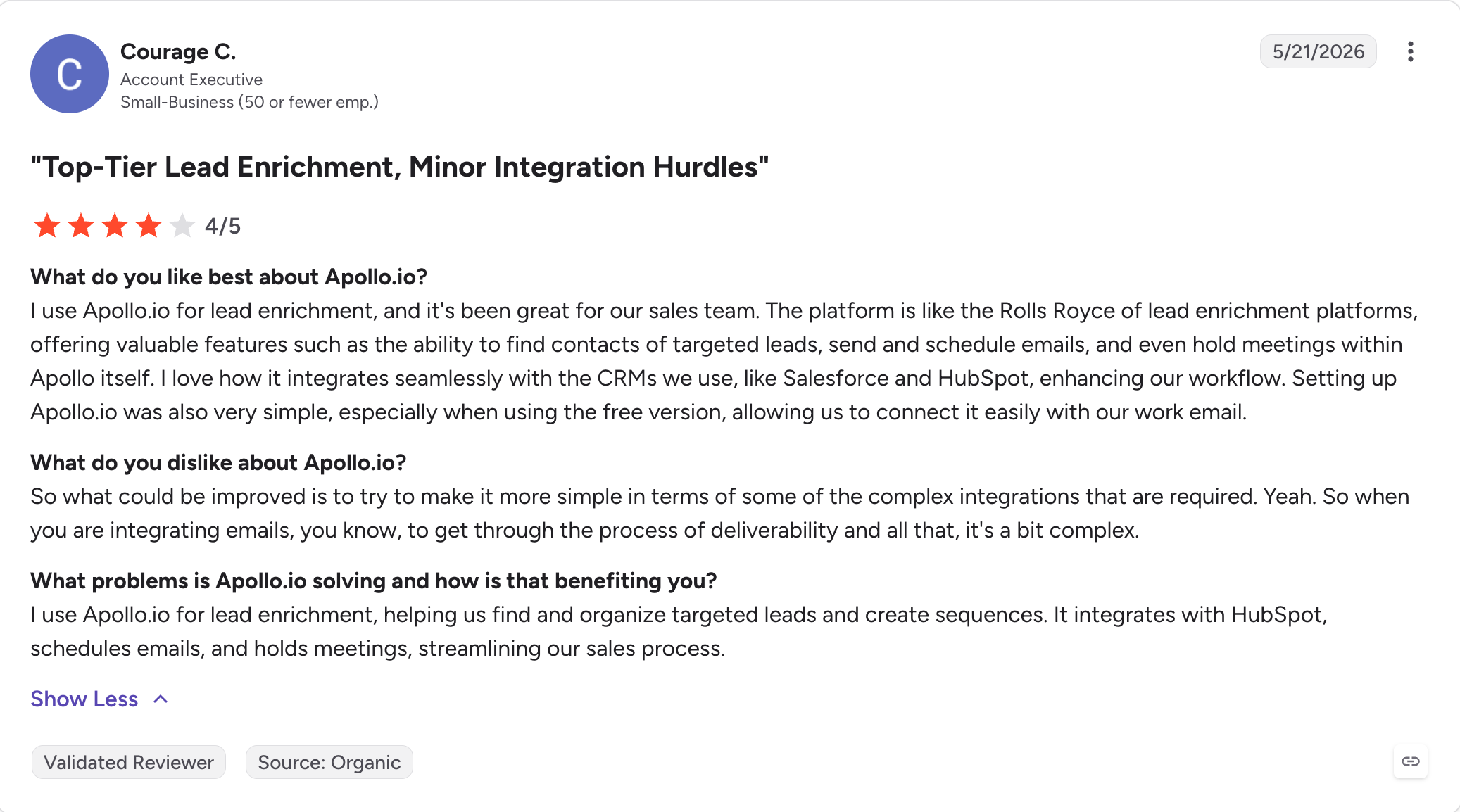
Apollo.io: Contact data plus a built-in sequencer, so sourcing and sending happen in one login. Best for growth teams that want one tool.
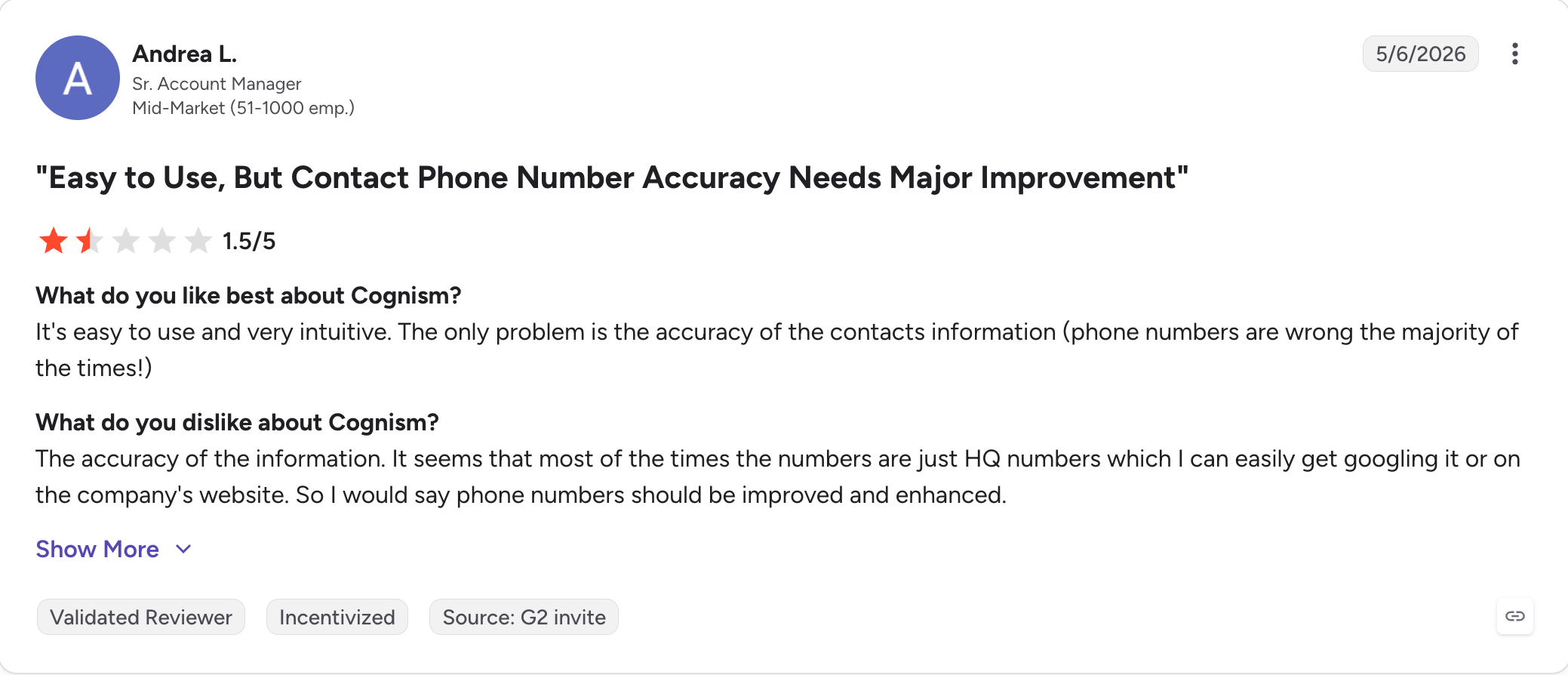
Cognism: Human-verified mobile numbers and do-not-call screening across 15 countries. Best for EMEA outbound.
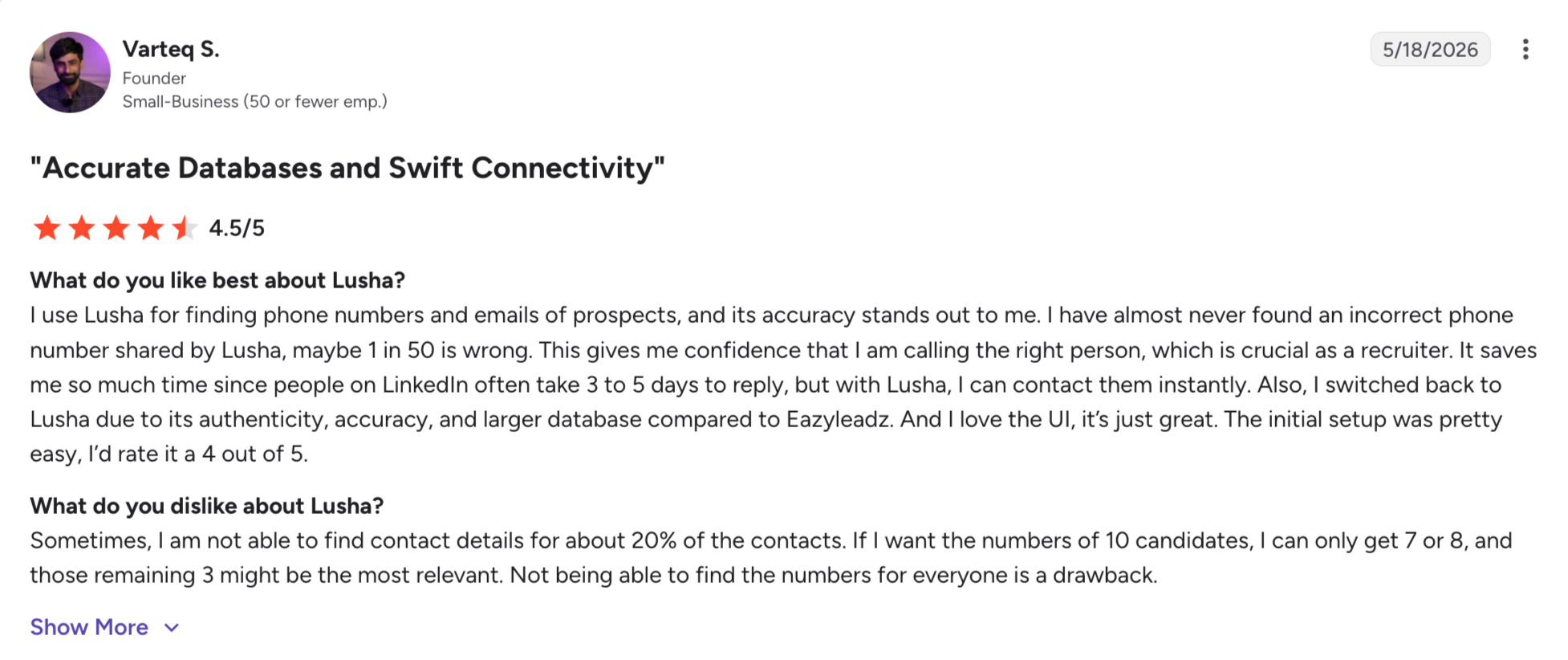
Lusha: Instant reveals from a browser extension, built around single lookups rather than bulk export. Best for grabbing one contact at a time.
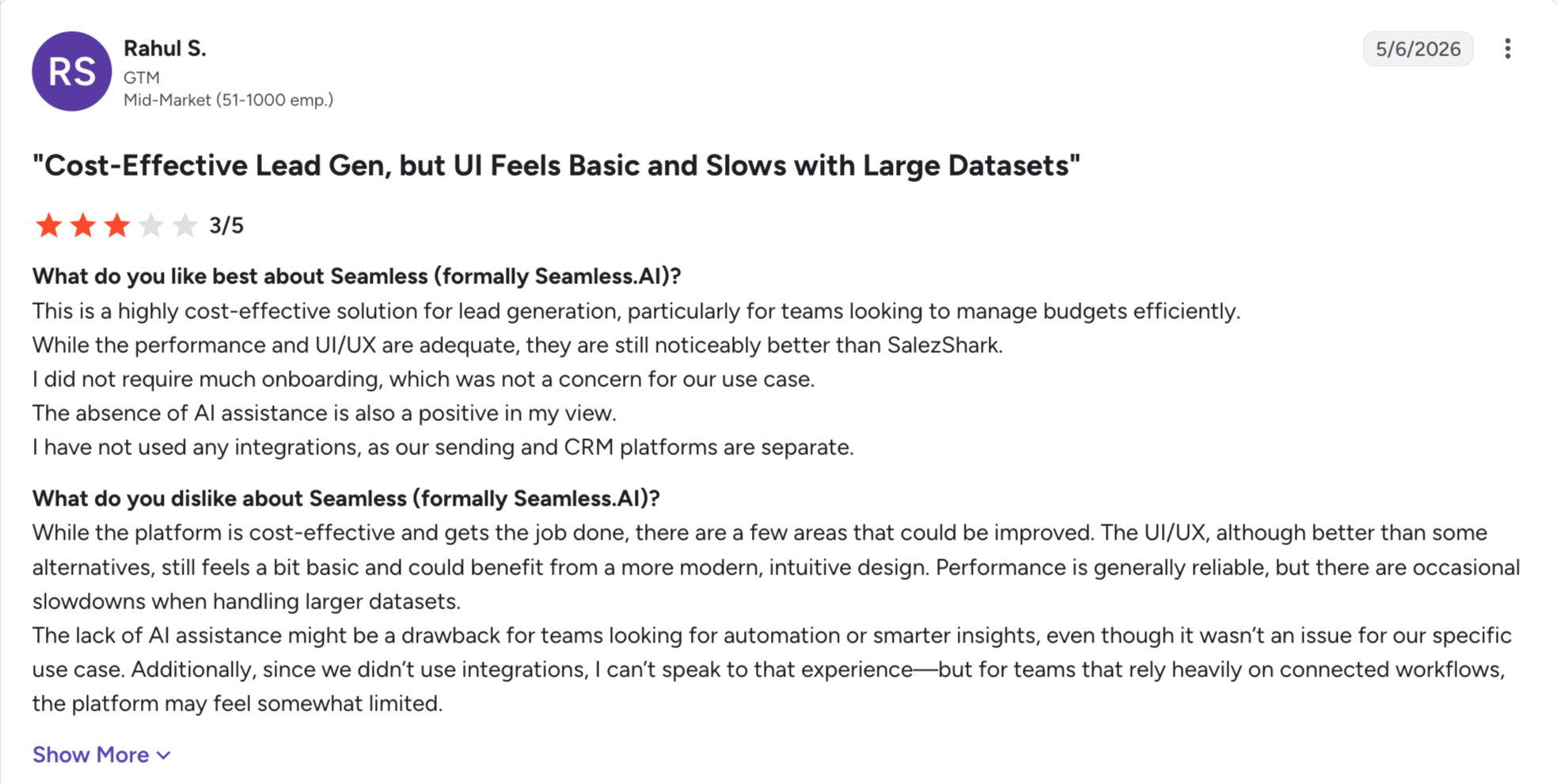
Seamless.AI: Real-time contact search rather than a pre-indexed database, so recent hires surface faster. Best for fast-moving niches.
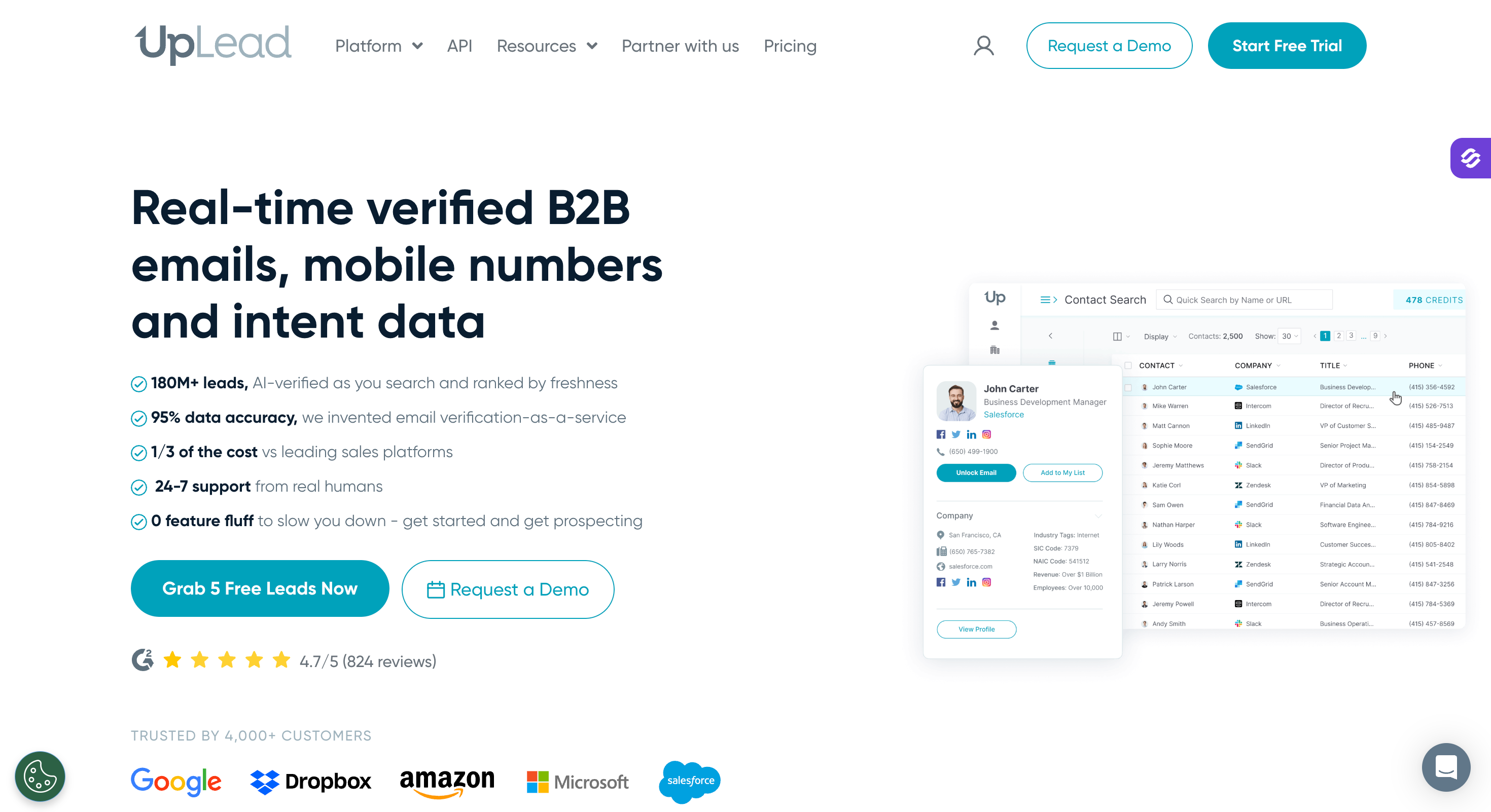
UpLead: Verification runs before a credit is spent, backed by a 95% accuracy guarantee and refunds. Best for clean data on small lists.
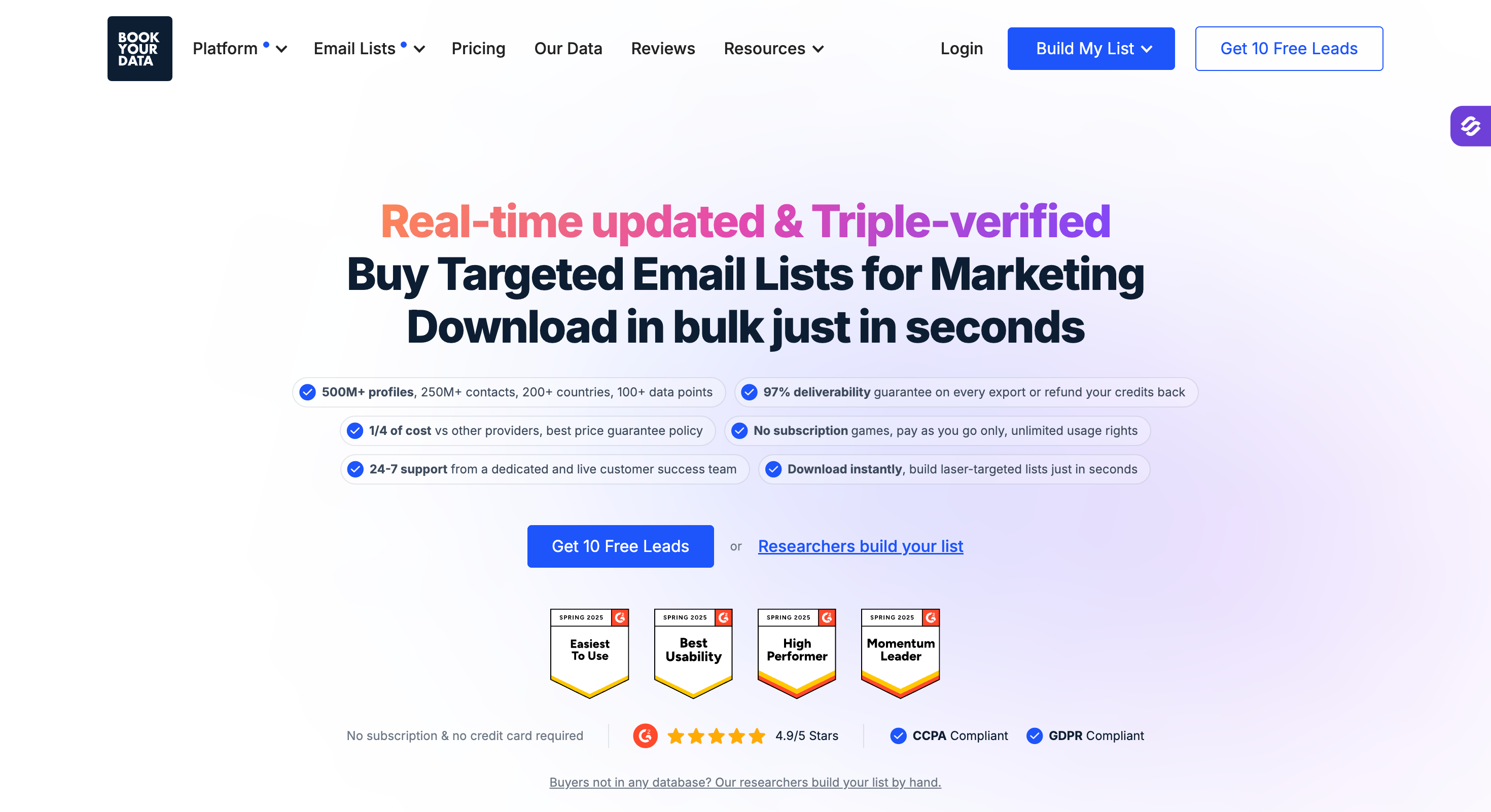
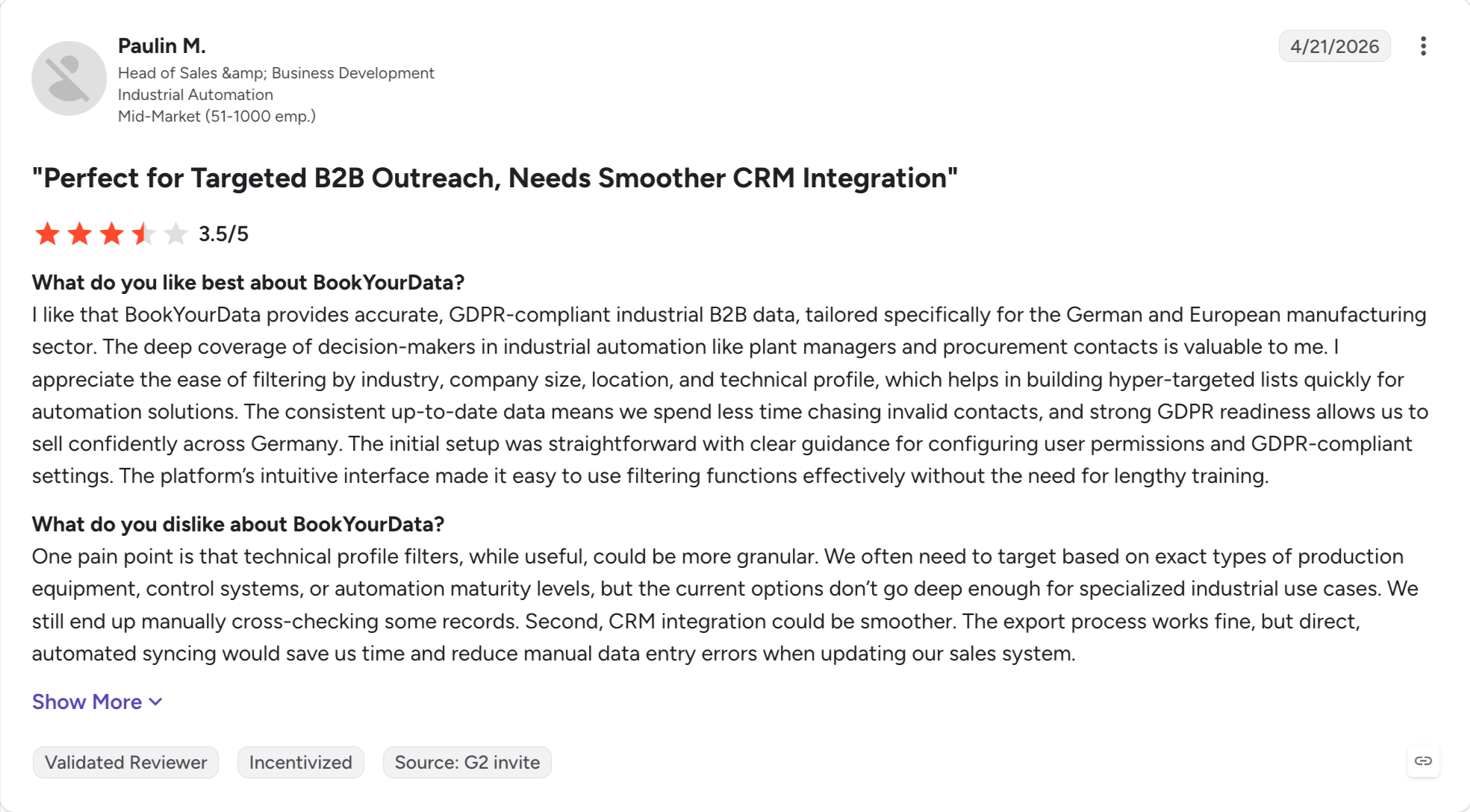
BookYourData: Pay as you go with no subscription, and credits that never expire. Best for one-off campaign buys.
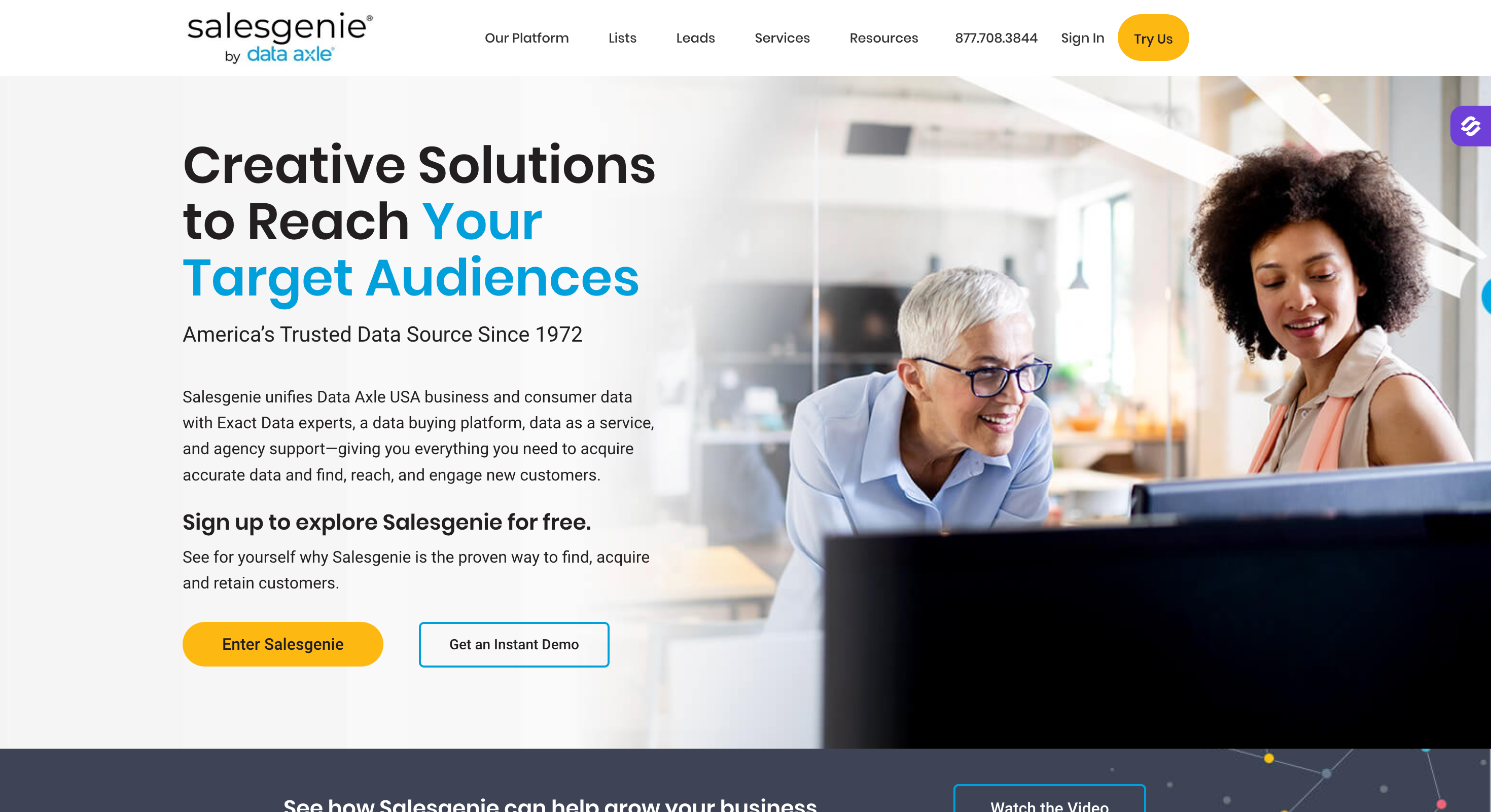
Salesgenie: Data Axle's US business database with direct mail built in. Best for US business data, and the only provider here that also sells consumer records.
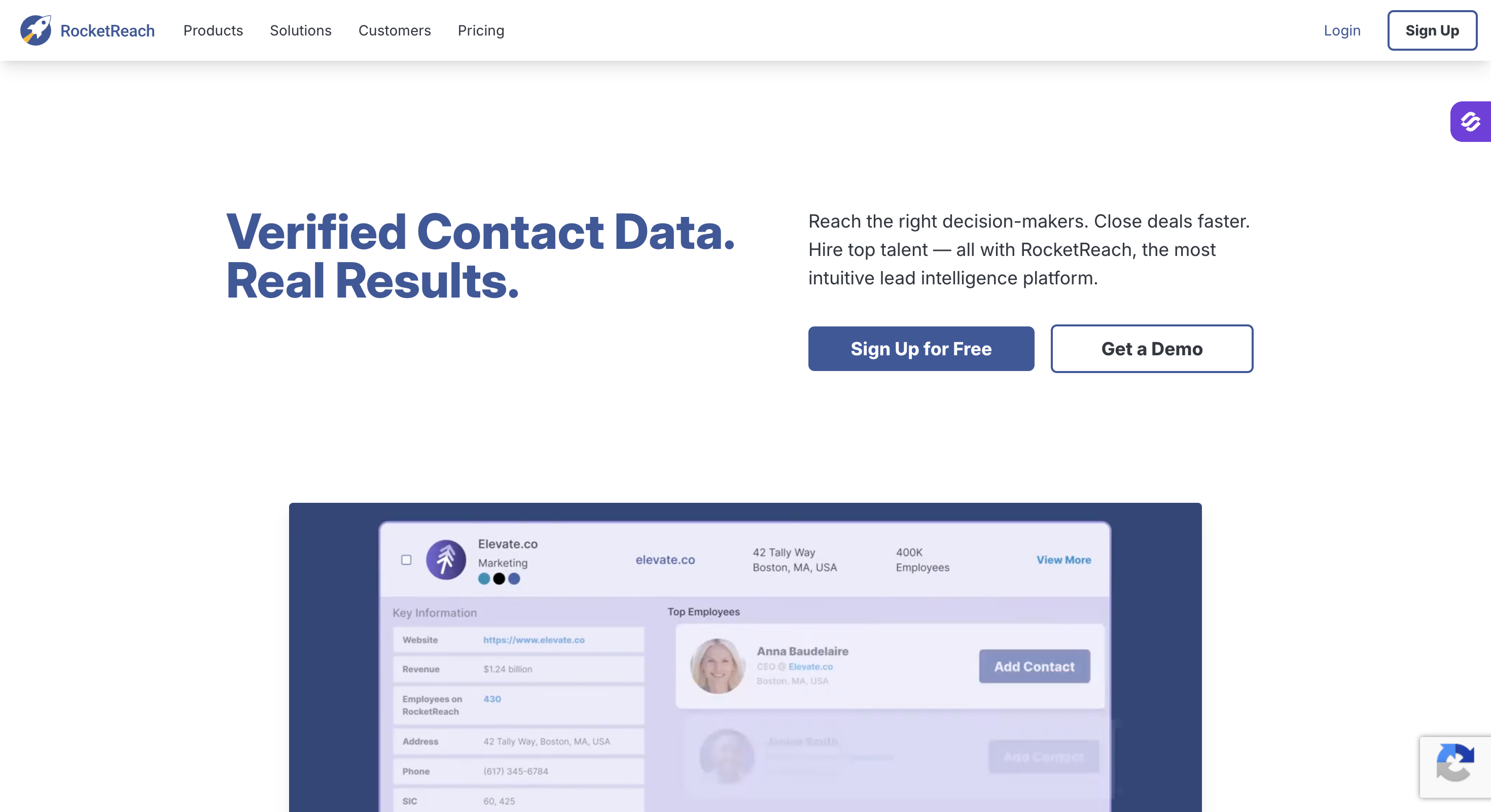
RocketReach: A claimed 700M+ profiles and the best coverage for hard-to-reach executives. Best for senior-contact lookups.
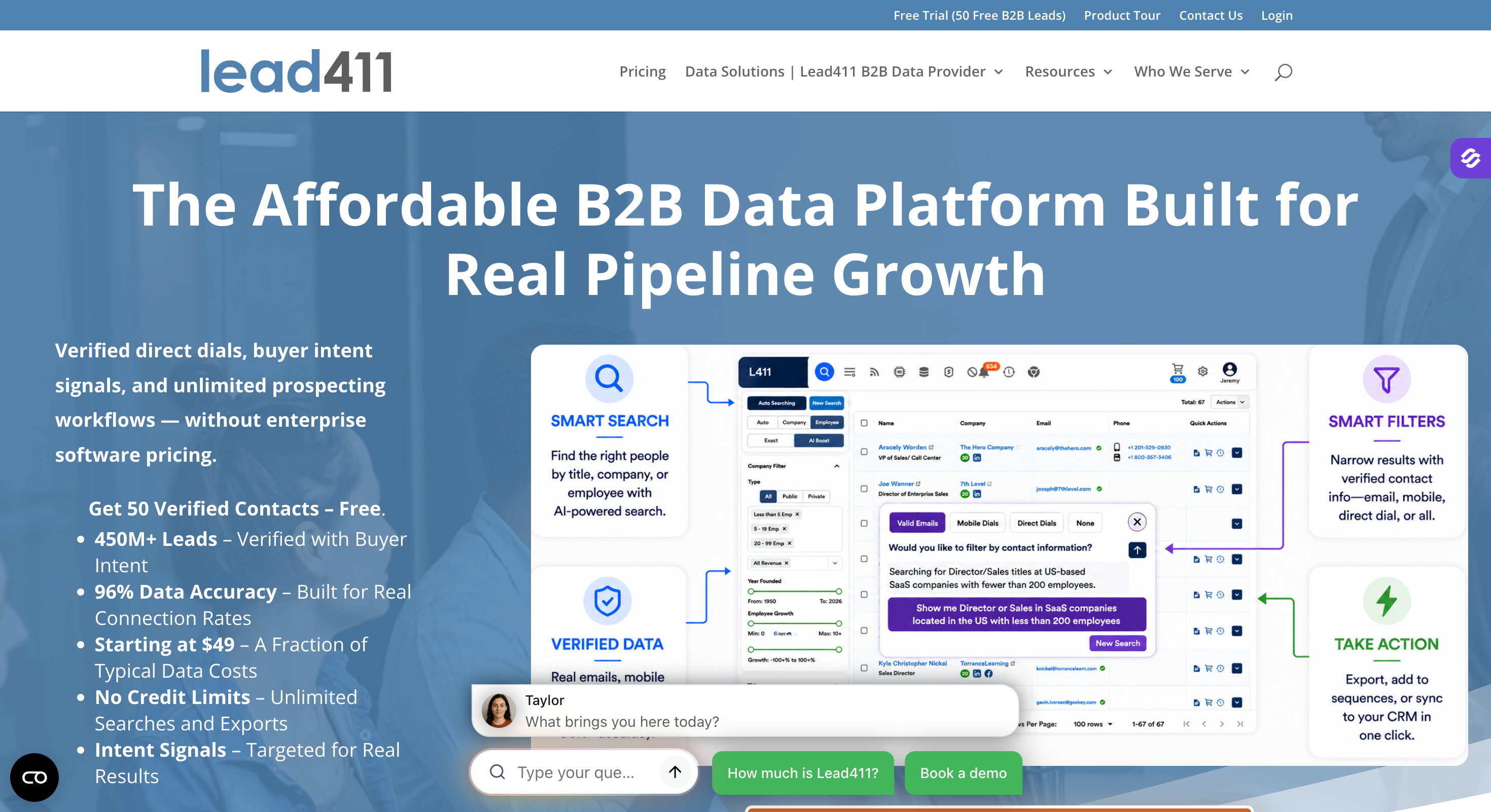
Lead411: Trigger-based prospecting with Bombora intent bundled on annual plans. Best for filtering a list you already have.
Feature Comparison: 11 Best Places to Buy Email Lists at a Glance
Best for: Outbound teams and agencies that need volume without an enterprise contract.
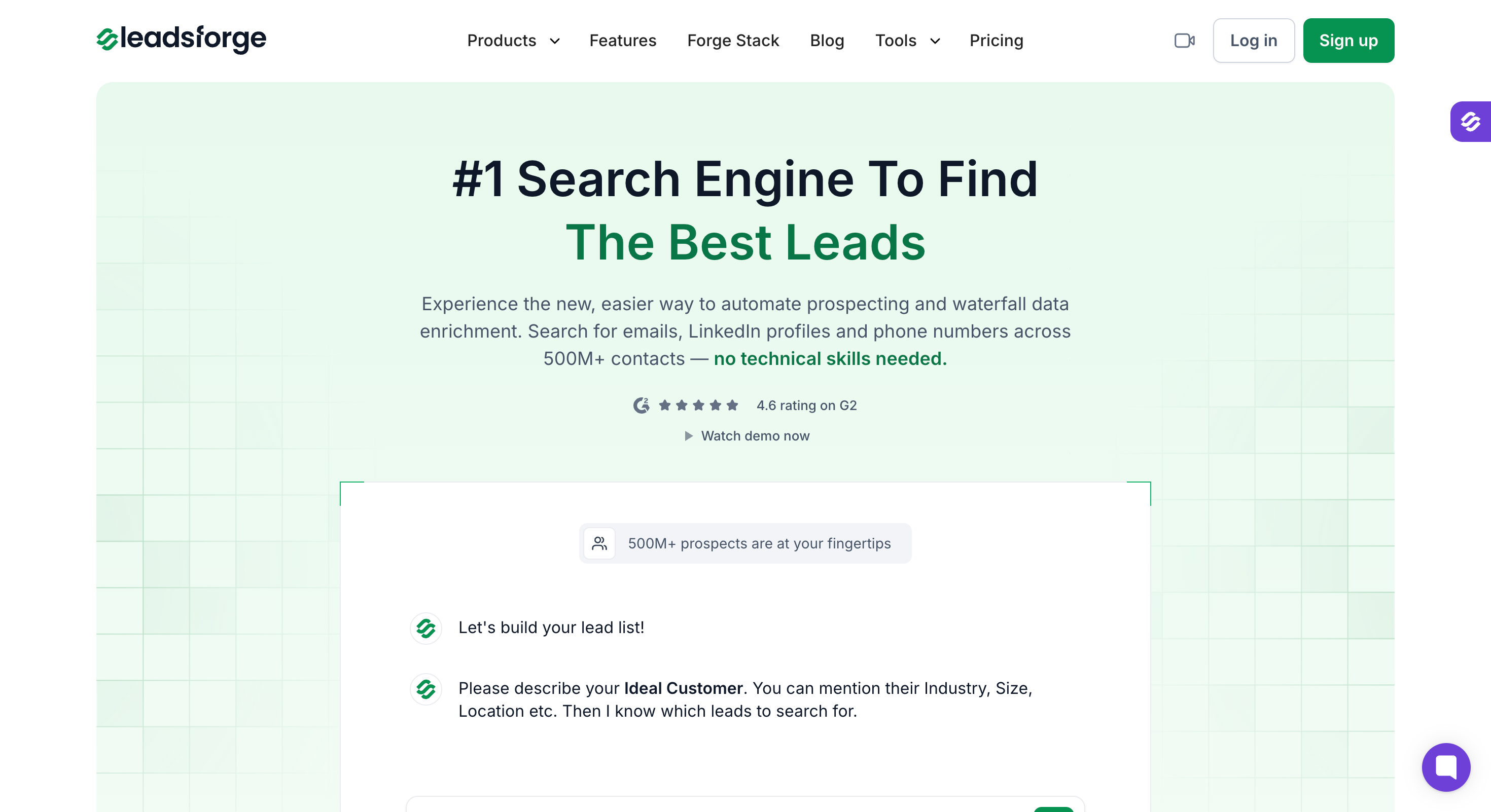
Leadsforge is an AI search engine for leads, with a claimed 500M+ database and several different ways to find people in it.
I ranked it first for two reasons.
There's more than one way in. Chat search, Company Lookalikes, Competitor Followers, Local Company Search from Google Maps, and five event signals. Each lookup then runs through a waterfall of 20+ data providers, so hit rates hold where single-source vendors return nothing.
The commercial terms are the friendliest here. No contract, monthly or annual, and credits roll over rather than expiring at the end of the month.
Between them, that covers the two things that usually go wrong. You find the people, and you don't lose what you paid for when a month is quiet.
Key Features
500M+ contact database: A claimed 500M+ B2B contacts and the companies they work for, searchable by name, size, headcount, job title or person.
Chat-based AI Lead Finder: Describe your ICP the way you'd prompt ChatGPT or Claude. No filter stacking, no boolean queries.
Company Lookalikes: Feed in accounts you already closed and get matching companies back, at 1 credit per company.
Competitor Followers Search: Pull the LinkedIn followers of a competitor's page, filtered by title, seniority and geography.
Local Company Search: Set a location and a radius, pick a business type, and it pulls matching companies from Google Maps.
Waterfall enrichment: Each lookup cascades through 20+ data providers, falling back until a verified match comes out.
Five intent signals: Job Change, Acquisition, Funding, Investor and Company Hiring, each with evidence attached showing why the match fired.
Chrome extension: Free to install, enriches contacts while you browse LinkedIn or the web, and draws on the same credits.
API, MCP and CLI: Pull lists programmatically, or drive the whole thing from Claude, Cursor or your own scripts.
One-click export to Salesforge: Push a finished list straight into a sequence with no CSV step.
Native integrations: HubSpot, Salesforce, Folk, Breakcold and Attio.
Pros and Cons
Pros
Cons
ICP search works like prompting a chatbot, not like filling in filters
No free plan; 100 free credits on signup
Five ways in: chat, Lookalikes, Competitor Followers, Local Company Search, signals
—
Waterfall runs 20+ providers per lookup, so coverage holds where single-source vendors miss
—
Credits never expire and roll into the next month
—
API, MCP server and CLI, so it's drivable from Claude, Cursor or a script
Best for: Enterprise GTM teams with a RevOps function and an annual budget.
ZoomInfo is the enterprise standard for B2B contact data.
It's built for teams with a RevOps function and a budget that can absorb an annual contract.
Two things justify the price. The North American database is the deepest here, and the intent data actually works, surfacing accounts researching your category before they contact you.
Getting in is the hard part. ZoomInfo publishes no pricing, sells annual contracts only with a three-seat minimum, and offers no way to flex down mid-term if your credits run out.
Key Features
Contact and company database: Access to business email lists for larger teams, with a claimed 500M+ contacts, plus org charts, technographics, and filters like SIC or NAICS code attached to each company.
Intent data: You can filter accounts by topics they're actively researching.
WebSights: You can see which companies visited your site before they fill in a form.
Copilot: You can get AI recommendations for account prioritization based on historical deal patterns.
Export-only credits: You can view records freely and spend credits only when you export, so you can assess each record before paying.
Pros and Cons
Pros
Cons
Deepest North American contact and company data here
No published pricing at all
Intent data that surfaces accounts before they contact you
Best for: Growth teams that want sourcing and sending in one subscription.
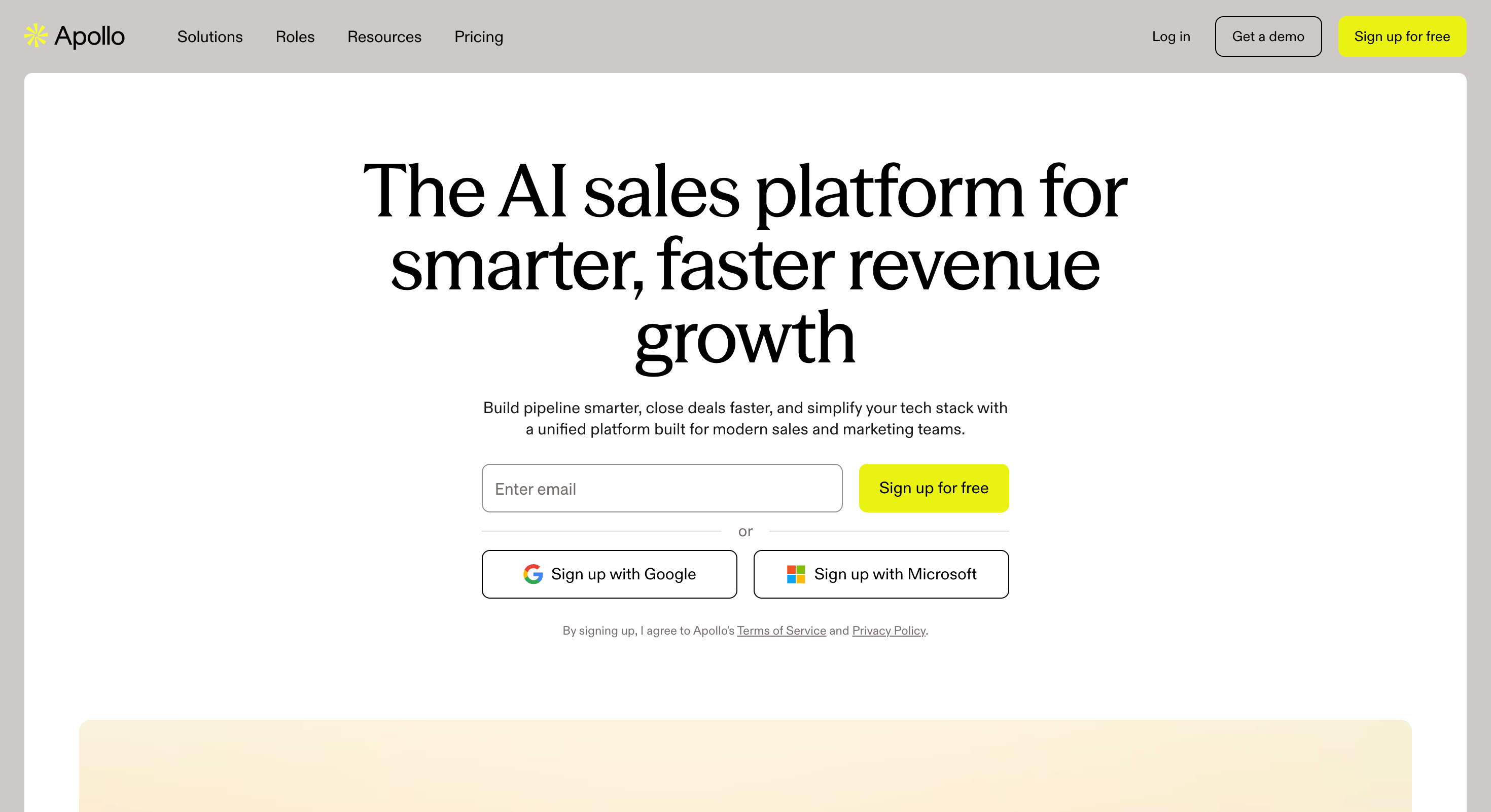
Apollo is a contact database with a sequencer, dialer and CRM sync attached. One subscription covers finding the contact and emailing them, which is the whole reason people pick it.
Two things make it easy to start with. The free plan gives 900 credits a year, which is enough to evaluate the data properly. And having the sequencer in the same tool removes the export step entirely.
The trade is breadth over depth. Each piece is decent and none is best in class. Accuracy also varies by region, with European coverage noticeably weaker than North American, which showed in my bounce rates.
Key Features
65+ filters: You can slice by firmographics, technographics and buying behavior.
Built-in sequencer: Apollo works as both a contact database and a built-in cold email platform, with data enrichment to add more useful contact and company details.
Chrome extension: You can reveal contacts on LinkedIn and push them to a sequence.
CRM sync: You can map fields bidirectionally to Salesforce and HubSpot.
Free tier: You can test with 900 credits a year at no cost.
Pros and Cons
Pros
Cons
900 free credits a year, enough for a real evaluation
European coverage noticeably weaker than North American
Best for: Teams selling into the EU and UK where phone contact decides the quarter.
Cognism is a B2B data provider built around European compliance.
Reach for it when your prospects are in the EU or UK and other databases keep coming back empty.
Two things set it apart in Europe. Its Diamond Data mobile numbers are dialed and verified by humans before they enter the database, and it screens against do-not-call registers across 15 countries. Nothing else here does either.
No published pricing, no free plan, no self-serve signup. Evaluating it means booking a call.
Key Features
Diamond Data: You can get mobile numbers a person has actually dialed and confirmed by human researchers, giving you verified data.
DNC screening: You can check against do-not-call lists in 15 countries.
European depth: You can find UK, DACH and Nordic contacts that US-first databases miss, though EU or UK prospects may require opt in or a stronger lawful basis than US outreach.
Bombora intent: You can layer topic intent on the higher tier.
CRM enrichment: You can refresh stale records by CSV or API.
Best for: Reps who need one contact right now rather than a list of five hundred.
Lusha reveals contact details on a profile the moment you land on it.
The design favors grabbing one contact right now over building a list of five hundred.
Speed is the whole pitch. It's the fastest lookup here, and the free plan gives 40 credits a month permanently rather than as a trial.
Bulk is where it stops making sense. The credit slider raises the price with volume, and phone reveals cost several times an email, so large exports get expensive fast.
Key Features
Instant reveal: You can see contact details without clicking.
Bulk reveal: You can pull a whole LinkedIn search at once.
Job change filters: You can find people who recently moved roles.
CRM push: Revealed contacts drop into HubSpot, Salesforce or Outreach without an export step.
Credit rollover: You can carry unused credits up to twice the monthly cap on monthly billing.
Pros and Cons
Pros
Cons
Fastest reveal here, with no click needed
A phone reveal costs several times an email
40 free credits every month, permanently
Slider pricing makes quotes hard to compare
Strong mobile number coverage
Credits are spent even when the number is wrong
Job change filters for tracking movers
Gets expensive fast on bulk exports
Pricing
Lusha prices on a credit slider, so the figures below sit at 40,800 credits a year. Move the slider and every number changes.
Best for: Fast-moving niches where the person you need was hired last month.
Seamless.AI runs contact search live at the moment you query rather than serving pre-indexed records.
This matters because when your ICP moves fast and the people you need were hired last month.
That architecture buys you two things. New contacts surface faster than on legacy databases, and the free tier gives 50 lifetime credits with no card.
It costs you consistency. Because results are generated at query time, I got different answers to the same search on different days. It also charges a credit for lookups that return nothing, which reviewers raise constantly.
Key Features
Live search: You can find contacts that were hired too recently to be indexed elsewhere.
Chrome extension: You can pull a contact straight off a LinkedIn or company page while browsing.
CRM push: You can send contacts to Salesforce or HubSpot.
Buyer intent: You can add intent signals on higher tiers.
Autopilot: You can schedule list building against saved criteria.
Pros and Cons
Pros
Cons
Finds people hired too recently to be indexed elsewhere
Charges a credit for lookups that return nothing
50 lifetime free credits with no card
Same search returns different results on different days
Buyer intent available on higher tiers
No published pricing on either paid tier
Autopilot builds lists against saved criteria
Annual contracts, with strict cancellation terms reported
Best for: Small, clean lists where bounce rate is the number you're judged on.
UpLead verifies each email at the moment you request it rather than periodically in the background.
It's the right pick when a low bounce rate matters more to you than list size, because high bounce rates from purchased lists can damage sender reputation.
Two things back up the accuracy claim. The 95% guarantee comes with credit refunds on bad records, so you don't pay twice for a bounce. And verification runs before the credit is spent, not after.
You pay for that precision. At $99 a month for 170 credits it works out at roughly 58 cents a contact, the most expensive here. The database is also the smallest of the major providers.
Key Features
Real-time verification: You can confirm an address works before spending a credit.
50+ filters: Technographics, revenue band and buyer intent are all filterable.
Direct dials included: You can get phone numbers on the base plan.
Suppression lists: You can stop your team revealing the same contact twice.
Credit refunds: You can reclaim credits on records that fail verification.
Pros and Cons
Pros
Cons
Verification runs before the credit is spent
Roughly 58 cents a contact, the most expensive here
95% accuracy guarantee with credit refunds
Smallest database of the major providers on this list
Direct dials included on the base plan
Credits expire monthly with no rollover
Suppression lists stop duplicate reveals across a team
Best for: One-off campaign buys with no recurring bill.
BookYourData sells contacts outright with no subscription. Buy it for a single campaign when a recurring bill is the thing you're trying to avoid.
Two things keep the no-subscription model honest. Credits never expire, so an unused balance sits there until you need it. Buyers should also compare whether vendors apply automatic volume discounts as quantities rise. And there are no seats, no gated features and no contract, which suits agencies billing per project.
It's a list, not a platform. No AI search, no intent signals, no sequencing. That's the right trade if you have those elsewhere and a problem if you don't.
Key Features
Pay as you go: You can buy 250 contacts once and never hear from them again.
Credits never expire: You can spread a purchase across months.
100+ filters: You can narrow by title, seniority, revenue, geography and tech stack.
Verification at export: You can get records checked at the moment you pull them.
97% accuracy guarantee: You can claim credits back on bad records.
Pros and Cons
Pros
Cons
No subscription, no seats and no contract
No AI search, no intent signals, no sequencing
Credits never expire
You are buying a file, which starts decaying immediately
97% deliverability guarantee with credits back on bad records
Also holds around 50 million personal emails
10 free credits with no card
Per-contact cost is high until you reach volume tiers
Best for: US business data with direct mail attached. Note it also sells consumer records.
Salesgenie is Data Axle's list product, formerly InfoUSA, and it's been selling data for two decades. Its natural buyer wants US business data with direct mail attached to it.
Two things here that nothing else on this list offers. The US business coverage runs to a claimed 19.5 million records. Direct mail is also built in, so a list and a mailing happen in one place. Data Axle was also named a Leader in Forrester's Q1 2026 Wave for B2B marketing and sales data providers.
About the consumer half. That's roughly 255 million household records, and every other provider on this list is B2B only.
If you're doing B2B outbound, say so explicitly when you buy. Otherwise you'll end up with records that don't belong in a cold email sequence.
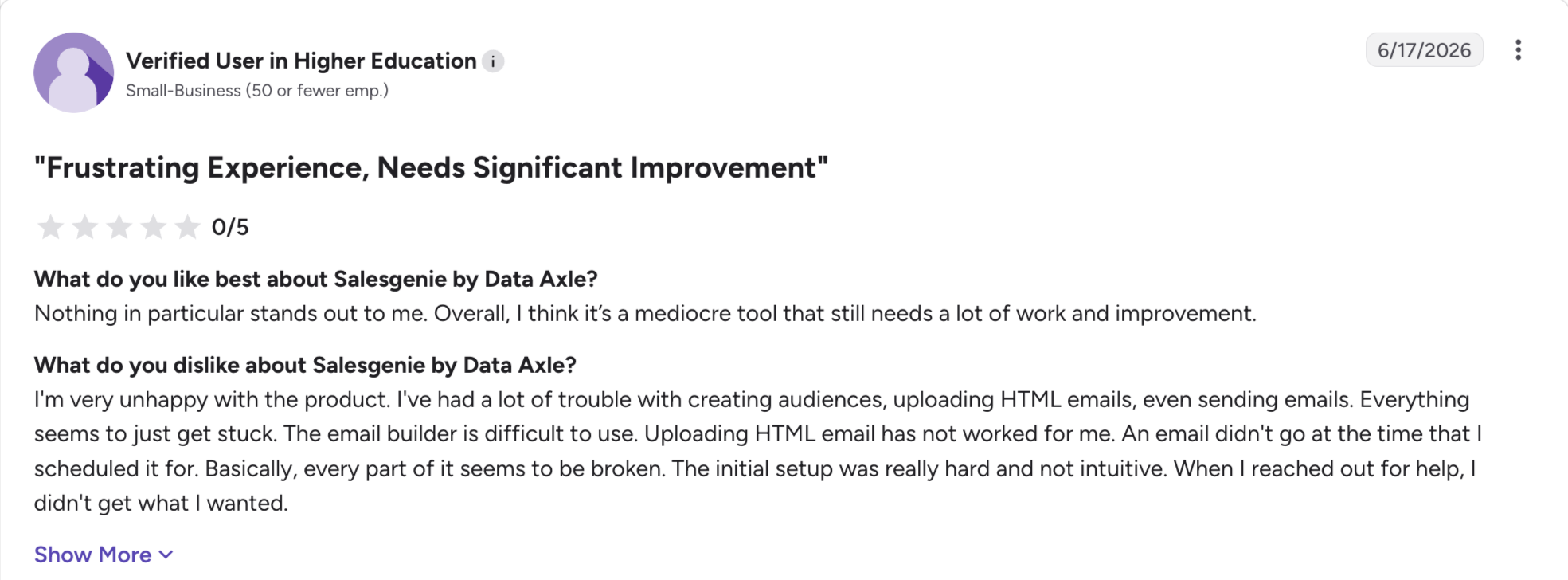
Freshness is the weak point. Stale records are the single most common complaint in its reviews, which matters more here than elsewhere because you're buying files rather than live access.
Key Features
US business database: You can filter a claimed 19.5 million business records by industry, size and location.
Direct mail built in: You can order physical mailing lists against the same list.
Consumer email database: The consumer half includes consumer email lists attached to household records.
Buyer intent add-on: You can layer intent signals for $50 a month.
CRM integrations: You can sync to Salesforce, with Dynamics and HubSpot on higher tiers.
1:1 coaching: You can get hands-on support, which its reviewers rate highly.
Pros and Cons
Pros
Cons
A claimed 19.5 million US business records
Also sells 255 million consumer records, unlike everything else here
Direct mail fulfilment built into the same product
Stale records are the most common complaint in its reviews
Buyer intent add-on for $50 a month
Twelve-month term before it moves to month to month
1:1 coaching, which its reviewers rate highly
US coverage only, with little international data
Data Axle named a Leader in Forrester's Q1 2026 Wave
Best for: Founder and C-level contacts that mid-size databases miss.
RocketReach has the largest raw profile count here at a claimed 700 million.
There are two things it does better than bigger databases. Executive coverage is the best here. Credits are also refunded when a lookup returns nothing verified, which takes the risk out of hunting for hard-to-find people.
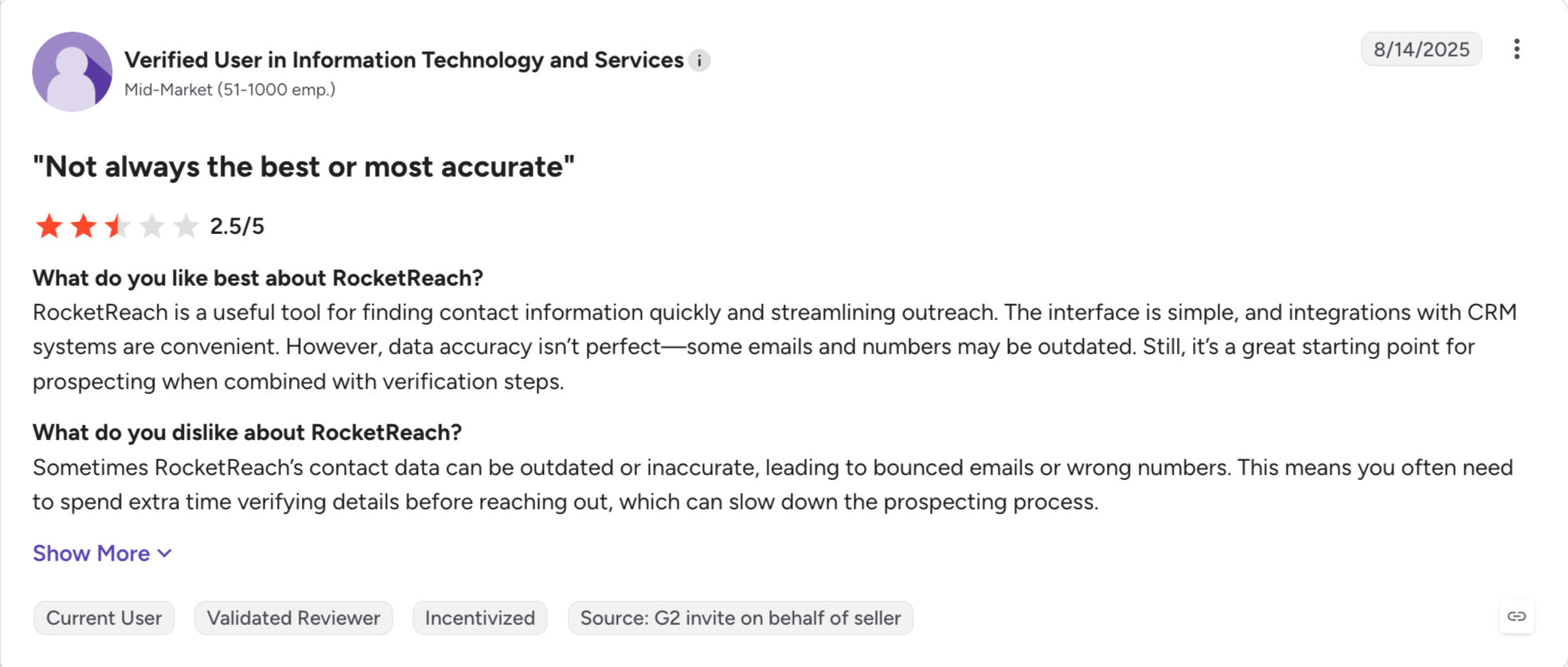
Sourcing transparency is thinner here. RocketReach pulls aggressively from public web and social data, and says less about methodology than a compliance-first provider like Cognism. Export caps also bind harder than the "unlimited lookups" marketing suggests.
Key Features
700M+ profiles: You can find executives that mid-size databases miss.
Credit refunds: Lookups that return nothing verified don't cost you anything.
Chrome extension: You can surface a profile's details without opening the web app.
Intent data: You can add intent on the Ultimate plan.
CRM connectors: You can sync to Salesforce and HubSpot.
Pros and Cons
Pros
Cons
A claimed 700 million profiles, the largest count here
Less open about data sourcing than compliance-first rivals
Best executive and founder coverage on this list
Export caps bind harder than the unlimited lookups marketing suggests
Credits refunded when a lookup returns nothing verified
Best for: Filtering a list you already have by what those companies just did.
Lead411 earns its place on trigger data rather than database size.
The job it does is narrowing a list to companies that just did something worth reacting to.
Two things earn it a place here. Growth triggers cover funding rounds, hiring surges, new locations and IPOs. Bombora topic intent also comes bundled on annual plans rather than as a five-figure add-on.
Exports are where it binds. Email views are unlimited but exports are capped, so the "unlimited" framing describes looking rather than taking.
Key Features
Growth intent triggers: You can filter by funding, hiring, new locations and IPO events.
Bombora intent: You can add topic intent on annual plans.
Unlimited email views: You can look at as many records as you like, with exports metered.
Rollover exports: You can carry unused exports month to month.
25+ CRM connectors: You can push to most major CRMs natively.
Pros and Cons
Pros
Cons
Growth triggers for funding, hiring, new locations and IPOs
Exports are capped while views are not
Bombora intent bundled on annual plans
Direct phone numbers only on the higher tier
Unlimited email views rather than metered viewing
Plan names differ between monthly and annual billing
Unused exports roll over month to month
A claimed 20 million companies, smaller than most rivals here
Pricing
Plan
Price
Includes
Pilot Light
Free for 7 days
50 exports
Warm Prospects
$49/month
1,000 exports, verified emails, Chrome extension
Hot Leads
From $150/month
1,000+ exports, direct phones, API, CRM customization
Buying the data turns out to be the easy part. Having somewhere to send it from is where people get stuck.
Leadsforge and Salesforge cover both ends. Lists move from one to the other with no CSV in between. Salesforge then warms every connected mailbox for free, spreads the sending across them, and collects every reply in a single inbox.
Start with 100 free credits in Leadsforge and pull a segment you already know. Check the emails against contacts sitting in your CRM. That gives you a hit rate on your own market rather than mine, and it costs nothing.
Yes in the US under CAN-SPAM, as well as in the EU and UK with conditions, and it's harder in Canada. CAN-SPAM allows cold email without prior consent as long as you identify yourself, include a physical address and honor opt-outs. GDPR requires a lawful basis, usually legitimate interest for B2B. CASL generally requires consent before you send, which a purchased list won't give you, though it is stricter and includes some B2B exemptions.
2. How much does it cost to buy an email list?
Between roughly two cents and 58 cents per contact, depending on the provider and volume. Subscriptions start at $49 a month with Leadsforge and Lead411. Pay-as-you-go starts at $0.40 per contact with BookYourData. For market context, LeadsPlease lists consumer data at $0.14 per consumer email and TelephoneLists.biz charges $0.030 per record for 100,000 consumer emails. Enterprise platforms like ZoomInfo publish nothing, with buyers reporting a median around $31,875 a year.
3. Can I send cold email to a purchased list?
Yes, but not from HubSpot or Mailchimp, because both ban purchased lists in their acceptable use policies. Your first send should be a small test batch. Send from a dedicated cold outreach domain, separate from your main one, and warm it first. Keep spam complaints under 0.3% or Gmail and Yahoo will start blocking you.
4. What are the risks of buying an email list?
Deliverability collapse, ESP account suspension and regulatory exposure. Gmail and Yahoo enforce a 0.3% spam complaint ceiling, which is three complaints per thousand sends, and inbox providers also watch complaints, bounces, and spam-trap hits. HubSpot and Mailchimp suspend accounts for purchased lists. CAN-SPAM penalties reach $53,088 per email, GDPR reaches €20 million or 4% of turnover, and CASL reaches CA$10 million.
5. How fast does email data go stale?
Around 23% a year, according to ZeroBounce's 2026 decay report. Job changes are the main driver, which is why B2B lists rot faster than consumer ones. In practice you lose a quarter of the file over twelve months, with no way of telling which quarter.
6. What's the difference between buying a list and using a database?
A list is a file you buy once, and it starts decaying immediately. A database is access you subscribe to, and records are verified when you export. In 2026 almost every provider marketing itself as a place to buy email lists is actually selling the second thing.
7. Which provider is best for European contacts?
Cognism, by a distance. It verifies mobile numbers by hand, screens against do-not-call registers in 15 countries, and has the deepest UK, DACH and Nordic coverage here. The cost is that it publishes no pricing and requires a sales call.
8. What's the cheapest way to test data quality before committing?
Apollo's free plan at 900 credits a year and Leadsforge's 100 signup credits both let you pull real records without a card. Take 50 contacts you already know, pull them through both, and count how many email addresses match what you have. That tells you more than any accuracy guarantee. Over time, your own email list usually outperforms buying lists for email marketing, and webinars, live events, high-converting lead magnets, and optimized opt in forms are better ways to grow targeted contacts.
Book more meetings on autopilot
Set up in minutes. No per-seat pricing. No commitment.
LinkedIn caps connection requests near 100 a week in 2026, and Premium or Sales Navigator no longer lifts that ceiling. This guide covers the real daily and weekly numbers, what sets your personal cap, what happens when you hit it, and how to keep sending safely.
A guide to LinkedIn prospecting in 2026. Covers what LinkedIn prospecting is, why it works differently from cold email, the right daily send volume, and the five sources for warm leads I run every day.