It fails somewhere between step two and step five, when follow-ups slip, timing breaks down, and prospects go cold before anyone circles back.
In my experience, running sequences for 50+ clients. The leads are there. The messaging is decent. But without a structured sequence running behind the scenes, deals die in the inbox.
That's where email sequence software comes in.
It automates follow-ups across the full outreach cycle
It keeps every prospect moving through a structured sequence
It removes the dependency on reps remembering what to send and when
In this guide, I'll cover 10 email sequence software tools that RevOps and GTM teams are actually using in 2026.
By the end, you'll have a clear framework for choosing the right email sequence software for your specific needs.
TL;DR: Best Email Sequence Software at a Glance
Salesforge — Best for running email and LinkedIn sequences from one platform with unlimited mailboxes
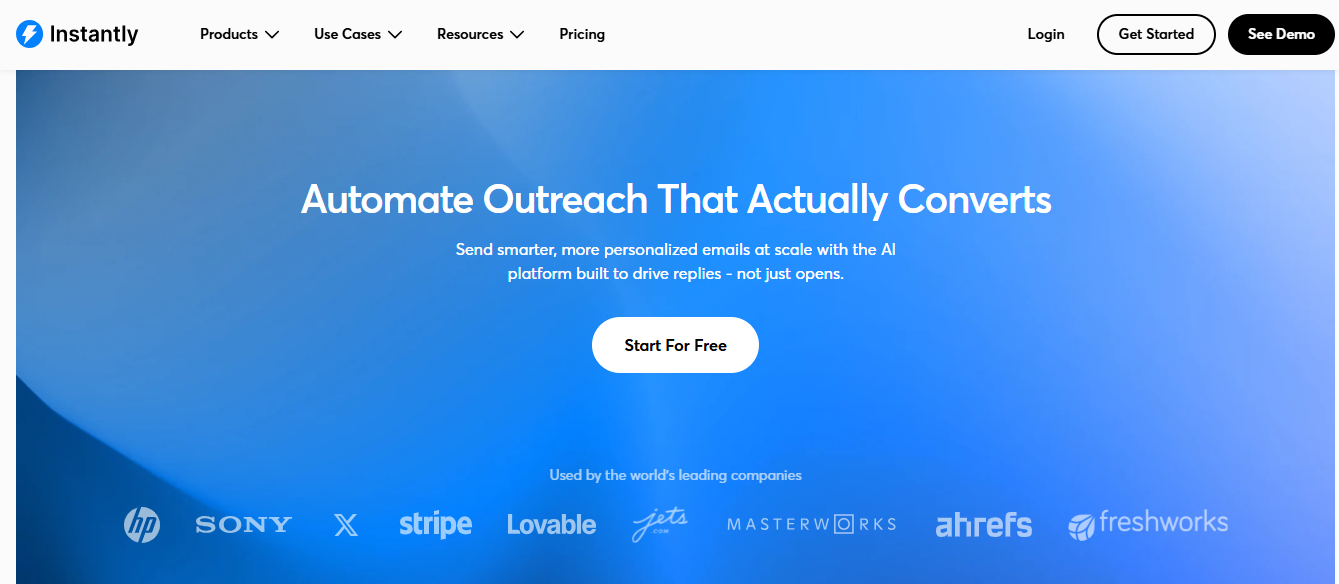
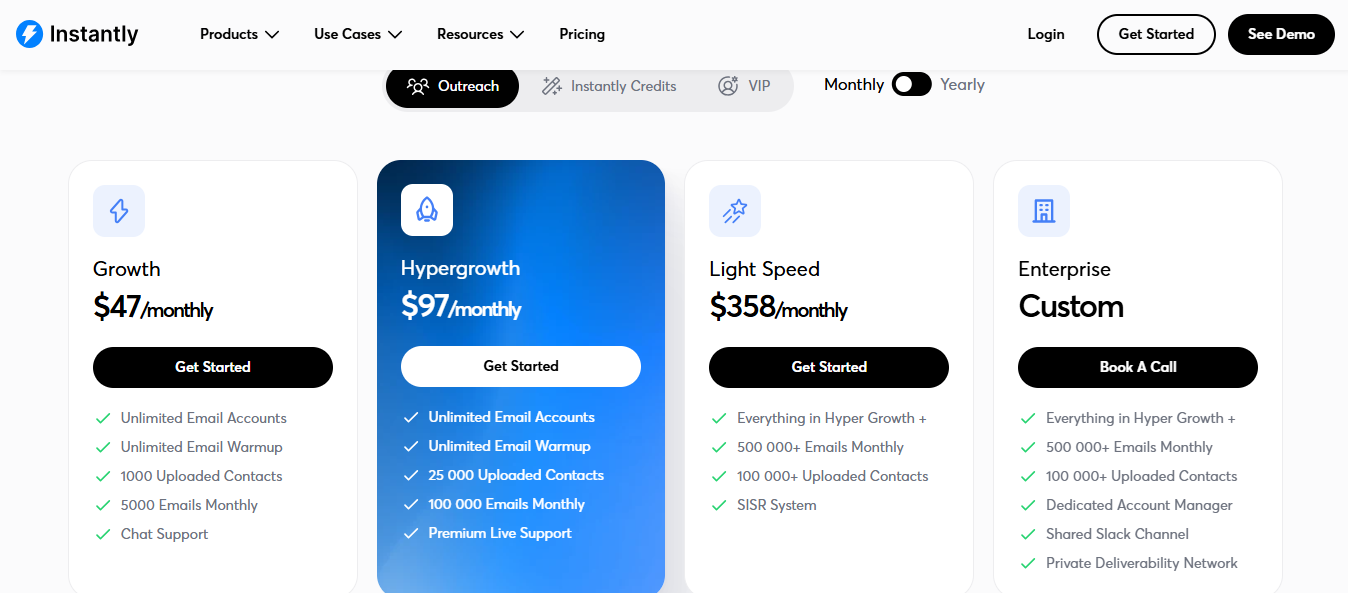
Instantly — Best for high-volume cold email with unlimited sending accounts and built-in warmup
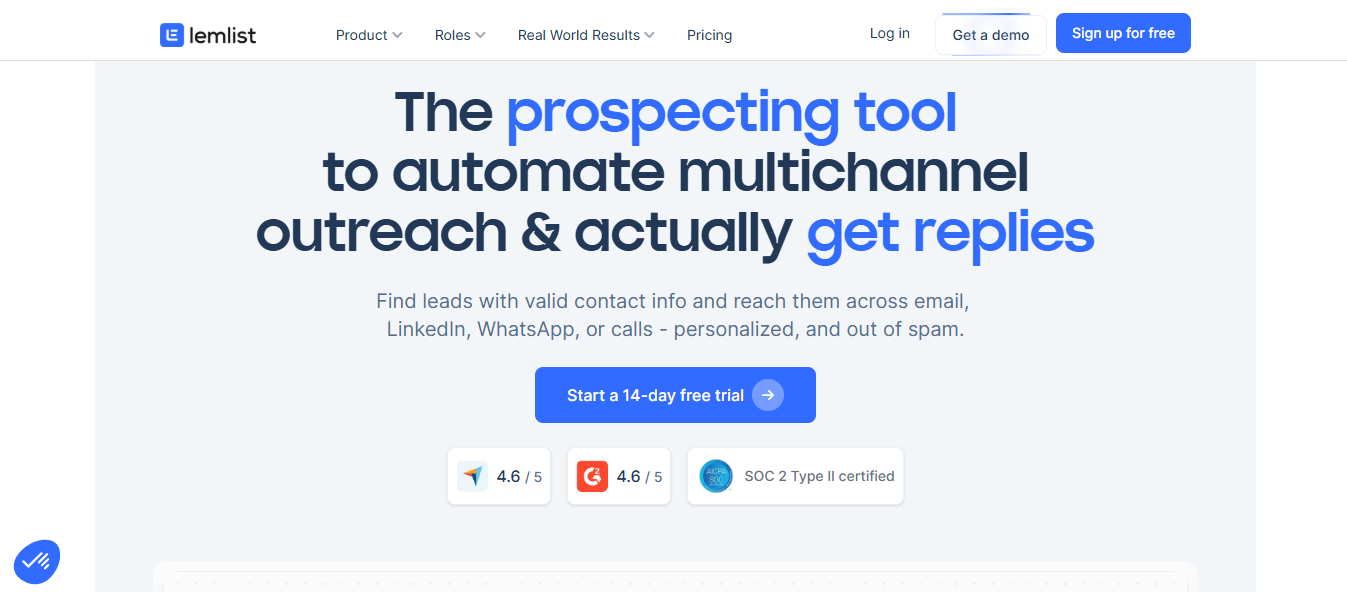
Lemlist — Best for conditional sequences across email, LinkedIn, and calls with lead enrichment
Outreach — Best for enterprise teams needing cadences across email, calls, LinkedIn, and CRM
Saleshandy — Best for cold email teams wanting a sequence health check before launch
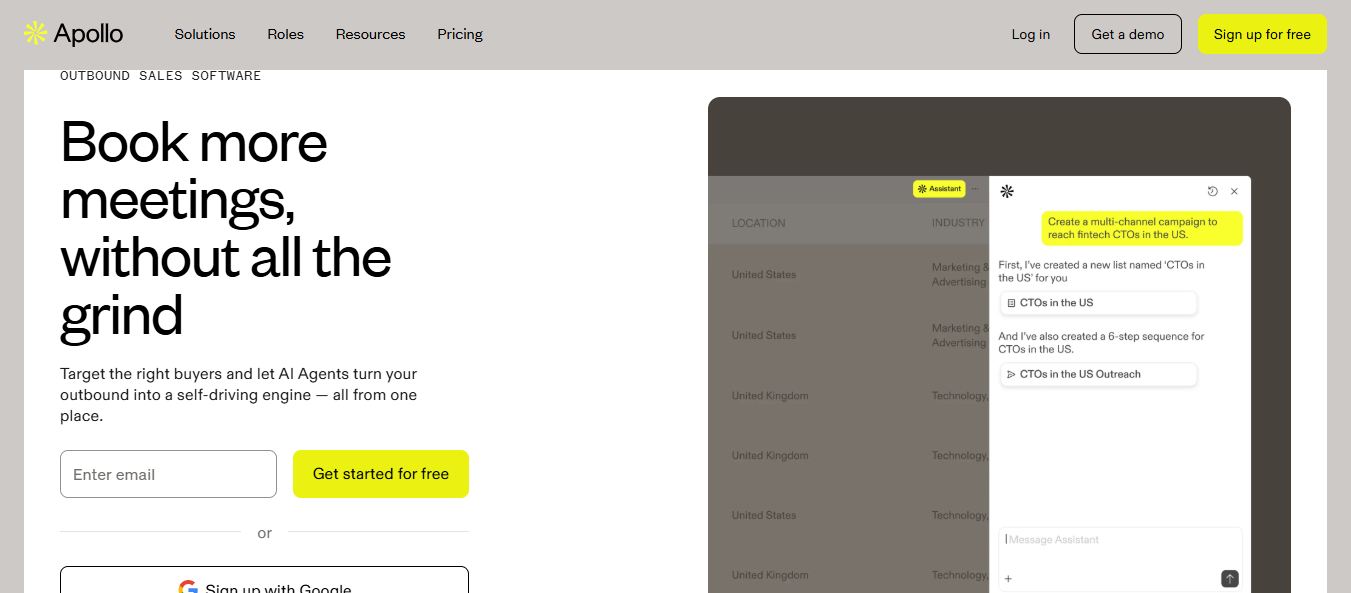
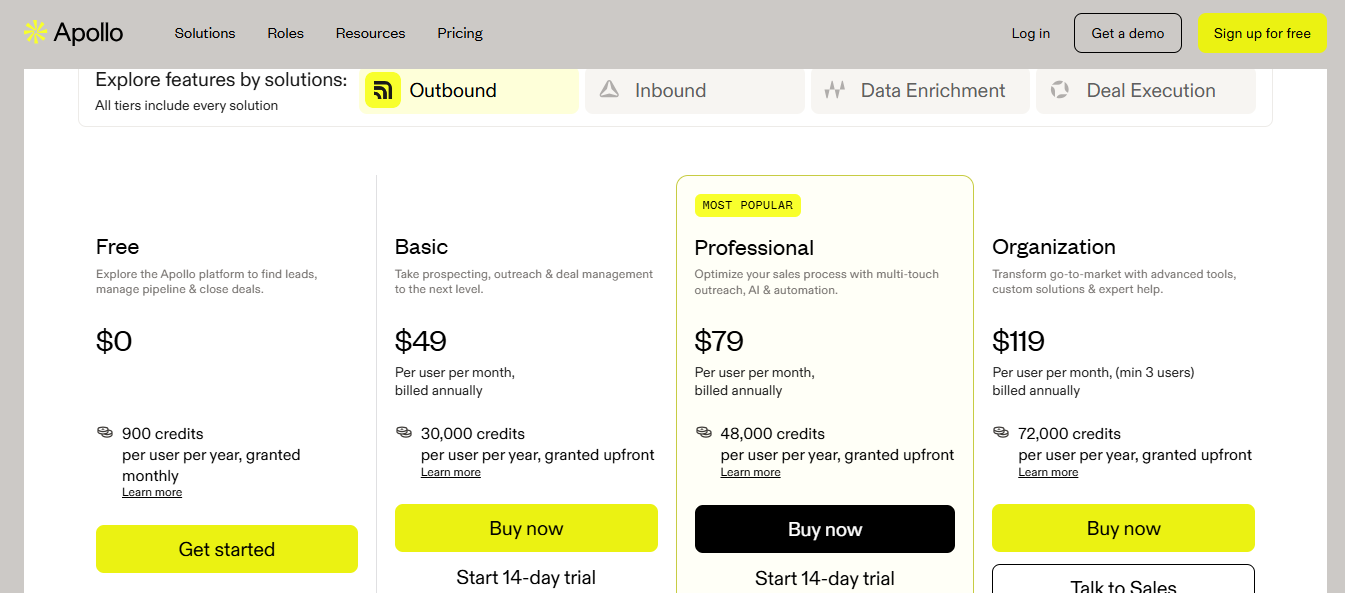
Apollo.io — Best for SDR teams wanting lead sourcing and email sequences in one place
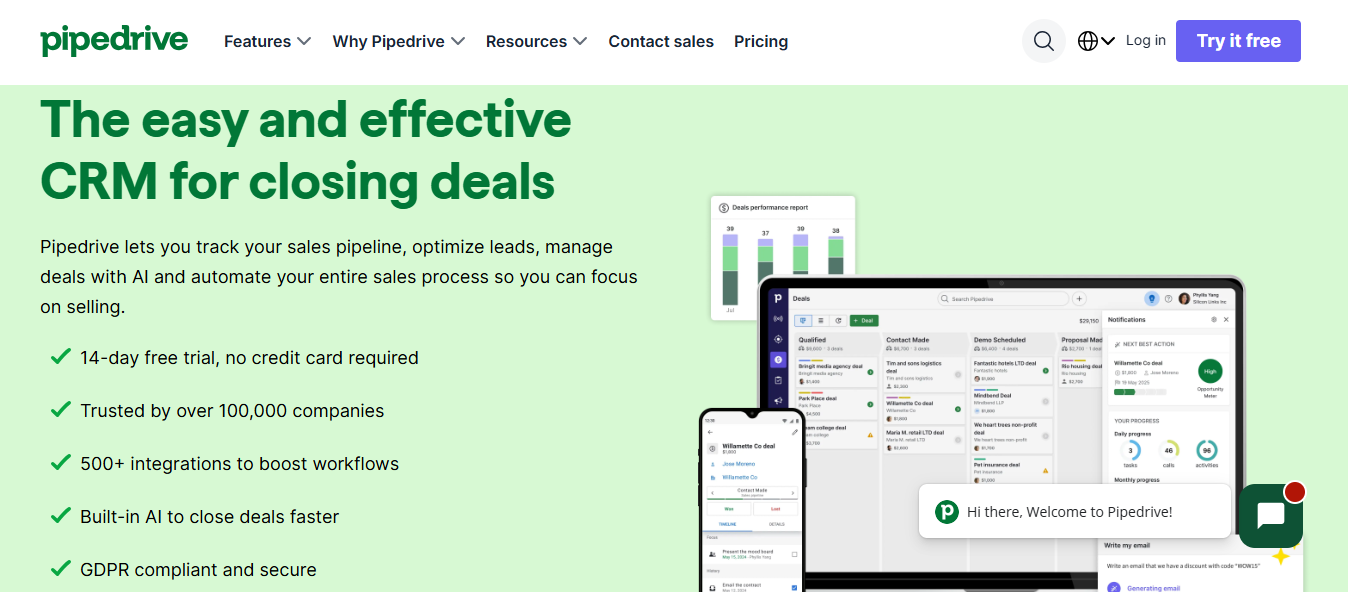
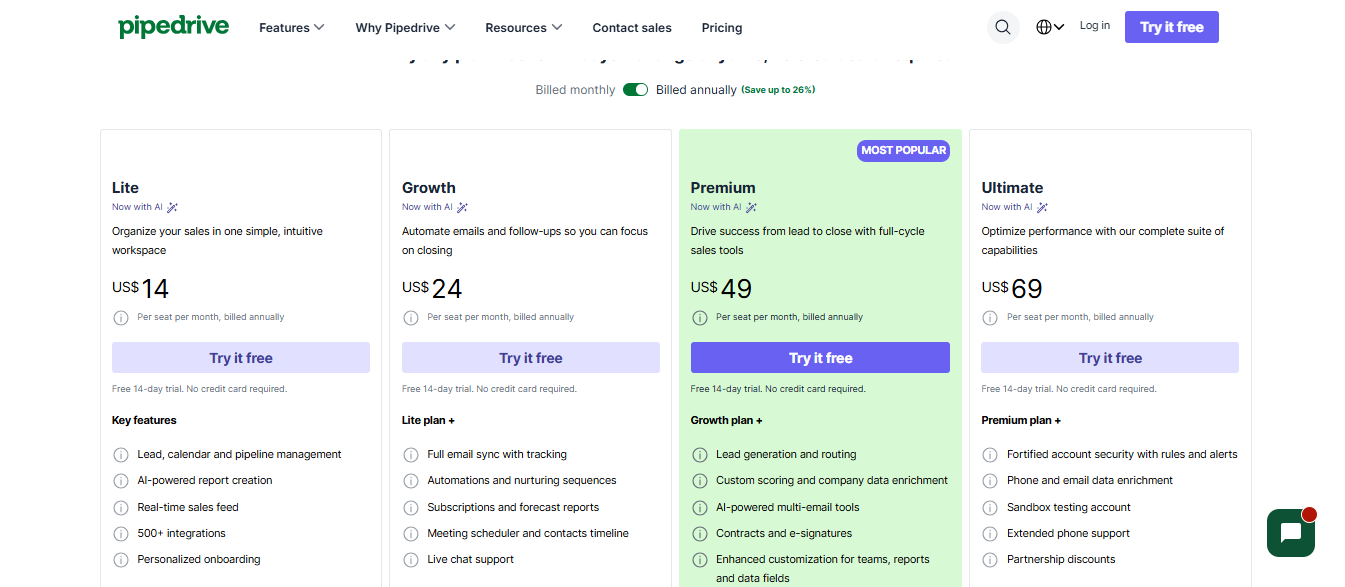
Pipedrive — Best for teams wanting email sequences tied directly to CRM deal records
Outplay — Best for sales teams running outreach across email, SMS, calls, and LinkedIn
Salesmate — Best for small teams wanting email and SMS sequences inside a CRM
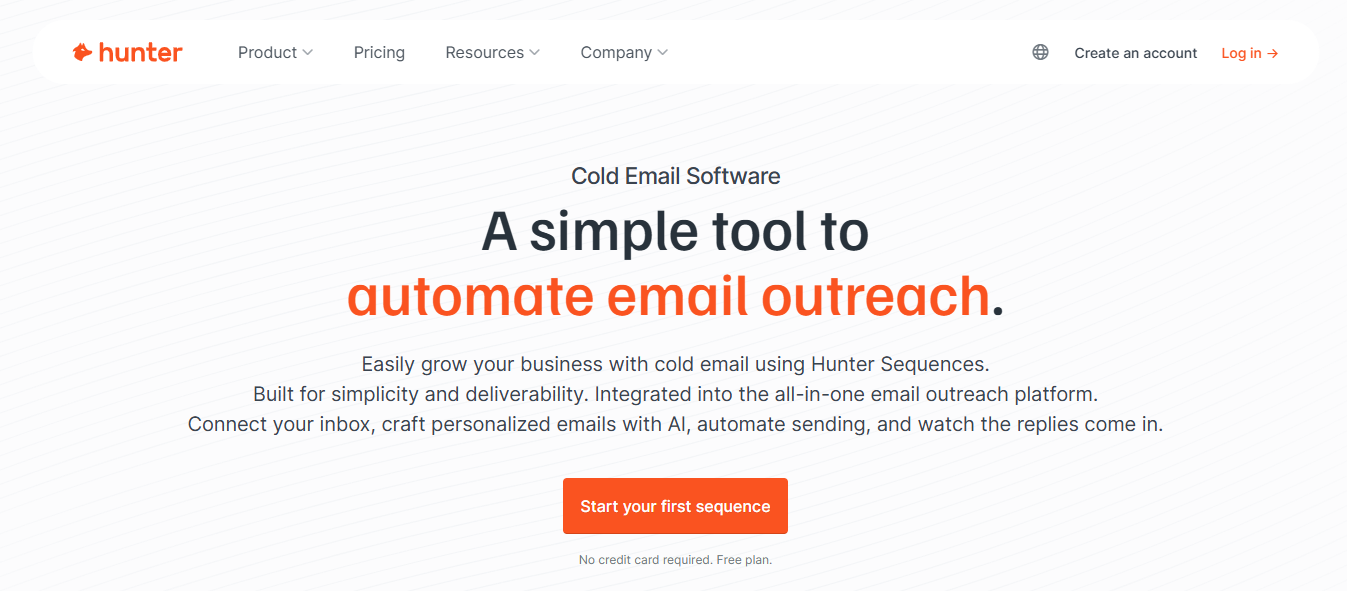
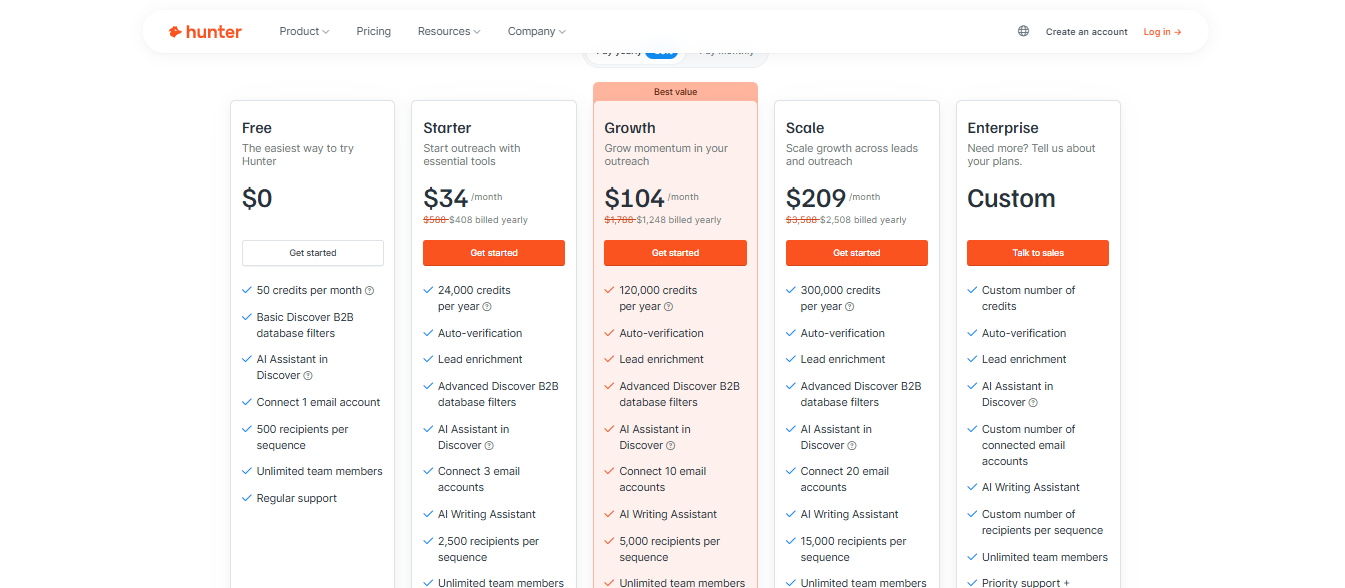
Hunter — Best for teams starting with email finding before running sequences
What Is Email Sequence Software?
Email sequence software lets you send a series of emails to prospects automatically.
You set up the emails once.
The tool sends them on a schedule you define.
Most prospects don't reply to the first email.
They reply after the third or fourth follow-up.
Doing that manually across 100+ prospects is where things break down.
Email sequence software handles the timing for you.
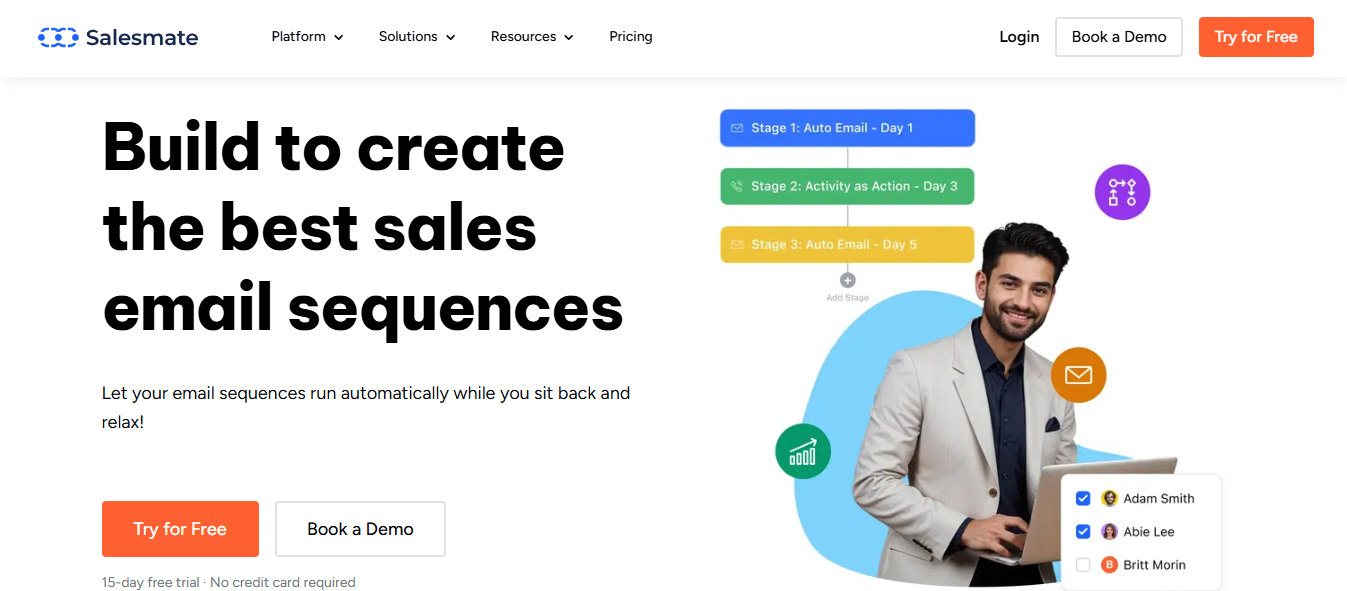
For example, a basic sequence might look like this:
Day 1 — First outreach email
Day 3 — Follow-up referencing the first email
Day 5 — A different angle or case study
Day 8 — Final breakup email
How Top RevOps & GTM Teams Use Email Sequencing to Move Pipeline
Most RevOps and GTM teams don't use email sequencing just to send more emails.
They use it to build a repeatable system that moves prospects from first touch to booked meeting.
I've seen this work across multiple teams.
A GTM team maps out the buyer journey first.
They identify the touchpoints where prospects typically drop off.
Then they build sequences for each stage:
Top of funnel — cold outreach to new prospects who don't know you yet
Middle of funnel — follow-ups to prospects who opened or clicked but didn't reply
Bottom of funnel — re-engagement emails to deals that went cold
RevOps teams use the data from these sequences to measure what's working.
Open rates, reply rates, and meeting booked rates all feed back into the system.
If step three of a sequence gets no replies, they rewrite it.
Then they test again.
This is the core difference between teams that hit pipeline targets and teams that don't.
They treat email sequencing as a process, not a one-time send.
10 Best Email Sequence Software in 2026: Detailed Reviews
Tool
Ideal Use Case
Key Highlight
Salesforge
Multi-channel outbound
Email + LinkedIn sequences with unlimited mailboxes and unified reply inbox
Instantly
High-volume cold email
Unlimited sending accounts with automated subsequences and warmup
Lemlist
Multichannel outreach
Conditional sequences across email, LinkedIn, and calls with waterfall enrichment
Outreach
Enterprise sales teams
Multi-step cadences combining email, calls, LinkedIn, and CRM triggers
Saleshandy
Cold email with quality checks
Sequence Score health check and behavior-based subsequences
Apollo.io
Prospecting + outreach
B2B contact database with sequences, intent signals, and diagnostics
Pipedrive
CRM-connected outreach
Email sequences tied directly to deal and lead records
Outplay
Multichannel sales outreach
Sequences across email, SMS, calls, LinkedIn, Twitter, and WhatsApp
Salesmate
CRM with built-in sequences
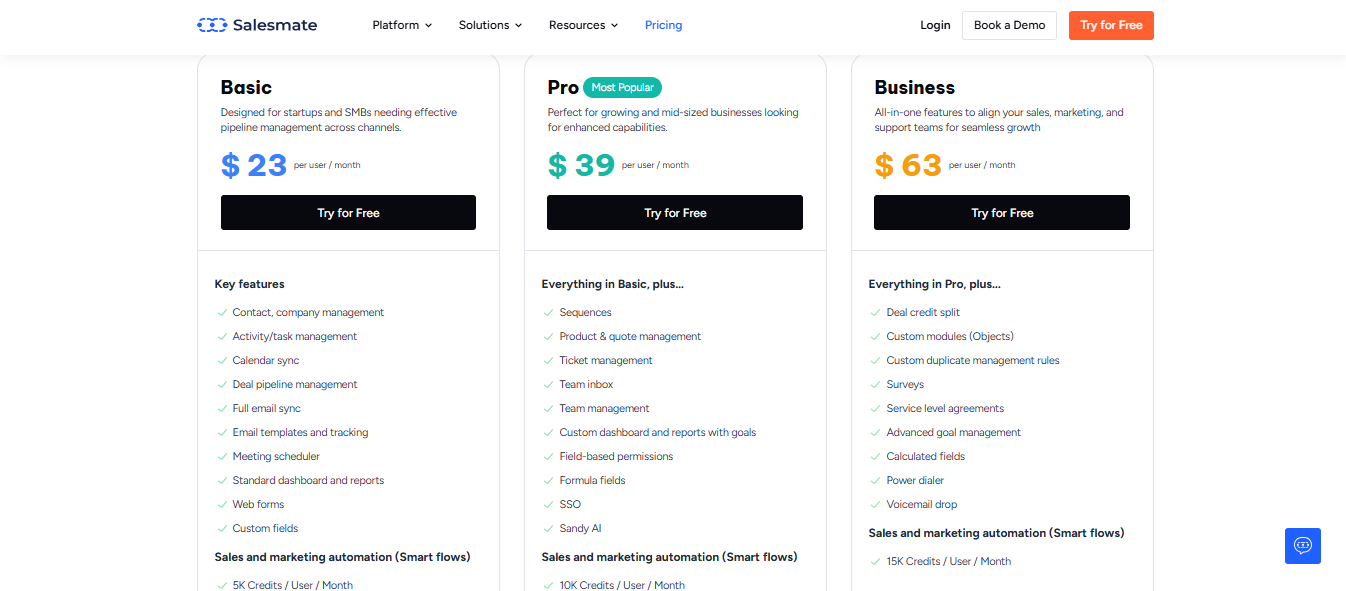
Email and SMS sequences inside a CRM with time zone sending
Hunter
Email finding + outreach
Find contacts and add them to sequences without switching tools
1. Salesforge
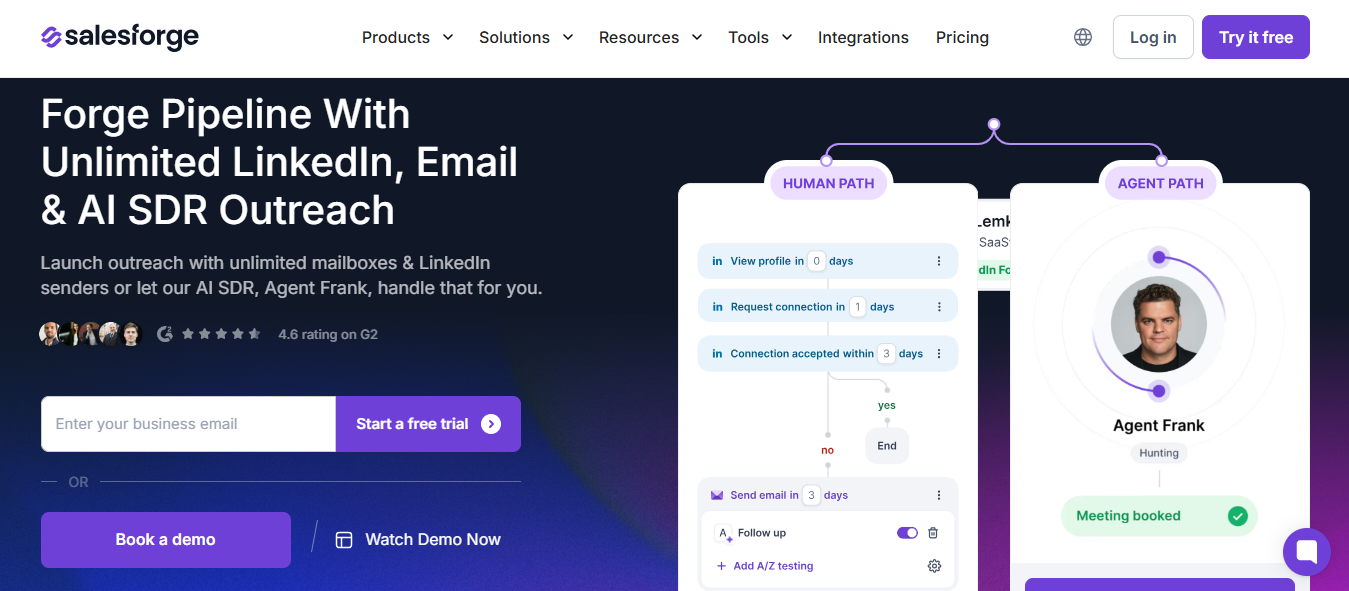
This image shows the Salesforge homepage
Salesforge is the tool I lean toward when sequences need to go beyond email.
Most tools here handle email well.
But when I ran campaigns across both email and LinkedIn, managing them in separate tools slowed things down.
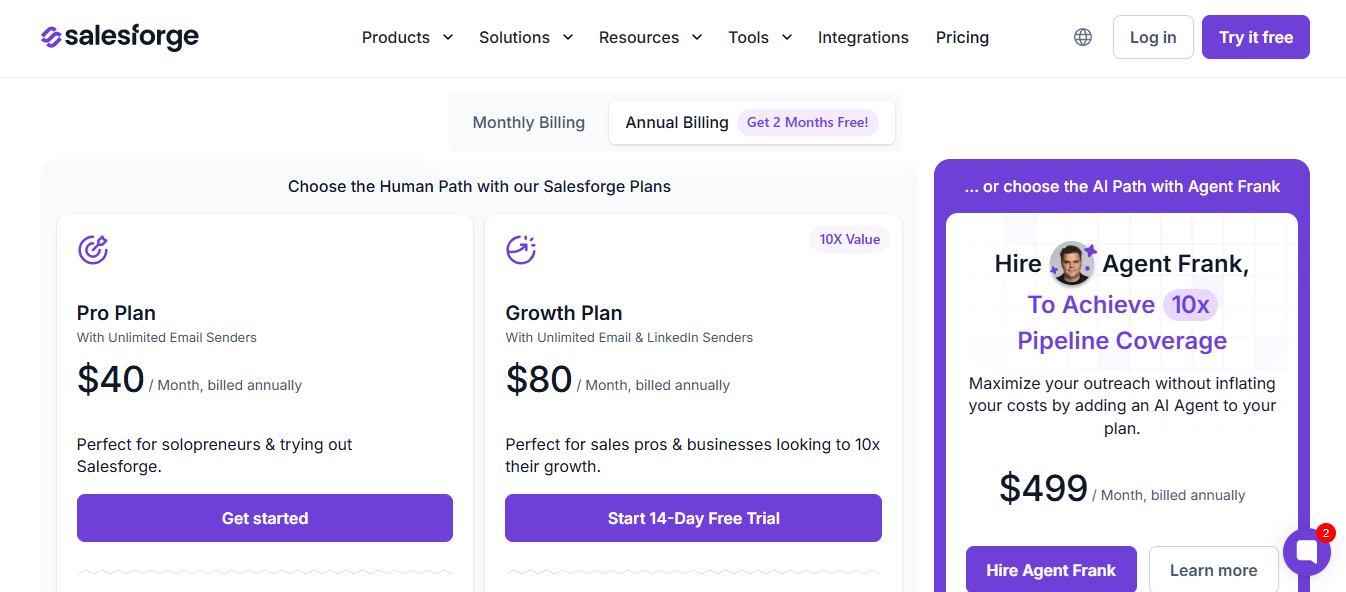
Agent Frank: from $599/month (or $499/month billed annually)
2. Smartlead
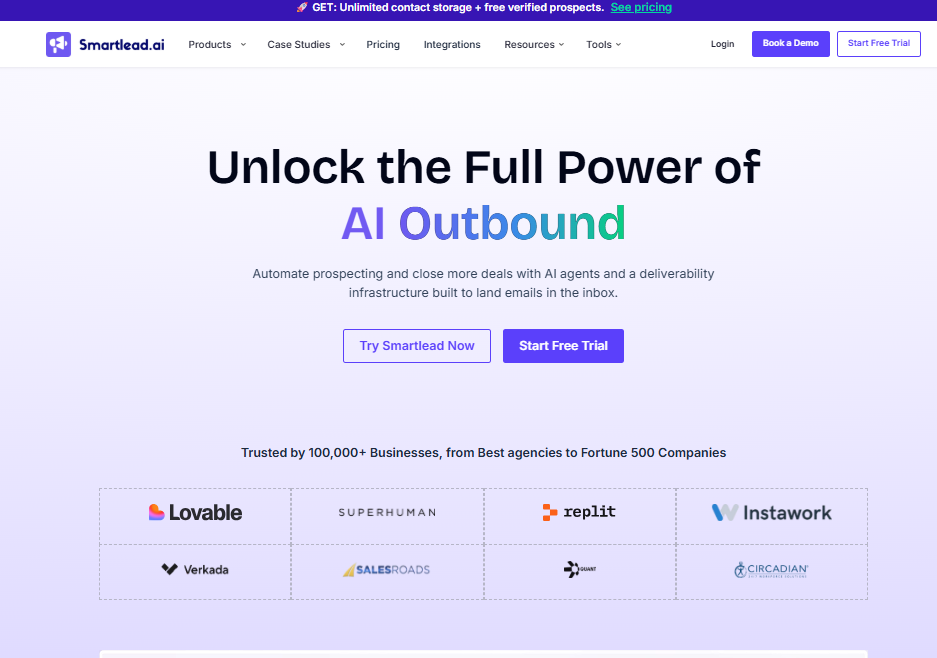
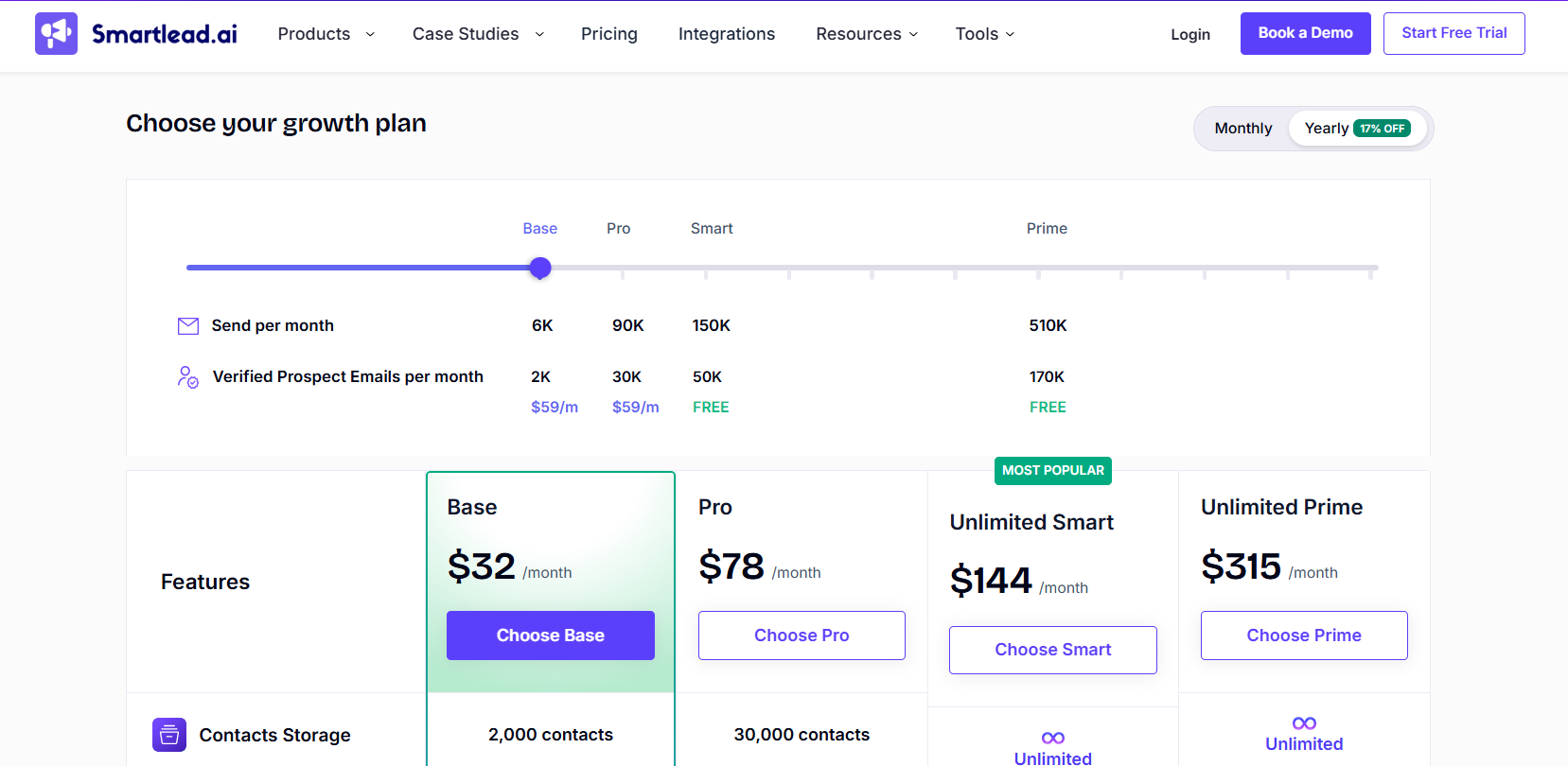
Smartlead is an email sequence software built for teams running high-volume cold outreach without sacrificing deliverability.
You can connect unlimited email accounts to a single workspace with no per-inbox pricing.
Warmup runs automatically in the background through tiered warmup pools, Foundation, Growth, Premium, and Ultra Premium, tracked across six real deliverability factors.
Once accounts are connected, you build sequences in the campaign editor.
You can do this manually or through SmartAssistant, the built-in AI co-pilot that writes full multi-step sequences from a single conversational prompt.
If a lead replies, opens, clicks, or goes cold, Smartlead automatically adapts the follow-up sequence based on that behavior.
When a prospect hits peak engagement inside a sequence, SmartDialer brings calling directly into the same workflow. You see the full email context, prior touchpoints, and sequence history on every call. Notes are auto-logged and synced to your CRM after each conversation so nothing breaks the momentum.
For teams already working inside AI tools, Smartlead also has a native MCP server that connects directly to Claude. You can fetch real-time campaign stats, run deliverability diagnostics, check sequence performance, and manage your Smartlead account without leaving your Claude chat interface.
Key Features of Smartlead
Multi-step behavior-based email sequences with automated follow-ups
Unlimited email account connections with no per-seat or per-inbox fees
Ultra Premium Warmup across tiered pools tracked on six deliverability factors
SmartAssistant AI co-pilot for writing and launching sequences through conversational prompts
SmartDelivery for pre-send inbox placement testing before campaigns go live
SmartDialer for multichannel calling with full sequence context, auto-logged notes, and CRM sync on every call
Native MCP server for managing Smartlead sequences and campaign data directly inside Claude
SmartAgents for fully automated outbound workflows running around the clock
SmartProspect with 3x verified lead sourcing and free lead storage included
Unified Master Inbox for all replies across unlimited mailboxes and client accounts
Powerful APIs and automation for connecting into any CRM or custom pipeline
White-label support for agencies managing multiple client workspaces
Pros and Cons
Pros
Cons
Unlimited mailboxes on all plans with no per-seat pricing
Feature depth creates an initial learning curve
Pre-send inbox placement testing via SmartDelivery
Email-first; native LinkedIn sequencing not built in
SmartDialer brings calling into sequences with full context
Native Claude MCP integration for managing campaigns inside AI tools
SmartAgents run outbound workflows 24 hours a day
Built-in lead sourcing via SmartProspect removes need for a separate tool
Multi-step sequences across email, LinkedIn, and phone calls
Conditional branching based on prospect behavior per step
AI sequence generator that builds full campaigns from your ICP
Waterfall email enrichment from up to 10 data providers
Built-in email warmup included on all plans
Subsequences triggered by reply keywords, lead status, or link clicks
Up to 79 languages for AI-generated sequence emails
Unified inbox for all email, LinkedIn, and call replies
Pros and Cons
Pros
Cons
Multichannel sequences with conditional branching
AI builds full campaigns, including leads and messaging
Large leads database with waterfall enrichment
LinkedIn automation is only available on the Multichannel Expert plan
Enrichment credits add up at high volume
Sequence structure cannot be changed after launch
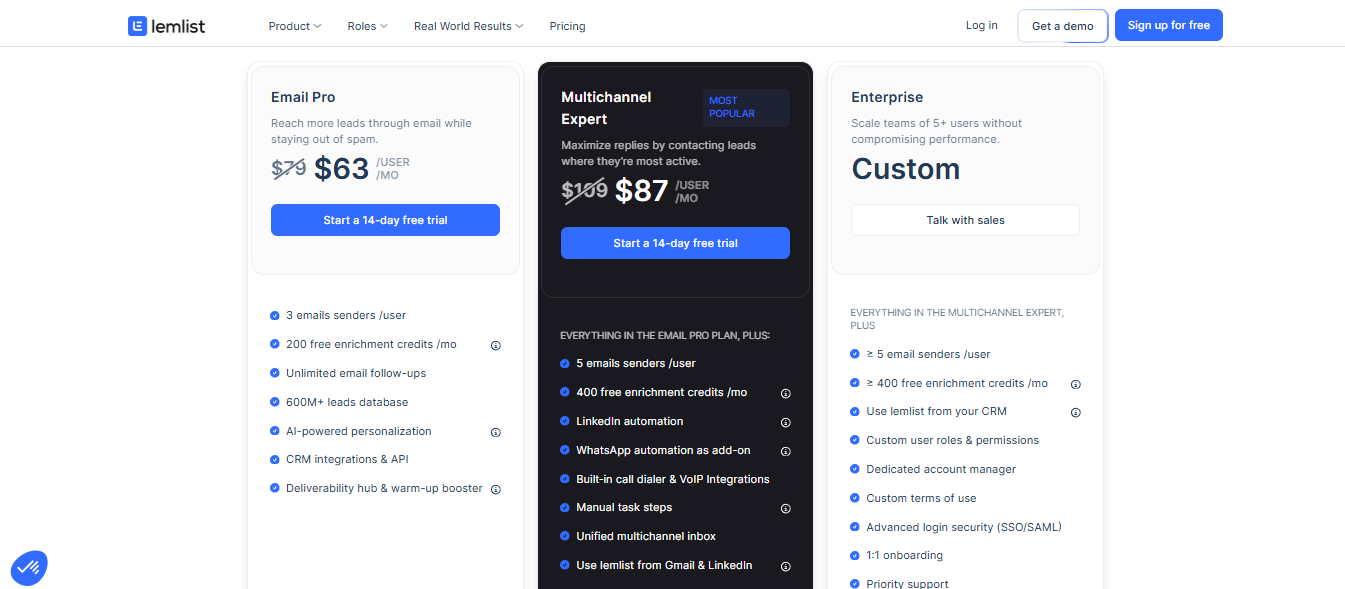
Lemlist Pricing
This image shows the Lemlist pricing
Email Pro: $79/month per user (monthly) | $63/month (yearly)
Multichannel Expert: $109/month per user (monthly) | $87/month (yearly)
Enterprise: Custom pricing
4. Outreach
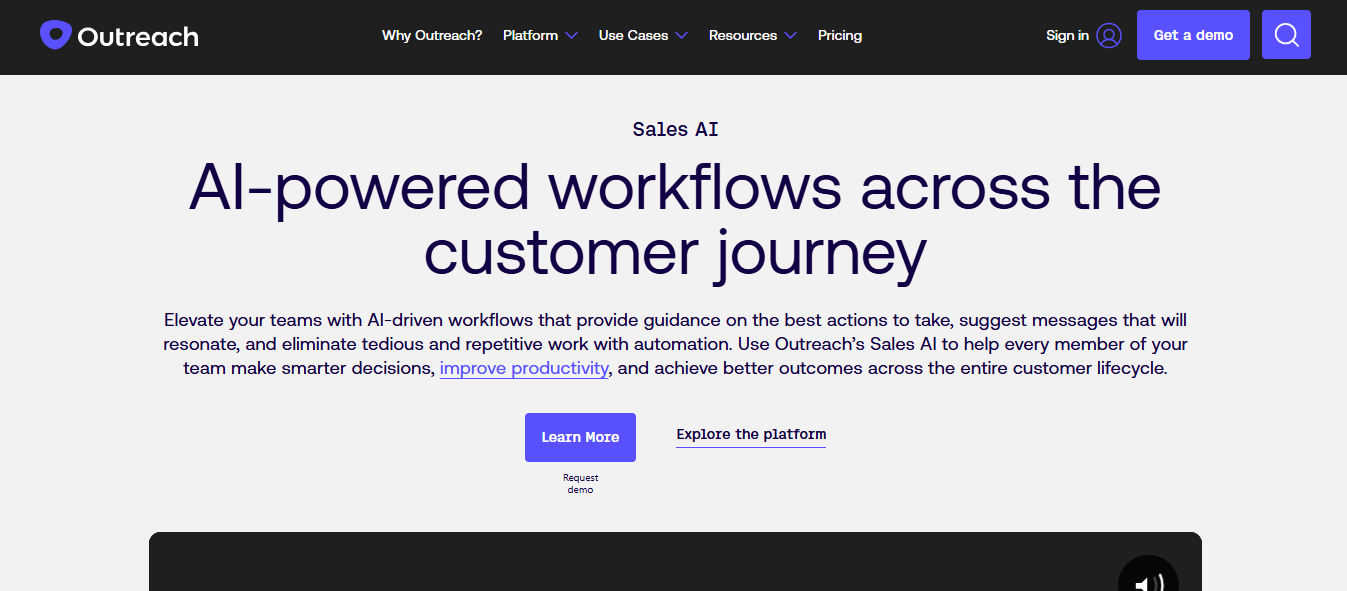
This image shows the Outreach AI homepage
Outreach is email sequence software built for sales teams that run structured, multi-step outreach across email, calls, LinkedIn, and manual tasks.
You build sequences called cadences.
These are a series of touchpoints that move prospects through a defined set of steps.
Each step can be an automated email, a manual email, a phone call, a LinkedIn task, or a generic task reminder.
Steps by day interval works for ongoing outreach campaigns.
Steps by exact date/time work for one-time events like webinars or conferences.
Outreach also includes AI Agents.
These tools handle research, personalization, and data enrichment before your reps send anything.
Key Features of Outreach
Multi-step sequences combining email, calls, LinkedIn, and manual tasks
Auto and manual email steps within the same sequence
Trigger-based enrollment from CRM field values
Sequence schedules with time zone configuration per sequence
AI agents for prospect research and email personalization
Sequence reporting per step — deliveries, opens, clicks, bounces
Built-in dialer for call steps within sequences
Post-call conversation intelligence linked to sequence activity
Pros and Cons
Pros
Cons
Sequences combine email, calls, LinkedIn, and manual tasks
Trigger-based automation adds prospects from CRM data
AI Agents handle research and personalization
Pricing is custom, no public rates available
Setup requires admin-level governance access
Not built for high-volume cold outreach at low cost
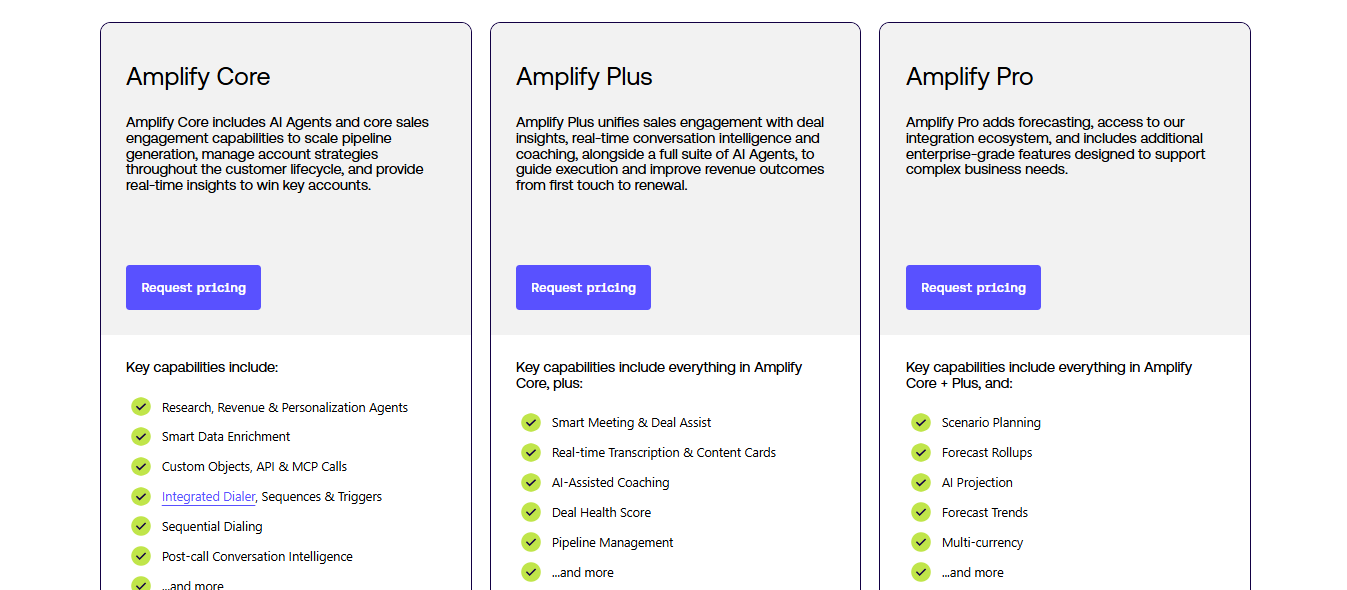
Outreach Pricing
This image shows the Outreach io pricing
Outreach does not publish fixed pricing.
All plans are custom and quoted per user.
5. Saleshandy
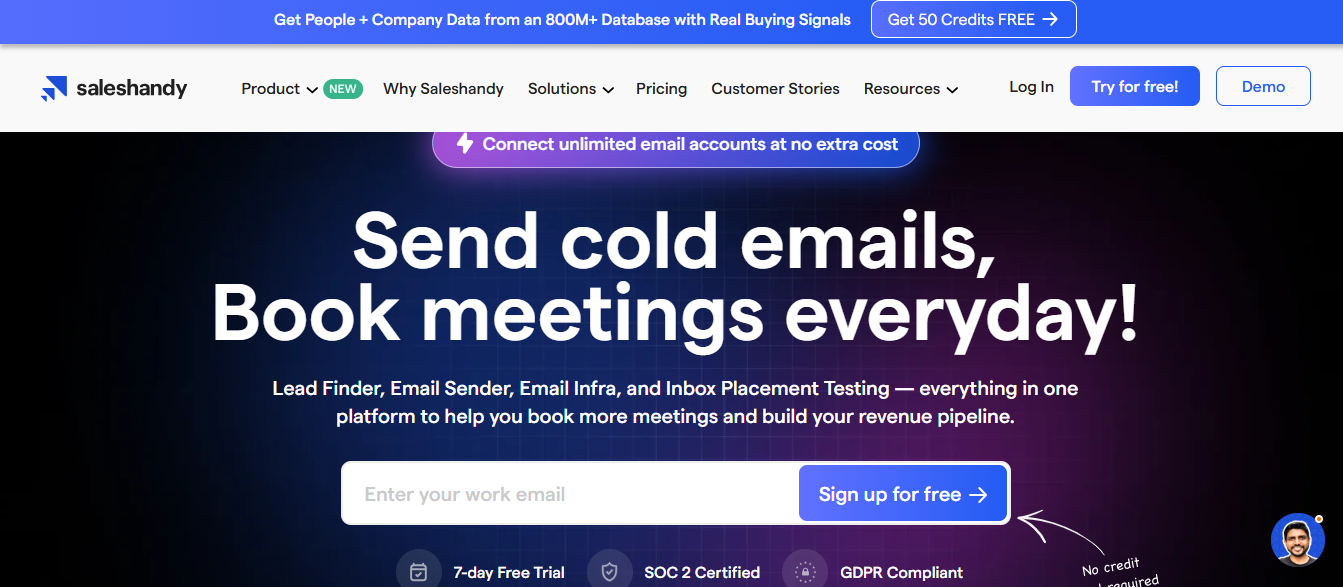
This image shows the Saleshandy homepage
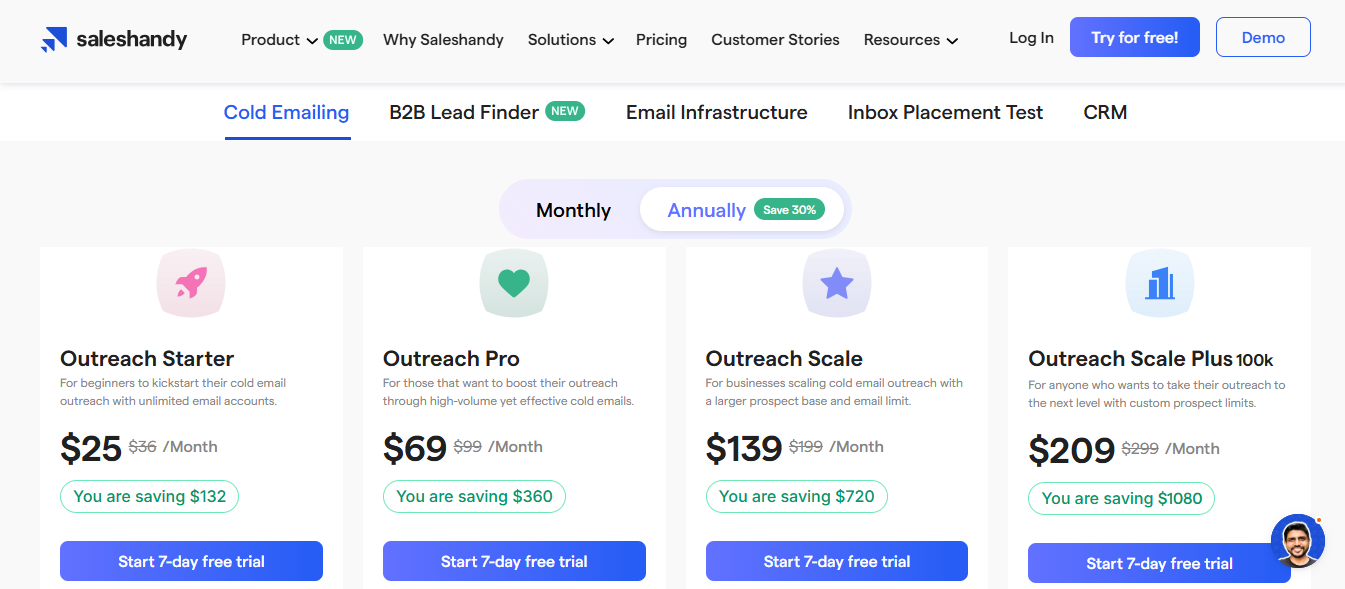
Saleshandy is email sequence software that lets you run multi-step cold email outreach with automated follow-ups, A/Z testing, and behavior-based subsequences.
You connect your email accounts and import your prospect list.
Then write your sequence steps and set the sending schedule.
Before you launch, Saleshandy gives you a Sequence Score.
It checks your email account health, writing quality, and sequence setup to flag issues before your first email goes out.
You can add up to 26 variants per step.
This lets you test different subject lines, email copy, and CTAs.
Subsequences trigger a separate follow-up flow automatically.
This happens when a prospect opens, clicks, replies, or hits a specific step count.
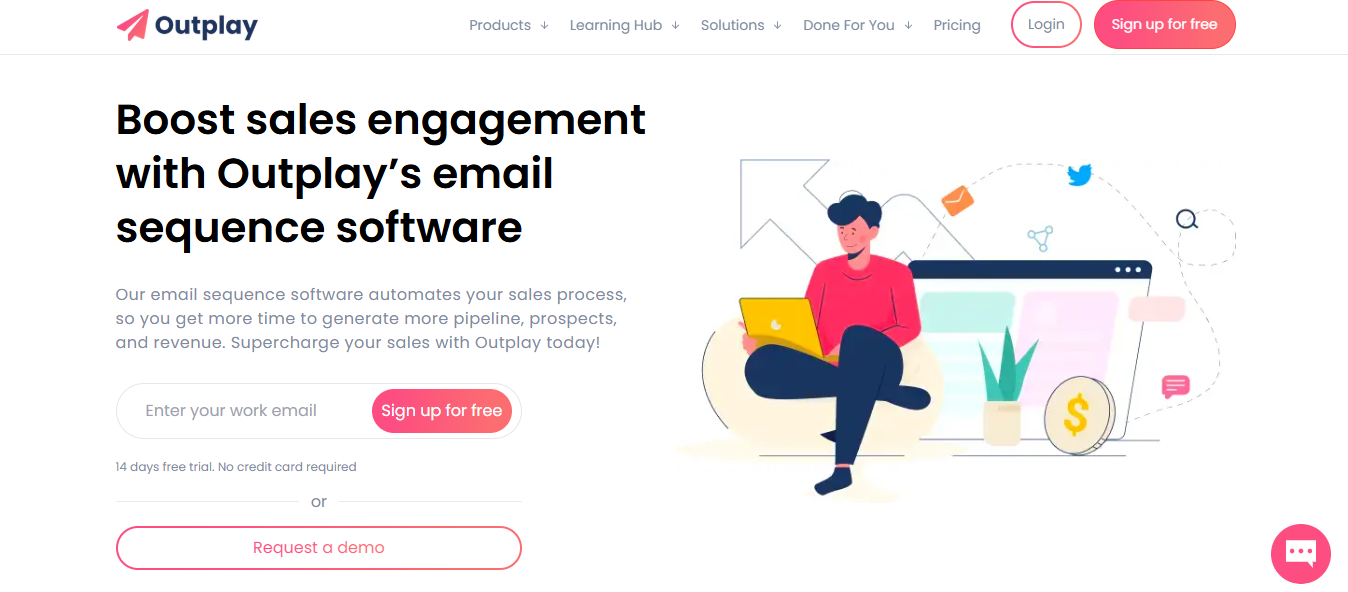
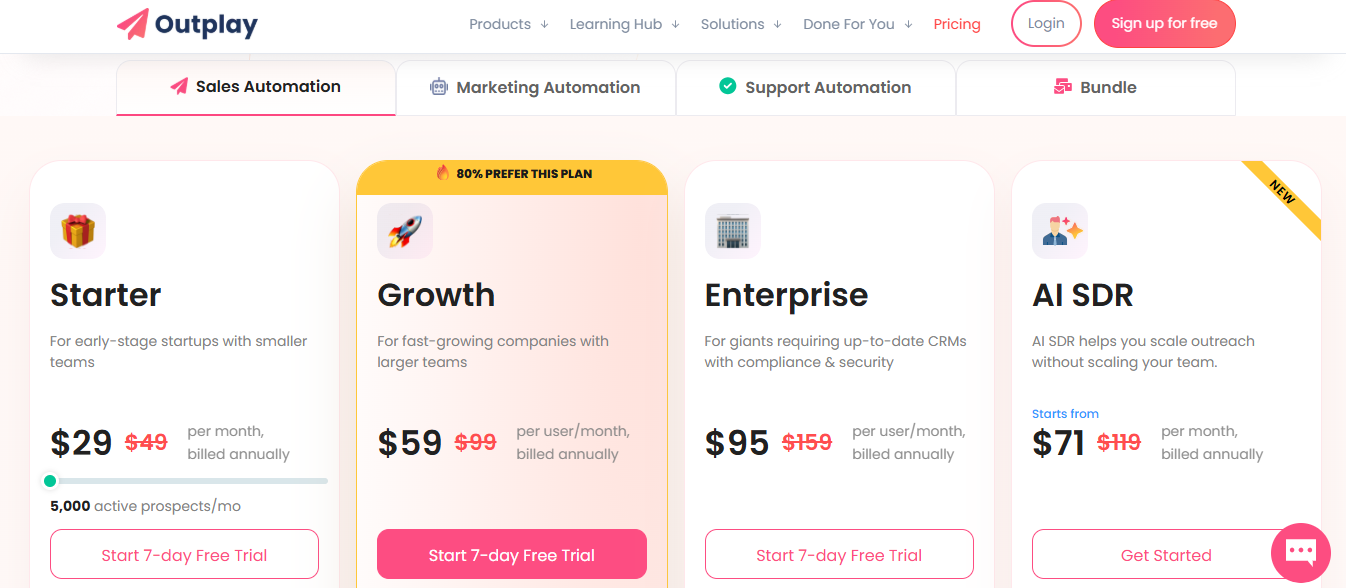
Outplay is email sequence software that lets you run outreach across email, calls, SMS, LinkedIn, Twitter, WhatsApp, and outbound chat from one platform.
You build sequences step by step.
Each step defines a task like sending an email, making a call, or leaving a LinkedIn comment, and the day it should happen.
Automatic email steps are sent on their own.
Manual steps create tasks in your queue so you know exactly what to do and when.
You can set enrollment limits per sequence.
This controls how many prospects enter each day and how many stay active at once.
Key Features of Outplay AI
Multi-step sequences across email, calls, SMS, LinkedIn, Twitter, and WhatsApp
Auto and manual email steps within the same sequence
A/B testing on email variants per step
AI sequence writer for automated email generation
Enrollment throttling to control daily prospect entry per sequence
Sequence prioritization to control execution order across sequences
If you are running email-only campaigns, tools like Instantly or Saleshandy are enough.
If you want leads and sequences in the same place, Apollo or Lemlist are a better fit.
If you manage structured or enterprise workflows, Outreach or Outplay fit better.
If you are running multi-channel outbound across email and LinkedIn, managing multiple mailboxes, and want to automate prospecting and follow-ups, Salesforge makes more sense.
Simple rule:
Email only means using a sending tool.
Leads plus outreach means using a combined platform.
A full outbound system means using a connected stack.
Personalized Outbound Strategy
Get The Right Outbound Strategy In Minutes
Enter your email to get a custom plan & stack recommendation for your
business
It's being carefully crafted by AI
Please check your mailbox in 5 minutes
Conclusion: What is the best email sequence software?
The right tool depends on how you run outbound.
If your workflow is email-only, most tools here will get the job done.
But once you start adding more channels, more volume, or more automation, the gaps show up.
That’s what I’ve seen across teams.
Managing leads, sequences, inboxes, and infrastructure across separate tools adds friction.
That’s where a connected setup makes a difference.
With Salesforge, I can run email and LinkedIn in one sequence, manage replies in Primebox™, and plug into the rest of the Forge stack when needed.
Start your 14 day free trial, create and set up your first multi-channel sequence in under 15 minutes.
Rent LinkedIn accounts to scale outreach safely and effectively in 2026. Discover top providers with verified profiles, low ban rates, and smart automation.
You don't need 8 platforms to start booking meetings. I broke down 12 sales tools across outreach, lead finding, email infrastructure, warmup, CRM, and scheduling – only the ones that earn their spot when every dollar counts.