LinkedIn growth has changed from a manual activity into a connected workflow. A team may start with a LinkedIn profile, but the real work usually continues across enrichment tools, outbound platforms, CRMs, spreadsheets, content systems, and reporting dashboards.
MCP servers matter because they let AI assistants work across those systems with structured tool access. Instead of asking an AI assistant to only write a LinkedIn message, a user can ask it to research a prospect, enrich the account, prepare a LinkedIn touchpoint, draft an email follow-up, update a CRM field, and summarize the next action.
This guide focuses on practical LinkedIn growth, not MCP novelty. The goal is to help you understand what each tool actually offers through MCP or MCP-style workflows, where it fits in the LinkedIn growth stack, what it does not solve, and which option makes sense for your use case.
If you are comparing MCP Servers for LinkedIn Outreach, start with the workflow, not the acronym.
LinkedIn outreach does not fail because the first message took too long to write. It fails because the profile was not enriched, the sender was not controlled, the reply was not routed, the email fallback never fired, and nobody checked whether the sequence created pipeline.
MCP changes the operator layer. Instead of asking an AI tool to write a message and then copying that message into five dashboards, you can connect the AI client to the outbound tools that already hold your prospects, sequences, inboxes, senders, and campaign data.
That is useful. It is also easy to overstate.
Imp Note: MCP does not erase LinkedIn’s platform rules. LinkedIn does not allow third-party software or browser extensions that scrape, modify, or automate activity on its website, and operators should treat that as a practical boundary, not fine print hidden under the buying decision (LinkedIn automated activity policy).
The right MCP server is the one that turns LinkedIn into one controlled step inside a real outbound system.

My opinion: Salesforge is the strongest default if the goal is pipeline coverage from LinkedIn plus cold email. HeyReach wins if LinkedIn sender scale is the whole job. Clay wins if the team needs better account intelligence before any message is sent.
Anthropic introduced Model Context Protocol as an open standard for secure, two-way connections between AI tools and external systems (Anthropic’s MCP launch note). In outbound terms, that means the AI client can work with live tools instead of only producing text.
That difference matters because LinkedIn outreach is not one action. It is a chain:
A normal AI chat can write a connection request. An MCP-connected workflow can ask the right tool to find prospects, enrich them, add them to a sequence, check sender constraints, and pull campaign performance.
Do not treat MCP as a permission slip for reckless automation. If a vendor automates LinkedIn actions, you still need sender limits, account separation, conservative pacing, and a clear view of what happens when an account is restricted. MCP is the operating layer. It is not a risk shield.
This is a documented-source evaluation, current as of May 2026. I did not run hands-on tests inside each vendor account. The five tools were supplied in the brief, and each was judged against official product pages, help docs, pricing pages, and public vendor materials.
I evaluated each option across six dimensions:
The ranking is opinionated, but not vendor-blind. Salesforge is included because it has a real MCP workflow for LinkedIn plus cold email. It is not the right pick for every buyer, and this article names those cases directly.
Read the table this way: if LinkedIn is the only channel you care about, do not buy a full outbound stack. If LinkedIn has to create a pipeline, not just accepted connections, you need enrichment, email fallback, inbox handling, and reporting around it.
Salesforge MCP is the best fit when LinkedIn is one touchpoint inside a larger outbound machine.
The Forge MCP Server connects the Salesforge stack to MCP clients such as Claude, Cursor, and Windsurf, then lets operators run outbound work through natural-language commands.
The workflow includes creating and enriching prospects, building LinkedIn and email outreach sequences, managing domains and mailboxes, and tracking campaign performance
Salesforge MCP workflow guide
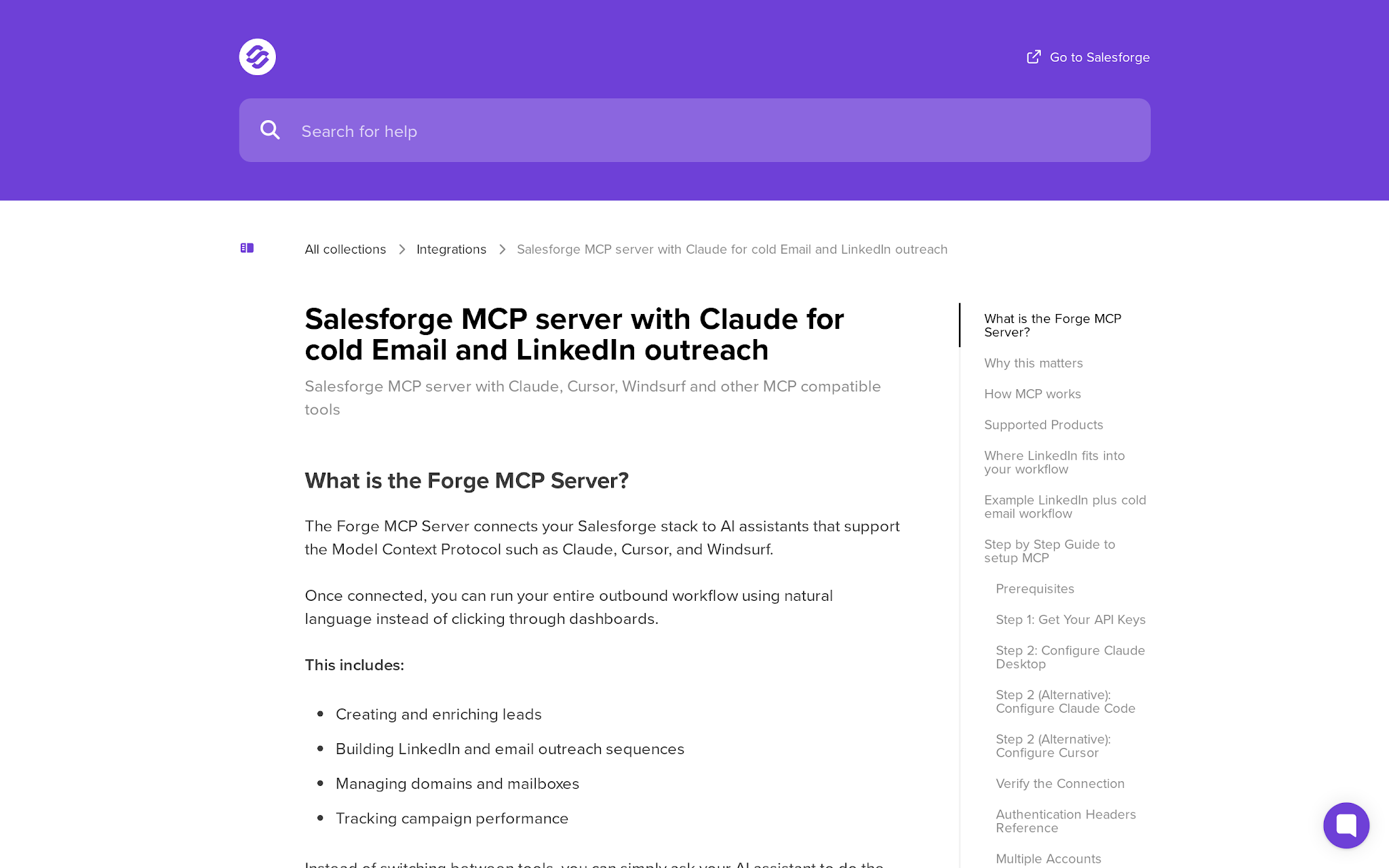
That matters because most LinkedIn outreach breaks after the profile touch. A prospect accepts, replies with mild interest, or does nothing. If the system cannot enrich that person, route them into the right follow-up path, and keep email infrastructure healthy, you get activity without pipeline coverage.
Salesforge is strongest when the workflow is ordered like this: Leadsforge for prospecting and enrichment, LinkedIn actions for the first touch, Salesforge sequences for email fallback and reply handling, Warmforge/Mailforge/Primeforge/Infraforge for sender infrastructure, then performance review.
Salesforge MCP is broad because it sits across the Forge stack. For LinkedIn outreach, the practical capabilities are:
The key point is not that the AI client writes a better first line. The key point is that it can call the outbound system that holds the prospect, sequence, mailbox, and campaign state.
Salesforge is the strongest option here when setup needs to cover more than LinkedIn. The MCP workflow can touch prospecting, enrichment, sequences, sender profiles, domains, mailboxes, validation, DNC lists, and performance data, so access design matters.
For a real team, that means 2 rules.
The upside is control. Because Salesforge sits next to Mailforge, Warmforge, Infraforge, Primeforge, and Leadsforge, the same operating flow can connect profile discovery, email validation, infrastructure, warmup, LinkedIn touches, email fallback, and reply handling.
How to setup MCP in Salesforge
The security tradeoff is breadth. A broader MCP server can do more useful work, but it also deserves stricter permission hygiene and clearer prompt playbooks.
Salesforge’s Growth plan is the practical starting point for LinkedIn outreach at scale. It is listed at $80/month billed monthly and includes 10,000 active contacts in sequence, 50,000 emails per month, 1,000 validation credits, 1,000 personalization credits, 300 social action credits, unlimited LinkedIn senders, unlimited mailbox connections, warmup, workspaces, and users
The Pro plan can work for smaller operators, but Growth is where the LinkedIn-plus-email motion starts to make operational sense. Social action credits matter because LinkedIn profile views, connection requests, and messages consume that bucket.
If your workflow needs an AI SDR on top of the stack, Agent Frank sits in the AI path rather than the base software path. That is a different buying decision: do you want the team to operate the system, or do you want Agent Frank to run prospecting and execution under a managed workflow?
Use Salesforge MCP when LinkedIn outreach needs to create a pipeline, not just send connection requests. It is the cleanest pick for teams that want LinkedIn touches, verified contacts, cold email fallback, mailbox infrastructure, warmup, sender management, reply handling, and performance review in one operating flow.
That makes it especially useful for outbound teams, agencies, and founders who have moved beyond one-channel outreach. Instead of stitching a LinkedIn sender tool to separate enrichment, validation, warmup, sequencing, and reporting systems, Salesforge lets the MCP layer coordinate the wider workflow from prospect discovery to follow-up.
The main caveat is simple: if your only job is managing many LinkedIn accounts and every other outbound layer is already solved, a LinkedIn-specialist tool may feel narrower. But for growth teams that need LinkedIn plus email fallback and infrastructure in the same motion, Salesforge MCP is the more scalable starting point.
Compare Salesforge pricing for LinkedIn sender scale
HeyReach MCP is the LinkedIn specialist in this list.
HeyReach connects Claude, ChatGPT, and other AI tools to LinkedIn campaign work, then supports actions such as creating personalized messages, tagging replies by sentiment, segmenting CRM prospects, and sending prospects to HeyReach without custom API work.
That focus is useful. If your outbound motion is LinkedIn-first and account-scale is the bottleneck, HeyReach has the clearest product posture.
The buying case is built around unlimited campaigns, all LinkedIn actions, a unified inbox, integrations, API and webhooks, workspaces and permissions, and an MCP server for creating campaigns, splitting prospect lists, tagging replies, and sending data to CRM.
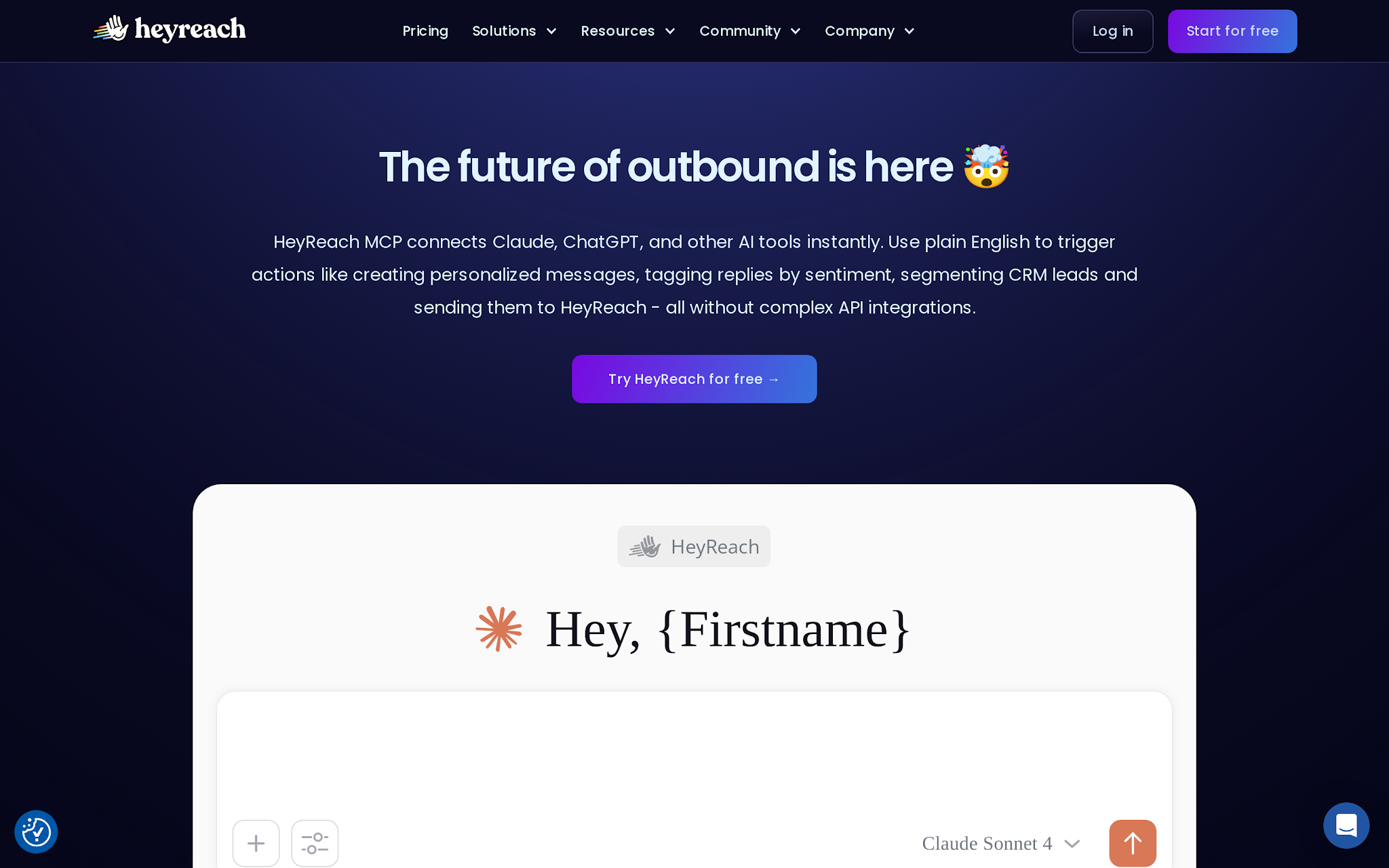
For LinkedIn outreach, HeyReach MCP is built around execution and account operations:
This is exactly where a LinkedIn-first team feels the pain. The issue is not only writing the message; it is moving the right prospect into the right campaign, from the right sender, without losing replies across accounts.
HeyReach setup is attractive when the team already thinks in LinkedIn accounts, workspaces, and campaign operations. The MCP is useful because it puts campaign actions, list segmentation, reply tagging, and CRM handoff behind an AI client instead of forcing operators to jump between dashboards.
The risk is also direct: HeyReach sits close to LinkedIn execution. That means operators should set conservative daily activity rules outside the prompt layer and keep client workspaces separated. If one sender account has a problem, the blast radius should not spread across every campaign.
For agencies, the governance question is simple. Can each client, sender, inbox, and campaign be separated cleanly enough that a prompt for Client A never changes Client B’s campaign? If the answer is yes, HeyReach becomes a strong LinkedIn control room.
HeyReach pricing is sender-led. The Growth plan starts at $79/month for one sender, with selectable sender counts. The Agency plan is listed at $999/month for 50 senders, and the Unlimited plan is listed at $1,999/month with a fair-use cap of 500 senders unless support approves more.
That pricing makes more sense when you manage multiple LinkedIn accounts. A solo founder with one sender will feel the cost differently than an agency managing client workspaces and many campaigns.
The buying advice is simple: choose HeyReach when LinkedIn execution is the center of the workflow and email is handled somewhere else. If you need mailbox infrastructure, warmup, validation, and email fallback in the same operating system, Salesforge is broader.
HeyReach is the better pick for a LinkedIn agency that already has a separate cold email stack and wants dedicated sender management, shared inbox workflows, workspace separation, LinkedIn actions, and client-scale permissions.
That is not a small edge case. Agencies often care more about account separation and repeatable LinkedIn campaign operations than about owning another email infrastructure layer.
Do not choose HeyReach as the primary MCP server if your real problem is pipeline coverage across LinkedIn and cold email. HeyReach can connect to other tools, including email platforms, but its center of gravity is LinkedIn execution.
If your bottleneck is deliverability, domain setup, mailbox rotation, enrichment quality, or email fallback, start with a broader outbound system.
lemlist MCP is for teams that want one campaign layer across several channels.
lemlist MCP gives Claude, ChatGPT, and MCP-compatible agents access to outbound actions covering prospect search, enrichment, sequence building, campaign management, analytics, and optimization.
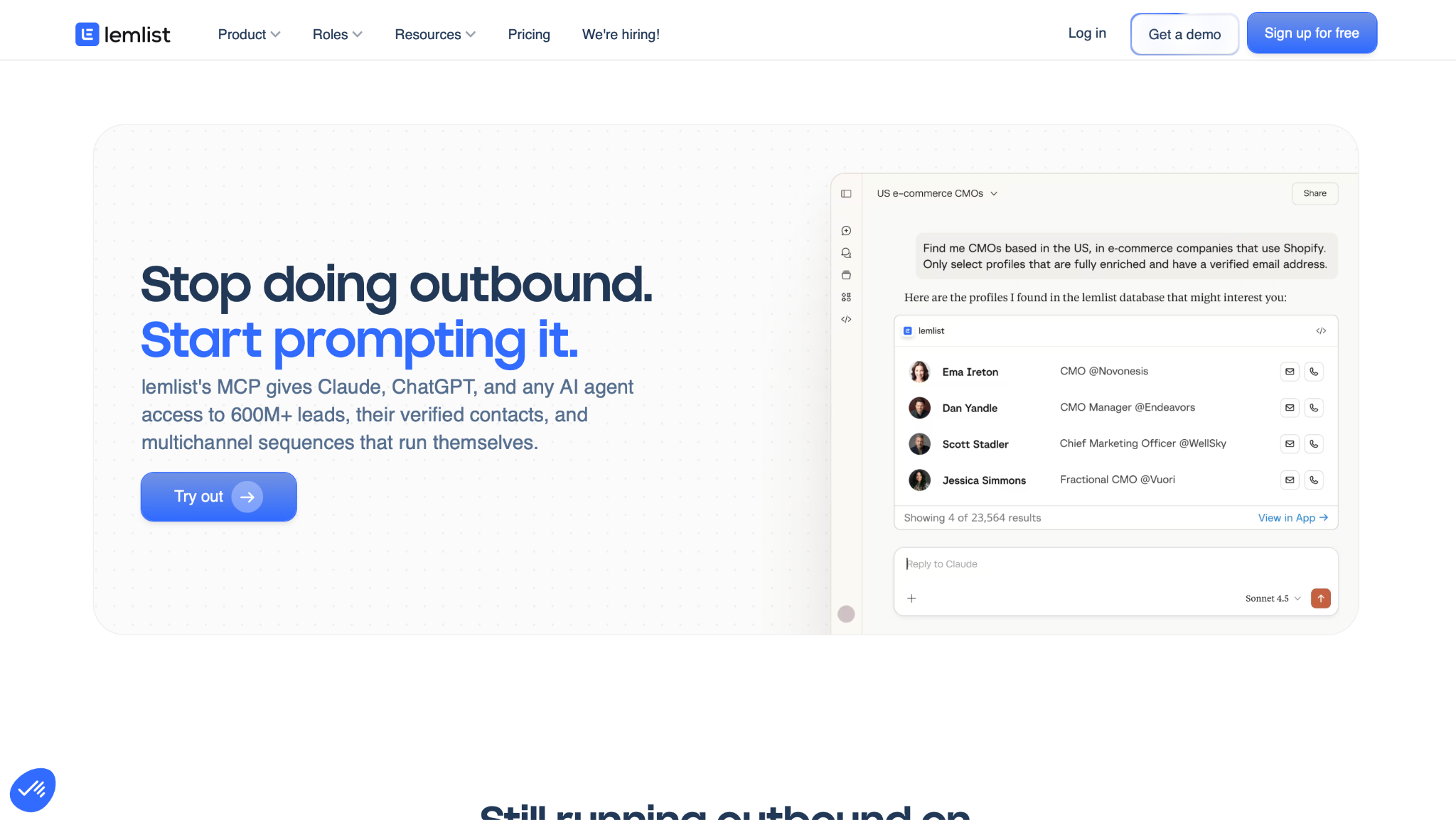
The MCP exposes 40+ actions and can search large contact databases, enrich with verified emails and phone numbers, create multichannel sequences covering email, LinkedIn, and calls, launch campaigns, pull analytics, and optimize underperforming steps.
That makes lemlist a strong fit when LinkedIn is part of a campaign, not a standalone operation. The platform also positions multichannel outreach across email, LinkedIn, calls, WhatsApp, SMS, and unified inbox workflows.
For LinkedIn outreach, lemlist MCP is useful when the campaign needs multiple touches around the LinkedIn step:
The operational win is campaign consolidation. Your AI client can describe the target account, ask lemlist to enrich and sequence the audience, then review performance after launch.
lemlist MCP needs campaign guardrails because it can sit across several channels. Email, LinkedIn, calls, WhatsApp, SMS, and inbox tasks all have different failure modes. A sequence that looks efficient in a prompt can still create poor sender behavior if every channel fires without review.
The practical setup rule is to separate drafting from activation. Let the MCP build the campaign, enrich the audience, and propose the channel order. Then require a human review before launch when the campaign touches LinkedIn accounts, paid credits, or calling workflows.
This is also where cost controls matter. Multichannel tools can look cheap at the base plan and become expensive through credits, senders, phone numbers, add-ons, and deliverability extras. MCP makes it easier to run more work. That makes budget controls more important, not less.
For LinkedIn outreach, lemlist’s Multichannel plan is the relevant plan. Multichannel is priced at $109/month monthly, or $87/month on yearly billing, and includes LinkedIn automation, SMS automation, WhatsApp as an add-on, built-in calling, task management, and unlimited emails and messages.
The price is fair if your team wants campaign execution across email, LinkedIn, calls, and inbox workflows. It becomes less clean when your costs stack up across users, senders, credits, phone numbers, WhatsApp, extra domains or mailboxes, and deliverability add-ons.
Use lemlist when consolidation is worth more than deep specialization. Do not use it only because MCP sounds efficient.
Do not choose lemlist if you need dedicated LinkedIn agency sender economics like HeyReach or full outbound infrastructure separation like Salesforge. lemlist is a campaign platform first.
It also may be too much if your team only wants a research layer before outreach. Clay fits that research-first use case better.
Clay MCP is the odd one out, and that is why it belongs in the list.
Clay is not primarily a LinkedIn sender. It is the best fit when the LinkedIn outreach problem starts before the message: identifying the buying committee, enriching contacts, scoring accounts, packaging RevOps workflows, and giving reps better context inside Claude or ChatGPT.
Clay MCP lets reps find ICP contacts, enrich prospects with context, and run Ops-built workflows like enrichment waterfalls, qualification, and outbound sequences from chat. Users can prompt Clay to find buying committees, pull VP-and-above contacts across functions, return names, titles, tenure, and contact info, and run custom Functions.
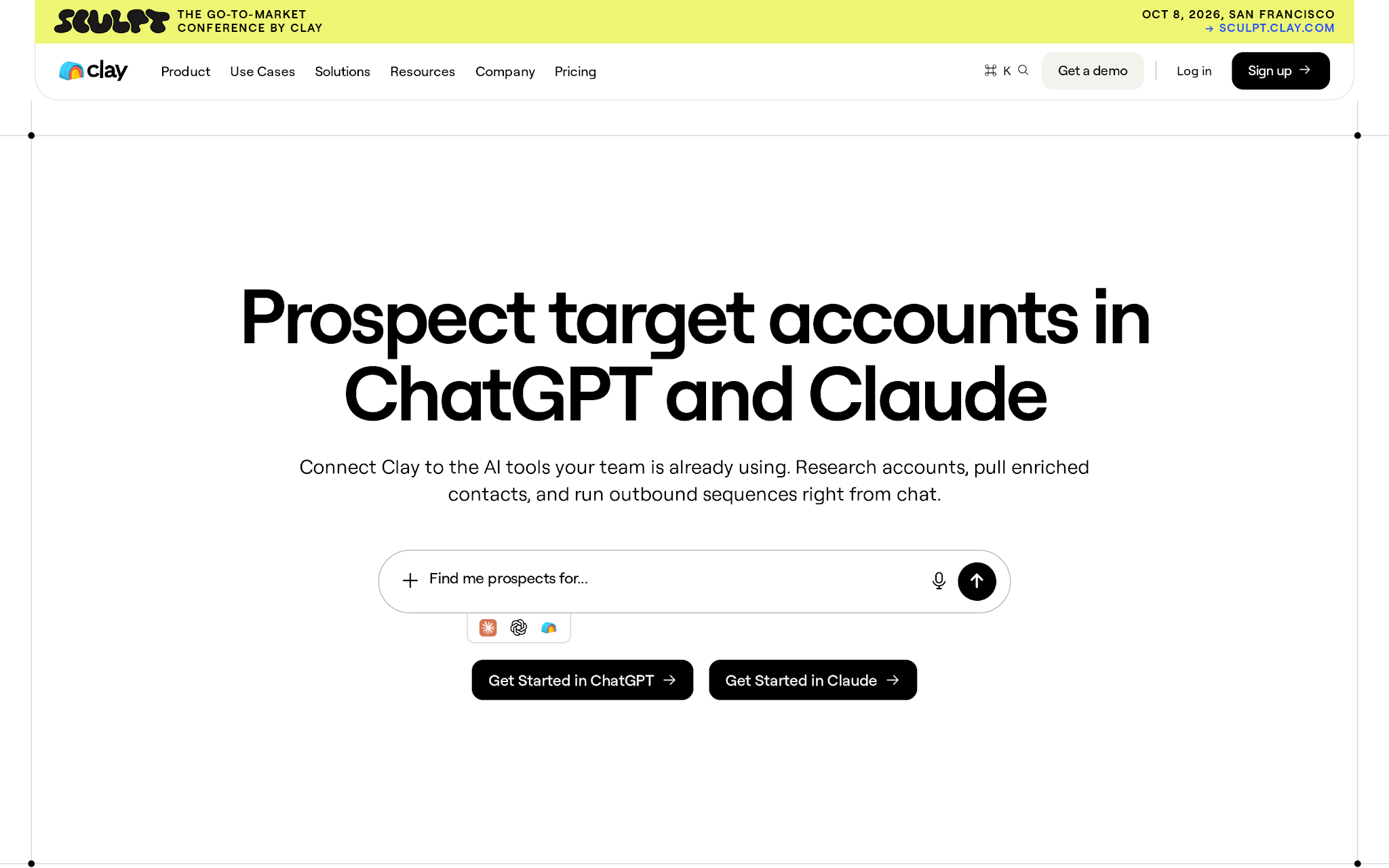
From LinkedIn profile to outreach-ready account intelligence
Clay MCP is strongest before the LinkedIn action:
That is a different kind of MCP value. Clay gives the AI client better account intelligence. The actual LinkedIn sending still needs another system if you want automated execution.
Clay is lower risk than a LinkedIn execution tool in one sense: it is usually preparing data, research, and messaging before the send. But it can still burn credits and push bad assumptions downstream if the workflow is loose.
The best Clay MCP setup gives reps access to approved Functions instead of asking every rep to invent research workflows from scratch. RevOps can package the enrichment waterfall, qualification logic, and messaging inputs, then let reps call those workflows from ChatGPT or Claude.
Credit limits are not just finance controls. They are quality controls. If a rep can spend unlimited credits on shallow prompts, the team gets noisy data and expensive research. If each workflow has a clear output, Clay becomes the intelligence layer that makes LinkedIn touches more relevant.
Clay pricing is credit-based, and the buying decision should be based on enrichment intensity rather than LinkedIn message volume. Plan costs, credit usage, rollover rules, and fixed-price versus variable AI model usage determine the real monthly cost.
Clay MCP also includes controls that matter for teams: credit limits can cap how many Clay credits a rep spends through ChatGPT or Claude in a month.
Pick Clay when the expensive failure is bad targeting. If reps keep sending LinkedIn messages to the wrong person at the right account, or the right person with shallow context, Clay should sit before your sequence tool.
Clay beats Salesforge, HeyReach, lemlist, and Saleshandy when the team needs research-first RevOps workflows more than campaign execution.
For example, if your GTM team sells into enterprise accounts and needs Finance, IT, Operations, Revenue, and RevOps contacts mapped before outreach, Clay is the better first MCP server. The campaign tool comes after the account intelligence.
Do not pick Clay as your primary MCP server if you need native LinkedIn sender management, reply handling, or daily sequence execution. Clay is not the LinkedIn control room.
It is the intelligence layer. That layer is valuable, but only if you have a separate execution layer ready to use the output.
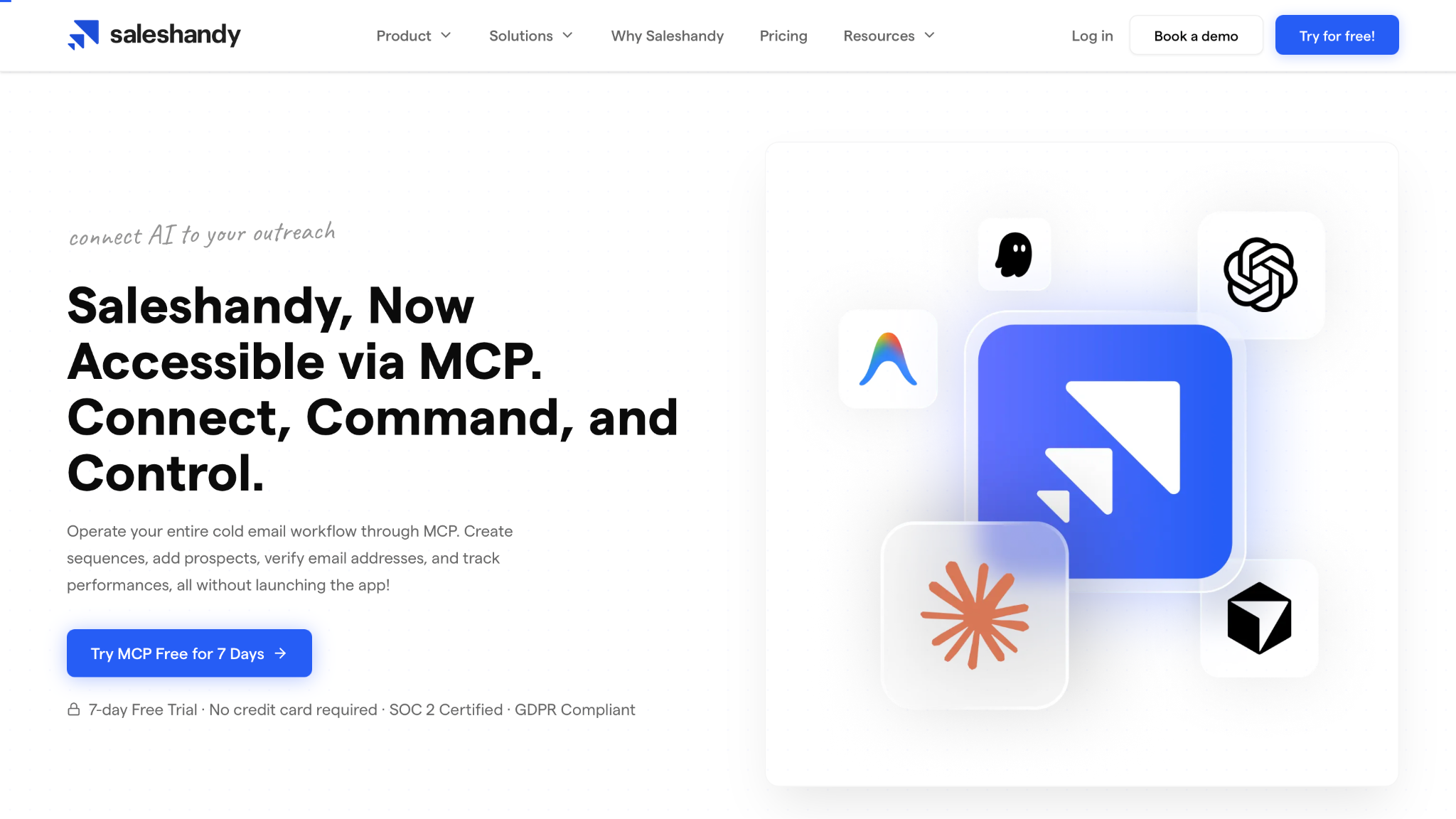
Saleshandy MCP is strongest for cold email operations, with LinkedIn as a connected step rather than the native center of the product.
Alt-text: Saleshandy MCP
Saleshandy MCP lets operators run cold email workflows through MCP: create sequences, add prospects, verify email addresses, track performance, manage prospects, update senders, control campaign status, and view live stats on replies, bounces, sender health, and tasks.
For LinkedIn specifically, Saleshandy works as a handoff layer. It can push prospects into a LinkedIn outreach campaign created in Aimfox or HeyReach. The LinkedIn outreach runs from that connected platform, and prospects need LinkedIn URLs for the push to work.
For LinkedIn outreach, think of Saleshandy MCP as an email control layer with a LinkedIn handoff:
This is useful if email is already the base motion. It is less compelling if you want one MCP server to directly own LinkedIn sender operations.
Saleshandy setup is safest when the team treats LinkedIn as a governed handoff, not as native LinkedIn control. The MCP can manage email sequences and campaign status, while the LinkedIn step depends on Aimfox or HeyReach. That extra system boundary can be useful if your team wants email operations and LinkedIn operations separated.
It also adds setup friction. Prospects need LinkedIn URLs, the connected LinkedIn platform needs the right campaign available, and failed pushes need to be handled. Missing URLs, invalid API keys, deleted campaigns, or duplicate campaign membership become operational errors, not theoretical edge cases.
That is acceptable for email-led teams. It is awkward for LinkedIn-first teams, because the MCP path has to pass through another LinkedIn tool before the channel work happens.
Saleshandy’s pricing is attractive for email-led teams, especially compared with heavier sales engagement platforms. Outreach Starter, Outreach Pro, Outreach Scale, and higher plans are organized around cold email sending, prospect limits, sender accounts, verification, and related outreach features.
The practical buying question is whether LinkedIn is a primary channel or a handoff inside an email campaign. If it is a handoff, Saleshandy can make sense. If LinkedIn sender operations are the core job, HeyReach is more direct. If LinkedIn needs email fallback, infrastructure, and enrichment in one system, Salesforge is the stronger fit.
Do not choose Saleshandy as the primary MCP server if your main requirement is native LinkedIn execution, sender rotation, multi-account LinkedIn operations, or LinkedIn-first agency workflows.
Saleshandy belongs in the shortlist when email is the command center and LinkedIn is one step in the sequence.
Most buyers compare tools by feature count. That is the wrong order.
Start with the job LinkedIn performs in your outbound system:
Which LinkedIn MCP server should you choose?
Also decide what you will not automate. A mature outbound team has a written LinkedIn operating policy: daily action ceilings, sender health checks, manual review points, reply handoff rules, and what happens when a sender shows restriction signals.
MCP should make those rules easier to execute. It should not hide them.
If your team is close to choosing Salesforge, pressure-test the workflow before you buy more tools. Start with one ICP segment, one LinkedIn touch, one email fallback path, and one reply-routing rule. Then ask whether the same system can scale to more senders without creating a manual QA queue.
Build the LinkedIn plus cold email workflow in Salesforge
The best MCP Servers for LinkedIn Outreach are not the ones with the broadest marketing claim. They are the ones that connect LinkedIn to the next real step in the outbound system.
My final ranking:
Salesforge is the most complete pick if your goal is pipeline coverage, because LinkedIn touches, verified contacts, email fallback, mailbox infrastructure, warmup, and performance tracking live in the same operating story.
HeyReach is the better pick when LinkedIn itself is the business. Clay is the better pick when bad research is costing you more than slow execution. lemlist and Saleshandy fit teams that already know whether they are multichannel-first or email-first.
The LinkedIn outreach MCP stack that becomes pipeline
If you want LinkedIn outreach to become a pipeline instead of another tab to babysit, forge the system in order: prospecting and enrichment first, LinkedIn touch second, email fallback third, infrastructure fourth, reply handling fifth, performance review always.
That is where Salesforge fits. Start with the Forge stack, connect the MCP workflow, and build LinkedIn outreach that has a path from profile to reply to booked meetings. The 14-day free trial does not require a credit card, so the right test is not “can it send a message?”
The right test is whether one prompt can move a real ICP segment through enrichment, LinkedIn, email fallback, and performance review without breaking the operating flow.
Start the Salesforge free trial

.jpg)