Your sales team does not slow down because reps are lazy.
It slows down because the workflow is full of drag. Reps hunt for contacts in one tab, enrich data in another, send outreach from another, update the CRM later, chase replies manually, then managers try to forecast from stale activity.
That feels normal until volume increases.
Then the cracks show up fast: bad lists, missed follow-ups, weak reply handling, messy CRM data, calls nobody reviews, and a forecast nobody trusts. Sales acceleration software is supposed to remove that drag, but only if you buy for the right bottleneck instead of chasing the biggest category name.
TL;DR
Salesforge - Best for teams that need cold email, LinkedIn outreach, deliverability controls, warmup, reply management, and optional AI SDR execution in one outbound workflow.
Apollo - Best for lean sales teams that want contact data, enrichment, and basic outbound from one accessible platform.
Outreach - Best for enterprise sales engagement teams that need governed sequences, revenue workflows, and RevOps control.
Salesloft - Best for mature revenue teams that want cadences, coaching, deals, analytics, and forecasting closer together.
Reply.io - Best for small teams that want multichannel outreach across email, LinkedIn, calls, SMS, and AI SDR workflows.
HubSpot Sales Hub - Best for SMB and mid-market teams that need CRM adoption, simple automation, meetings, and pipeline visibility.
Salesforce Sales Cloud - Best for complex enterprise sales teams that need deep CRM customization, reporting, governance, and automation.
Pipedrive - Best for small teams and founder-led sales motions that need simple pipeline control without enterprise CRM weight.
ZoomInfo - Best for enterprise account intelligence, contact data, enrichment, intent signals, and territory planning.
Gong - Best for sales leaders who need conversation intelligence, call coaching, deal context, and rep performance visibility.
Clari - Best for CROs and RevOps teams that need forecasting discipline, pipeline inspection, and revenue risk management.
Quick Comparison - What Is Sales Acceleration Software?
Sales acceleration software helps revenue teams move prospects through the sales cycle faster by automating manual work, surfacing buyer signals, improving outreach, tracking deals, coaching reps, and forecasting pipeline. The best tool depends on the bottleneck: prospecting, engagement, CRM execution, conversation quality, or revenue visibility.
Types Of Sales Acceleration Software
Sales acceleration breaks into five practical categories.
Sales intelligence and data tools help reps find the right accounts, contacts, signals, emails, phone numbers, and enrichment fields before outreach starts.
Sales engagement and outbound tools run the actual prospecting motion: cold email, LinkedIn, calls, SMS, sequences, follow-ups, sender rotation, and reply handling.
CRM and pipeline management tools track contacts, accounts, opportunities, stages, activities, forecasts, owners, and next steps.
Conversation intelligence and coaching tools record calls, analyze patterns, score interactions, and show managers where reps need help.
Revenue intelligence and forecasting tools inspect pipeline, identify risk, model commits, and give leadership a more defensible number.
How I Evaluated The Tools
I evaluated these tools by the buying parameters a real revenue team should use before signing a contract.
Disclosure: Salesforge is the product being positioned in this article, so I hold it to the same standard as the other tools and call out where it is not the best fit.
Workflow fit: Which bottleneck does the tool actually remove: data, outbound, CRM adoption, coaching, forecasting, or revenue governance?
User owner: Is the daily owner an SDR, AE, founder, RevOps manager, sales leader, agency operator, or AI SDR?
Input quality: Does the tool depend on clean lists, CRM data, call volume, stage discipline, or mailbox infrastructure before it works?
Time to first value: Can the team get useful output in days, or does it need a procurement, implementation, admin, and training cycle?
Channel depth: Does the tool go deep in one channel, or does it coordinate email, LinkedIn, calls, SMS, CRM, and reporting?
Data and enrichment: Does it provide contact data, company intelligence, intent signals, validation, waterfall enrichment, or only activation?
Deliverability control: For outbound tools, does it cover warmup, validation, sender rotation, inbox placement, ESP matching, and reputation protection?
CRM fit: Does it work naturally with the CRM you already use, or does it require a process rebuild?
Reporting quality: Does it report activity only, or does it help leadership understand replies, meetings, pipeline risk, rep behavior, and forecast movement?
Automation quality: Are automations simple reminders, if/then sequence logic, AI-assisted workflows, or autonomous execution?
Scalability: Does the tool scale by seats, contacts, credits, mailboxes, workspaces, teams, business units, or usage?
Adoption risk: Will reps actually use it daily, and can managers inspect the workflow without creating another admin burden?
Buyer fit: Is it built for founders, SMBs, agencies, mid-market SDR teams, enterprise RevOps, CROs, or specialist managers?
Exit risk: If the tool does not work, how painful is it to migrate data, sequences, reporting, infrastructure, or process ownership?
11 Best Sales Acceleration Software (Detailed Comparison Table)
Tool
Category
Best buyer
Workflow strength
Main limitation
Best next step
Salesforge
Prospecting and outbound
Teams scaling cold email and LinkedIn
Coordinates deliverability, warmup, multichannel sequences, Primebox™, and optional Agent Frank execution
Modular stack needs ordered setup and separate subscriptions
Use it when replies are the bottleneck
Apollo
Data plus outreach
Lean SDR teams
Combines contact database, enrichment, sequencing, dialer, and CRM sync
Engagement depth and credit planning matter as usage grows
Use it when list building and basic outreach need one entry point
Outreach
Enterprise engagement
Mid-market and enterprise revenue orgs
Governed sequences, AI workflows, account planning, and enterprise reporting
Requires RevOps ownership to get full value
Use it when engagement process is already mature
Salesloft
Revenue orchestration
Mature SDR and AE teams
Cadences, conversations, deals, analytics, forecasting, and seller workflows
Too heavy for teams without process maturity
Use it when sales execution and management rhythm need one system
Reply.io
Multichannel outreach
Small outbound teams
Practical email, LinkedIn, calls, SMS, data, and AI SDR workflows
Channel depth depends on plan and setup
Use it when you need a clear multichannel starter
HubSpot Sales Hub
CRM and pipeline
SMB and mid-market teams
CRM adoption, meetings, sequences, automation, reporting, and forecasting
Not a specialist outbound infrastructure system
Use it when adoption is the main sales constraint
Salesforce Sales Cloud
Enterprise CRM
Complex revenue organizations
Custom CRM workflows, automation, reporting, territories, governance, and AI add-ons
Admin discipline decides success or failure
Use it when process complexity justifies customization
Pipedrive
Simple pipeline
Founder-led and SMB teams
Visual pipeline, activities, automations, email sync, reporting, and integrations
Limited for complex enterprise revenue operations
Use it when the team needs pipeline clarity fast
ZoomInfo
Account intelligence
Enterprise GTM teams
Contact data, company intelligence, intent, enrichment, and territory planning
Data only creates value when activation is owned
Use it when targeting and account coverage are weak
Gong
Conversation intelligence
Sales leaders and managers
Call analysis, rep coaching, deal context, and revenue interaction visibility
Needs enough calls and process discipline
Use it when conversation quality is the bottleneck
Clari
Forecasting
CROs and RevOps teams
Forecasting, pipeline inspection, deal risk, revenue workflows, and operating rhythm
Exposes weak CRM hygiene before fixing it
Use it when leadership cannot trust the number
Best For Prospecting And Outbound
1. Salesforge
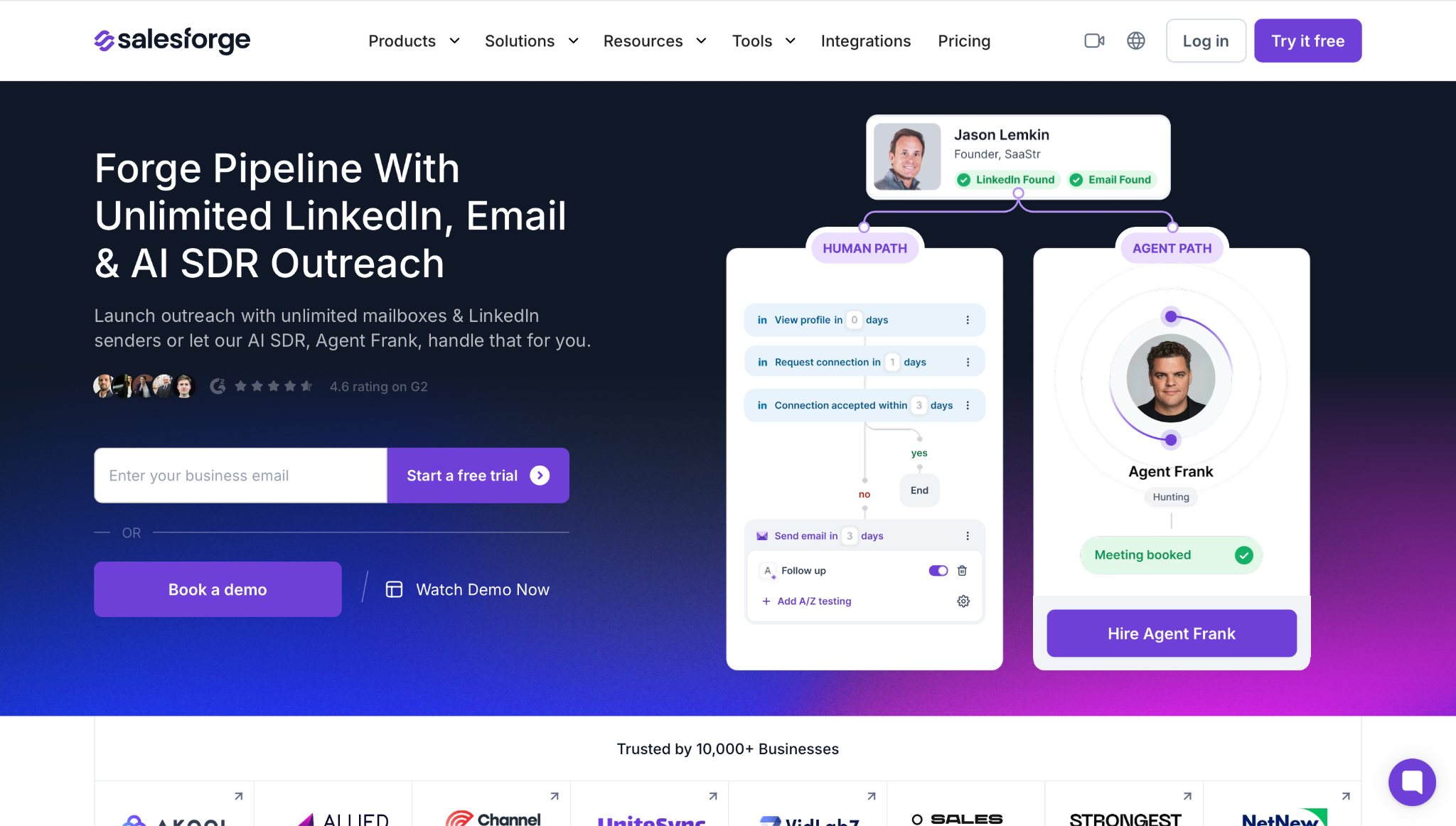
Salesforge is best when your sales acceleration problem is outbound execution, not CRM storage. It runs cold email and LinkedIn inside one sequence, manages replies in Primebox™, and ties the execution layer to the wider Forge stack for infrastructure, warmup, lead data, and AI SDR work.
What it does and how it works:
Salesforge takes the outbound workflow from list activation to reply handling. Leads can come from your CRM, CSV, LinkedIn workflow, or Leadsforge. Salesforge validates contacts, rotates senders, applies AI personalization across 21+ languages, runs email and LinkedIn steps with conditional logic, and routes replies into Primebox™.
What I like:
Unlimited mailboxes, users, and workspaces make it useful for agencies and teams that scale sending accounts instead of buying another seat for every operational change.
Unlimited LinkedIn senders on Growth means LinkedIn can sit inside the same outbound motion as email instead of living in a disconnected automation tool.
Multichannel with conditional sequences lets email and LinkedIn branch on prospect behavior. If a connection request is accepted, send the next LinkedIn step. If not, fall back to email.
Six native LinkedIn actions cover connection requests, messages, InMails, post likes, follows, and withdraw requests.
Account safety is built around high-quality shared proxies, optional custom proxy support, session-token-only authentication, conservative daily limits, and no Chrome extension injection.
AI personalization across 21+ languages works across email and LinkedIn, so localized outbound does not require a separate copywriter per region.
Unlimited warmup via Warmforge is included, with Heat Score™, Inbox Placement Tests, Health Checks, and mailbox compatibility across Google Workspace, Microsoft 365, Mailforge, and Infraforge.
Cold email controls include ESP matching, text-only content, sender rotation, Bounce Shield, built-in email validation, and deliverability-aware sending.
Primebox™ brings email and LinkedIn replies into one inbox, with Autopilot for AI-handled replies and Co-pilot when a human should approve the draft.
Leadsforge can feed Salesforge with lead data, waterfall enrichment, intent signals, Company Lookalikes, Competitor Followers Search, and the LinkedIn email & phone finder Chrome Extension.
Agent Frank can run prospecting, enrichment, email and LinkedIn outreach, follow-ups, reply handling, and meeting booking across the Forge stack.
API access, MCP CLI, and integrations with HubSpot, Salesforce, Pipedrive, HighLevel, Breakcold, Attio, Folk, Clay, Zapier, Make, Slack, webhooks, and other tools make Salesforge usable inside agent-run or RevOps-run workflows.
What I dislike:
The Forge stack is modular. Salesforge, infrastructure, Leadsforge, and Agent Frank are separate subscriptions, so buyers need to map the full operating model before choosing the stack.
The active contacts cap matters. Because active contacts include prospects sitting inside follow-up steps, a multi-step cadence can consume the cap faster than a simple list count suggests.
Agent Frank is demo-gated with no self-serve free trial and a quarterly minimum, so it is not the right entry point for teams that want to casually test an AI SDR.
Salesforge rewards teams that build outbound in order: infrastructure, warmup, list, copy, volume. If you want to paste a list and blast it today, the learning curve will feel heavier.
It is not a CRM replacement. Teams still need HubSpot, Salesforce, Pipedrive, or another CRM for account, opportunity, and pipeline governance.
It is not a call coaching product. If your main problem is rep talk tracks after calls start, Gong is the better specialist.
It gives you more outbound control than a simple sequence tool, which means someone must own sender setup, volume discipline, copy quality, and reply workflows.
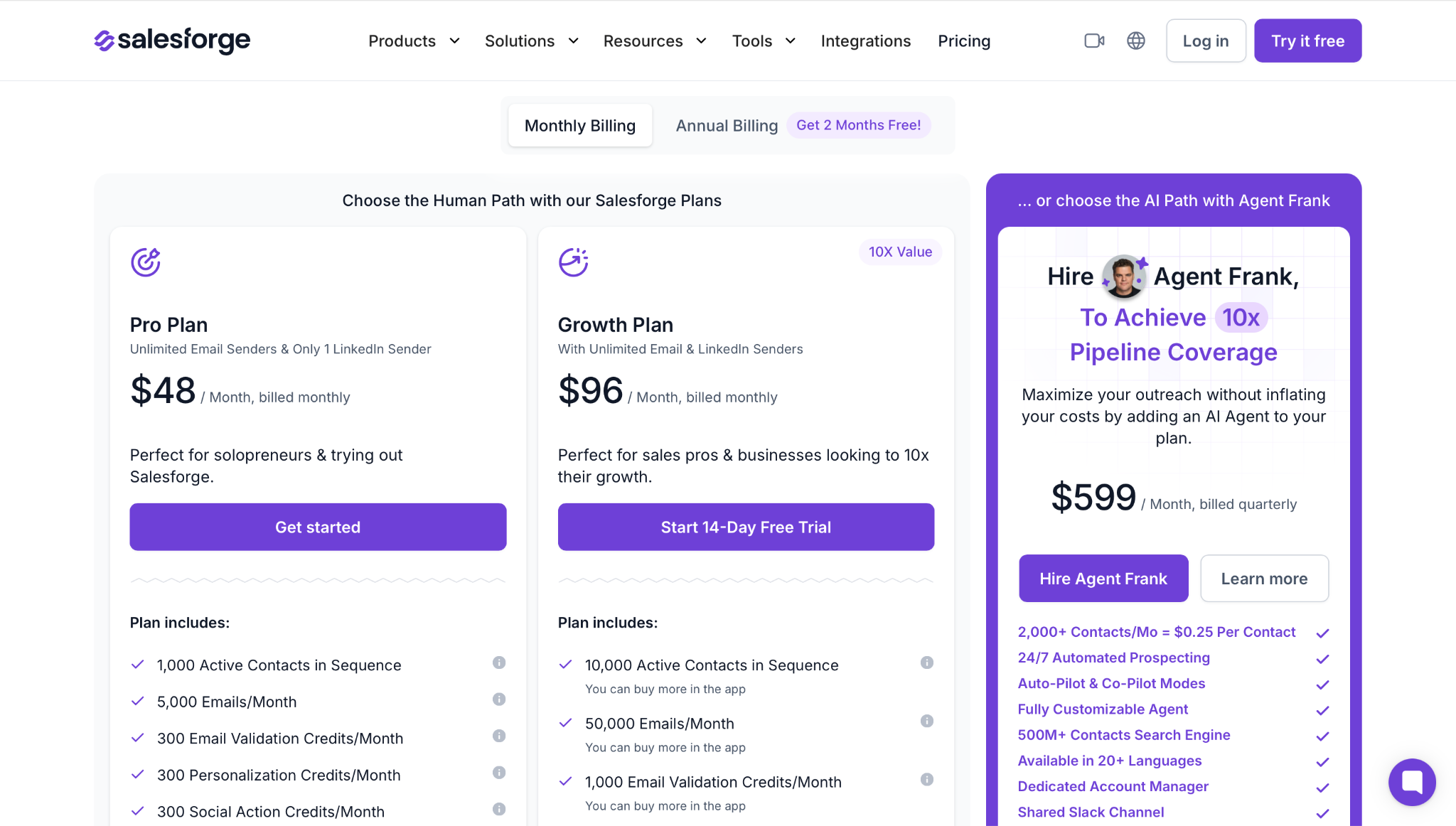
Pricing:
Alt-text: Salesforge pricing
Pro $48 per month
1,000 active contacts
5,000 emails per month
1 user
Unlimited mailboxes
Unlimited premium warmup via Warmforge
Smart mailbox rotation and Primebox™
14-day free trial with no credit card required
Growth $96 per month
10,000 active contacts
50,000 emails per month
Unlimited users
Unlimited mailboxes
Unlimited LinkedIn senders
A/B testing
Multi-language sequences
ESP matching
API access
Agent Frank from $599 per month billed quarterly
Autonomous AI SDR for prospecting, outreach, follow-ups, reply handling, and meeting booking
Handles up to 1,000 active contacts at a time on the base plan
Runs across email and LinkedIn in 20+ languages
Demo-gated with no self-serve free trial
Email infrastructure is purchased separately
Summary:
Choose Salesforge when outbound is the bottleneck and you want one operating layer for data activation, deliverability, multichannel sequences, reply handling, and AI SDR execution. Do not choose it if your only problem is CRM hygiene, call coaching, or enterprise forecasting.
2. Apollo
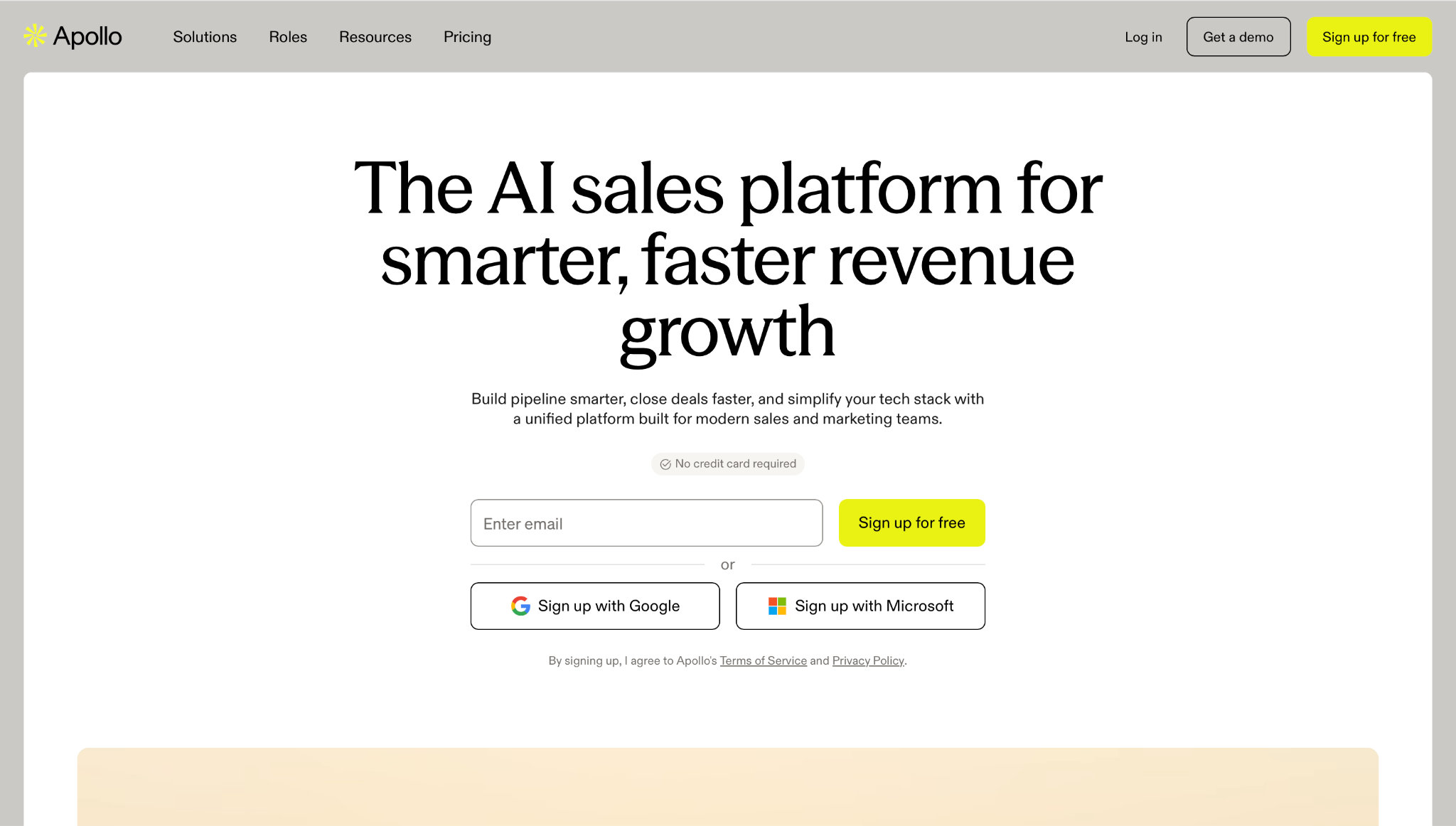
Apollo homepage
Apollo is best for teams that want sales intelligence and basic engagement in one accessible system. It gives reps a large contact database, prospecting filters, enrichment, email sequences, dialer features on higher plans, and CRM sync.
What it does and how it works:
Reps use Apollo to search accounts and contacts, enrich records, build lists, push prospects into sequences, call or email prospects, and sync activity back to the CRM. It works well when the same team owns list building and first-touch outreach.
What I like:
Strong starting point for early-stage and mid-market SDR teams that need contacts and outreach without buying separate tools on day one.
Public pricing makes initial budget planning easier than enterprise quote-only vendors.
Built-in sequencing and database workflows reduce CSV movement between data provider and engagement tool.
The Chrome extension helps reps prospect from LinkedIn and company websites without changing workflow.
CRM integrations make it practical for teams that want outbound activity to show up in their source of truth.
Dialer and enrichment options give teams more than basic email sequencing.
Free access gives small teams a way to inspect the database and workflow before buying.
What I dislike:
Credit planning becomes important once teams export, enrich, dial, or scale usage across more reps.
The platform covers a lot of ground, so teams need clear rules for list quality, enrichment, and sequence ownership.
It is not as deliverability-led as a dedicated outbound stack with first-party warmup, infrastructure choices, and reply management across email and LinkedIn.
Larger teams can outgrow the engagement workflow and move into Outreach, Salesloft, or a more specialized RevOps stack.
It can tempt teams to solve bad targeting with more records instead of better ICP judgment.
Teams that already have a data vendor and only need advanced sequencing may find the database-heavy model less relevant.
Pricing:
Free $0 per month
Basic access for testing Apollo
Limited credits and usage
Useful for inspecting the database and workflow
Basic $49 per user per month, billed annually
More credits and core prospecting features
Email sequences
Buying signals and enrichment access depending on limits
Professional $79 per user per month, billed annually
More automation and sales execution features
Dialer support
Advanced integrations and workflow controls
Organization $119 per user per month, billed annually
Higher team-level limits
More governance and admin controls
Better fit for larger teams
Summary:
Apollo wins when the buyer wants data plus outreach at a clear entry point. Salesforge wins when the outbound system needs deeper deliverability, multichannel logic, mailbox scale, and Forge stack infrastructure.
3. Outreach
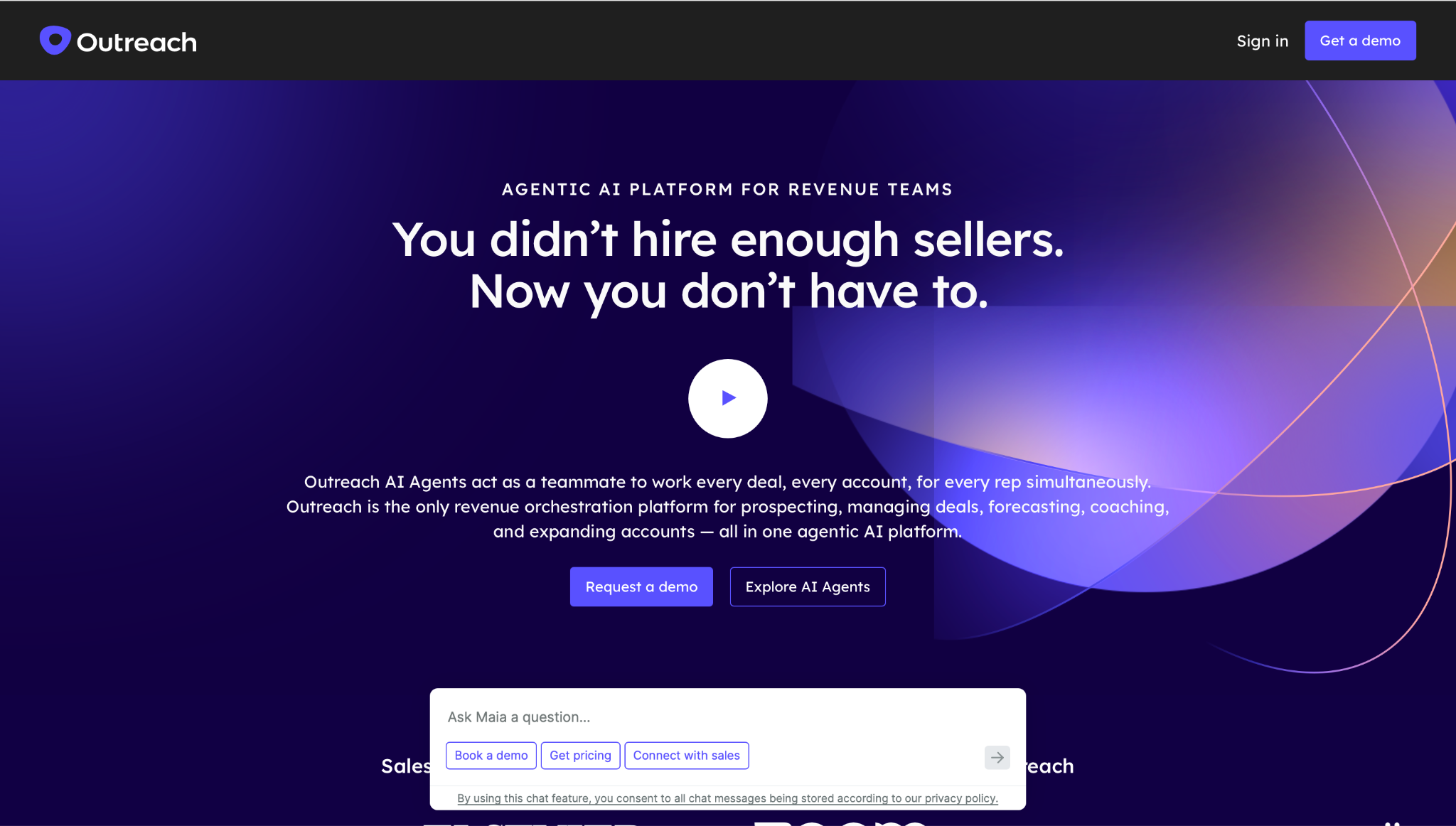
Outreach homepage
Outreach is a sales engagement and revenue workflow platform for larger teams. It handles sequences, account planning, relationship maps, reporting, conversation intelligence, AI agents, and revenue execution workflows.
What it does and how it works:
Outreach sits between reps, managers, CRM, and revenue workflows. Teams use it to build sequences, guide rep activity, standardize account engagement, inspect performance, and support seller workflows across larger GTM teams.
What I like:
Strong fit for established SDR and AE teams with formal sales processes.
Multichannel engagement, CRM sync, reporting, and account workflows sit in one enterprise-grade environment.
AI packages can support research, personalization, meeting prep, coaching, and follow-up work.
Good choice when RevOps wants governance, analytics, and role-based packages across a larger revenue org.
More suitable than lightweight tools when managers need process consistency across many reps.
Account planning and relationship workflows help teams selling into buying committees.
Enterprise integration and permission needs are better served here than in most SMB-first tools.
What I dislike:
Implementation is heavier than a simple outbound tool.
It needs a RevOps owner who can manage rules, fields, reporting, sequence governance, and CRM alignment.
Teams still need to think through data, infrastructure, warmup, deliverability, and inbox ownership around the platform.
It can be too much of a system for a lean outbound team that only needs qualified replies.
Buying and rollout are slower than self-serve tools.
Reps can experience it as another workflow layer if the CRM process is already messy.
Pricing:
Custom plan, quote-based
Seat-based platform access
Sales engagement and revenue workflow capabilities
CRM integrations and enterprise administration
Optional AI and workflow packages
Add-ons can include connectors, additional instances, data sharing, and listener licenses
Summary:
Outreach wins for enterprise sales engagement teams that already have RevOps support. It is not the cleanest choice for lean teams trying to build cold outbound from zero.
4. Salesloft
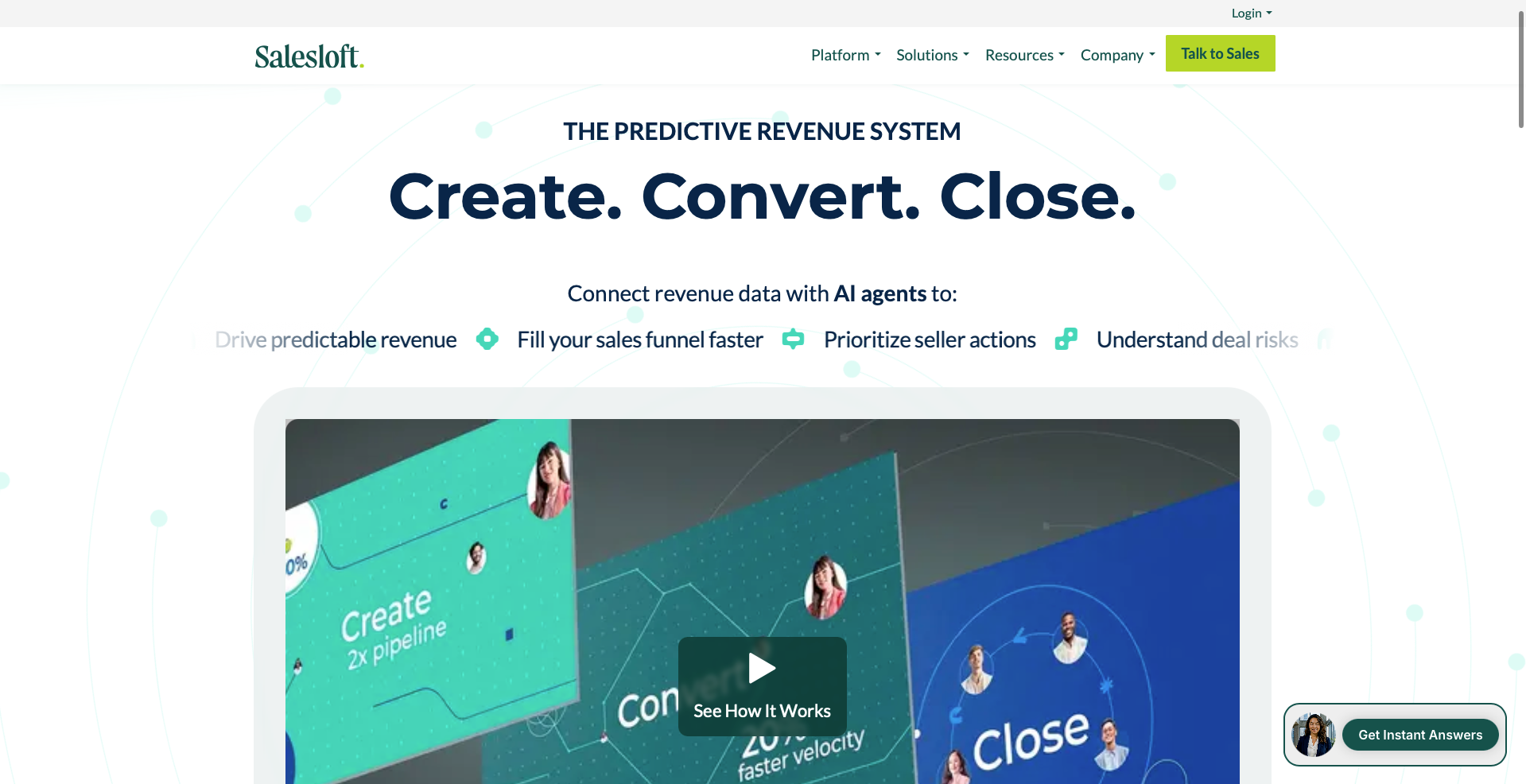
Salesloft homepage
Salesloft is a revenue orchestration platform covering cadences, seller prioritization, conversation intelligence, deals, analytics, forecasting, chat agents, and integrations. It fits teams that want more than sequencing and have the process maturity to use the wider platform.
What it does and how it works:
Salesloft helps teams manage rep activity, cadences, conversations, deal workflows, pipeline signals, and forecasting. It is designed for organizations that want managers and RevOps to run sales execution from a broader operating layer.
What I like:
Strong cadence and revenue workflow coverage for mid-market and enterprise sales teams.
Rhythm, Cadence, Conversations, Deals, Analytics, and Forecast create a broad system for rep activity and manager visibility.
Good fit when sales engagement, deal management, and forecasting need to live closer together.
Marketplace and partner ecosystem help larger teams fit Salesloft into an existing stack.
Conversation and deal workflows help managers connect activity quality to pipeline outcomes.
Better fit than simple sequence tools when leadership wants operating rhythm, not just outbound tasks.
Useful for teams that need AE and SDR workflows inside one platform.
What I dislike:
The platform can be more system than a small SDR team needs.
Teams still need to manage contact data quality, mailbox infrastructure, warmup, and deliverability outside the core purchase.
Implementation requires process maturity, especially if several teams use different cadences and deal stages.
Admin ownership matters. Without it, the platform can become a place where activity is recorded but not improved.
It is not the best fit for teams that want a fast self-serve outbound launch.
If your only goal is cold email reply volume, Salesloft’s broader revenue scope can feel indirect.
Pricing:
Custom plan, quote-based
Cadence and sales engagement workflows
Conversation intelligence options
Deals, analytics, and forecasting modules depending on package
Integrations and marketplace access
Implementation and support based on contract scope
Summary:
Salesloft is a serious option when you already have a mature revenue operation. For a team whose main issue is cold outbound execution and deliverability, Salesforge is the more direct fit.
Book more meetings on autopilot
Set up in minutes. No per-seat pricing. No commitment.
Discover the best sales acceleration softwares of 2026. Compare features, pricing, pros, cons, and find the right tool to grow your sales pipeline faster.

.jpg)