

Personalized Outbound Strategy
Get The Right Outbound Strategy In Minutes
Enter your email to get a custom plan & stack recommendation for your business
It's being carefully crafted by AI
Please check your mailbox in 5 minutes
If you are looking at Unipile, you have probably already noticed that LinkedIn does not really offer a public API for personal accounts, and Unipile is one of the cleaner ways around that.
The real question is whether it is a fit for what you are trying to do.
That answer changes a lot depending on who you are. Unipile is a developer API.
It connects your software to a user's LinkedIn, Gmail, Outlook, and messaging accounts, and lets you send and read messages from them. If you are building something genuinely useful.
If you are trying to run outbound and book meetings, it is a different story, because the API handles the sending, but leads, mailboxes, warm-up, sequencing, and reply handling are still on you to build.
This review breaks down what Unipile does well, where it gets more complex, and which of those two situations you are in.
Unipile is a great fit if you are building software. It gives you a single API for LinkedIn, email, WhatsApp, and calendars, all tied to each user's own account, with SDKs, webhooks, and a native MCP server on top.
The bigger point is that an API is not the same thing as an outbound system. Unipile can send messages, but the rest of the sales workflow like leads, mailboxes, warm-up, sequencing, and reply handling is still up to you.
It also puts account safety in your hands: it will send exactly what you tell it to, at whatever volume you choose.
So the choice is simple:
Use Unipile if you are building a CRM, recruiting tool, AI agent, or your own outreach product, and want communication features built directly into it.
Use Salesforge if your goal is pipeline, not product, and you want to run outbound across email and LinkedIn instead of building the system behind it.
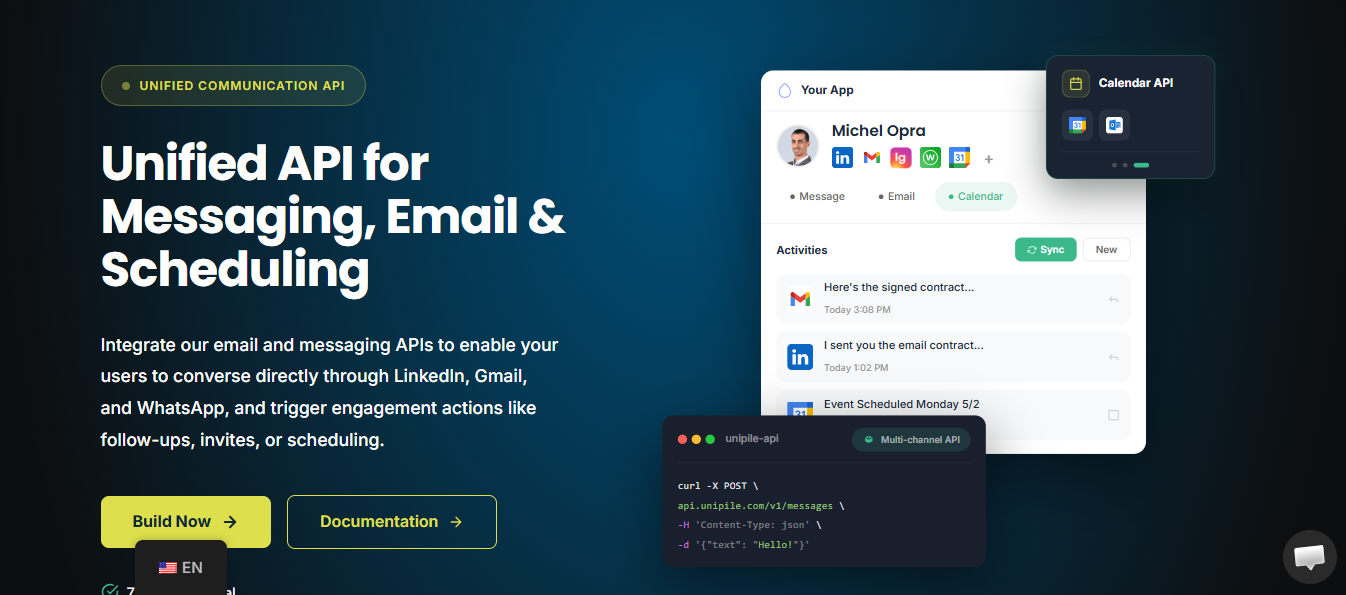
The first thing you notice when you land on Unipile is that it does not sound like a typical outreach tool.
There is no "book more meetings" headline. No dashboard screenshot with a reply-rate counter. Instead, it talks about endpoints, SDKs, webhooks, and accounts linked on behalf of the authenticated user.
That is the first clue. Unipile is not selling outreach. It is selling the plumbing you need to build it.
Here is what it actually is: a single API that connects your software to a user's own communication accounts across:
Once the user links an account, your product can read messages, send messages, sync replies, and create calendar events from that person's real account.
The key idea here is the on-behalf-of model. When your app sends a LinkedIn message through Unipile, it comes from the user's actual LinkedIn profile, not from some shared system inbox.
An email is sent from their own Gmail or Outlook mailbox, so the recipient sees a real person, and every action stays within what that user approved.
Unipile is also upfront about being an independent intermediary, not a LinkedIn or Google partner, and every linked account remains fully owned by the user who connected it. If you build software, it is easy to see why that matters.
Users do not want yet another disconnected inbox bolted onto your product. They want the tool they already use to see their conversations and act inside the accounts they already have.
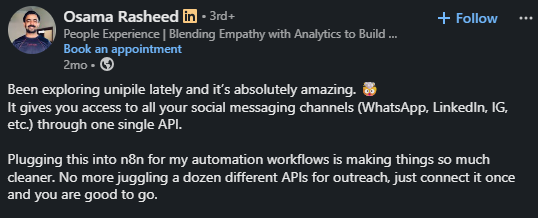
Unipile gives you that without forcing you to build and maintain a separate integration for every provider. That is the real pitch, and it is easy to understand why it resonates. Osama Rasheed, who plugged Unipile into his n8n automated workflows, put it well.
10 n8n LinkedIn Automation Workflow Examples + Templates
It is built so that a software team can add communication features without building each provider integration by hand.
Concretely, that means:
If you are a builder, that is a genuinely strong set of rails. It hands your product team the primitives to put LinkedIn, email, messaging, and calendar actions inside an app you already own.
It is worth being honest about which side you are on, because Unipile is a great fit for some buyers and a much slower path for others.
If you are building a SaaS product, Unipile is infrastructure, and it is good at that.
In every case, the API makes your product more useful for the people who use it, which is exactly what it is meant to do.
If you are building AI agents, Unipile becomes even more compelling.
Agents need to reach people where they actually respond, and email alone is not enough. A prospect might reply on LinkedIn. A customer might message on WhatsApp. A founder might keep the deal context in Telegram.
Unipile's multi-channel API and MCP server let an agent read and send messages across all of those channels from the user's own linked accounts.
Sagar Thakar's experience is a good example of how quickly that can come together for a builder.
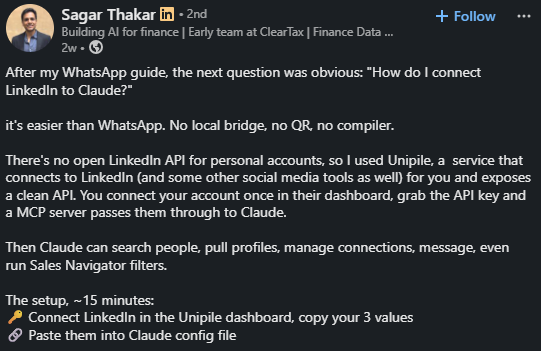
15 minutes to get it running, then an agent handling 250 messages. If you have engineering support and a product roadmap, that is exactly the kind of result you want, and Unipile deserves the praise.
Now look at it from the other side.
If you are in sales and do not have a developer assigned to outreach tooling, you probably need meetings this month, not a build project this quarter.
Read that same feature list again, and it stops sounding like a shortcut. Account linking, event queues, a sequence builder, reply rules, inbox screens, reporting, deliverability checks: each one is something you have to design, ship, and maintain before you send a single serious campaign.
The API is not the finish line for you. It is the starting point of a software project you did not plan to run.
That is the real divide. An API is a gift when you are building. It is a delay when you are selling
The feature checklist looks the same for everyone, but what each line is worth depends on where you stand. So it is worth digging past the marketing bullets and asking, for each capability, what the API actually returns and what you are still left to handle.
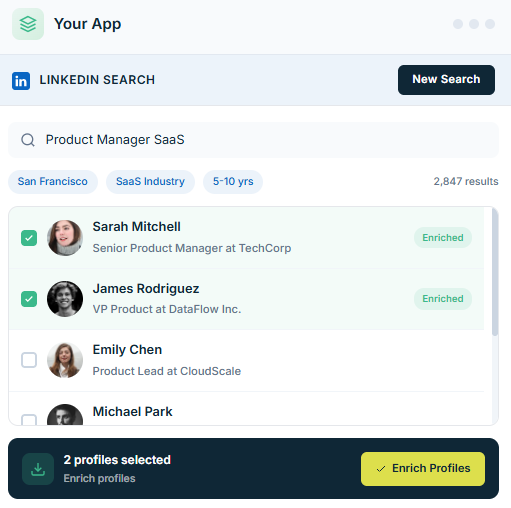
This is the main reason it stands out. LinkedIn is one of the hardest channels to add to software because there is no open API for personal accounts, so everything has to go through a connected session.
Unipile handles that well. You get profile search and filtering, invitations with or without a note, InMails, full message history, profile retrieval, activity timelines per contact, and webhooks that fire when someone replies or accepts a request.
For a CRM or recruiting product, that is a lot of capability you would otherwise not be able to expose.
The catch is that the bullet list only shows what Unipile can do, not the work behind it. Every one of those actions still has to be orchestrated.
Search returns profiles, but figuring out which ones match your ICP, storing them, deduping them against contacts you already have, and deciding when a connection request should go out is still your logic to write.
The invitation endpoint sends the message. Whether it reaches the right person, at the right interval, without hitting someone you already contacted is a system you still have to build.
For a sales team that just wants a LinkedIn step inside a sequence, that is the catch. You do not want a profile-search endpoint.
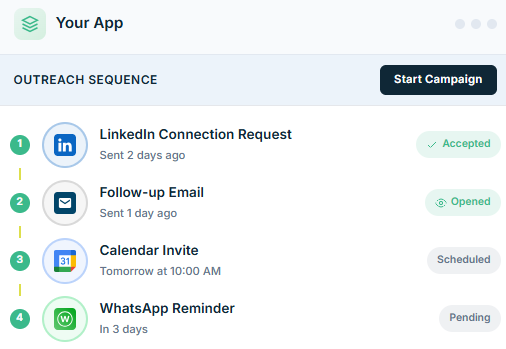
You want a connection request sent, then a wait, then a message if they accept, and a stop if they reply, already wired and governed. Unipile gives you the parts. The sequence is still yours to assemble.
How to Automate LinkedIn Outreach
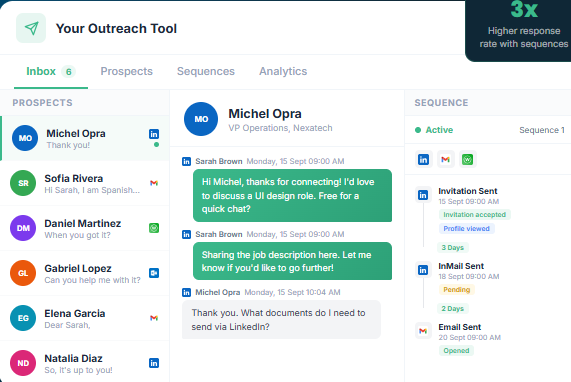
Gmail, Outlook, and IMAP through one interface, sending from the user's own mailbox instead of a generic system address.
That is the real value for a builder. Because the email comes from the user's actual inbox, it feels authentic, and replies thread back naturally, which is exactly what you want when you are adding email to a product people already use.
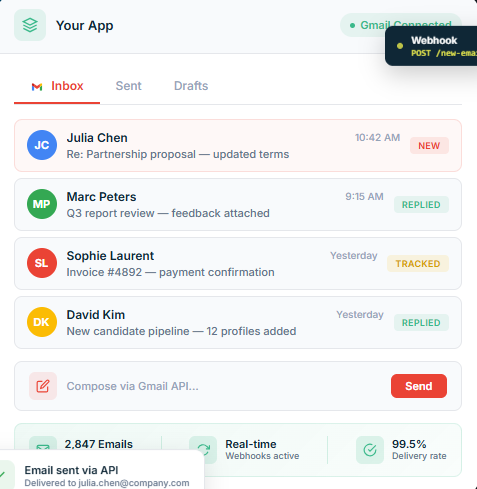
For a developer, this reduces three separate integrations Google OAuth, Microsoft OAuth, and raw IMAP to one call structure. That is real time saved.
For outbound teams, it is worth focusing on what the API does not cover. Sending the email is only the last 5% of cold email, and it is the only part Unipile handles. Everything that determines whether that email actually lands happens outside it:
Unipile sends the message. It does not know or care whether any of that is true first. On the outbound side, that is not a small gap. It is most of the job.
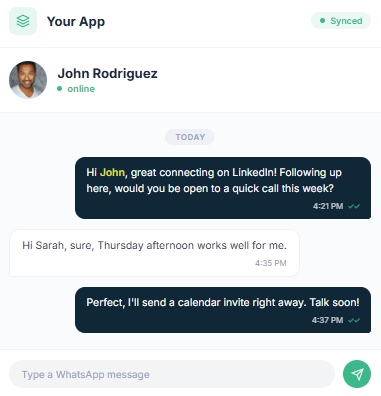
Telegram, Instagram, and Messenger extend Unipile into the channels where buyers actually reply, and for the right product, that is a real advantage.
A customer success agent who can close a conversation on WhatsApp, where the customer already is, has an edge over one who can only reply by email.
Still, read that carefully. The value did not come from Unipile alone. It came from Unipile sitting inside an automated workflow he built across Slack, Make, and a calendar check, with the channel nudge as one step.
That is the real shape of it: these channels matter most when they are just one part of a system you have already put together.
For email-and-LinkedIn sales outreach specifically, they are a useful extra, not the thing that gets you to the pipeline.
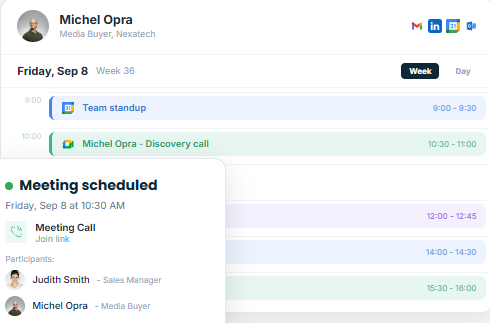
Google and Outlook calendars let you create, update, and cancel events programmatically, so a positive reply can trigger a scheduling step and keep the contact and campaign context attached.
In practice, that is what turns a reply into a booked meeting.
The important thing is that the API only creates the event. What makes it a real booking still has to be decided upstream: what counts as a positive reply worth booking, which time slots to offer, how the meeting gets logged against the contact, and how the rep knows it happened.
The calendar call is the easy last step. The harder part is deciding whether the meeting is actually worth scheduling in the first place.
This is the one that looks closest to a finished feature, and it is the one most worth being careful about.
Unipile can pull replies from LinkedIn, email, WhatsApp, and the rest into a single view and fire a webhook the instant one lands.
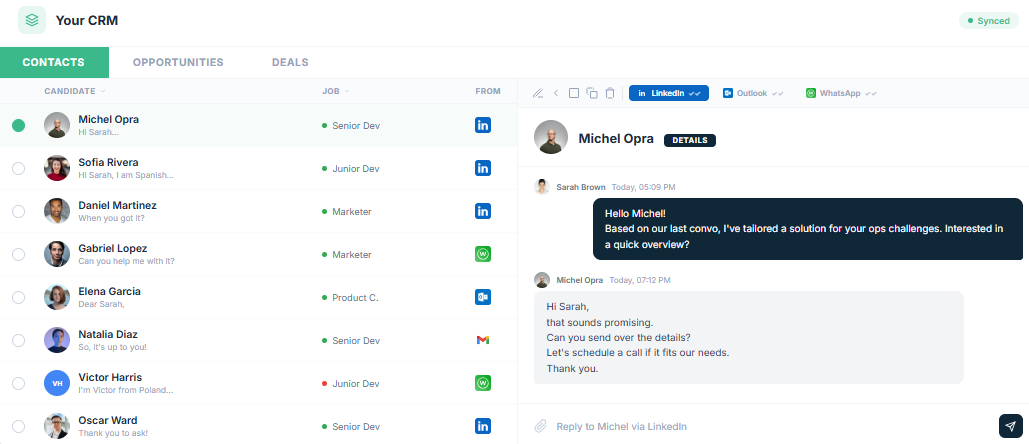
That matters, because the fastest way to burn a prospect is to send a follow-up after they have already answered.
But detecting a reply and managing a reply are different jobs. The webhook tells you a message arrived.
It does not tell you whether it is positive, negative, an out-of-office, or a "not me, try my colleague."
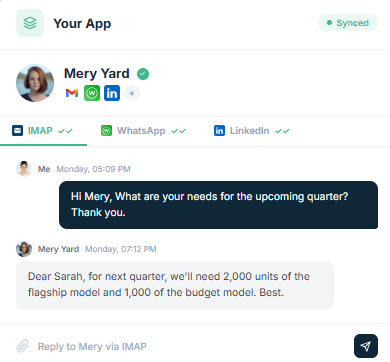
It does not assign an owner, set a status, filter by intent, or route the handoff to the right rep. A real reply system needs all of that, and every piece of it lives on your side of the webhook.
So Unipile gets you reply detection, cleanly. Reply management, the part your reps actually work inside every day, is still a product you have to build around the events it sends.
This is the last item on the feature list and the one that quietly decides whether any of the rest matters, because a banned account sends nothing. It is important enough that it does not belong as a bullet here. It gets its own section next.
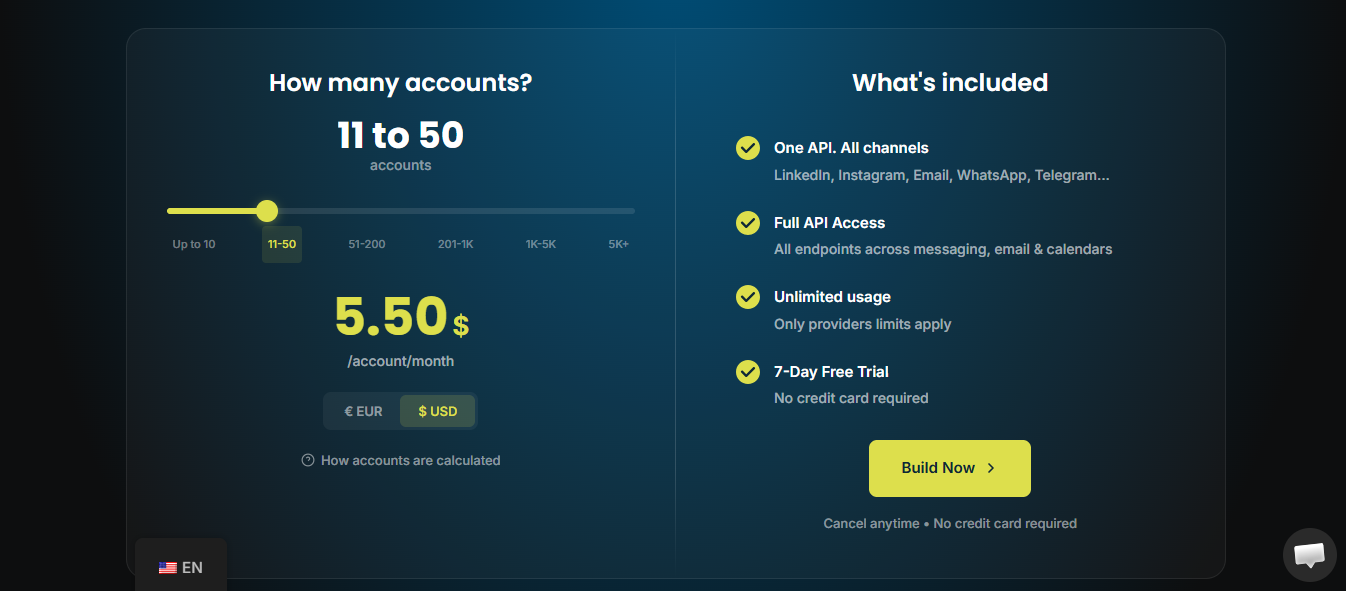
Unipile keeps it simple. You pay per linked account, per month, no usage fees on top. Send a hundred messages or a hundred thousand, the price does not move.
Verified from Unipile's pricing page as of this review:
The catch is what "account" means. It is one connected service, not one person. One LinkedIn profile, one Gmail, and one WhatsApp number each count as one. So, a single user linking all three is three accounts.
For a builder, that is the model working as intended: predictable, and it scales with users rather than message volume.
For a sales team, read it for what it is. That €49 buys API access to send. It does not buy leads, mailboxes, domains, warm-up, a sequence engine, a reply inbox, or reporting. The real cost of running outbound on Unipile is €49 plus everything you build around it.
The sticker price is low. Whether it is cheap depends on whether you were going to build the rest anyway.
It is easy to think of this as API versus platform, but that is not quite the right comparison. Salesforge has an API too, and it has an MCP server as well. So the real difference is not whether you can access both programmatically. The difference is what is built underneath the API when you use it.
When you use Unipile, you are really just triggering a send. When you use Salesforge, you are tapping into a system that already includes the pieces Unipile expects you to build.
That is the real difference to keep in mind.
With Unipile, "run a LinkedIn and email sequence" quickly becomes a project. You still have to pull together lead data, set up mailboxes and domains, handle warm-up, build the cadence engine, create the reply inbox, add the safety guardrails that Dima's story shows you cannot skip, and layer on reporting so your team can actually see what is happening.
With Salesforge, you do not have to build those things yourself. They are already there:
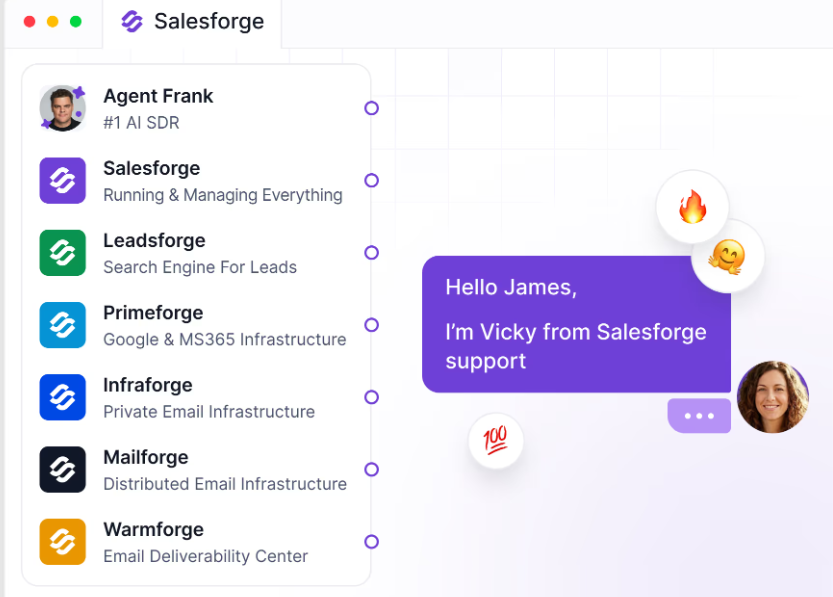
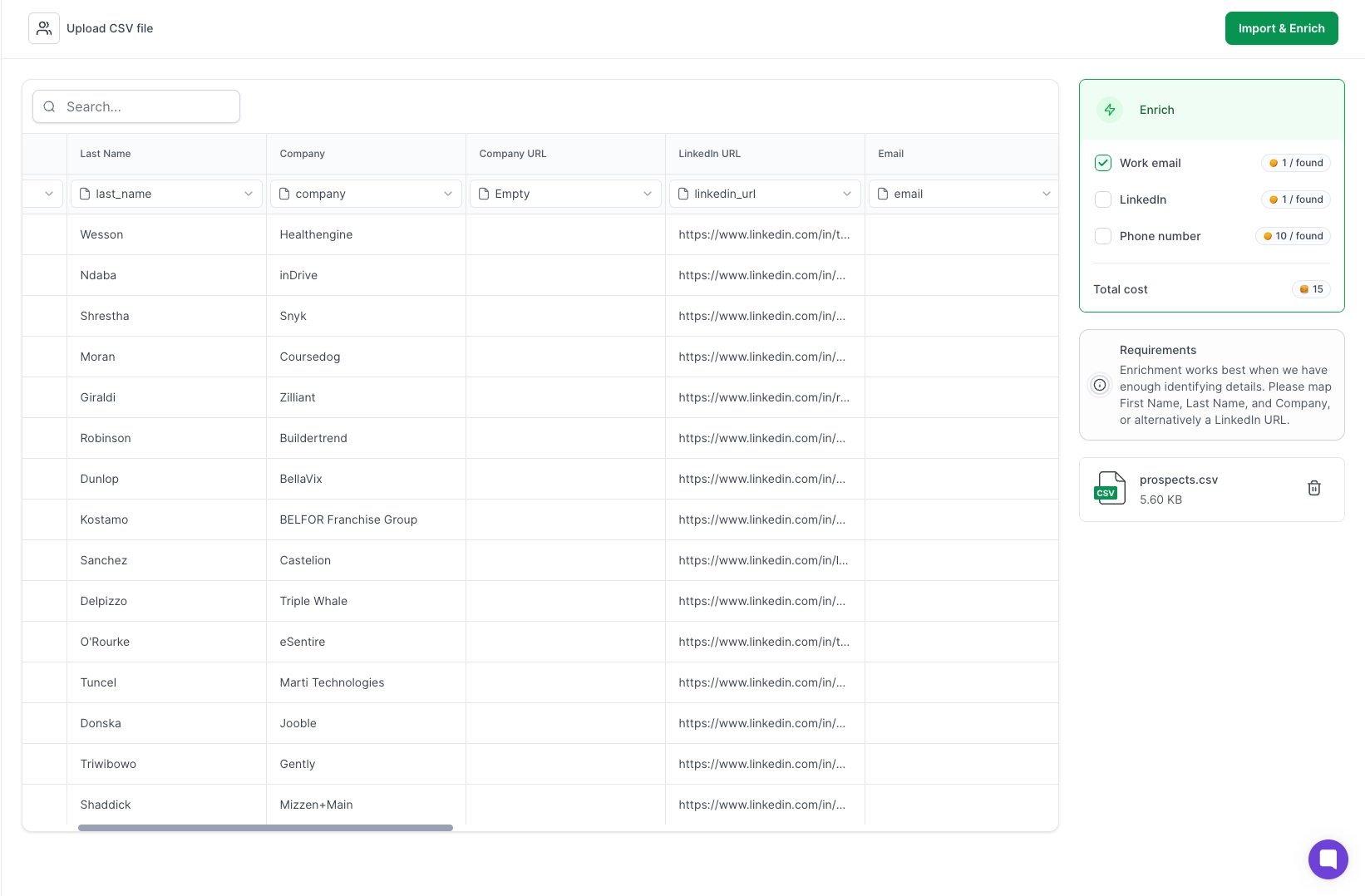

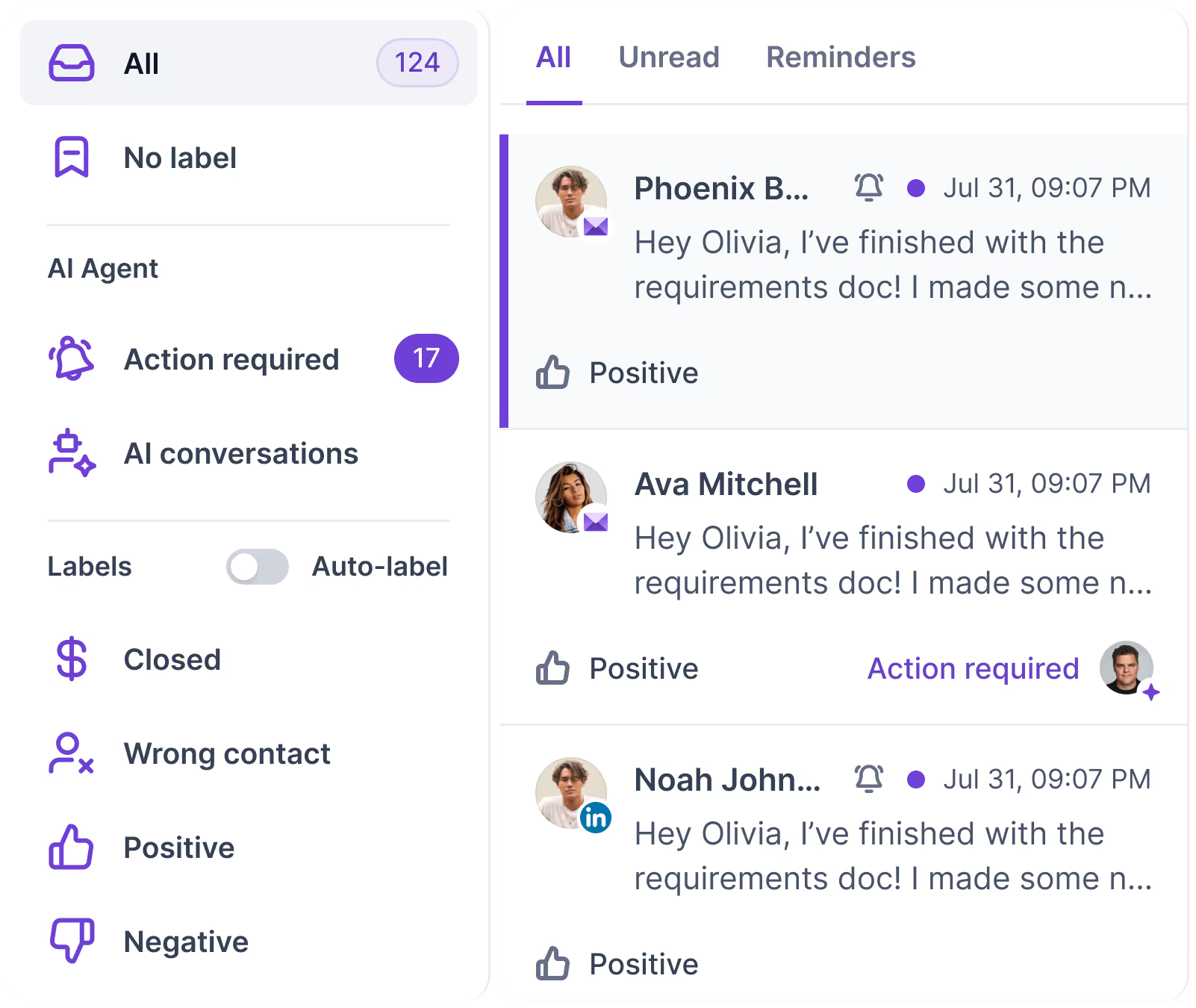
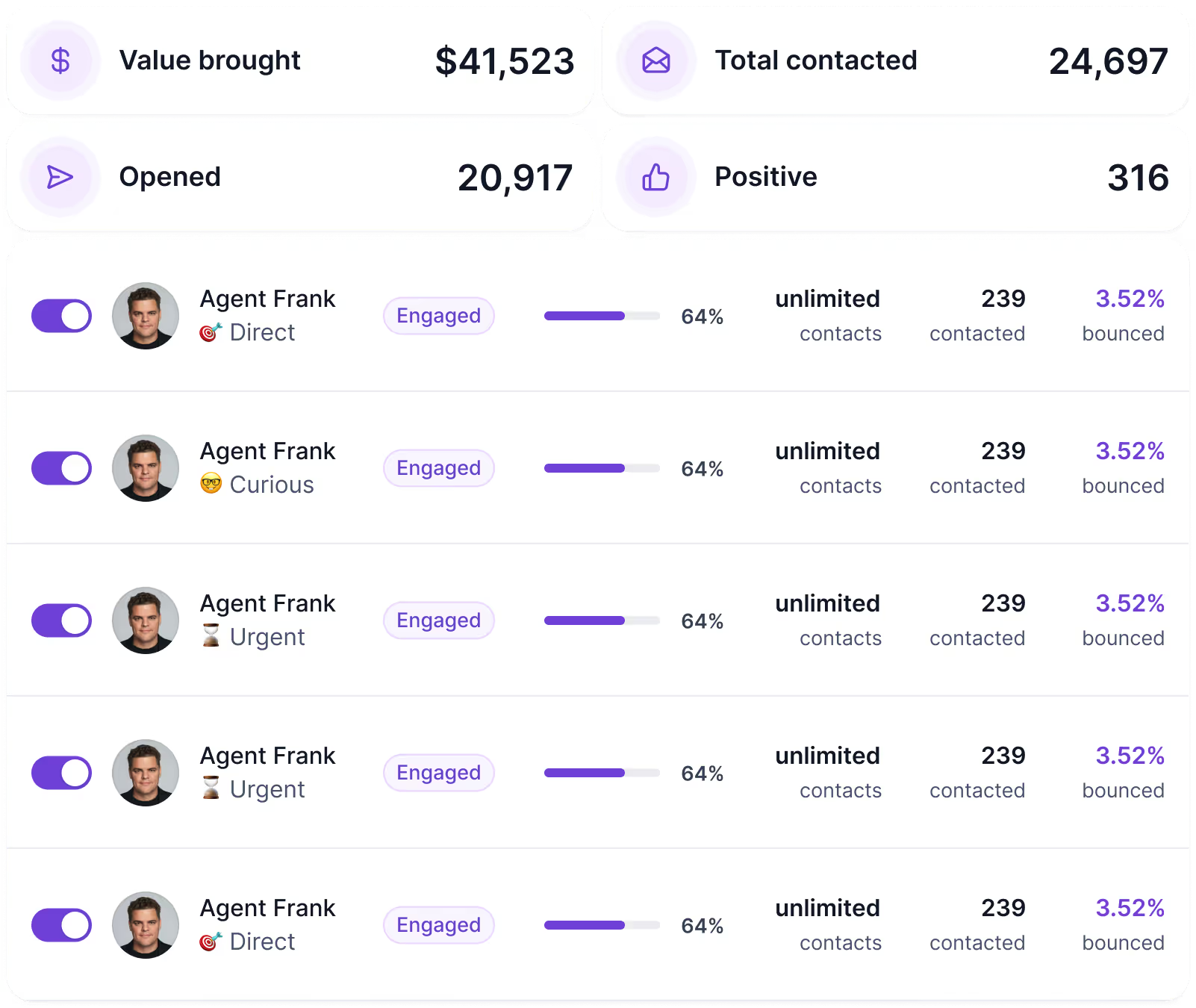
Now bring the API question back, because this is where the comparison actually sharpens.
If you are looking at Unipile because you want to run outbound from your own code or from an AI assistant, Salesforge handles that more directly.
Its REST API and Forge MCP server, which work with Claude, Cursor, Windsurf, and Codex, give you access to the outbound system through the same interfaces you would use with Unipile.
The difference comes down to what the API is really built for. Unipile is built for sending. Salesforge is built for governed sending.
That is the key point, because it ties back to the failure mode you already saw. The Salesforge API is designed so that you:
So the decision comes down to what you are trying to build.
Enter your email to get a custom plan & stack recommendation for your business
Please check your mailbox in 5 minutes

It really depends on what you are trying to do.
If you are building a product, Unipile is worth it. It gives you broad channel coverage, the right architecture, a solid MCP server, and predictable pricing.
If you are trying to book meetings, the equation changes. The API handles sending, but leads, warm-up, sequencing, and reply handling are still on you to build.
So the real question is: do you want to build the machine, or use one that already works?
If it is the latter, Salesforge gives you everything you need for outbound in one place: leads, warm-up, email, LinkedIn sequences, and replies in Primebox.
.jpg)

.jpg)

.jpg)