If you're reading this, there's a good chance your Trulyinbox renewal is around the corner and you're wondering if it's still the best option.
Over the past year, I've spoken to hundreds of teams running cold email. The same question kept coming up: "Is there something better than Trulyinbox?" Instead of giving opinions, I decided to find out myself.
So I spent the last month testing seven Trulyinbox alternatives across real cold email campaigns. I wanted to see which tools actually improve deliverability, which ones scale cleanly as you add more inboxes, and which ones are genuinely worth paying for.
A few surprised me. Some cost less. Others offer real seed-list inbox placement testing instead of relying on a model-based deliverability score. And a couple even bundle the sending platform, so you're not paying for two separate tools.
If I were building my cold email stack from scratch today, this is exactly how I'd rank these TrylyInbox alternatives.
I evaluated each tool on the three things Trulyinbox users tell me they're actually missing. Nothing else. If a tool didn't move the needle on these, it wasn't worth including.
Pool quality is the single biggest reason people leave Trulyinbox. Trulyinbox describes its network but doesn't disclose the composition, so users have no way to verify whether their mailbox is engaging with aged, vetted accounts or freshly spun-up ones. I looked for tools with curated, aged, or vetted-only pools where users can actually see what's in the network.
Trulyinbox has a deliverability score, but it's model-based. That means the score is inferred from internal signals, not measured against real seed-list placement tests across ESPs. I checked whether each alternative provides actual seed-list testing (primary inbox vs. spam vs. promotions), automated SPF/DKIM/DMARC monitoring, and blacklist checks. Trulyinbox has the last two. It doesn't have the first.
Trulyinbox's per-email pricing model is genuinely different from most alternatives, and it can be cheaper at 50+ inboxes with modest daily volume per inbox. I looked at how each tool's pricing behaves as you scale, and where the tradeoffs actually land. For a broader look at cold email infrastructure economics, my best email warmup tools breakdown covers the wider category.
I ranked these by how well they solve the specific frustrations pushing you to search "Trulyinbox alternatives" in the first place. Pure-warmup tools come first, sending platforms with warmup bundled in come last.
When someone tells me they're frustrated with Trulyinbox's opaque pool, Warmforge is the alternative I hand them. The reason is simple. Warmforge runs on a curated pool of aged Google Workspace and Microsoft 365 accounts only. No public sign-ups. No new accounts diluting the network.
Every mailbox gets a per-inbox Heat Score plus one free real placement test a month, which is exactly the seed-list-tested visibility Trulyinbox's model-based score doesn't provide.
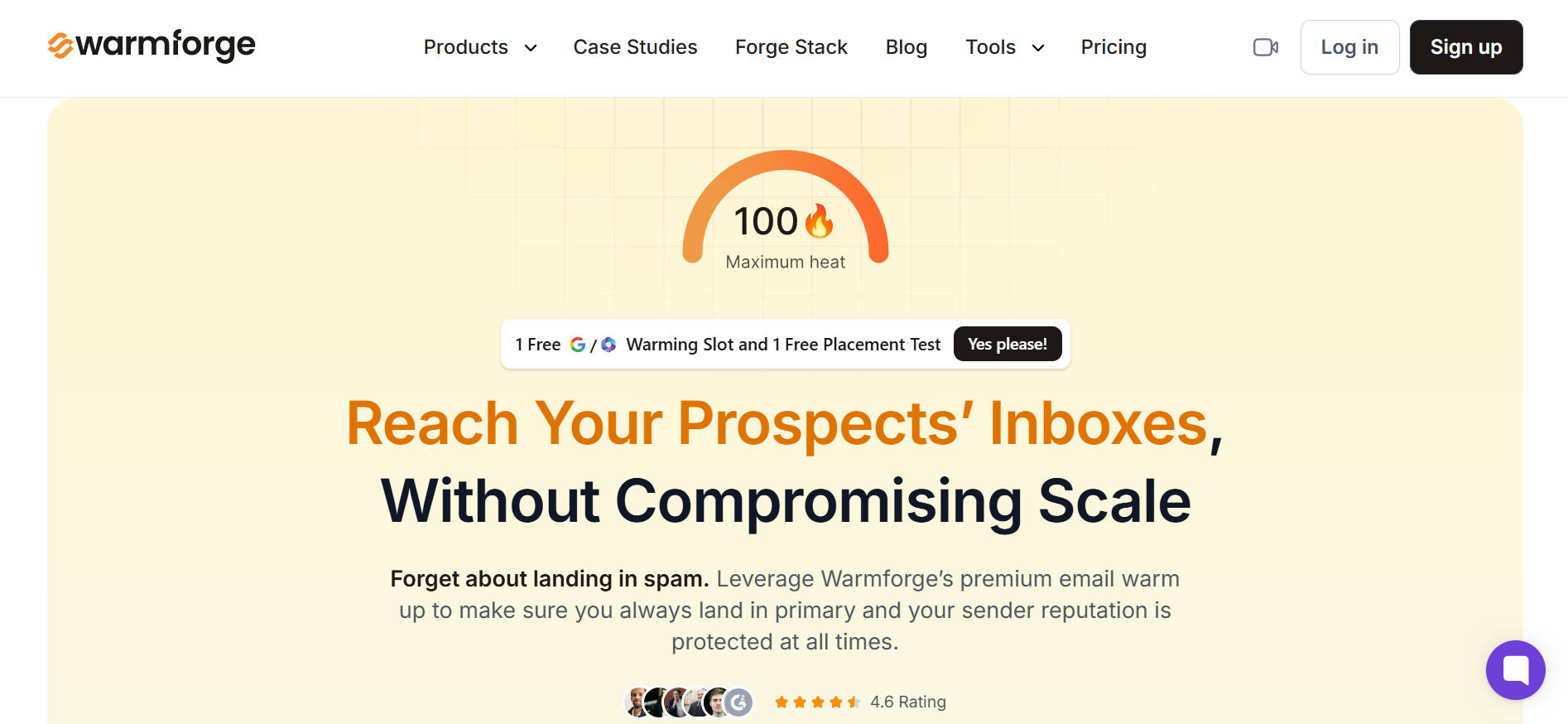
I've been running Warmforge on 80+ mailboxes for the last four months. Heat Scores hold above 90 across the fleet. Monthly placement tests are how I catch reputation drops before campaigns tank. And because Warmforge sits inside the Forge stack, it plugs into Salesforge sequencing without extra config if that's where you're headed. It also works standalone with any sending tool you're already running.
Key features I liked:
Pricing:
Mailreach earns the second spot because it treats deliverability as its own discipline. Where Trulyinbox bundles a model-based deliverability score into the warmup tool, Mailreach split warmup and spam testing into two separate products.
That's the difference. Mailreach's Spam Tester runs real seed emails across a diagnostic panel of inboxes and gives you actual placement data across 28 categories, which is a depth of testing Trulyinbox's internal score doesn't reach.
I ran a Spam Tester diagnostic on my worst-performing mailbox last quarter. Mailreach surfaced a specific ESP-level placement issue that Trulyinbox's dashboard hadn't flagged. Once I fixed it, placement jumped.

That's the kind of surface-area monitoring you only get from real seed-list testing, and it's why Mailreach keeps showing up on every deliverability specialist's shortlist.
Key features I liked:
Bonus read: For a full teardown on how Mailreach stacks up in the deliverability space, my Mailreach review has the numbers.
Pricing:
Lemwarm sits at number three because of one specific thing Trulyinbox can't match. It warms your inbox using your actual email templates, not AI-generated content. Every other warmup tool in this list (including Trulyinbox) ships engagement signals through synthetic messages, even if those messages are AI-generated to look industry-relevant.
Lemwarm's Smart plan uses your real templates, which means the sending patterns you're building match what your campaigns actually look like.
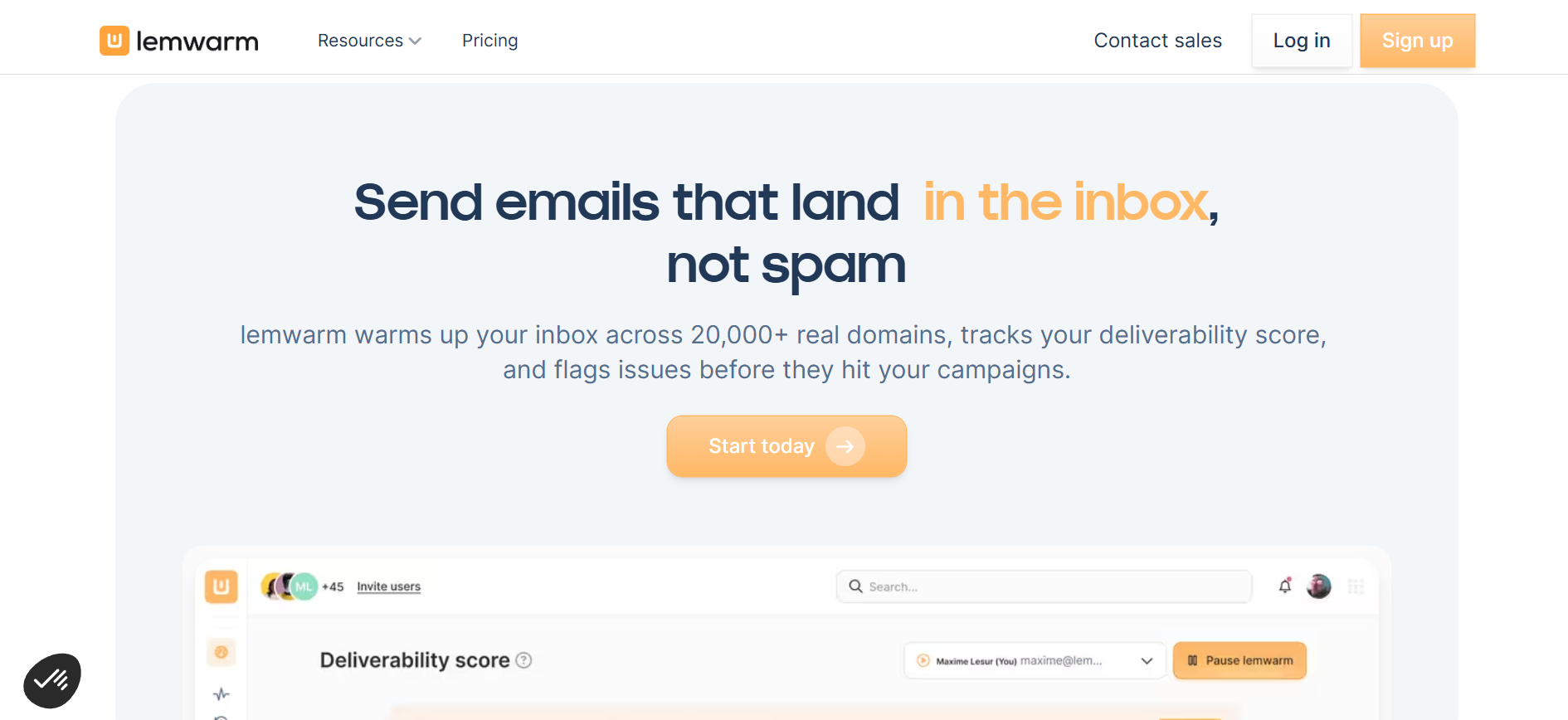
While testing, I found this approach particularly compelling because it keeps your warmup activity aligned with your real sending behavior instead of training your mailbox on one type of content and then switching to another. That's a nuance TrulyInbox's AI content approach doesn't address.
And it matters more than most teams realize. ESPs don't just evaluate sender reputation. They also analyze the content patterns associated with a sender over time.
Key features I liked:
Bonus read: If you're already on Lemlist and stuck with a warmup that isn't cutting it, my Lemwarm alternatives breakdown walks through what to swap in.
Pricing:
On ESP breadth alone, Warmbox covers the widest list in this comparison.
It's the tool I send freelancers and solo founders to when their mailbox stack includes Yandex, Zoho, iCloud, or a custom SMTP setup that Trulyinbox's Google-Microsoft-focused network handles as a secondary concern. $15/month for one inbox, 50 emails a day, and enough ESP support to cover almost any mailbox setup you might throw at it.

The catch is what you sacrifice for that breadth. Warmbox is standalone. No sending platform bundled in. No deep placement testing beyond a spam score. But at the freelancer end of the market with a non-standard mailbox stack, that's exactly what most people want, and it's the widest ESP net you'll find at $15/month.
Key features I liked:
Pricing:
Warmy.io is on this list for one reason most warmup tools don't offer.
It plugs directly into Google Postmaster Tools and uses that reputation data to adjust warmup volume in real time. Trulyinbox has ESP-level analytics for Google and Microsoft, but no direct Google Postmaster tie-in. Nobody else in this comparison does that natively either.

If deliverability sits between a nice-to-have and a make-or-break for you, that's the pitch. Trulyinbox works off internal signals. Warmy.io reads Google's own reputation data and adapts its warmup based on what Gmail is actually saying.
I set up Warmy.io on a client's high-volume Google Workspace domain for two weeks in June. The GPM tie-in surfaced a domain reputation dip Trulyinbox's ESP-level breakdown hadn't caught, and we fixed it before a campaign went out.
Key features I liked:
Pricing:
Somewhere between a Trulyinbox swap and a full stack overhaul, Instantly is where a lot of teams land. It's not a standalone warmup tool like Trulyinbox. It's a sending platform that includes unlimited warmup on every plan. So if you were paying for Trulyinbox on top of a separate sending tool, Instantly consolidates both into one bill.
The warmup itself runs off a network of over 1,000,000 real email accounts. That's the biggest pool in this comparison by an order of magnitude, and the scale is genuinely different from what Trulyinbox's network delivers.
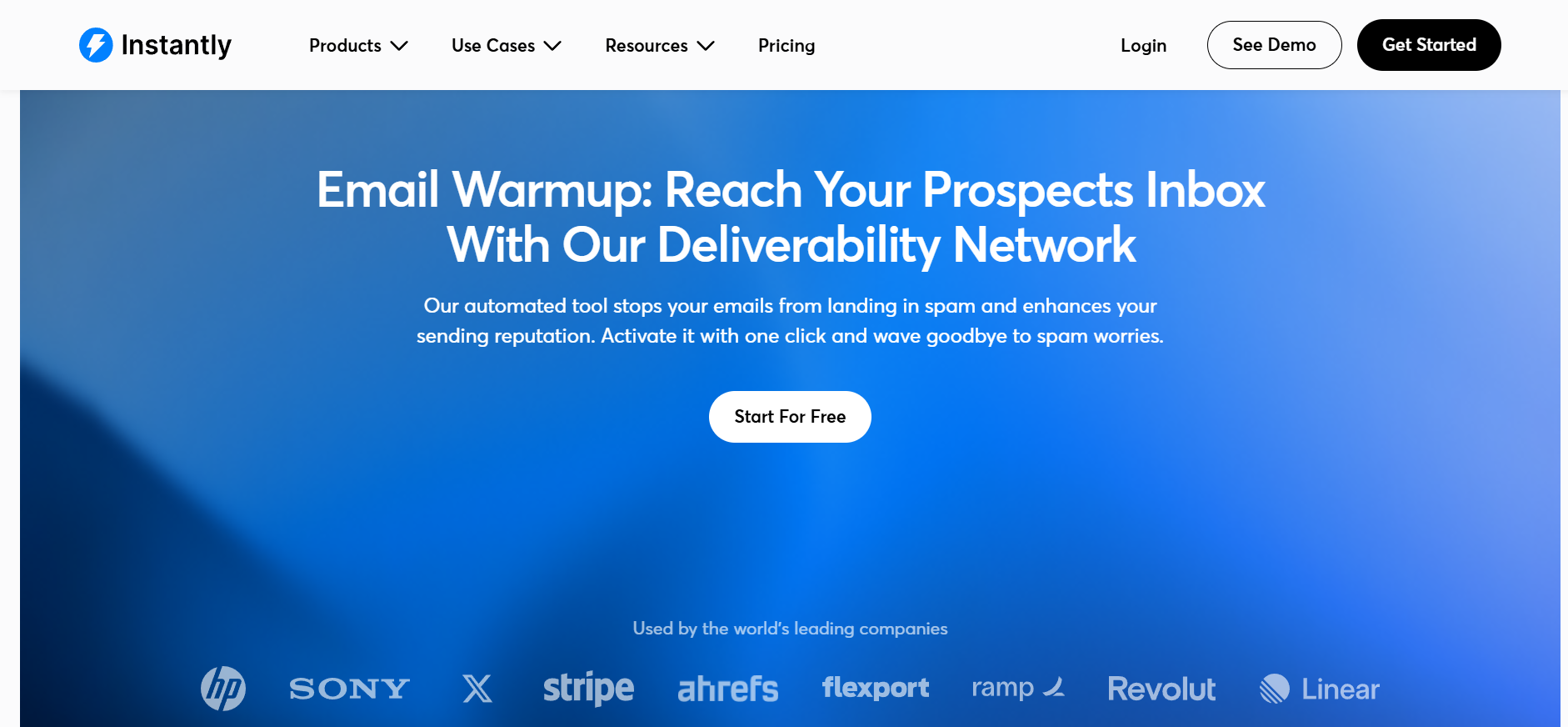
Whether that raw scale actually beats Warmforge's curated aged-only pool is a debate you'll see on r/coldemail every other week. I've been running Instantly warmup on 12 mailboxes since March. The scale of the pool is real, and it shows up in placement data most weeks. But the pool is also public-facing in a way Warmforge's curated pool isn't, so pool quality is a tradeoff, not a win.
Key features I liked:
Bonus read: For a broader look at where Instantly sits against alternatives at scale, my Instantly alternatives breakdown covers the switch triggers.
Pricing:
For agency-scale volume, Smartlead is what I hand to people whose Trulyinbox setup keeps forcing them to move up volume tiers as they grow. It's the only tool on this list with tiered warmup pool access.
Foundation pool at the base tier, Growth pool one tier up, Premium and Ultra Premium at the top. Larger pools unlock as you scale, which is a very different model from Trulyinbox's single-network approach where every user shares the same undisclosed pool.

The Mailbox Agent AI feature is the one I actually use daily. It flags reputation drops, spam-folder rescues, and hard bounces automatically. Combined with auto-pause on risk (Smartlead pauses sending when bounce rates spike), it's the closest thing to a set-and-forget agency warmup on the market.
Key features I liked:
Bonus read: For a full breakdown on where Smartlead fits versus other agency-scale outbound tools, my Smartlead alternatives blog runs the comparison.
Pricing:
After a month of testing, Warmforge is the Trulyinbox alternative I'd point most teams to first. The curated aged-account-only pool, per-mailbox Heat Score, and free monthly seed-list placement tests address Trulyinbox's three biggest gaps. Pool opacity, model-based scoring, and no real seed-list testing. Mailreach is the pick if you want standalone deliverability expertise. Instantly wins if you also need the full sending platform. But if pool transparency is what broke it, Warmforge is where I'd start.
Warm your first mailbox on Warmforge →
Trulyinbox still works well for teams that want unlimited accounts with volume-based pricing. But if pool transparency, real seed-list placement testing, or a bundled sending platform matter to you, the gaps show up quickly. Alternatives like Warmforge, Mailreach, or Instantly cover those specifically.
Trulyinbox's own Free plan (1 account, 10 warmup emails per day) is one of the cheapest starting points. Warmy.io offers a 7-day free trial with no credit card. Warmforge gives you 1 free warming slot on signup, so you can test the aged-only pool quality before paying.
Warm up a new mailbox for at least 14 days before sending real cold outreach. Extend to 3-4 weeks if you're pushing high daily volume or sending to enterprise domains. Keep warmup running even after campaigns launch, since ongoing warmup protects sender reputation over time.
If your sending platform is Instantly or Smartlead, the built-in warmup is enough for most teams. But if you're on Lemlist, Saleshandy, or a Trulyinbox-plus-separate-sender stack, a separate warmup tool often outperforms the native option. Warmforge and Mailreach both work as standalone layers on top of any sending platform.
Email warmup builds sender reputation by simulating real inbox activity across a network of accounts. Placement testing measures where your emails actually land: primary inbox, promotions tab, or spam folder. Warmup is the input, placement testing is the output. Trulyinbox's deliverability score infers placement from internal signals. Tools like Mailreach and Warmy.io run real seed-list tests instead.
Yes. Warmforge's curated pool, per-mailbox Heat Score, and API access work well at agency scale. Pricing scales per mailbox slot, unlike Trulyinbox's per-email volume model. That gives agencies predictable per-inbox economics for client billing, though the math can favor Trulyinbox at high inbox counts with low per-inbox daily volume.




.jpg)
