I've burned more hours than I'd like to admit chaining Phantoms together.
The first few weeks felt like magic.
Then the slot math started biting.
Then a LinkedIn account got temporarily restricted.
Then I realized the data was the easy part, and nothing in Phantombuster was helping me actually book a meeting from any of it.
That's why I started testing alternatives.
Phantombuster has a real strength. The 100+ Phantom library covers LinkedIn, Instagram, X, and Google Maps better than almost anything else. If your job is to build small automations across multiple platforms, it earns its place.
However, it doesn't fill the gap between data and meetings.
No native warm-up. No unified inbox for replies. No campaign UI for sequences. Account safety is your problem to manage, and the slot-based pricing scales unpredictably the moment you start chaining Phantoms together.
Below are the 10 Phantombuster alternatives I'd actually recommend in 2026.
Let's get into it.
TL;DR: Phantombuster Alternatives Compared (2026)
If you only have 30 seconds, here's how the 10 best Phantombuster alternatives stack up. Each one fits a different job, and pricing below is the entry-tier annual rate.
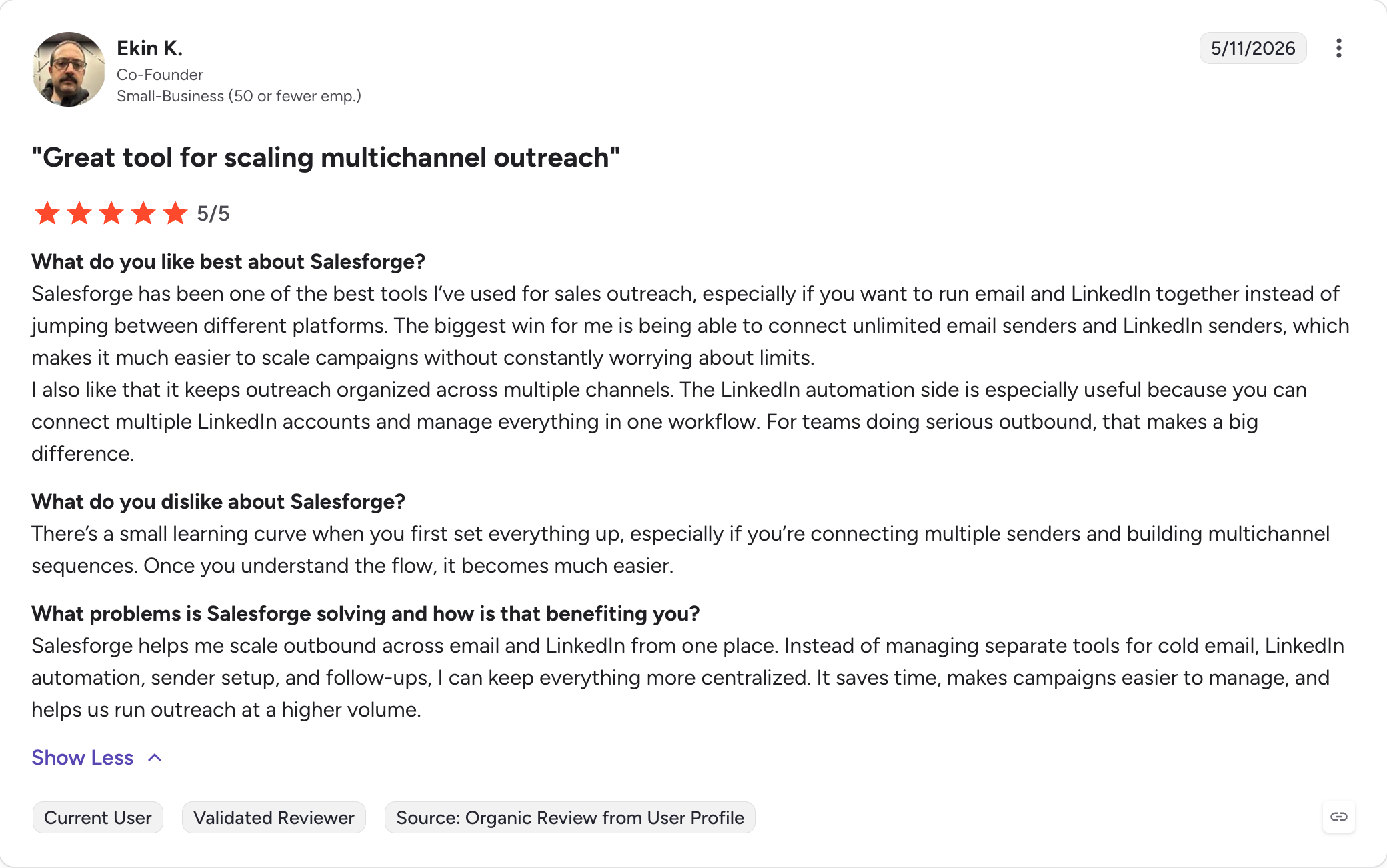
Salesforge — Best for multi-channel outreach with unlimited mailboxes, unlimited LinkedIn senders, free warm-up via Warmforge, and Primebox unified inbox. From $40/month (billed annually).
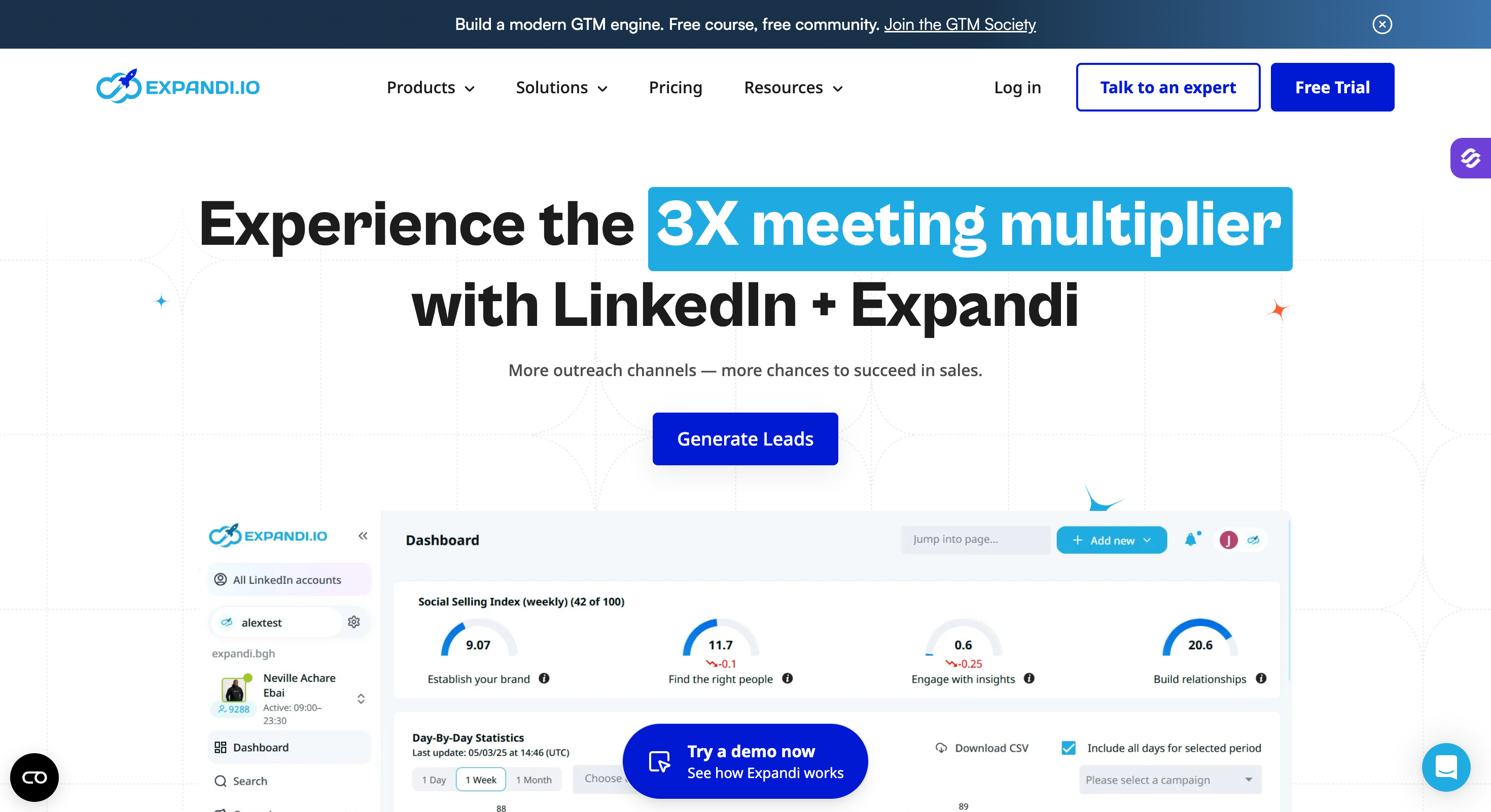
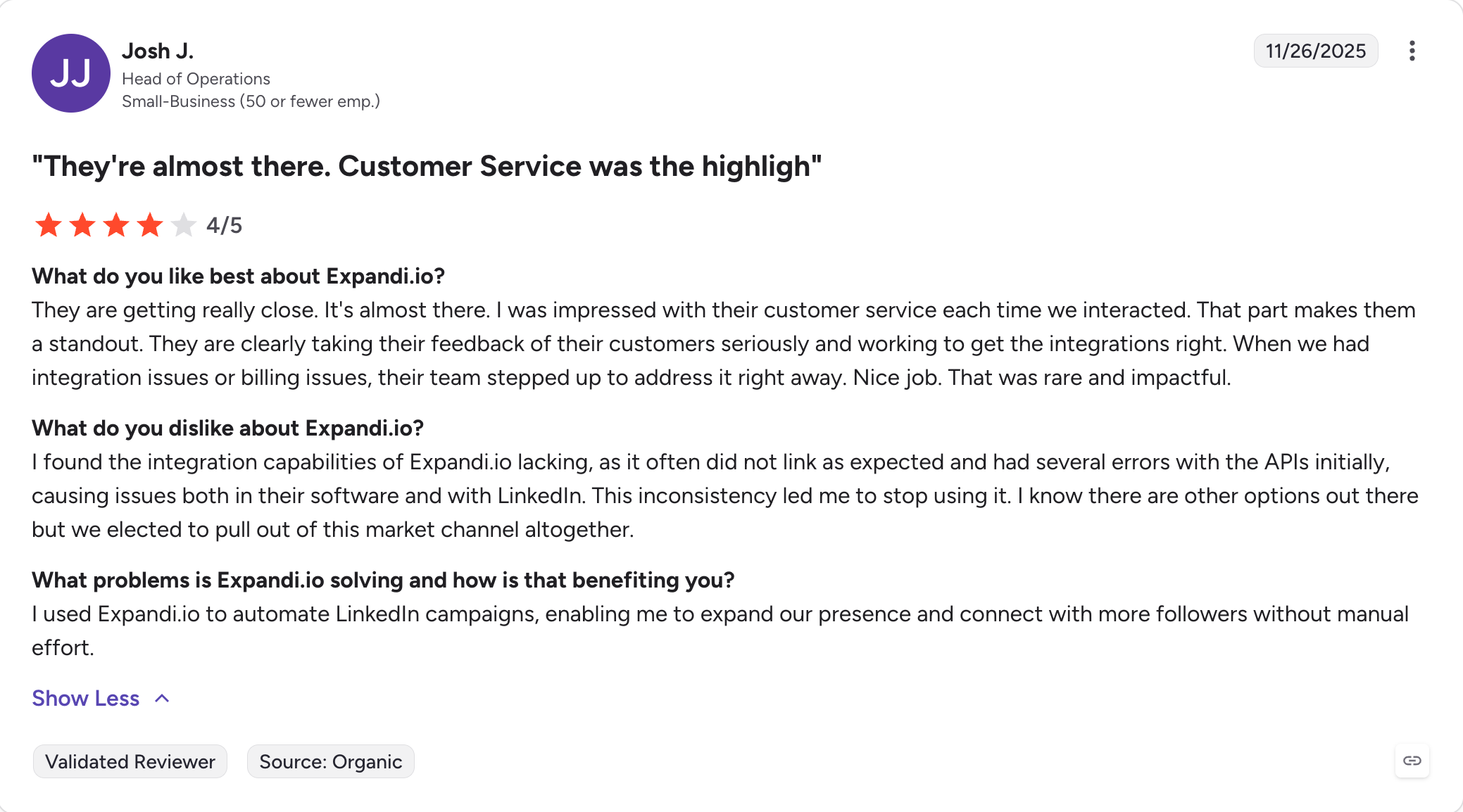
Expandi — Best for cloud LinkedIn automation with dedicated country-specific IPs and built-in warm-up. From $99/account/month (billed annually).
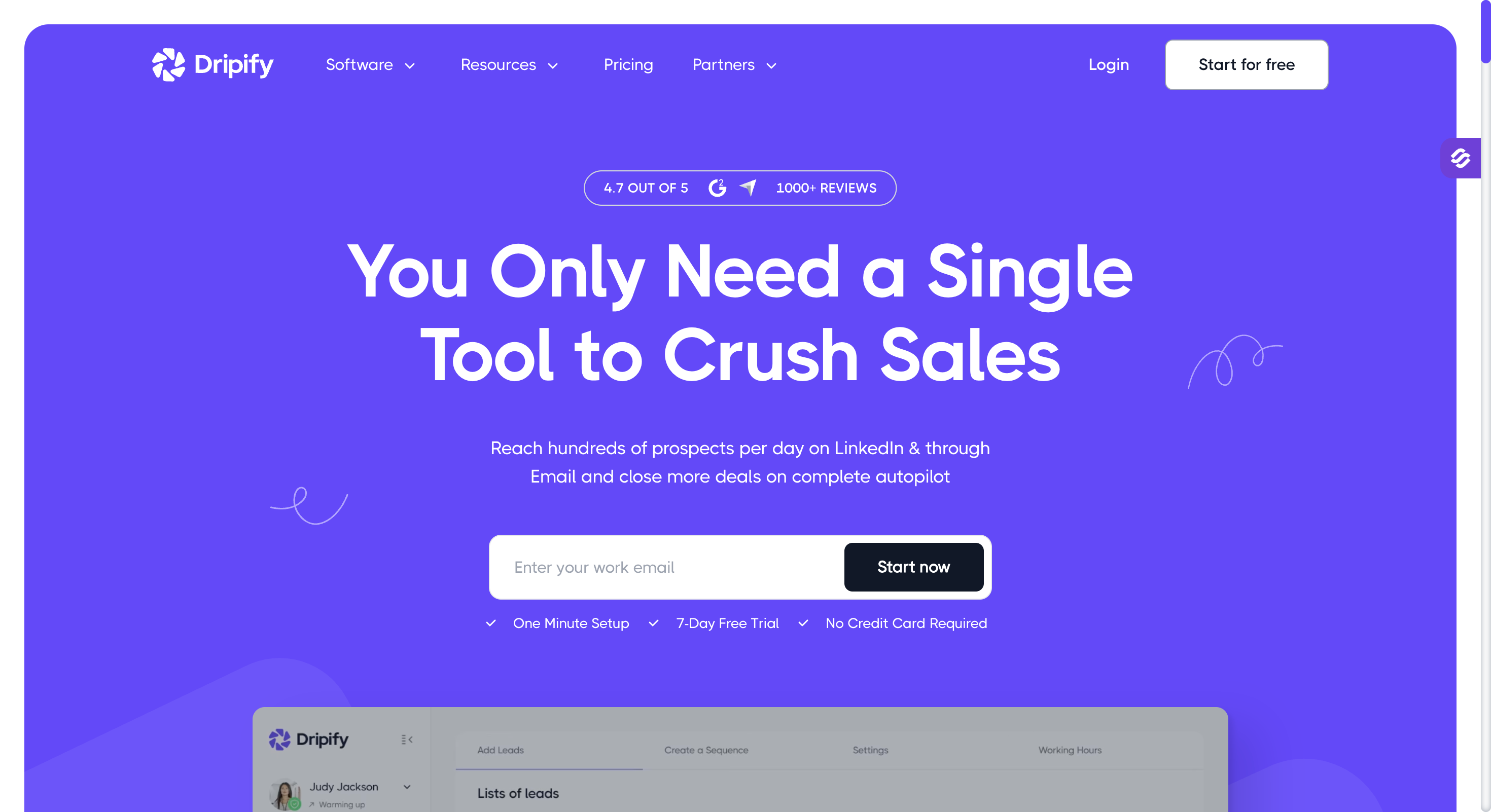
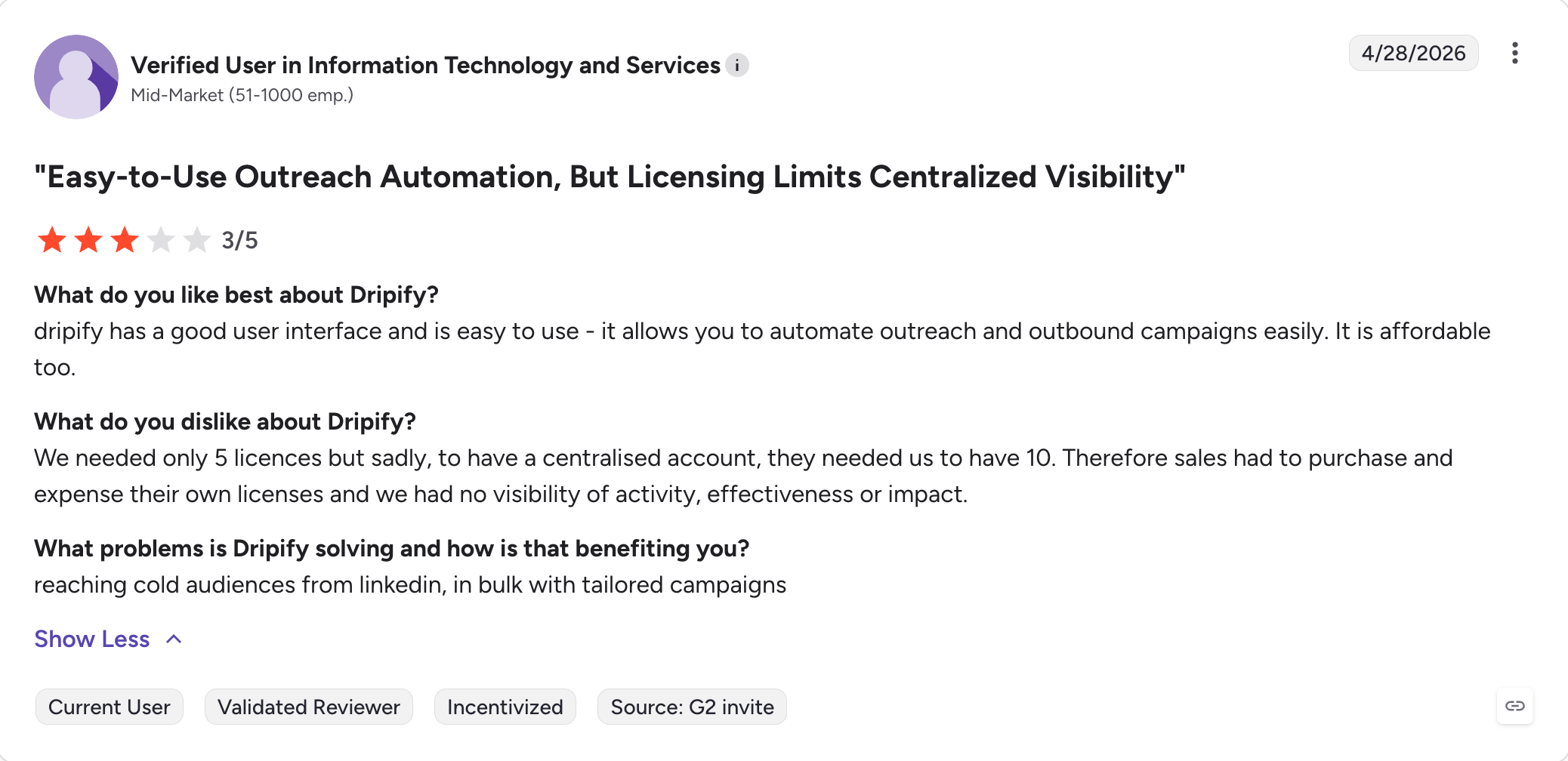
Dripify — Best for clean LinkedIn drip campaigns with built-in email finder, verifier, and dedicated reply inbox. From $39/user/month (billed annually).
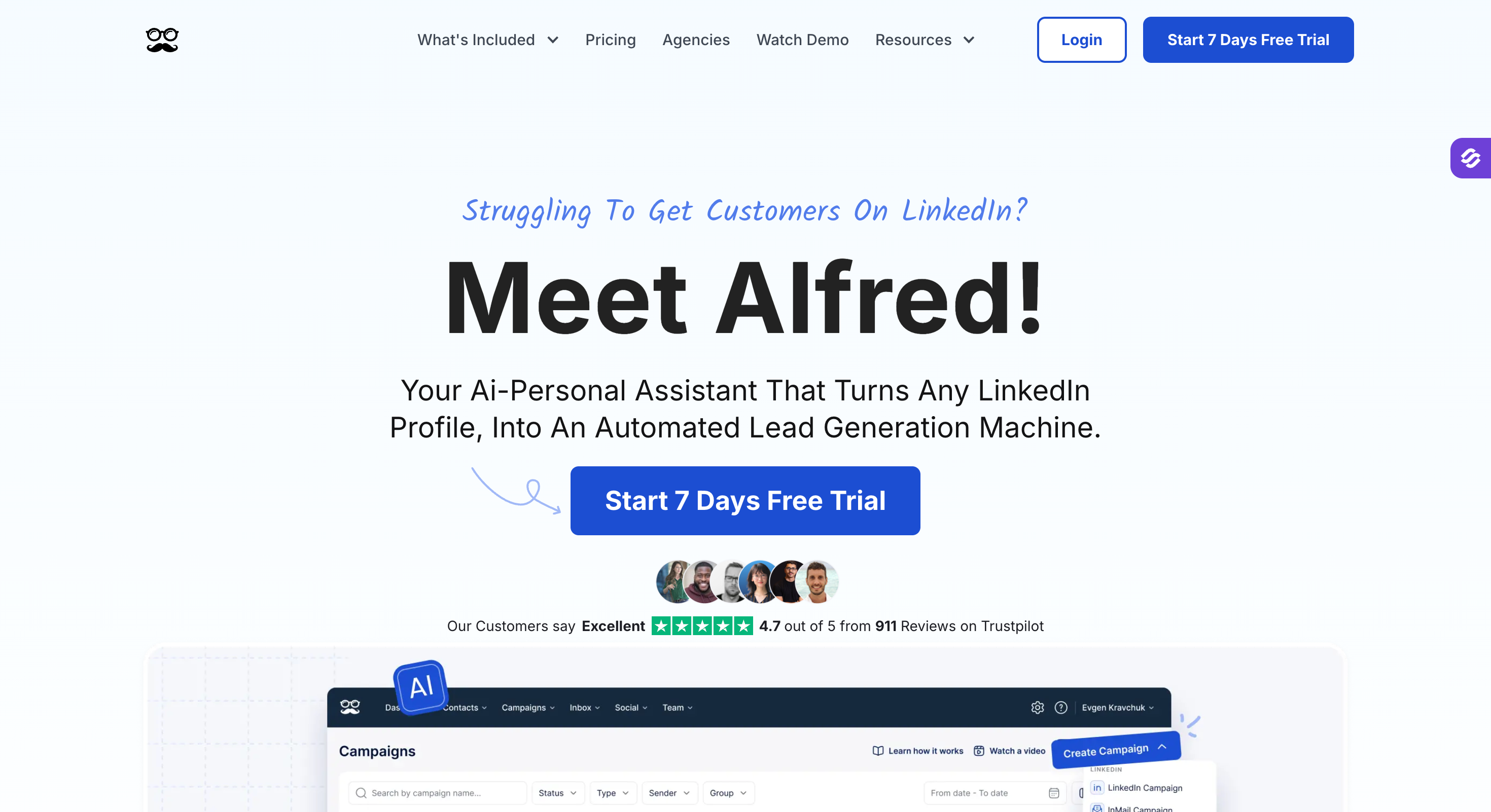
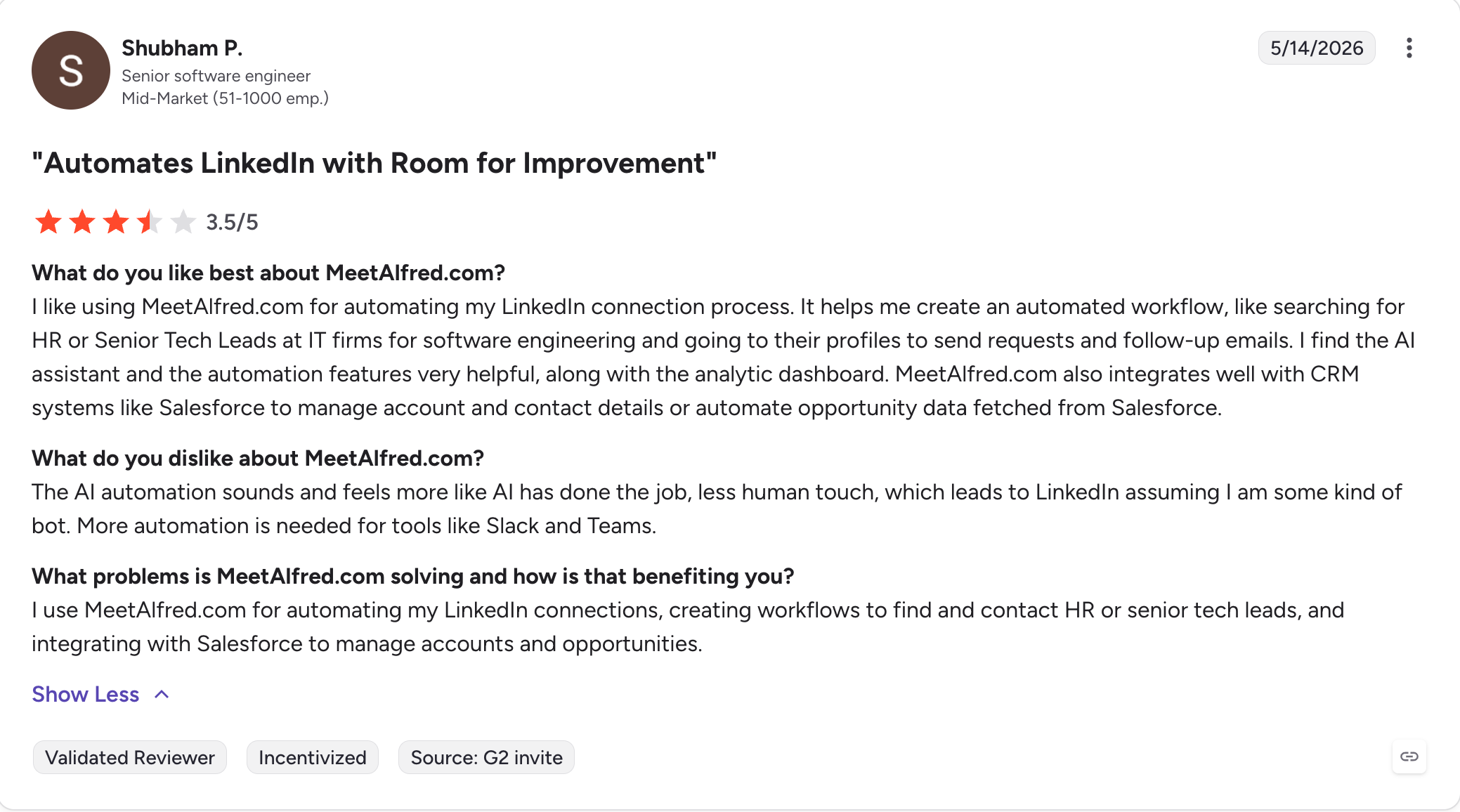
Meet Alfred — Best for visual multi-channel workflows across LinkedIn, X, and email with a unified inbox and white-label. From $59/user/month (billed annually).
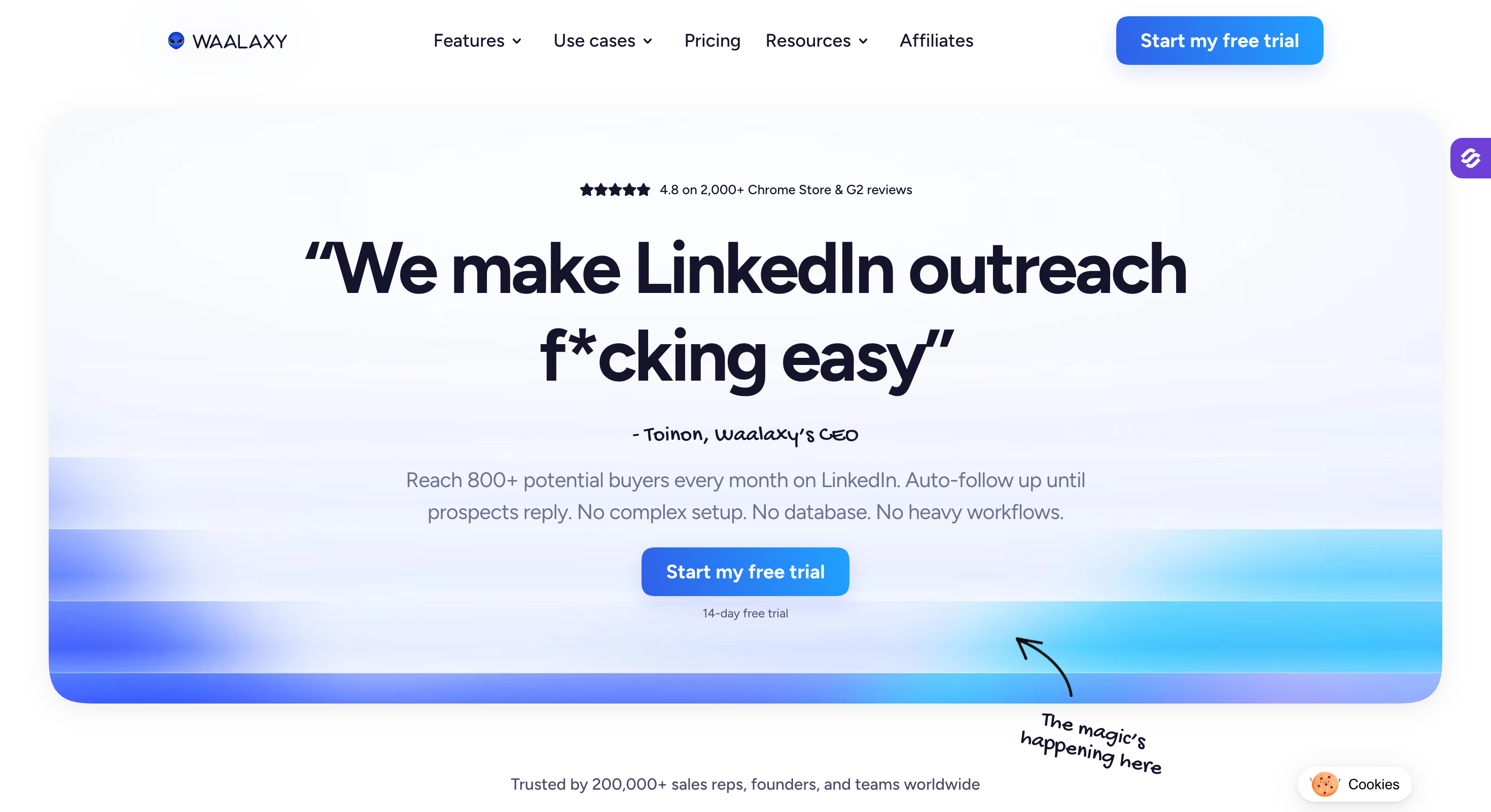
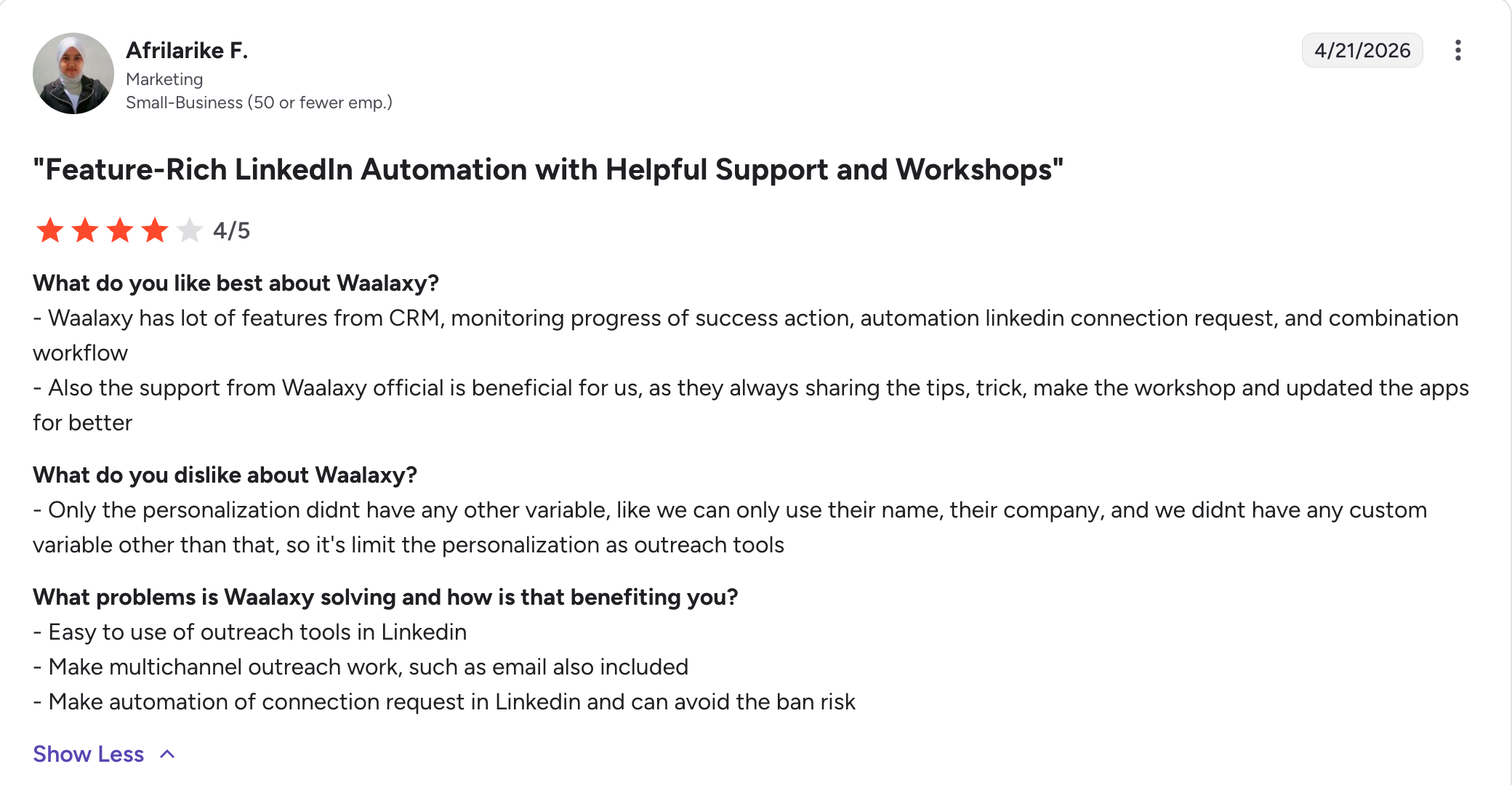
Waalaxy — Best for fast-launch LinkedIn outreach with templates and a generous free tier. From €19/user/month (billed annually).
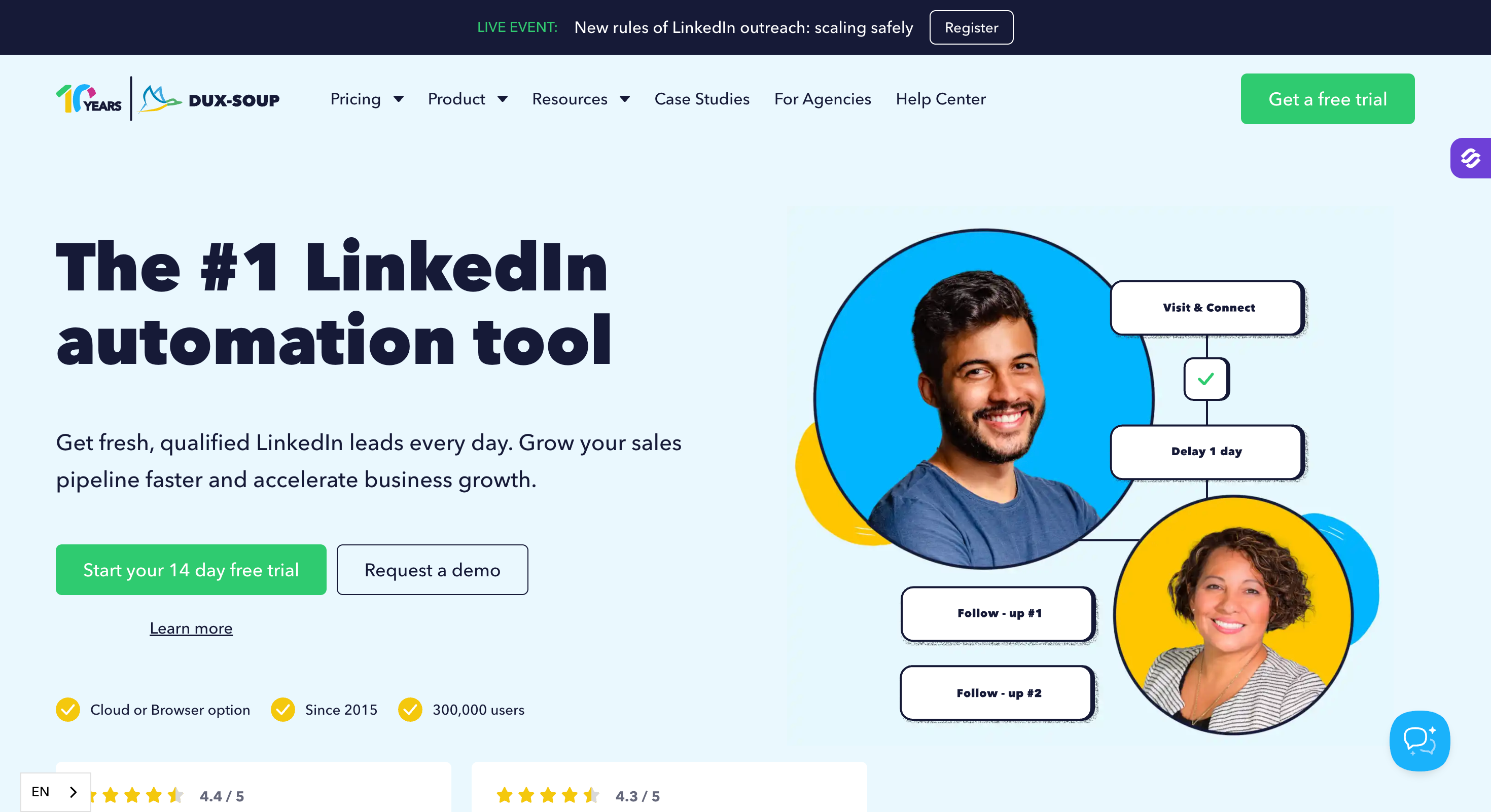
Dux-Soup — Best for affordable LinkedIn drip campaigns with a cloud always-on option and team mode. From $11.25/month (billed annually).
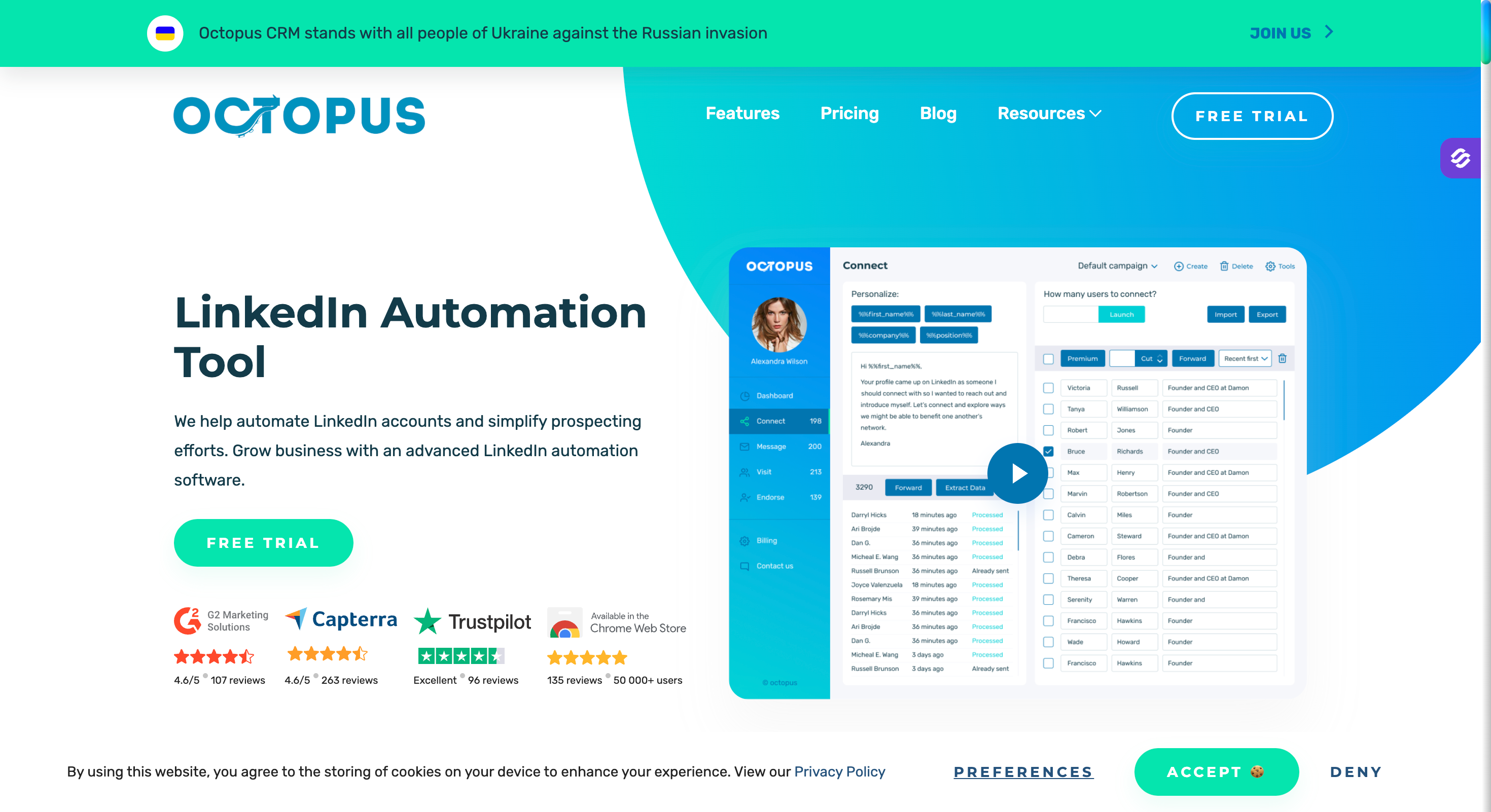
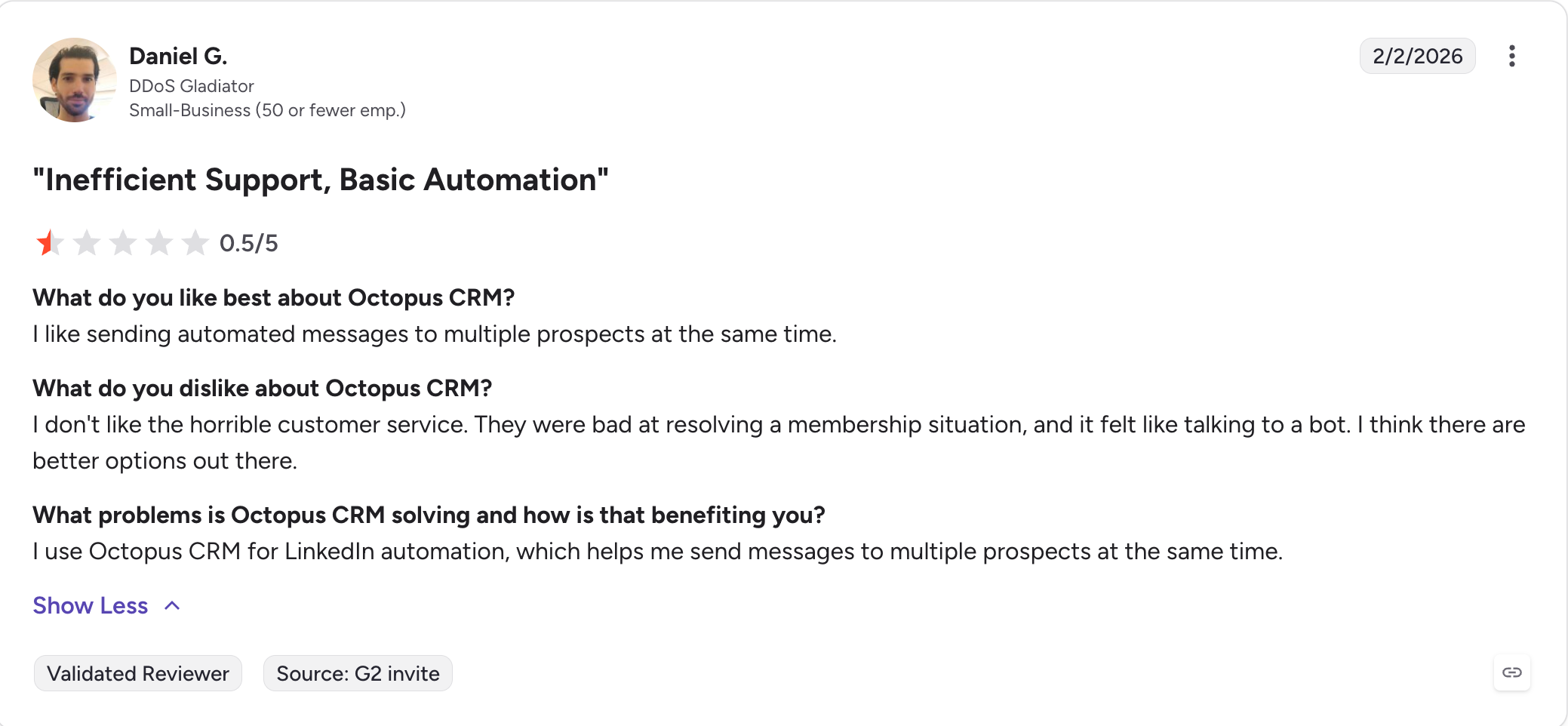
Octopus CRM — Best for straightforward LinkedIn funnels and bulk messaging at the lowest entry price on this list. From $6.99/month (billed annually).
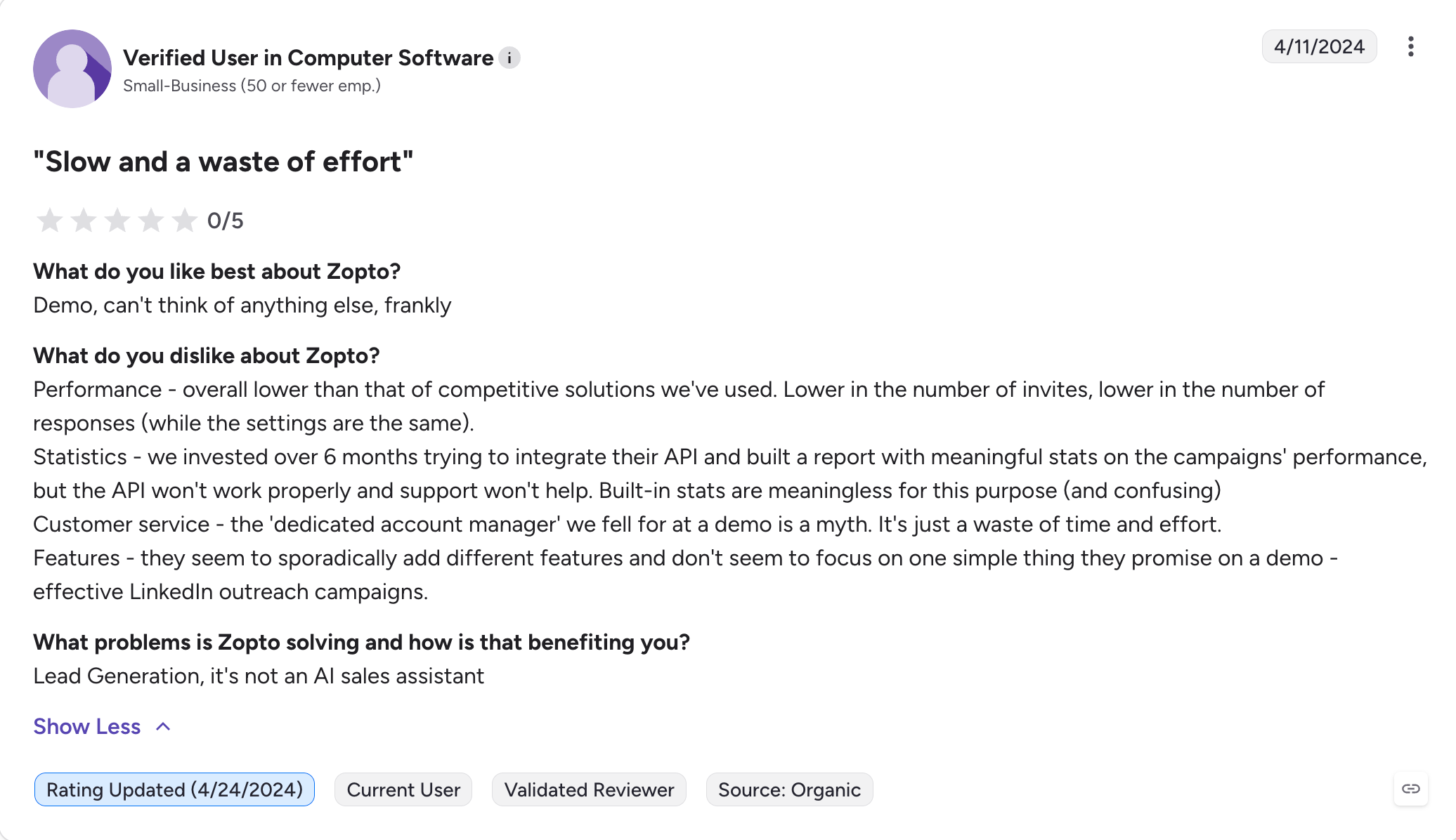
Zopto — Best for agency-grade LinkedIn campaigns with an AI builder, CSM support, and white-label. From $197/account/month (billed annually).
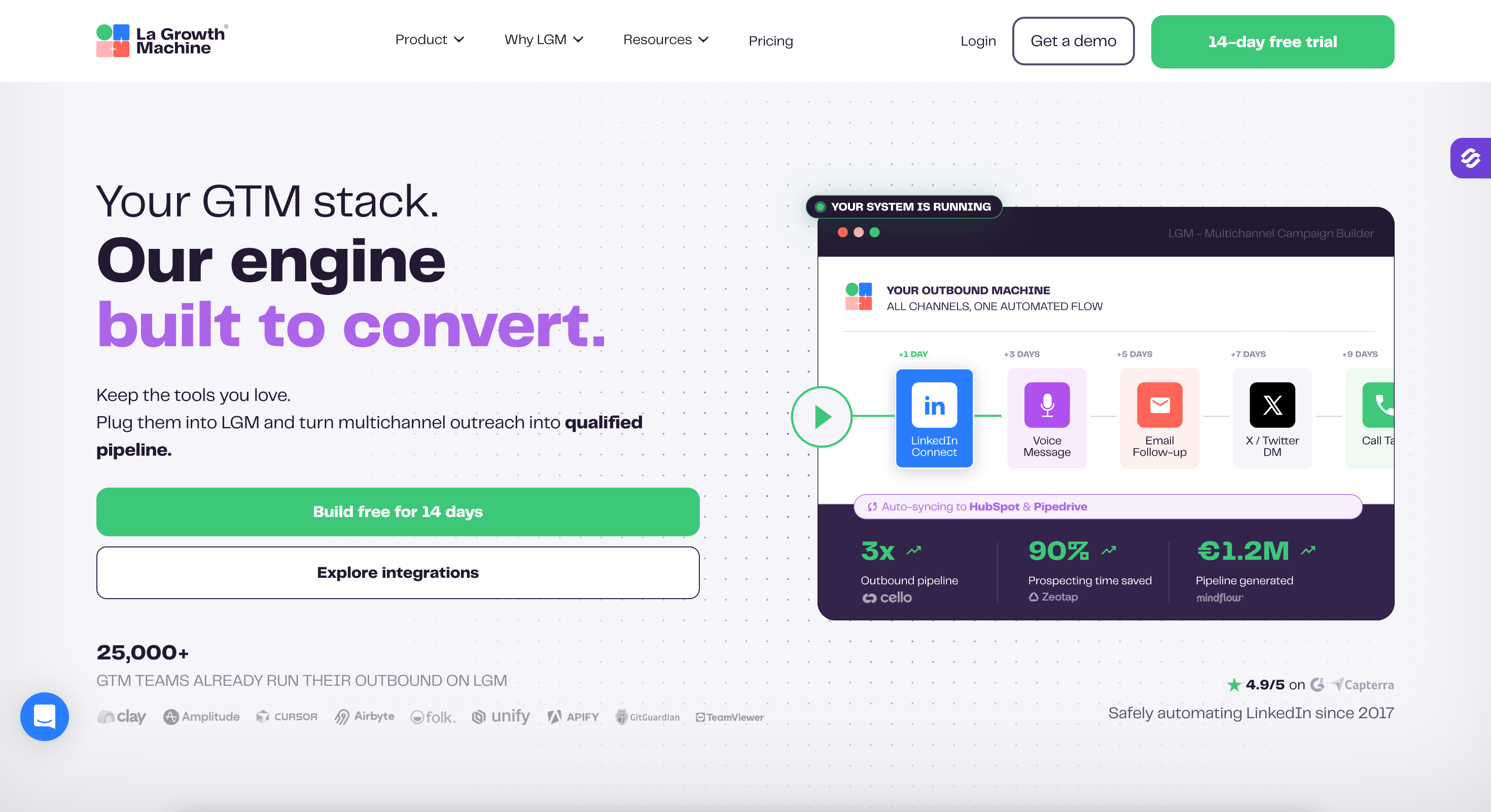
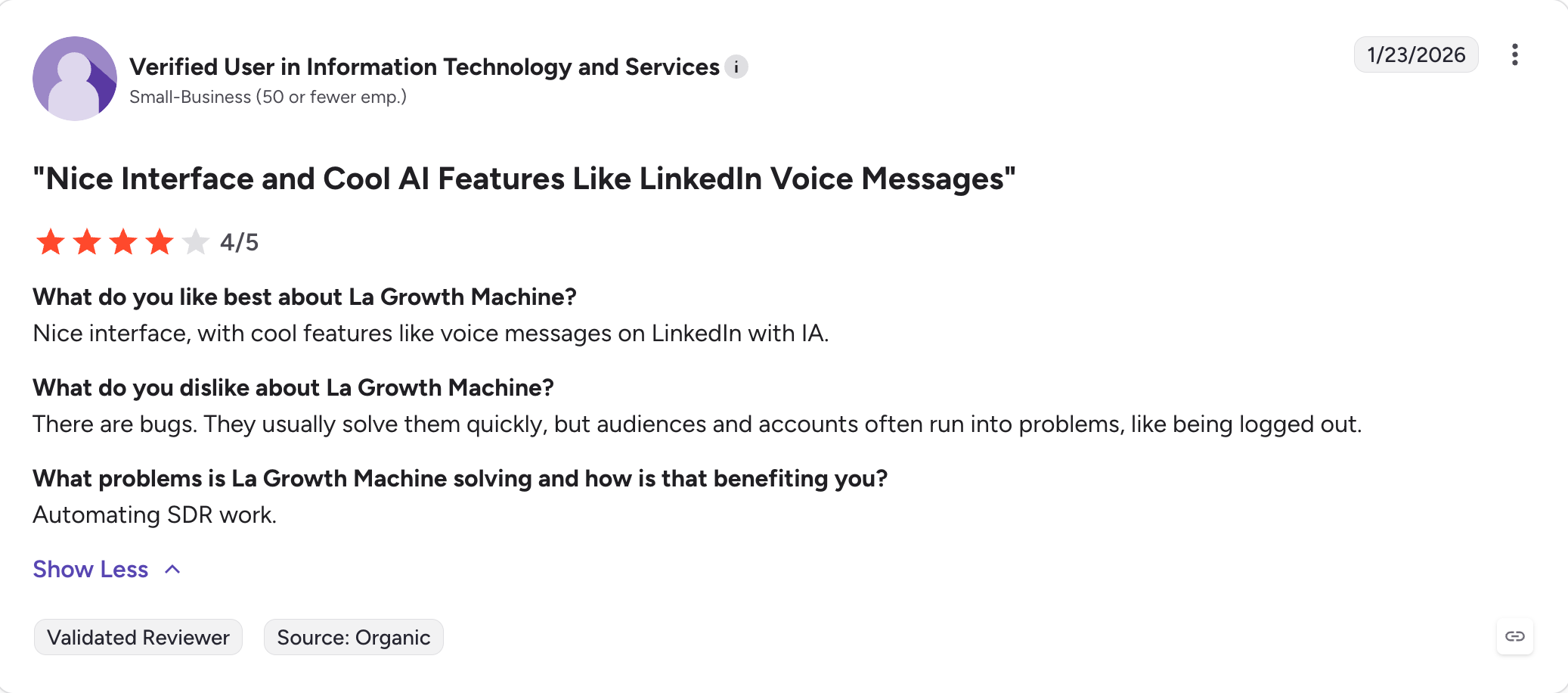
La Growth Machine — Best for safe multichannel outreach across LinkedIn, email, calls, and X with built-in enrichment and CRM sync. From €50/month (billed annually).
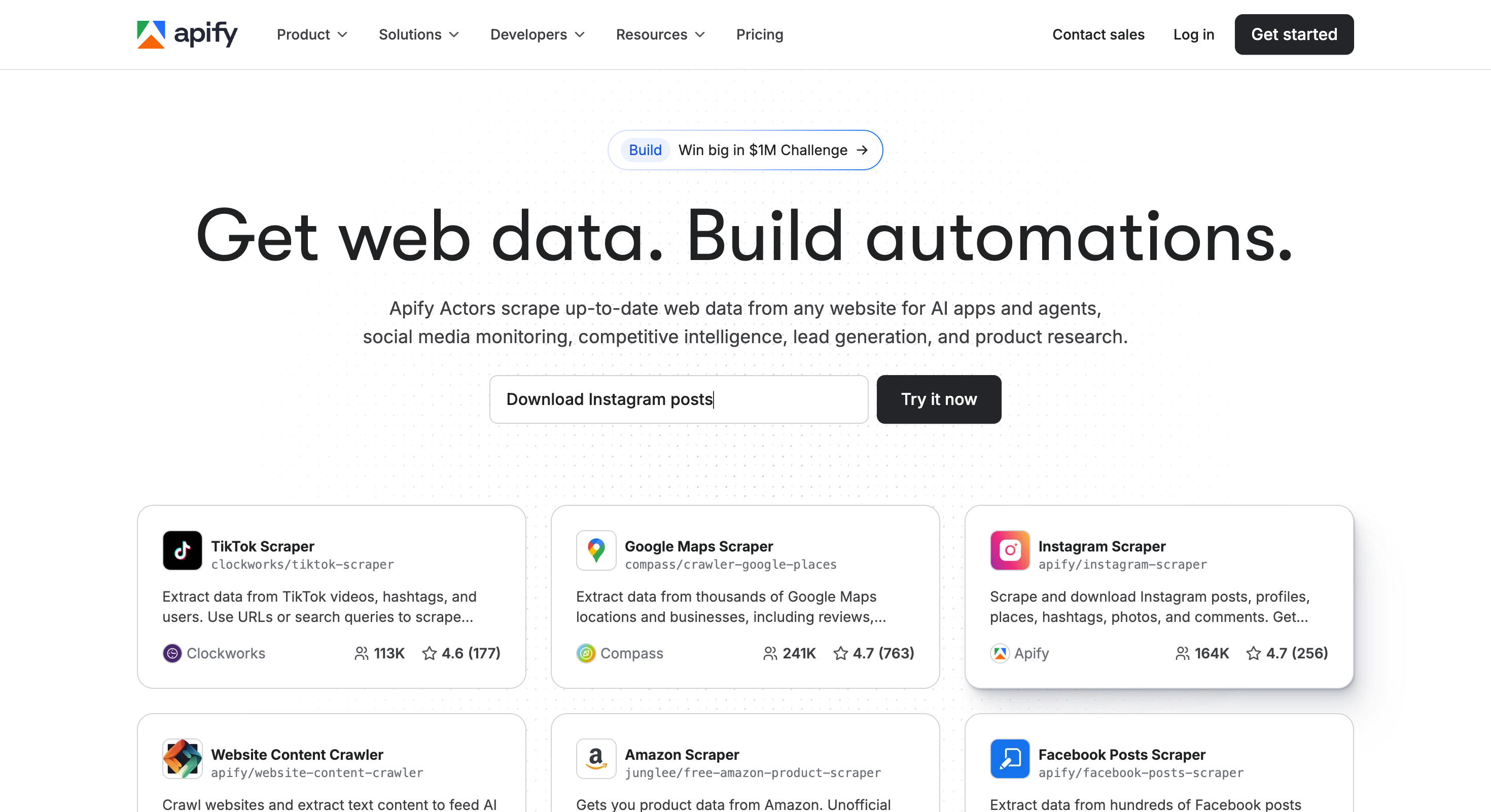
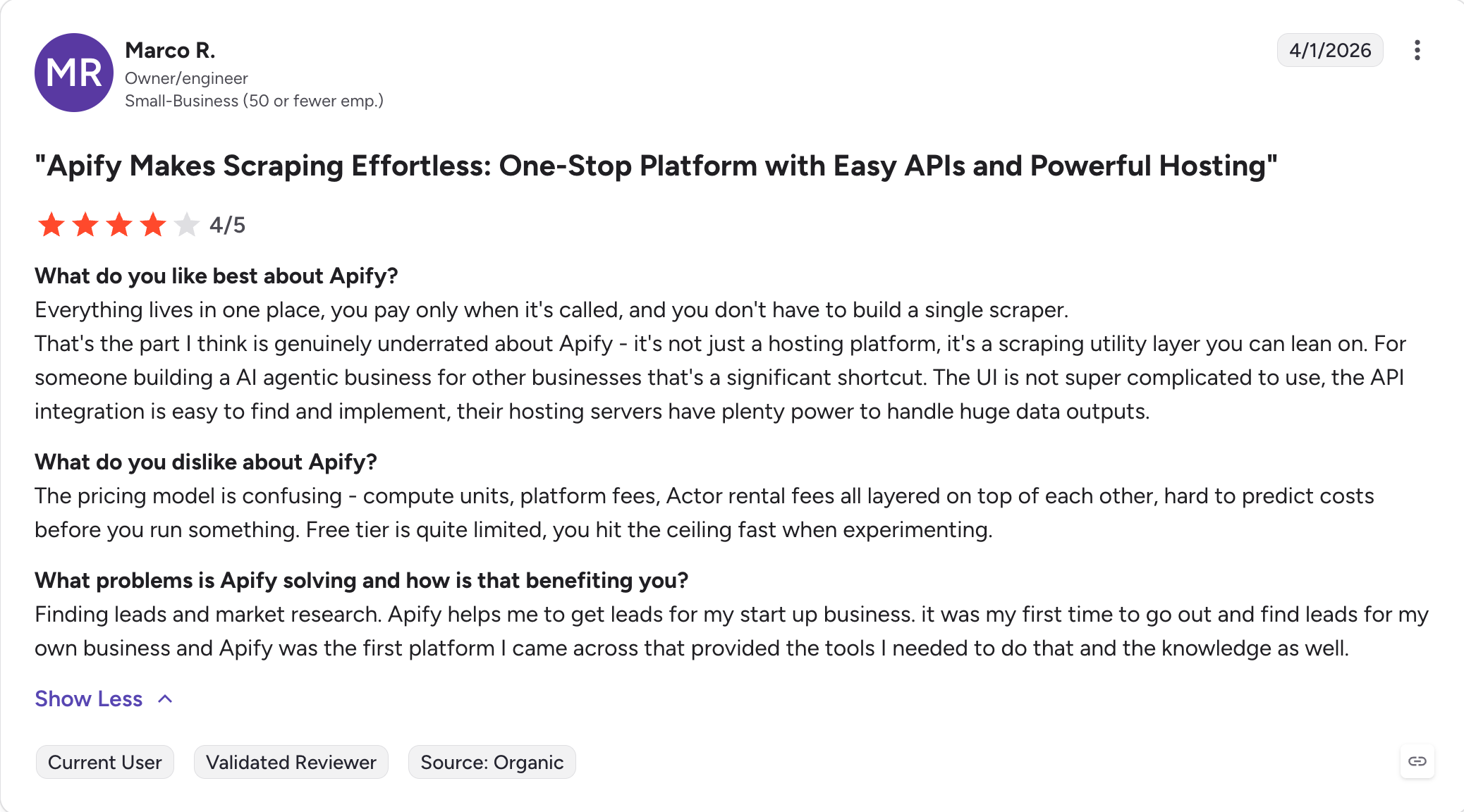
Apify — Best for data scraping and extraction at scale with proxy rotation and a 1,000+ actor marketplace. From $29/month + usage (billed annually).
Why Teams Switch From Phantombuster
I've seen the same three reasons come up over and over.
Pricing scales unpredictably
Phantombuster plans are built around execution time and slots. You start at $56/month on the Starter plan and step up to $128/month (Grow) and $352/month (Scale). The moment you chain more Phantoms, your slot math changes. Most teams don't price-model that until the bill arrives.
LinkedIn account safety is your problem, not theirs
Phantombuster runs scrapers and automations across LinkedIn, but the safety pacing is yours to figure out. Reddit threads on r/Botdog and the broader sales community are full of temporary restriction reports from users who pushed too hard.
It's just data automation
Phantombuster captures data and runs tasks. It doesn't give you a campaign UI, a unified inbox, warm-up, or deliverability monitoring. If your real job is "send messages and book meetings," you'll end up bolting on three more tools.
That's where the alternatives come in.
When Phantombuster Is Still the Right Pick
I'll say this honestly because it matters.
Phantombuster is the right tool if your day-to-day is "I need to run 12 different small automations across LinkedIn, Instagram, Twitter, and Google Maps, and I'm comfortable owning the workflow design."
The library of 100+ Phantoms is real. The Zapier integration is solid. If you sit in a growth or ops role and your job is to build the pipes, Phantombuster still does that better than most alternatives on this list.
But if your job is to use the pipes to book meetings, keep reading.
Features Comparison: Top 4 Phantombuster Alternatives at a Glance
Before I break each tool down individually, here's how the four strongest Phantombuster alternatives compare side by side.
Phantombuster sits on the left as the baseline you're replacing.
The other four columns are the tools most teams actually move to, ranked by how well they replace Phantombuster across the workflows that matter.
✅ Native HubSpot, Pipedrive (Ultimate), Zapier, Make, Clay, API
⚠️ Zapier + webhook (Pro+), no native CRM
Free Chrome Extension
✅ Free LinkedIn Email Finder Chrome extension
❌ Cloud only
❌ Cloud only
❌ Cloud only
AI SDR
✅ Agent Frank — autonomous AI SDR prospects, writes, follows up, books meetings. $416/month (billed annually)
❌
❌
❌
MCP + CLI
✅ Forge MCP Server connects the Forge Stack to Claude and other AI agents
❌
❌
❌
Agency / Team Features
✅ Unlimited users + unlimited shared workspaces on Growth, whitelabel available
✅ Custom Agency plan with white-label and dedicated CSM
✅ 3–25 team members by plan, unlimited on Ultimate, agency plan available
✅ Team management + advanced LinkedIn protection (Advanced plan+)
Free Trial
14 days, no credit card required
7 days
14 days
7 days, no credit card required
Best For
Multi-channel outreach + deliverability at scale, with built-in warm-up and AI SDR
Cloud-based LinkedIn automation with safety-first IPs and auto warm-up
Safe multichannel outreach across LinkedIn, email, calls, and X with built-in enrichment
Simple LinkedIn drip campaigns with built-in finder, verifier, and reply inbox
Now to the tool-by-tool breakdowns.
#1 Salesforge: Best for Multi-Channel Outreach With Built-in Deliverability
Phantombuster is excellent at the "before" of outbound: scraping, enriching, extracting across LinkedIn, Instagram, X, and Google Maps.
The moment you cross into "now actually send messages and book meetings," you're stitching tools together.
Salesforge starts where Phantombuster stops.
Email and LinkedIn live in the same sequence. Replies land in one inbox. Warm-up runs in the background for free. The whole point of the platform is to compress the gap between "I have a list" and "I have a meeting."
That's the shift, and once I made it, I stopped chaining Phantoms.
Where it Lands Against Phantombuster
I want to call out the specific Phantombuster gaps that Salesforge closes, because that's why teams switch. The feature list below is grouped around those gaps, not around what's "new."
Phantombuster has no native campaign layer, Salesforge Does:
LinkedIn and email in one sequence with conditional branching
Pricing stays flat as you scale. The 50th mailbox costs the same as the 5th.
Phantombuster gives you data but no reply management, Salesforge gives you Primebox:
A unified smart inbox for email + LinkedIn replies across every mailbox and sender
Co-Pilot mode drafts replies for you to approve before sending
Auto-Pilot mode lets the AI continue conversations autonomously, keeping prospects moving while you sleep
Phantombuster has no personalization layer, Salesforge offers AI personalization (21 langauges):
AI variables pull prospect-specific details (LinkedIn data, company news, industry context) into every email
The same AI engine works across 20+ languages without losing tone
If you want to skip writing entirely, Agent Frank is the autonomous AI SDR. He prospects, writes, follows up, and books meetings 24/7 across email and LinkedIn
Phantombuster integrates via Zapier and webhooks, Salesforge connects natively:
AI-powered email personalization using AI variables (prospect-specific details from LinkedIn, company news, industry context), with the ability to enrich lead data before personalization. Works in 20+ languages.
Dynamic ESP matching automatically pairs each campaign with the right email service provider for better inbox placement.
Unlimited email warm-up powered by Warmforge, included on every plan.
Mailbox rotation across multiple domains and inboxes to protect sender reputation.
Domain reputation monitoring and real-time deliverability tracking.
Unlimited mailboxes & LinkedIn senders; unlimited mailboxes AND unlimited LinkedIn senders on Growth plan.
Primebox AI smart inbox unifies replies from email and LinkedIn. Two modes: Co-Pilot mode (AI drafts replies, you approve before sending) and Auto-Pilot mode (AI continues the conversation autonomously and keeps prospects moving).
Automated lead management: email validation, waterfall lead enrichment, data enrichment for better lead data, and clean data handling via Leadsforge with CRM sync.
CRM integrations: HubSpot, Pipedrive, API access for custom workflows, and native integrations that reduce manual syncing.
Agent Frank, the autonomous AI SDR. He prospects, writes messages, follows up, and books meetings across email and LinkedIn 24/7. Available with quarterly billing.
A/B testing, advanced analytics, campaign performance tracking across all sequences.
Choose Salesforge if your real job is to send messages, get replies, book meetings, and generate leads through managed outreach, not just run scripts; unlike PhantomBuster, it gives you an actual sending and reply workflow instead of only automation plumbing.
#2 Expandi: Best for Cloud LinkedIn Automation With Warm-up
Expandi is what most agencies reach for when LinkedIn safety is the main worry.
It runs entirely in the cloud, gives new users a more guided campaign UI than PhantomBuster, uses dedicated country-based IP addresses, and warms accounts up automatically.
The premise is simple: act more like a human, get flagged less often. Most reviewers agree it’s one of the safer LinkedIn-first options on the market, though no automation tool is risk-free, and that is part of why it is often chosen for linkedin prospecting over more open-ended automation setups.
Who Expandi is Built For
Agencies running LinkedIn outreach for multiple clients
Recruiters scaling network outreach
Solo sellers focused on LinkedIn as the primary channel
Teams that want a campaign UI, not a job runner
Core Features That Matter
Cloud-based execution with country-specific dedicated IPs, which helps handle repetitive tasks without local setup
Auto LinkedIn warm-up before campaigns ramp
Smart sequences with conditional branching
Multichannel LinkedIn + email follow-ups in one sequence, supporting lead generation workflows centered on LinkedIn outreach
Choose Expandi if LinkedIn is your primary channel and you want cloud automation with built-in warm-up, a campaign UI for LinkedIn prospecting instead of managing low-level automations, and you’re okay paying $99 per account.
#3 Dripify: Best for Simple LinkedIn Drip Campaigns
Dripify is the tool I'd recommend to someone who wants a clean visual builder and doesn't want to think about infrastructure.
You build drip campaigns with LinkedIn actions, email steps, conditions, and delays. It includes a built-in email finder, email verifier, and a dedicated inbox for replies. Setup takes about a minute. If your use case is "run a steady LinkedIn motion daily," Dripify is one of the most accessible options on this list.
Who Dripify is Built For
Founders and SMBs running LinkedIn + light email, especially those with a lighter tech stack
Sales teams that want a campaign builder, not an automation toolkit, including sales and marketing teams that want a simpler option
Recruiters running steady outreach with light enrichment
Choose Dripify if you want a simple LinkedIn-first drip campaign builder with light email steps, and you don't need true multichannel scale.
#4 Meet Alfred: Best for Visual Multi-Channel Workflows
Meet Alfred sits between Dripify and a full outreach platform.
You get a visual campaign builder that supports LinkedIn, X (Twitter), and email in the same sequence. It includes a unified inbox, AI personalization, and team features like roles, white-label, and reporting. The G2 rating is lower than competitors, but the multichannel flexibility is real, especially if X is part of your motion.
Who Meet Alfred is Built For
Solo users and SMBs that want LinkedIn + X + email
Teams that need a unified inbox and reporting
Agencies that want white-label and volume discounts
People who prefer visual builders over chained automations
Core Features That Matter
Multi-channel sequences (LinkedIn + X + email) that work across multiple platforms for teams that want one sequence builder
Visual campaign builder with delays and conditions
Unified inbox and LinkedIn CRM
Templates and AI personalization, with support for outreach on other platforms beyond LinkedIn
Roles, permissions, and white-label for agencies
Zapier and webhook integrations
Meet Alfred Pricing
Plan
Price
What's included
Free
$0
Limited testing access
Basic
$59/user/mo (annual)
Multi-channel sequences, templates, AI personalization
Pro
$99/user/mo (annual)
Everything in Basic plus reporting and advanced workflows
Team
$79/user/mo (annual)
Volume discounts, team features, white-label for 5+ users; dedicated AM for 10+
Choose Meet Alfred if you want a multi-channel visual builder that includes X (Twitter), and you're willing to validate reliability in a trial first.
#5 Waalaxy: Best for Fast-Launch LinkedIn Outreach With a Free Tier
Waalaxy is the easiest entry point on this list, especially for new users because its templates act like a built-in campaign UI.
You install the Chrome extension, pick a template, and you’re sending invites within ten minutes. The free tier (80 LinkedIn invites per month) means you can test before committing. Pricing is per user and scales with channels, so the cheaper plans are LinkedIn-only and the higher plans add email.
Like Expandi, it provides a campaign UI specifically for LinkedIn outreach, and that guided setup is a key difference from PhantomBuster’s more open-ended workflow style.
Who Waalaxy is Built For
Founders trying LinkedIn outreach for the first time
Solo sellers on a tight budget
Beginners who want templates, not custom builders
Small teams running simple invite + follow-up motions
Core Features That Matter
Free tier with 80 LinkedIn invites/mo
Pre-built campaign templates
Multi-channel (LinkedIn + email) on Business plan
Email finder credits included on higher plans
Sales Navigator import that can also pull from LinkedIn profiles for simple prospect setup
Team prospecting dashboard
Waalaxy Pricing (per user, monthly)
Plan
Price
What's included
Free
€0
80 LinkedIn invites/mo, basic features
Pro
€19/mo
LinkedIn automation, templates, basic finder credits
Choose Waalaxy if you're new to LinkedIn automation, want templates, and want to test a free tier before paying.
#6 Dux-Soup: Best for Affordable LinkedIn Drip Campaigns
Dux-Soup has been around longer than most tools on this list.
It runs as a Chrome extension by default, or you can upgrade to Cloud Dux for always-on execution without keeping your laptop open. Unlimited drip campaigns, a central inbox, and team features make it a strong value pick. Reviewers consistently call out training resources and support quality.
Who Dux-Soup is Built For
Solo sellers and small teams on a tight budget
Teams running drip campaigns with stats and a lead dashboard (Turbo+)
Agencies that want shared campaigns and admin controls
People who like Chrome-based control + a cloud upgrade path
Core Features That Matter
Personalized invites and 1st-degree messages
Unlimited drip campaigns (Turbo+)
Campaign stats and lead management dashboard that helps organize lead data for small teams
Central inbox for replies (Turbo+)
Cloud Dux for always-on execution
Team campaigns with duplicate-targeting prevention, reducing duplicate data collection across team members
Tiered discounts for teams and agencies
Dux-Soup Pricing (individual, monthly / annual)
Plan
Monthly
Annual
What’s included
Pro Dux
$14.99
$11.25
Invites, 1st-degree messages, profile visits, tags, 4× safety features
Turbo Dux
$55.00
$41.25
Unlimited drip campaigns, stats, lead dashboard, central inbox
Cloud Dux
$99.00
$74.17
Cloud-based, managed, always-on
Pricing across automation tools and paid plans varies widely, with entry options starting at $14.99 and higher multi-user commitments costing substantially more.
For teams, Turbo Team and Cloud Team start at the same per-seat rates with collaboration features. Cloud Agency starts at $371/mo for 5+ client seats.
You automate connection requests, bulk-message 1st-degree contacts, auto-visit profiles, and auto-endorse skills. The funnel builder runs a clean workflow: connect → thank-you → endorse → follow-up. You also get LinkedIn stats (profile views, search appearances, SSI), Zapier and HubSpot integrations, and "Connect by Email" to work around weekly invite limits.
Who Octopus CRM is Built For
Founders and SMBs who want a no-frills LinkedIn autopilot
Teams that need basic funnels without complexity
Sellers who live on LinkedIn and want fast setup
Core Features That Matter
Connection request automation
Bulk messaging for 1st-degree contacts
Auto profile visits and skill endorsements
LinkedIn funnel builder
Stats dashboard (views, search, SSI), with engagement data from LinkedIn activity metrics for added prospect filtering
Connect by Email to bypass weekly invite limits
Zapier and HubSpot integrations
CSV import/export, with exports sent to google sheets for lightweight tracking
Octopus CRM Pricing
Plan
Price
What's included
Starter
$9.99/mo
Core automation
Pro
$14.99/mo
Funnel builder, templates
Advanced
$21.99/mo
Zapier, HubSpot, activity controls
Unlimited
$39.99/mo
Premium, Sales Navigator, Recruiter compatibility
All plans include a 7-day free trial, no credit card.
Choose Octopus CRM if you want a practical LinkedIn autopilot at the lowest possible monthly cost, and you don't need email or multichannel.
#8 Zopto: Best for Agency-Grade LinkedIn With CSM Support
Zopto is positioned as an enterprise LinkedIn automation suite.
Where most tools on this list lean self-serve, Zopto leans managed. Every plan includes a Campaign Success Manager. The Pro tiers add Zhoo, Zopto's AI campaign builder, plus AI sentiment analysis, personas, and AI scheduling. Agency plans add white-label, sub-agencies, and multi-user dashboards.
Who Zopto is Built For
Small teams that want CSM-led setup
Agencies needing multi-user management and white-label
Founders who want AI to design campaigns instead of doing it manually
Choose Zopto if you want CSM-led campaign management, AI assistance, and agency-grade controls, and the higher price is justified by the support model.
#9 La Growth Machine: Best for Safe Multichannel With Built-in Enrichment
If you want multichannel beyond just LinkedIn, La Growth Machine is one of the strongest options.
You get LinkedIn + email on Basic, calls added on Pro, and X (Twitter) added on Ultimate.
Every plan includes LinkedIn automation, email automation, LinkedIn voice messages, AI copywriting, lookalike search, and a built-in company database.
Safety is the headline: 100% cloud, dedicated 5G mobile proxies, and smart sending limits.
Who La Growth Machine is Built For
Solo founders and small teams running LinkedIn + email
Scaling teams that need calls or X as additional channels
RevOps-led teams that want CRM sync (HubSpot, Pipedrive on Ultimate)
Teams worried about LinkedIn account safety at scale
Choose La Growth Machine if you want safe multichannel outreach across LinkedIn, email, calls, and X, with built-in enrichment and CRM sync.
#10 Apify: Best for Data Scraping and Extraction at Scale
If your real Phantombuster use case was data, not outreach, Apify is the cleaner swap.
Phantombuster gives you flexible blocks; Apify is scraping-first, built around Actors that output structured datasets, can extract data from company websites and other web sources, and manage multi-step visual workflows in a more structured way than PhantomBuster.
That makes it a better fit when the priority is web data and repeatable data collection rather than outreach.
The Actor marketplace covers most common data tasks (LinkedIn search exports, Google Maps, e-commerce sites, news, social). Pricing is plan + pay-as-you-go, so usage stays predictable as long as you monitor runs.
Who Apify is Built For
Operators whose core need is data extraction at scale
Teams that want a scraping platform, not an automation toolkit
Data engineers building structured data pipelines
Anyone outgrowing brittle browser automation
Core Features That Matter
Actor marketplace with 1,000+ pre-built scrapers
Datasets and APIs for recurring workflows that help maintain data freshness
Proxy rotation and anti-block infrastructure
Scheduling and webhooks to support real time data needs where frequent updates matter
Storage for crawled data that can plug into cloud services for downstream handling
Pay-as-you-go usage on top of plan base
Apify Pricing
Plan
Price
What's included
Starter
$29/mo + usage
Entry-level, basic actors
Scale
$199/mo + usage
Higher base usage, business actors
Business
$999/mo + usage
Highest base usage, enterprise support
Enterprise plans available for high-volume teams.
Apify Pros and Cons
Pros
Cons
Actor marketplace reduces time-to-first-scraper
Usage can spike if runs aren't monitored
Datasets and APIs fit recurring workflows
Actor quality varies (community vs vendor-maintained)
Choose Apify if scraping is your main problem and you want infrastructure you can build on, not just one-off exports; it is the better choice if your main need is to collect data at scale rather than automate outreach actions.
Final Verdict
Phantombuster fits the “build automations and own the workflow” job.
The alternatives above fit the “run outreach and book meetings” job.
They are different products solving different problems.
Salesforge solves all of it in one platform: unlimited mailboxes and LinkedIn senders, free unlimited warm-up via Warmforge, Primebox AI smart inbox with Co-Pilot and Auto-Pilot modes, dynamic ESP matching, mailbox rotation, CRM sync (HubSpot, Pipedrive), native integrations, and AI personalization in 20+ languages. Pro is $48/mo, Growth is $96/mo, and unlimited LinkedIn senders are included on Growth.
If you want the AI path, Agent Frank handles prospecting, writing, and meeting bookings autonomously at $499/month.
For most outbound teams, Salesforge is the upgrade.
1) What is the best Phantombuster alternative for cold email?
Salesforge. It includes unlimited mailboxes, free unlimited warm-up via Warmforge, Primebox for reply management, mailbox rotation, and dynamic ESP matching. Pro is $48/mo with a 14-day free trial.
2) What is the best Phantombuster alternative for LinkedIn outreach?
For cloud safety, Expandi at $99/account is a strong fit for teams doing linkedin prospecting who want a campaign UI rather than raw automation flexibility. For a clean drip builder, Dripify at $59/user. For unlimited LinkedIn senders inside a multichannel platform, Salesforge on the Growth plan at $96/mo.
3) Is Phantombuster safe for LinkedIn in 2026?
Any LinkedIn automation tool carries account risk. Most of these tools are built to collect and process publicly available data, but users still need to follow platform rules and legal guidelines. Phantombuster’s safety depends on your pacing, daily limits, and how you chain Phantoms. Cloud tools with dedicated IPs (like Expandi or Salesforge’s LinkedIn module) tend to have lower restriction rates because they manage limits centrally.
4) What is the cheapest Phantombuster alternative?
Octopus CRM at $9.99/month and Dux-Soup Pro at $14.99/month are the cheapest LinkedIn-only options. For multichannel at a low entry, Salesforge Pro at $48/month is the best value.
5) What is the best Phantombuster alternative for agencies?
Zopto for CSM-managed campaigns. Salesforge for unlimited LinkedIn senders + mailboxes + whitelabel. Expandi Agency for LinkedIn-first with white-label. Pick based on whether you want managed support (Zopto) or self-serve scale (Salesforge).
6) Can I replace Phantombuster with an AI SDR?
Yes, if your goal is to book meetings rather than run automations. Agent Frank inside Salesforge handles prospecting, writes personalized email and LinkedIn messages, follows up, and books meetings autonomously in 20+ languages. It's the closest thing to hiring an SDR without the headcount.
7) Does Phantombuster scrape LinkedIn safely?
Phantombuster scrapes public LinkedIn data, including linkedin profiles and other publicly visible records, using your account, which means the safety risk is on your account. Scraping at high volume increases the chance of LinkedIn restrictions. If pure scraping is the goal, Apify is generally safer because it doesn’t run through your LinkedIn account directly and is a better fit when you need stronger data accuracy controls outside account-based scraping.
8) What is the best Phantombuster alternative with built-in warm-up?
Salesforge. Free, unlimited warm-up via Warmforge is included on every plan, no extra subscription. Mailbox rotation, dynamic IPs, and domain reputation monitoring run automatically in the background, which most LinkedIn-first alternatives don't offer at all.
Compare the 10 best LinkedIn outreach services for B2B lead generation in 2026. Features, pricing, and honest reviews from someone who builds this category.





.png)
