InboxKit sells Google Workspace and Microsoft 365 mailboxes for cold email.
If you landed here, you probably already tried it. And something didn't sit right.
Maybe it was the pricing math. The $2.50 per mailbox headline sounds great until you add the $3 per mailbox warmup fee. That's $5.50 before you send a single email.
Or maybe it was the 14-day wait before your mailboxes could actually send at full volume. You're paying from day one, but you cannot ramp up.
Or maybe you read the G2 review where a customer paid $500 for 200 mailboxes and every one of them failed renewal. The refund saga is still unresolved.
Either way, you're here because infrastructure needs to be reliable. And that's a technical call, not a personal preference.
I've spent time evaluating InboxKit against every serious alternative in the cold email infrastructure space. Below are the five I'd actually consider today.
Let's get into it.
Here's how the five alternatives stack up against InboxKit on the factors that actually decide the switch. Primeforge is my top pick for teams that want real Google Workspace and Microsoft 365 mailboxes without workarounds.
I evaluated each tool on the same eight criteria that matter for cold email infrastructure. Real mailbox provisioning, IP model, setup time, DNS automation, warmup handling, total cost at scale, integration depth, and G2 reliability signal.
Here's how each one holds up.
Primeforge sits at the top of this list for two reasons. First, it is the only tool here that explicitly commits to real Google Workspace and Microsoft 365 mailboxes with no EDU tricks or reseller loopholes. Second, setup takes 30 minutes and DNS is fully automated.
It's built by the Forge Stack team, the same group behind Salesforge, Mailforge, Infraforge, and Warmforge. Which means the mailboxes drop cleanly into whichever outreach platform you already run.
The homepage tagline is honest about the product's positioning. "Cold Email Mailboxes Built for Deliverability, Not Daily Use." These are not repurposed personal Gmail accounts. They are Google Workspace and Microsoft 365 mailboxes configured specifically for outbound.
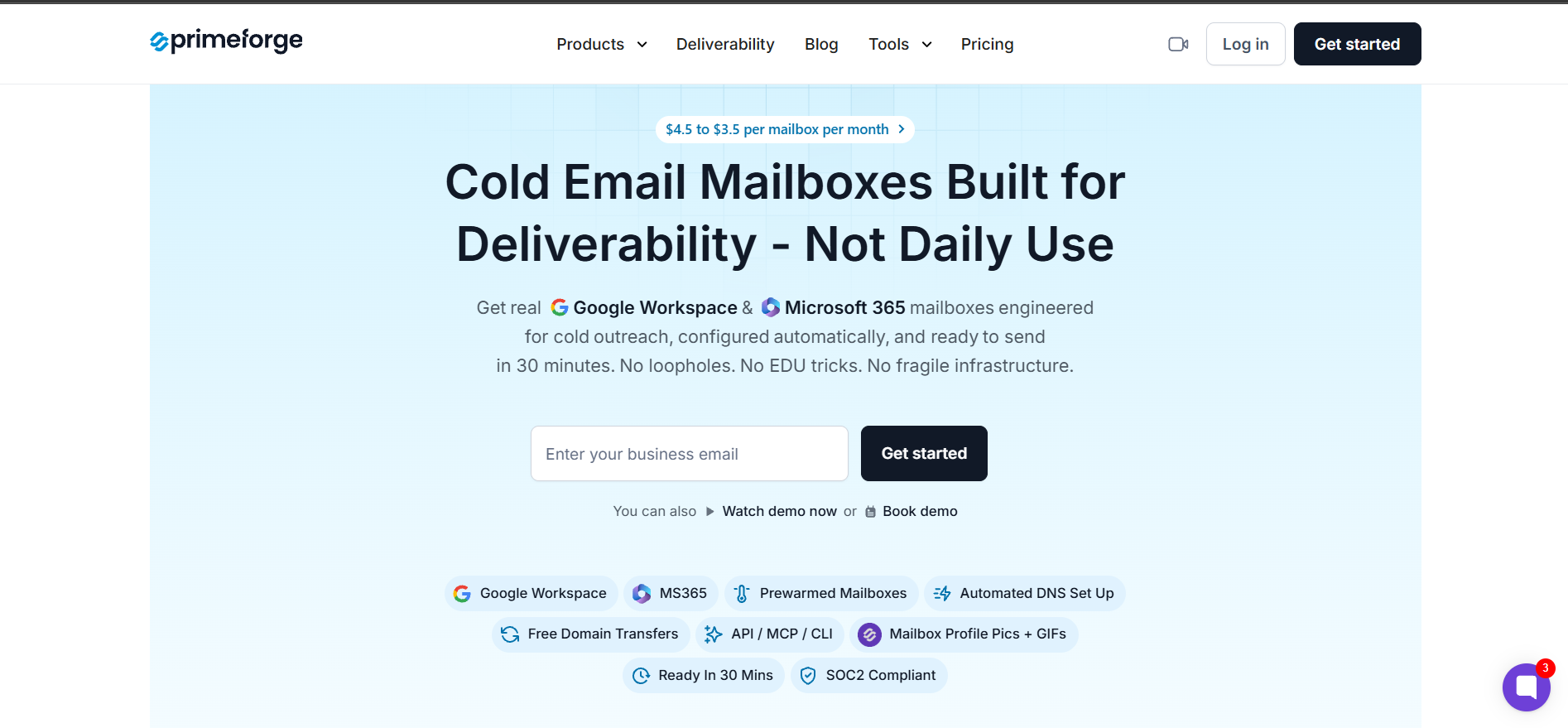
You get US-based IPs, mailbox profile pictures and GIFs out of the box, ESP-matching to increase inbox placement, pre-warmed mailboxes, and SOC2 compliance. The dashboard is consistent with the rest of the Forge Stack, so if you're already using Salesforge as your sending platform, the mailboxes plug in without config gymnastics.
The pricing is also transparent. $4.50 per mailbox at 25 mailboxes, scaling down to $3.50 at higher volumes, plus $14 per year for each .com domain (charged once).
Zapmail is an alternative to Inboxkit that sells official Google Workspace and Microsoft 365 mailboxes with US and EU IP restrictions across every tier.
The "Skip the Warmup, Start Sending from Day One" angle is genuinely different from InboxKit and Primeforge, which both bake in a two-week warmup window.
Zapmail sells a separate pre-warmed mailbox pricing track alongside its standard Workspaces and Microsoft 365 tracks. If your team keeps running into launch delays because of warmup timing, this positioning may be worth the premium.
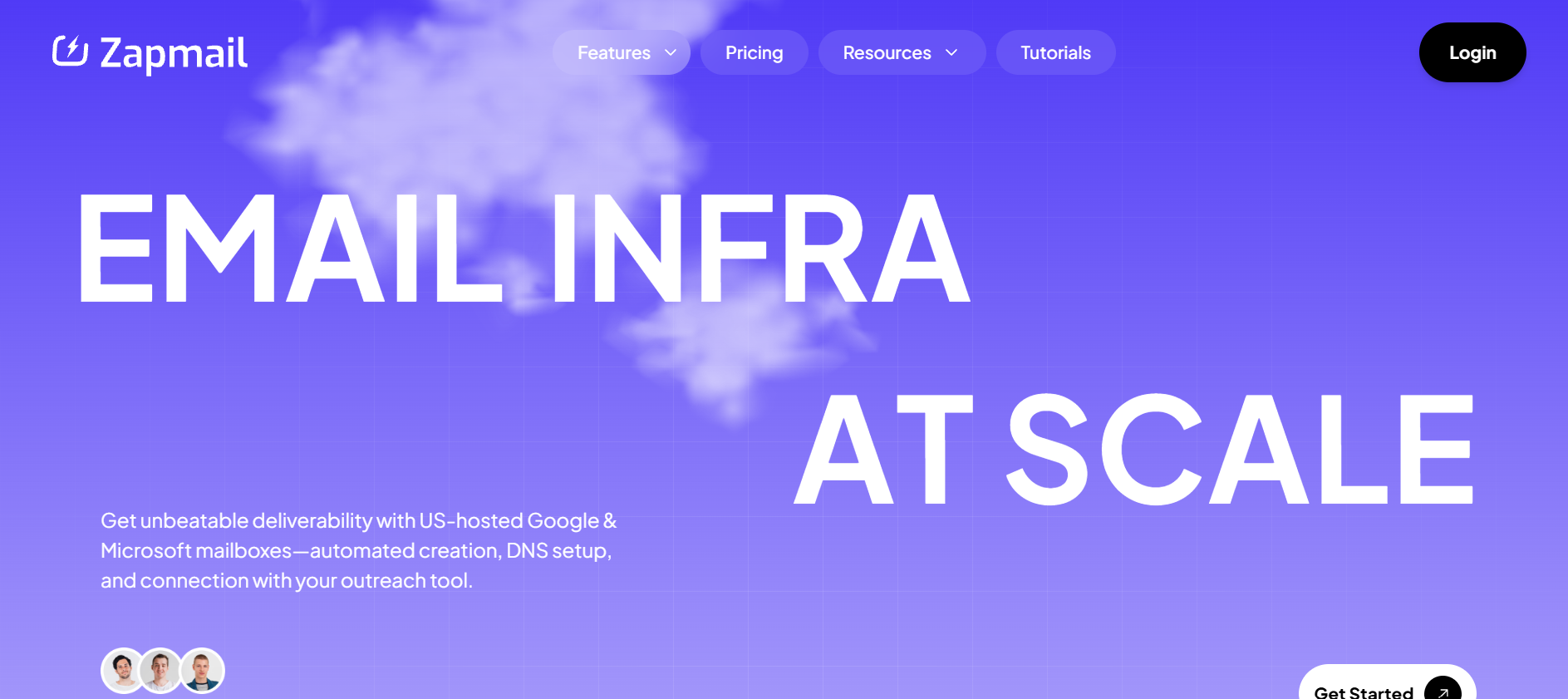
The free tools bundled in are also a nice touch. Email Verifier, DNS Checker, Inbox Placement Insight, and Spam Checker are all included at no extra cost.
Zapmail does have a thin G2 profile. Only 7 reviews, and roughly half appear to describe a different or older version of the product before the current cold email infrastructure pivot. So the 3.9-star rating is not a reliable signal one way or the other.
If pricing is the main filter, Icemail is the Inboxkit alternative that deserves a look. It's the only tool in this comparison that publishes a dedicated IP option, starting at $49 per domain, alongside standard Google and Microsoft mailboxes at $2.50 apiece.
Icemail is a product of xquare.vc. It advertises the widest mailbox range in this comparison. Google Workspace, Microsoft 365, M365 Azure (multi-tenant, 100 mailboxes per domain), and IMAP/SMTP (private isolated server with a dedicated IP and dedicated server per domain).
The dedicated IP tier is the differentiator. If your setup calls for full control of the sender IP, most tools in this list will not sell you that directly. Icemail does.
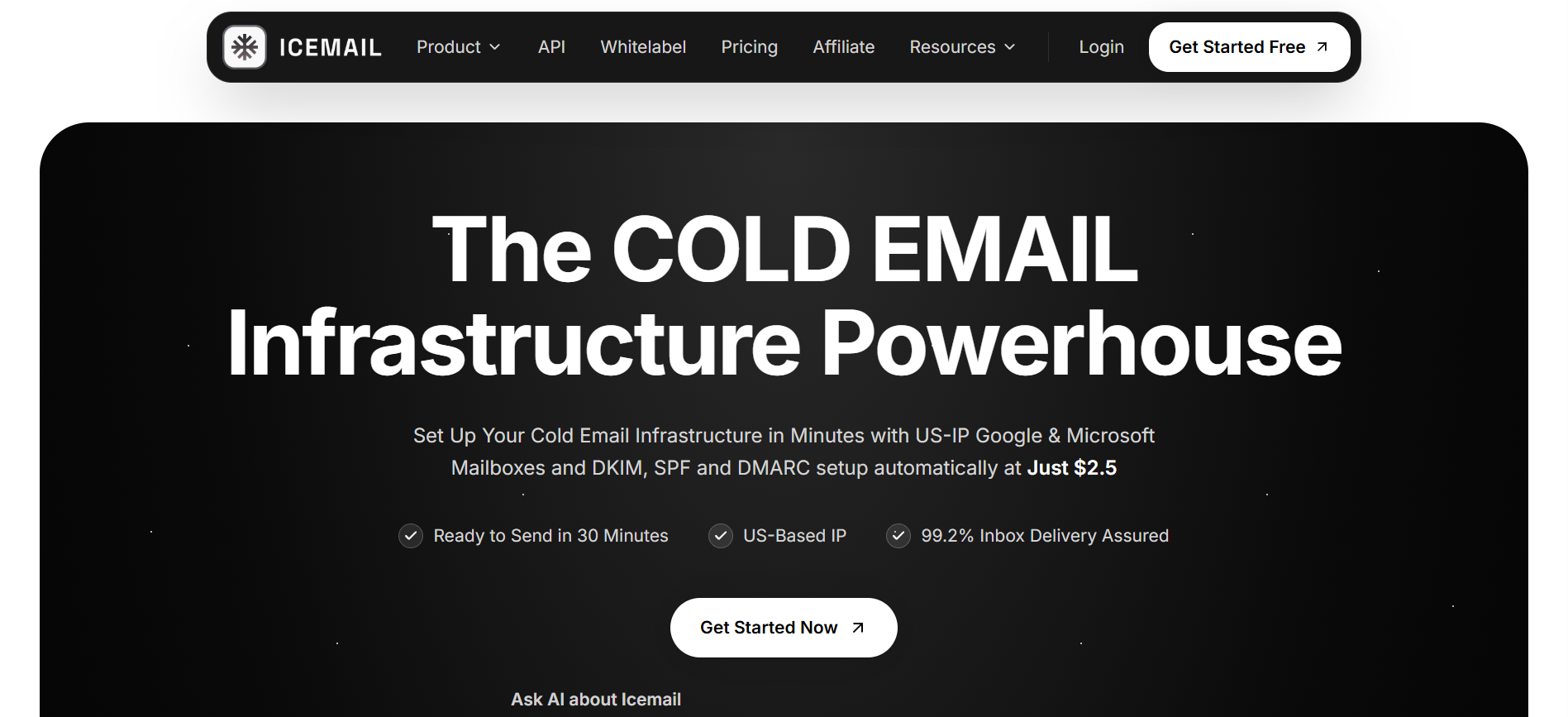
The main watch-out is Icemail has no G2 profile. That means no independent third-party review track record, which is worth weighing if you rely on peer signal to validate a purchase. The 99.2% inbox delivery figure on their homepage is a marketing claim without published methodology, so treat it as a positioning statement rather than a service-level guarantee.
Puzzle Inbox sells Standard and Warmed Microsoft 365 and Google Workspace inboxes on a per-inbox pricing model. The mailboxes come pre-configured with DNS ready, and you can add profile pictures out of the box.
The Warmed tier is the interesting one. For a $1.50 premium per inbox ($4.50 total vs $3 Standard), your mailboxes ship already warmed up. If you're running an agency and need to hand off ready-to-send inboxes to a client without a two-week warm-up window, that structure is worth the extra spend.
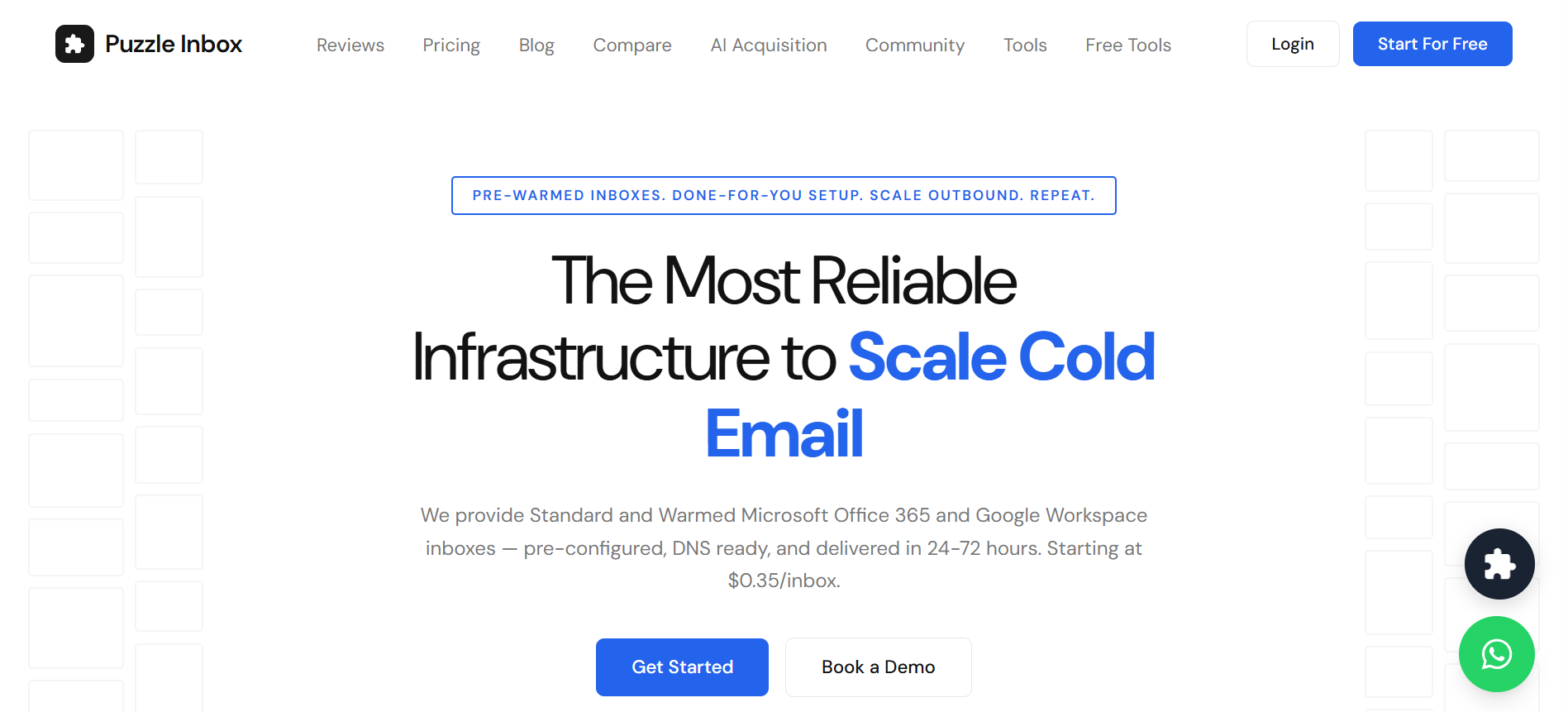
There are a couple of things to flag. Puzzle Inbox has no G2 profile, so its 4.7 star self-reported rating on the site is not independently verifiable. And the "starting at $0.35 per inbox" headline number on their homepage does not match either of the published tier prices ($3 Standard or $4.50 Warmed). I could not find how a customer actually reaches that $0.35 figure on the live site. Worth asking about directly.
Maildoso is worth looking at if you're looking for an alternative to InboxKit that supports SMTP as your primary sending stack. The math is genuinely aggressive at scale. 30 mailboxes for $75 per month ($2.50 each), 300 mailboxes for $225 per month ($0.75 each), or 1,000 mailboxes for $499 per month ($0.49 each). That's a fraction of what you'd pay across the four tools above at similar volume.
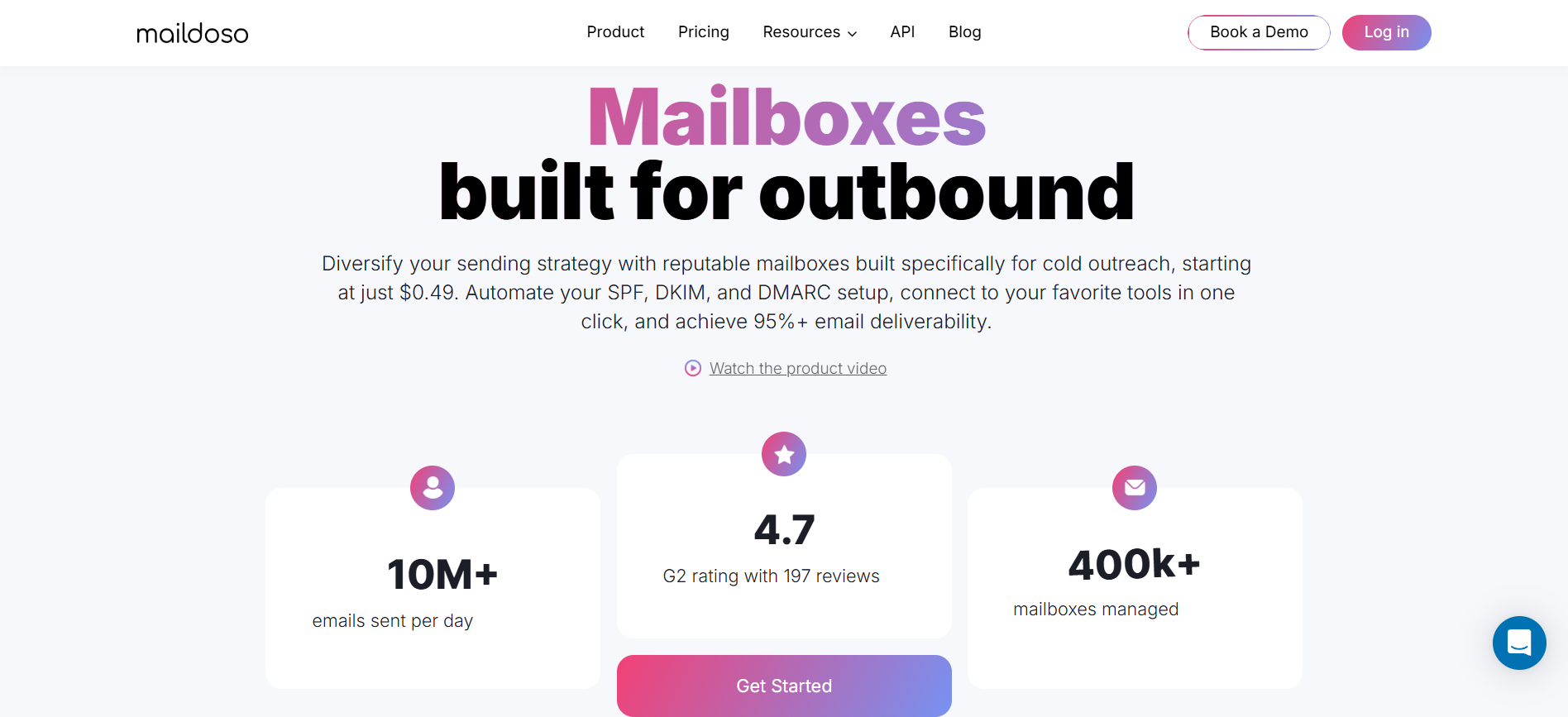
The G2 rating is the largest and most substantial in this comparison. 4.6 stars across 213 reviews. Praise consistently mentions reply-rate improvements after switching from other providers and the value of the self-healing mailbox and IP rotation architecture.
That said, the critical reviews are real too. Two 0/5 reviews specifically flag domain blacklisting problems. One reviewer received 6 out of 6 domains already on the SURBL ABUSE blacklist. Another had every domain burned in a single day during what Maildoso described as a large-scale issue. And "Poor Customer Support" is named as a recurring theme by G2's own review synthesis.
The other trade-off is what Maildoso is not. It's not Google Workspace. It's not Microsoft 365. If your setup, IT policy, or audit process specifically requires those, this is not your tool.
Primeforge is my top pick from this list for one reason above the rest. It's the only tool that publicly commits to real Google Workspace and Microsoft 365 mailboxes with no EDU tricks and no reseller loopholes, and it delivers them in 30 minutes with automated DNS and pre-warmed inboxes.
That combination matters. Because the reason most people leave InboxKit isn't the mailbox itself. It's the compounding friction of warmup add-on fees, 14-day sending gates, inconsistent setup timing, and the reliability trail that shows up in the reviews.
The other four tools are each a fit for a specific use case. Zapmail if you cannot wait for warmup. Icemail if you want a dedicated IP at entry price. Puzzle Inbox if agency-style pre-warmed handoffs are your workflow. Maildoso if you need aggressive per-mailbox pricing and you're comfortable with proprietary SMTP.
But if you want the safe default, the one that will not put you at odds with an IT review or a deliverability audit, Primeforge is where I'd start. Real Google or Microsoft 365 mailboxes, ready in 30 minutes, with the full Forge Stack behind them.
What is InboxKit and what does it do?
InboxKit is a cold email infrastructure product from Enrich Labs. It resells official Google Workspace, Microsoft 365, and Azure mailboxes on a flat per-mailbox pricing model, with automated SPF, DKIM, and DMARC setup. The base price is $2.50 per Google or Microsoft mailbox per month, with warmup available as a $3 per mailbox add-on.
Why do people look for InboxKit alternatives?
The three most common reasons are the warmup add-on that effectively doubles the per-mailbox cost, the 14-day warmup window before mailboxes can send at full volume, and inconsistent setup-time claims across the site. A recent 0/5 G2 review about an unresolved $500 refund for 200 mailboxes that failed renewal has also raised reliability questions.
Is Primeforge better than InboxKit?
Primeforge is a stronger fit for teams that specifically need real Google Workspace or Microsoft 365 mailboxes with no EDU tricks or reseller workarounds. It also includes pre-warmed mailboxes and mailbox profile pictures out of the box, without the separate warmup add-on cost. InboxKit has a lower base per-mailbox price ($2.50 vs $3.50 to $4.50) but the total cost with warmup usually closes that gap.
Which InboxKit alternative offers the fastest setup?
Zapmail claims the fastest setup at roughly 5 minutes (self-reported). Primeforge and Icemail both deliver mailboxes in 30 minutes. Maildoso claims 10 minutes. Puzzle Inbox is the slowest at 24 to 72 hours.
Are there any free InboxKit alternatives?
None of the tools in this list offer a traditional unlimited free tier. Maildoso runs a "300 SMTP mailboxes for $0" promo and offers a 30-day money-back guarantee on paid plans. Primeforge lets you explore the app for free after signup but requires paid mailbox slots to send. Zapmail includes some free deliverability credits on paid tiers.
What is the difference between shared IP and dedicated IP mailboxes for cold email?
With shared IPs, your mailbox sends from an IP pool used by other senders, so your reputation is partly shaped by their behavior. Dedicated IPs give you sole control of the IP, meaning your reputation is entirely your own. Dedicated IPs typically cost more and require more careful warmup, but give you full control over sender reputation. Icemail's IMAP/SMTP tier is the only entry-price dedicated IP option in this list. Infraforge is the Forge Stack dedicated IP option at scale.
Does Primeforge include email warmup?
Yes. Primeforge mailboxes are pre-warmed and delivered ready to send. Warmup is not sold as a separate add-on. If you want deeper deliverability monitoring across your entire infrastructure (heat scores, inbox placement tracking, SPF/DKIM/DMARC health checks), Warmforge is the Forge Stack option that pairs with Primeforge for that.
.jpg)

.jpg)
.jpg)


