Letterdrop has changed a lot over the past few years. What started as a content and SEO tool is now positioning itself around competitor monitoring, closed-lost revival, champion job changes, social listening, and buyer signals.
The promise is to help your sales team reach prospects when they're actually in-market instead of relying on cold lists and guesswork. I like that idea. The problem is that buying signals only matter if your team can turn them into conversations and pipeline.
So, is Letterdrop actually worth the investment? I reviewed its features, pricing, customer feedback, and alternatives to see where Letterdrop shines, where it falls short, and which teams are most likely to get value from it.
Letterdrop is worth considering if your sales team already has a solid outbound process and wants better visibility into buying signals. The platform's biggest strengths are competitor monitoring, closed-lost revival, champion job changes, and signal-driven seller activation. Instead of helping you find more prospects, Letterdrop focuses on helping you identify prospects that may already be in-market.
What I like is that Letterdrop is built around timing. Reaching out when a buyer is evaluating competitors or when a former customer joins a new company is usually more effective than reaching out completely cold. That said, Letterdrop is not a complete outbound platform. It doesn't replace lead generation, mailbox infrastructure, warmup, deliverability management, or multi-channel sequencing.
My take: Letterdrop makes the most sense as a signal layer for mature sales teams. If your biggest challenge is identifying the right moment to engage an account, it's worth a look. If your challenge is turning those opportunities into conversations through email and LinkedIn outreach, you may be looking for a different type of platform.
Here's how Letterdrop compares to Salesforge.
Use case
Choose Letterdrop
Choose Salesforge
Competitor intent monitoring
Strong fit
Needs another signal source
Closed-lost and champion workflows
Strong fit if CRM data is clean
Useful after contacts are selected
Rep LinkedIn content
Strong fit
Not the core job
Email + LinkedIn sequencing
Partial fit depending on workflow
Strong fit
Deliverability and warmup
Not the main value
Strong fit with Warmforge
Mailbox and domain infrastructure
Not the main value
Strong fit via the Forge Stack
Reply management
Not the main value
Strong fit with Primebox
Budget-sensitive outbound
Harder to justify if reported pricing applies
Easier starting point
Choose Letterdrop if signal-led social selling is the core motion. You want to know who is talking to competitors, which closed-lost accounts are back in-market, which champions changed jobs, and how reps can show up with trust before asking for a meeting.
Choose Salesforge if your team already knows the ICP and needs to forge pipeline through deliverable outbound. Salesforge starts where Letterdrop often hands off, verified prospects, personalized email, LinkedIn outreach, mailbox health, reply management, and sequences that reach prospects instead of sitting in a dashboard.
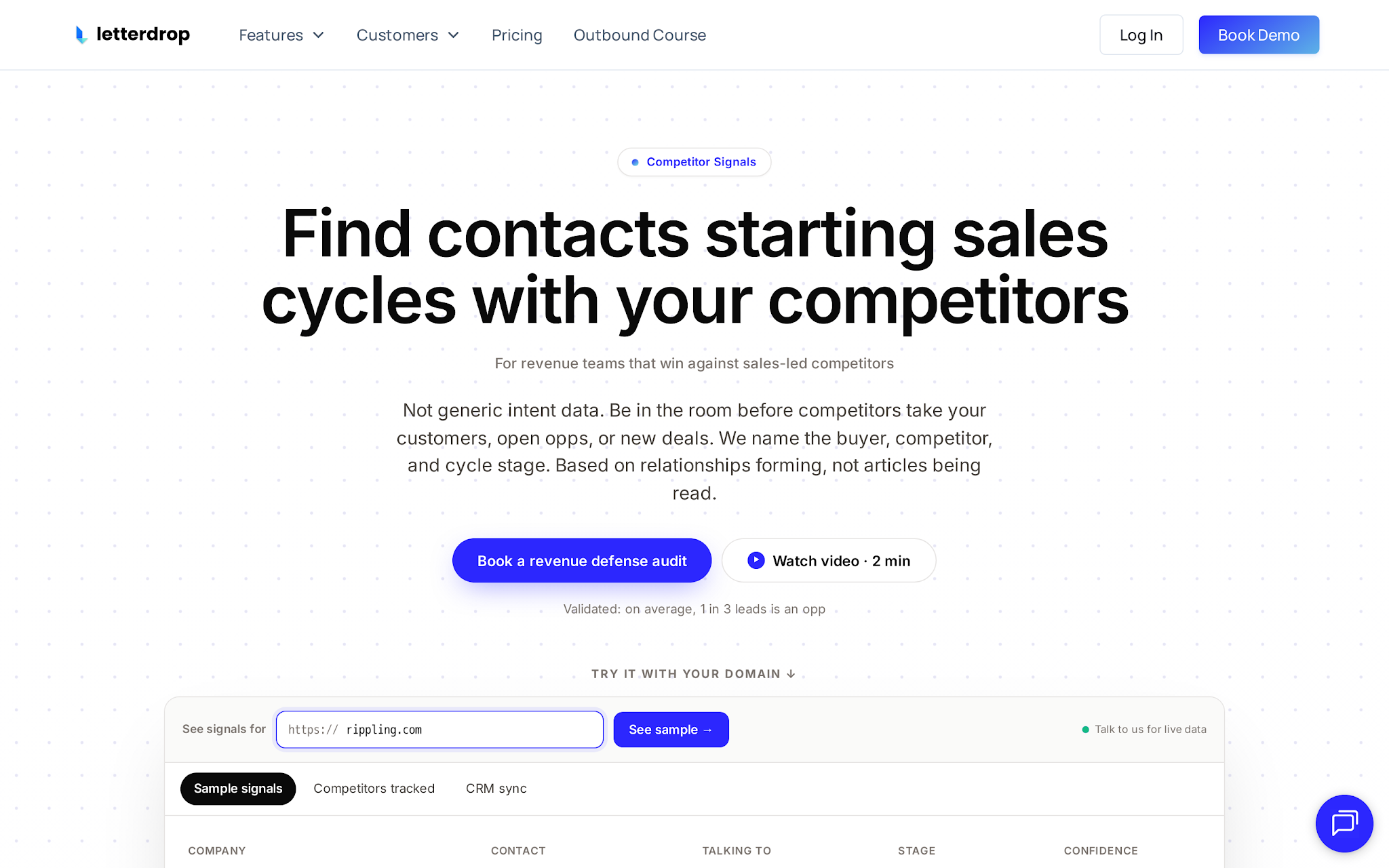
Letterdrop homepage showing competitor-intent positioning
Letterdrop is a B2B GTM tool for finding in-market prospects and activating sellers around those signals. The current product story is built around competitor monitoring, closed-lost revival, champion job changes, and custom vertical signals. For buyers, that means Letterdrop is trying to own the moment before outbound starts, when a prospect is researching a competitor, a lost account is warming up again, or a past customer joins a qualified company.
In short, Letterdrop turns buyer signals and internal sales knowledge into rep-led LinkedIn activity and outbound context.
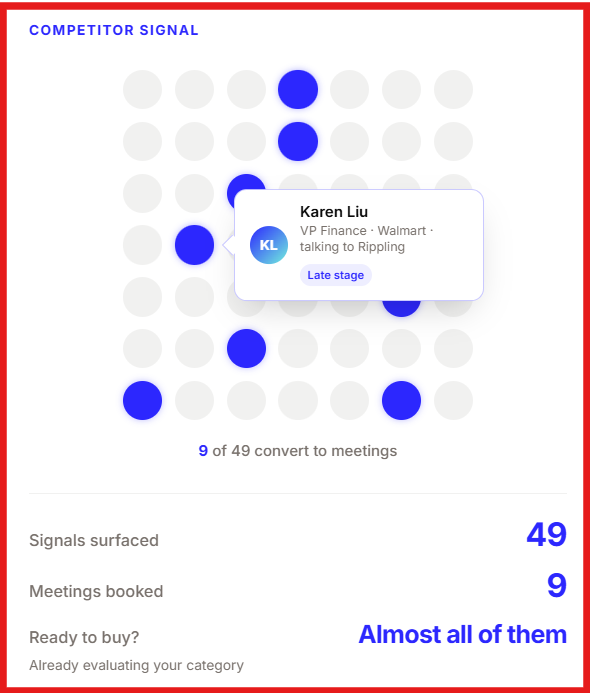
Alt text: Competitor signal by Letterdrop
This is the feature that caught my attention the most.
Letterdrop's Competitor Signal product is designed to help sales teams identify prospects that may be evaluating competing solutions. Instead of working from a static lead list, reps get context around accounts that appear to be showing buying intent. I like the idea because timing matters. A prospect actively researching vendors is usually more likely to engage than someone who has never heard of your category.
That said, I'd treat all signal data as a starting point rather than a guarantee. Letterdrop publicly mentions roughly 30% accuracy for identifying active competitor sales cycles. That's interesting, but I'd want to understand how that number is measured before making it a core part of my sales process. For teams selling into competitive B2B markets, this could be one of Letterdrop's most valuable features.
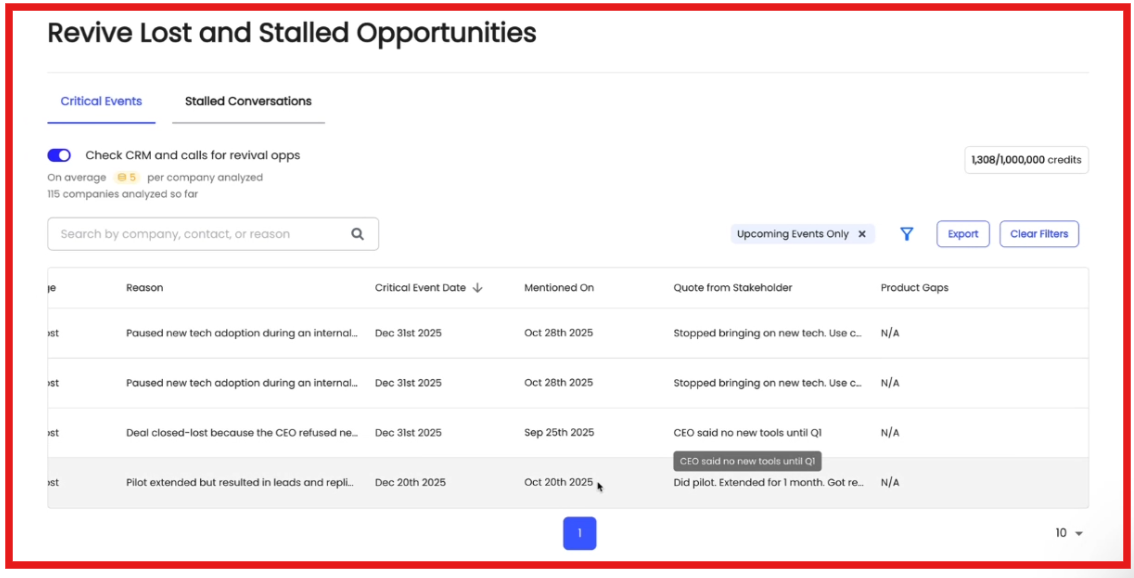
Alt text: Revive lost and stall opportunities on Letterdrop
The platform aims to identify opportunities that may deserve a second look. That includes closed-lost deals, stalled opportunities, and former customers who move to new companies.
If you've been selling for a while, you already know that timing changes everything. A deal that wasn't a fit six months ago may become a fit today because budgets changed, priorities shifted, or a previous champion joined a new organization.
Letterdrop can surface these opportunities automatically by analyzing CRM data, calls, and sales activity. I think this feature has real potential, especially for teams with years of CRM history. The more historical data you have, the more valuable these workflows become.
Letterdrop also helps reps engage with prospects through social channels. The platform monitors public conversations and surfaces relevant activity that may help reps start more informed conversations. It can also assist with content creation and seller activation workflows.
What I like here is that Letterdrop isn't just showing data in a dashboard. The platform is designed to encourage action. The challenge is that social signals still need good execution. A buying signal can tell you who to contact, but it doesn't automatically create pipeline. Messaging quality and follow-up still matter.
Letterdrop integrates with tools commonly used by modern sales teams, including CRM, enrichment, and workflow platforms. From what I've seen, the platform is designed to fit into existing GTM workflows rather than replace them. Signals can be pushed into systems where sales teams already work, making it easier to act on insights instead of constantly switching between tools.
For many teams, this may be more important than the signals themselves. A signal only creates value if someone actually follows up on it.
Although Letterdrop's current positioning focuses heavily on sales signals, content is still part of the platform's DNA. The company originally built its reputation around content operations, SEO workflows, and LinkedIn content creation. Those capabilities are still relevant for teams that want help with content planning, distribution, and rep-led thought leadership.
I wouldn't buy Letterdrop purely for content creation today. There are plenty of cheaper tools for that. But if you're already interested in the platform's signal-driven workflows, the content capabilities are a useful bonus.

Alt text: Signal to pipeline workflow
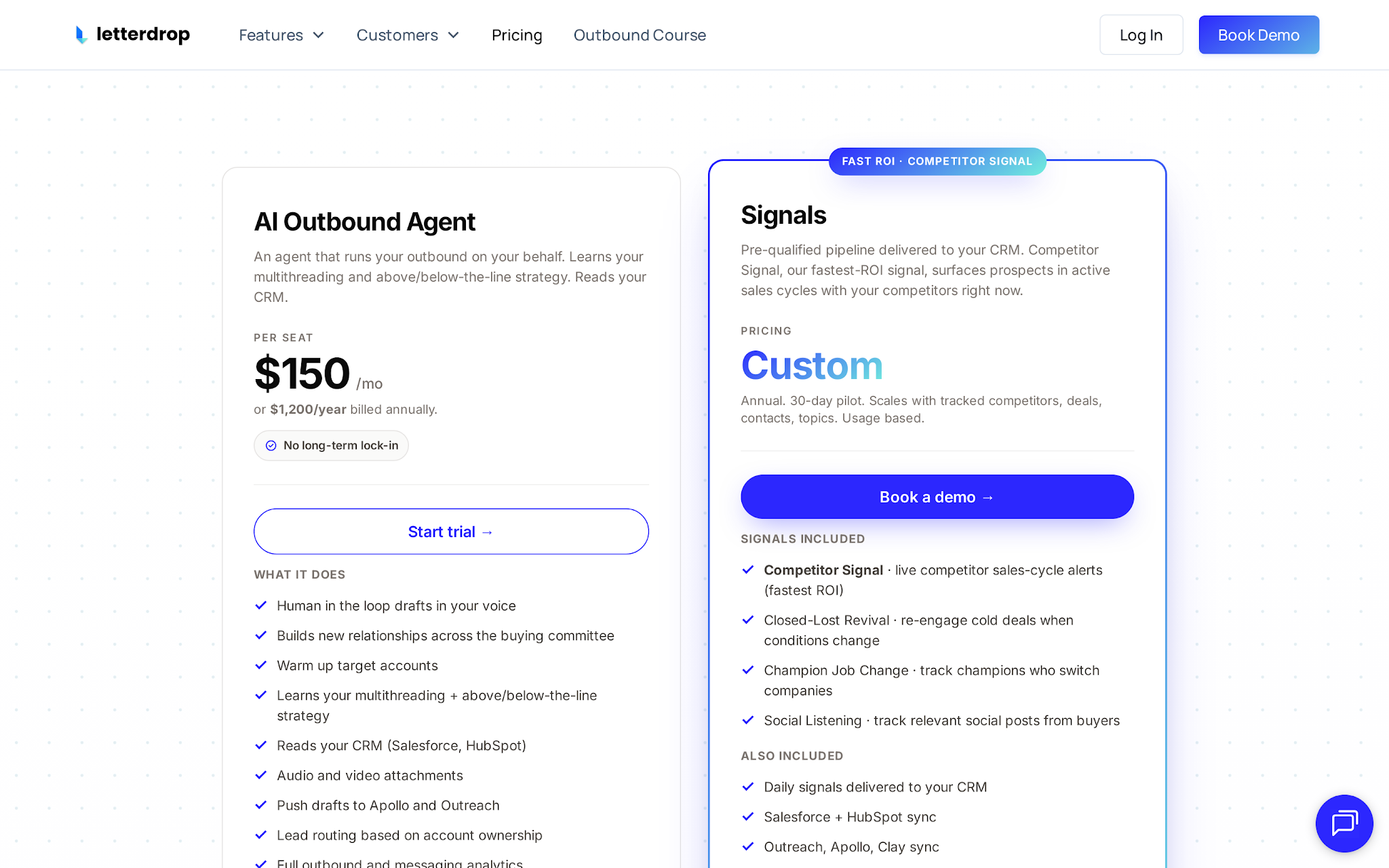
Alt text: Letterdrop pricing page showing demo-led buying path rather than public self-serve tiers
Letterdrop offers two separate products: AI Outbound Agent and Signals. Here’s how the pricing is structured:
Pricing can be fair if Letterdrop helps a team revive material pipeline or intercept competitor deals. It becomes hard to justify when the team still lacks the basic outbound system needed to act on the signal.
Pros
Cons
Strong competitor-intent and buyer-signal workflows
Not a complete outbound platform
Useful closed-lost revival and champion job-change tracking
Value depends heavily on CRM data quality
Helps reps engage accounts with better timing
Requires active sales teams that will actually act on signals
Connects signals to seller workflows instead of just reporting them
Signal accuracy should be validated during evaluation
Integrates with common CRM and GTM tools
Custom pricing can make budgeting harder
Letterdrop currently has a 4.9/5 rating from 11 reviews on G2. While that's a positive signal, I'd be careful about drawing broad conclusions from a relatively small review sample.
Looking through the reviews, users consistently praise Letterdrop for its ease of use, responsive customer support, content workflow efficiency, and its ability to help teams improve LinkedIn and content performance. The platform's content operations roots still show up clearly in user feedback.
The most common complaints are occasional bugs, UI friction, formatting issues, and performance lag. To Letterdrop's credit, many reviewers also note that the support team responds quickly when issues arise.
One thing worth noting is that most public reviews focus on Letterdrop's content marketing and SEO workflows rather than the competitor monitoring, buyer-signal, and sales-focused capabilities the company promotes today. Because of that, I wouldn't assume the current G2 rating fully reflects the newer signal-driven use cases.
Here are the top alternatives to Letterdrop:
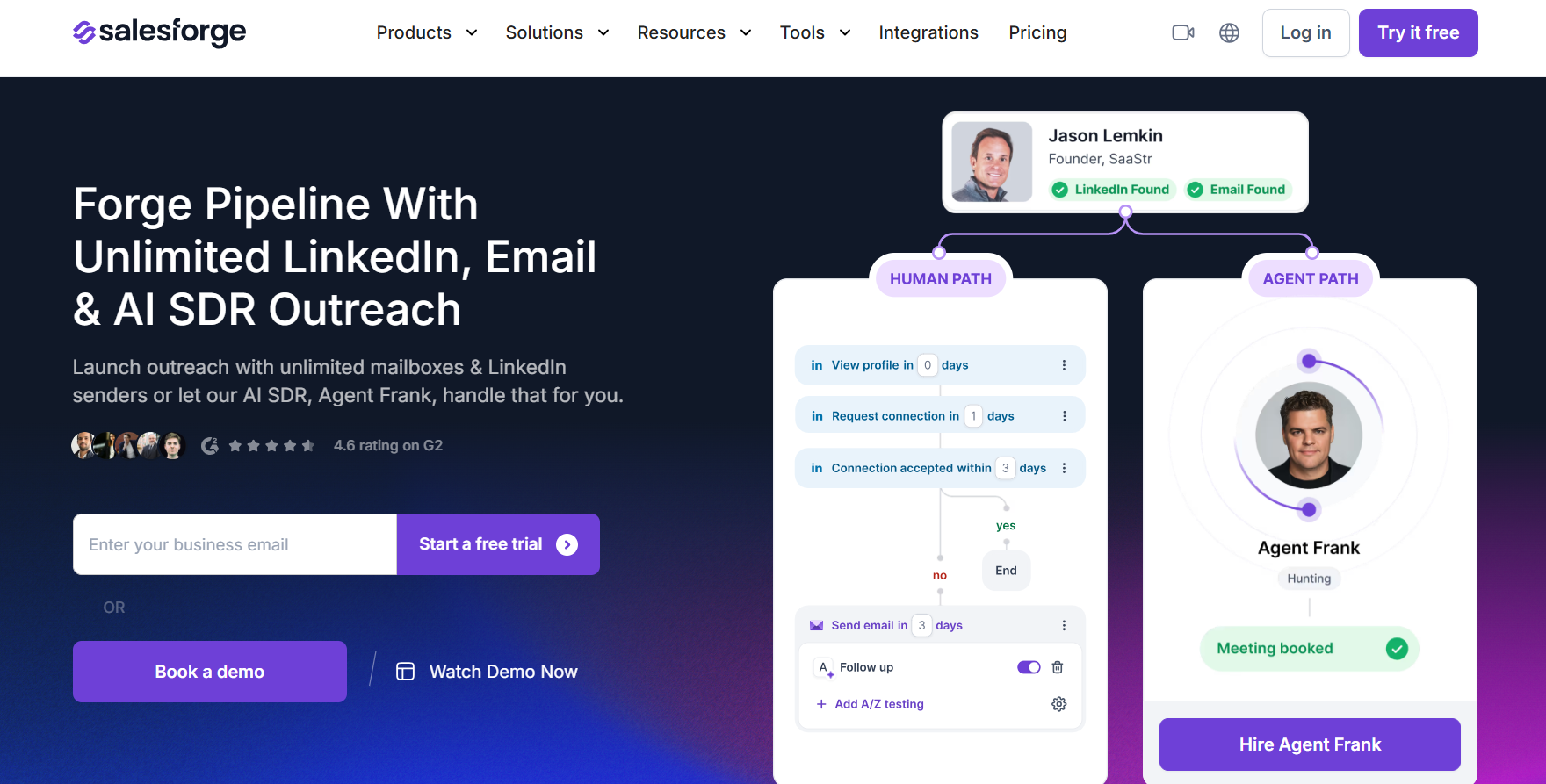
Alt text: Salesforge homepage
Salesforge is the better fit when your bottleneck is not finding a signal, but turning a qualified prospect into a booked meeting. It combines email and LinkedIn outreach, AI personalization, unlimited mailboxes and LinkedIn senders, Primebox reply management, and Warmforge warmup. For a buyer, the practical difference is coverage. Salesforge is built to send, monitor replies, and protect deliverability across the Forge Stack rather than stop at the signal.
Pricing: Starts much lower than reported Letterdrop team pricing. The Salesforge Pro plan is $48/month billed monthly, with a 14-day free trial, 1,000 active contacts in sequence, and 5,000 emails/month.
Pros: Stronger outbound execution, deliverability, infrastructure, and reply management.
Cons: Not a direct replacement for every Letterdrop signal workflow. If your only need is competitor-intent discovery or seller content prompts, Letterdrop may fit better.
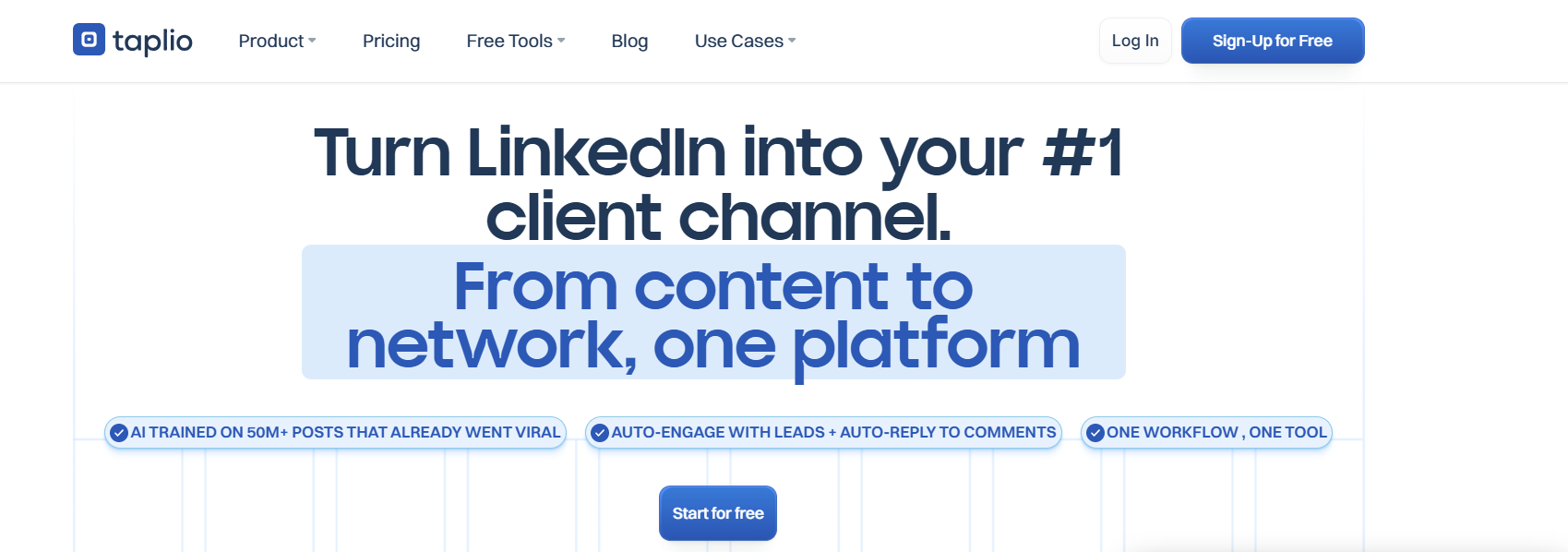
Alt text: Taplio homepage
Taplio is a better choice for creators, founders, and solo operators who mainly want LinkedIn content creation, scheduling, analytics, engagement, and light lead workflows. It is cheaper and more self-serve than Letterdrop, with monthly plans from $39 to $199, a 7-day trial, post scheduling, analytics, collaboration on higher tiers, AI post generation, polls, carousels, auto-comments, and lead outreach features.
Pricing: Starts at $39/month monthly, with annual pricing shown lower.
Pros: Cheaper and more self-serve than Letterdrop for LinkedIn growth.
Cons: Not the best pick for sales teams that need competitor intent, closed-lost revival, CRM-linked signal workflows, or outbound infrastructure.
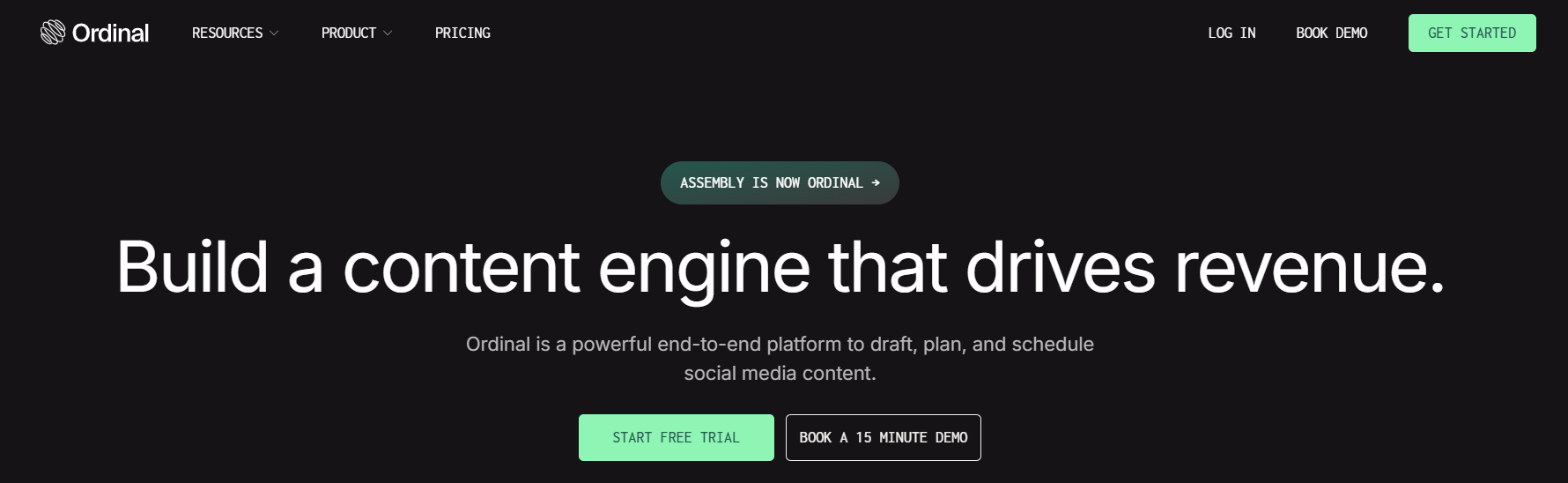
Alt text: Ordinal homepage
Ordinal makes the sharpest LinkedIn-native argument. It can be the better pick when your team cares more about advanced posting mechanics than signal discovery, native profile tagging, LinkedIn polls, carousel support, URL-based reposting, post preview accuracy, and deeper collaboration.
Pricing: Ordinal’s starting price is $95/month.
Pros: Ordinal can be the better pick for marketing teams and agencies running a serious LinkedIn program.
Cons: It is not the same as Letterdrop if you need competitor-intent alerts, closed-lost workflows, or champion job-change triggers.
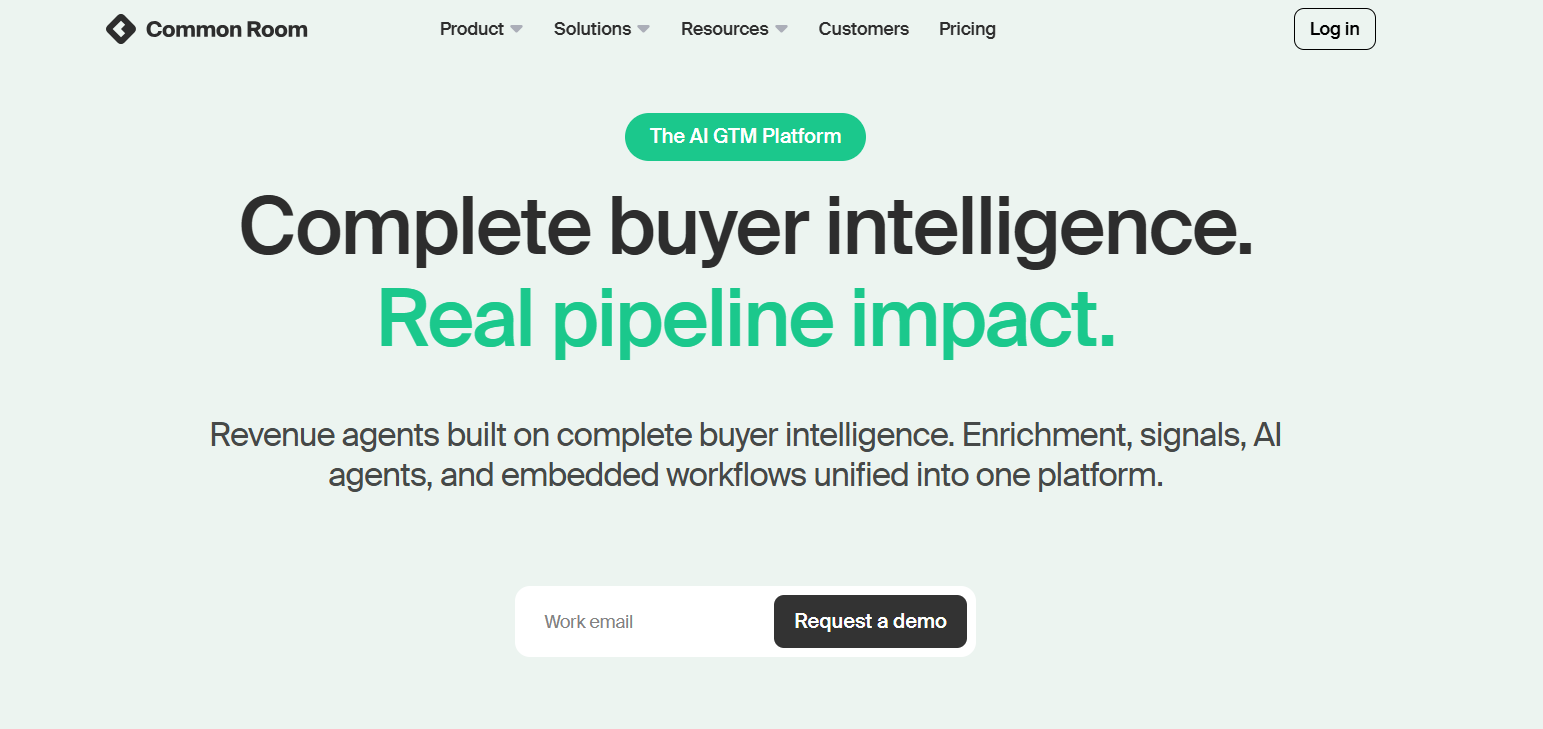
Alt text: Common Room homepage
Common Room and 6sense sit closer to account intelligence than content workflow. Common Room is useful when teams want account intelligence, person-level context, and buying-signal workflows with a free tier available. 6sense fits larger account-based teams that need to identify, prioritize, and engage in-market accounts across a broader GTM motion.
Pricing: Common Room publishes package-level pricing paths; 6sense is generally custom-quote enterprise software.
Pros: These tools can win when you need account-level intelligence across a larger GTM org.
Cons: They are heavier than Letterdrop and often require RevOps maturity to get value.
Alt text: Highperformr homepage
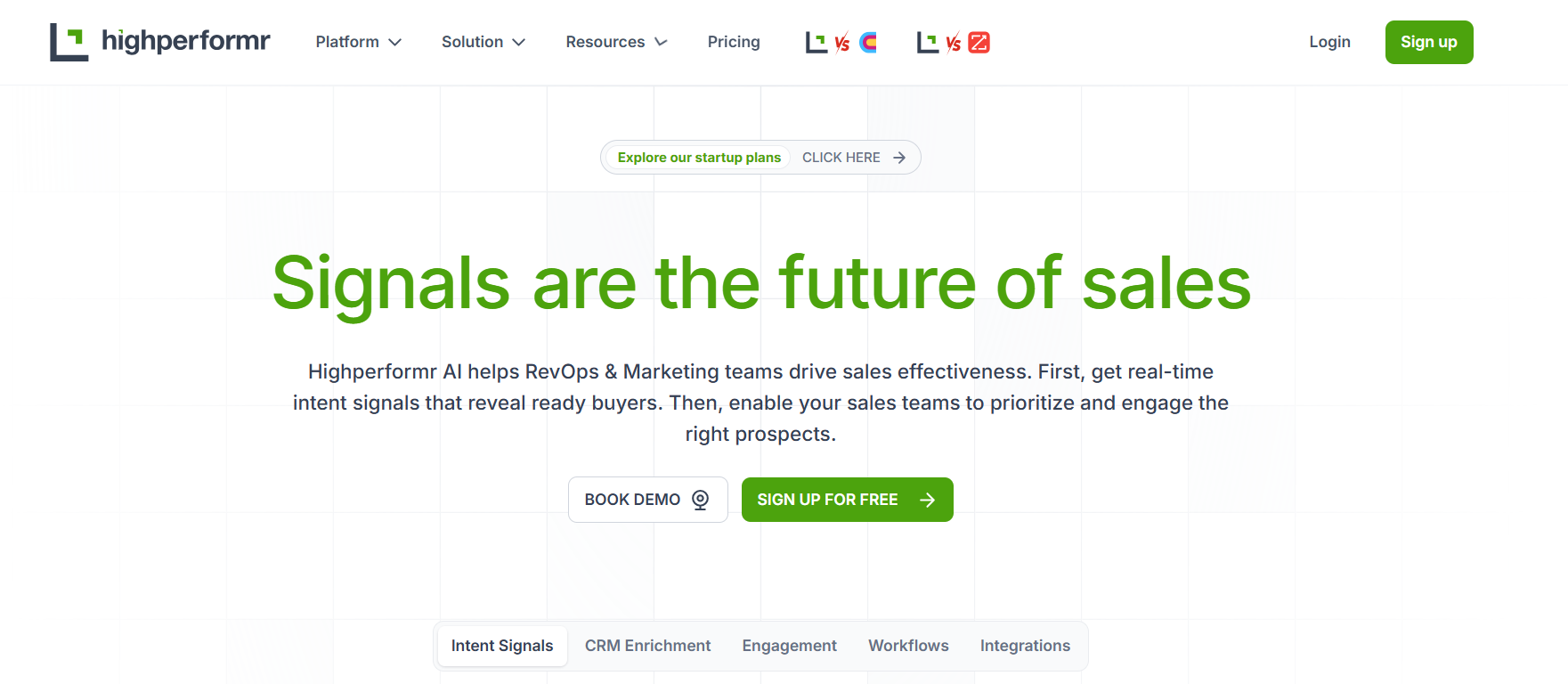
Highperformr is a lower-cost option for teams that want LinkedIn/X publishing, audience analytics, competitor watchlists, job-change tracking, social selling, and some signal workflows. It starts with a free plan, then $18/month for Pro and $117/month for Team, with custom Enterprise pricing for deeper audience tracking, competitor watchlists, social activity monitoring, enrichment, and conversation starters.
Pricing: Starts free, then $18/month for Pro and $117/month for Team.
Pros: Much more accessible than reported Letterdrop pricing.
Cons: The tradeoff is depth, enterprise sales teams with complex closed-lost, champion, and rep-content workflows may still prefer Letterdrop.
Letterdrop is an interesting platform because it focuses on a problem many sales teams overlook, that is timing. Its strongest capabilities revolve around competitor monitoring, closed-lost revival, champion job changes, and helping reps engage accounts when there is a reason to start a conversation. For teams with clean CRM data, an established sales process, and reps who actively work opportunities, those signals can be valuable. That said, Letterdrop is not a complete outbound solution. It helps you identify who may be worth contacting, but you still need the infrastructure and workflows to turn those signals into meetings and pipeline.
My take is simple, use Letterdrop if your biggest challenge is knowing when to engage an account. If your biggest challenge is executing outbound consistently, you'll likely get more value from fixing that first.
If you're looking for a platform that handles prospecting, email outreach, LinkedIn sequencing, deliverability, mailbox management, and reply handling in one place, Salesforge is worth a look. It complements signal-driven tools like Letterdrop by helping teams turn opportunities into conversations and conversations into pipeline.
Start a free Salesforge trial and see how much pipeline you can generate once the execution side of outbound is fully covered.
Letterdrop is used for competitor intent monitoring, closed-lost revival, champion job-change tracking, rep-led LinkedIn content, and signal-based outbound context. The core buyer value is timing: finding prospects starting competitor sales cycles, reviving lost opportunities, and reaching past champions in new roles.
Letterdrop does not show clear current public pricing on its own pricing page. Public pricing references conflict: one profile shows Growth at $995 “Per Year,” with data last updated in October 2024, while third-party pages report $995/month billed annually. Treat all public figures as directional and confirm directly with Letterdrop before budgeting.
Yes, if the sales team wants signal-led selling and LinkedIn trust building. It is less compelling if the team needs core outbound infrastructure, deliverability, lead lists, and sequencing first.
Salesforge is best for outbound execution after intent signals. Taplio is best for solo LinkedIn growth. Ordinal is best for advanced LinkedIn team workflows. Common Room or 6sense-style tools fit broader ABM intelligence. Highperformr fits lighter social selling and analytics.
Salesforge is a Letterdrop alternative only for the outbound execution part of the workflow. It does not replace every Letterdrop signal feature. It is the better choice when your problem is turning known prospects into deliverable, personalized email and LinkedIn outreach.
.jpg)

.jpg)

.jpg)
