

Personalized Outbound Strategy
Get The Right Outbound Strategy In Minutes
Enter your email to get a custom plan & stack recommendation for your business
It's being carefully crafted by AI
Please check your mailbox in 5 minutes
Can Actively AI really help SDR teams focus on the right accounts instead of chasing cold lists all day?
Can Actively AI help SDR teams focus on the right accounts? Does it stop teams from chasing cold lists all day?
Does it actually improve daily prospecting, or does it just add another step before outreach begins?
Most sales teams already juggle multiple tools in 2026.
Is Actively AI worth adding to the stack?
I wanted clear answers before forming an opinion.
So I went through 50+ verified Actively AI reviews on G2.
I paid close attention to how SDRs describe using it in their day-to-day prospecting.
Then I stepped back and looked at where Actively AI fits inside a real outbound workflow.
In this review, I break down how Actively AI works, what users consistently like, where friction shows up, and when teams start looking for a more complete outbound setup.
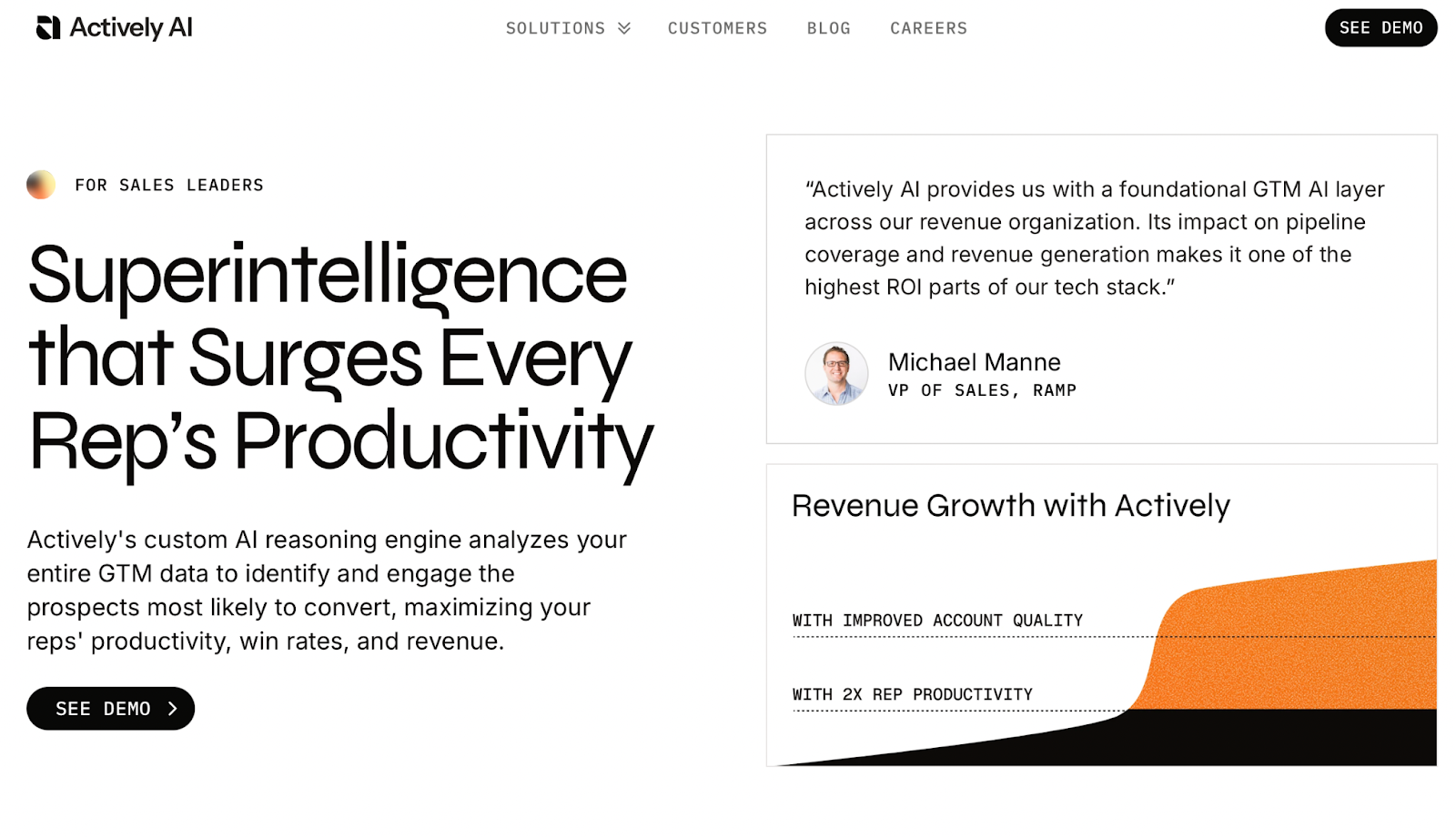
Actively AI is a sales intelligence platform focused on account prioritization.
The tool analyzes CRM data, past deal patterns, and engagement signals.
It surfaces accounts and personas that look more likely to convert.
I see Actively AI used before outreach.
It does not send emails or LinkedIn messages.
Most teams use it to decide who deserves attention today.
That saves time on manual account research.
Actively AI fits best in account-based outbound.
It works when teams care about quality over volume.
Here are the top features that show up most often in user reviews.
User feedback points to consistent value in daily prospecting.
Here are the main things I saw across reviews.
Several SDRs mention that Actively AI becomes their daily starting point.
They open it before building new lists.
I see the value when teams manage large account lists.
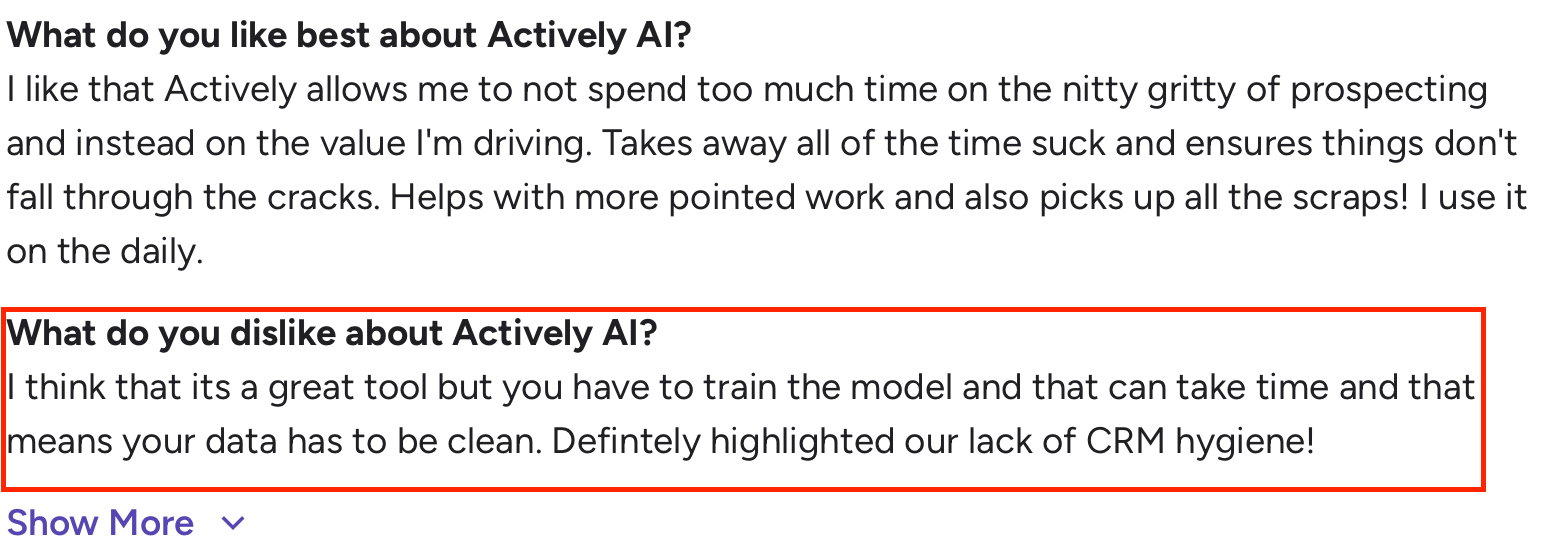
Here are the main issues that show up in reviews.
Actively AI does not publish fixed pricing.
Most teams receive custom quotes.
Pricing depends on team size and data scope.
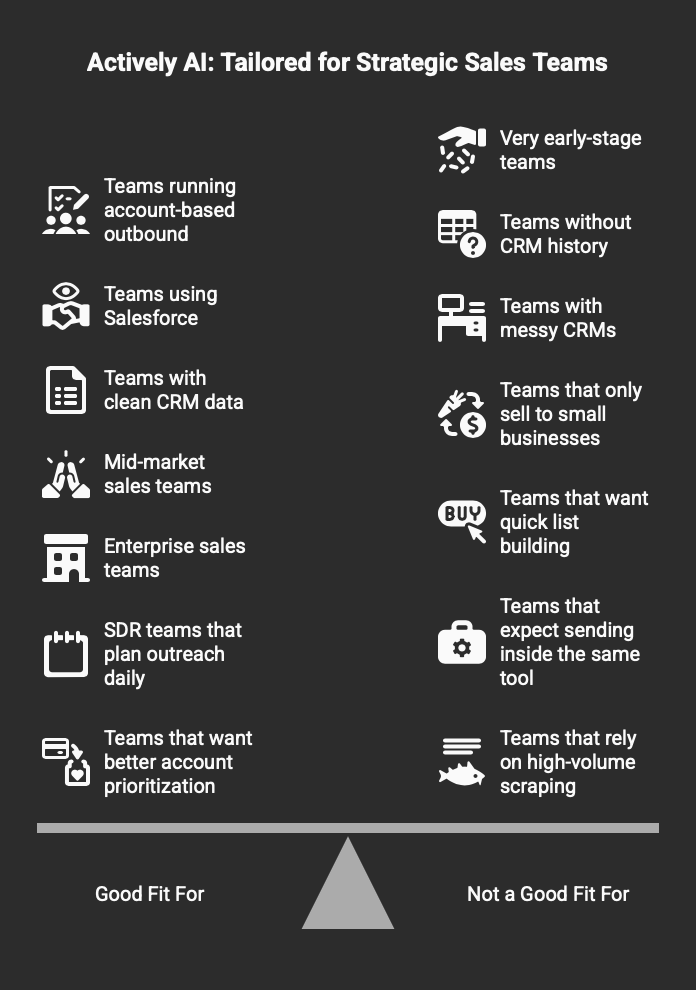
Actively AI helps decide who to contact.
The handoff into outreach still takes work.
Lists move between tools.
That handoff slows response time.
Timing matters when accounts show intent.
When research and sending live in different tools, signals lose momentum.
This is where many teams adjust their stack.
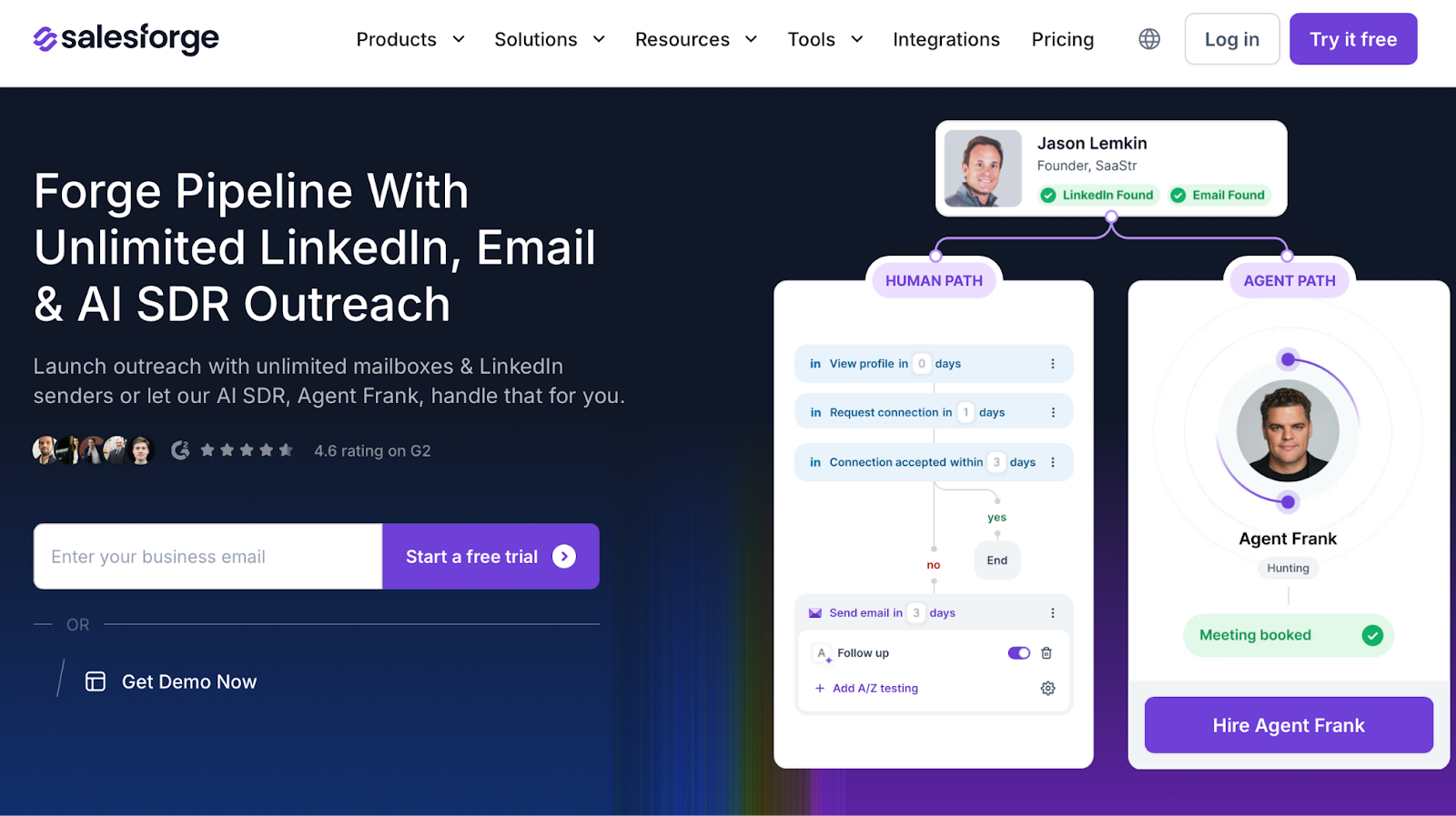
When teams want fewer handoffs, they often prefer outreach and replies in one place.
Salesforge handles multi-channel outreach across email and LinkedIn.
It supports unlimited mailboxes and LinkedIn senders.
I found it easier to act on account signals when sending live on one platform.
That removed list exports and re-imports.
Primebox keeps replies in one inbox.
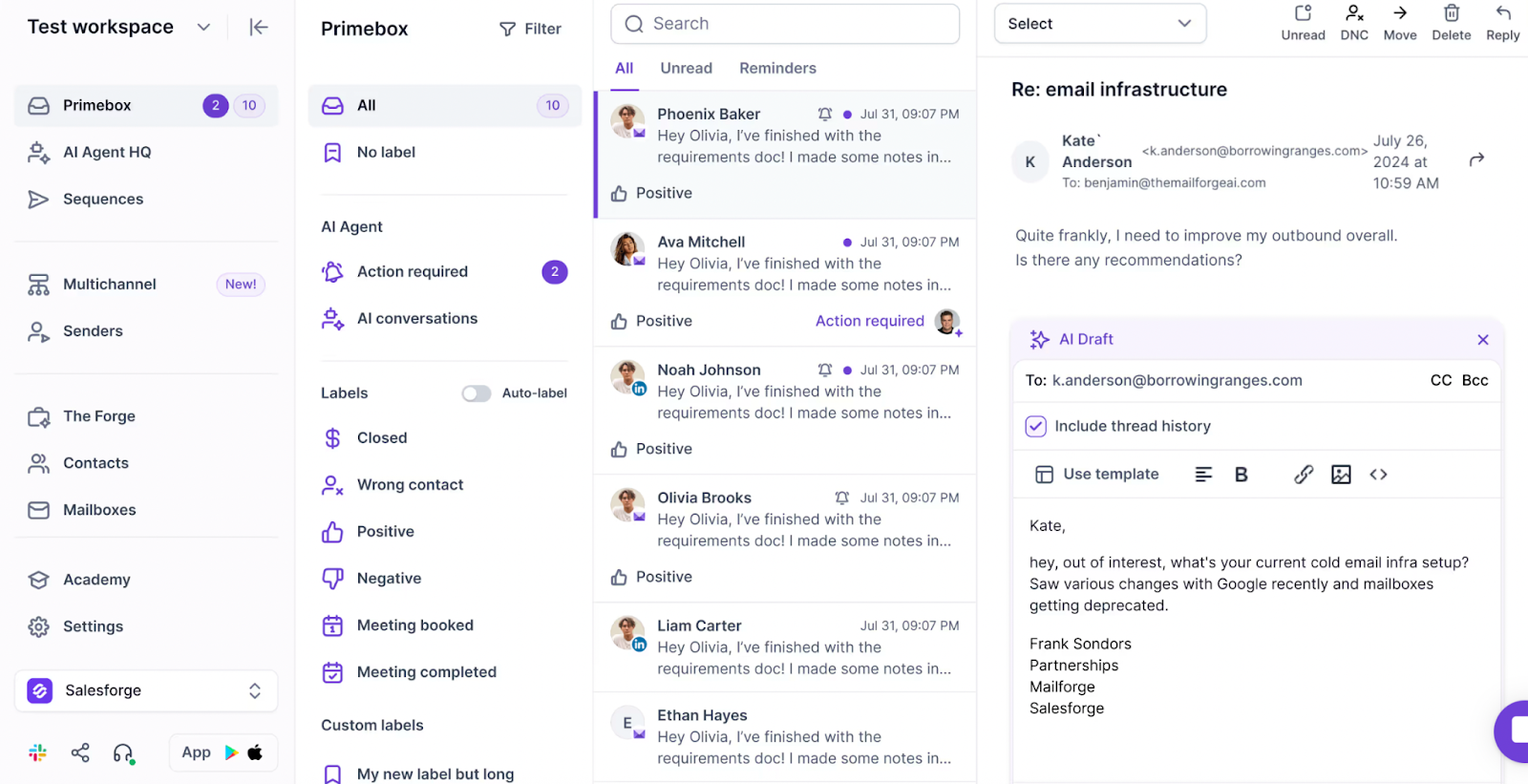
This helps when running many inboxes.
I set up domains in Mailforge first, then warmed them with Warmforge before launching sequences in Salesforge.
That protected deliverability as volume increased.
When I need fresh contact data, I use Leadsforge.
If I already have strong account lists from CRM, I only use it for enrichment.
This flow reduces friction between planning and execution.
Signals turn into live outreach faster.
Salesforge also includes Agent Frank.
He handles prospecting and outreach when scale becomes hard to manage alone.
I treat Agent Frank like a teammate.
He handles the repetitive parts of outbound.
Enter your email to get a custom plan & stack recommendation for your business
Please check your mailbox in 5 minutes

To wrap this up, Actively AI fits best when the main problem is choosing who to contact first.
I found Actively AI helpful for account prioritization when CRM data is clean and well maintained.
It saves time on manual research and helps reps focus on warmer accounts.
The limits show up when teams need to move from research into live outreach.
Actively AI does not handle sending, replies, or follow-ups.
This creates handoffs between tools, which slows timing when signals are fresh.
That gap matters once outbound volume increases.
When the goal shifts from planning to execution, I found fewer handoffs helped.
Running email and LinkedIn steps in one place reduced friction.
This is where Salesforge tends to fit better in daily workflows.
I found it easier to act on account signals when sequences and replies lived in one system.
If you want to test multi-channel outreach without adding more tools, try multi-channel outreach with Salesforge or book a demo to see Agent Frank in action.
.jpg)

.jpg)

.jpg)
