Finding someone’s phone number is harder than it should be.
I’ve tested multiple tools, and most of them either give outdated data or very low match rates.
Some look good on the surface, but once you try to find real contacts, the results drop fast.
That’s the main problem with phone number finder tools.
Accuracy matters more than anything.
If the number is wrong, your outreach fails before it even starts.
So I focused on tools that actually return usable phone numbers.
In this guide, I’ll break down:
Which phone number finder tools work reliably What each one is best for And where they fall short This should help you pick a tool that actually helps you reach people.
TL;DR: Best Phone Number Finder Tools in 2026 Leadsforge → Best when I want ICP-based lead search with phone numbers + emailsApollo → Good balance of database size + pricing for startupsLusha → Fast way to find phone numbers directly from LinkedInZoomInfo → Best for large teams needing deep US contact dataUpLead → Focused on real-time verified contact dataRocketReach → Works well for multi-industry contact searchSeamless.ai → Strong for real-time contact discovery and enrichmentKaspr → Simple Chrome extension for quick phone lookupProspeo → Known for simple email and phone lookup with creditsContactOut → Good for finding numbers from LinkedIn profiles How I Chose These Phone Number Finder Tools To make this list fair, I reviewed several phone number finder tools.
I looked at how these tools help find direct phone numbers and support outreach workflows.
The goal was to include tools that actually help you reach prospects.
Each tool went through the same checks.
Here is what I looked at while building this list:
Data quality had to hold up in real exports, not just previews. Phone numbers needed to be usable, not outdated or unreachable. Match rate needed to stay consistent across different searches. LinkedIn workflows needed to be supported for faster prospecting. Bulk enrichment needed to work without breaking or dropping data. Filters needed to help narrow results by role, industry, and company size. Ease of use needed to support daily workflows without slowing things down. These checks helped filter out tools that don’t work in real outreach.
Only the tools that consistently return usable phone numbers made this list.
Best Phone Number Finder Tools in the US: Quick Comparison
Tool
Best For
Phone Data
Database Size
LinkedIn Support
Pricing Model
Leadsforge
ICP-based lead generation + enrichment
Yes (via enrichment)
500M+ contacts
Yes
Credits (no expiry)
Apollo
Balanced database + outreach
Yes (direct dials + mobile)
Large (not fixed)
Yes
Credits per user
Lusha
Fast LinkedIn lookup
Yes (verified direct dials)
280M+ contacts
Yes
Credits
ZoomInfo
Enterprise US data
Yes (business numbers)
Large enterprise DB
Yes
Custom pricing
UpLead
Verified contact data
Yes (mobile + direct dials)
160M+ contacts
Yes
Credits
RocketReach
Global contact search
Yes (mobile + direct)
700M+ profiles
Yes
Lookup-based
Seamless.AI
Real-time contact discovery
Yes (414M+ phones)
1.3B+ contacts
Yes
Credits
Kaspr
LinkedIn phone extraction
Yes (direct dials)
Smaller (LinkedIn-based)
Yes (core feature)
Credits
Prospeo
Simple mobile lookup
Yes (mobile numbers)
Not specified
Yes
Credits
ContactOut
LinkedIn-based contact finder
Yes (direct dials)
350M+ professionals
Yes
Credits
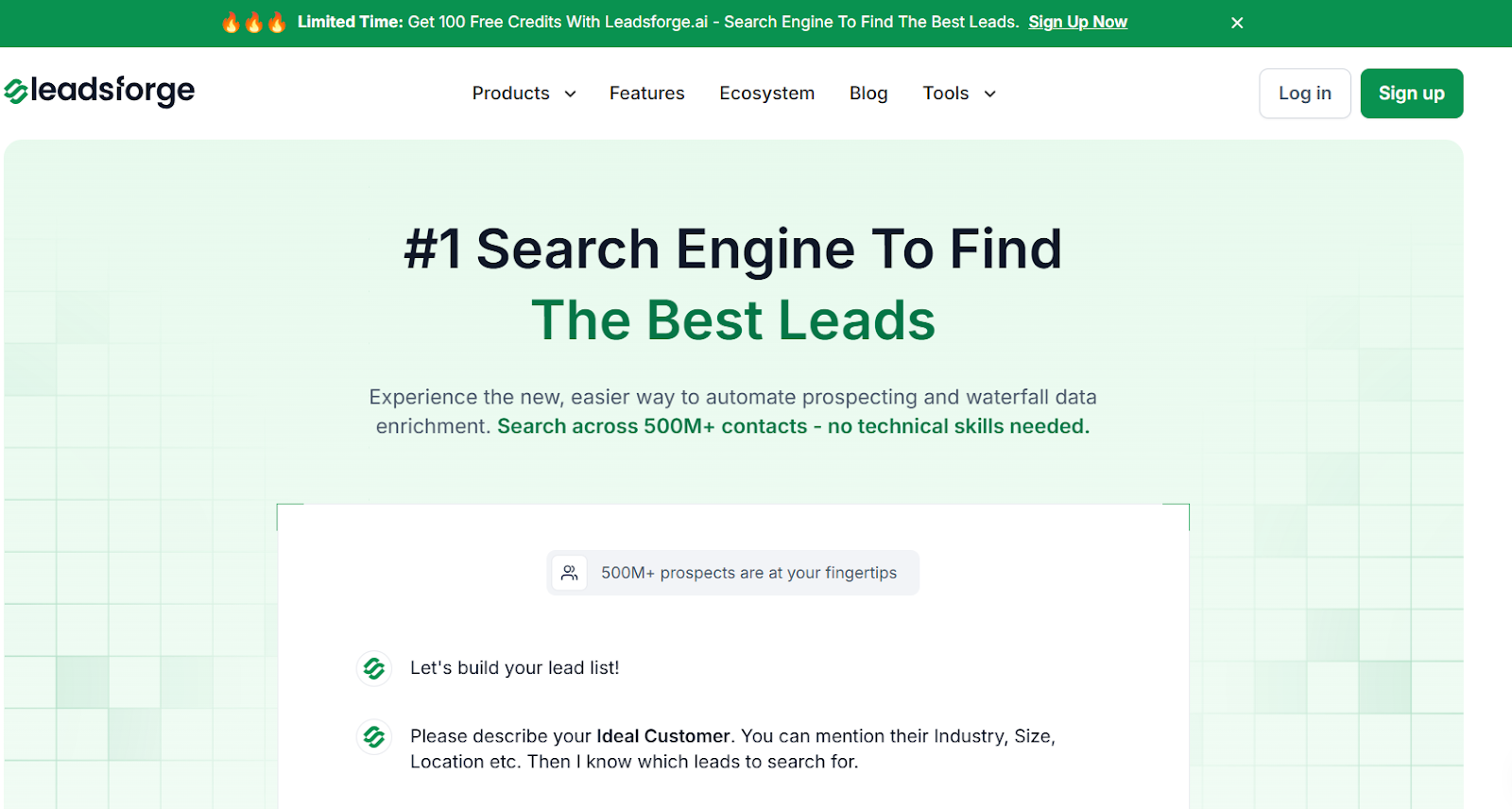
1. Leadsforge This image shows the Leadsforge homepage Leadsforge is a phone number finder and lead search engine built for outbound teams.
It helps find phone numbers, emails, and LinkedIn profiles by describing your ideal customer.
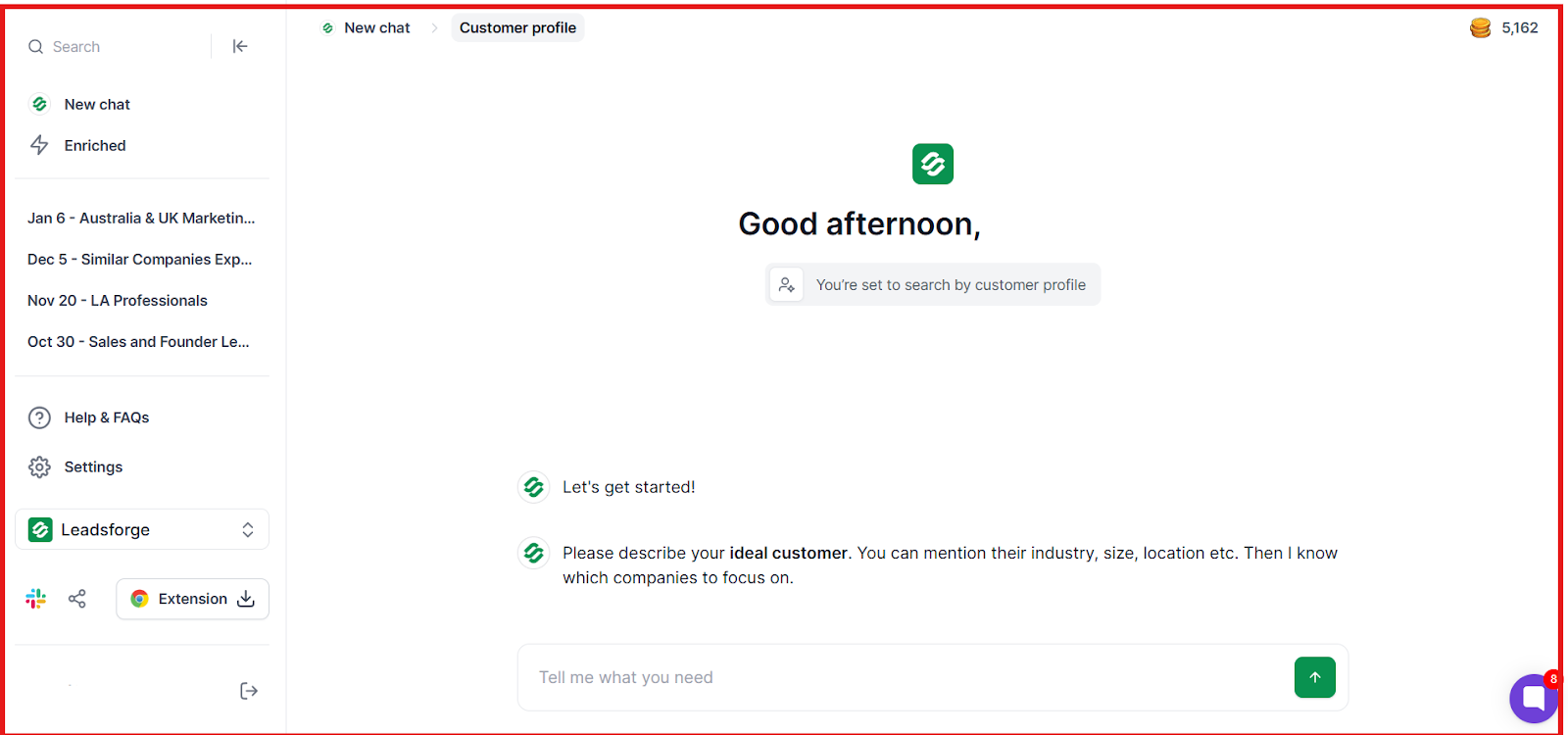
This image shows Describe your ideal customer on Leadsforge Instead of relying only on filters, it connects multiple data sources to generate and enrich lead lists.
From what I’ve seen, it works better when the goal is to build and enrich lists, not just find one number.
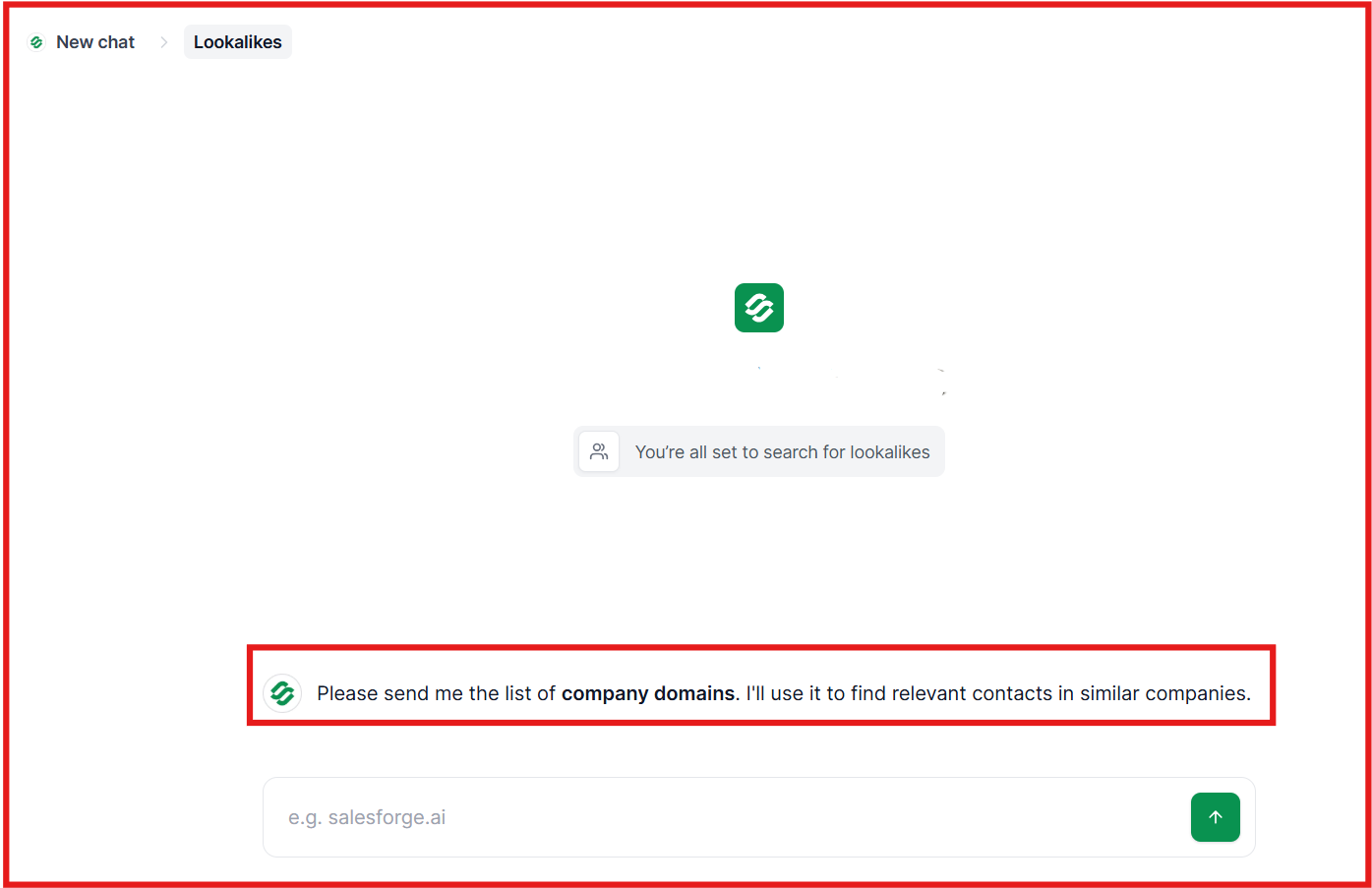
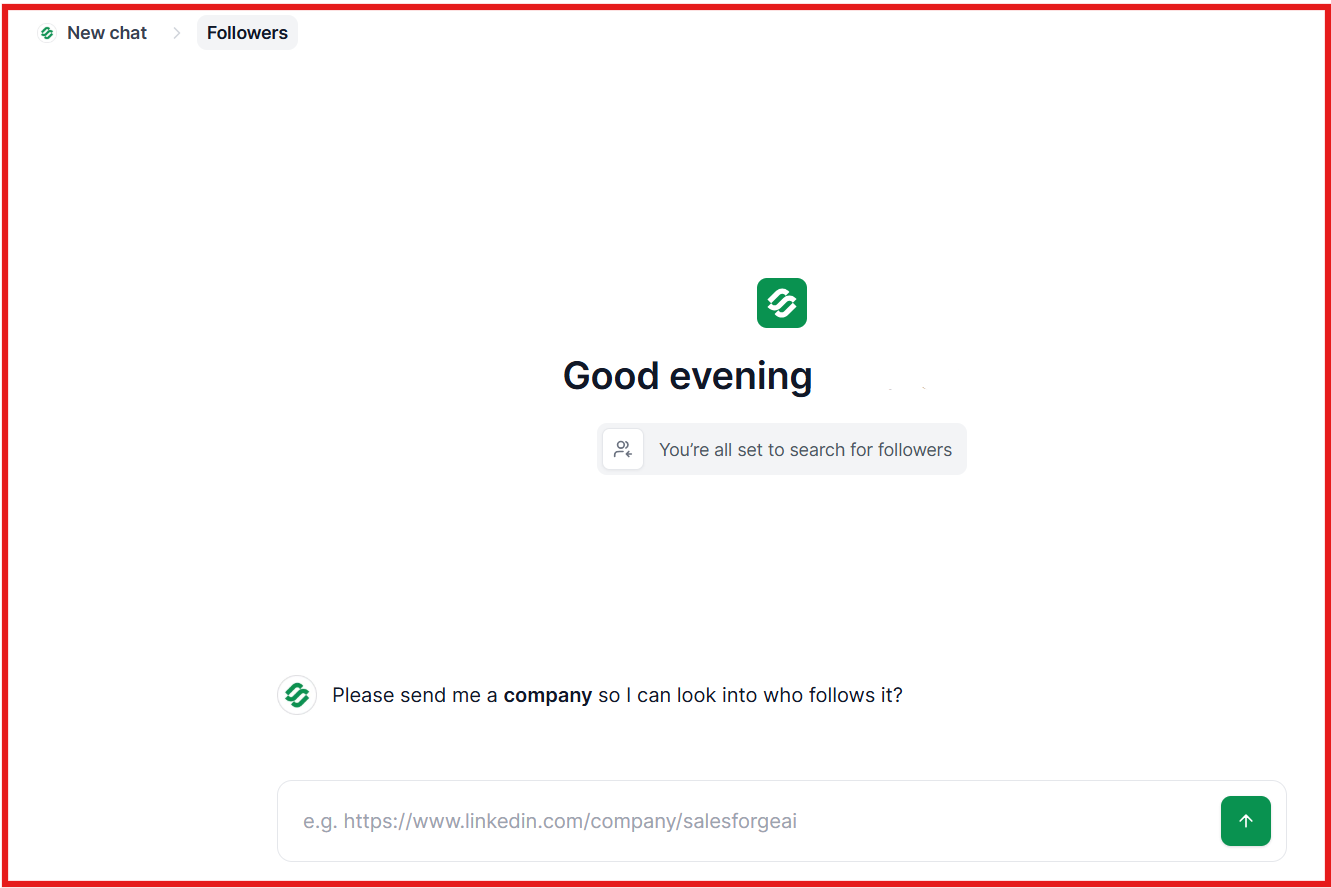
Key Features of Leadsforge Chat-based ICP search lets you describe your target audience and generate matching leads. Waterfall enrichment checks multiple sources to find phone numbers when one source fails. Phone number enrichment works alongside email and LinkedIn data in one workflow. Lookalike search helps find companies similar to your best customers This image shows the Find lookalike audience with Leadsforge Competitor follower targeting helps identify high-intent prospects. This image shows the Leadsforge competitor follower feature Export options allow pushing lists to CSV or directly into Salesforge. Pros and Cons of Leadsforge
Pros
Cons
Higher match rate due to multi-source enrichment
Simple workflow compared to filter-heavy tools
Works for full lead generation, not just search
Credits do not expire, which adds flexibility
Not built only for phone number lookup
Requires credits to export data
Can feel heavy for quick one-off searches
Learning curve if used only as a finder
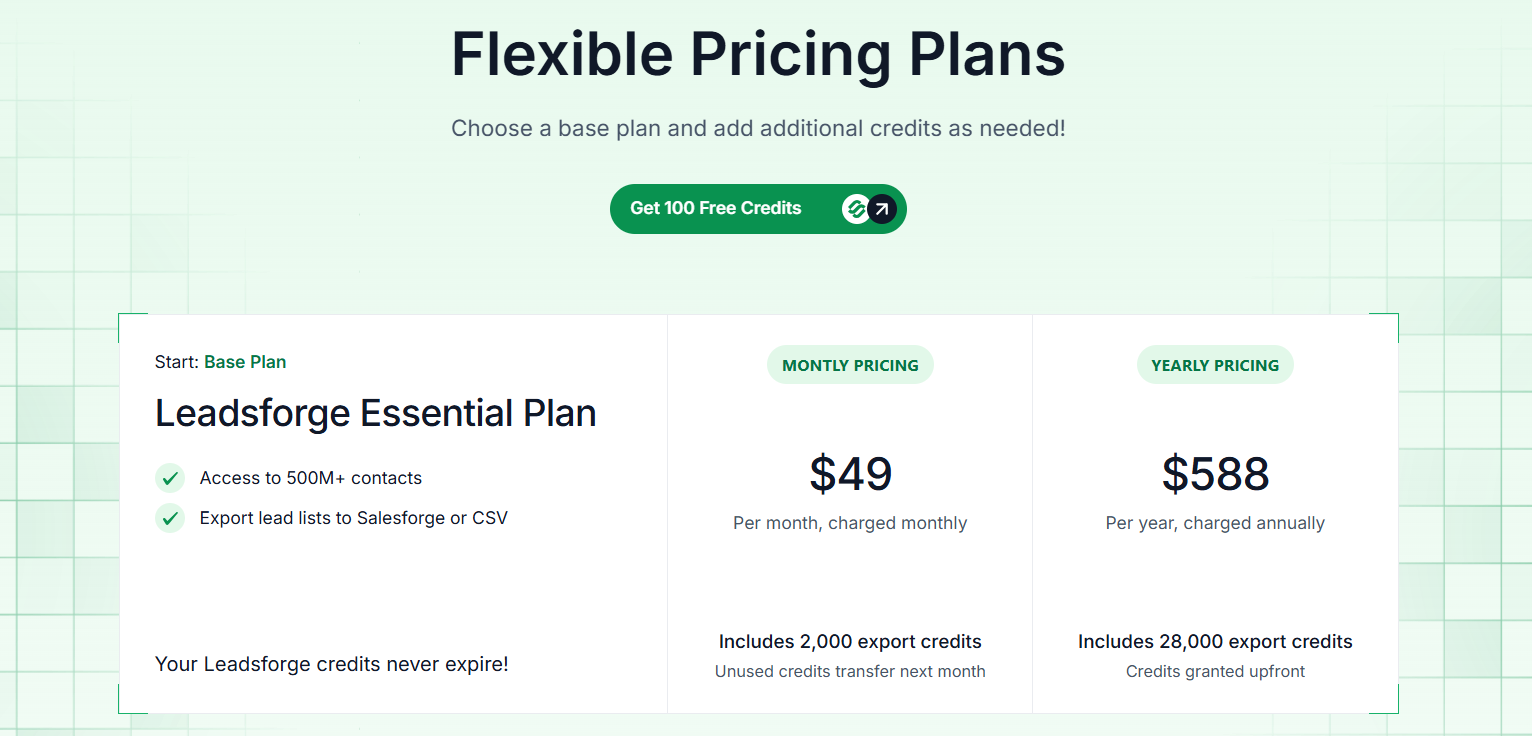
Leadsforge Pricing This image shows the Leadsforge pricing Monthly Plan: $49/month for 2,000 export credits (unused credits roll over)Annual Plan: $588/year for 28,000 credits (credits granted upfront)Free Trial: 100 free credits includedTry Leadsforge now with 100 free credits!
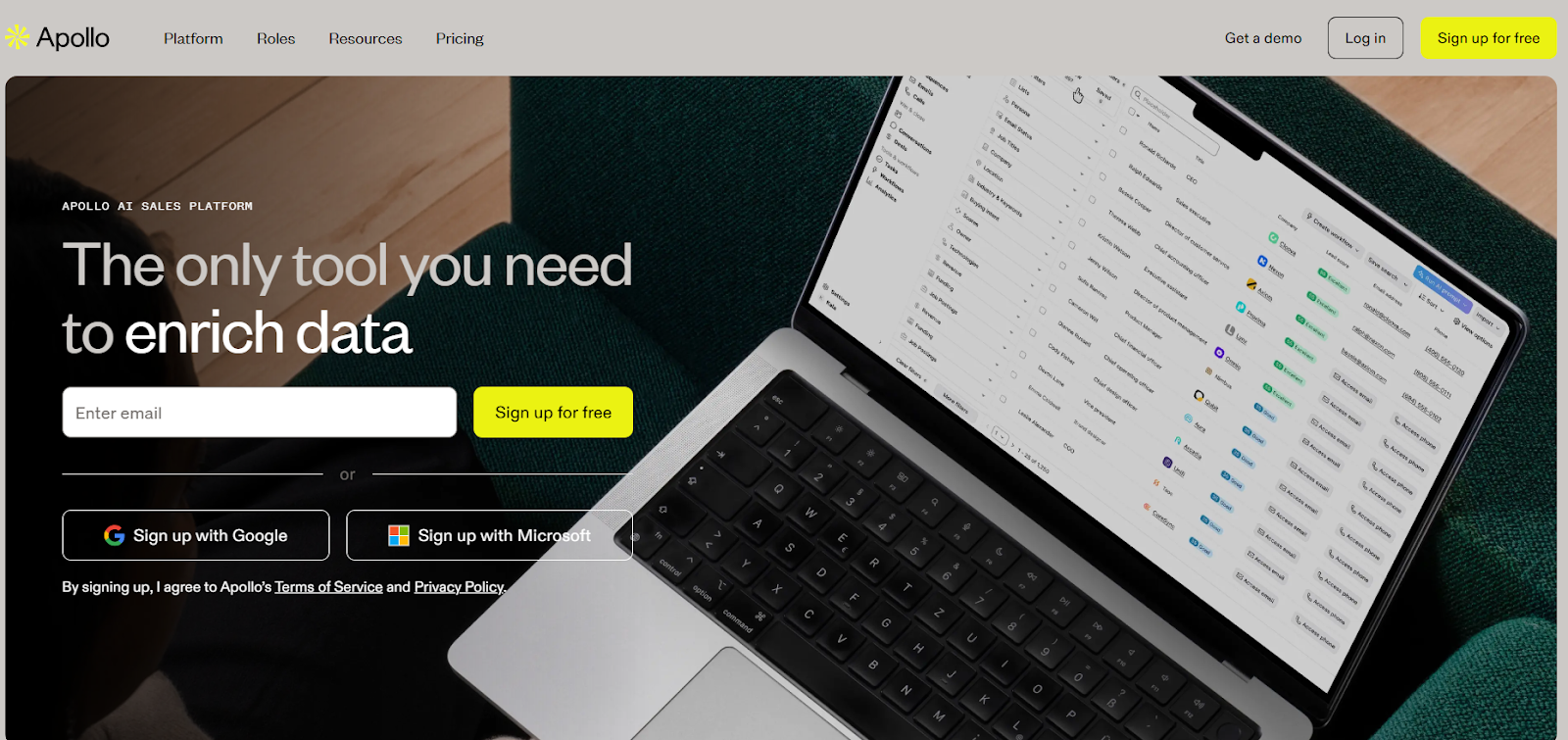
2. Apollo This image shows the Apollo.io homepage Apollo is a B2B contact database that also works as a phone number finder.
It gives access to a large database of contacts with emails and phone numbers.
You can search using filters like job title, company, or location to find prospects.
From what I’ve seen, it works well when you want both contact data and outreach in one place.
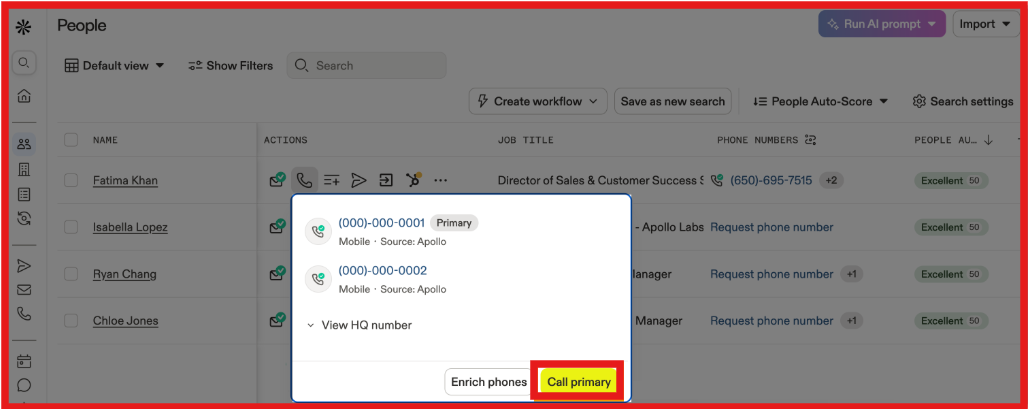
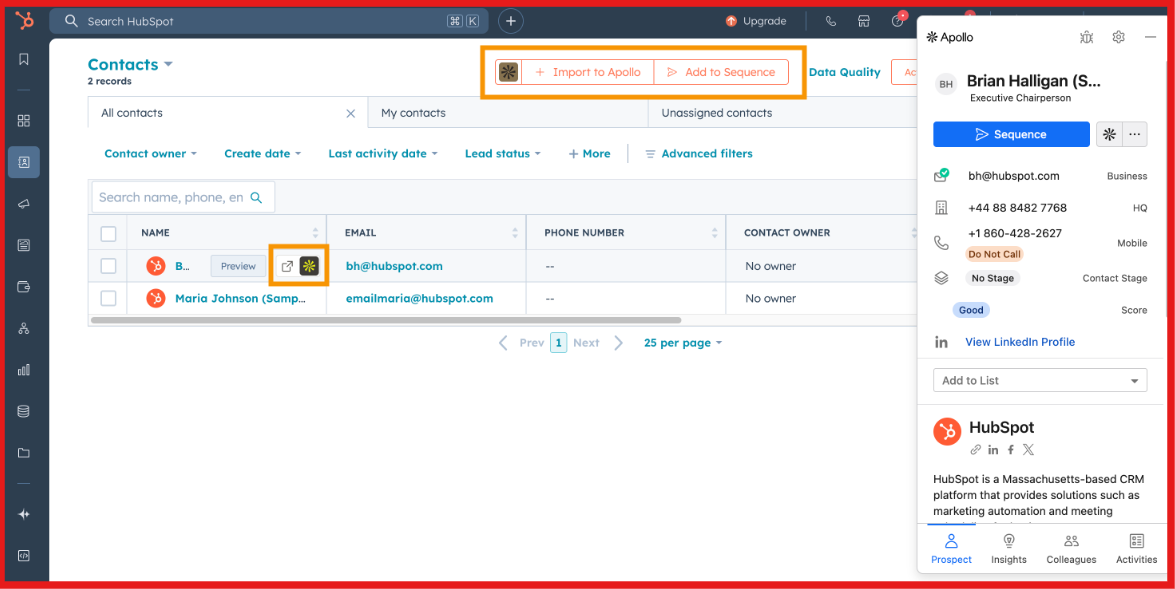
Key Features of Apollo Large contact database helps find phone numbers across different industries. Filters allow you to search by role, company size, industry, and location. Phone numbers include direct dials and mobile numbers when available. This image shows the Find phone numbers on Apollo Chrome extension helps find numbers directly from Hubspot, LinkedIn. This image shows the Use Apollo chrome extension in HubSpot Bulk search allows building and exporting large lead lists. Built-in outreach features support email sequences and follow-ups. Pros and Cons of Apollo
Pros
Cons
Large database with wide coverage
Easy filtering to find targeted contacts
Works for both data and outreach
LinkedIn extension improves workflow
Phone number accuracy can vary
Not all contacts have phone numbers
Credits are used quickly at scale
Can feel heavy for simple lookup use
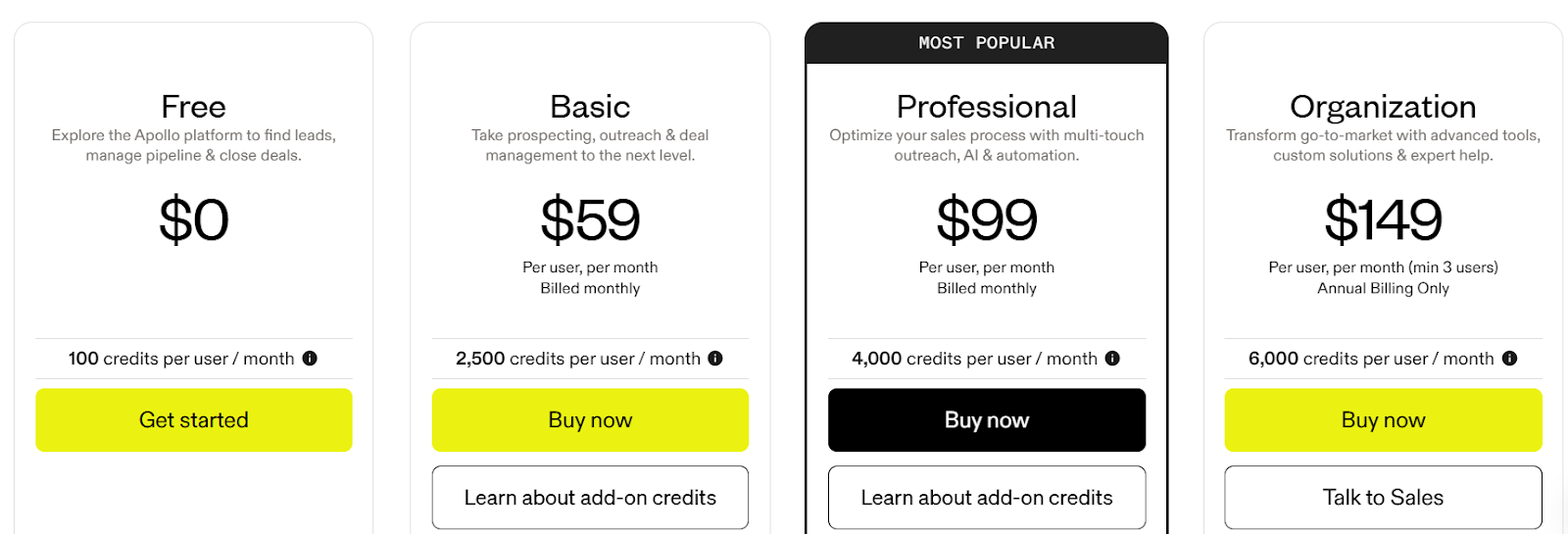
Apollo Pricing This image shows the Apollo.io pricing Free Plan: $0/month with 100 credits per user/monthBasic Plan: $59/user/month with 2,500 creditsProfessional Plan: $99/user/month with 4,000 creditsOrganization Plan: $149/user/month (minimum 3 users) with 6,000 creditsCredits are used when exporting contacts, revealing phone numbers, or running data enrichment.
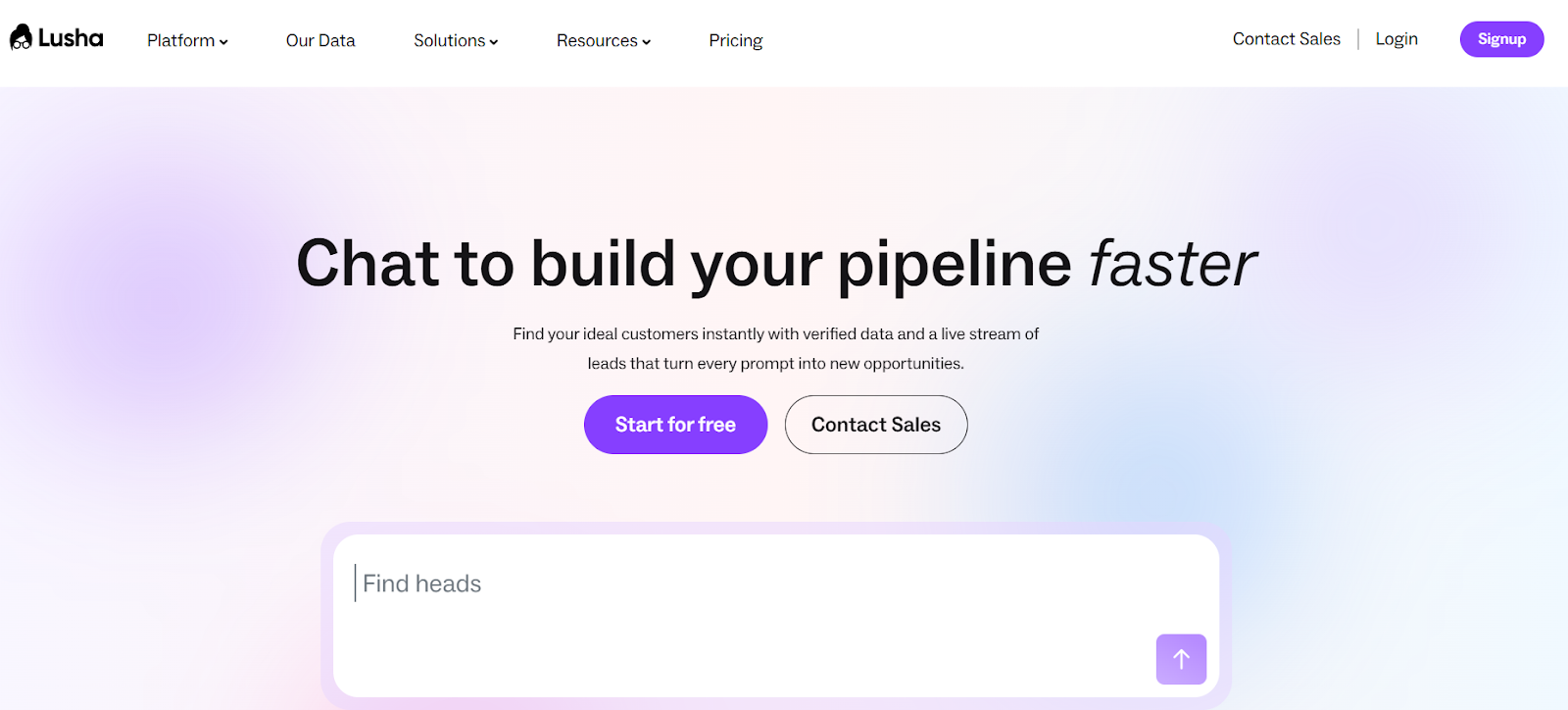
3. Lusha This image shows the Lusha homepage Lusha is a phone number finder and sales intelligence tool used by outbound teams.
It helps find direct phone numbers, emails, and company data for decision-makers.
You can search using filters or find contact details directly from LinkedIn.
It has strong coverage across North America and global markets.
Lusha focuses on verified contact data.
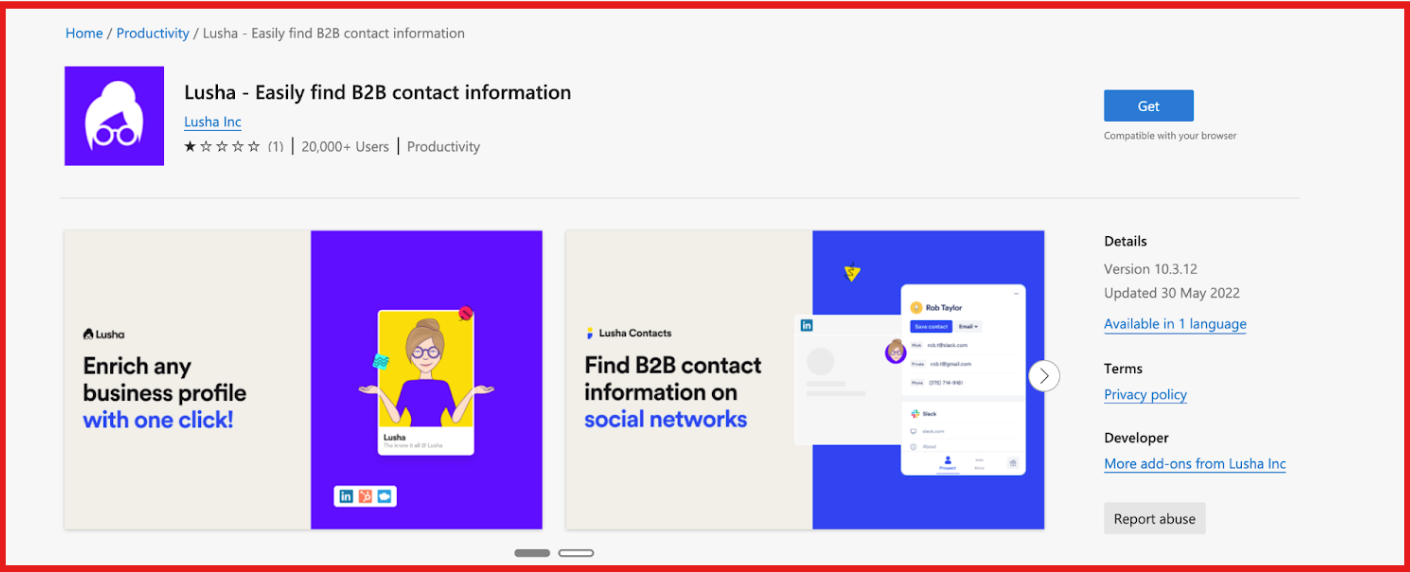
Key Features of Lusha Phone numbers include direct dials and are verified for accuracy. Chrome extension helps find phone numbers directly from LinkedIn profiles. This image shows the Lusha chrome extension Advanced filters help search by role, industry, company size, and location. Bulk enrichment allows building and exporting lead lists. Intent signals help identify prospects who are more likely to buy. This image shows the Apply intent signals on Lusha Pros and Cons of Lusha
Pros
Cons
High phone number accuracy compared to many tools
Works well with LinkedIn workflows
Clean and easy to use interface
Strong compliance (GDPR, CCPA)
Credits are required to reveal phone numbers
Limited credits on lower plans
Data coverage can vary by region
Not built only for phone lookup
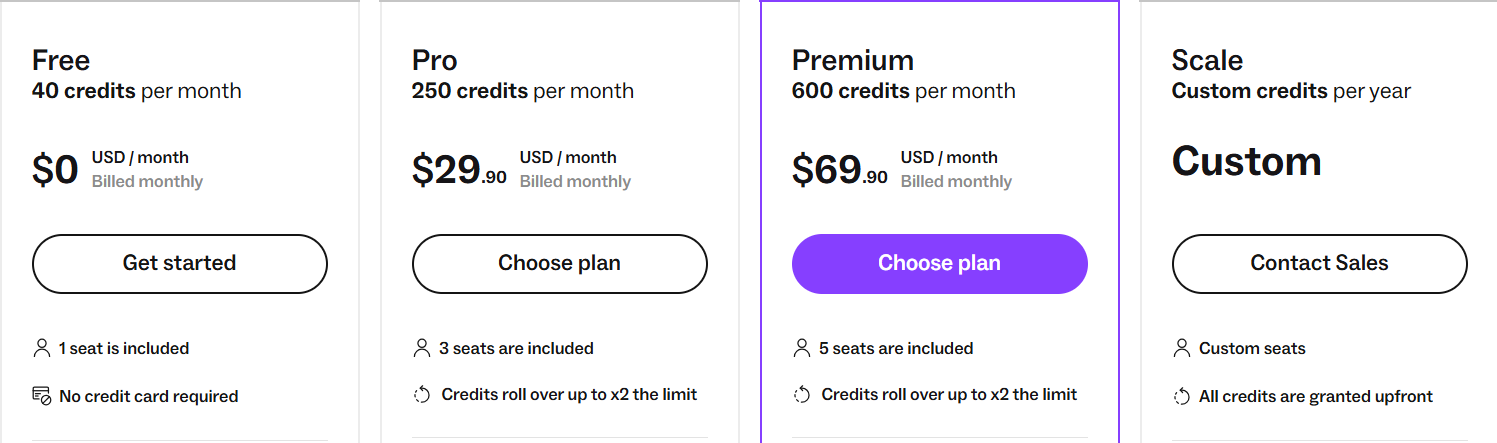
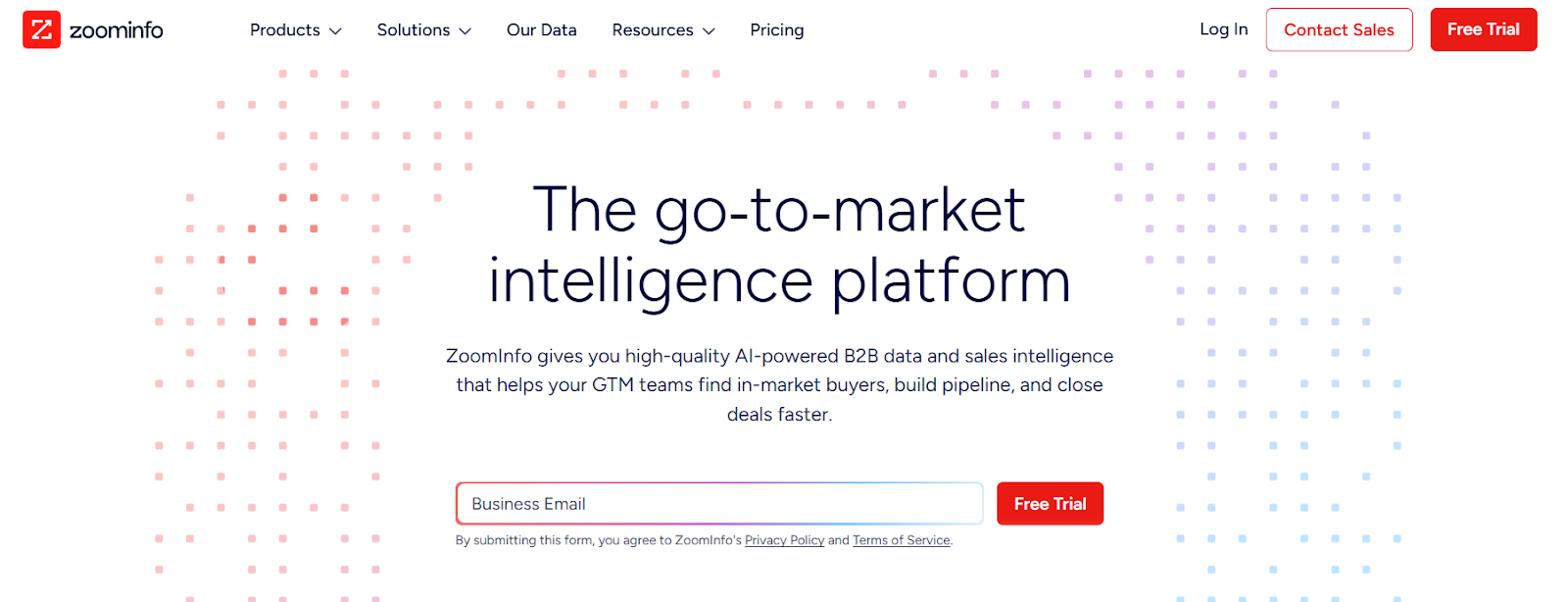
Lusha Pricing This image shows the Lusha pricing Free Plan – $0/month, includes 40 credits per month and basic access to contact data and filters.Pro Plan – $29.90/month, includes 250 credits per month and 3 seats. Credits roll over up to 2× limit.Premium Plan – $69.90/month, includes 600 credits per month and 5 seats. Includes bulk enrichment and advanced analytics.Scale Plan – Custom pricing, custom credits per year, CSV enrichment up to 10,000 rows, bulk exports, intent filters, SSO, and a dedicated success manager.Credit Usage – 1 credit = reveal emailm, 5 credits = reveal phone number4. ZoomInfo This image shows the ZoomInfo homepage ZoomInfo is a B2B contact database that also works as a phone number finder.
It gives access to business contacts with phone numbers, emails, and company data.
Its used when teams need large datasets for outbound, not just quick lookups.
It fits better for structured prospecting where filtering and data depth matter.
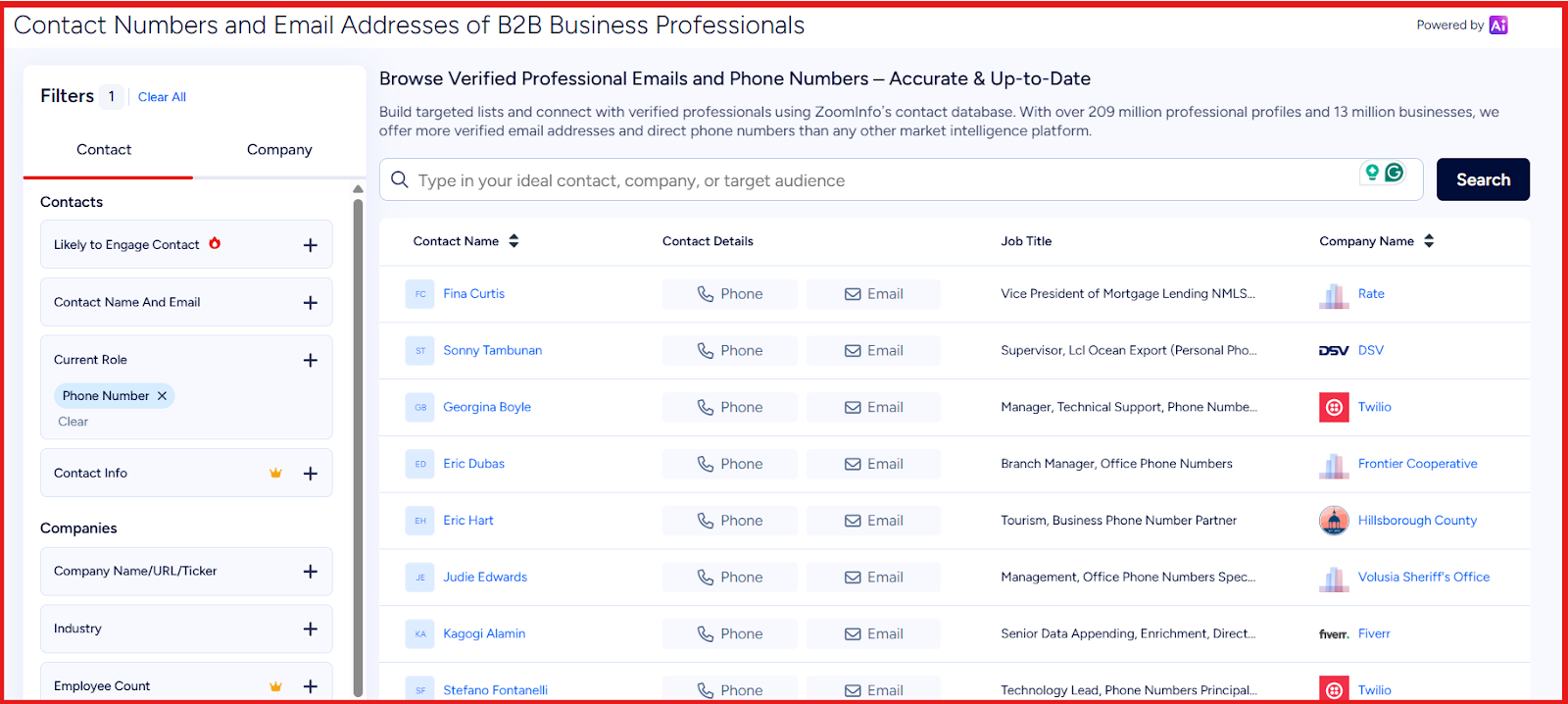
Key Features of ZoomInfo Large B2B database with phone numbers, emails, and company-level data. This image shows the Get phone numbers and other details on ZoomInfo Advanced filters help search by role, company size, industry, revenue, and location. Provides direct phone numbers for many business contacts. Intent data helps identify companies researching similar solutions. Bulk search and enrichment support building large lead lists. Pros and Cons of ZoomInfo
Pros
Cons
Large and detailed contact database
Strong filtering for targeted prospecting
Includes intent data for better targeting
Works well for large-scale outbound
Pricing is not transparent
Expensive for small teams
Takes time to set up
Too heavy for simple phone lookup
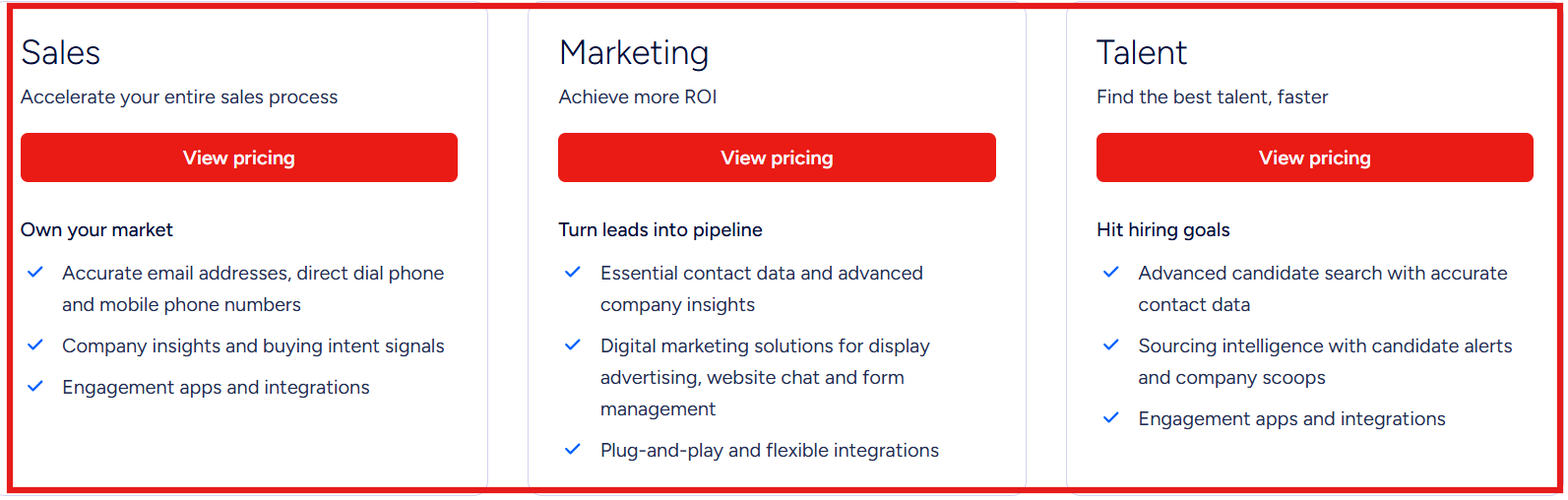
ZoomInfo Pricing This image shows the ZoomInfo pricing ZoomInfo does not publish exact pricing publicly.
Pricing usually depends on:
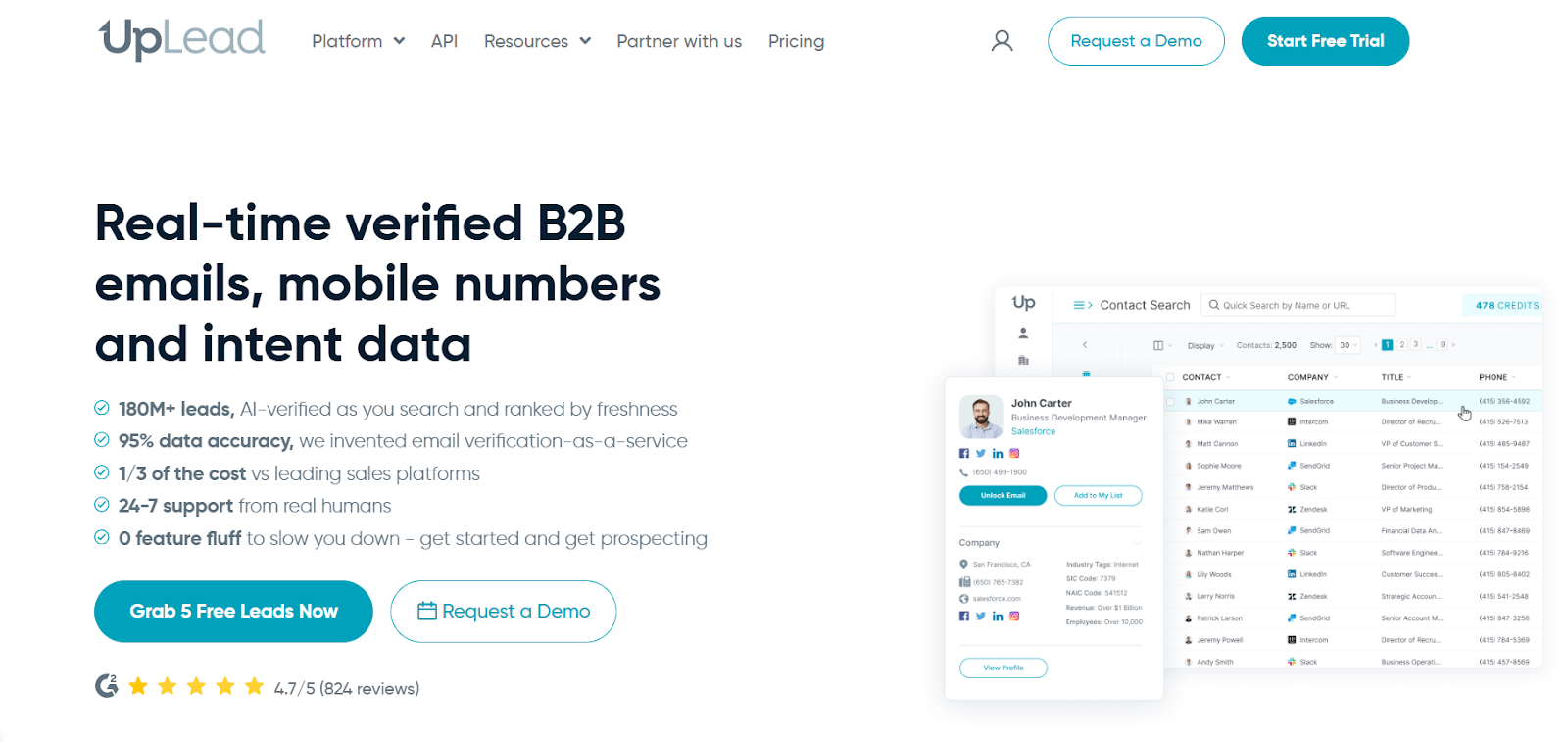
Number of users Data export credits Features included in the plan 5. UpLead This image shows the UpLead homepage UpLead is a B2B contact database that also works as a phone number finder.
It helps find mobile numbers, direct dials, and emails for business contacts.
What stood out to me is that data is verified in real-time before export.
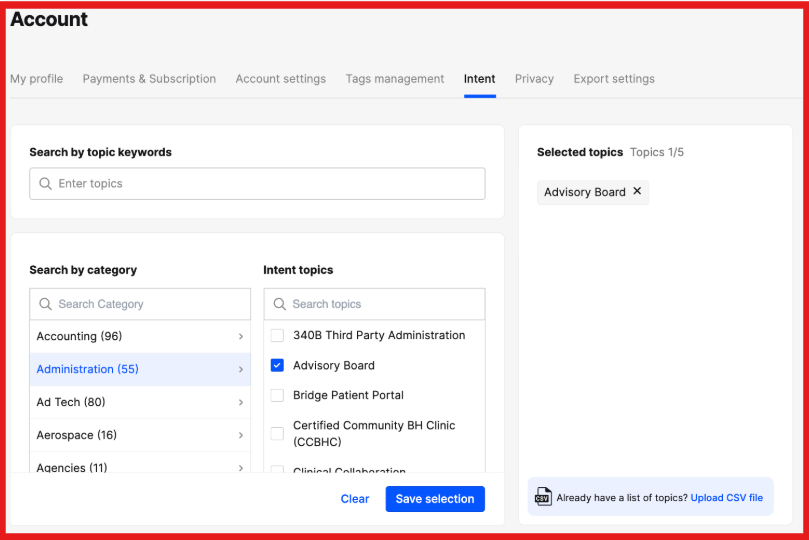
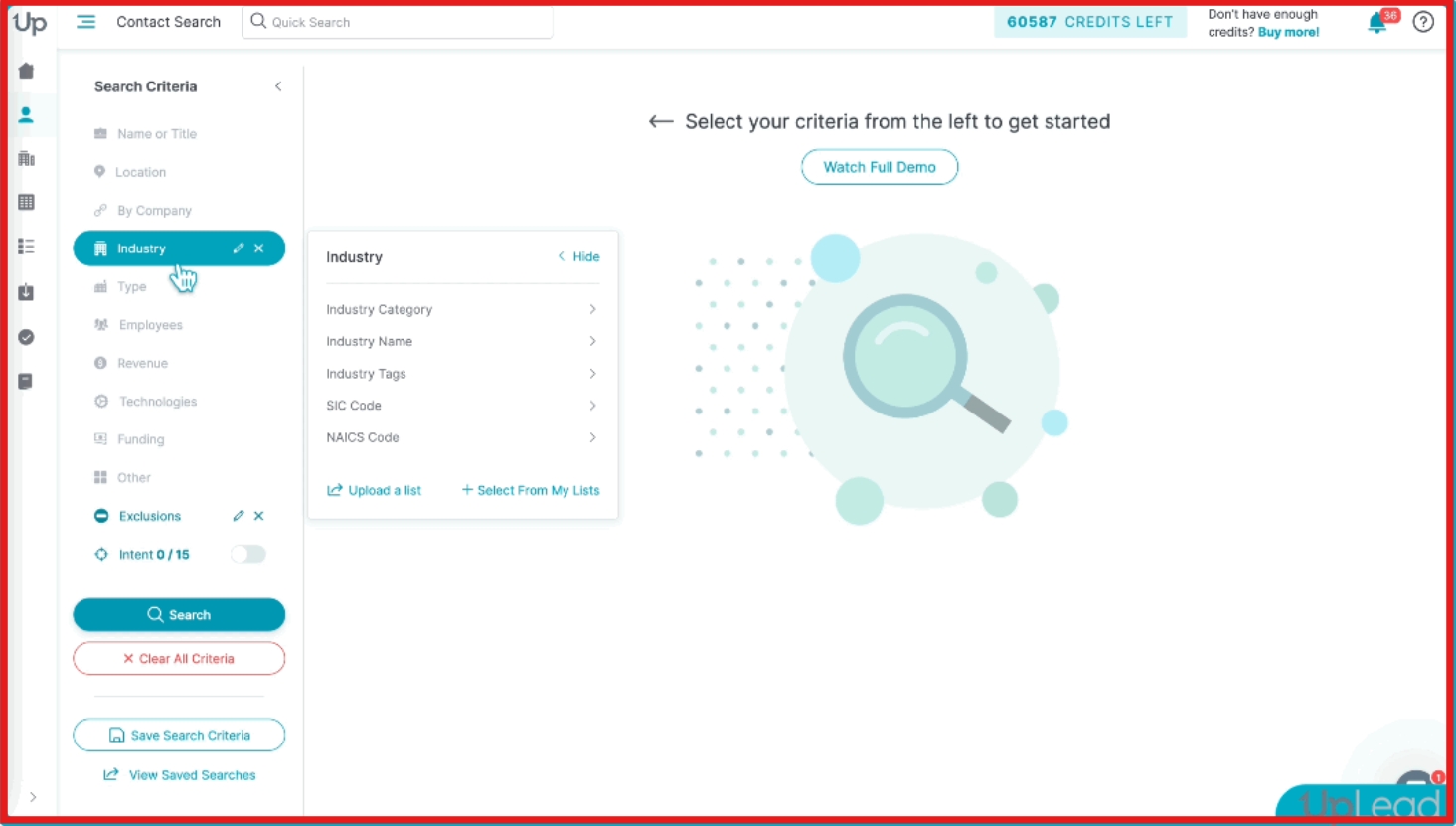
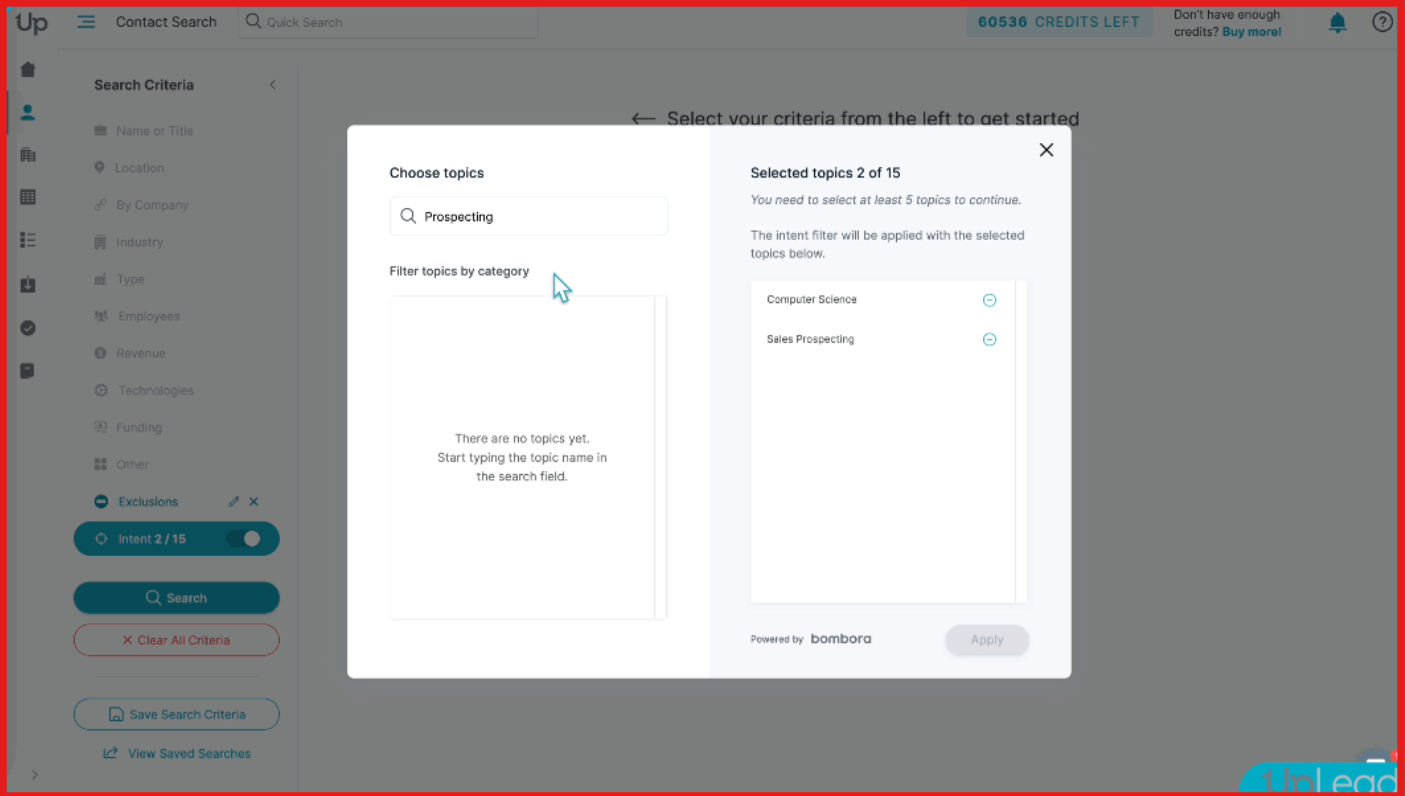
Key Features of UpLead Provides mobile numbers and direct dials for prospects. Real-time verification checks data before you download it. 50+ filters help find contacts by role, industry, location, and company details. This image shows the Uplead filters to find contacts Intent data helps identify prospects actively researching solutions. This image shows the Choose intent topics on UpLead Pros and Cons of UpLead
Pros
Cons
High data accuracy with real-time verification
Only pay for verified data
Easy to use for quick prospecting
More affordable than many enterprise tools
Credits limit how many contacts you can export
Not built only for phone lookup
Advanced features in higher plans
May not fit very large data needs
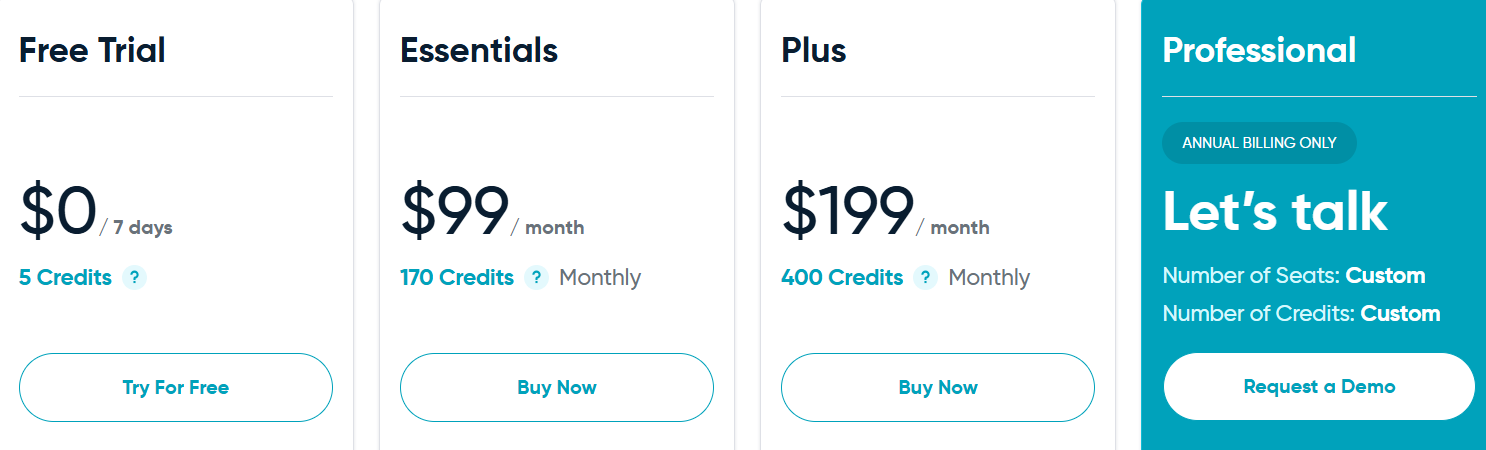
UpLead Pricing This image shows the UpLead pricing Free Trial: 7-day trial with 5 creditsEssentials Plan: $99/month for 170 creditsPlus Plan: $199/month for 400 creditsProfessional Plan: Custom pricing for larger teamsA credit unlocks one contact record including email and phone data.
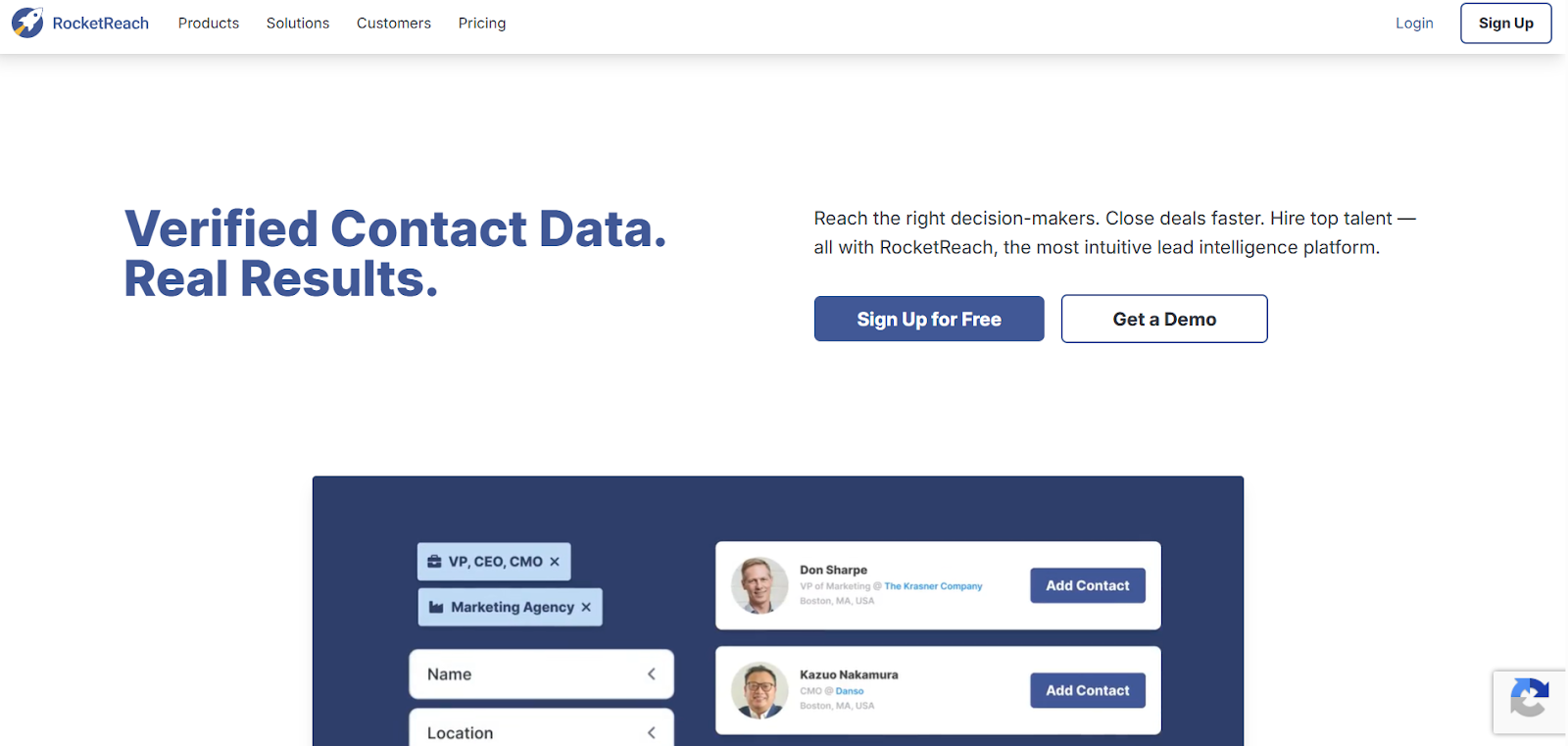
6. RocketReach This image shows the Rocketreach homepage RocketReach is a phone number finder and contact database used by sales teams.
It helps find mobile numbers, direct dials, and emails for business contacts.
I usually see it used when teams need large datasets across multiple regions.
It works well when the goal is to find contact data and run outreach from the same platform.
Key Features of RocketReach Database with 700M+ profiles and 60M+ companies. Provides mobile numbers and direct phone numbers along with emails. Contact data is verified and updated regularly. Browser extension helps find contact data while browsing LinkedIn or websites. Offers global coverage across multiple regions and industries. Bulk search and export support building large lead lists. Pros and Cons of RocketReach
Pros
Cons
Very large global database
Works for both phone numbers and emails
Easy to use with browser extension
Supports bulk prospecting workflows
Phone numbers are not available for every contact
Usage is limited by monthly lookups
Not built only for phone lookup
Advanced features in higher plans
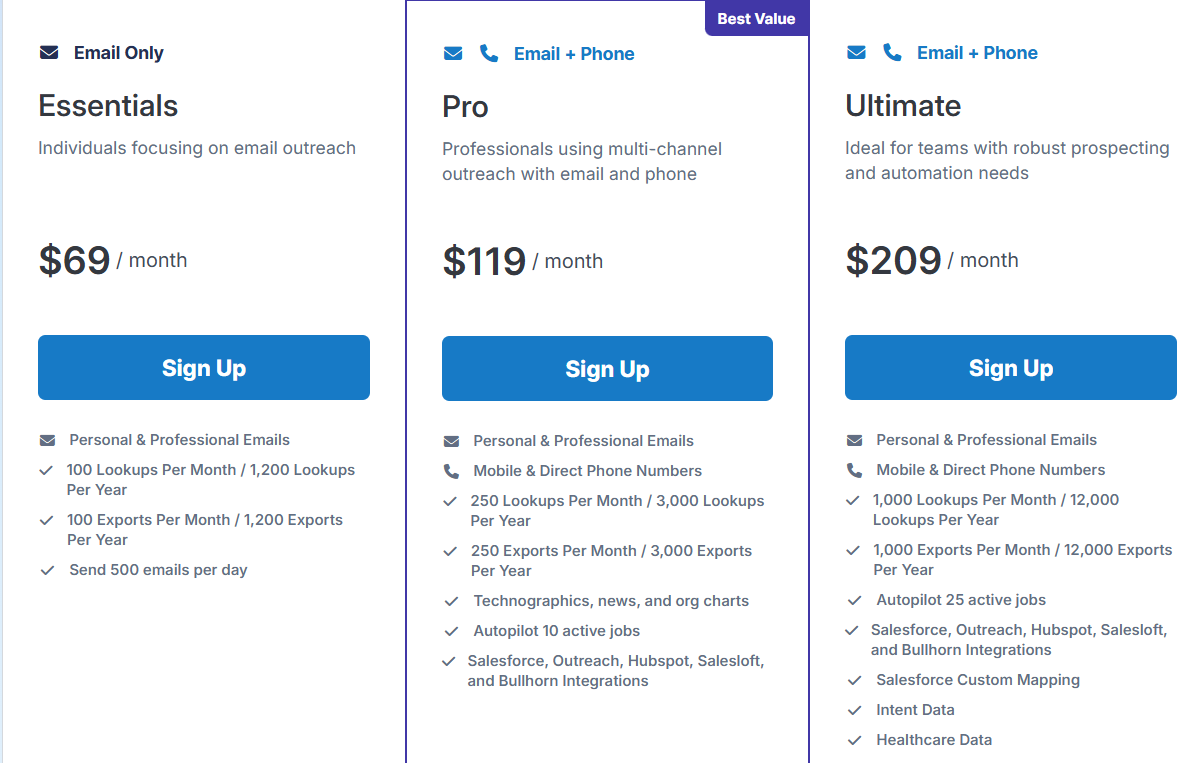
RocketReach Pricing This image shows the Rocketreach pricing Free Plan: 5 free lookupsEssentials Plan: $69/month (email only, 100 lookups)Pro Plan: $119/month (email + phone, 250 lookups)Ultimate Plan: $209/month (email + phone, 1,000 lookups)Usage is based on monthly lookups (each lookup reveals contact data)
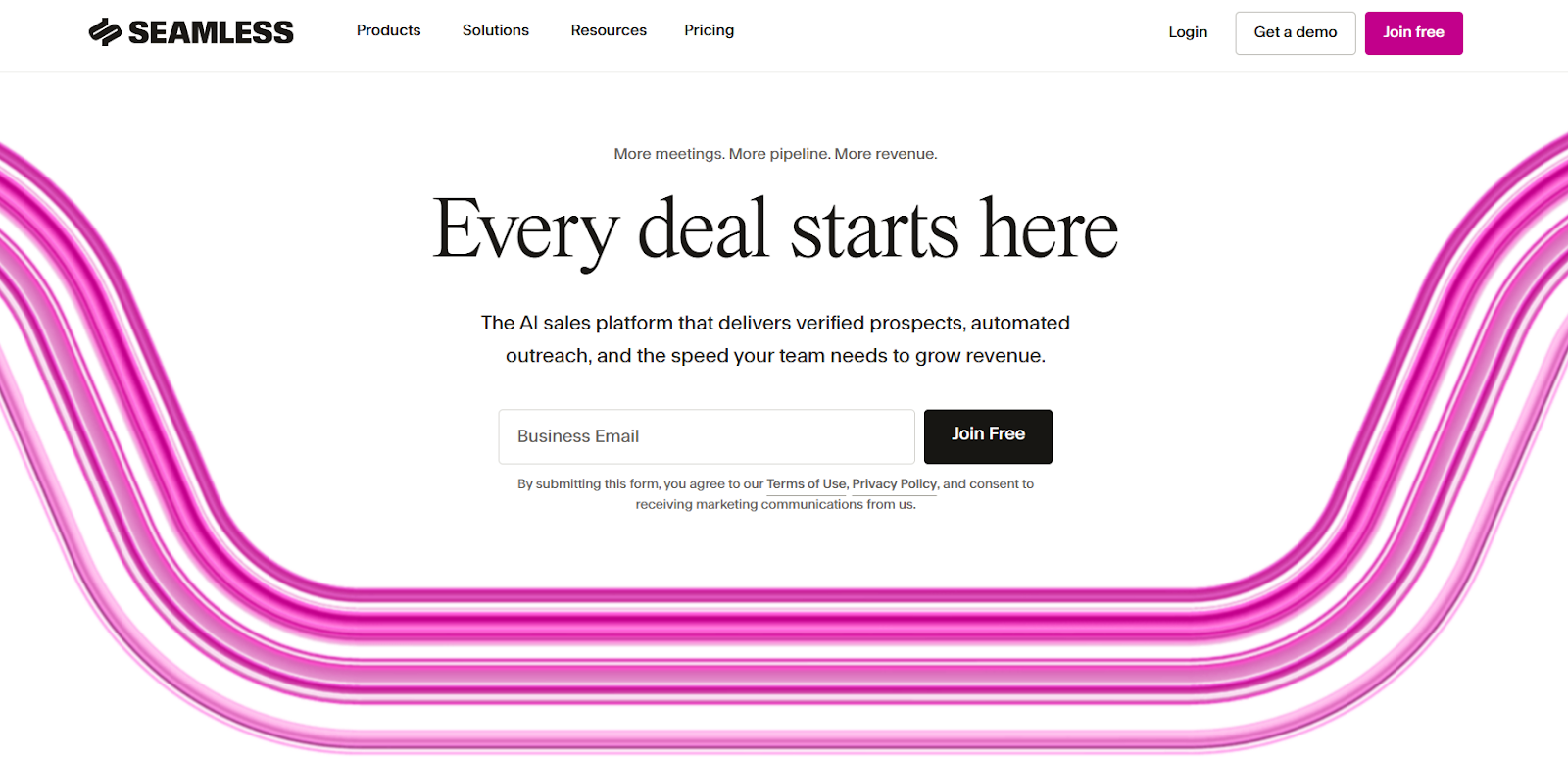
7. Seamless.ai This image shows the Seamless.ai homepage Seamless.ai is a phone number finder and contact database built for outbound teams.
Instead of pulling from stored data, it searches the web and finds phone numbers as you look for them.
That changes how results feel.
You get fresher data, but availability depends on what exists online.
From what I’ve seen, it fits better when you want to discover new contacts quickly.
Key Features of Seamless.ai Provides 414M+ phone numbers including mobile and direct dials. Real-time search engine finds and validates contact data instantly. Chrome extension helps find phone numbers while browsing LinkedIn or websites. 100+ filters help search by role, company, industry, and location. Data enrichment fills missing phone numbers and contact details automatically. Pros and Cons of Seamless.ai
Pros
Cons
Real-time data instead of static database
Large dataset with phone numbers and emails
Strong for bulk prospecting
Works with CRM and outreach tools
Accuracy depends on available web data
Requires credits for usage
Can feel complex for new users
Not built only for phone lookup
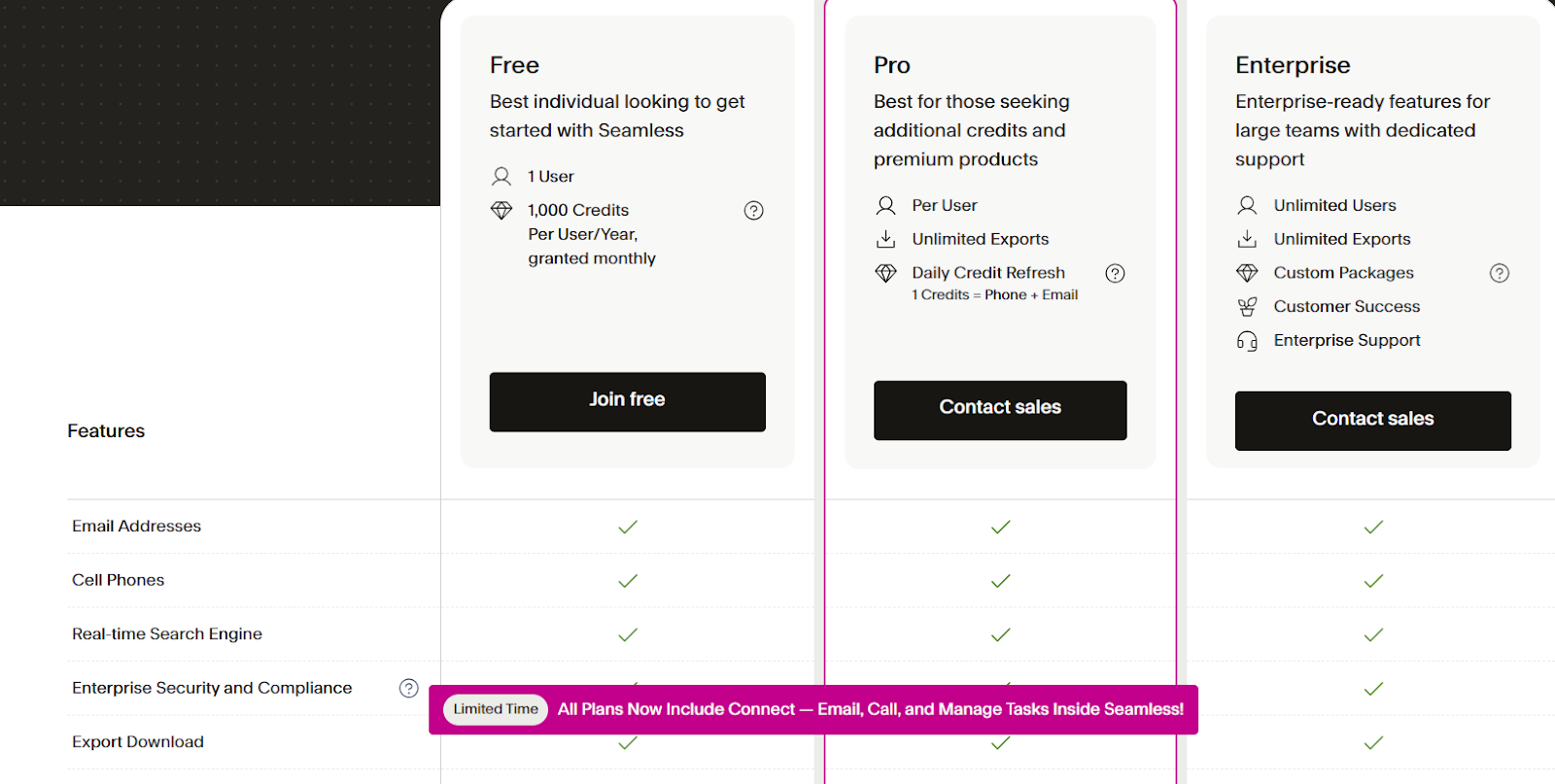
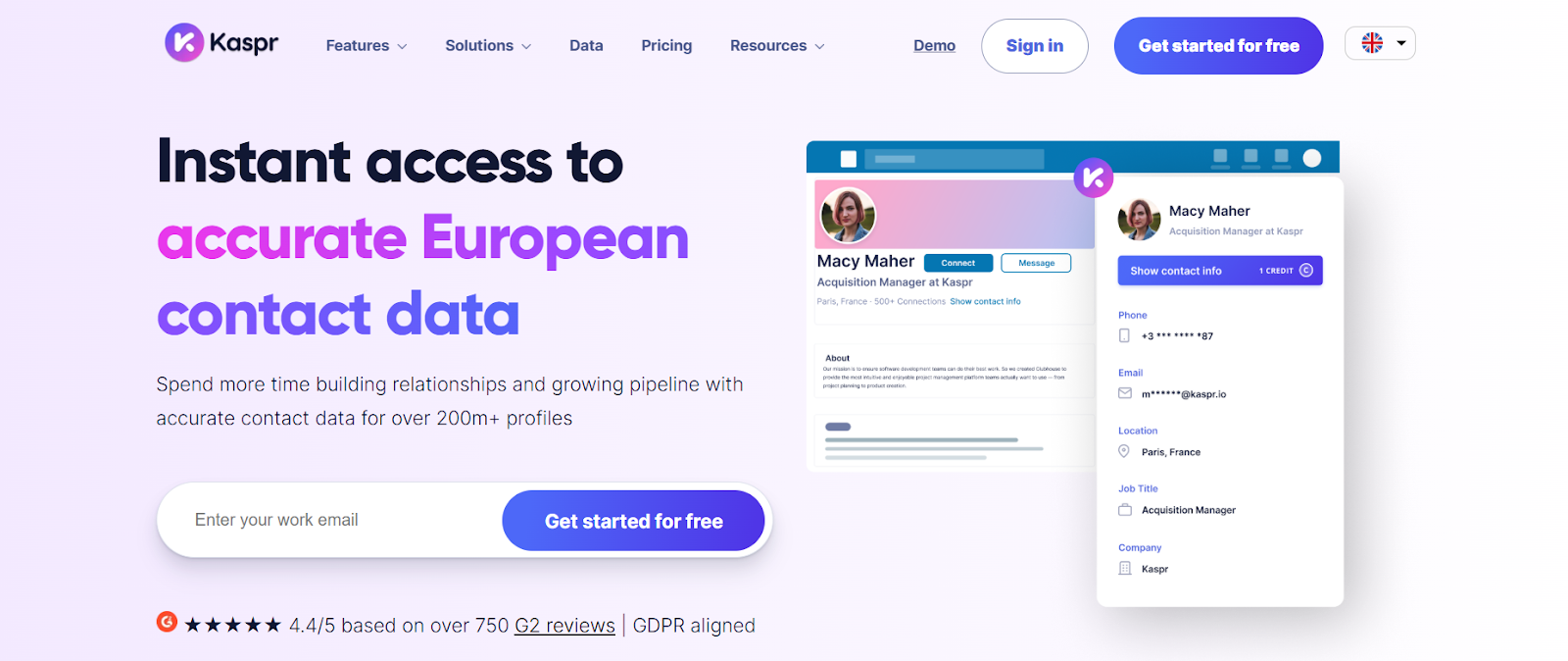
Seamless.ai Pricing This image shows the Seamless.ai pricing Free Plan: Limited credits to test the platformPro Plan: Pay per user with daily credit refresh (custom pricing)Enterprise Plan: Custom pricing with unlimited users and creditsCredits are used to reveal contact data and export leads. 8. Kaspr This image shows the Kaspr homepage Kaspr is built mainly for LinkedIn prospecting.
It helps pull phone numbers and emails directly while you browse LinkedIn profiles.
It works best when your workflow starts on LinkedIn, not inside a database.
It feels more like a LinkedIn add-on than a full data platform.
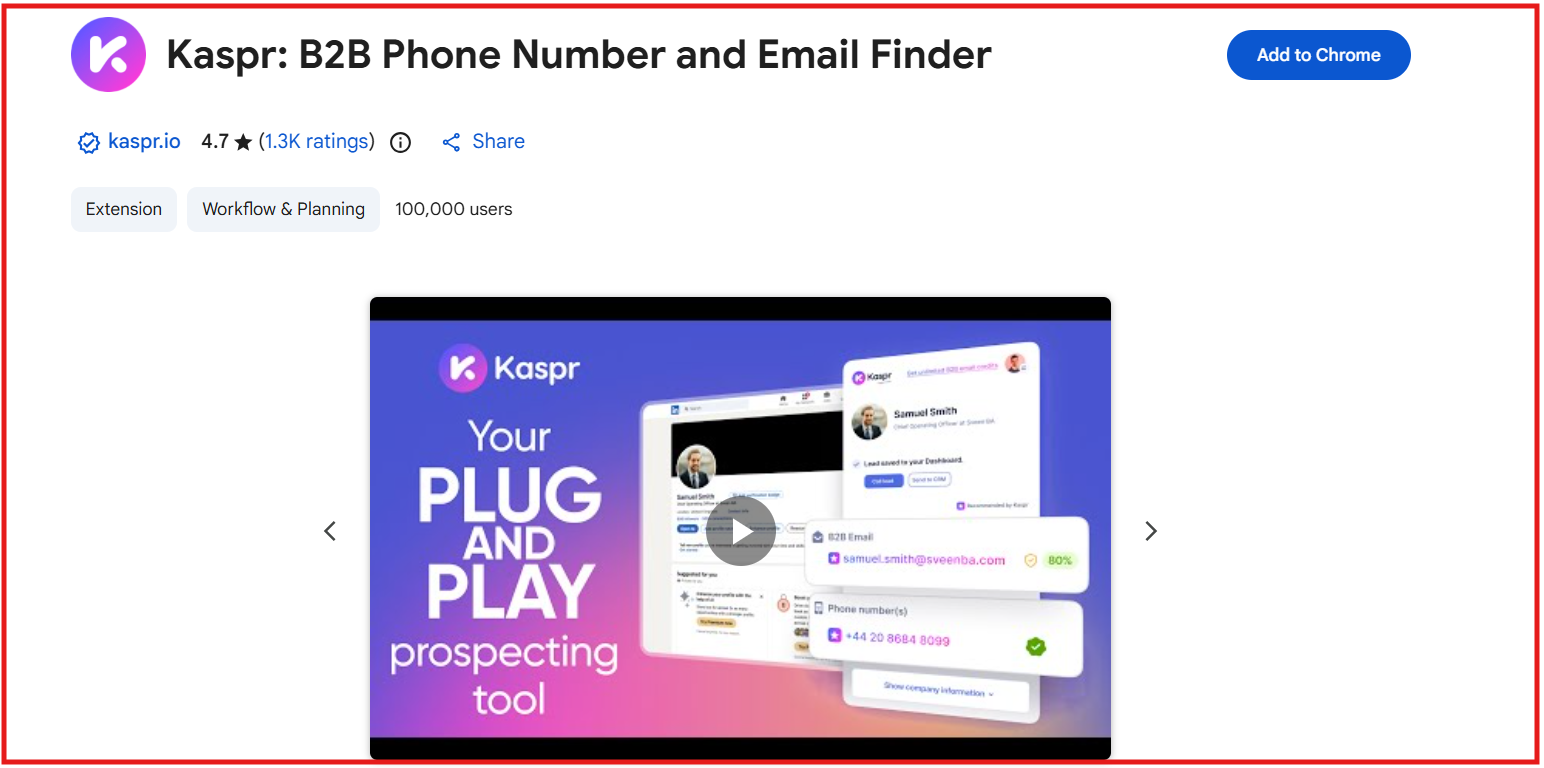
Key Features of Kaspr Chrome extension finds phone numbers and emails directly from LinkedIn. This image shows the Kaspr chrome extension Provides direct dials and mobile numbers for contacts when available. Works in real time while browsing profiles or search results. Includes basic filters and lead management features. Supports bulk extraction from LinkedIn searches and lists. Pros and Cons of Kaspr
Pros
Cons
Very easy to use with LinkedIn
Fast way to find phone numbers while browsing
Good for quick prospecting workflows
Simple UI and setup
Depends heavily on LinkedIn usage
Limited outside LinkedIn
Smaller dataset compared to big tools
Credits limit usage
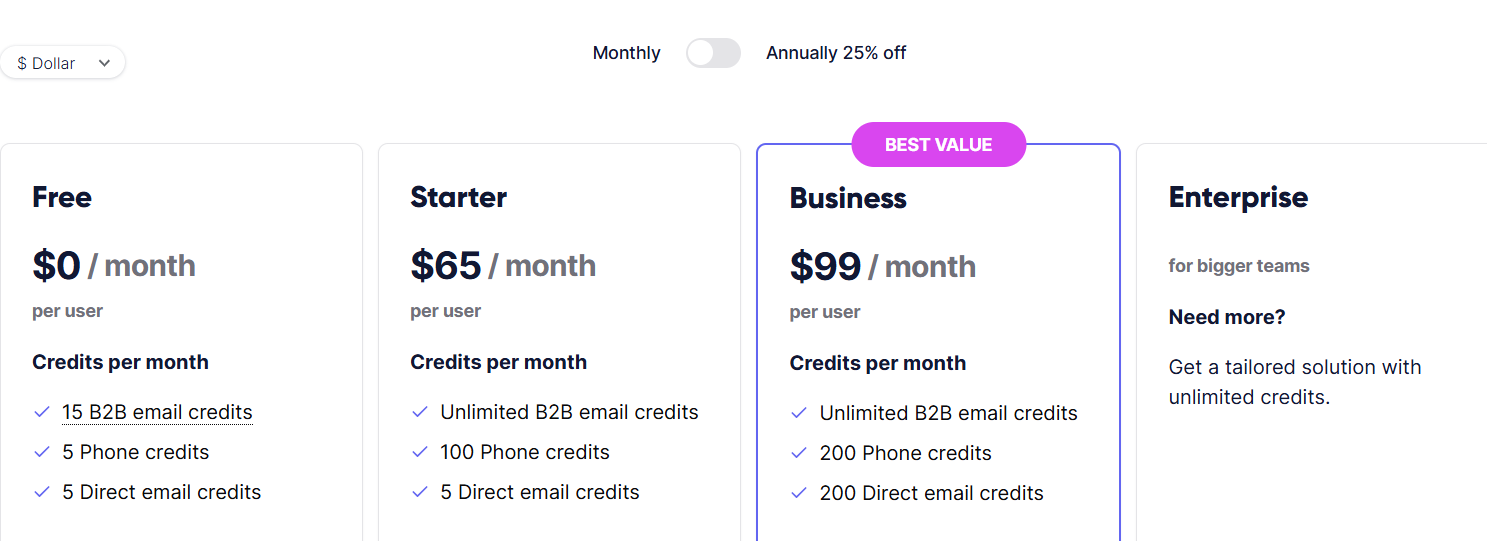
Kaspr Pricing This image shows the Kaspr pricing Free Plan: $0/month with 5 phone credits, 5 email credits, and 10 export credits.Starter Plan: $65/month per user with 100 phone credits and 1,000 export credits.Business Plan: $99/month per user with 200 phone credits and 2,500 export credits.Enterprise Plan: Custom pricing with higher credits and team features.Credits are used to reveal phone numbers, emails, and export contacts.
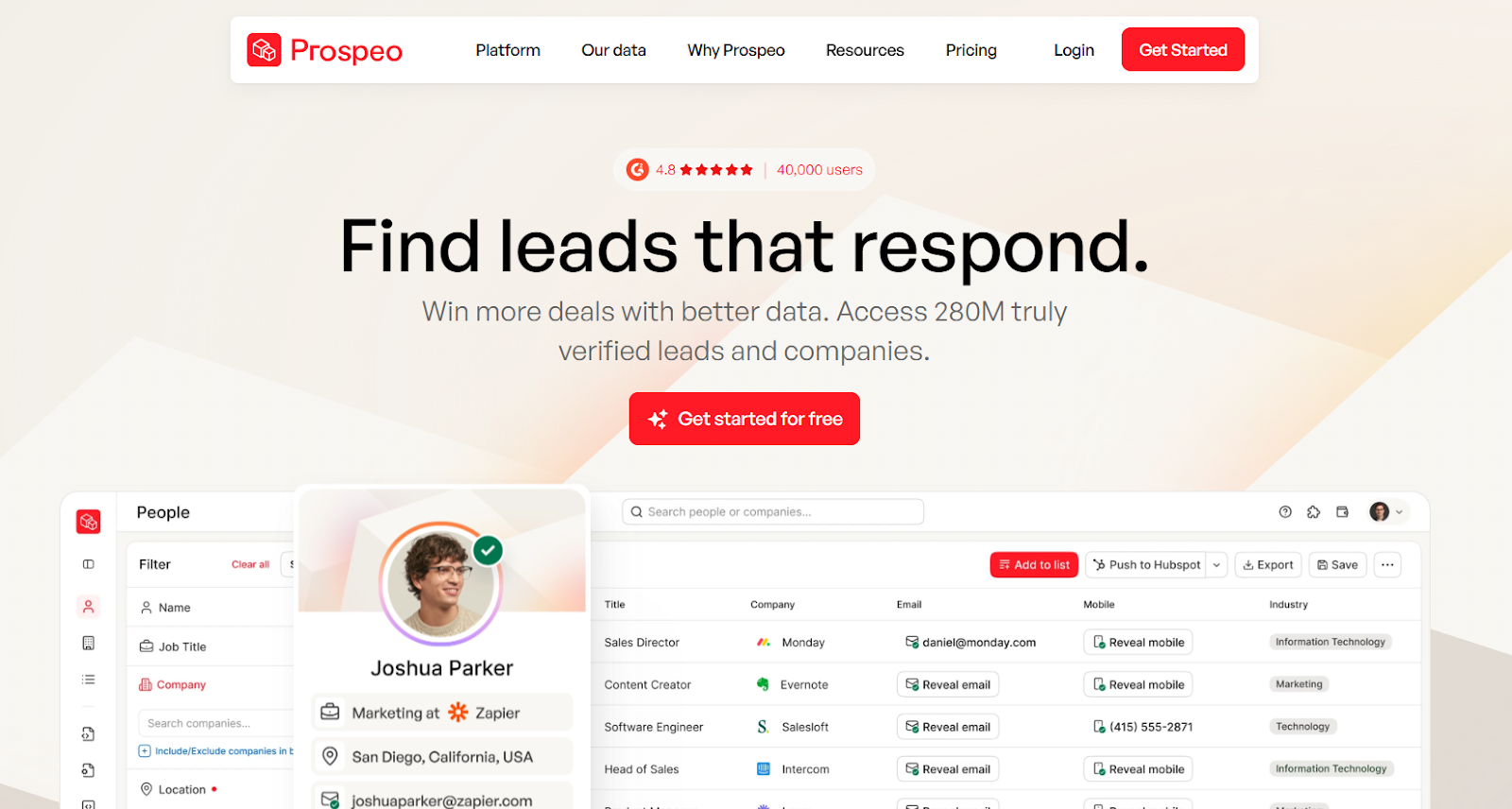
9. Prospeo This image shows the Prospeo homepage Prospeo is a B2B contact data tool that works as a phone number finder with a strong focus on mobile numbers.
I found it more useful when the goal is to get verified mobile numbers quickly.
It feels simple, fast, and built for teams that rely on cold calling and quick prospecting.
It also combines email + mobile search, so you can build complete contact lists in one place.
Key Features of Prospeo Mobile finder helps you find verified B2B phone numbers using profile URLs. Email finder lets you search emails using name and company domain. Domain search finds multiple contacts from a company in one search. Email verification checks deliverability with high accuracy before outreach. Chrome extension helps find emails and phone numbers directly from websites. Bulk processing allows uploading lists and enriching them at scale. Pros and Cons of Prospeo
Pros
Cons
Simple and easy to use interface
Verified emails and mobile numbers improve accuracy
Free plan available to test the tool
Chrome extension improves workflow
Bulk enrichment saves time for large lists
Smaller database compared to enterprise tools
Mobile numbers cost more credits per contact
Credits do not roll over monthly
Not built for full outbound automation
Limited advanced filtering compared to bigger tools
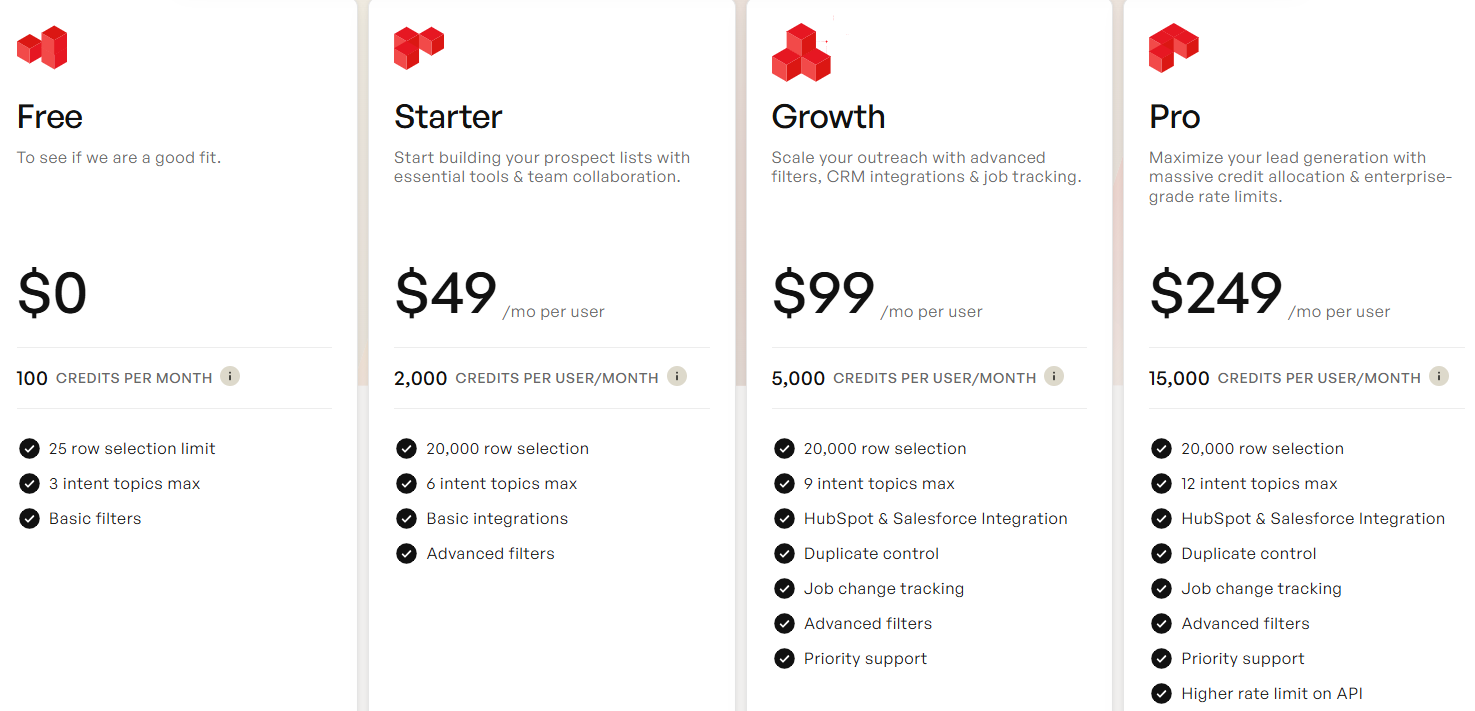
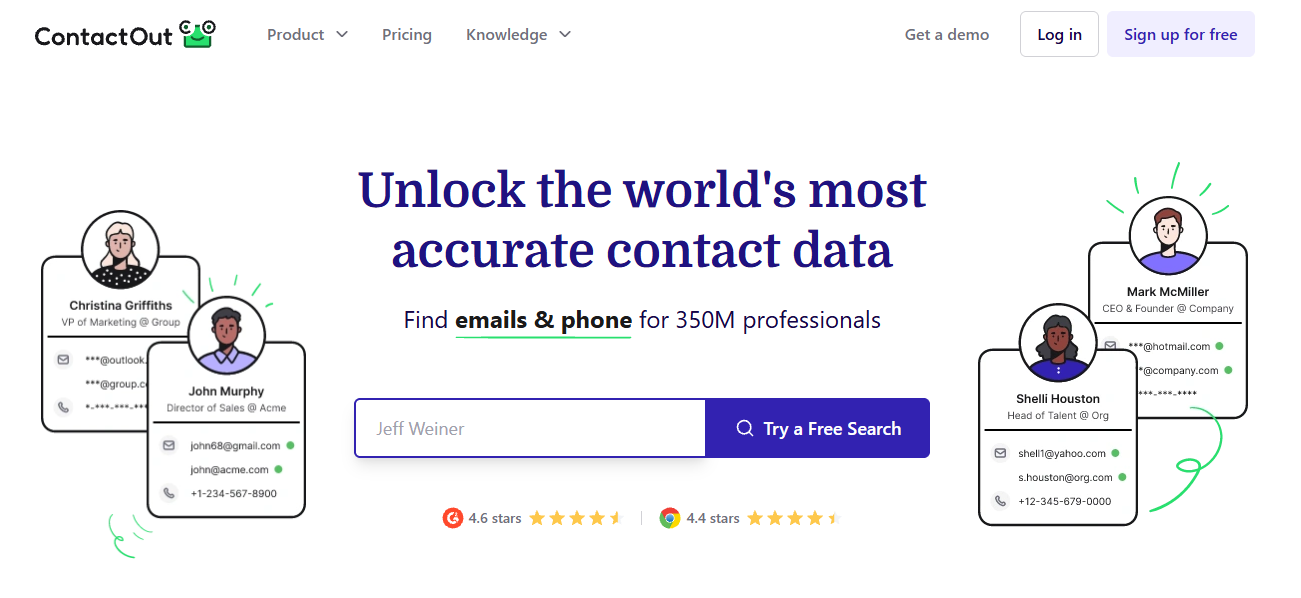
Prospeo Pricing This image shows the Prospeo pricing Free Plan: $0/month with 75 credits per monthStarter Plan: $49/month for 1,000 creditsGrowth Plan: $99/month for 5,000 creditsPro Plan: $249/month for 20,000 credits10. ContactOut This image shows the ContactOut homepage ContactOut is a phone number finder that helps find personal emails and direct phone numbers from LinkedIn profiles.
It helps you get contact details quickly without switching tools.
Instead of relying only on search filters, it pulls data directly from LinkedIn profiles and online sources.
From what I’ve seen, it works best when the goal is to find emails and phone numbers quickly, not build large lead lists.
Key Features of ContactOut Chrome extension shows emails and phone numbers directly on LinkedIn profiles. Finds personal emails, work emails, and direct phone numbers. Bulk reveal helps collect multiple contacts at once. Data is triple-verified to improve accuracy. Works with LinkedIn, LinkedIn Recruiter, and Sales Navigator. Pros and Cons of ContactOut
Pros
Cons
Strong LinkedIn integration
Good accuracy for emails
Easy to use and fast workflow
Works well for recruiters and SDRs
Chrome extension saves time
Limited filtering compared to large databases
Not all profiles have phone numbers
Credits run out quickly
Not built for full outreach workflows
Smaller dataset than enterprise tools
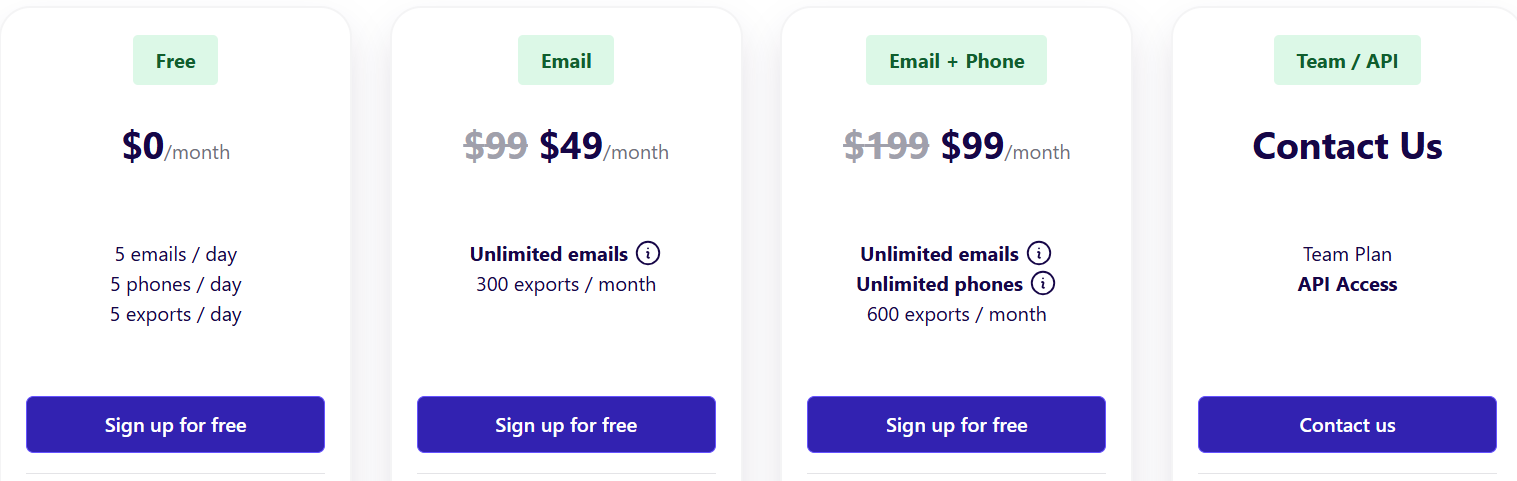
ContactOut Pricing This image shows the ContactOut pricing ContactOut uses a simple tier-based model:
Free Plan – $0/month, includes 5 emails/day, 5 phones/day, 5 exports/day.Email Plan – $49/month, includes unlimited emails and up to 300 exports/month.Email + Phone Plan – $99/month, includes unlimited emails, unlimited phones, and 600 exports/month.Team/API Plan – Custom pricing, includes API access, bulk licenses, 700M+ profiles, CRM integrations, and team management.All plans come with a free Chrome Extension and a trial of premium features.
Personalized Outbound Strategy
Get The Right Outbound Strategy In Minutes
Enter your email to get a custom plan & stack recommendation for your
business
It's being carefully crafted by AI
Please check your mailbox in 5 minutes
Which Phone Number Finder Should You Choose? The right tool depends on how you use phone data.
For quick LinkedIn lookups → Lusha, Kaspr, ContactOut For large databases → ZoomInfo, Apollo For verified data → UpLead If the goal is to build usable lead lists with phone numbers, one data source is not enough.
Leadsforge works better here.
It pulls from multiple sources and fills missing numbers during enrichment.
This helps get more contacts from the same search.
If I had to choose one, I would pick Leadsforge for consistent results.
Try Leadsforge now with 100 free credits!