
Find verified B2B emails & phone numbers and sync contacts to your outreach pipeline.
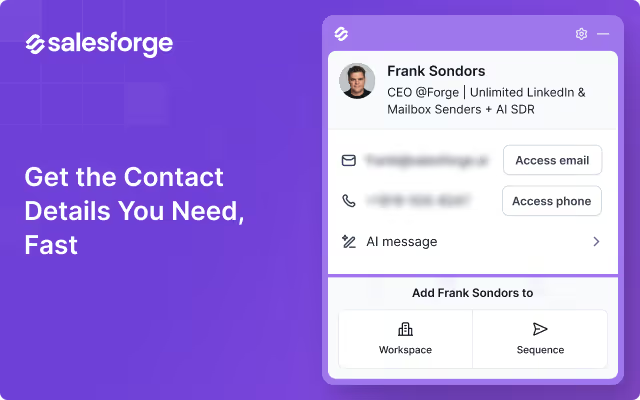
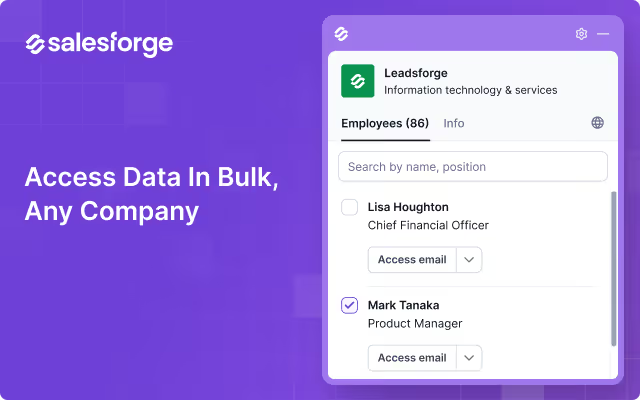

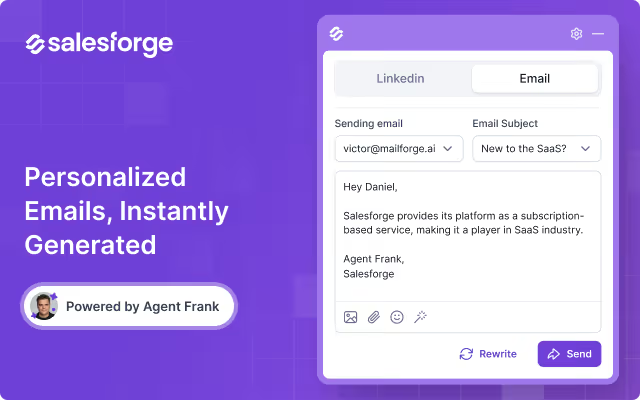
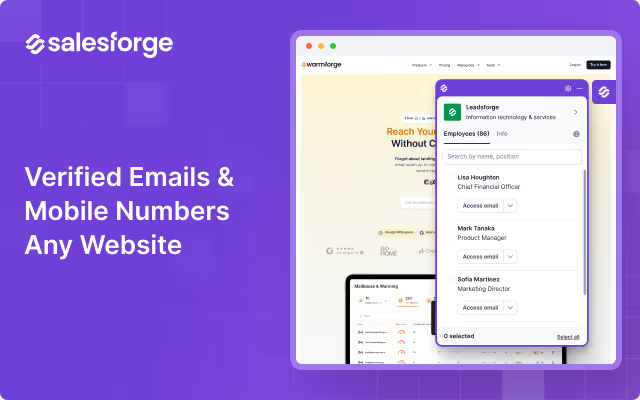
Salesforge extension helps you find contact info, add prospects to your pipeline, launch personalized outreach, and speed up your entire prospecting workflow - all for free.
Prospecting shouldn’t take hours. With Salesforge, you can capture a lead’s business email or phone number instantly, enrich profiles, send tailored messages, and sync everything directly into your Salesforge account with a single click.
Built for modern outbound teams, the extension works wherever you work - LinkedIn, company websites - turning every page into a prospecting surface.
Install the free extension, or unlock the full Salesforge platform (AI SDR, multi-channel outreach, deliverability tools, lead search, and more) with a free account at: https://salesforge.ai
Thousands of founders, SDRs, and agencies use Salesforge to streamline contact discovery and automate their outreach.
Use the Salesforge Chrome Extension to do all of the below across tools you already use every day, including LinkedIn, company websites, and inside your Salesforge workspace:
With one click, Salesforge turns manual research into a streamlined workflow.
The Chrome Extension is optimized for each workflow you work in - giving you even more power inside each platform.
The Salesforge Chrome Extension is completely free and includes:
Salesforge’s free tier delivers high value out of the box - no complicated setup, no hidden restrictions.
Explore additional capabilities with full access to the Salesforge platform: https://salesforge.ai






