Personalized Outbound Strategy
Get The Right Outbound Strategy In Minutes
Enter your email to get a custom plan & stack recommendation for your business
It's being carefully crafted by AI
Please check your mailbox in 5 minutes
If you are evaluating LinkedIn Sales Navigator, the first thing you want to understand is how much it actually costs and what you get at each level. The pricing starts at $119.99 per month , but there are multiple plans, and the difference between them is not always clear at first glance. At a basic level, you are choosing between Core, Advanced, and Advanced Plus, each adding more features like team collaboration, deeper insights, and CRM integration. But the real decision is not just about picking a plan. It is about understanding whether the jump in price actually adds value to your outbound process or just adds features you may not fully use.
Another important point is that the listed price is only part of the picture. Sales Navigator mainly covers prospecting on LinkedIn, so depending on your workflow, you may still need other tools for things like email outreach or lead management. This can increase the total cost beyond the subscription itself.
In this guide, you will see a clear breakdown of all LinkedIn Sales Navigator pricing plans, what each tier includes, how the costs compare, and which plan makes sense based on how you use LinkedIn for outbound.
My take: Sales Navigator is a strong prospecting tool, but if your goal is to generate pipeline at scale, you need more than just LinkedIn-based features.
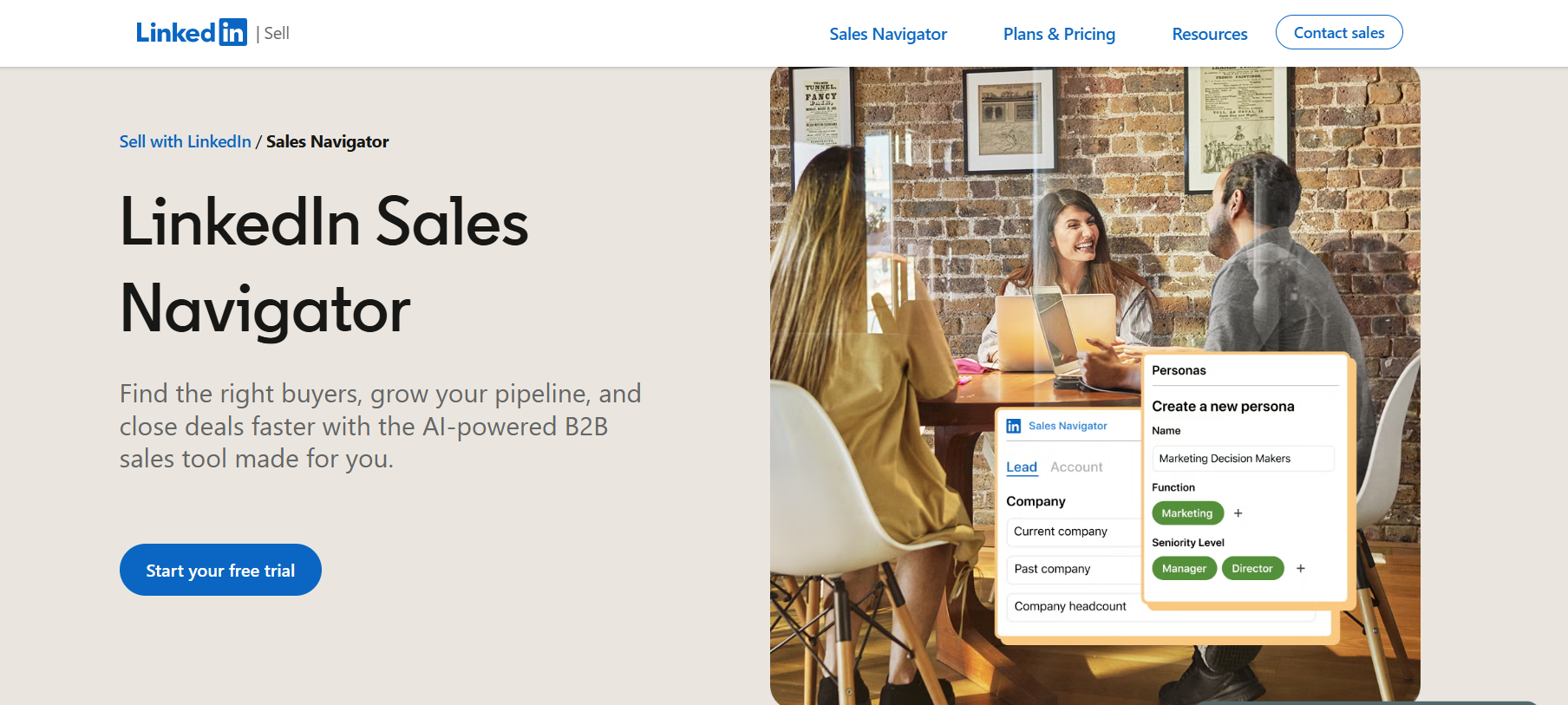
LinkedIn Sales Navigator is a paid tool built for B2B sales teams to find and connect with the right buyers on LinkedIn. It is not just a premium version of LinkedIn. It is designed specifically for prospecting and lead generation.
It helps you search for prospects with 50+ advanced filters, so you can narrow down candidates by role, company, experience, and other criteria. You can also reach out to people outside your network using InMail and track important updates like job changes or activity.
Another key part of the tool is insights. It shows you useful information about accounts and leads, helping you understand who to target and when to reach out. In higher plans, it also connects with CRMs like Salesforce or HubSpot, so your data stays updated automatically.
In simple terms, Sales Navigator helps you find better leads faster and start conversations on LinkedIn, but it mainly focuses on the prospecting stage of outbound.
LinkedIn is useful when you are browsing profiles and sending connection requests. LinkedIn Sales Navigator is built to help you search, track, and reach the right prospects more efficiently. Here’s a quick difference between LinkedIn and LinkedIn Sales Navigator:
If you use LinkedIn, you usually search manually, check profiles one by one, and send connection requests to start conversations. This works, but it takes time and you often miss the right people because filters are limited.
With Sales Navigator, you can apply specific filters like job role, company size, or experience and quickly get a focused list of prospects. You can save those leads, track updates like job changes, and message them directly using InMail even if you are not connected.
In simple terms, LinkedIn is good for basic outreach, while Sales Navigator helps you find the right people faster and manage your prospecting in a more structured way.

LinkedIn Sales Navigator offers three main pricing plans based on how you use it, individual prospecting, team collaboration, or enterprise-level workflows. Each plan adds different capabilities, so it is important to understand what actually changes as you move up.
Annual billing offers around 20–25% savings on Core and smaller savings on Advanced.
The Core plan starts at $119.99 per month and is designed for individuals focused on finding and reaching the right prospects. You get access to 50+ advanced search filters, which help you narrow down leads based on role, company, and experience. It also includes 50 InMail credits per month, allowing you to contact people outside your network.
You can save leads, track updates like job changes, and receive recommendations. This makes it easier to stay organized and focus on high-quality prospects.
The Advanced plan starts at $159.99 per month and is designed for teams working on shared accounts. It adds team seat management and centralized billing, making it easier to manage multiple users. You also get AI-powered insights (Account IQ and Lead IQ), which help reduce manual research and improve targeting.
This plan works well when teams need shared visibility and better coordination.
The Advanced Plus plan comes with custom pricing based on team size and setup. It includes CRM integrations with tools like Salesforce, HubSpot, and Microsoft Dynamics, along with the ability to create and sync leads directly into your CRM. This reduces manual work and keeps your data updated.
This plan is suited for teams that want to connect LinkedIn prospecting directly with their sales system.
The core features remain similar across all plans, but higher plans add more control, visibility, and integration into your workflow.
All plans help you find leads. The main difference is what you can do after that. Higher plans improve collaboration, add insights, and connect your data with your CRM.
While LinkedIn Sales Navigator is strong for prospecting, users consistently point out a few practical gaps.



Sales Navigator helps you identify the right people, but it does not cover the full outbound process. Most teams pair it with other tools to turn leads into conversations and pipeline.
LinkedIn Sales Navigator starts at $119.99/month, and the value depends on how much you rely on LinkedIn for prospecting.
If your workflow is focused on finding the right decision-makers, building targeted lists, and starting conversations on LinkedIn, the cost is justified. The platform is strong at helping you narrow down prospects and reduce time spent on manual research.
However, the value drops if you expect it to handle the full outbound process. It is mainly built for prospecting, so most teams still use additional tools to manage outreach, follow-ups, and pipeline. It is worth it for improving lead quality and targeting, but not enough on its own if your goal is to run complete outbound campaigns.
LinkedIn Sales Navigator works well for finding the right prospects, but outbound does not stop at prospecting. After identifying leads, you still need to reach out, follow up, and manage conversations, which is where gaps start to appear.
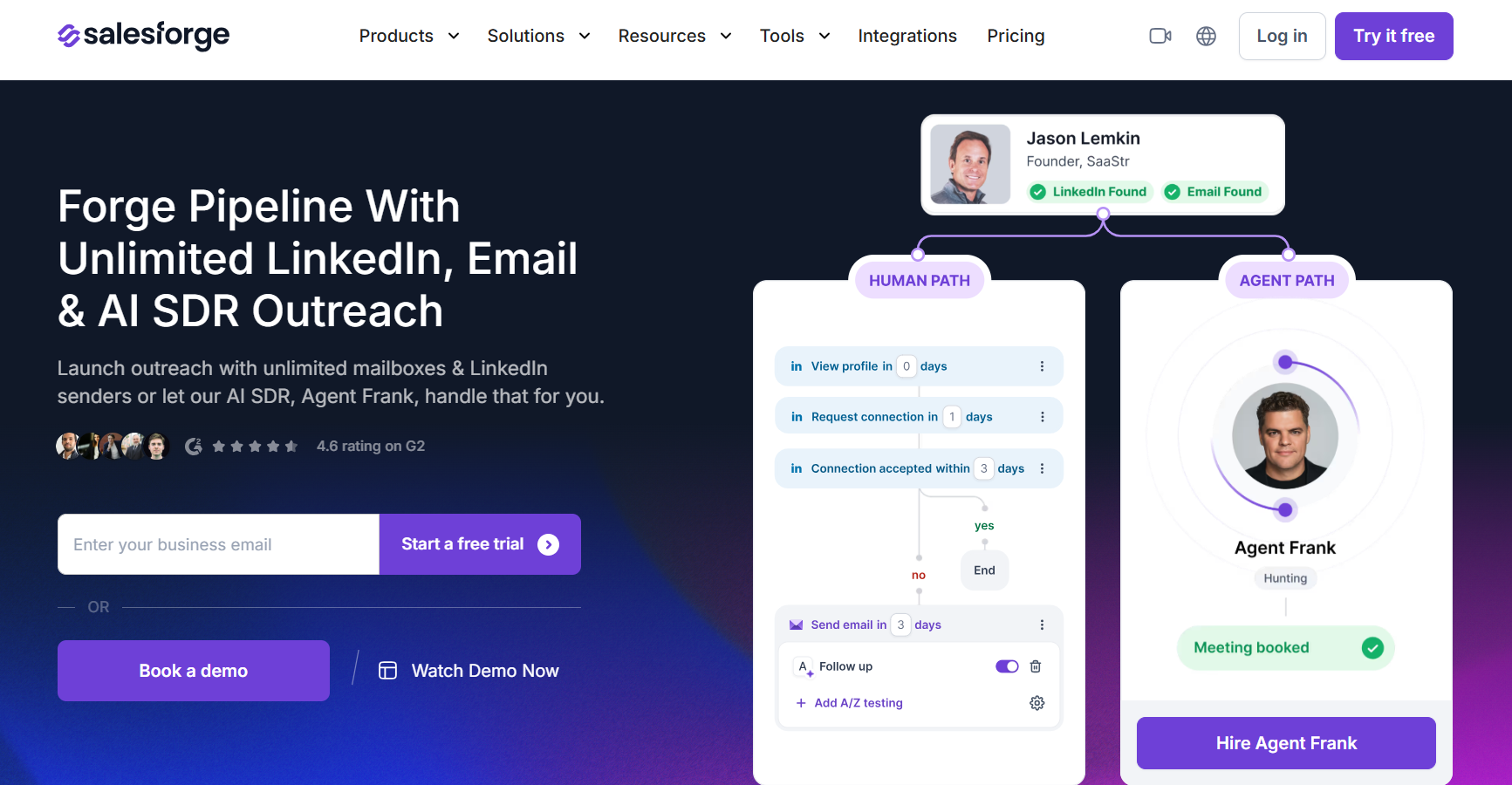
Salesforge is built to handle this full process. It allows you to run email and LinkedIn outreach together, manage replies, and automate follow-ups in one place.
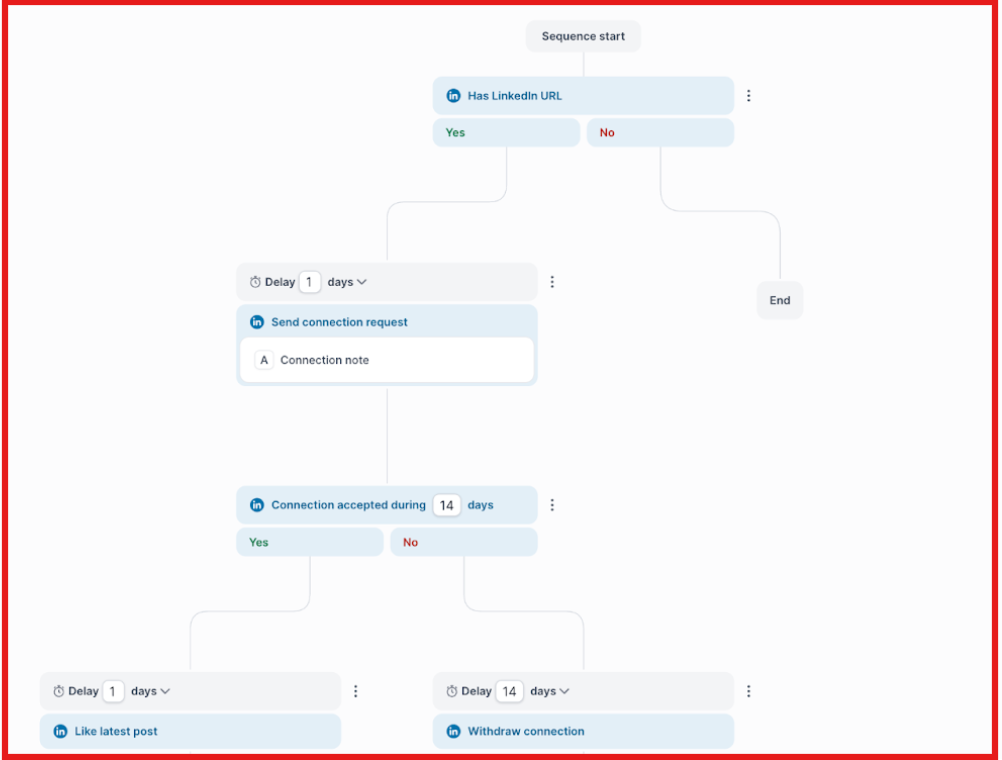
This removes the need to move data between multiple tools and makes the workflow more consistent.
Another key difference is how outreach is handled. With Sales Navigator, communication is limited to LinkedIn and depends on InMail credits. With Salesforge, you can run structured campaigns across channels, track responses, and manage conversations without switching platforms.
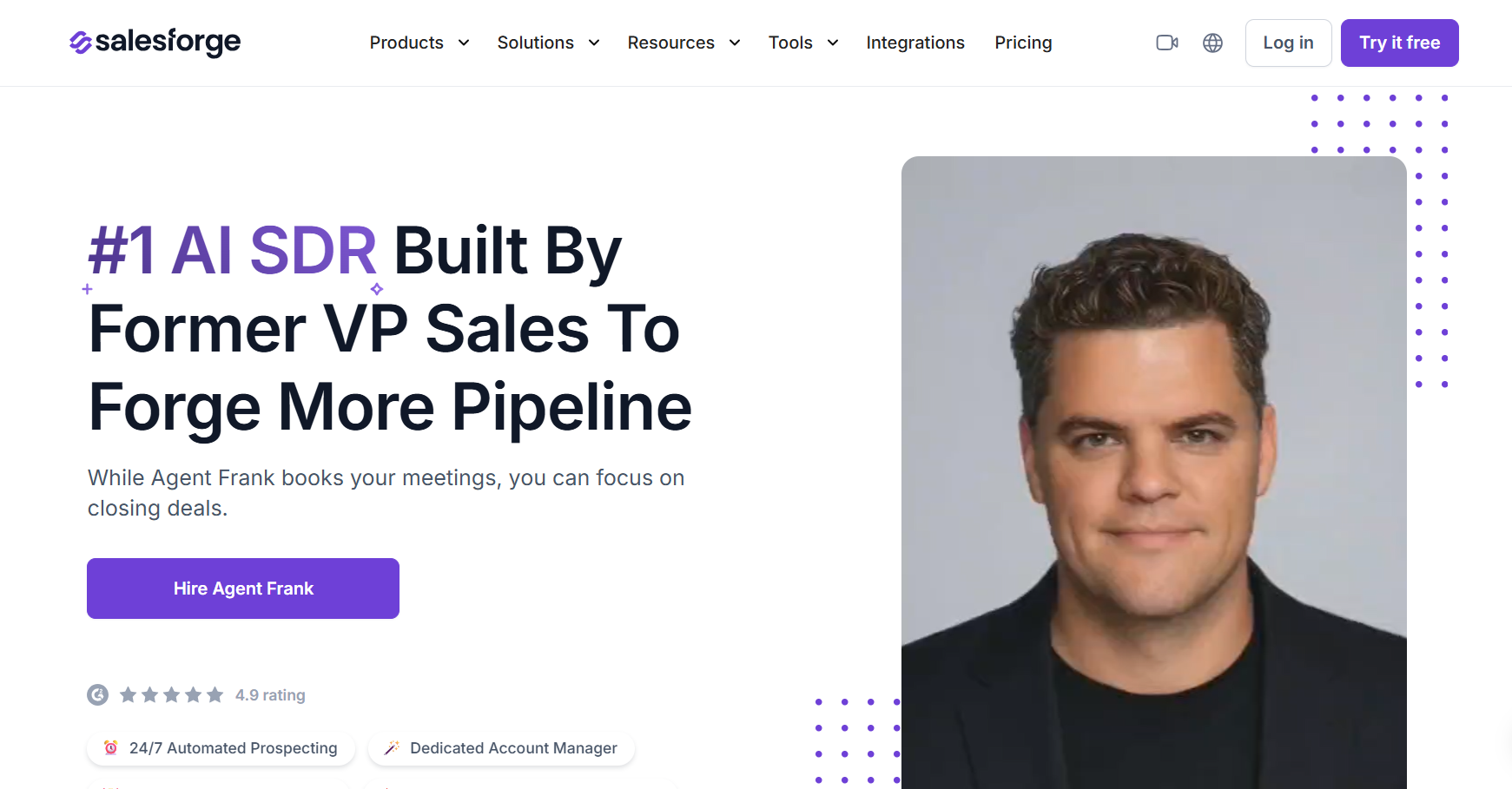
For teams that want to scale, this becomes more important. Tools like Agent Frank, the AI SDR inside Salesforge, can handle prospecting, outreach, and follow-ups automatically, helping teams generate meetings without increasing manual work.
Here’s a quick comparison:
In simple terms, Sales Navigator helps you find leads, while Salesforge helps you turn those leads into pipeline.
If your goal is just prospecting, Sales Navigator is enough. If your goal is to run outbound campaigns and generate pipeline, Salesforge is a more complete solution.
Enter your email to get a custom plan & stack recommendation for your business
Please check your mailbox in 5 minutes

LinkedIn Sales Navigator is a strong tool if your goal is to find the right prospects and improve targeting on LinkedIn. It does that part well.
But once you move beyond prospecting, you start to see the gaps. Outreach, follow-ups, and pipeline generation still need additional tools, which increases both cost and complexity.
If your workflow is simple and focused on LinkedIn, Sales Navigator can be enough. But if you want to run outbound campaigns and scale consistently, a more complete setup works better.
If you want to go beyond just finding leads and actually turn them into meetings, you can explore Salesforge and see how it fits your outbound process.Frequently asked questions