
Personalized Outbound Strategy
Get The Right Outbound Strategy In Minutes
Enter your email to get a custom plan & stack recommendation for your business
It's being carefully crafted by AI
Please check your mailbox in 5 minutes
If you’re searching for a BearConnect review, you’re likely asking one simple question. Is it actually safe to use on LinkedIn?
I had the same concern when I first looked at it. LinkedIn accounts take time to build. Losing one can stop your pipeline fast.
Bearconnect claims to automate outreach, follow-ups, and even content from one place.
It also says it keeps accounts safe using IP control and human-like activity. But claims are easy to make. What matters is how it works when you actually run campaigns.
So I looked at how Bearconnect performs in real workflows.
I focused on what actually matters:
In this Bearconnect review, I’ll show you what I found.
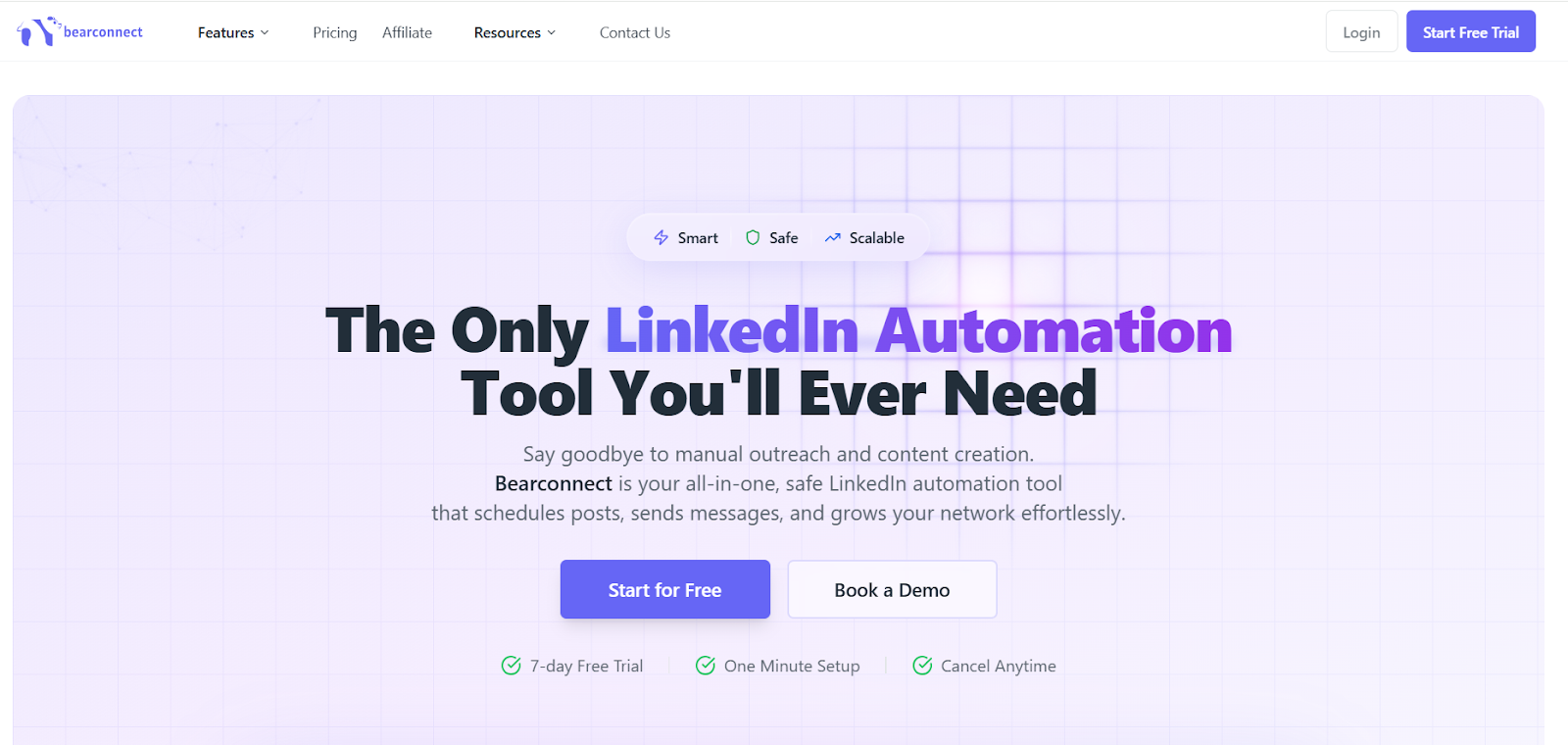
Bearconnect is a LinkedIn automation tool built for outreach and lead generation.
It helps you send connection requests, messages, and follow-ups without doing everything manually.
You can also schedule and publish LinkedIn posts from the same platform.
The tool works in the cloud, so your campaigns run even when you are offline.
It supports multiple LinkedIn accounts, so you can manage outreach at a larger scale.
All conversations are managed inside a unified inbox, which keeps replies in one place.
Bearconnect is mainly used by founders, sales teams, and agencies who rely on LinkedIn for leads.
Bearconnect follows a simple flow.
You set it once, and it runs your LinkedIn outreach in the background.
1. Import your leads
You can add leads using a LinkedIn search URL, Sales Navigator, or a CSV file.
This helps you start campaigns with the right people.
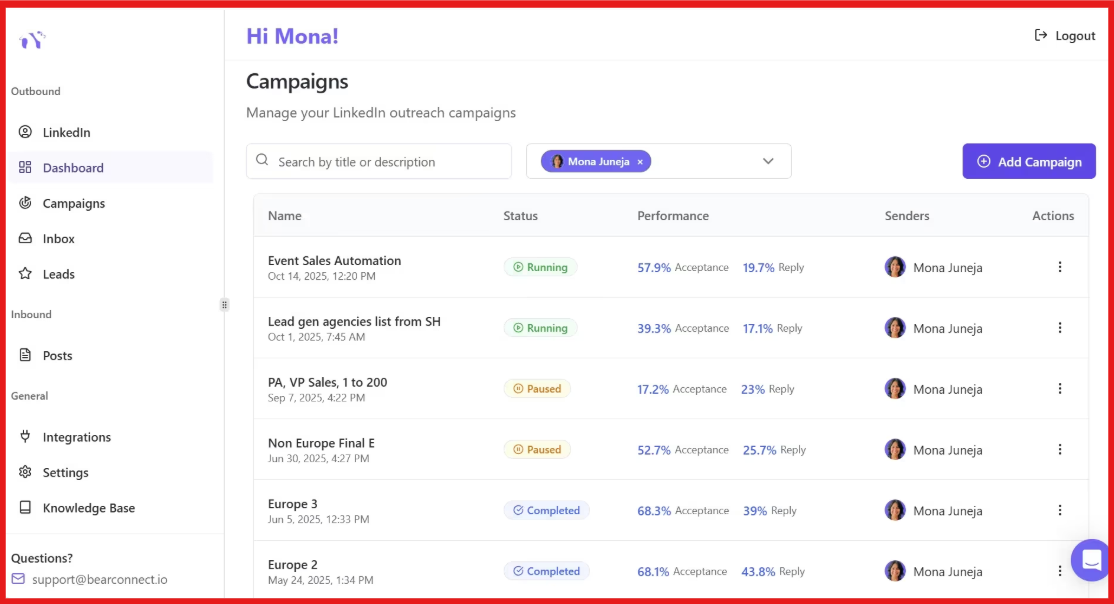
2. Set up your outreach campaign
You create a sequence with connection requests and messages.
Bearconnect sends them automatically based on your settings.
3. Automate follow-ups
Every new connection gets follow-up messages automatically.
Most campaigns send 2–3 follow-ups per lead to keep conversations active.
4. Manage multiple LinkedIn accounts
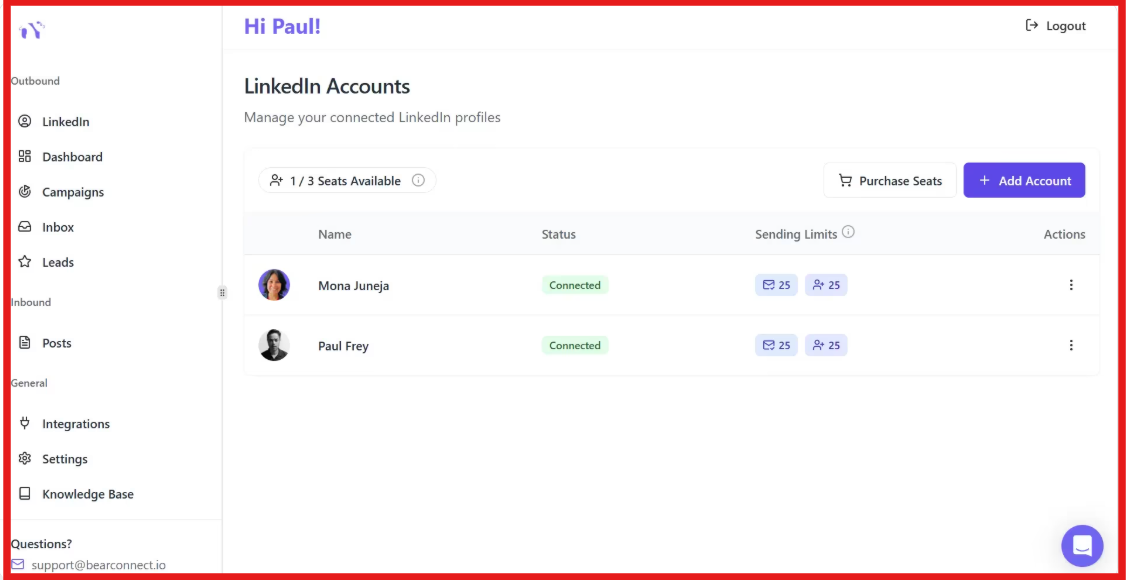
You can connect and run campaigns from multiple LinkedIn accounts.
All accounts are managed from one dashboard.
5. Track replies in one inbox
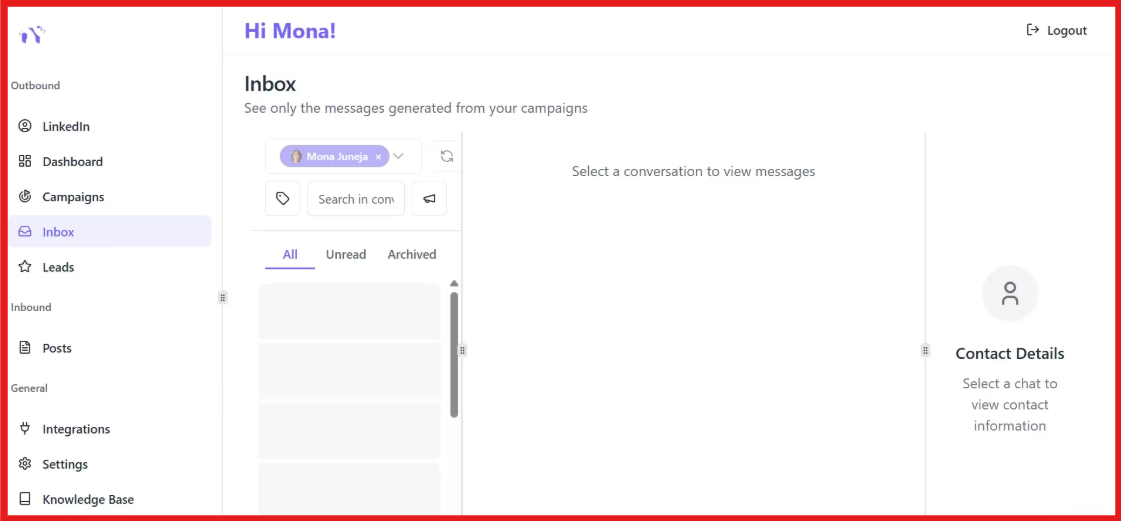
All messages and replies are stored in a unified inbox.
This makes it easy to reply and manage conversations in one place.
6. Schedule and publish content
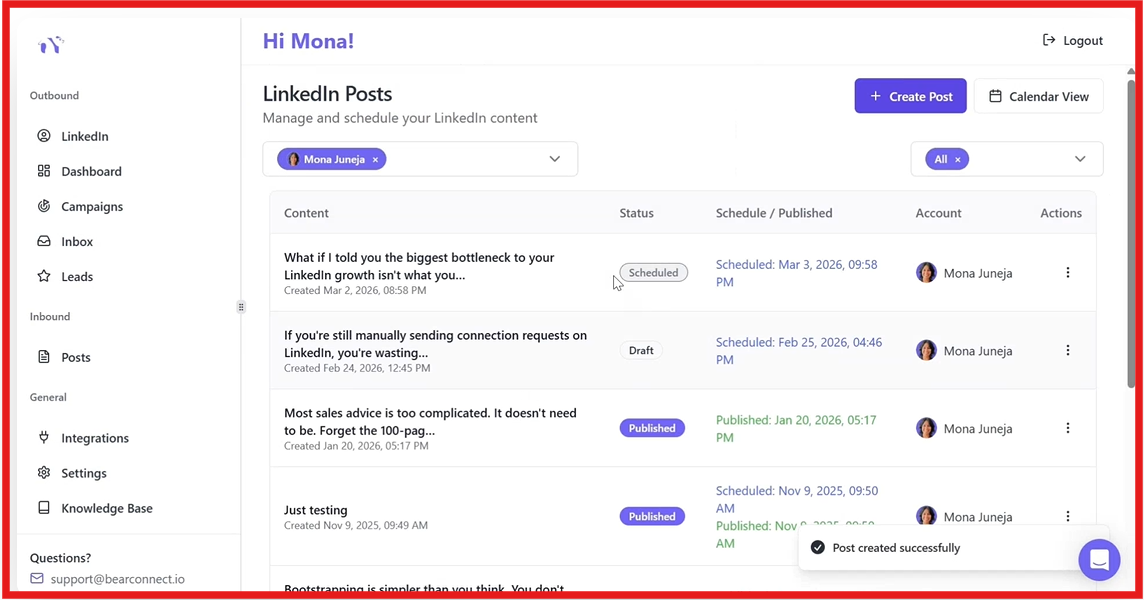
You can write posts and schedule them in advance.
Bearconnect publishes them automatically at the right time.
7. Runs in the background
The tool works in the cloud and runs 24/7.
You do not need to keep your laptop open for campaigns to run.
Your outreach and content run daily without manual work, while you focus on replies and closing deals.
Bearconnect focuses on running LinkedIn outreach without manual work.
It handles sending, follow-ups, and content from one place.
Here are the top features that stood out to me.
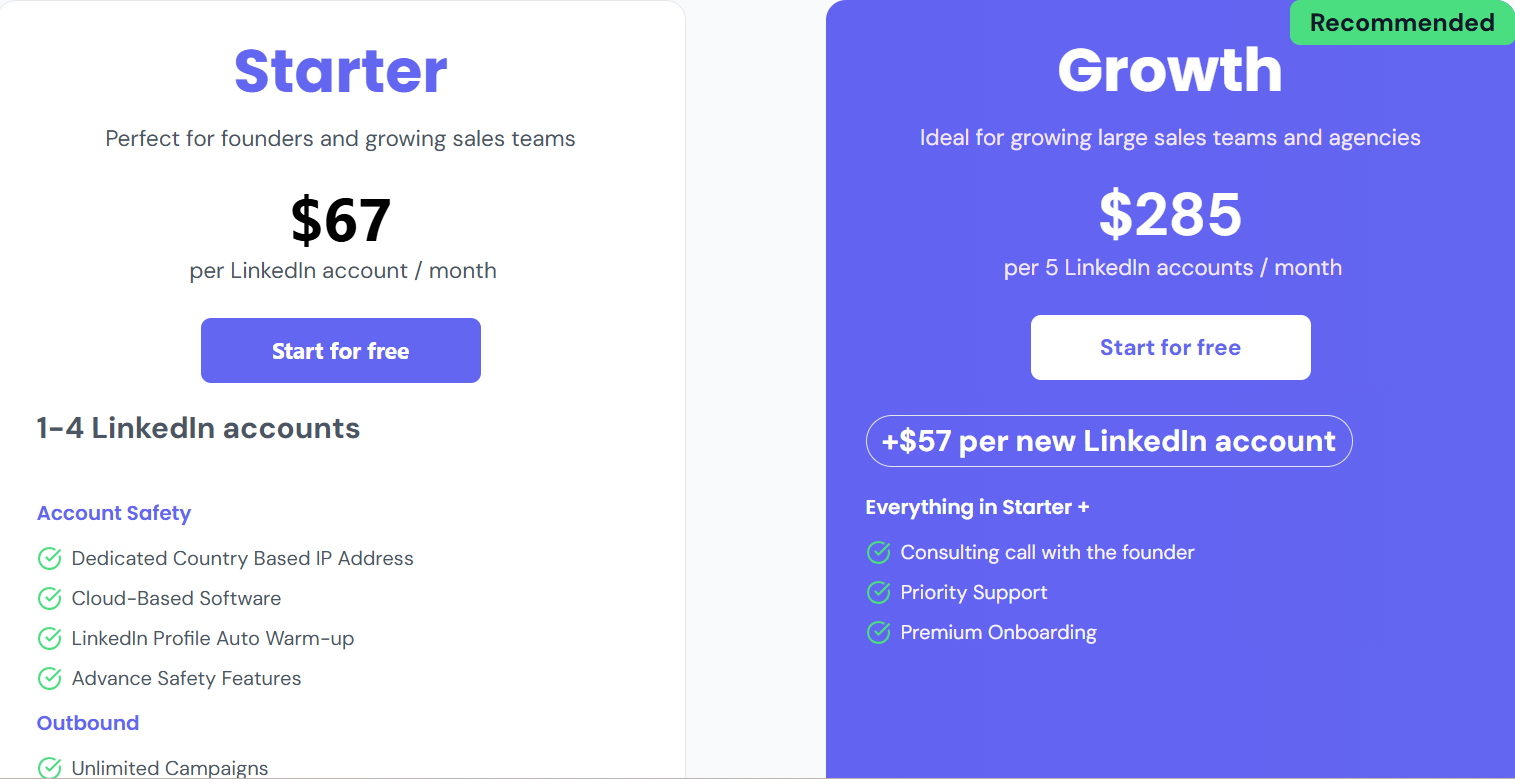
Here are two main plans depending on how many accounts you want to use.
There are only a few reviews available on G2, but they show some clear patterns.
Users say the tool is easy to use and simple to set up.

Many users mention that it saves time in lead generation and outreach.
Some users highlight that it helps manage the full process from lead qualification to appointment setting.
Users also like using it for staying in touch with clients and prospects.
Support is mentioned as helpful, and some users appreciate the founder’s involvement.
However, some users say the tool needs more features and better customization.

From what I saw, Bearconnect focuses a lot on safety.
It uses a unique IP for each account and follows human-like activity patterns.
You can also control how many requests and messages are sent.
It runs in the cloud, so activity stays consistent.
Bearconnect tries to stay within safe LinkedIn limits.
For example, it sends around 20 connection requests per day.
This helps reduce the chance of getting flagged.
It is still an automation tool.
So there is always some risk if you overuse it.
LinkedIn does not officially allow automation tools.
Bearconnect is designed to be safe.
But it is not risk-free.
Use it carefully, and it should work fine for most users.
Bearconnect works well if LinkedIn is your main channel for outreach.
It is built to automate daily LinkedIn tasks like sending requests, messages, and follow-ups.
I. Bearconnect is a good fit if:
II. Bearconnect may not be the best fit if:
If your focus is only on LinkedIn, Bearconnect can handle most of your outreach work.
But if you want to scale beyond LinkedIn, you may need a broader outbound setup.
Bearconnect focuses only on LinkedIn automation.
But if you want to scale outreach beyond basic actions, Salesforge gives more control.
Salesforge is a multi-channel outreach platform.
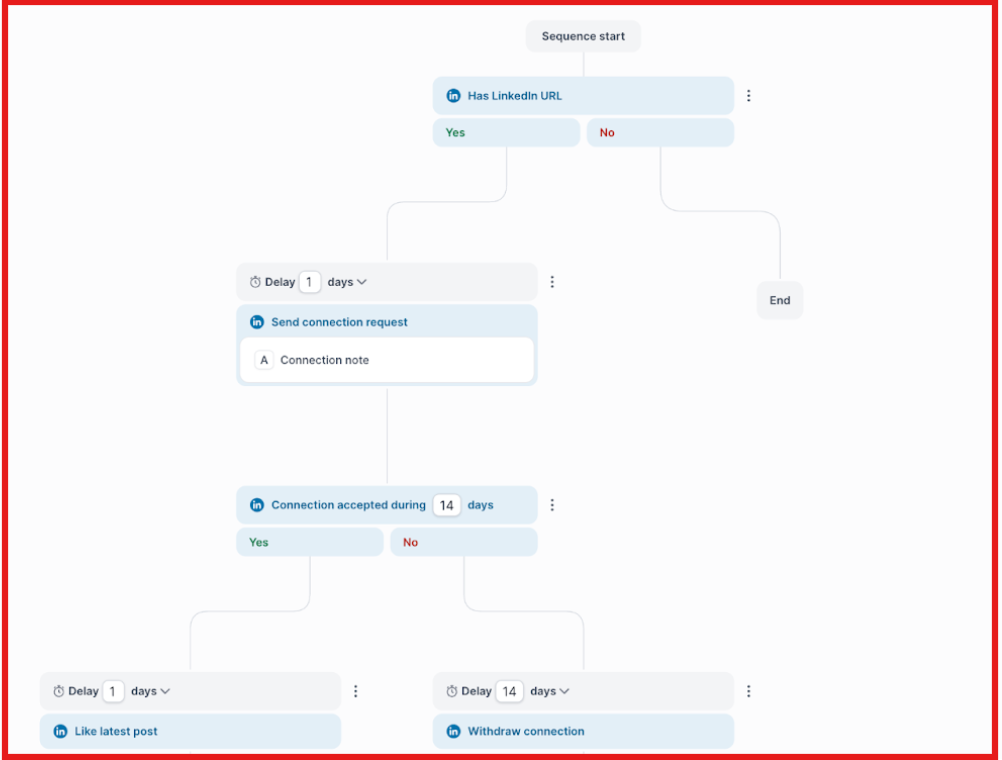
It lets you run LinkedIn and email together in one workflow instead of relying on just one channel.
With Salesforge, you can:
This makes outreach feel more natural, not robotic.
Another big difference is scale.
Salesforge allows unlimited LinkedIn senders and mailboxes, so you are not restricted by seats or accounts.
Bearconnect usually limits growth to one account workflow.
Salesforge also adds:
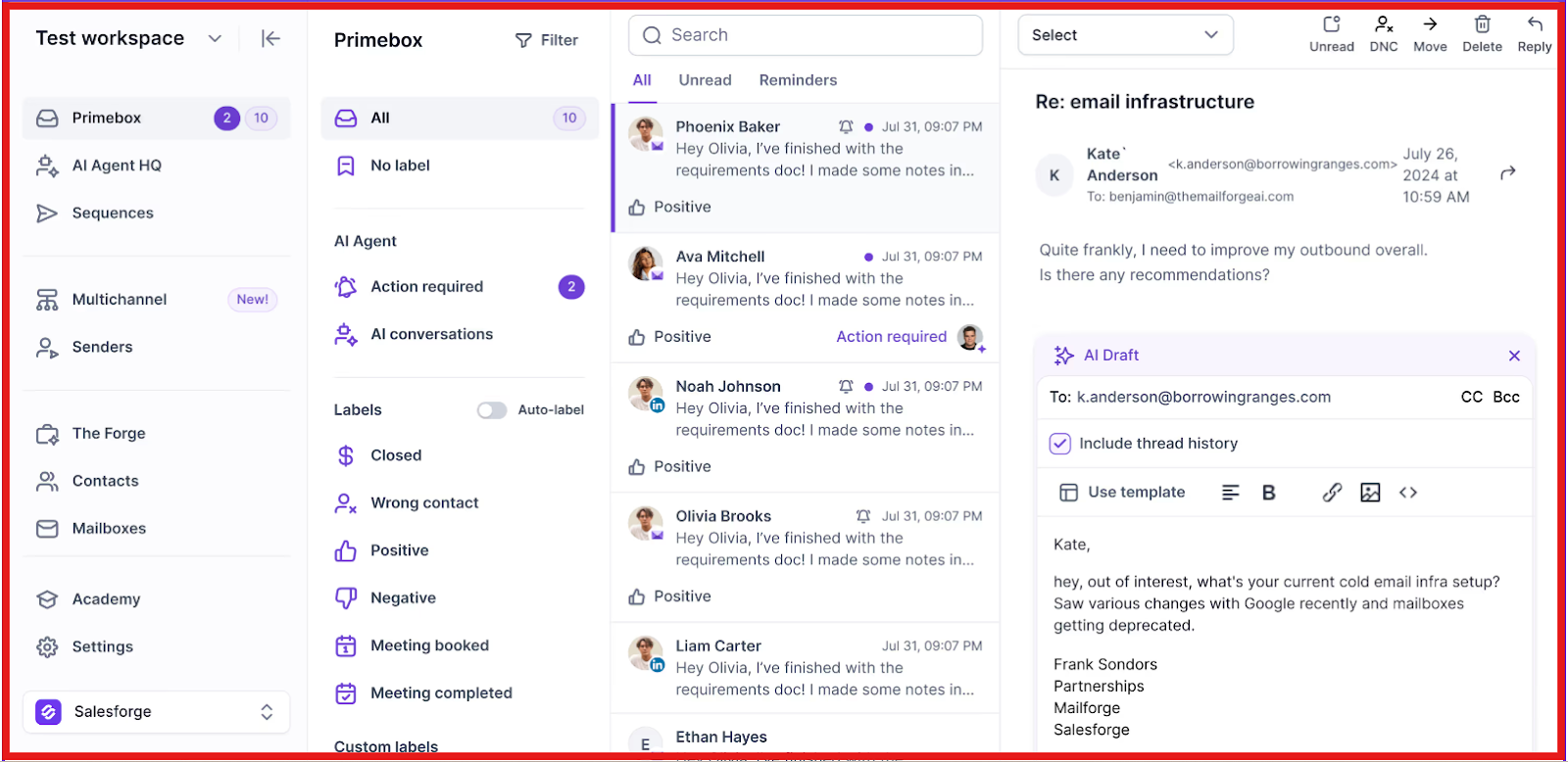
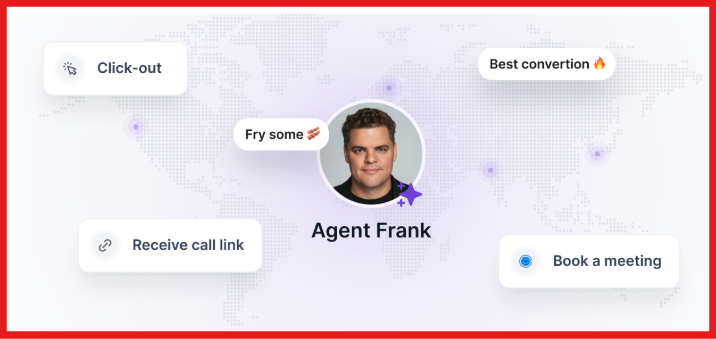
So instead of just automating LinkedIn, you’re building a full outbound system.
Bearconnect is fine for basic LinkedIn automation.
Salesforge is better when you want to turn outreach into a real pipeline system.
If you want to run LinkedIn and email together and scale without limits, Salesforge is worth trying.
Enter your email to get a custom plan & stack recommendation for your business
Please check your mailbox in 5 minutes

Bearconnect is useful for automating LinkedIn outreach and managing campaigns.
It works well if your outreach is focused only on LinkedIn.
You can send connection requests, follow-ups, and manage replies from one dashboard.
But Bearconnect does not support email or multi-channel outreach.
It only works on LinkedIn, so your results depend on one channel.
If replies are low or prospects are inactive, pipeline becomes hard to grow.
If your goal is to scale outreach across channels in a simpler way, Salesforge is easier to use.
Salesforge lets me run LinkedIn and email together in one sequence.
It also manages all replies in Primebox™, so I can handle everything in one place.
You can try Salesforge and see how multi-channel outreach performs in your workflow.



.jpg)