Can Salesgear actually help you automate outreach, warm up email accounts, and run multichannel campaigns without hurting deliverability?
Is it as simple to use as people say? And is it really worth paying for in 2026?
We went through 100+ verified Salesgear user reviews and tested the tool ourselves, from LinkedIn automation and email sequencing to AI writing, domain health, and CRM sync.
In this review, we’ll show you how Salesgear works, what real users love, what they don’t, and whether it's the right outbound platform for your sales team in 2026.
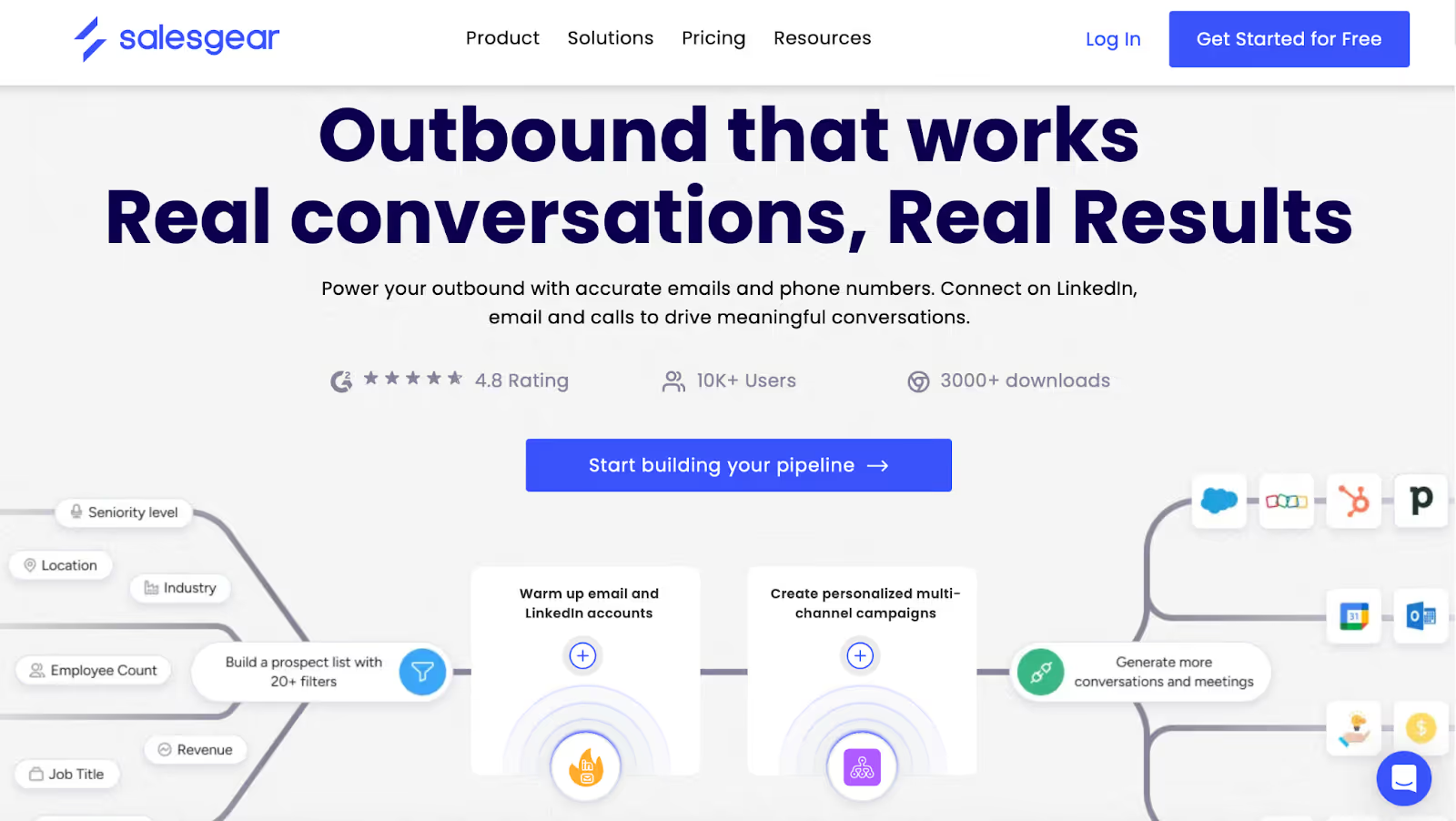
Salesgear is an outbound sales platform that helps you find prospects, warm up your email accounts, and contact buyers across email, LinkedIn, and phone, all automatically.
It combines several core outbound tools in one place:
You can search for prospects, build targeted lists, create sequences, and reach them on multiple channels from a single dashboard.
Salesgear also includes A/B testing, inbox rotation, CRM integrations, call tracking, analytics, and a simple interface designed for sales teams that want speed without complexity.
Here are the top features of Salesgear:
Lets you search for prospects and pull verified email addresses and phone numbers to build outbound lists quickly.
Allows you to contact prospects through email, LinkedIn actions, and phone calls from the same platform.
Includes a basic scheduling link so prospects can book time without long back-and-forth conversations.
Helps you generate email copy, subject lines, and full sequences if you don’t want to write everything manually.
Shows which companies visit your website so you can use that data for targeted outreach.
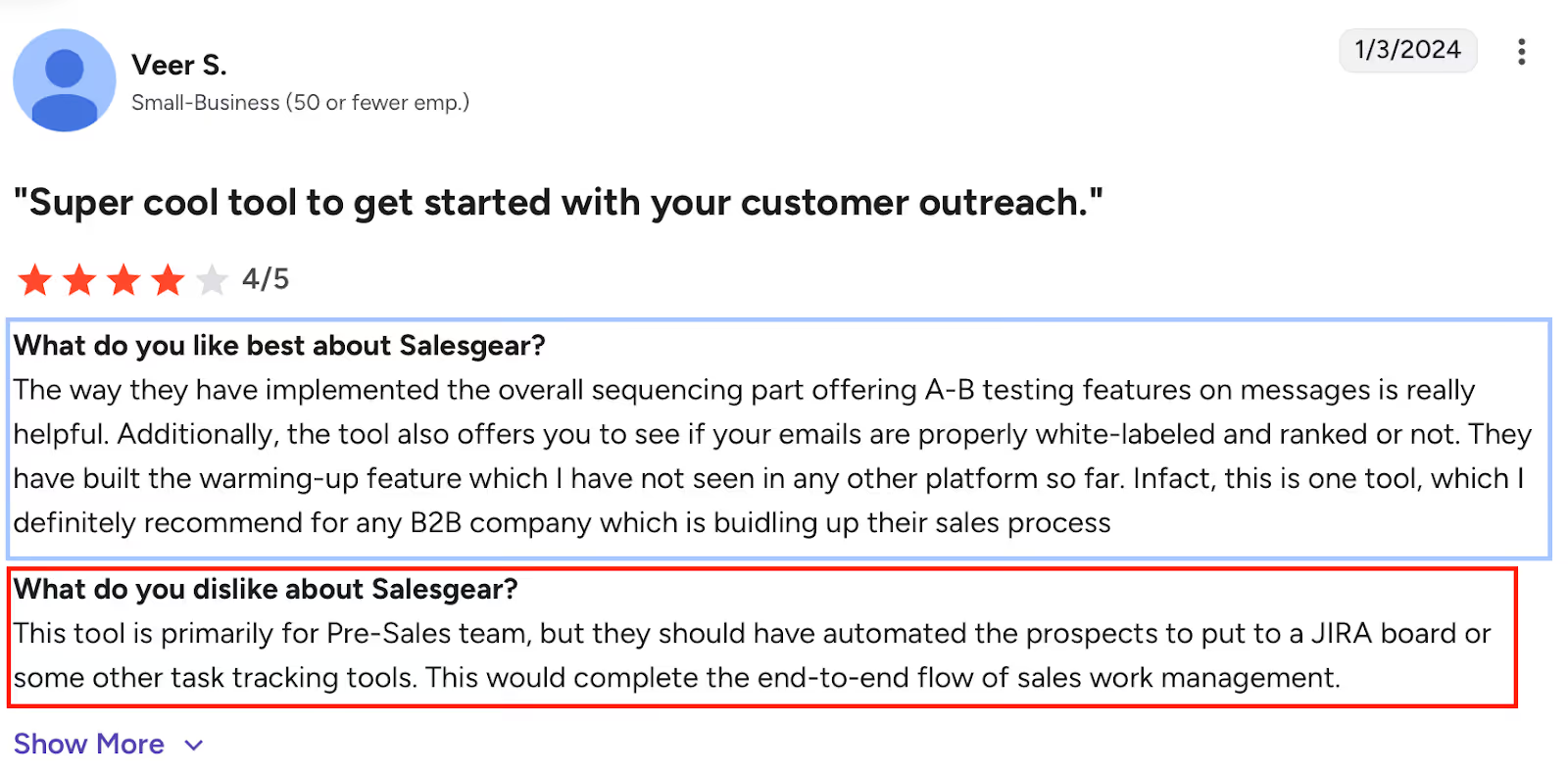
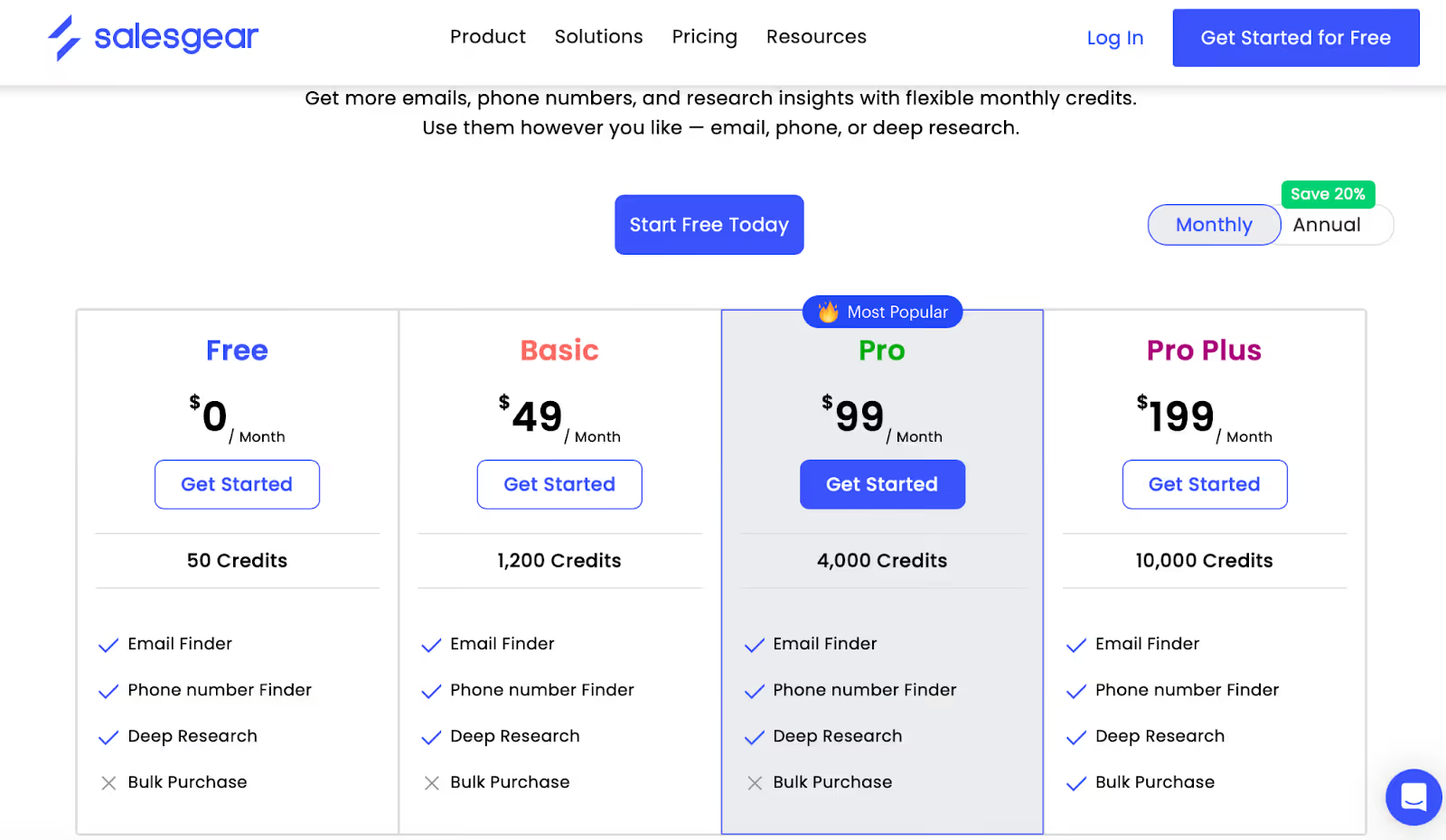
Salesgear has a free plan you can start with. It gives you basic access and a small number of credits so you can test the platform before paying.
If you need more activity, like more emails, more contacts, or higher outreach volume, there are paid plans:
All plans include the core features.
What mainly changes from one plan to another is how much you can send or use each month, like credits, email volume, calling minutes, and LinkedIn actions.
Salesgear makes sense for teams that want a simple way to automate outbound tasks, especially if they rely heavily on LinkedIn outreach, email warm-up, and multi-step sequences.
Small sales teams, SDRs, agencies, and early-stage companies that need basic automation without building complex workflows are usually the best fit.
It may not be ideal for teams that:
For those cases, teams often look for a platform that gives more control over personalization, automation logic, and data availability.
One tool that is frequently considered in that direction is Salesforge, which is known for leaning more into customization, deeper automation, and broader data capabilities, making it appealing to people who feel Salesgear’s workflow is limited for their needs.
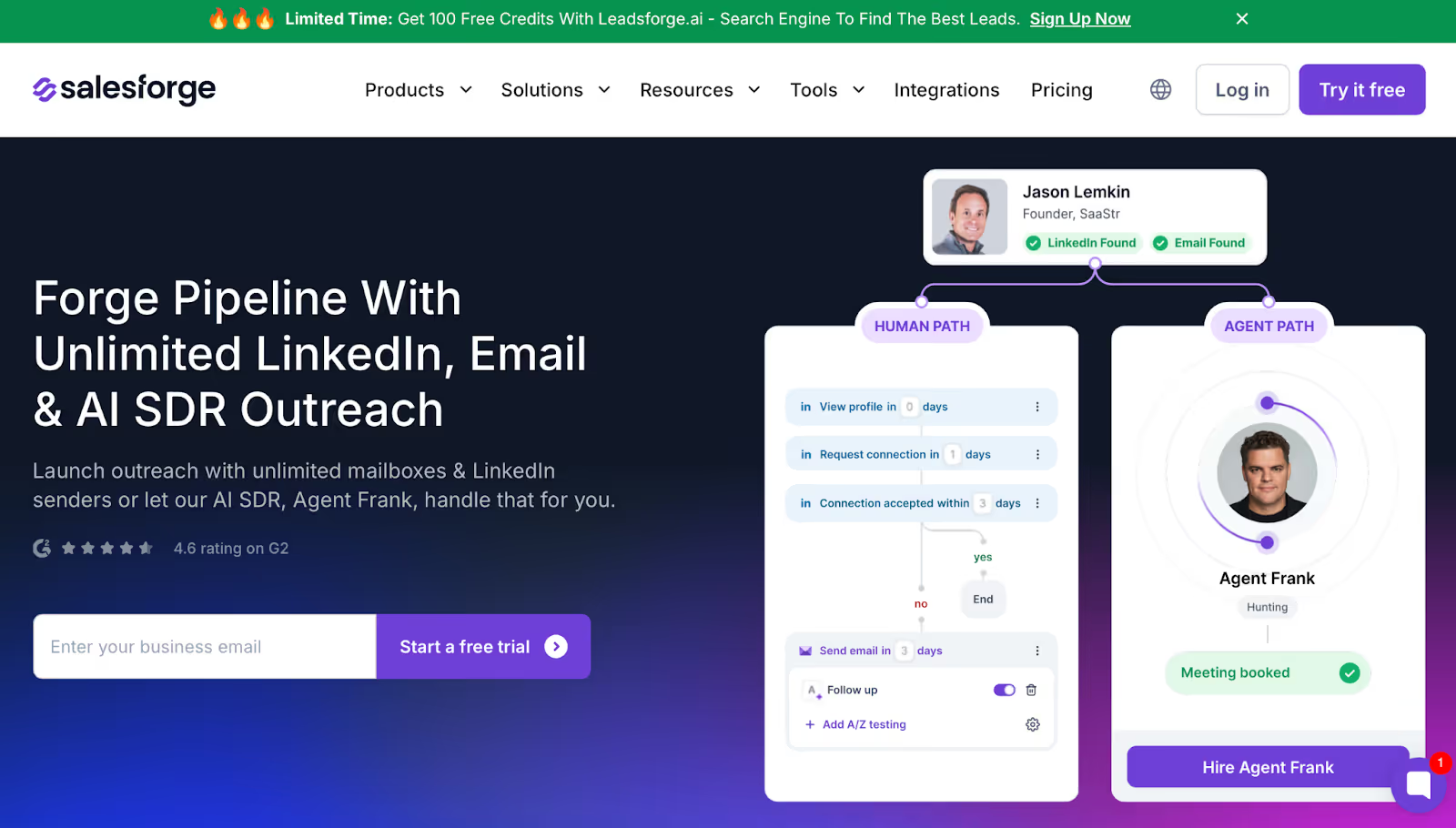
If Salesgear works for basic outreach but you feel limited by workflow automation, sending capacity, or data coverage, Salesforge is often the next tool teams move to.
Salesgear handles simple outbound well, but Salesforge is built for larger volumes, multi-channel control, and deeper automation logic.
Unlike Salesgear, which caps users based on credits and inbox usage, Salesforge lets you connect unlimited mailboxes and unlimited LinkedIn senders, so your scale isn’t tied to pricing tiers or seats.
You can also:
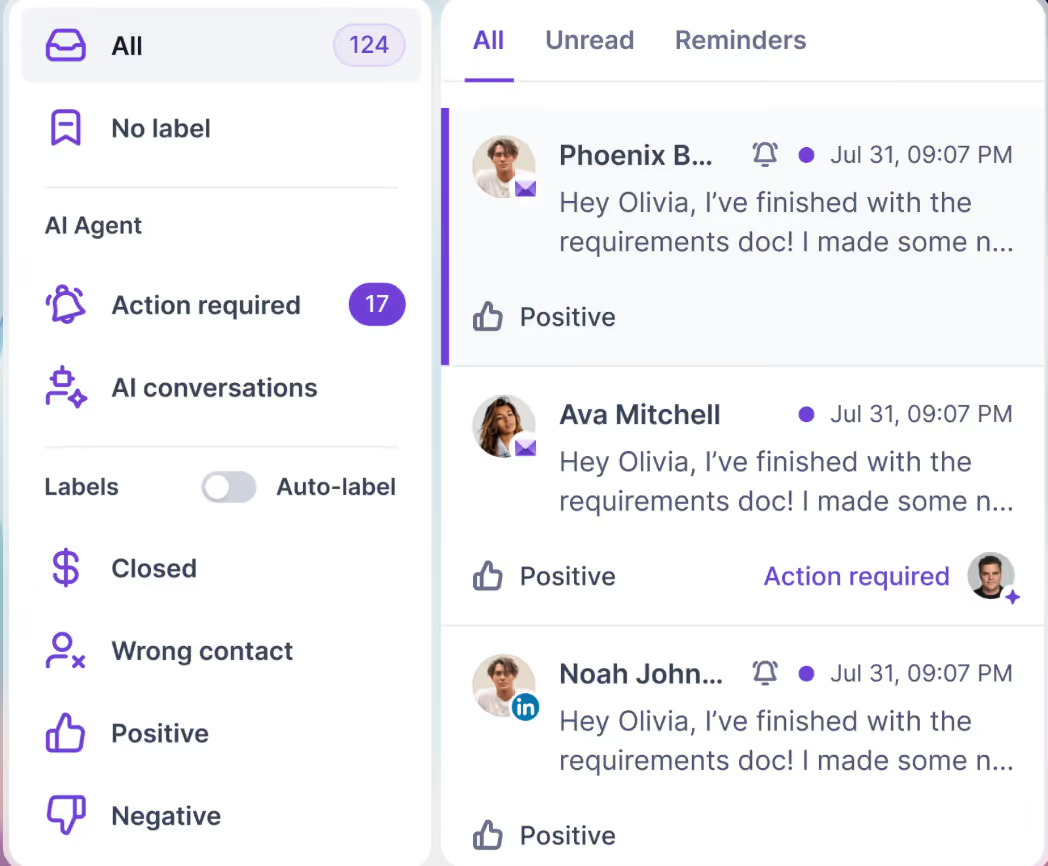
For teams wanting an extra layer of automation, Salesforge includes Agent Frank, an AI SDR that does prospecting, outreach, and meeting booking, without needing a human rep to run everything.
But if you need more scale, richer automation, and stronger deliverability, Salesforge gives you more room to grow.
To sum it up, Salesgear is a solid pick if you want a simple way to warm up inboxes, automate LinkedIn actions, and run basic outbound from a single place.
It makes outreach easier for small teams or anyone running low-to-moderate volume campaigns.
But as we covered, its limits start to show when you need deeper automation, stronger deliverability control, or more sending capacity.
Here’s a quick recap:
If you want a fast way to decide, ask yourself:
“Do I just need simple outreach, or will I eventually need more scale, flexibility, and control?”
And when you reach that stage, Salesforge becomes a natural next step, offering more room to grow, better deliverability infrastructure, and scaling options without adding complexity.

.jpg)

.jpg)
