Modern outbound doesn't run on one platform, it runs on a stack of tools.
And if you're searching for sales automation tools in 2026, you already know that stack has quietly grown out of control.
The average B2B sales team now runs 8.3 tools at $187 per rep per month.
73% of those teams pay an overlap cost worth $2,340 per rep per year.
Yet, 66% of reps say they feel swamped by the very software that was supposed to make selling faster.
The market has crossed 11,000 sales tools, and every one of them promises to be the last one you'll ever need.
That is what I set out to solve when I audited this category.
I have been in sales for the last decade, and I have run over 200 tools across every layer of the modern outbound stack.
In this article, I've shared top 12 sales automation software, what each does well, what each costs in annual billing, what do G2 reviewers say, and where does each fit the best.
TL;DR Top 13 Sales Automation Tools
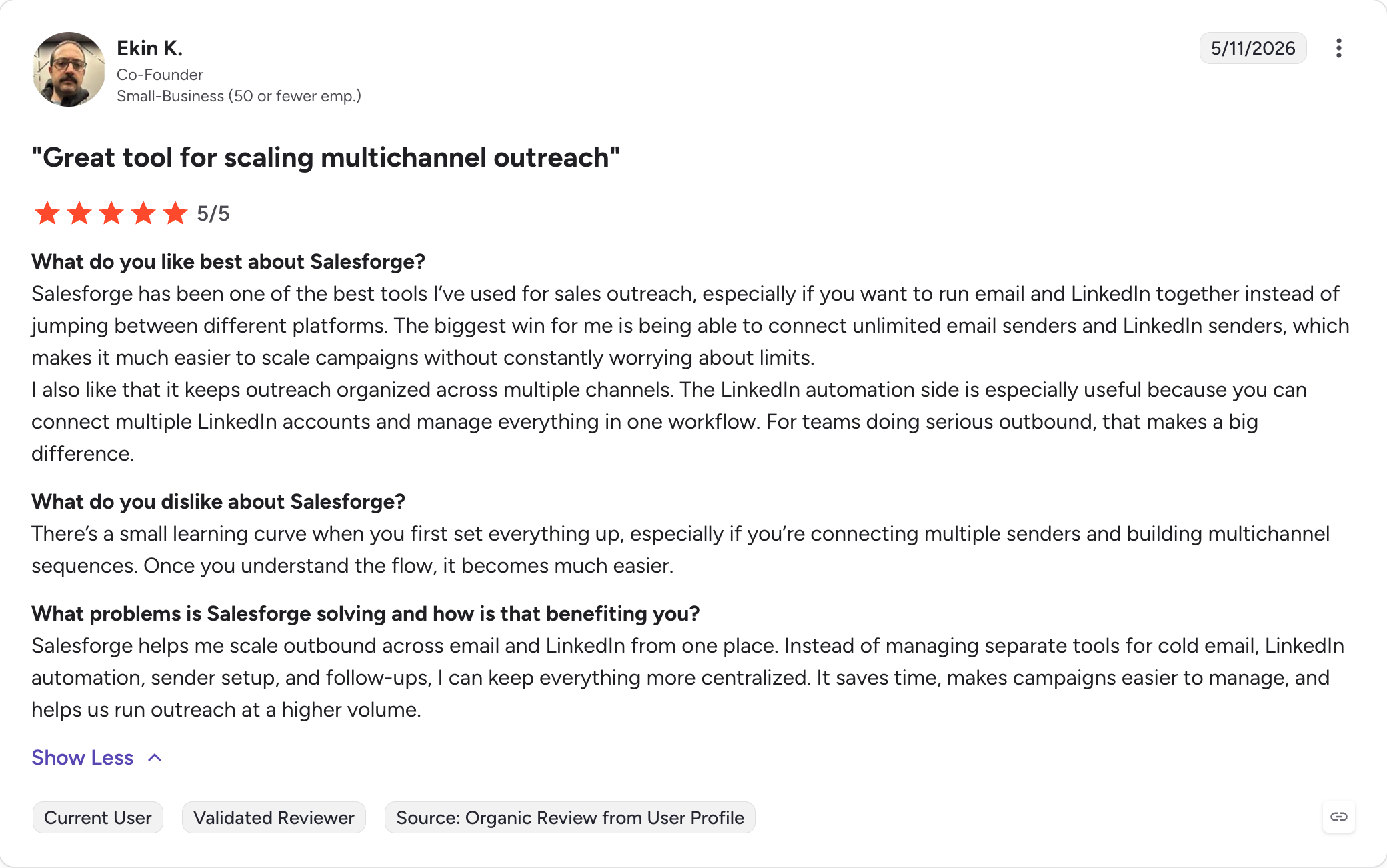
Salesforge: Multichannel sales outreach tool with unlimited mailboxes, users, workspaces, unlimited LinkedIn senders (on Growth plan), native LinkedIn plus email in one sequence, free Warmforge warm-up, and AI personalization across 21+ languages.
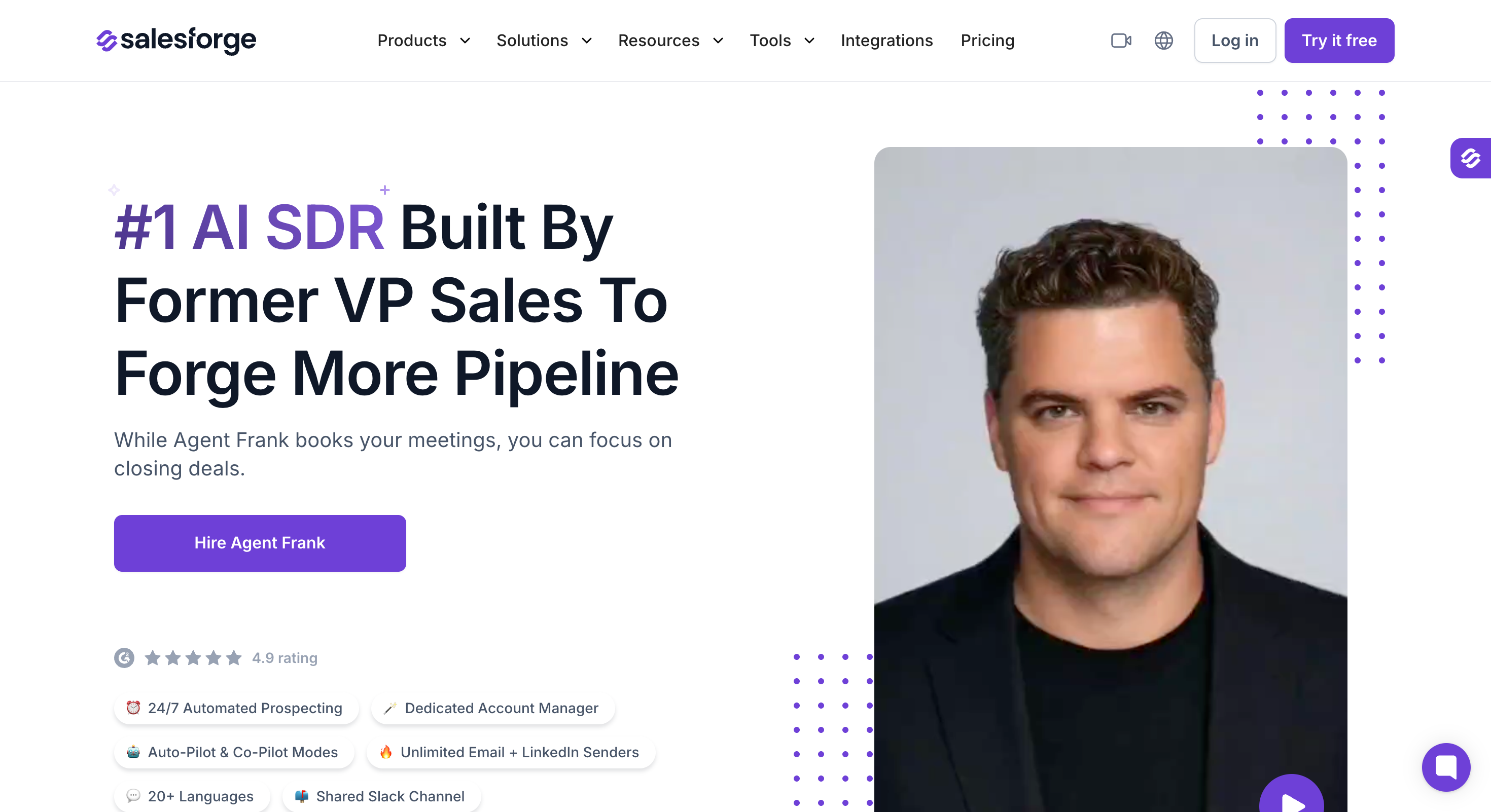
Agent Frank: Fully autonomous AI SDR that prospects, writes, sends, and books meetings 24/7 with a dedicated Account Manager.
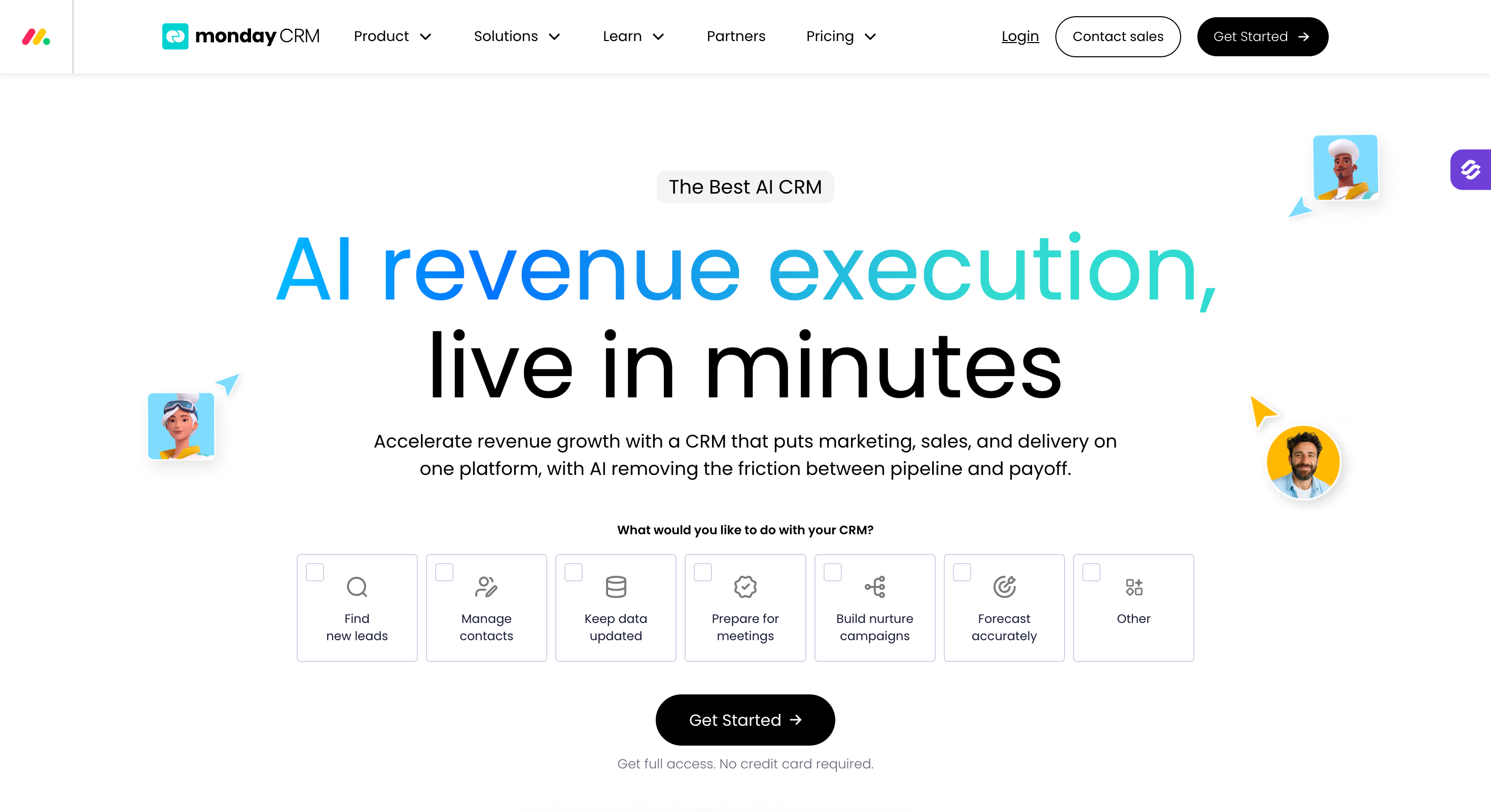
Monday CRM: Visual no-code CRM built on monday.com's Work OS with customizable pipelines, two-way email sync, no-code automations, and native AI assistants for drafting and summarization.
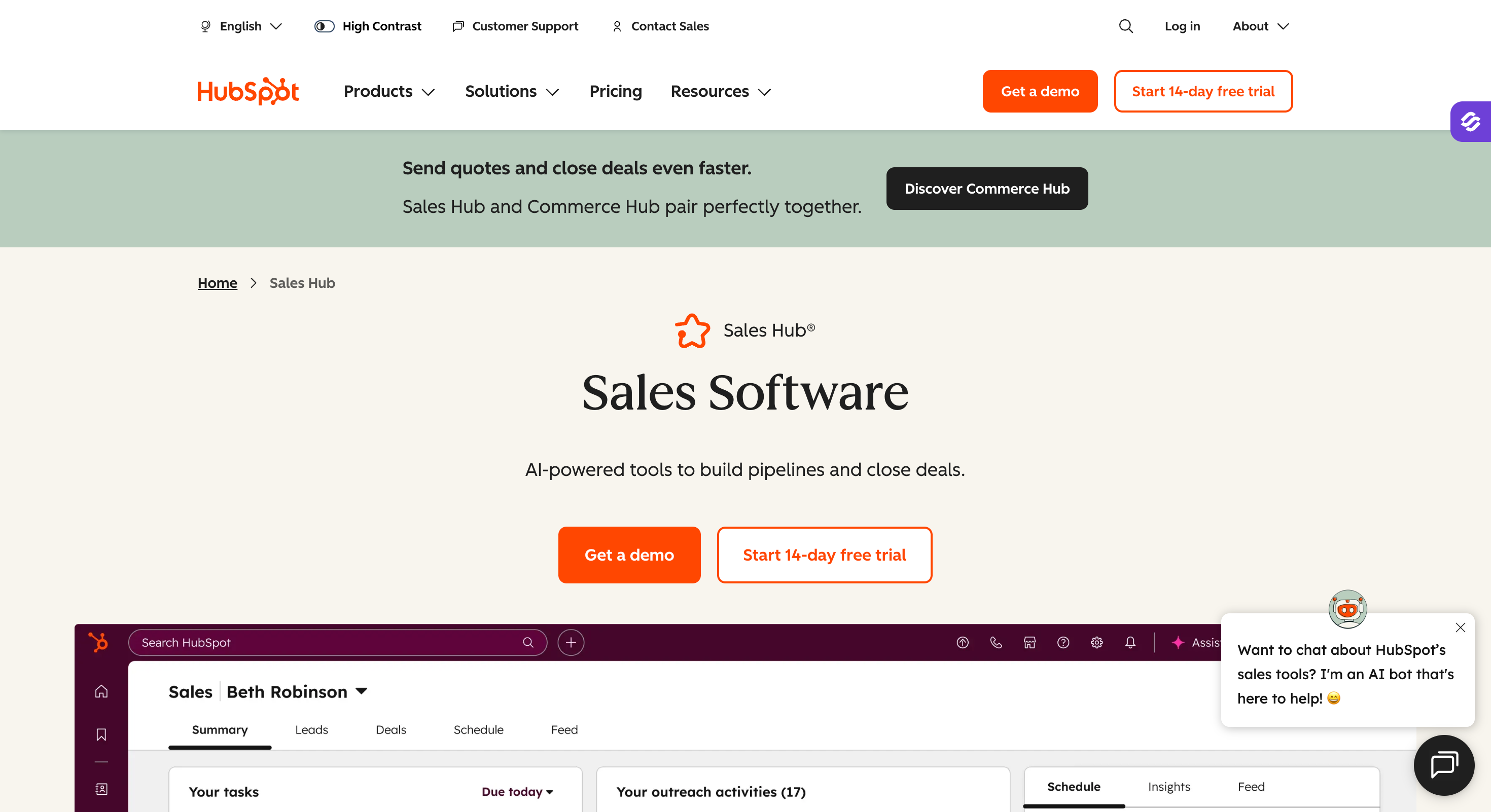
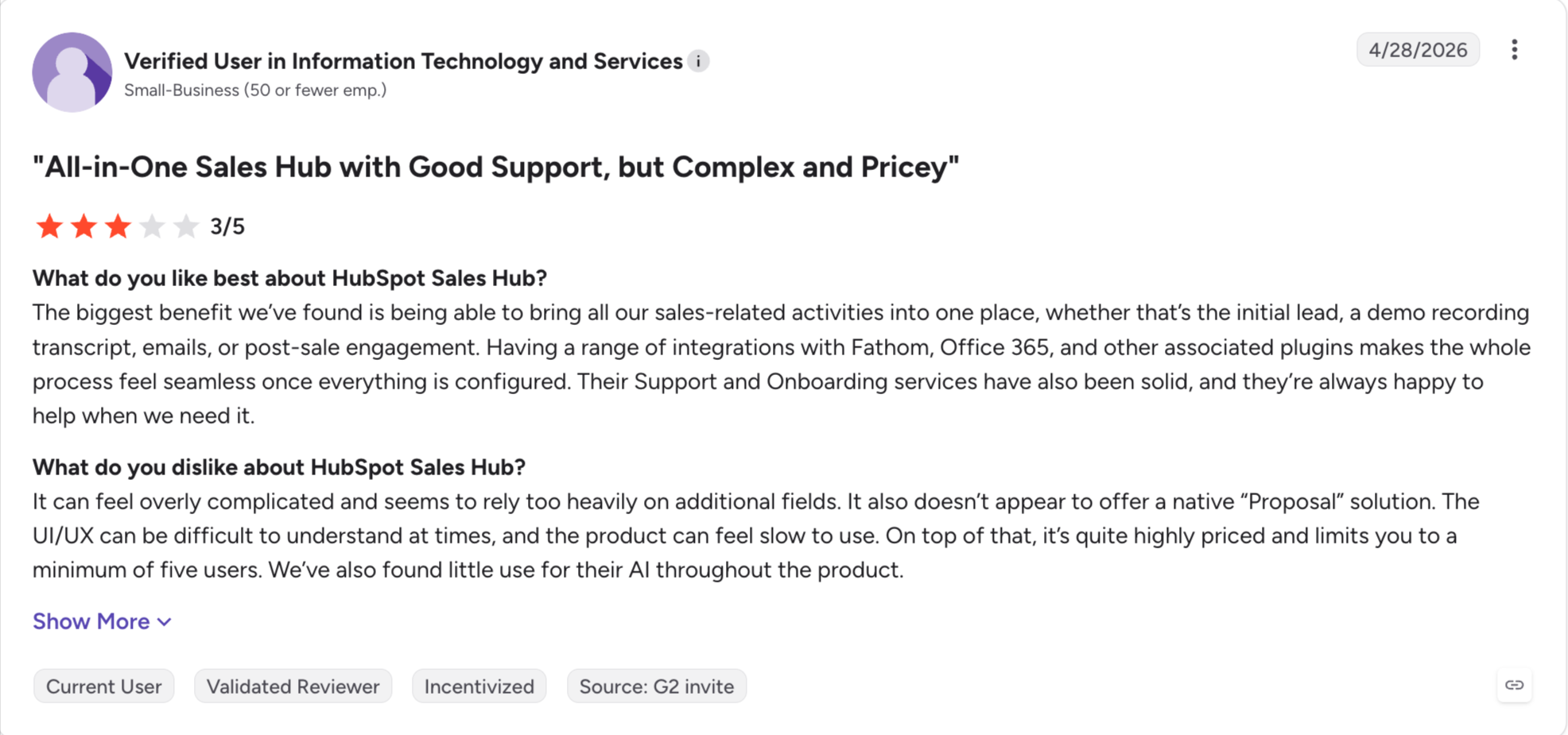
HubSpot Sales Hub: All-in-one CRM with sales, marketing, and service tools on one database.
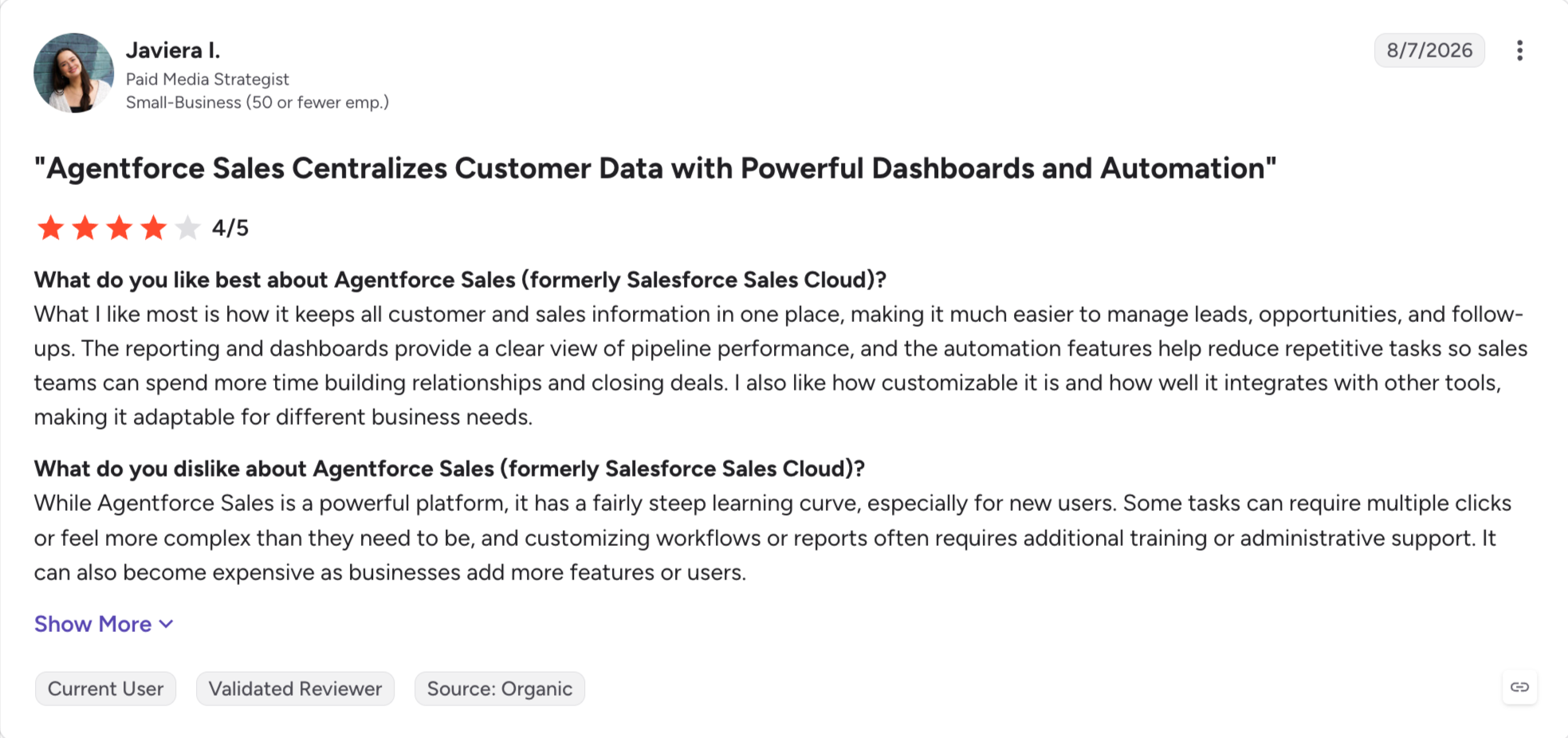
Salesforce Sales Cloud: Enterprise CRM with the deepest customization on the market and a 7,000+ app marketplace.
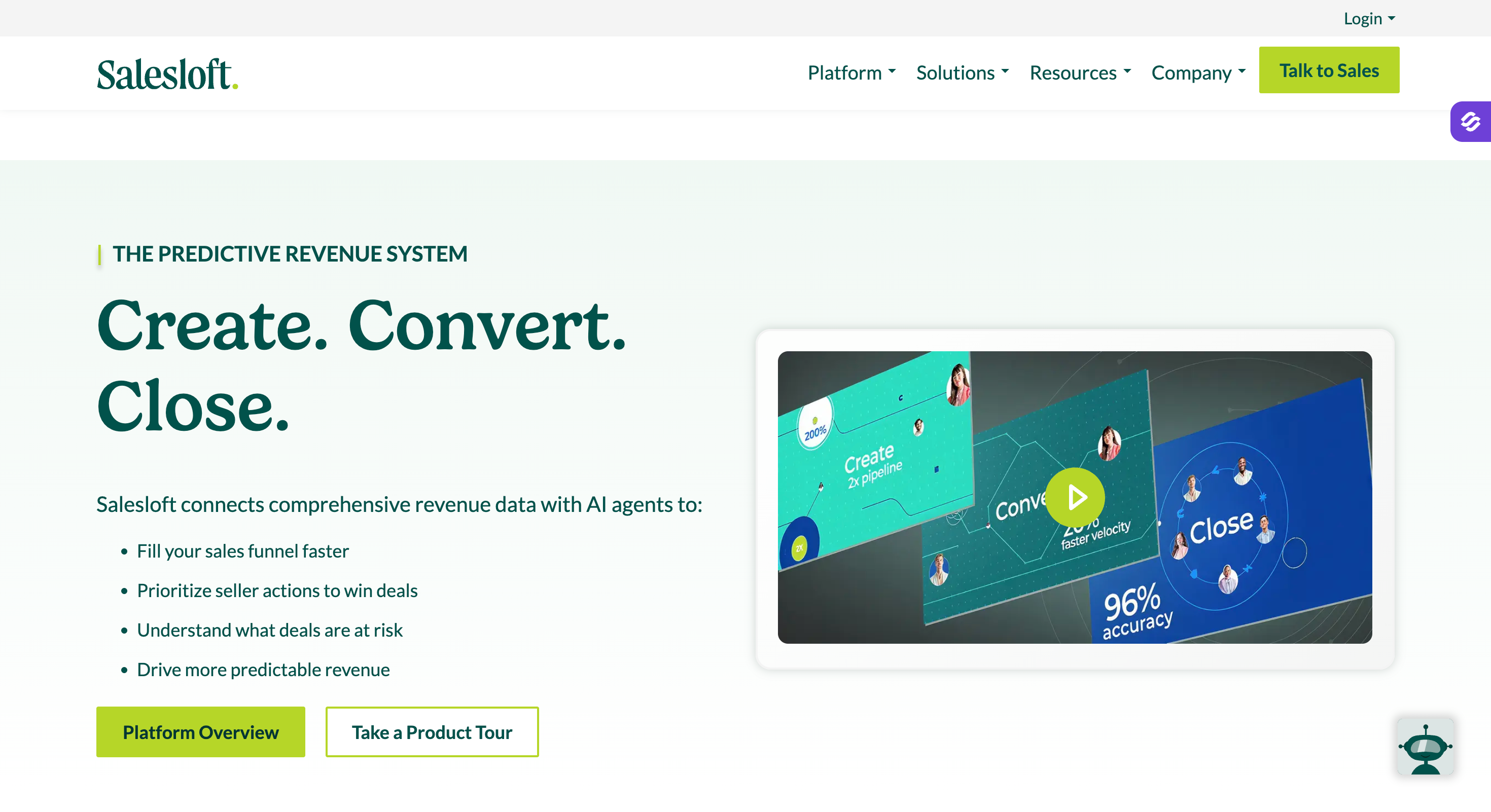
Salesloft: Sales engagement platform for mid-market and enterprise cadences, now part of the merged Clari-Salesloft revenue platform since December 3, 2025.
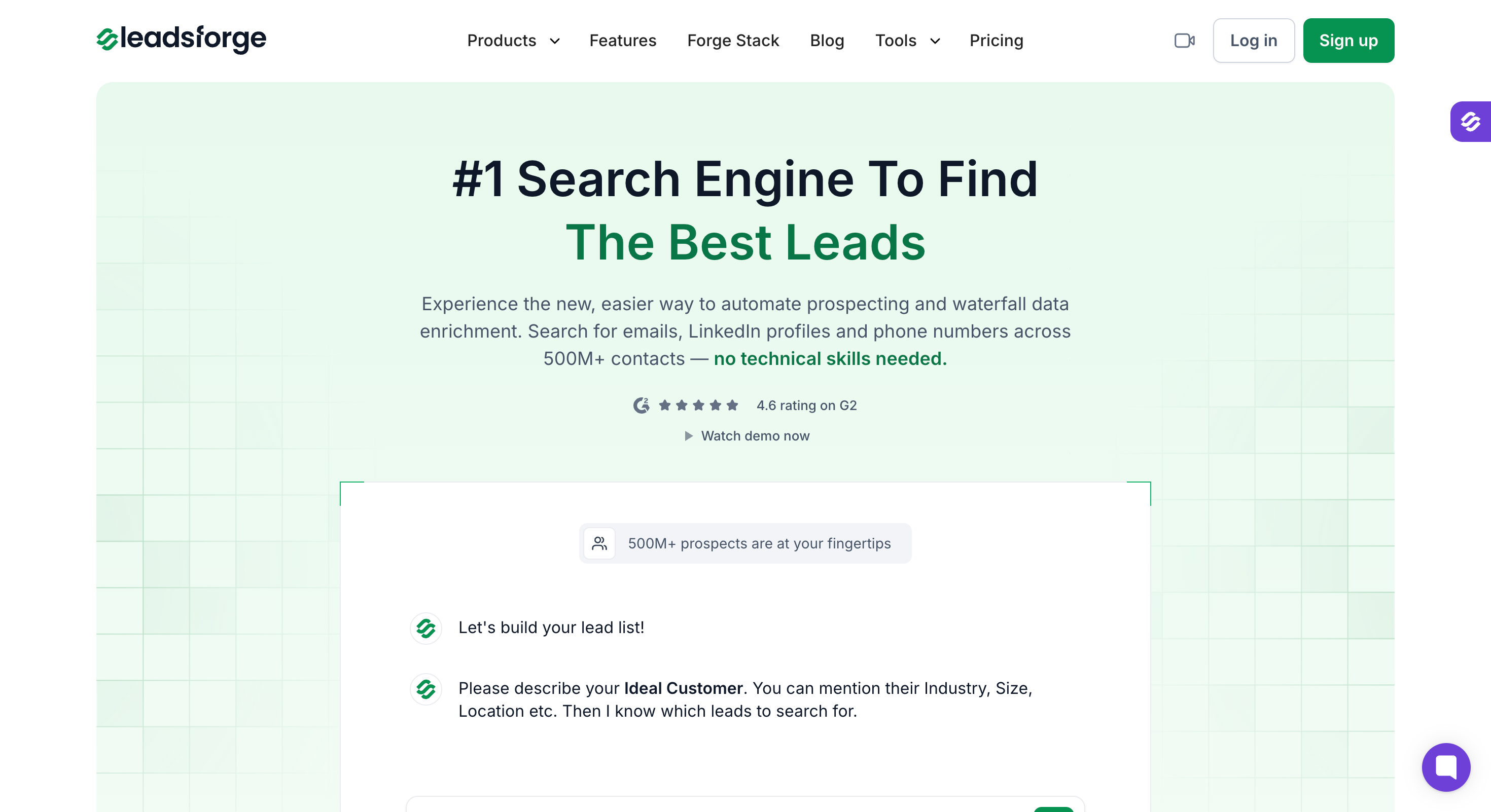
Leadsforge: B2B lead search engine with 500M+ contacts, AI chat lead finder, waterfall enrichment, event-based Signals, local company search, competitor LinkedIn followers, and company lookalikes.
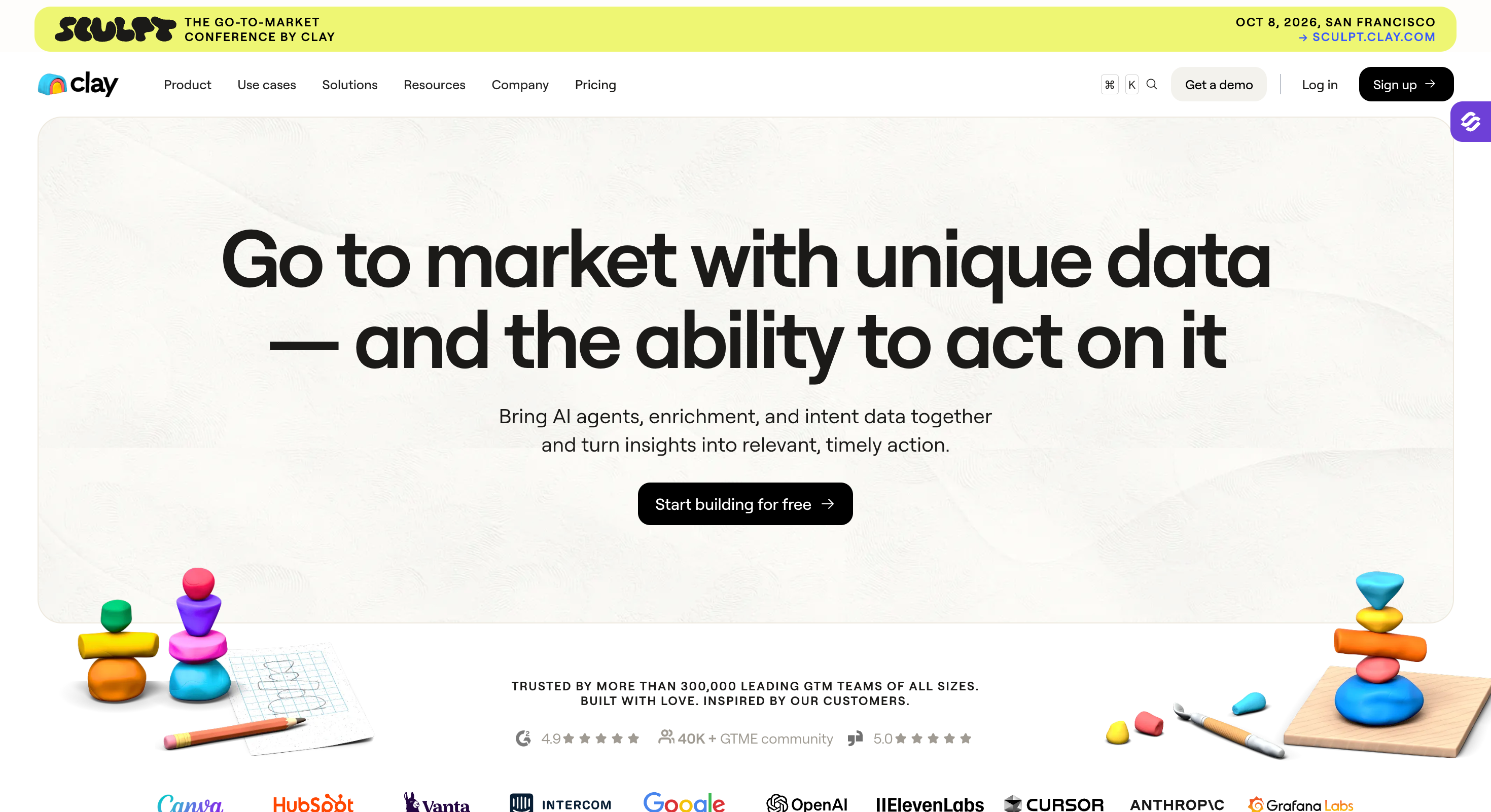
Clay: GTM enrichment platform for RevOps and growth teams that want to build custom data workflows across dozens of enrichment providers.
Gong: revenue intelligence and conversation intelligence for sales orgs that want to record, transcribe, and coach on every call.
Nooks: AI parallel dialer with a virtual salesfloor, built for SDR teams making 100+ cold calls a day.
Calendly: meeting scheduling automation used across sales, recruiting, and customer success.
PandaDoc: sales document automation for proposals, contracts, and quotes with real-time analytics.
Zapier: workflow automation platform connecting 8,000+ apps, from lead routing to CRM sync to Slack notifications.
Feature Comparison: Top Sales Automation Software at a Glance
Parallel dialer plus virtual salesfloor for remote SDR teams
Calendly
Meeting scheduling
Free tier; $10/user/month Standard (billed annually)
Universal brand recognition and sub-10-minute setup
PandaDoc
Sales document automation
$19/user/month Starter (billed annually)
Real-time analytics on proposal and contract engagement
Zapier
Sales workflow automation
$19.99/month Professional (billed annually)
8,000+ app integrations, the widest connector library on the market
1 - Salesforge: Multichannel Sales Outreach Tool
Best For: GTM teams, B2B sales teams, founders, and lead generation agencies that want native multichannel outreach on unlimited mailboxes, without per-seat pricing and without a second warm-up subscription.
Salesforge is a multichannel sales outreach tool that runs cold email and LinkedIn from one platform. It offers unlimited mailboxes, free Warmforge warm-up, and a unified reply inbox across both channels ship in every paid plan.
I put Salesforge at the top for one reason. It is the only platform on this list that runs cold email and LinkedIn in the same sequence, on unlimited mailboxes, with warm-up included free and a unified reply inbox that covers both channels.
Every other outreach tool either does email well and treats LinkedIn as a bolt-on, or does LinkedIn well and asks you to pay for email separately.
The best part is that Salesforge integrates seamlessly with existing CRM systems to ensure accurate data entry and maintain high data quality throughout the sales pipeline.
Core Features
Unlimited mailboxes and LinkedIn senders: The Pro plan ($40/month, billed annually) includes unlimited mailboxes and 1 LinkedIn sender. The Growth plan ($80/month, billed annually) adds unlimited LinkedIn senders, unlimited users, and unlimited shared workspaces. No per-seat or per-mailbox charges on either plan.
Native multichannel sequences: Email and LinkedIn steps run inside one sequence. Conditional branching, A/Z testing beyond the usual A/B, and campaign performance tracking show which channel is doing the work.
AI personalization in 21+ languages: The Localized Greeting variable dynamically generates a greeting matching the recipient's language and locale: Hello, Hi, Bonjour, Hola, Guten Tag.
Free unlimited warm-up: Warm-up runs in-house at no extra cost via Warmforge. Heat score targets sit above 85. Warm-up runs for 2 weeks before sending.
Primebox unified inbox: Two modes. Co-Pilot: AI drafts replies, you approve. Auto-Pilot: AI continues conversations autonomously. Replies from every email mailbox and LinkedIn sender flow into one inbox.
Bounce Shield: Automated bounce protection pauses sends from any mailbox that crosses a bounce threshold before it damages sender reputation.
Dynamic ESP matching: Salesforge routes sends automatically across ESPs to match the recipient's inbox provider. Gmail-to-Gmail placement runs cleaner than Outlook-to-Gmail, and the router uses that reality to lift overall inbox placement.
Sender rotation: Built-in rotation distributes load across every mailbox and sender you connect. Reputation stays protected, and no single mailbox burns out from over-sending.
Text-only content. Salesforge supports plain-text-first sending, which reads cleaner in inbox placement than HTML-heavy templates and passes provider filters more consistently.
Chrome Extension (free to install): Salesforge-branded across the Forge Stack. It surfaces verified emails and phone numbers on LinkedIn profiles and pushes contacts into a sequence. Lookups consume Leadsforge credits: 1 credit per email, 10 per mobile number.
Integrations: Native two-way sync with HubSpot, Pipedrive, and LinkedIn Sales Navigator. API access, Zapier support, and webhooks handle the rest. The full Forge Stack (Warmforge, Mailforge, Infraforge, Primeforge, Leadsforge) sits under one login as separate subscriptions.
Forge MCP server and CLI: Connects Salesforge to Claude, Cursor, and other AI clients for programmatic outbound.
Best for: B2B revenue leaders selling to startups, SMBs, and mid-market buyers who want to scale meeting bookings without hiring a five-person SDR team, and who accept a demo call in exchange for a flat-fee autonomous AI SDR with a human Account Manager in the loop.
Agent Frank is Salesforge's own AI SDR product. It runs inside the same Salesforge login and handles the full outbound workflow autonomously.
It prospects continuously against your ICP, writes personalized outreach, sends it, follows up, handles replies, and books meetings.
You pick the mode: Auto-Pilot for fully autonomous work, or Co-Pilot for AI drafts you approve before they go out.
The best part about Agent Frank demo is that when you book a demo, the account manager does not use a slide deck. They actually build a working ICP prospecting flow live during the call for your actual business.
This hands-on approach lets you see exactly how Agent Frank will find and engage qualified leads tailored to your specific sales process.
It’s a unique way to experience AI sales automation in action and understand the value it can bring to your team.
Onboarding runs on a demo-first flow with your dedicated Account Manager. Seven steps end-to-end: demo, account setup, Knowledge Base upload, infrastructure setup, prospecting setup, agent customization (mode, language, goals), and launch.
Nothing goes live before you and the AM sign off on the setup together.
Core Features
24/7 autonomous prospecting: Agent Frank works around the clock. It processes new leads against your ICP criteria (job titles, locations, industries) even when the team is offline.
Dedicated Account Manager: Every Agent Frank customer gets a human AM plus a shared Slack channel for real-time optimization.
Auto-Pilot and Co-Pilot modes: Auto-Pilot handles the workflow end-to-end. Co-Pilot drafts everything and waits for human approval on outbound messages and replies.
Fully customizable agent. Upload product brochures, docs, and website links into the Knowledge Base so Agent Frank references the correct product context in every outreach message. Voice, tone, and positioning adapt to match your team's language, not a generic AI SDR default.
Multilingual outreach. Agent Frank writes personalized outreach in 20+ languages natively. Greetings, tone, and phrasing adapt to each recipient's locale rather than defaulting to English.
Megaforge premium infrastructure: Built specifically for Agent Frank. 20 mailboxes split across Gmail, Outlook, Mailforge, and Infraforge. Sends roughly 300 emails/day per deployment. Starts at $69/month on top of the Agent Frank subscription.
Infraforge or bring-your-own mailbox support: Teams that prefer their own domains and mailboxes can plug Infraforge dedicated IPs into Agent Frank instead of Megaforge. You keep full control over infrastructure and sender reputation, and Agent Frank runs on top.
2-week warm-up via Warmforge: Warm-up runs automatically in-house before Agent Frank starts sending.
Agent Intelligence Layer
Agent Frank ships with a learning layer that improves outreach quality over time, personalizes each message from real prospect research, and keeps a human in the loop where judgment matters.
Intelligence Tab: Shows agent status (Learning, Growing, or Mature) with the current trend, so you know when the agent has enough feedback to run more autonomously.
Review Queue: Recently generated outbound messages land in a queue for you to rate. Feedback includes star ratings, issue tags, and a mandatory note field so the AI learns from meaningful context, not just thumbs.
Memories: Feedback turns into memories that shape future messages. You can create memories manually, review system-suggested memories, and keep or remove them. High-confidence memories auto-approve; low-confidence ones wait for your review.
Contact Intelligence: Every contact gets AI-powered research before outreach begins: the person and their company, buying signals, likely pain points and objections, and a recommended outreach strategy. If research cannot complete on the first try, the system retries in the background.
Contact-Level Feedback: Each contact has a dedicated Lead Intelligence view where you can rate individual AI-generated messages inside the contact's sequence progression.
Human Review: When Agent Frank detects a reply that needs human judgment (pricing requests, document requests, scheduling), it drafts a response and routes it to Human Review instead of sending it automatically. Every draft includes an explanation of why your review is required, so you know what to look at first.
Pricing (annual)
Agent Frank: $499/month (billed annually).
Includes unlimited email and LinkedIn senders, dedicated Account Manager, shared Slack channel, Knowledge Base, ICP-based continuous prospecting, and warm-up.
14-day free trial, no credit card required.
Pros and Cons
Pros
Cons
Flat $499/month pricing (billed annually) sits far below the $3,750+ enterprise AI SDR floor.
Not a self-serve product; demo call required before access.
Dedicated Account Manager plus shared Slack channel included at every tier.
Fully autonomous prospecting, writing, sending, and meeting booking on Auto-Pilot.
Multilingual outreach in 20+ languages with locale-adaptive greetings.
Agent Intelligence Layer improves outreach quality from ongoing feedback.
3. monday CRM: AI Sales Automation & CRM
Best for: Sales teams looking to consolidate their pipeline tracking, lead distribution, and administrative outreach into a single, AI-powered system.
While many tools on this list handle point-solutions like data sourcing or email warmup, monday CRM approaches sales automation by optimizing the entire workflow layer directly inside your source of truth.
It functions as an intelligent operation system that completely changes how reps handle day-to-day administrative burdens.
The platform’s standout strength lies in its newly introduced native AI capabilities. Rather than relying on external generative tools, monday CRM utilizes specialized autonomous agents: the The platform’s standout strength lies in its newly introduced native AI capabilities.
Rather than relying on external generative tools, monday CRM integrates robust lead management directly with specialized autonomous agents: the AI Lead Agent handles automatic routing and inbound qualification, while the AI Sales Agent monitors the pipeline to suggest next steps. For outreach efficiency, its native Emails & Activities tracking includes a built-in AI email composer and an automated AI summary feature that auto-logs customer touchpoints.
To minimize operational friction, the platform includes automated round-robin lead assignment and a Deal Insights Widget that flags pipeline risks before they impact forecasting.
Key Features
AI Sales & Lead Agents: Autonomous background agents that automatically qualify leads and streamline inbound routing workflows.
Emails & Activities Workspace: Centralized email communication that logs threads, tracks opens, and uses an AI composer to draft contextual replies.
AI Summary Tool: Instantly condenses long email threads and meeting notes into scannable briefs directly inside the account timeline.
Round-Robin Automations: Custom assignment logic that routes fresh inbound opportunities evenly across the sales team without manual sorting.
Deal Insights Widget: Predictive data visualization that highlights at-risk deals and pipeline stagnation in real time.
monday AI Notetaker: Automatically joins, records, and transcribes sales calls to generate action items directly inside the CRM tracking board.
Pricing
Free Trial: A comprehensive trial version is available to test the specialized automation and AI toolsets.
Basic CRM: $12/user/month (billed annually) for lead, contact, and pipeline tracking features.
Standard CRM: $17/user/month (billed annually) adding advanced communications, automations, and tracking integrations.
Pro CRM: $28/user/month (billed annually) unlocks full custom workflow capabilities and advanced forecasting dashboards.
Enterprise CRM: Custom quoting for enterprise-grade security, governance, and high-volume API limits.
Pros and Cons
Pros
Cons
AI is deeply integrated into the CRM, with timeline summaries that
quickly catch reps up on months of emails, calls, meetings, and notes.
Some of the more advanced AI capabilities and automation features
are available only on higher-tier plans.
Round-robin automation automatically distributes leads across sales
reps, helping teams manage speed-to-lead without manual assignment.
Advanced automation and AI features can add complexity for teams that
only need a basic CRM.
Brings lead management, deal tracking, communication, automation,
and AI-powered workflows into one unified CRM workspace.
Teams may need to move to higher-tier plans to get the full value
from monday CRM's AI and automation capabilities.
G2 Rating
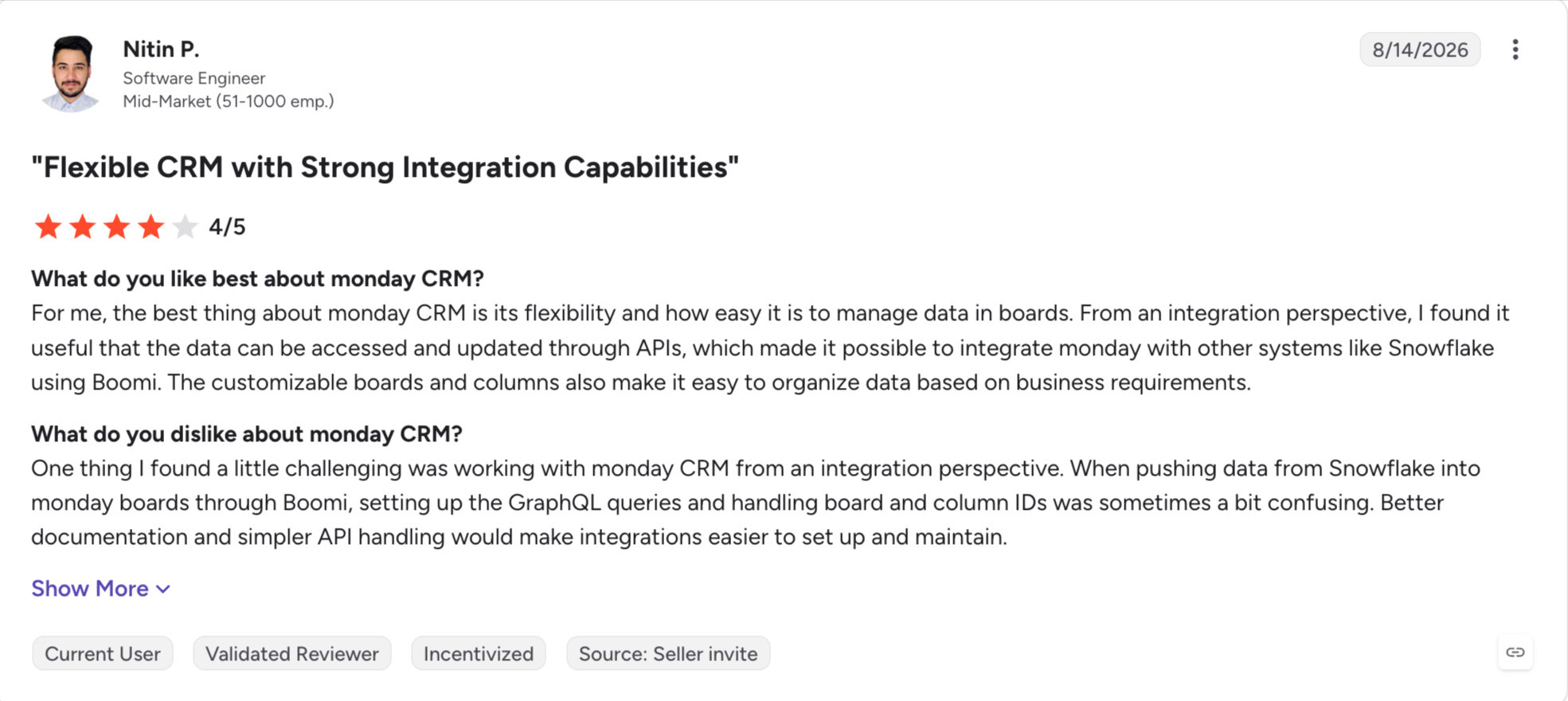
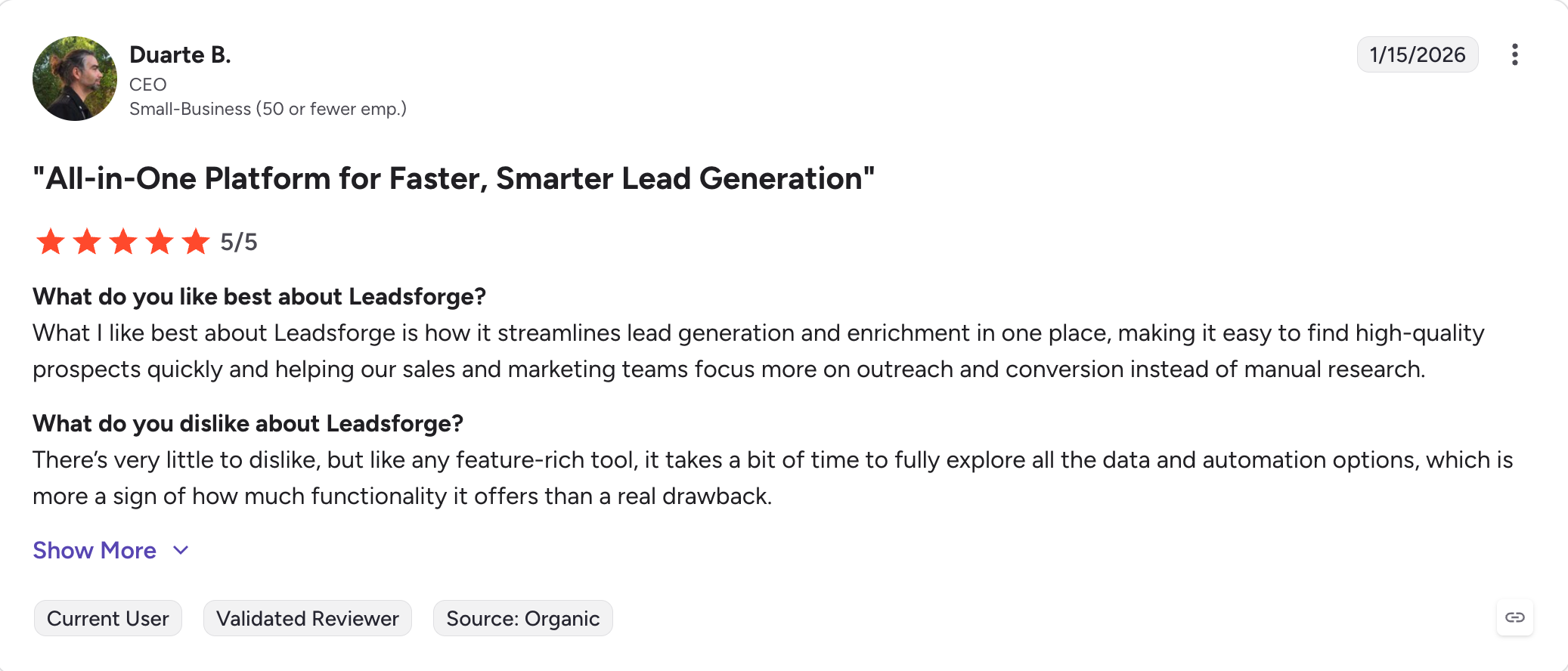
monday CRM holds a 4.5/5 G2 rating across roughly 1,557 reviews.
Best for: SMB and mid-market B2B teams that want CRM plus sales automation plus marketing plus service on one contact database, and can absorb the Professional-tier price and onboarding fee without breaking budget.
I tested HubSpot Sales Hub on the free CRM tier first, then upgraded to Starter for two weeks.
The free tier surprised me. It works as a real CRM, not a demo, and I can see why so many B2B startups default to it.
However, the problem starts showing up at the transition from Starter to Professional. Per-seat pricing jumps from $15/seat/month to $90/seat/month. HubSpot adds a $1,500 onboarding fee. Sequences (the feature most sales teams actually need) become available for the first time.
Overall, HubSpot Sales Hub is the CRM most B2B startups pick first. It works with the broader HubSpot ecosystem, which means sales, marketing, and service tools live on one contact database.
Core Features
Free HubSpot CRM: Basic email tracking, meeting scheduler, 1 deal pipeline, contact management. Free forever, up to 2 users on paid portals.
Email sequences and templates: Multi-step email sequences with template libraries. Sequences become available on Professional and above.
Meeting scheduler: Native scheduling tool similar to Calendly. Works with Google and Outlook calendars.
Sales forecasting and reporting: Custom pipeline reports, forecast categories, and revenue analytics on Professional and above.
Breeze Prospecting Agent: HubSpot's AI-powered outbound assist. Included on Pro and Enterprise. Runs on HubSpot Credits (roughly 3,000 credits/month on Pro).
Native integrations across HubSpot Hubs: Marketing Hub, Service Hub, Content Hub, and Commerce Hub share the same contact database when you subscribe to more than one.
Deal pipeline and workflow automation: Custom pipelines, task automation, and rule-based workflows on Pro+.
Pricing (annual)
Free HubSpot CRM: $0.
Starter: $15/seat/month (billed annually). Basic sales automation, meeting scheduler, up to 1,000 contacts.
Best for: Mid-market and enterprise sales orgs with 50+ users, complex sales processes, and the budget for dedicated Salesforce admins and implementation partners. If you cannot name who owns Salesforce admin on your team, you probably do not have the org shape to justify Enterprise pricing yet.
I have used Salesforce at two prior companies. Both had a full-time admin on the payroll.
Salesforce scales to nearly any complexity you throw at it, and none of that complexity configures itself.
Salesforce Sales Cloud carries the highest review count (25,000+) on G2 of any B2B software reviews with 4.4/5 stars rating. That is not an accident. It leads the enterprise CRM category by market share, by AppExchange ecosystem depth (7,000+ apps), and by customization limitation.
None of that makes it the right tool for most SDR teams. License cost is only the start. Add-ons, storage, and implementation partners commonly push the total past the per-user pricing.
For example, a 10-seat team on Enterprise runs $21,000/year in licenses alone, before implementation.
Core Features
Lead, account, contact, opportunity management: The core CRM system every sales team wants. Configurable pipeline stages and territory management ship with the platform.
Sales forecasting.:Collaborative forecasting with forecast categories on Pro Suite and above.
Einstein AI: Predictive lead scoring, deal insights, next-best-action recommendations bundle at Enterprise and above.
Agentforce AI agents: Autonomous AI agents for prospecting, meeting prep, and deal review sit at the Agentforce 1 Sales tier at $550/user/month.
7,000+ AppExchange integrations: The deepest third-party integration ecosystem of any CRM. Almost any workflow becomes possible with the right AppExchange add-on.
Sandboxes: Dev, test, and staging environments. Multiple sandboxes ship with Unlimited.
Territory management, quoting, CPQ: Available at Enterprise and above.
Data Cloud integration: Unified customer data platform bundles at Unlimited.
Pricing (annual)
Starter Suite: $25/user/month (billed annually or monthly). The only edition with monthly billing.
Enterprise: $175/user/month (billed annually). Advanced workflow automation, territory management, analytics. Reflects the August 2025 6% price increase from the prior $165 rate.
Unlimited: $350/user/month (billed annually). Up from $330.
Agentforce 1 Sales: $550/user/month (billed annually). Bundles Agentforce AI agents, Data Cloud, Einstein 1.
Implementation reality: dedicated Salesforce admins typically cost $80K-$120K/year on salary alone. SI partner projects for Enterprise deployments regularly hit six figures.
Pros and Cons
Pros
Cons
Only CRM that scales to enterprise-grade territory management and multi-stakeholder deal cycles.
Learning curve requires a dedicated admin from day one, potentially costing ~$80K–$120K/year in payroll.
7,000+ AppExchange integrations cover almost any workflow.
4x price jump from Starter Suite ($25) to Pro Suite ($100) at the feature gate.
Deep permissions, sandboxes, and cross-cloud data flow ship at the higher tiers.
August 2025's 6% price increase on Enterprise and Unlimited signals that rate hikes may continue.
Einstein AI and Agentforce agents extend the platform into autonomous work.
Implementation partner fees can push Enterprise deployments into six-figure ranges.
G2 Rating
Salesforge Sales Cloud holds 4.4/5 stars with over 25,000+ reviews.
Best for: Mid-market and enterprise sales orgs (50+ reps) that already run Salesforce or HubSpot as their CRM and want a cadence-driven engagement layer with call recording, coaching, and AI-driven prioritization on top.
Salesloft is a sales engagement platform.
That phrase names a different category from cold outreach or CRM.
A sales engagement platform sits on top of your CRM and runs the day-to-day cadence work: sequences, calls, email, LinkedIn tasks, meeting prep, and Rhythm signals that tell reps what to work on next.
Last year, Salesloft merged with Clari and teve Cox took the CEO role. The combined company now serves 5,000+ customers with roughly $450M in combined ARR. Product roadmaps are combined under one unified team, which shifts the buying question from "should I buy Salesloft" to "should I buy the merged Clari-Salesloft revenue platform."
Core Features
Cadences: Multi-step sequences across email, phone, and LinkedIn tasks. LinkedIn tasks run manually. Salesloft does not automate LinkedIn actions the way native LinkedIn tools do.
Dialer: Built-in phone dialer with call recording. The dialer often quotes as a paid add-on rather than baseline.
Rhythm: AI-driven signal engine that prioritizes rep tasks based on buyer intent and deal risk.
Conversations: Call recording, transcription, and conversation intelligence. Part of the merged Clari-Salesloft platform.
Deals: Deal management and forecasting inside the same platform reps use for outreach.
Universal inbox: Email and call activity in one view.
CRM integrations: Deep bidirectional sync with Salesforce and HubSpot.
Pricing (annual)
Quote-only. Salesloft does not publish tier pricing. Third-party procurement data reports roughly $125-$165/user/month (billed annually) for mid-market deployments.
Dialer add-on. Often quotes as a paid module rather than baseline.
Implementation. Enterprise implementations regularly run $1,000-$8,000 in setup costs.
Annual commitment required.
Pros and Cons
Pros
Cons
Rhythm engine prioritizes rep tasks with useful "what to do next" signals.
Not a cold email platform; deliverability and warm-up sit outside the product.
Deep bidirectional Salesforce and HubSpot sync.
Mailbox provisioning falls on your team, not Salesloft.
Merged Clari-Salesloft platform now covers cadences, calls, forecasting, and conversation intelligence.
Quote-only pricing and annual commitment required, with no self-serve trial.
Universal inbox brings email and call activity into one view.
High-volume cold outbound teams pay for both Salesloft and a separate infrastructure stack.
G2 Rating
Salesloft holds roughly 4,200+ G2 reviews with a 4.5/5 average.
Best for: B2B sales teams and RevOps that want AI-driven lead search, event-based sourcing, and waterfall enrichment in one product without stitching together a database plus an enrichment tool plus an intent feed.
Leadsforge is a B2B lead search engine.
Most tools in this category call themselves databases, but Leadsforge handles the workflow the way a search engine handles it.
You just need to describe what you want, and the tool returns matched contacts.
The Leadsforge has 500M+ contacts and it combines nine core features of older-generation databases (ZoomInfo, Cognism, Apollo's data side) into one product instead of asking teams to stitch together a database plus an enrichment tool plus an intent tool plus a lookalike tool.
Core Features
I list all features because every one of them ships in the product, and skipping any of them would misrepresent what Leadsforge does.
AI Chat Lead Finder: Natural-language ICP search across 500M+ contacts. It reads job titles, industries, locations, revenue bands, headcount, and keywords from a plain-English prompt.
Company Lookalikes: Point Leadsforge at a best-customer list or seed company. It returns matching companies by industry, size, revenue, and tech stack. Charges 1 credit per company.
Competitor Followers Search: Pull the LinkedIn followers of a competitor's company page. Filter by job title, seniority, and geography. A cleaner intent proxy than a cold firmographic pull.
Local Company Search: Local Companies Search lets users find businesses by location and industry using Google Maps data. Set your location and radius, then filter by categories like dentists, restaurants, marketing agencies, law firms, and more.
Waterfall Enrichment: Cascades through multiple data sources per lookup. Falls back until it finds a verified match. Email validation runs as a separate step and consumes additional credits.
Signals (Event-Based Sourcing Path): Builds lists from real-world events rather than static ICP criteria. Five signal types: Job Change, Acquisition, Funding, Hiring, and Investor. Each signal type configures through provider-specific filters. Every extracted match carries evidence you can view in Details.
API and MCP: A Leadsforge API key (generated in app settings) handles search, enrich, and export. The Forge MCP server and CLI connect Leadsforge to Claude, Cursor, and other AI clients for chat-driven search and enrichment.
Chrome Extension (free to install): The Salesforge-branded B2B email and phone finder shared across the Forge Stack. It surfaces verified emails and mobile numbers on LinkedIn and company sites, and pushes contacts into a Salesforge sequence. Free to install. Lookups consume Leadsforge credits.
Integrations (Forge Stack plus third-party): Direct push to Salesforge under one shared login (separate subscriptions). Native CRM integrations with HubSpot and GoHighLevel. CSV export in one click. Public API, MCP server, and CLI available for programmatic access.
Pricing (annual)
Leadsforge Essential: $49/month or $588/year (billed annually).
100 free credits on signup, no credit card required.
Credit costs: 1 credit per email, 10 credits per mobile number, 1 credit per LinkedIn profile URL, 1 credit per company lookalike, 1 credit per competitor follower plus LinkedIn URL.
Email validation runs as a separate step and consumes additional credits.
Pros and Cons
Pros
Cons
AI Chat Lead Finder cuts ICP list-building time roughly in half compared with filter-based tools.
Best for: RevOps, growth engineers, and outbound teams with in-house technical capability who want custom enrichment workflows and AI-driven personalization on top of an existing sourcing layer.
Clay is a GTM enrichment platform, not a lead database in the traditional sense.
It is a workflow engine that pulls from dozens of underlying data providers (Apollo, Prospeo, LinkedIn scrapers, Hunter, Clearbit successors, and more).
It lets RevOps and growth teams build custom enrichment pipelines with AI-driven personalization on top.
Teams reach for Clay when the default enrichment output is not custom enough.
Traditional database tools give you a list of names with emails. Clay lets you write a workflow that turns that same list into a list of names with emails, current LinkedIn post context, personalized opener lines, and a routing decision on which SDR gets which contact.
Core Features
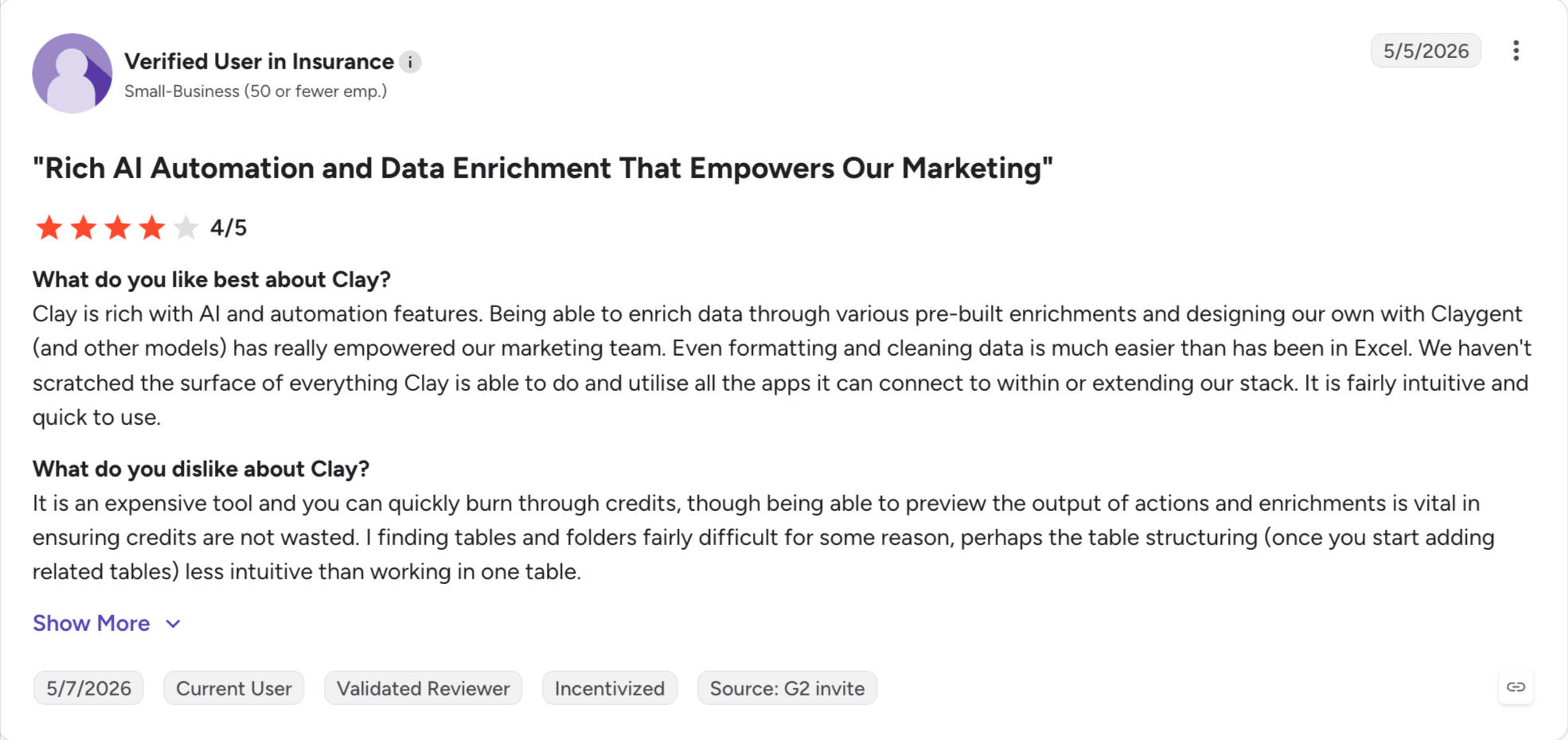
Data enrichment across 50+ providers: Waterfall enrichment across Apollo, LinkedIn, Hunter, Prospeo, and dozens more. Buy credits, spend them across whichever providers deliver the best hit rate for each field.
AI research (Claygent): Autonomous AI agent that scrapes public sources per company or contact. Returns structured research fields.
Custom workflows: Trigger-based enrichment. New row in Google Sheet → enrich the company → find the CTO → grab their LinkedIn posts → generate a personalized opener → push to Salesforge sequence.
Native AI personalization: Generate custom email openers, subject lines, or LinkedIn message copy per contact based on enriched context.
CRM sync: HubSpot and Salesforce integrations push enriched data back into the CRM.
Chrome extension: Manual one-off enrichment while browsing LinkedIn or company websites.
Best for: Mid-market and enterprise B2B sales orgs (25+ reps) with a dedicated enablement function and a phone/video-heavy sales motion who can absorb the platform fee, per-seat cost, and implementation together.
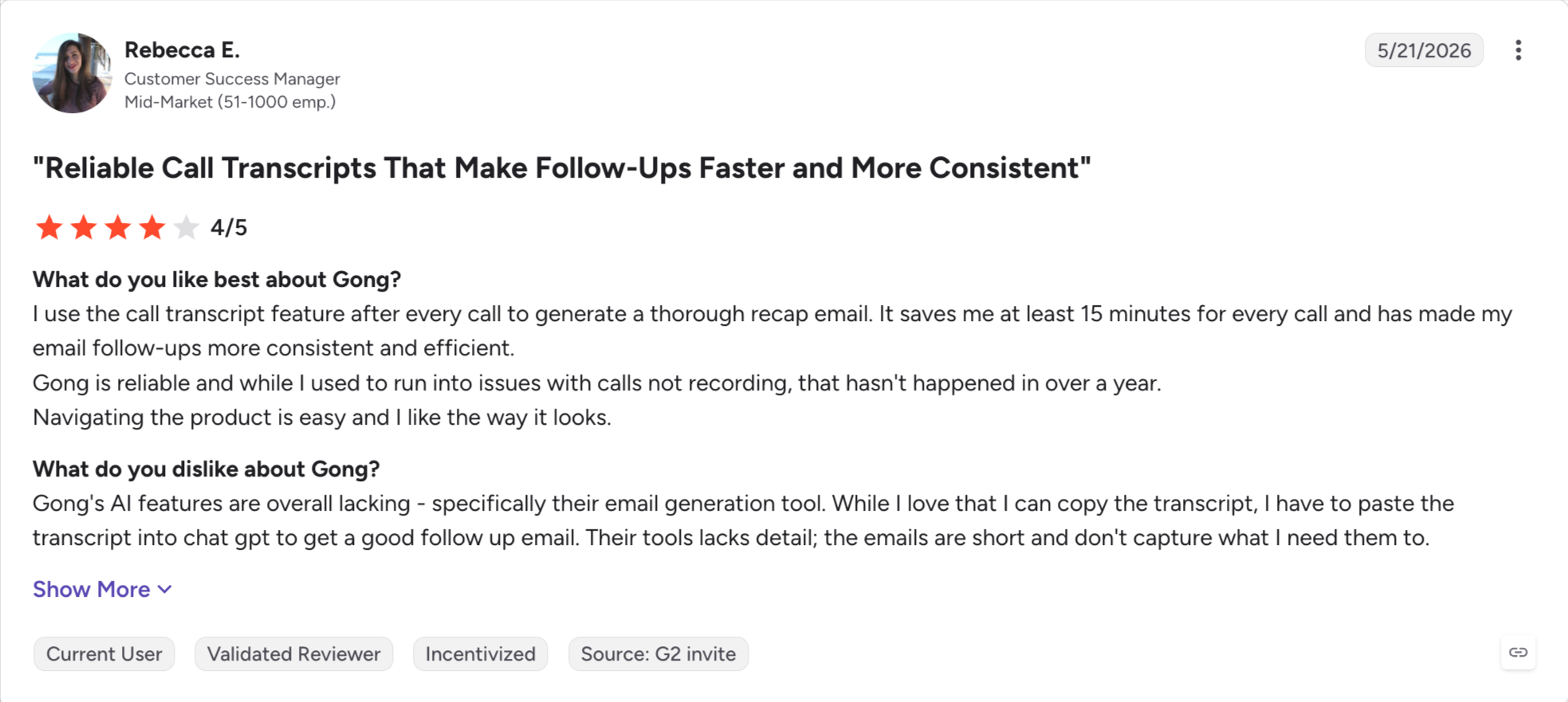
Gong is the category-leading revenue intelligence platform.
It records sales calls, transcribes them, and turns the transcripts into structured intelligence about deal risk, coaching opportunities, and pipeline reality.
The problem is pricing. Gong does not publish a rate card. Every quote runs through a sales cycle.
What arrives is a three-part bill: a platform fee, per-user licenses, and a one-time implementation fee.
Third-party procurement data (Vendr, Nimitai, Docket, SaaS Blue Book) suggests total year-one cost for a 25-seat team lands in the $60K-$100K+ range.
Core Features
Call recording and transcription: Across Zoom, Teams, Meet, and phone. Every call, every rep, every day.
Deal intelligence: AI-scored deal risk based on call content, email tone, and pipeline signals.
Salesforce and HubSpot integrations: Deep bidirectional sync.
Pricing (annual)
Quote-only: All figures below reflect third-party procurement data, not published rates.
Per-user license: roughly $1,200-$2,400/seat/year (commonly ~$1,400/seat/year). Foundation-only lands ~$1,400-$1,600/seat/year. Foundation + one module runs ~$1,900-$2,200/seat/year. The full Foundation + Engage + Forecast bundle runs ~$2,880-$3,000/seat/year.
Platform fee: $5,000-$50,000/year (billed annually). Scales with org size.
Implementation: $7,500-$65,000+ one-time. Some enterprise deployments exceed $35,000.
Best for: High-volume outbound SDR/BDR teams (5+ reps making 100+ calls/day) that treat phone as their primary channel and want the collaborative salesfloor experience for remote teams.
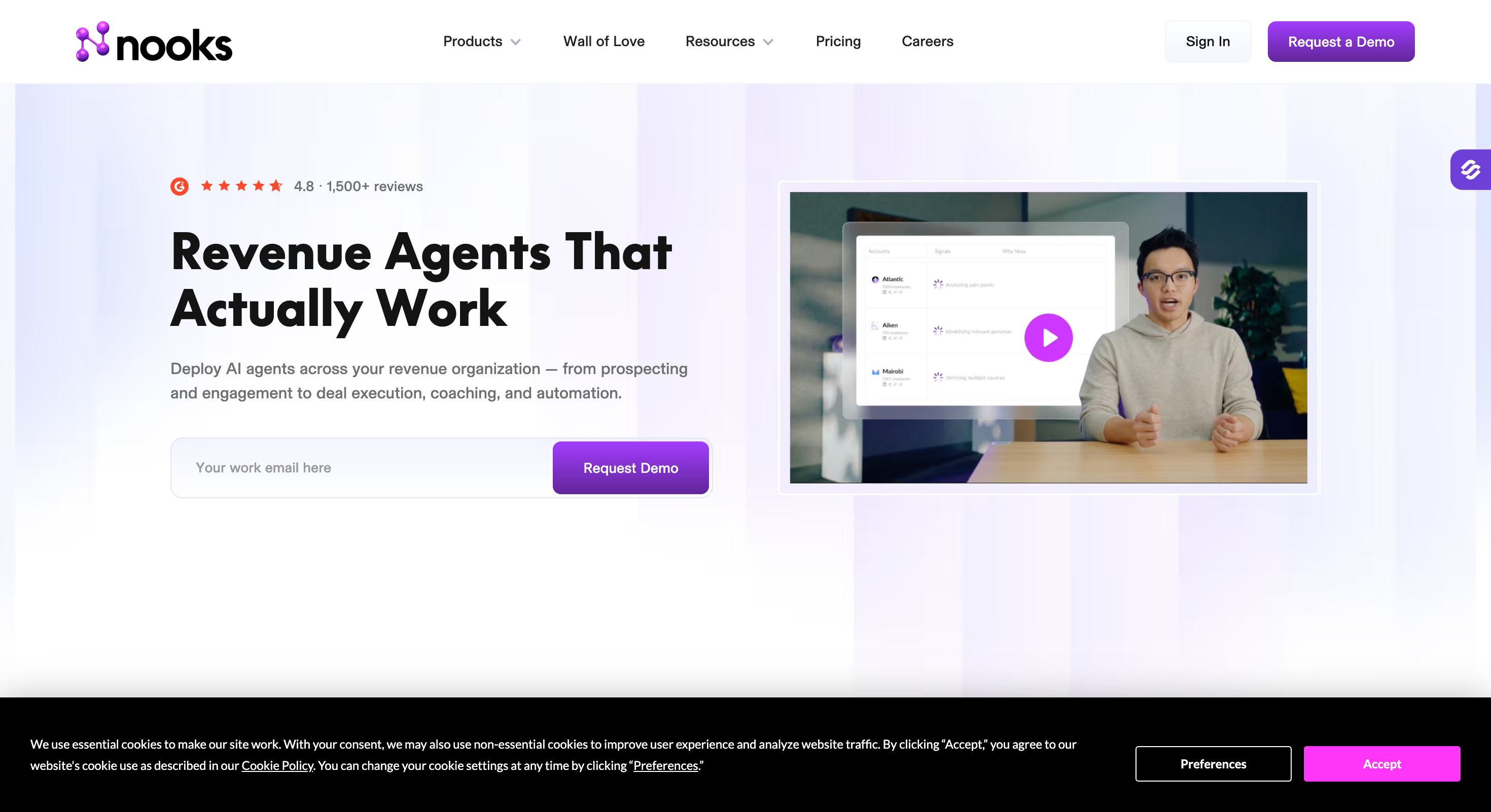
Nooks is an AI parallel dialer with a virtual salesfloor.
The parallel dialer part is easy to describe - Instead of dialing one number at a time, Nooks dials up to 5 numbers simultaneously. It connects the rep only when a human answers. That single change moves reps from 15-20 live conversations per day to 50-80+.
The virtual salesfloor part is the cultural differentiator. It creates a shared digital space where distributed SDR teams dial together, ride each other's calls, hear objections handled in real time, and celebrate wins.
For remote outbound teams that used to sit in bullpens, it is the closest replacement anyone has built.
Core Features
Parallel dialer: 5 simultaneous lines with auto-connect on human answer.
AI voicemail drop: Pre-recorded voicemails auto-drop on machine detection.
Virtual salesfloor: Shared digital room for live listen, whisper coaching, and team energy for remote SDR teams.
AI call summaries: Post-call summaries auto-generate and push to the CRM.
Call scoring: AI-scored calls for coaching workflows.
Objection library: Real-time coaching prompts during live calls.
Buyer intent signals: Prioritization based on which prospects to call first.
Third-party procurement data: roughly $4,000-$5,000/user/year (billed annually), or approximately $333-$417/user/month equivalent. Some anonymized deal data reports effective per-seat rates in the $65-$150+/user/month range for larger teams with negotiated discounts.
Best for: Any sales team that needs meeting scheduling automation. Free tier for solo consultants. Standard for individual reps. Teams for pipeline-driven sales orgs running round-robin routing. Enterprise for anyone who needs SSO or HIPAA.
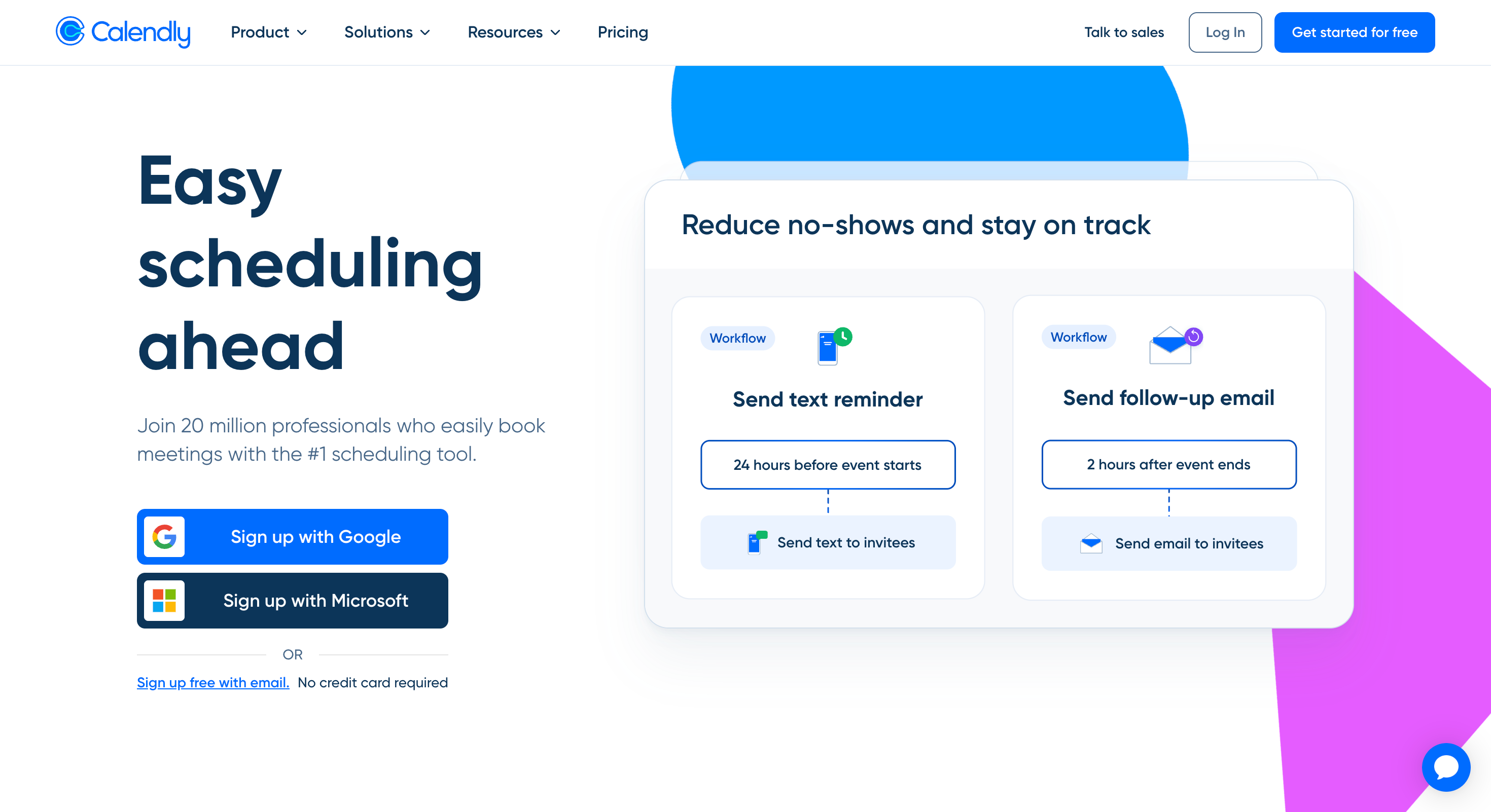
Calendly is the meeting scheduling tool most sales teams already run.
It removes the back-and-forth of scheduling emails by letting prospects pick from your available slots directly. First booking link goes live in under 10 minutes.
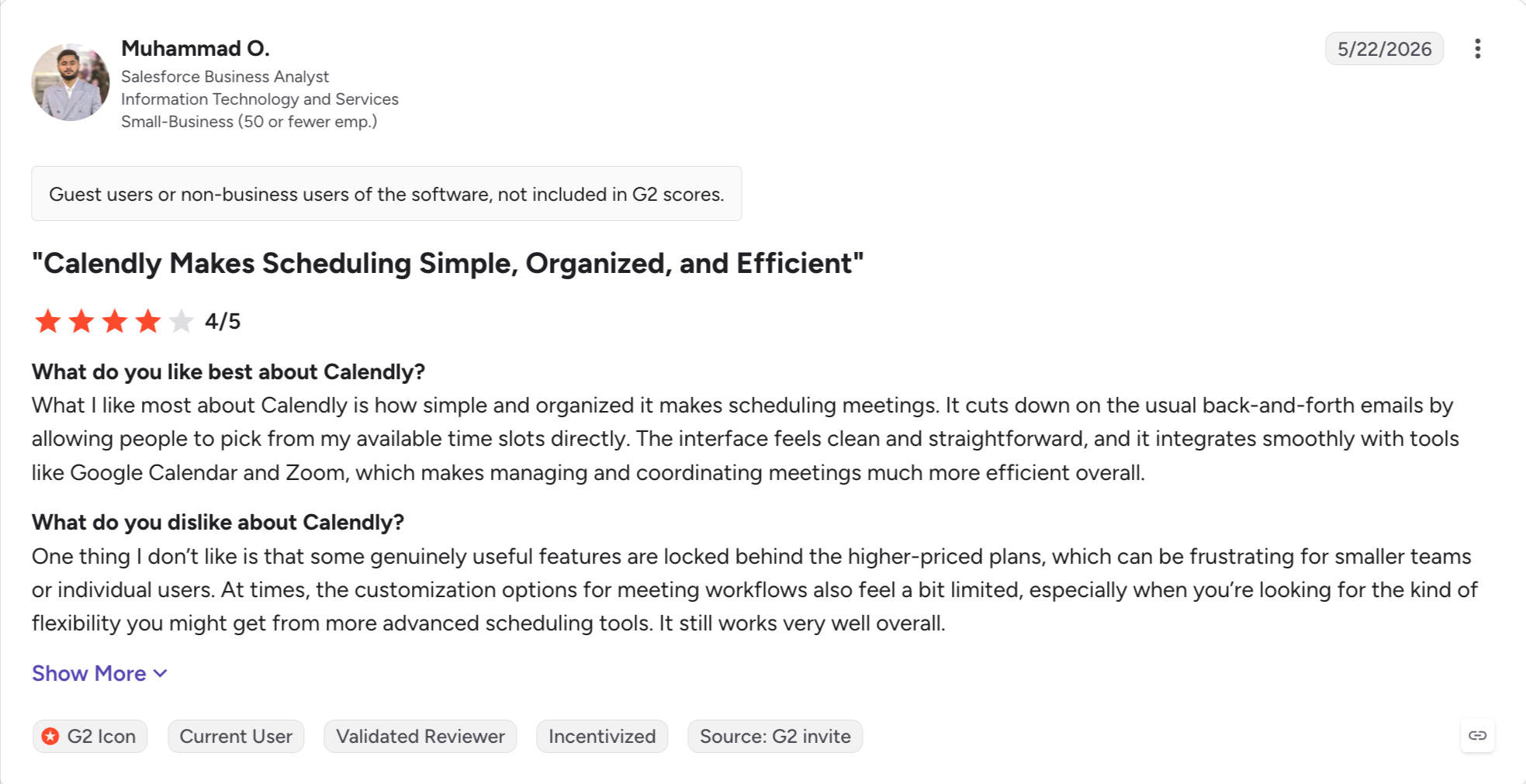
That is why "ease of use" appears in 171 separate G2 reviews on the Calendly product page.
The 2026 buying question for Calendly is not whether it works. It works.
The question is whether the per-seat pricing still makes sense at scale, and where the Teams-to-Enterprise cliff hits.
Core Features
Booking pages. Customizable event types with duration, availability windows, and buffer time.
Teams-to-Enterprise cliff: a 5-seat team that needs SSO or HIPAA jumps from $960/year on Teams to $15,000+/year on Enterprise. A roughly 1,460% increase for a single compliance feature.
Pros and Cons
Pros
Cons
Universal brand recognition means prospects rarely resist a Calendly link.
Teams-to-Enterprise cliff jumps from $960/year to $15,000+ for SSO or HIPAA.
First booking link goes live in under 10 minutes.
Customization on lower tiers is thinner than marketing implies.
Google Calendar and Zoom integrations run without configuration overhead.
Advanced routing logic is gated behind higher tiers.
Free tier works for solo consultants and freelancers.
Support quality drops on lower tiers; largely self-serve.
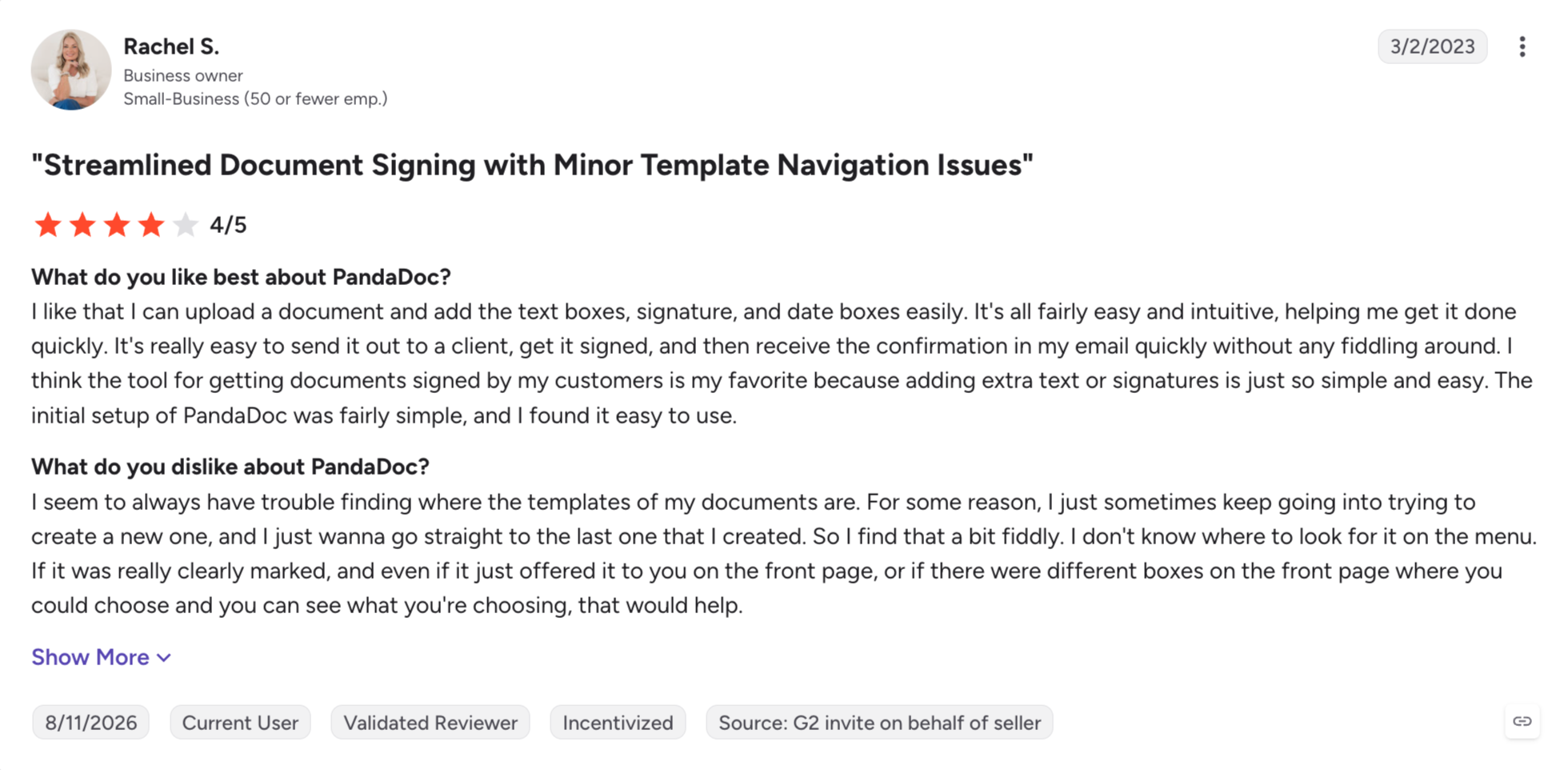
Best for: B2B sales teams (3-20 reps) that send proposals or contracts regularly and want a document tool with CRM integration and real-time engagement analytics.
PandaDoc is the sales document automation tool teams reach for when they send proposals, contracts, quotes, or other client-facing documents regularly.
I built a proposal template in PandaDoc in one afternoon. My prior tool (a Word template plus DocuSign) took me two days to build and required manual formatting cleanup every time I edited it.
PandaDoc handled the drag-and-drop layout, e-signature, and real-time engagement analytics inside one workflow.
The economic question with PandaDoc is per-seat pricing at scale. Business runs $49/user/month (billed annually). Most teams cannot justify a full license for every stakeholder who needs to review a proposal but does not build one.
Core Features
Document editor: Drag-and-drop rich media editor for proposals, contracts, and quotes.
400+ template library: Plus custom templates. Up to 5 per account on Starter.
Legally-binding eSignatures: Unlimited on paid plans.
CRM integrations: HubSpot, Pipedrive on Business+. Salesforce and Bulk Send may carry additional fees.
Content library: Reusable blocks and sections. Business+ tier.
Approval workflows: Multi-step review and approval flows. Business+ tier.
Document analytics: Real-time open, view, and time-per-page tracking.
Payment collection: Stripe and PayPal integrations.
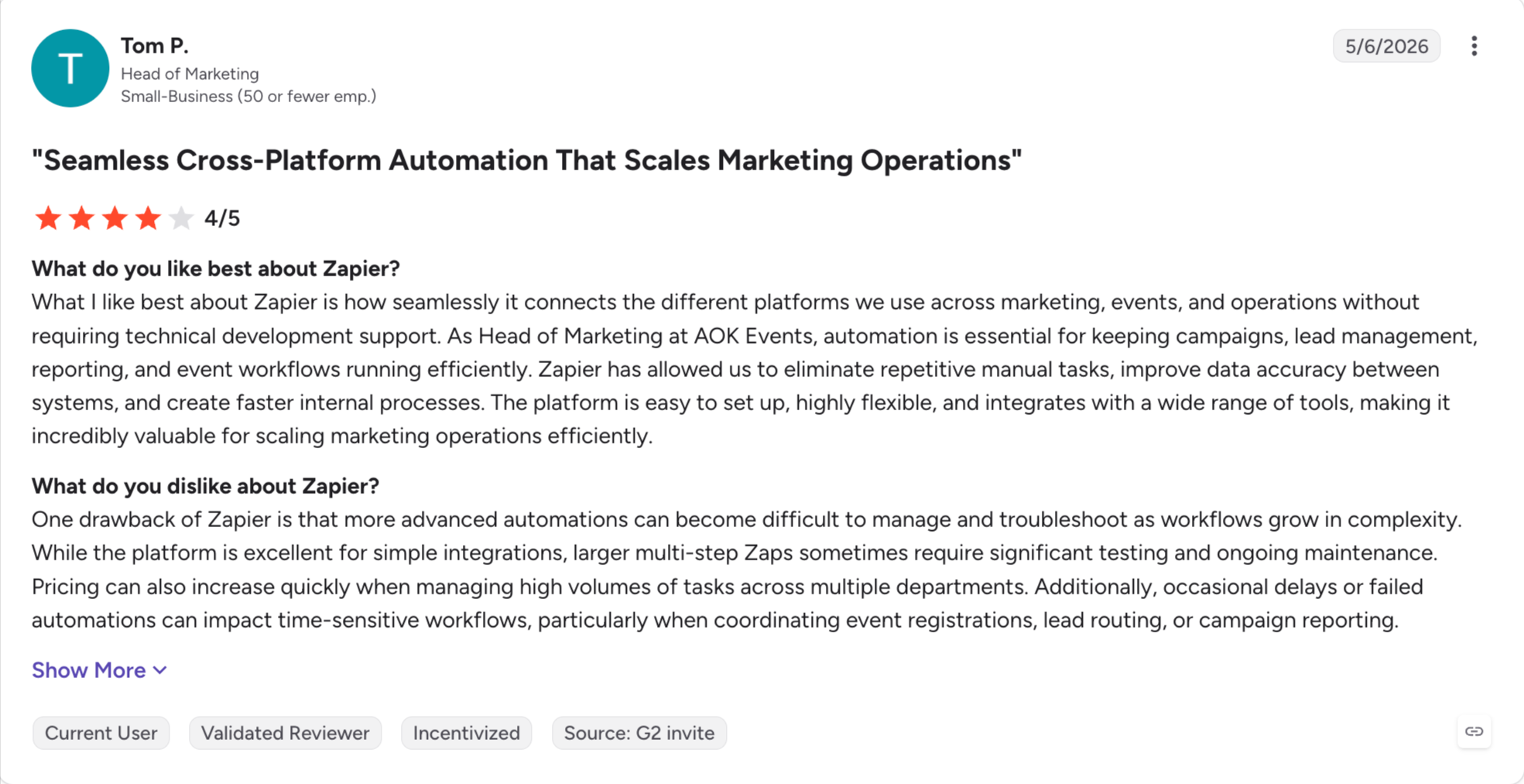
Best for: Sales ops and RevOps teams connecting fragmented tool stacks who can commit to careful task monitoring, or absorb variable monthly costs, in exchange for the widest integration library in the automation category.
Zapier is the workflow automation platform that connects everything else in a sales stack.
It works between apps: form → CRM → Slack → email → sequence → alert. It handles the plumbing that would otherwise take an engineer.
Since the 2025 rebrand, Zapier positions itself as an AI Orchestration Platform, with Copilot (a natural-language Zap builder), Agents, Tables, and Interfaces layered on top of the core automation product.
I built my first Zap in 2019: form submission → Slack notification. Seven years later, my Zapier bill has crossed $250/month twice. Both times, a Zap I built for one workflow started firing 10x more than I planned, and the task-based billing model punished me for scaling automation.
For sales ops and RevOps, Zapier fills the gaps between purpose-built sales tools.
A new form submission on the website triggers a Zap. That Zap enriches the lead in Leadsforge, adds it to a Salesforge sequence, creates a HubSpot contact, and posts a Slack notification.
Four action steps. Four tasks per lead.
Core Features
Zap builder: Trigger + action workflows across 8,000+ apps.
Multi-step Zaps: Chained action steps with filters, paths, and formatting. Professional+ tier.
Zapier Copilot: AI-generated Zap scaffolding from natural language descriptions. 2026 release.
Zapier Agents: Autonomous AI teammates for research and action tasks. 2026 release, separate billing.
Tables and Interfaces: No-code database and lightweight app builder.
The 12 tools above cover every workflow layer a modern outbound team runs. Which ones you need depends on the campaign, not on the star rating.
For high-volume cold outbound at any team size, Salesforge runs the outreach layer with native email and LinkedIn in one sequence, unlimited mailboxes, and free Warmforge warm-up.
At $40/month Pro or $80/month Growth (billed annually), it is the only platform in the category that does not charge more the more your team scales.
Pair it with Leadsforge on the prospecting side ($49/month billed annually with 100 free credits on signup), separate subscription, one login, and the stack collapses from four tools to two.
For teams booking meetings at scale without hiring a five-person SDR bench, Agent Frank runs the autonomous AI SDR layer inside the same Salesforge login.
Start a 14-day free Salesforge trial. No credit card required. Sign up here.
FAQs
1) Is a CRM the same as a sales automation tool?
No. A CRM (HubSpot Sales Hub, Salesforce Sales Cloud, Pipedrive) holds your contacts, deals, and pipeline. A sales automation tool runs the day-to-day outreach and cadence work on top of the CRM. Most teams need both. The two systems sync so that sales activity in the automation tool updates the CRM automatically.
2) How much does an AI SDR cost in 2026?
AI SDR pricing split into two bands in 2026. Entry-tier tools (Agent Frank at $499/month billed annually, AiSDR at $250-900/month depending on plan) target SMB-to-mid-market teams. Enterprise-tier tools (11x Growth from $3,750/month billed annually.
3) What is the best sales automation tool for a small business?
For a small B2B team (2-10 people) running outbound, the smallest workable stack: Salesforge Pro at $40/month (billed annually) for multichannel outreach, Leadsforge at $49/month (billed annually) with 100 free credits on signup for prospecting, and either HubSpot's free CRM tier or Pipedrive Lite at $14/user/month for pipeline. Add Calendly's free tier for meeting scheduling. Total monthly spend under $100/month before any team seat expansions.
4) What is the difference between sales automation and sales engagement?
Sales automation is the broader category. It covers any tool that reduces manual work in the sales motion: cold email tools, LinkedIn automation, dialers, meeting schedulers, document automation, and workflow automation platforms. Sales engagement platforms (Salesloft, Outreach) are a specific type of sales automation that sits on top of a CRM and runs multi-step cadences across email, phone, and LinkedIn tasks.
5) Should I buy one all-in-one platform or a specialized stack?
The all-in-one pitch (HubSpot, Salesforce with Agentforce, Salesloft-Clari) works when your team's campaign fits inside the platform's opinionated workflow. It breaks when your campaign needs deeper capability at one layer than the all-in-one can provide.
Book more meetings on autopilot
Set up in minutes. No per-seat pricing. No commitment.
Compare 5 AI inbox managers for cold email and sales outreach. See how Salesforge, Smartlead, Instantly, Reply.io, and Saleshandy handle replies, AI features, and pricing.







.jpg)

.jpg)

