
Personalized Outbound Strategy
Get The Right Outbound Strategy In Minutes
Enter your email to get a custom plan & stack recommendation for your business
It's being carefully crafted by AI
Please check your mailbox in 5 minutes
Manual LinkedIn outreach takes a lot more effort than it looks. You have to find the right prospects, send connection requests, write messages, and keep following up, yet reply rates are still low and hard to predict.
This is why many B2B teams are now moving to LinkedIn AI agents. These tools don’t just help with writing messages. They can find prospects, personalize outreach, send messages, follow up automatically, and even move conversations toward booked meetings.
The problem is that most tools still only automate small parts of the process. They do not actually run outbound for you. In this guide, I am focusing only on real LinkedIn AI agents that can handle outreach, manage replies, and help generate pipeline, so you can understand which tools are worth considering in 2026.
A LinkedIn AI agent is a tool that helps automate your LinkedIn outreach using artificial intelligence. Instead of doing everything manually, it can handle key parts of the process for you. In simple terms, it works like a virtual sales rep. It can find the right people to contact, write personalized messages, send connection requests, follow up automatically, and even help move conversations toward booked meetings.
The main difference from basic tools is that it does not just send messages. A real AI agent can understand context, personalize outreach based on each prospect, and manage follow-ups without you doing everything step by step. Most LinkedIn AI agents also work across multiple channels like email and LinkedIn together. This helps B2B teams run outreach more efficiently and generate more replies without increasing manual work.
I looked at each tool based on how it actually performs during real LinkedIn outreach, not just how it looks in demos.
The goal was to focus on what impacts replies, conversations, and meetings.
Here’s what I focused on:
I also looked at how these tools perform when scaling outreach, to see if results stay consistent or drop with higher volume.
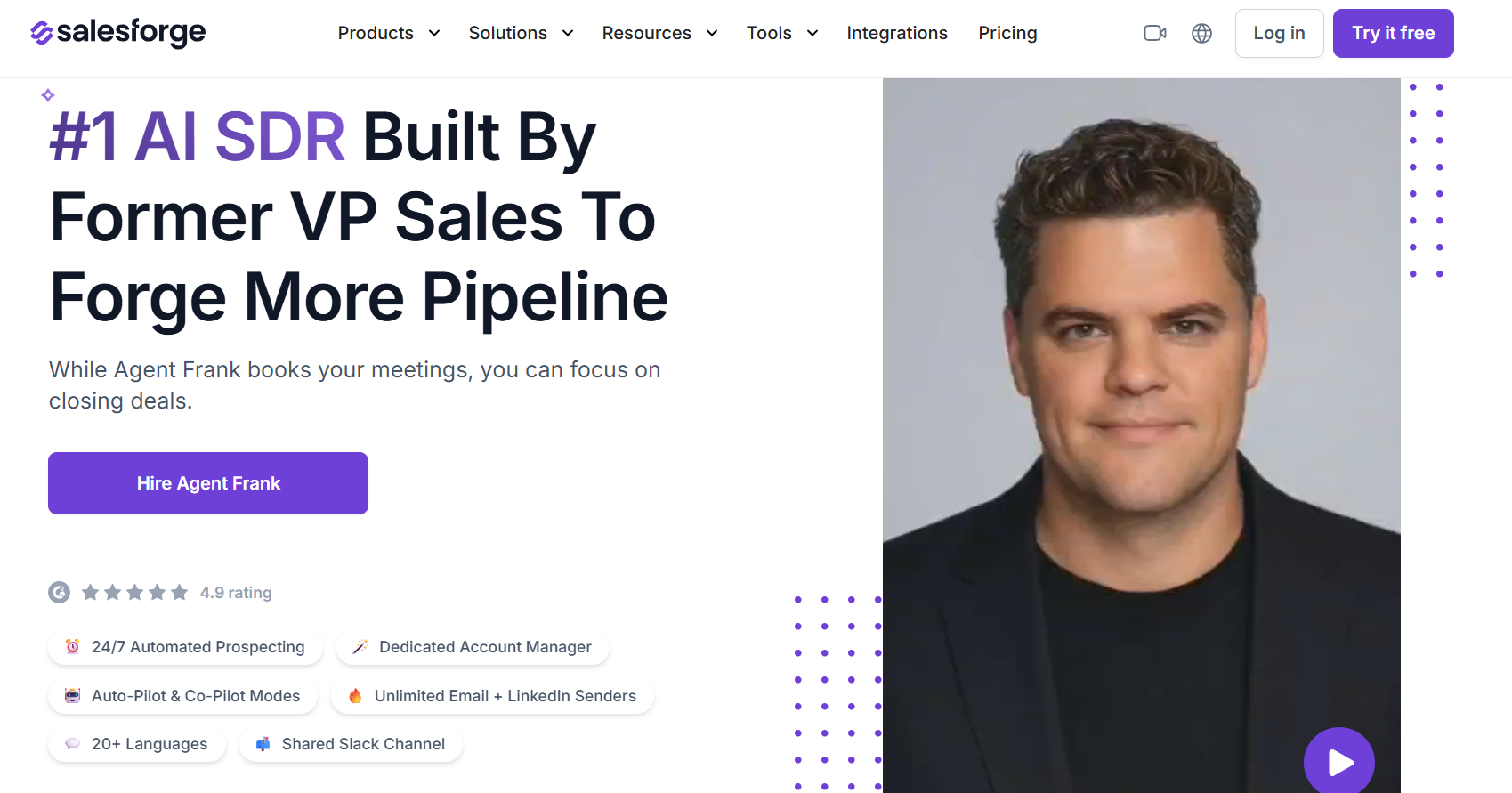
Best for: Full AI SDR handling prospecting, outreach, replies, and meetings
What I like: Handles LinkedIn + email together (multi-channel)
Agent Frank is an AI-assisted SDR designed to automate the full outbound process, from finding prospects to booking meetings. It works using your inputs, like product details and ICP, and then runs outreach on its own while continuously improving based on the data you provide.
It can operate in two modes, Autopilot, where it runs end-to-end without intervention, and Co-pilot, where you can review and guide its actions. This makes it flexible for teams that want either full automation or more control.
Agent Frank directly handles LinkedIn outreach as part of its multichannel system. It can connect and manage multiple LinkedIn accounts through Sender Profiles, allowing you to run outreach at scale without managing accounts one by one.
It sends LinkedIn messages, follows up automatically, and handles replies and follows up based on defined logic and inputs. You can choose to run LinkedIn-only campaigns or combine LinkedIn with email, depending on your strategy.
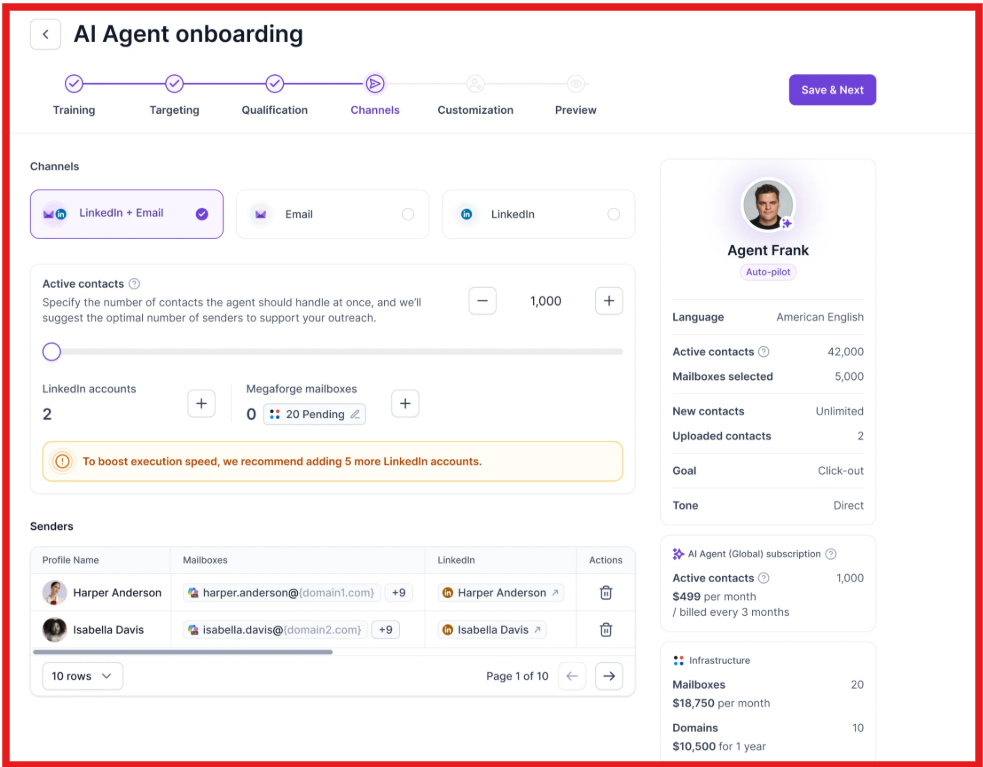
It also lets you control how LinkedIn outreach works by setting rules like tone, messaging style, send timing, follow-up gaps, and even what the agent should or should not say. Before launching, you can preview the full LinkedIn message flow, including initial messages and follow-ups, to ensure everything is aligned.
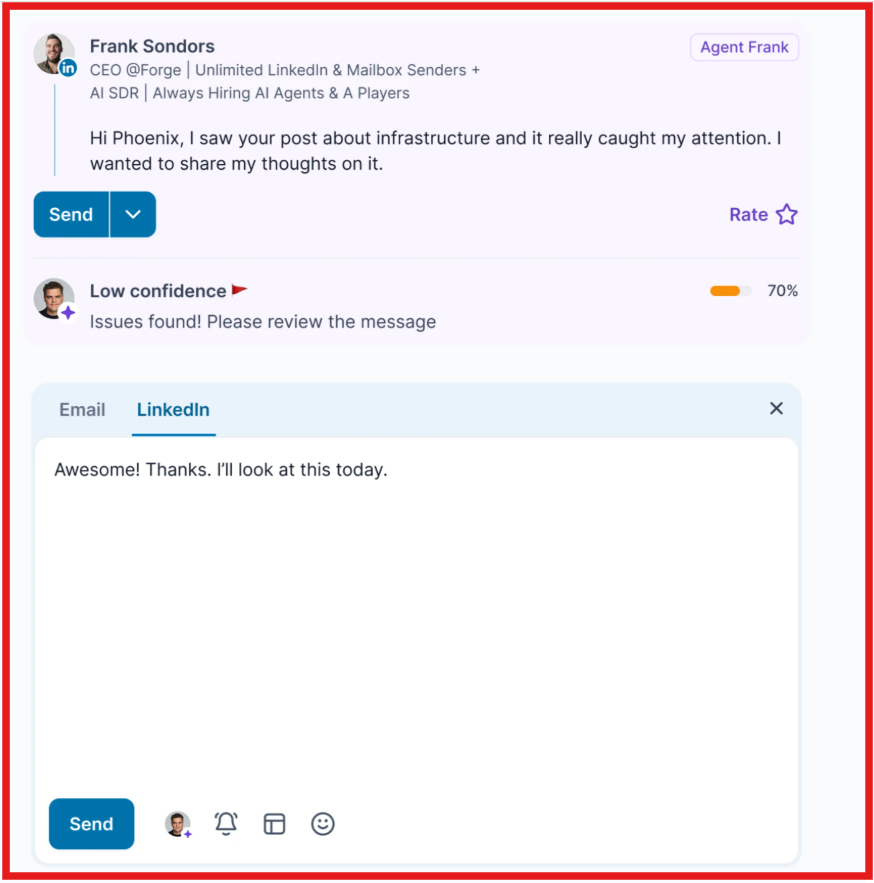
This makes Agent Frank capable of not just sending LinkedIn messages, but managing outreach, follow-ups, and conversation flow on LinkedIn, which is what a real LinkedIn AI agent should do.
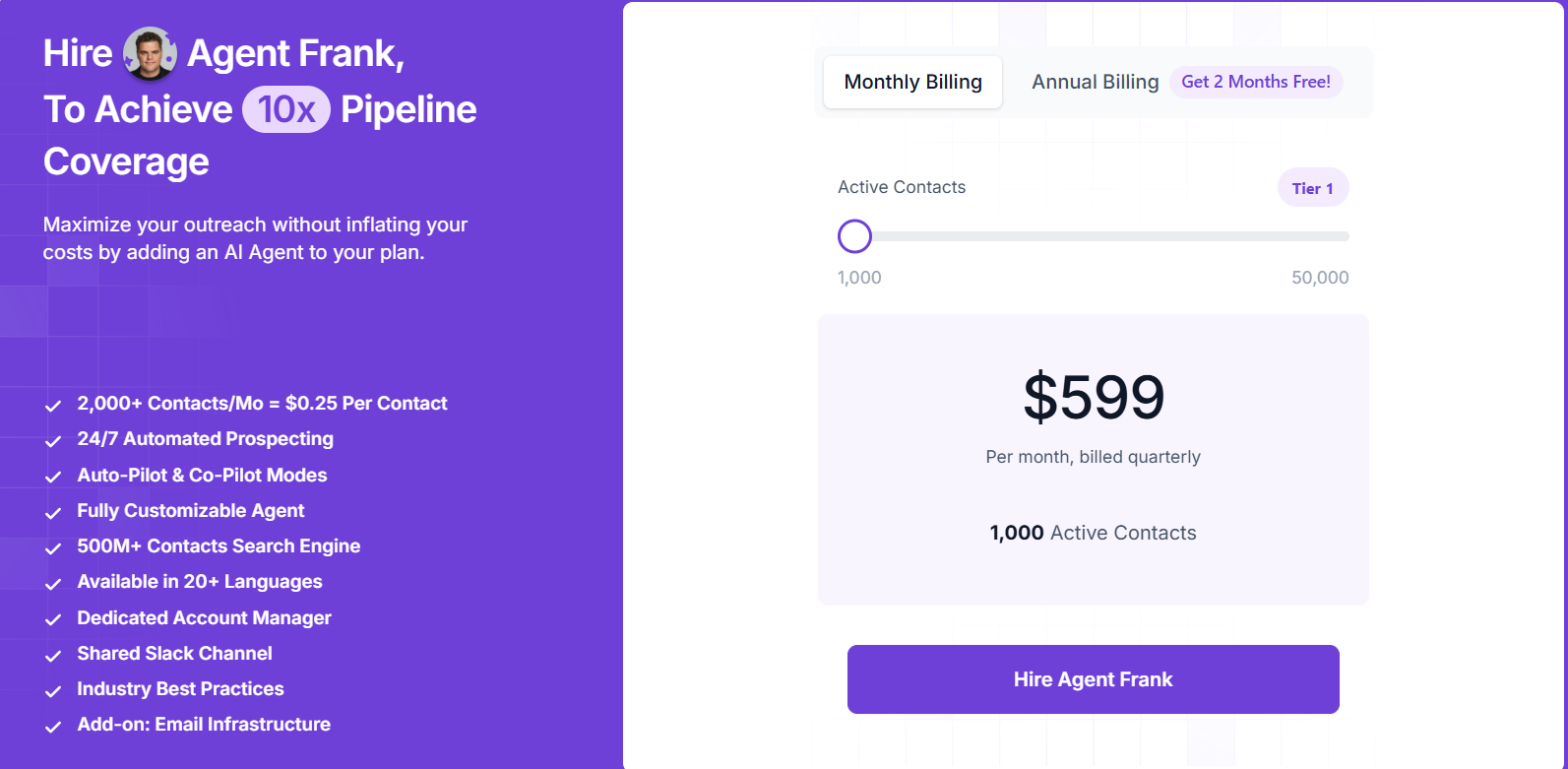
Overall, Agent Frank works well as a LinkedIn AI agent because it doesn’t treat LinkedIn as a separate tool. It uses it as part of a larger outreach flow, which makes follow-ups and conversations feel more consistent instead of disconnected.
Most LinkedIn tools just automate messages, but here the focus is on moving conversations toward replies and meetings. If the goal is to use LinkedIn for real outbound and not just activity, this kind of setup makes a clear difference.
Enter your email to get a custom plan & stack recommendation for your business
Please check your mailbox in 5 minutes

Best for: Highly automated AI outbound running on autopilot
Rating: 4.7/5
What I like: Strong signal-based prospecting
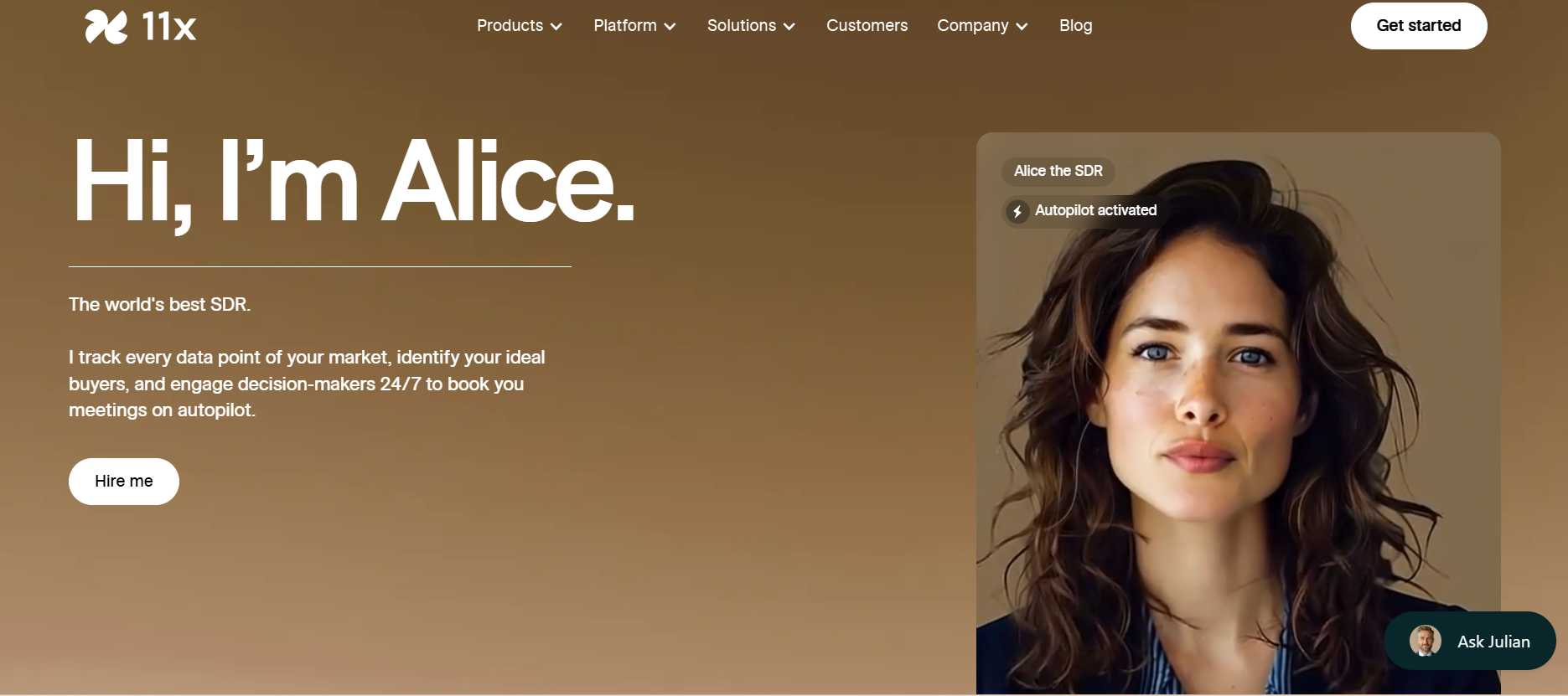
Alice by 11x.ai is an AI SDR designed to run the entire outbound process on autopilot. It tracks market data, identifies ideal buyers, and engages decision-makers continuously to generate pipeline.
Instead of relying on static lists, Alice works using live signals like job changes, funding events, hiring patterns, and engagement data to find prospects who are more likely to respond. It then handles prospecting, outreach, follow-ups, and meeting booking without requiring constant input.
Alice uses LinkedIn as part of a broader outbound system, where it identifies the right prospects based on real-time signals and reaches out with personalized messaging. Instead of running fixed campaigns, it adjusts messaging and follow-ups based on engagement signals.
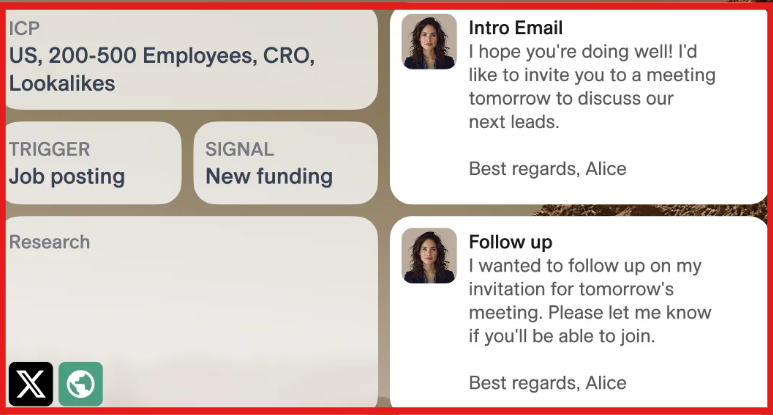
This makes LinkedIn communication feel more relevant and timely.
It also works across multiple channels, so LinkedIn outreach is not isolated. Follow-ups, timing, and messaging are coordinated with email and other touchpoints, helping conversations move forward more naturally. This means it can:
From what I’ve seen, Alice stands out as a LinkedIn AI agent because it focuses more on timing and relevance than just sending messages. Instead of treating LinkedIn like a channel to push volume, it uses signals and context to decide when and how to reach out.
Best for: AI-assisted LinkedIn + email sequences with follow-up automation
Rating: 4.6/5
What I like: Strong control over messaging, approvals, and personalization.
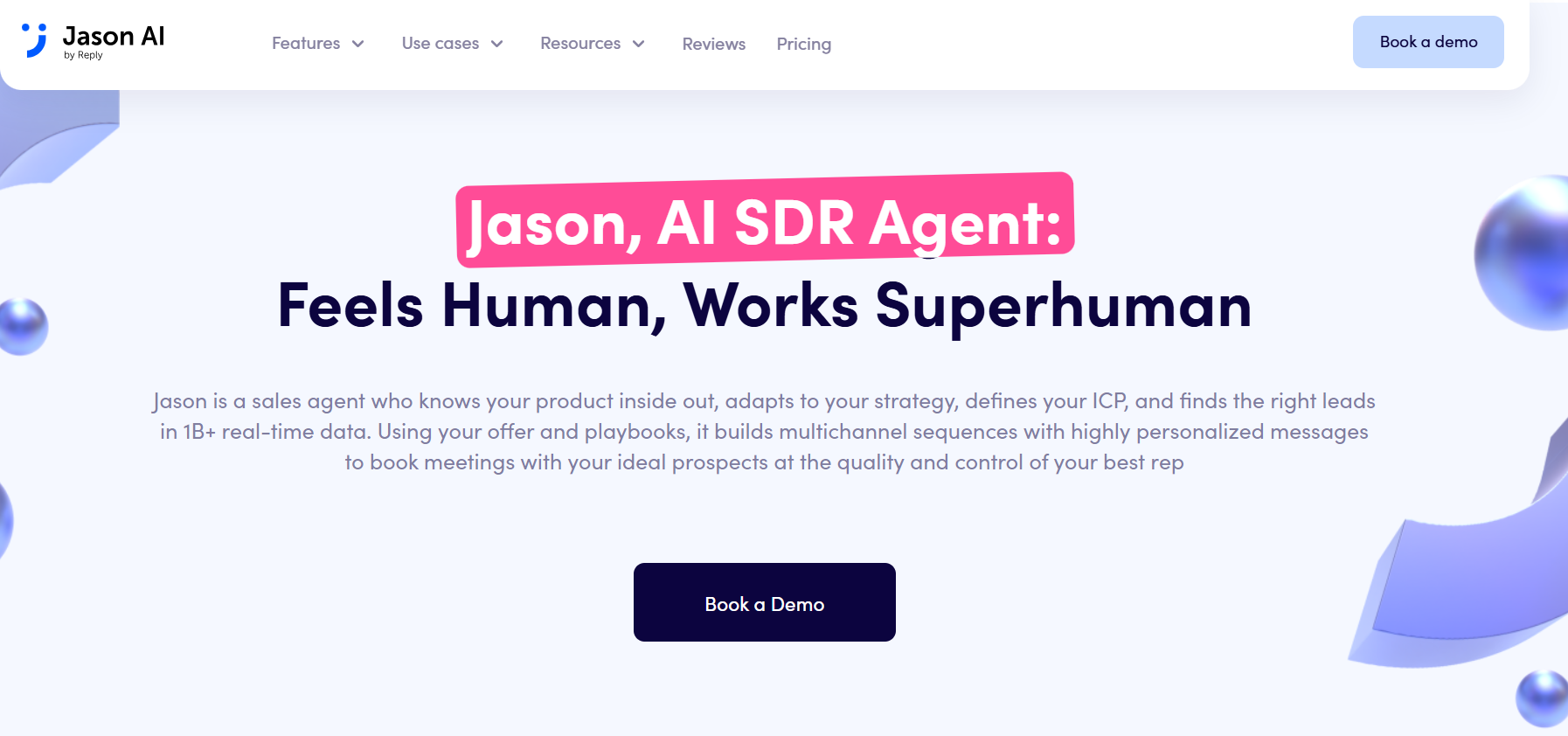
Jason by Reply.io is an AI SDR agent built to help SaaS teams and agencies find leads, qualify them, create outreach sequences, handle replies, and book meetings. It works well for teams that want automation, but still want control over how messages are written and sent.
Jason uses your product, ICP, offers, playbooks, tone, and strategy before creating campaigns. It can then find relevant prospects from real-time B2B data, personalize outreach across email and LinkedIn, and keep campaigns running through autopilot or approval mode.
Jason helps as a LinkedIn AI agent by turning LinkedIn into a structured part of your outbound workflow instead of treating it as a separate channel. It uses LinkedIn filters and real-time data to find and filter prospects based on factors like job title, industry, company size, and activity, and then adds LinkedIn steps such as connection requests, messages, and follow-ups into a multichannel sequence.
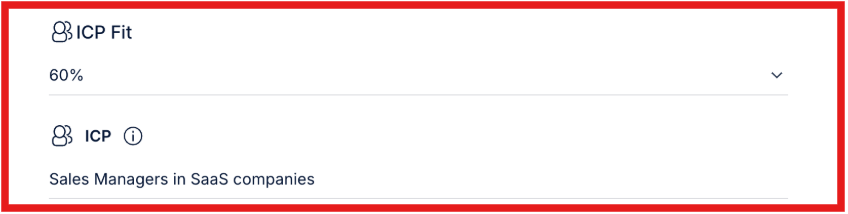
It also uses signals like ICP fit and LinkedIn activity to decide which contacts are more relevant and when LinkedIn should be prioritized over email.
On top of that, Jason personalizes messages using data from LinkedIn profiles, company information, and external sources, and allows you to either send messages automatically or review them before they go out.
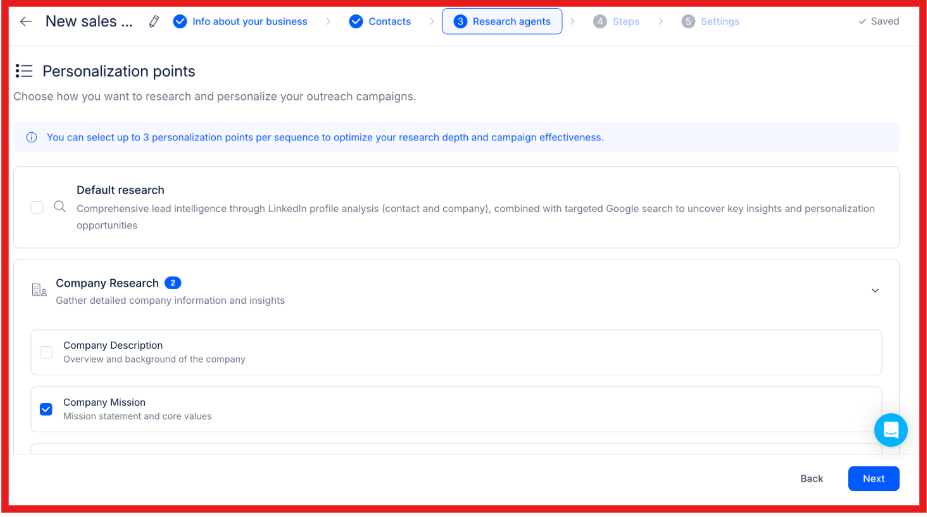
This makes LinkedIn outreach more controlled, personalized, and consistent, while still reducing manual effort.
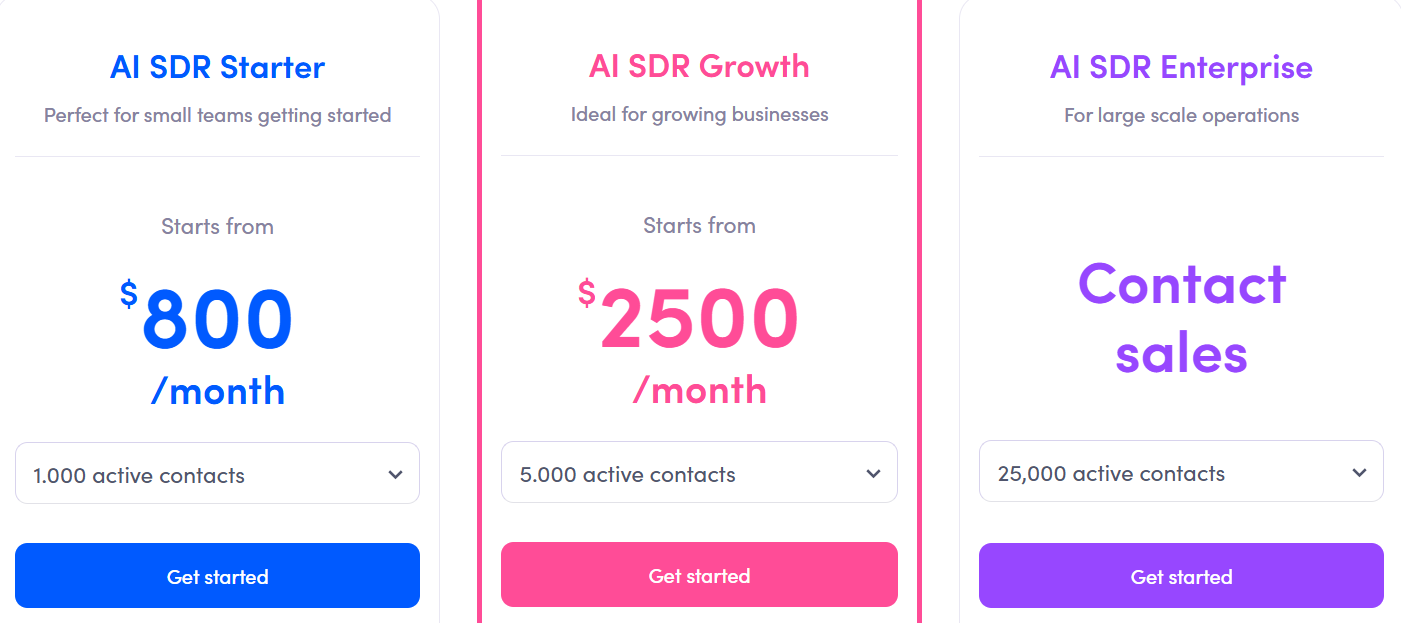
Jason works best for teams that want AI support without losing control. It doesn’t try to replace your entire outbound process. Instead, it gives you structure, personalization, and automation, while still letting you review and guide what goes out.
If your priority is consistent LinkedIn and email outreach with high message quality, Jason is a reliable choice.
Best for: Fully automated outbound without manual work
Rating: 4.7/5
What I like: Runs almost the entire outbound process on its own
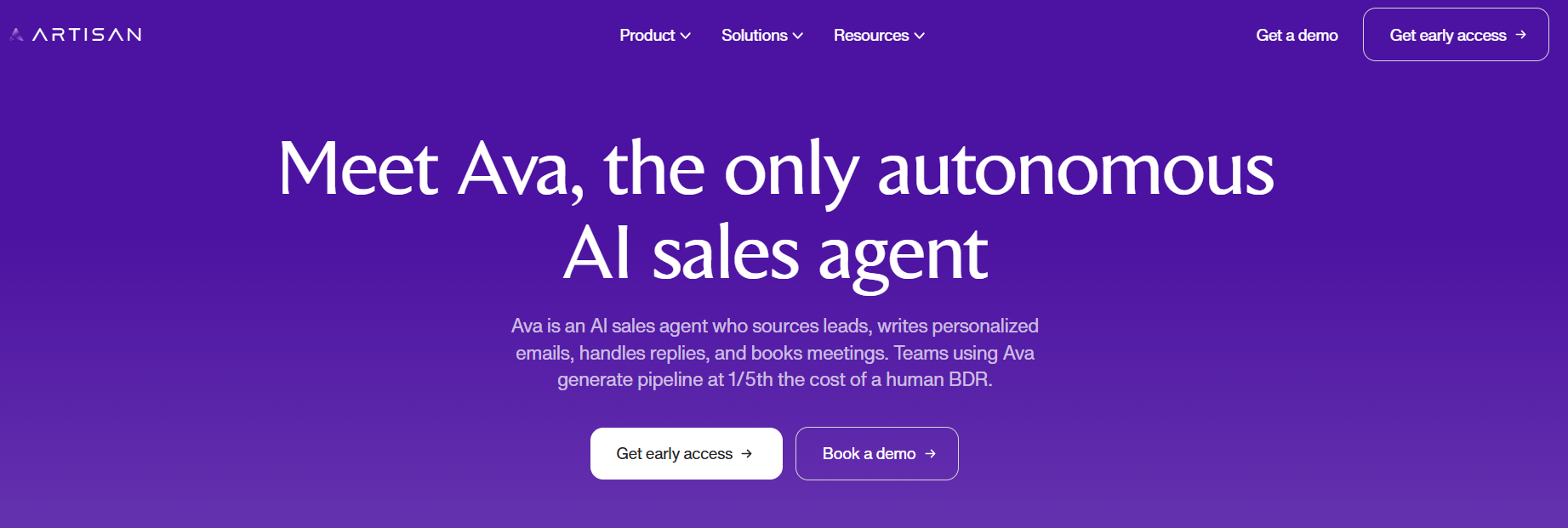
Ava by Artisan AI is an AI sales agent that manages outbound tasks like finding leads, writing messages, sending outreach, following up, and booking meetings. You define your ICP and campaign goals, and Ava executes the process based on that.
It pulls leads from a large database, enriches them with signals like hiring or funding activity, and runs outreach across channels. The goal is to help teams generate pipeline without adding more SDRs.
Ava uses LinkedIn inside a multi-channel workflow, where it identifies relevant prospects and reaches out with personalized messaging based on their context.
Instead of using fixed templates, it generates unique messages for each prospect and adjusts outreach based on signals and engagement. LinkedIn steps like messages and follow-ups are part of the same sequence as email, which keeps communication consistent.
In simple terms, Ava can:
Ava is better suited for teams that want less involvement in outbound execution. It focuses on running campaigns and getting meetings, rather than just helping with message sending.
Best for: All-in-one AI sales agent for prospecting, outreach, and inbox management
Rating: 4.6/5
What I like: Combines lead generation, outreach, and inbox in one system
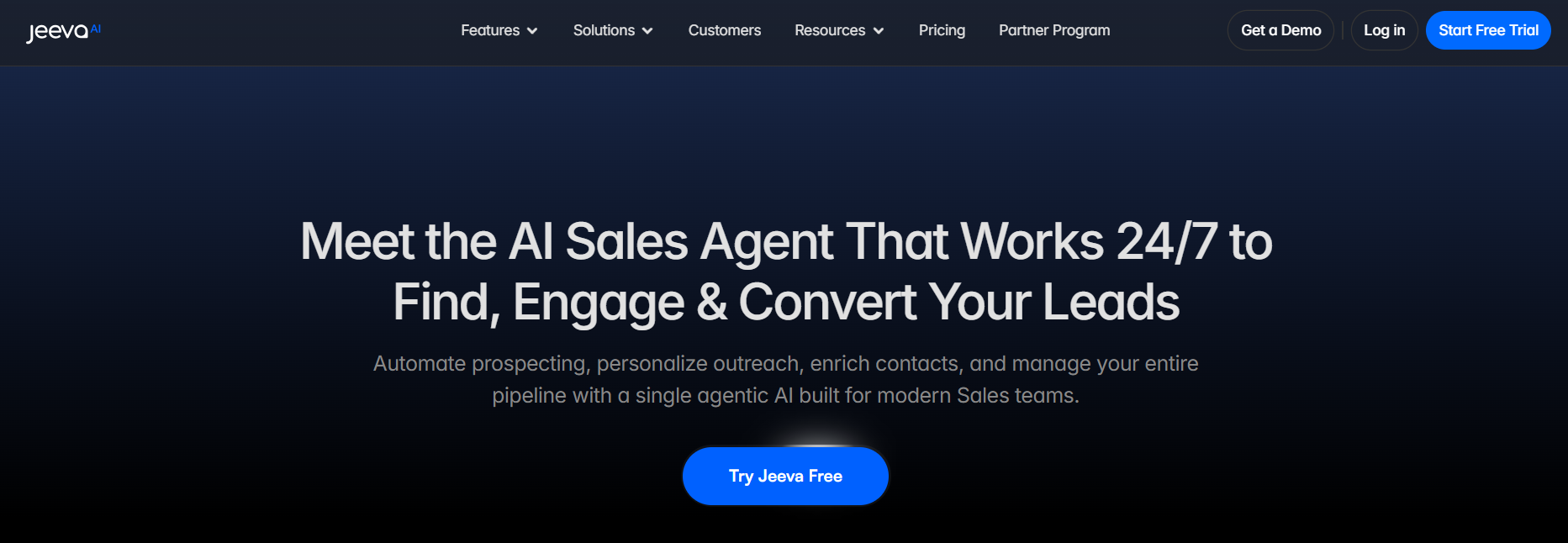
Jeeva AI is a multi-agent sales platform that helps teams handle the full outbound process in one place. It can find leads, enrich them with data, score them, send outreach, and manage conversations through an AI-powered inbox.
Instead of using separate tools for prospecting, outreach, and follow-ups, Jeeva brings everything into one workflow. It pulls data from a large contact database, adds multiple data points like company details and signals, and helps teams focus more on closing rather than manual work.
Jeeva AI works by helping you use LinkedIn as part of your outbound process, not as a separate tool. You start by defining your ideal customer profile, and Jeeva finds matching prospects using its database and filters, with LinkedIn integration.
It then supports outreach across LinkedIn and email together, using personalized messages based on each prospect’s profile and context. When prospects respond, Jeeva organizes conversations in one inbox and suggests replies, so you don’t have to manage everything manually.
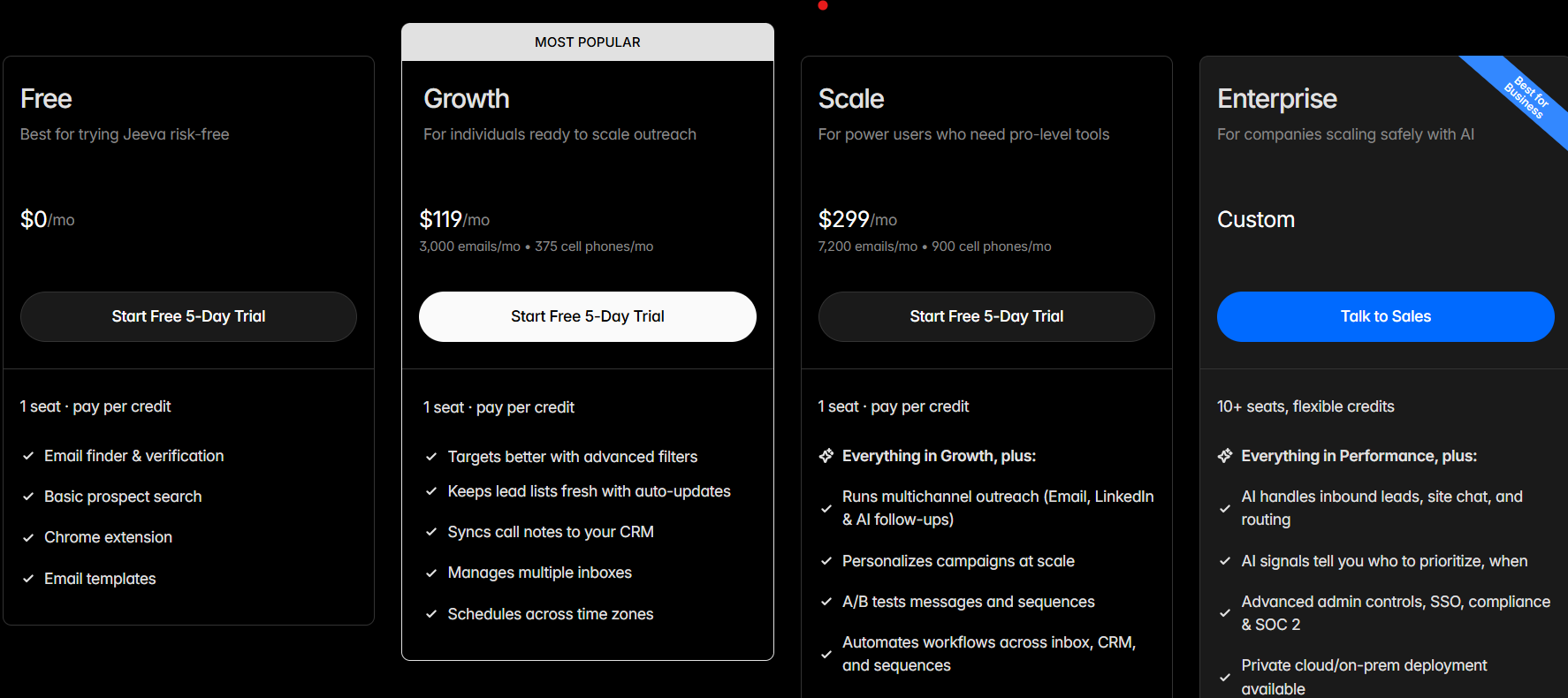
Jeeva works well for teams that want a single system to manage leads, outreach, and conversations together. It’s not built only for LinkedIn automation, but it supports LinkedIn as part of a larger outbound workflow.
If your goal is to simplify your sales stack and manage everything in one place, Jeeva is a solid option.
Enter your email to get a custom plan & stack recommendation for your business
Please check your mailbox in 5 minutes
The right tool depends on how you want to run outbound.
But most teams don’t struggle with sending messages. They struggle with managing the full flow, leads, outreach, follow-ups, and replies. If your goal is to run LinkedIn outreach as a complete system, not just send messages, then Agent Frank stands out. It connects LinkedIn and email, handles outreach and follow-ups, and helps move conversations toward meetings.
If you want a setup that actually helps you move conversations to meetings, try Agent Frank and see how it fits your workflow.
.png)

.png)
.avif)
