Personalized Outbound Strategy
Get The Right Outbound Strategy In Minutes
Enter your email to get a custom plan & stack recommendation for your business
It's being carefully crafted by AI
Please check your mailbox in 5 minutes
Lead generation usually starts with research.
I spend time finding companies, checking LinkedIn profiles, and collecting emails before outreach begins.
Recently I heard a lot of buzz about OpenClaw.
OpenClaw is an open-source AI assistant that runs tasks on your computer and can automate workflows.
That made me curious about one thing.
Can a tool like OpenClaw actually help generate sales leads automatically?
So in this guide, I’ll look at how OpenClaw works and whether it can realistically help with lead generation.
I’ll also compare it with tools built specifically for lead search, like Leadsforge, which helps me build targeted prospect lists before running outreach campaigns.
OpenClaw can help automate tasks like web research or data collection.
But it does not provide built-in lead databases or prospect filters.
When I need targeted B2B contacts quickly, I usually rely on tools like Leadsforge to build prospect lists before running outreach campaigns.
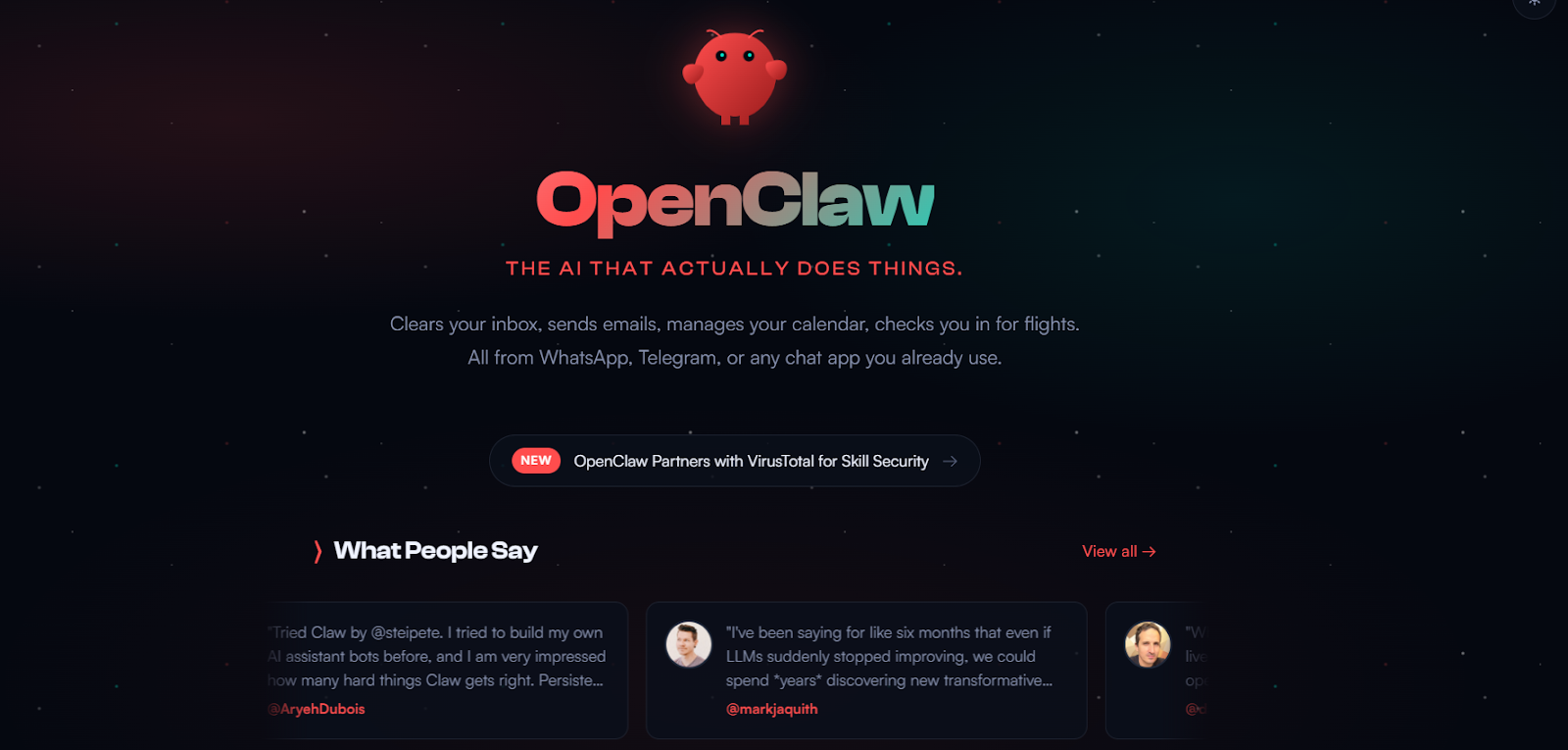
OpenClaw is an open-source AI assistant that runs on your own computer.
It acts as a gateway between chat apps and AI models.
You can message it from apps like WhatsApp, Telegram, Discord, Slack, or iMessage.
The assistant then performs tasks directly on your machine.
For example, it can browse websites, run scripts, read or write files, and interact with tools like Gmail or GitHub.
Because it runs locally on macOS, Windows, or Linux, your data and API keys stay on your own system.
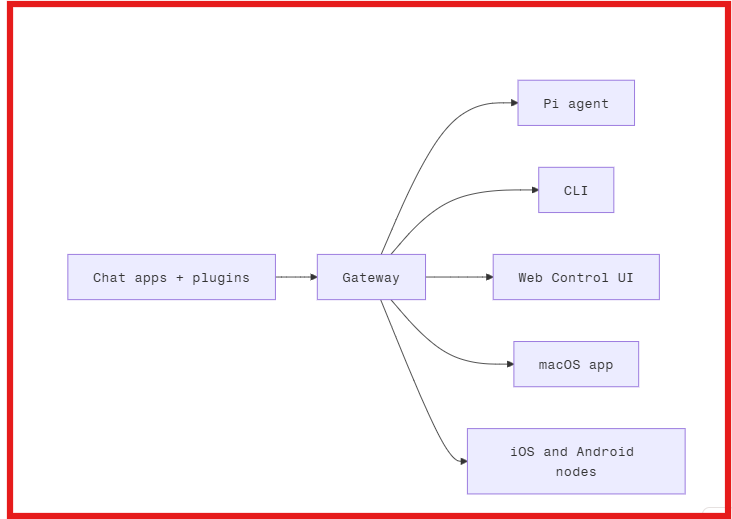
OpenClaw works through a local gateway that connects chat apps, AI models, and tools on your computer.
Here’s the simple workflow.
You interact with OpenClaw through apps like WhatsApp, Telegram, Discord, Slack, or iMessage.
Instead of opening a dashboard, you simply send a message such as:
A process called the OpenClaw Gateway runs on your computer or server.
This gateway acts as the central hub that receives messages from chat apps and sends them to the AI model.
The gateway connects to AI models like:
The model interprets your request and decides what actions are needed.
OpenClaw can then perform actions using plugins, scripts, or system access.
For example, it can:
Once the task is completed, the response is sent back to the same chat app where you asked the question.
This makes it feel like you are messaging a personal assistant that can actually perform tasks on your computer.
OpenClaw is not built specifically for lead generation.
However, because it can browse the web and run automated tasks, it can assist with parts of the prospecting process.
Here are a few ways it can be used.
However, OpenClaw does not provide built-in lead databases or prospect filters.
Here are the best use cases of OpenClaw I’ve found:
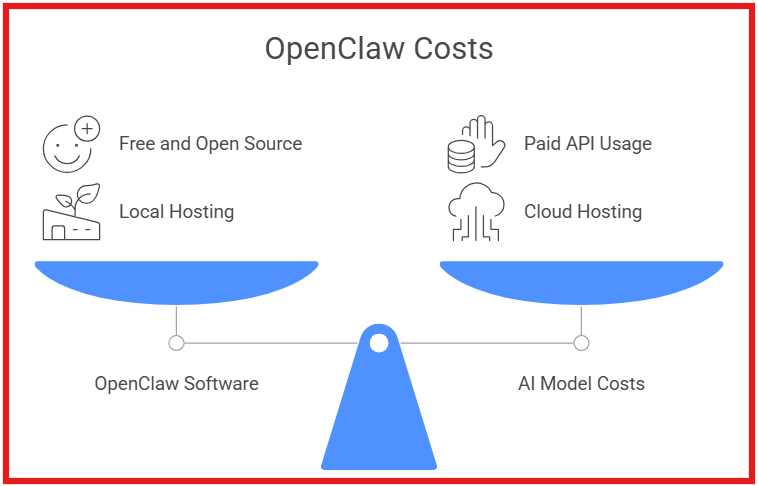
OpenClaw itself is free to use because it is an open-source project.
You can install and run it on your own machine without paying for the software.
However, there are a few costs to consider depending on how you use it.
OpenClaw connects to external AI models such as:
If you use cloud models, you will need to pay for their API usage or subscription plans.
Some users run OpenClaw on:
If you host it on cloud infrastructure, there may be additional server costs.
Quick summary:
In short, OpenClaw itself has no fixed pricing, but the total cost depends on the AI models and infrastructure you choose to use.
OpenClaw is for users who want a customizable AI assistant that runs on their own machine.
It is best suited for:
However, OpenClaw may not be ideal for users looking for ready-made tools like built-in lead databases or plug-and-play sales automation.
Like most emerging AI agent platforms, OpenClaw comes with both advantages and limitations.
It offers strong automation capabilities and flexibility, but it also requires technical setup and configuration.
Understanding these trade-offs can help you decide whether it fits your workflow.
OpenClaw works best for users who want a self-hosted AI assistant with system-level capabilities.
It runs on your machine and connects chat apps, AI models, and tools through a single gateway.
However, it requires setup and configuration. That makes it more suitable for certain types of users.
I. OpenClaw is a good fit if you:
II. OpenClaw may not be the best fit if you:
Enter your email to get a custom plan & stack recommendation for your business
Please check your mailbox in 5 minutes

After looking closely at OpenClaw, I see it mainly as an automation assistant.
It can browse websites, run scripts, and perform tasks on your computer. That makes it useful for research and workflow automation.
However, it is not built for sales prospecting or outreach.
There is no lead database, no prospect filters, and no built-in campaign system.
That means OpenClaw can assist with research. But it cannot run a full outbound sales process on its own.
When my goal is to generate pipeline, I rely on tools built specifically for outbound.
I usually start with Leadsforge to build a targeted prospect list based on my ideal customer profile.
Then I move those contacts into Salesforge to run email and LinkedIn sequences from one platform.
If I want the process handled automatically, I use Agent Frank inside Salesforge.
Agent Frank works like an AI SDR. He can find prospects, write outreach messages, send follow-ups, and help book meetings.
OpenClaw is powerful for automation experiments.
But for real outbound sales automation, tools designed for prospecting and outreach work much better.
If your goal is to automate pipeline generation, you can try Salesforge or hire Agent Frank to run outreach on your behalf.
.jpg)

.jpg)

.jpg)