Personalized Outbound Strategy
Get The Right Outbound Strategy In Minutes
Enter your email to get a custom plan & stack recommendation for your business
It's being carefully crafted by AI
Please check your mailbox in 5 minutes
Outbound is not the same anymore. You can have good leads and solid tools, but still struggle to get replies and book meetings consistently. I have seen this happen even with a proper setup.
The problem is execution at scale. That is why many teams are now using outbound AI sales agents. These tools help with tasks like finding prospects, writing emails, and handling follow-ups without manual effort. But not every tool works the same way. Many only support one part of outbound.
In this guide, you will find the 10 best outbound AI sales agents to scale revenue in 2026, so you can clearly see what each tool does and choose the one that fits your setup.
An AI sales agent is a tool that helps with outbound sales tasks. It can find prospects, build lead lists, write emails, and send follow-ups automatically. The main purpose is to reduce manual work. Instead of doing each step by hand, the tool handles repetitive tasks like research and outreach.
Some AI sales agents can manage most of the outbound process. Others only help with one part, such as writing emails or finding leads. Before choosing a tool, it is important to check which tasks it actually handles and which still require manual work.
Each tool was evaluated based on how it performs during real outbound work.
The focus was on what actually impacts results, not just what looks good in product demos.
What I looked at:
We also tested how these tools behave when scaling outreach, to see if performance stays stable or drops with higher volume.
Best for: Automating full outbound (prospecting → emails → follow-ups → meetings)
Pricing: Starts at ~$499/month for ~1,000 active contacts
What I like: Handles most outbound work in one system without needing multiple tools
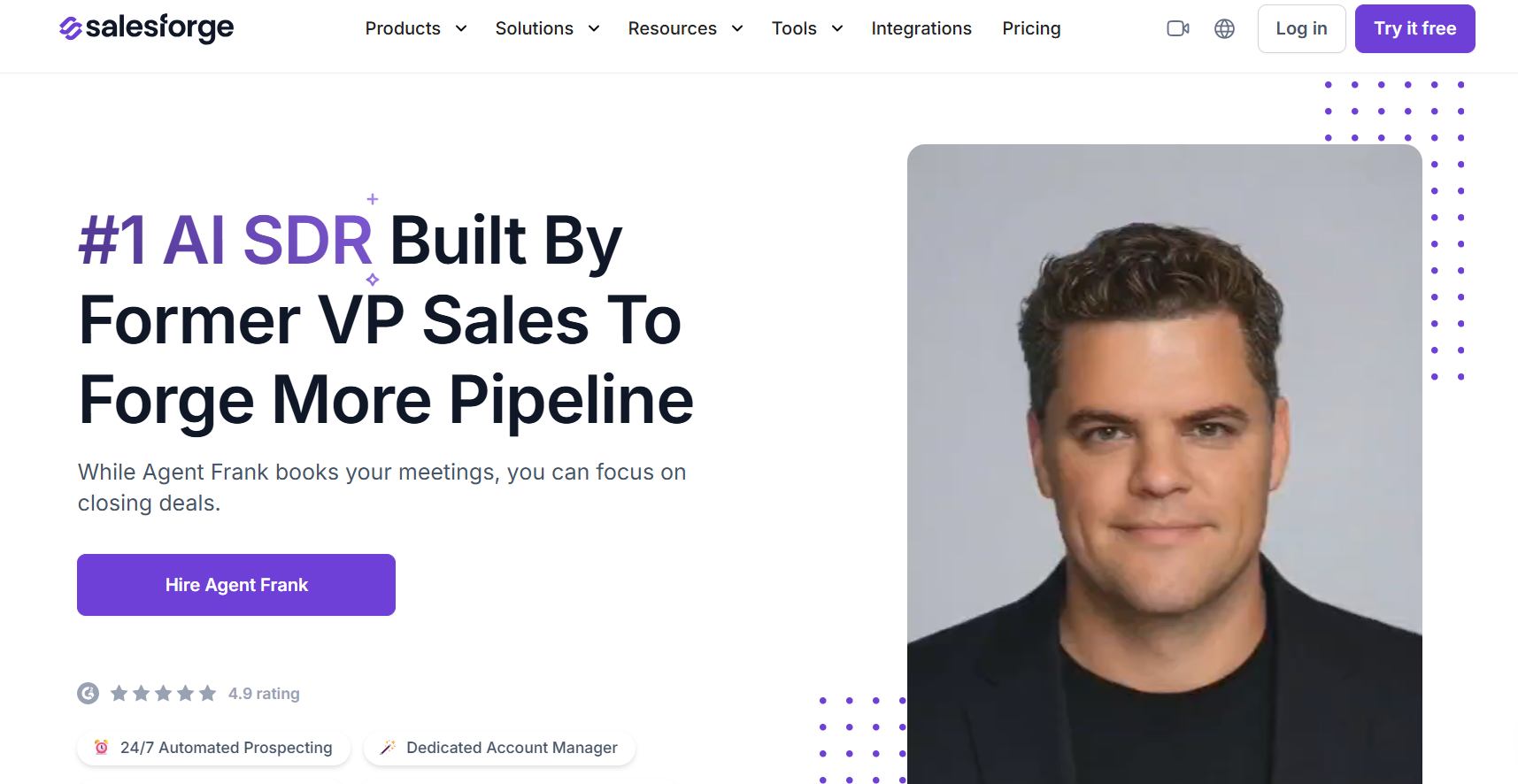
Agent Frank is an AI SDR built to automate outbound sales work. It helps with finding leads, writing emails, sending follow-ups, and booking meetings.
It works like a sales assistant that runs continuously. Once set up, it uses your data and instructions to run campaigns on its own. It supports both email and LinkedIn outreach, and you can control how much automation you want.
Agent Frank works through a step-by-step setup and execution flow. You begin by adding your business details, goals, and basic instructions. Then you connect your mailboxes and LinkedIn accounts, or use the built-in infrastructure options.
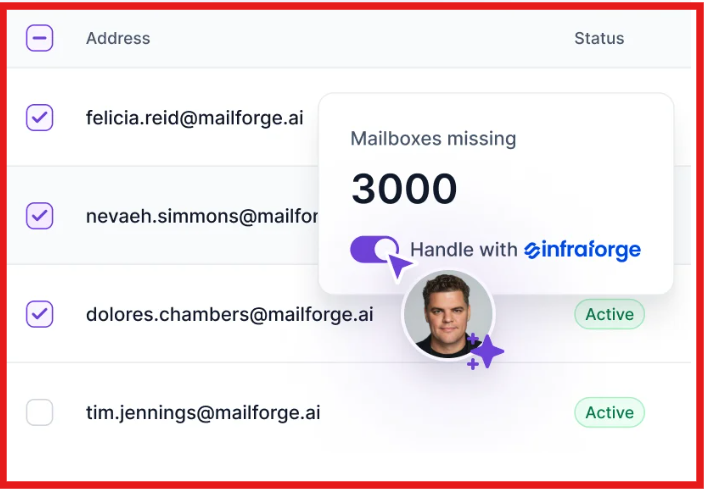
Next, you can upload your own contacts or let the agent continuously find new prospects based on your targeting.
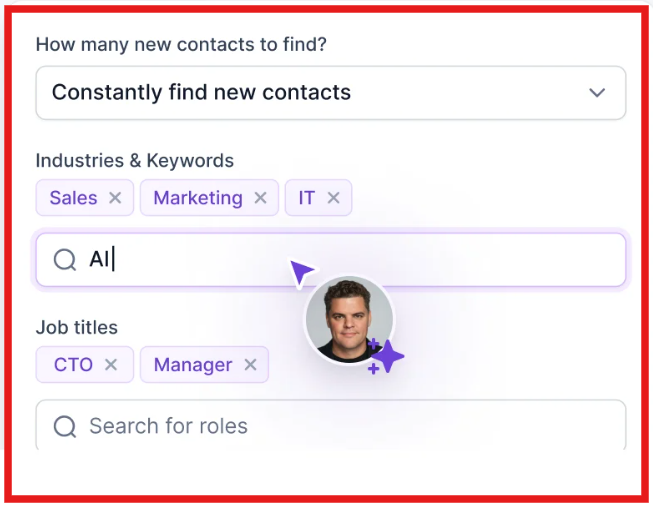
Once this is done, Agent Frank starts running outreach. It takes care of sending emails or LinkedIn messages and keeps follow-ups going without manual effort. You can decide how much control you want:
Agent Frank keeps working in the background, handling outreach and maintaining a steady flow of activity. It also moves conversations toward meeting booking, so you can focus on closing deals.
Overall, it brings prospecting, outreach, and follow-ups into one ongoing process.
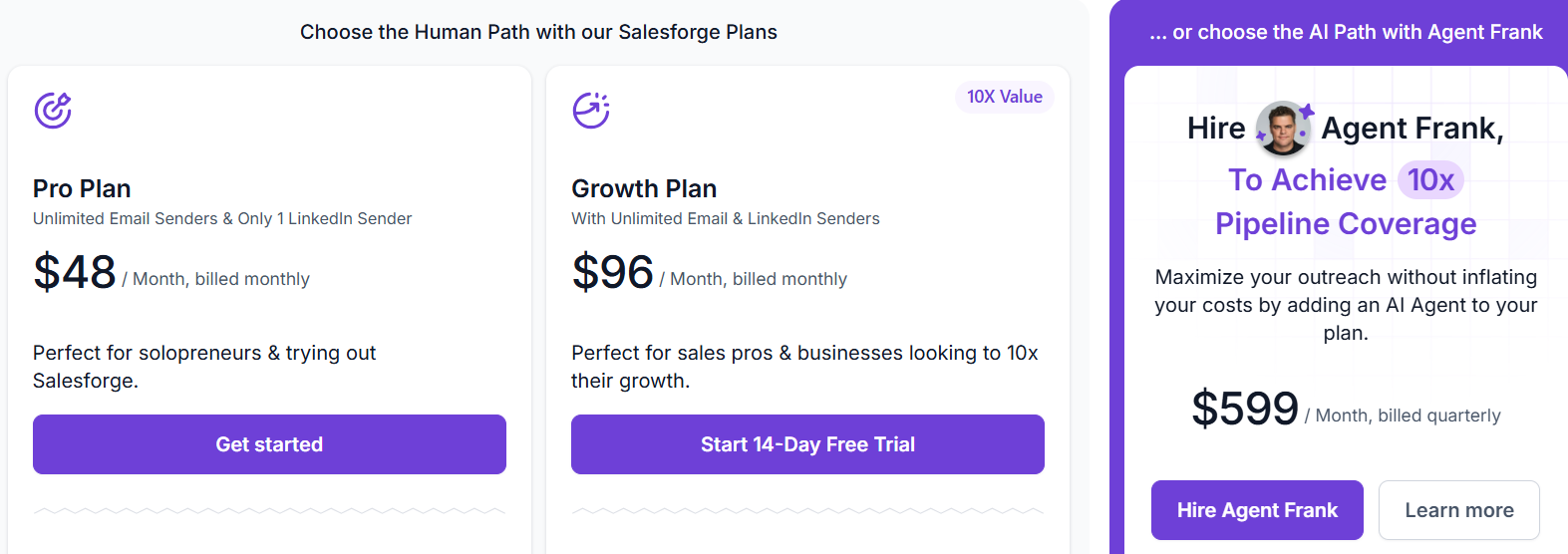
Infrastructure (domains, mailboxes) may cost extra depending on setup.
Pros of Agent Frank:
Cons of Agent Frank:
Agent Frank works best when outbound is already working but hard to scale. The biggest advantage is that it handles multiple steps in one place, so you don’t have to manage different tools.
At the same time, performance depends on how the agent is configured and used. If ICP and messaging are not clear, it will not perform well. Overall, it is a strong fit for teams that want to scale outbound without adding more manual work.
Enter your email to get a custom plan & stack recommendation for your business
Please check your mailbox in 5 minutes

Best for: Multichannel outbound with AI (email + LinkedIn + calls)
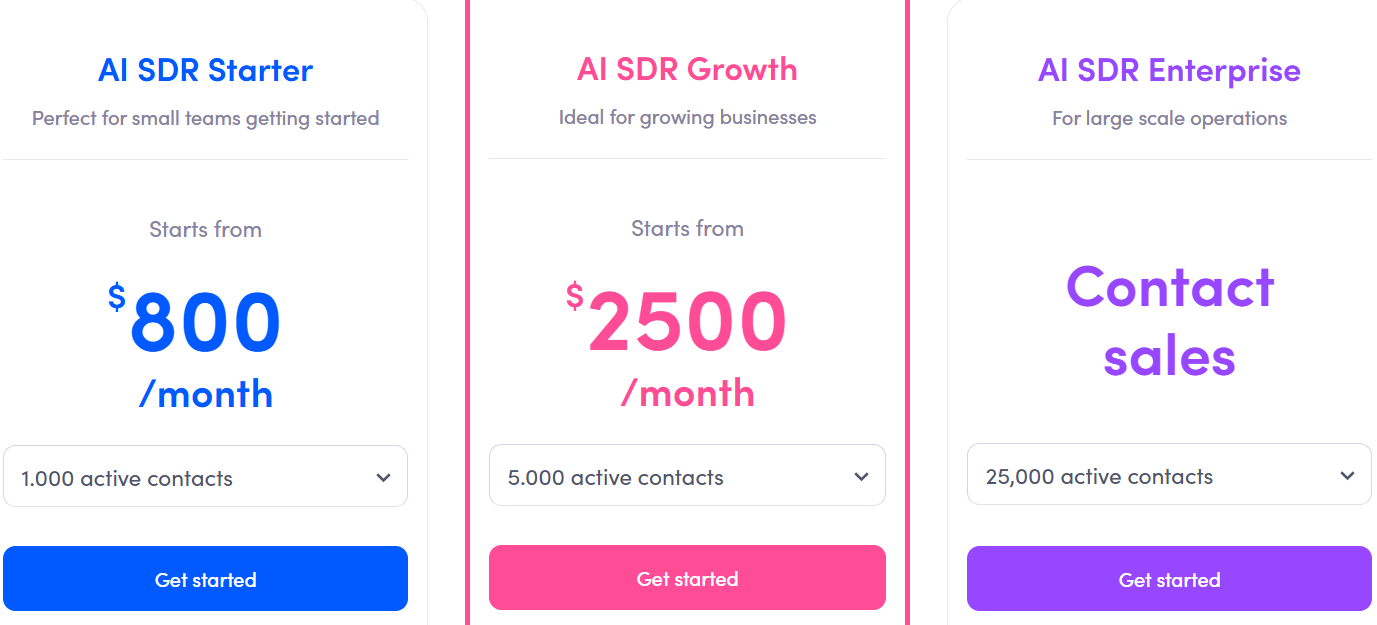
Pricing: Starts at ~$800/month for ~1,000 active contacts
What I like: Strong multichannel automation with built-in data and reply handling
Jason AI SDR is an AI sales agent by Reply.io that helps automate outbound sales. It can define your ICP, find leads, create outreach sequences, and handle replies. It works as an all-in-one outbound tool.
You provide your product details, and it uses that to generate messaging, targeting, and campaigns. It supports email, LinkedIn, calls, and other channels in one workflow.
Jason AI SDR follows a structured setup and execution flow. You start by adding your business details like your website, product information, and messaging. Based on this, Jason builds your ICP, value propositions, and outreach angles automatically.
Next, it finds prospects in real time using filters like job title, location, and industry. You can also upload your own contact list if needed. Once the audience is ready, Jason creates a multichannel sequence. This includes emails, LinkedIn steps, and other touchpoints. Messages are personalized using your inputs and public data about each prospect.
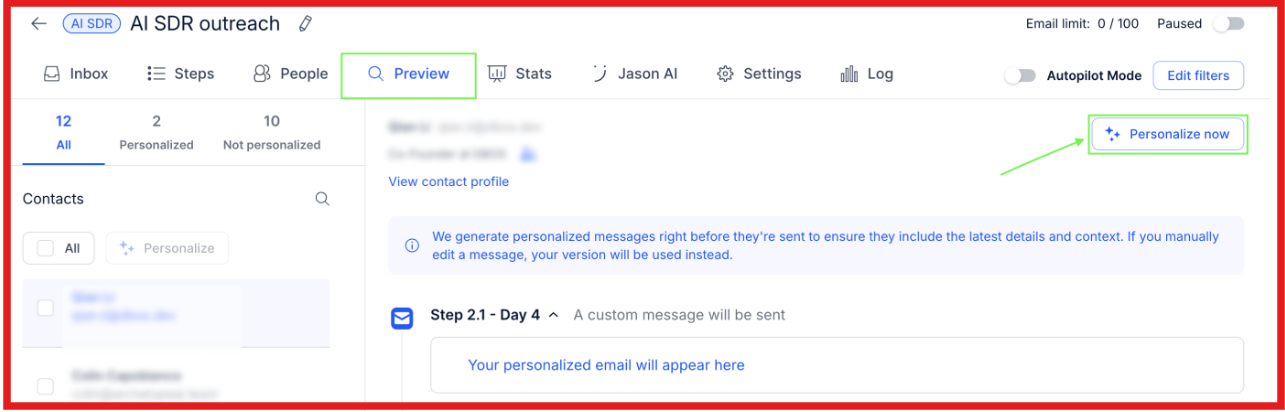
After setup, outreach can run automatically using Autopilot.
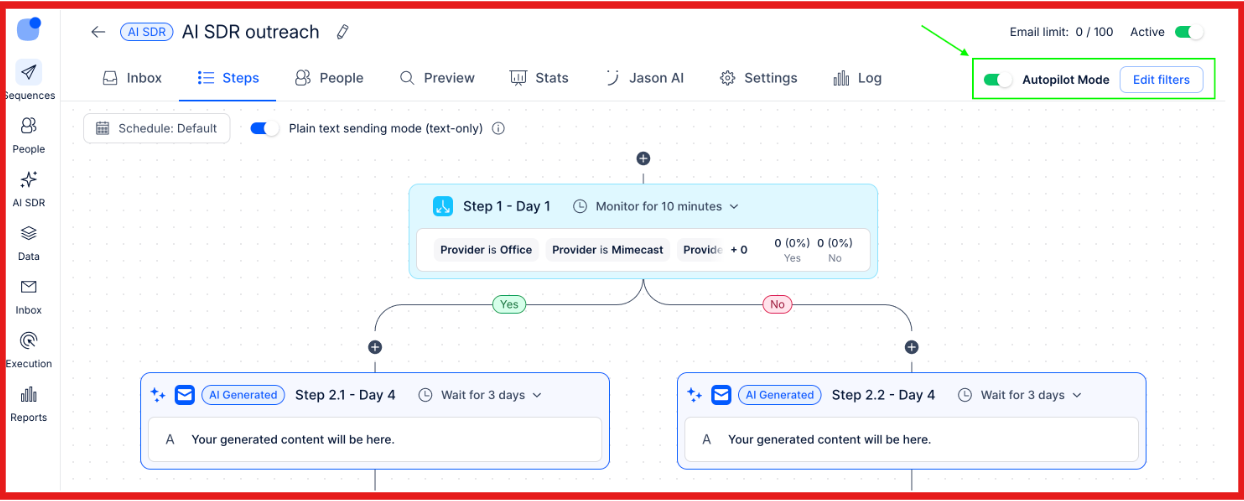
Jason keeps adding new contacts daily and continues sending messages and follow-ups without manual effort.
It can also handle replies. You can choose to let it send responses automatically or review them before sending. When a prospect is ready, it can book meetings by connecting with your calendar. Overall, it works as a system that connects prospecting, outreach, follow-ups, and reply handling in one flow.
It includes:
Pros of Jason AI SDR:
Cons of Jason AI SDR:
Overall, Jason AI SDR is a strong option for teams that want multichannel outbound in one system. It combines lead generation, outreach, and reply handling, which makes it easier to run campaigns without switching between tools.
Best for: Fully autonomous outbound
Pricing: Free to start (paid plans not publicly fixed)
What I like: Runs outbound end-to-end with minimal manual involvement
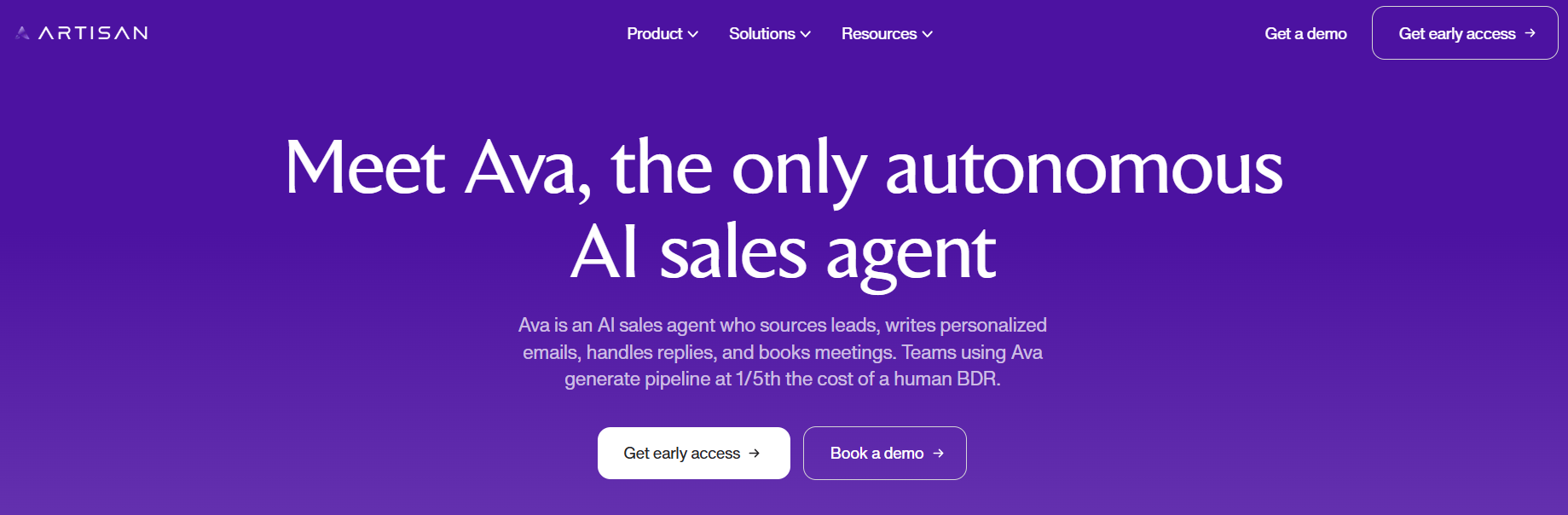
Ava is an AI sales agent by Artisan that automates outbound sales. It can find leads, write personalized messages, send outreach, handle replies, and book meetings. It works as an autonomous AI BDR. Once campaigns are set, it runs most of the outbound process on its own.
You define the targeting and strategy, and Ava handles execution. It supports multichannel outreach and uses data from multiple sources to personalize messages.
Ava follows an automated outbound workflow. You begin with setting your ICP, campaign inputs, and messaging guidelines. Based on this, Ava finds leads from a large B2B database and enriches them with intent signals like hiring or funding activity.
Then it launches multichannel campaigns.
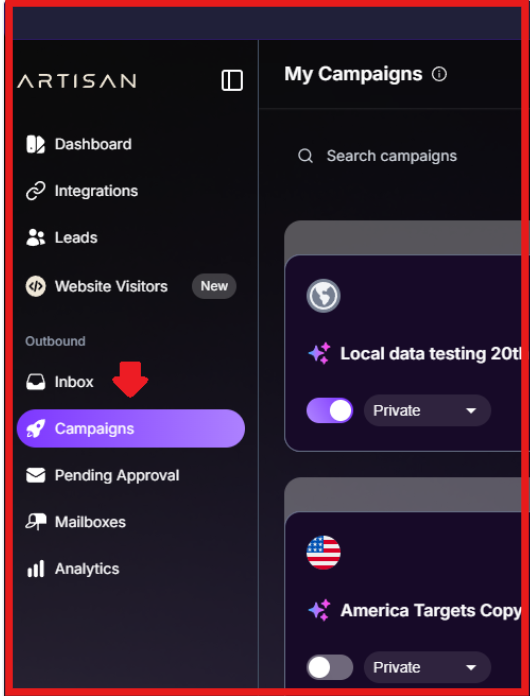
It writes personalized emails and messages for each prospect and sends them automatically.
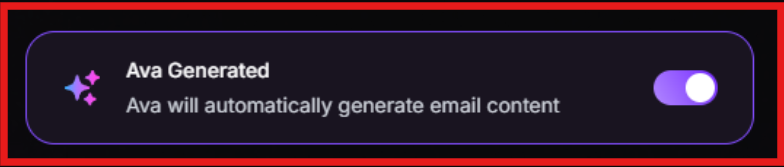
It can:
Ava handles replies and books meetings based on your campaign setup. Most of the process runs automatically, but you can add controls like approvals or campaign limits if needed.
Pros of Ava:
Cons of Ava:
From what I have seen, Ava works well when the goal is to let outbound run without checking it all the time. Once things are set, it keeps finding leads, sending messages, and moving conversations forward. It feels more like setting a system and letting it run.
Best for: Running outbound on autopilot with AI
Pricing: Not publicly listed (demo-based)
What I like: Tracks market signals and runs outreach continuously
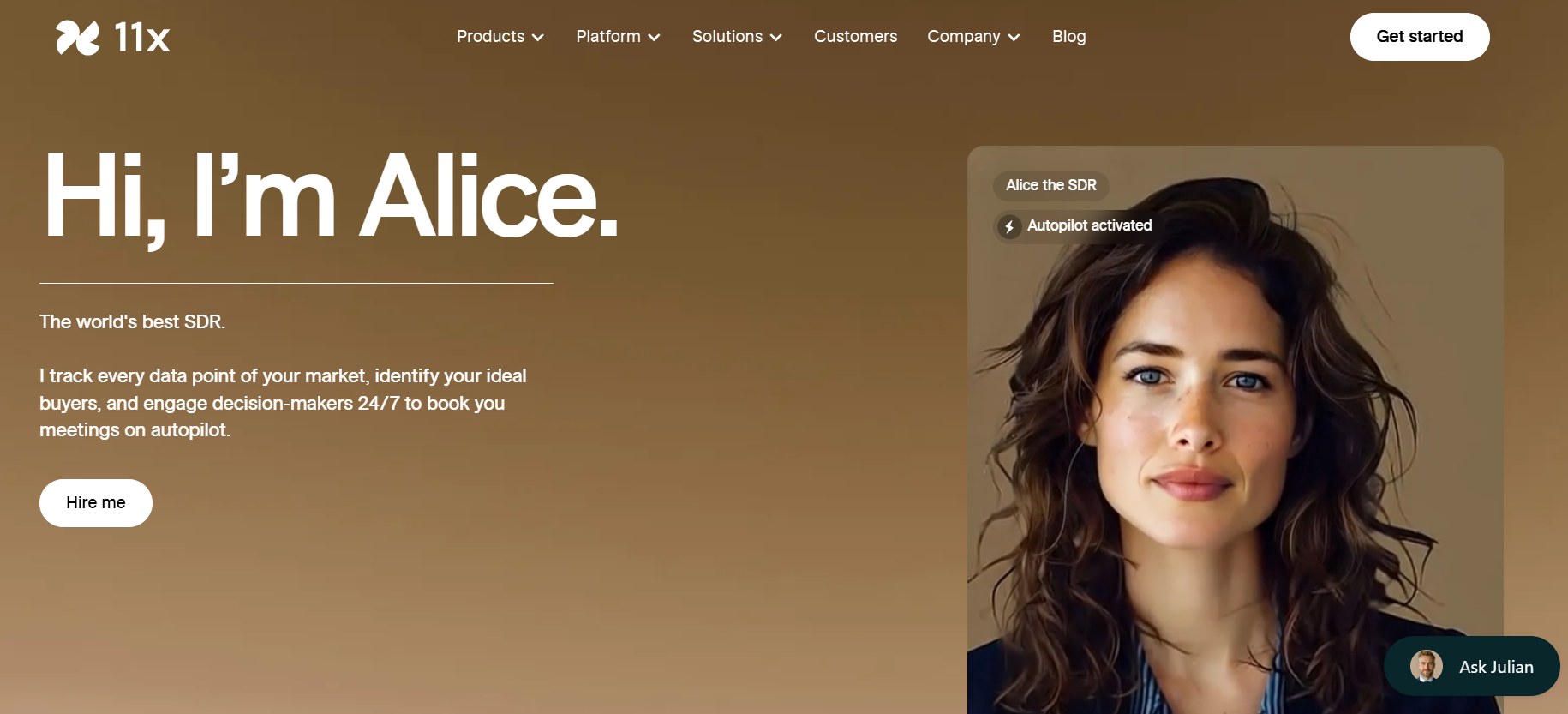
Alice is an AI SDR by 11x.ai that helps automate outbound sales. It can find prospects, research them, send personalized messages, and book meetings. It works like a digital sales rep that runs continuously. It tracks market data, identifies the right buyers, and engages them across channels.
Alice focuses on turning signals into pipeline by reaching out at the right time.
Alice works by continuously scanning your market and running outreach based on real signals. You start by defining your target audience and ideal customer profile. After that, Alice tracks real-time market signals and identifies prospects who match your criteria.
Once the right people are identified, it researches each prospect and prepares personalized messages. It then runs outreach across multiple channels without manual effort. It can:
Alice keeps running in the background, engaging prospects continuously based on signals.
Pros of Alice:
Cons if Alice:
Alice is an ideal choice when the goal is to run outbound based on real signals instead of static lists. It keeps tracking the market, reaching out, and pushing conversations forward without needing constant input.
Best for: Intent-driven outbound (finding the right buyers → outreach → meetings)
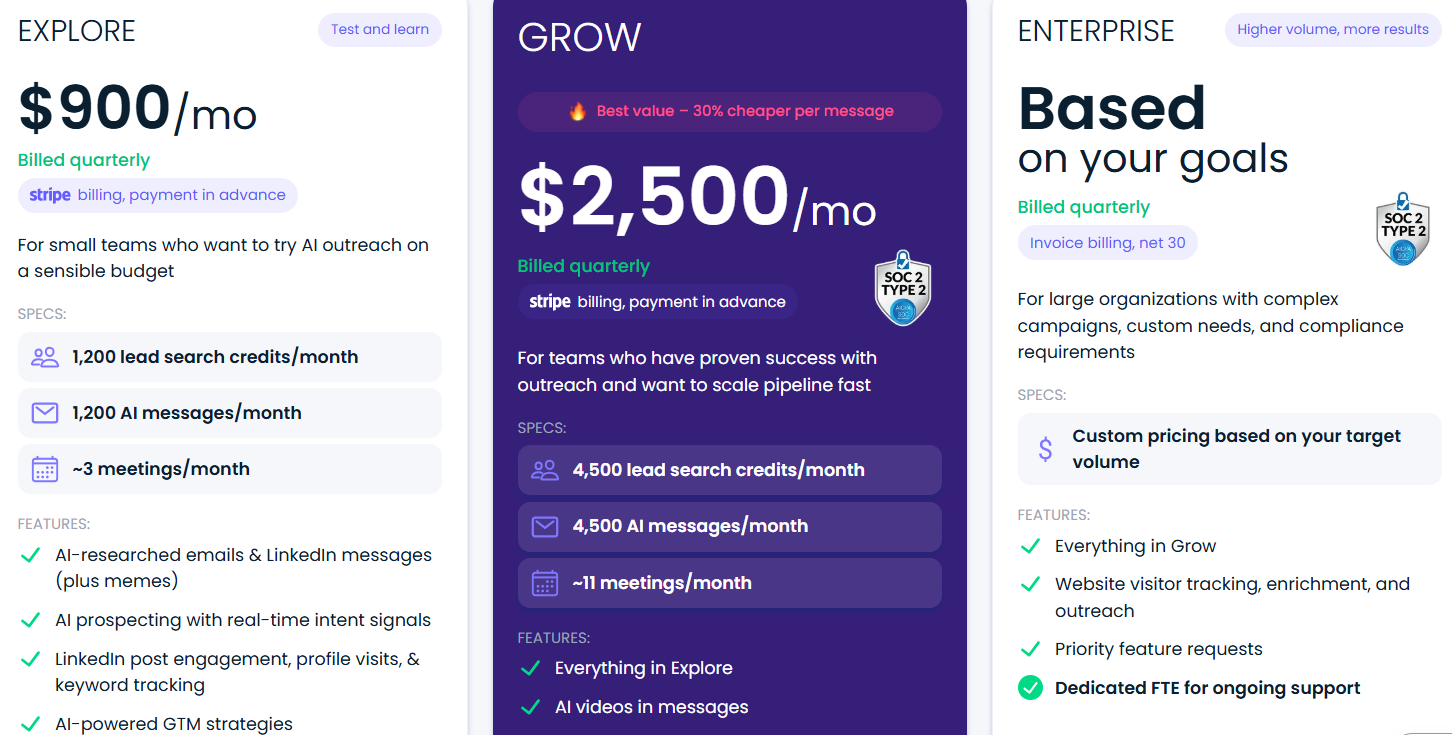
Pricing: Starts at ~$900/month (billed quarterly)
What I like: Focuses on relevance and timing instead of just sending more emails
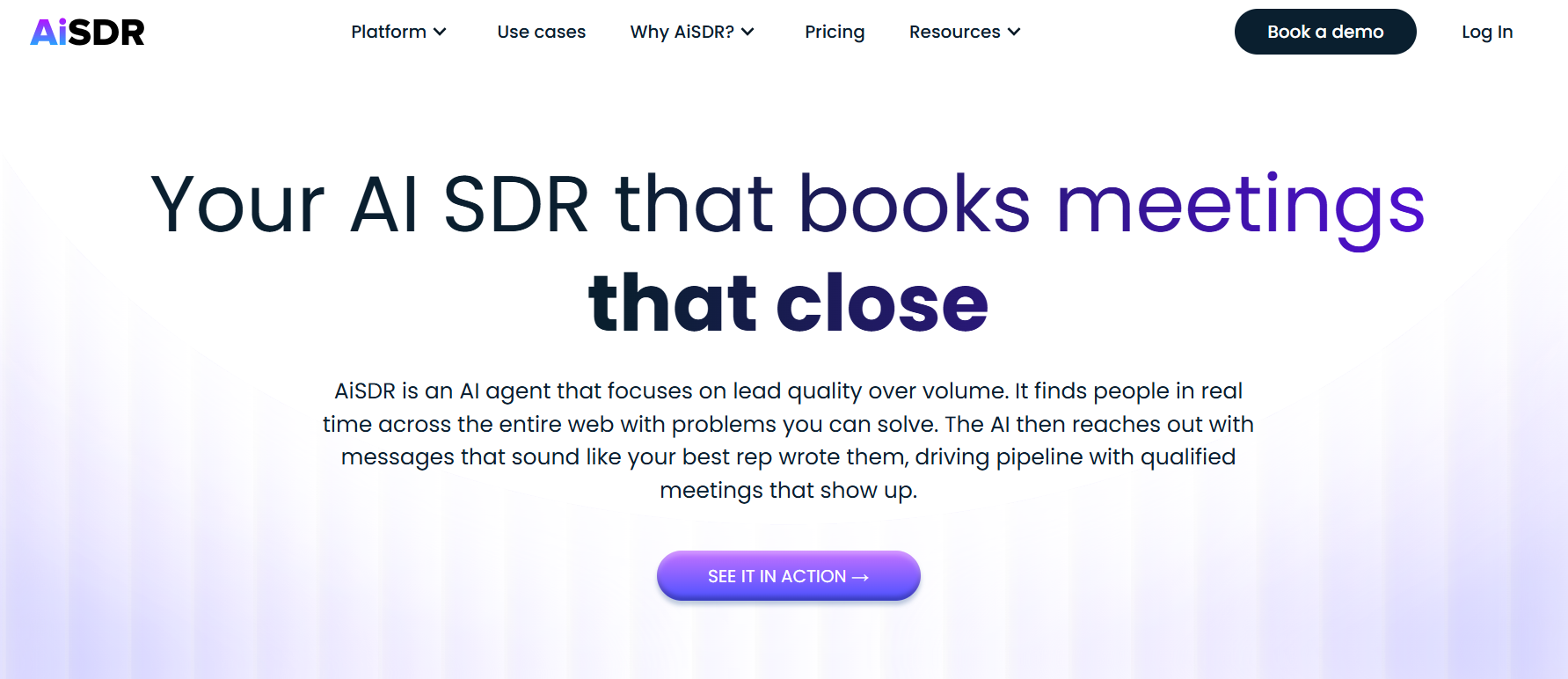
AiSDR is an AI sales agent built to run outbound sales workflows. It helps identify prospects, create messages, run campaigns, respond to leads, and schedule meetings. It acts more like a smart sales rep than a bulk sender. Instead of working on large lists, it focuses on people who are more likely to engage. It uses live data and research to make every message more relevant.
AiSDR runs outbound in a structured flow. You begin by defining your target audience and giving inputs about your product. Based on this, the system builds a profile for both targeting and messaging.
Next, it discovers prospects using real-time signals and keeps updating your pipeline with new matching contacts. Once contacts are added, it creates tailored messages and runs outreach through channels like email and LinkedIn.
It can:
It keeps campaigns active in the background and syncs all activity with your CRM.
Pros of AiSDR:
Cons of AiSDR:
AiSDR fits better when you care about who you reach, not just how many people you reach. It focuses on context and timing, which makes conversations feel more relevant and easier to convert.
Best for: Running cold email campaigns with AI support
Pricing: Starts at ~$37/month
What I like: Combines lead search, sending, and AI replies in one place
Instantly is a cold email outreach platform that helps you send emails, manage inboxes, and handle replies from one place. It also includes a lead database and AI features for writing emails and generating replies. But it is not a fully autonomous AI sales agent. You still need to define targeting and campaign setup.
If your goal is to run email outreach faster without using multiple tools, Instantly covers most of the execution layer.
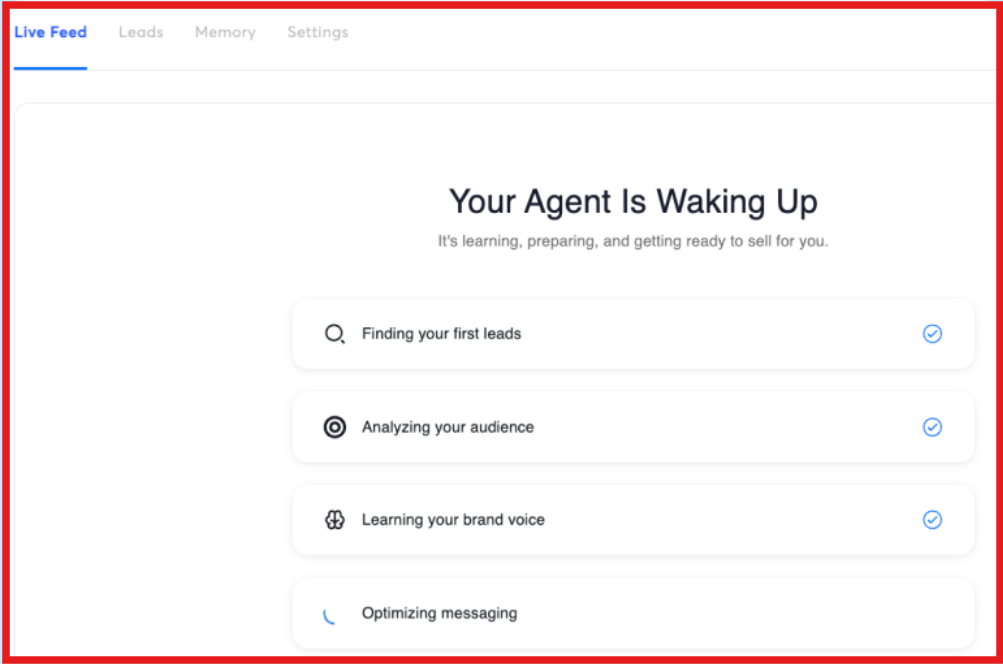
Instantly is built around campaign execution. You add leads or find them using its internal database. Then you connect your email accounts and create sequences. Once campaigns are live, Instantly sends emails in steps and follows up based on timing rules you set. It can:
The platform handles sending and tracking, but strategy, targeting, and messaging direction still come from you.
Pros of Instantly:
Cons of Instantly:
Instantly is useful when the goal is to send emails and track replies without using many tools. It saves time on execution, but you still control how the outreach works.
Best for: Managing full sales workflow (pipeline → outreach → deals → forecasting)
Pricing: Not publicly listed (demo-based)
What I like: Combines AI insights, workflows, and deal tracking in one platform
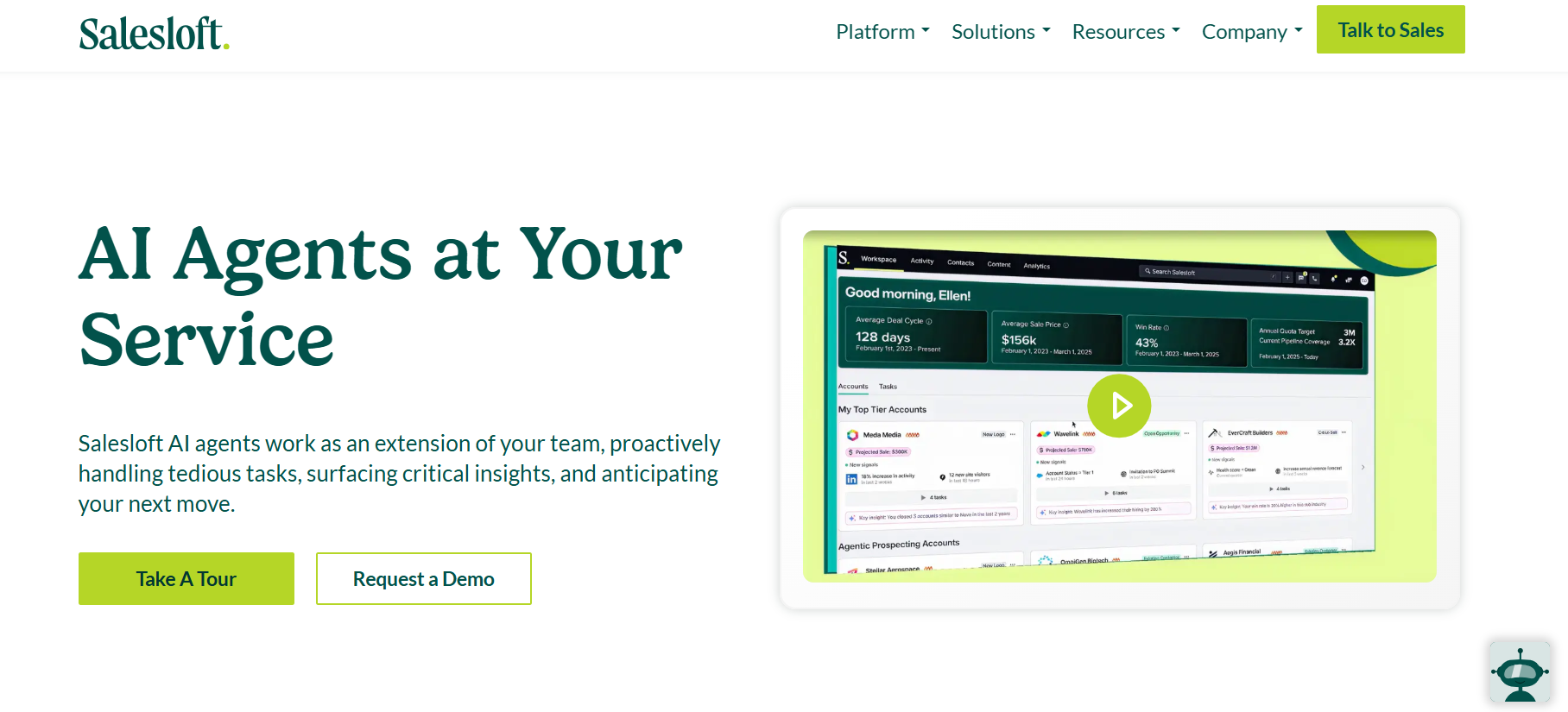
Salesloft is a revenue platform that helps sales teams manage the full sales process. It brings together outreach, deal tracking, forecasting, and analytics in one system. It is not a single AI sales agent. Instead, it uses multiple AI agents across different parts of the sales cycle to support the team.
The focus is on helping teams understand what is happening in their pipeline and take the right actions to close deals.
Salesloft works by connecting your sales data, communication tools, and CRM into one system. Once everything is set up, it tracks your pipeline, deals, and team activity in real time. The platform uses multiple AI agents to support different parts of the workflow.
It can research accounts and buyers, help write emails, and analyze sales conversations to give useful insights. It also looks at deal progress, highlights risks, and shows what actions should be taken next.
On top of that, it uses past and current data to predict revenue through forecasting. Instead of running outbound on its own, Salesloft helps sales teams understand what is happening and take better decisions at each step.
Pros of Salesloft:
Cons of Salesloft:
If you already have a sales team and want better visibility, tracking, and forecasting, Salesloft fits well. But if you are looking for a tool that runs outbound fully on its own like an AI SDR, this is not built for that use case.
Best for: Building data-driven outbound (enrichment → signals → workflows → outreach)
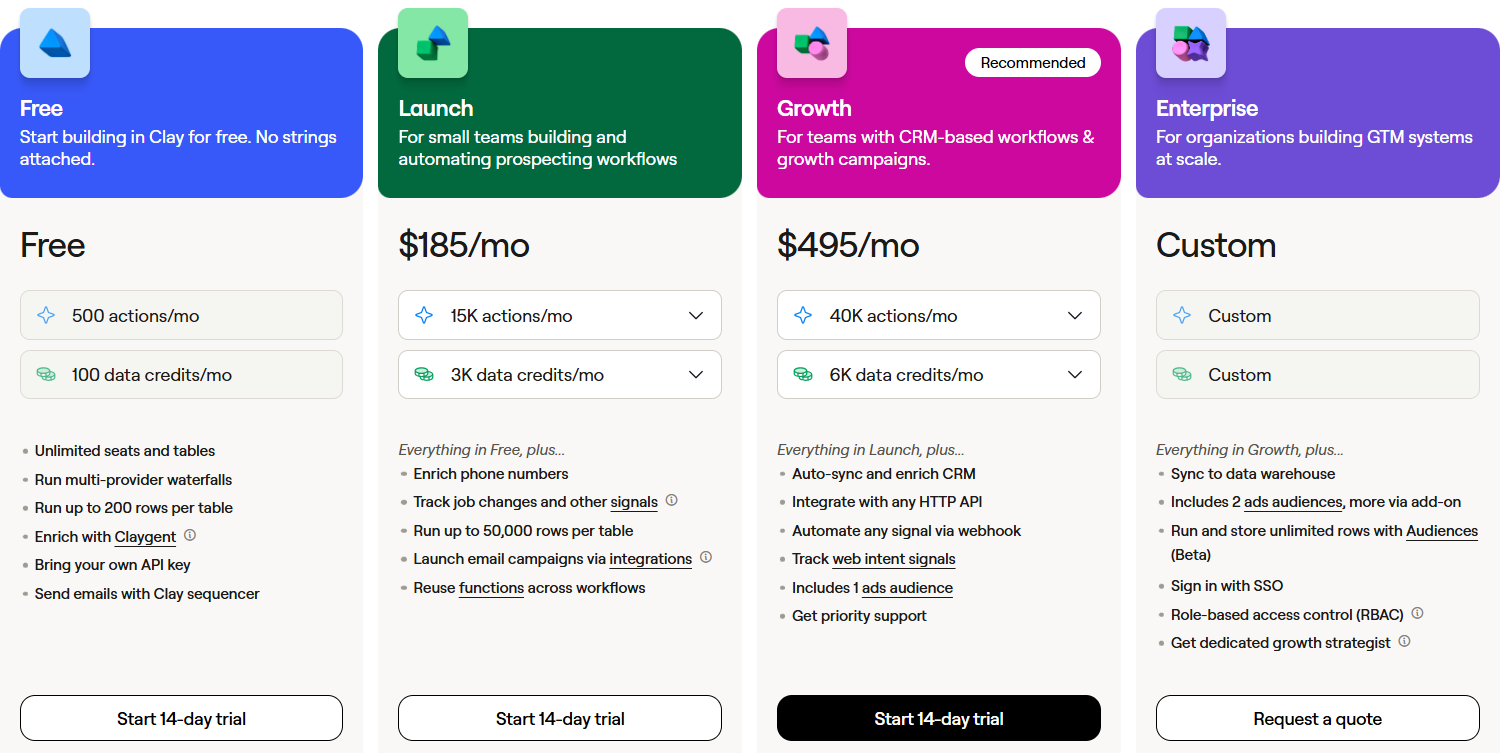
Pricing: Free plan available, paid plans start from ~$149/month
What I like: Combines data, AI agents, and workflows in one place
Clay is a GTM platform that helps you collect, enrich, and use data for outbound. It is not just a sending tool. It focuses more on building high-quality data and then using that data to run better campaigns.
It brings together data from 150+ providers, adds intent signals, and uses AI to research and personalize outreach. You can also create AI agents and workflows to automate different parts of your sales process.
Clay works by turning raw data into actionable outbound workflows. You start by adding leads from your CRM, searches, or external sources. Then Clay enriches this data using multiple providers to improve accuracy and coverage.
After that, it adds intent signals like job changes, hiring activity, or website visits to help you understand when to reach out. This gives more context instead of just basic contact data.
It also includes an AI research agent called Claygent.
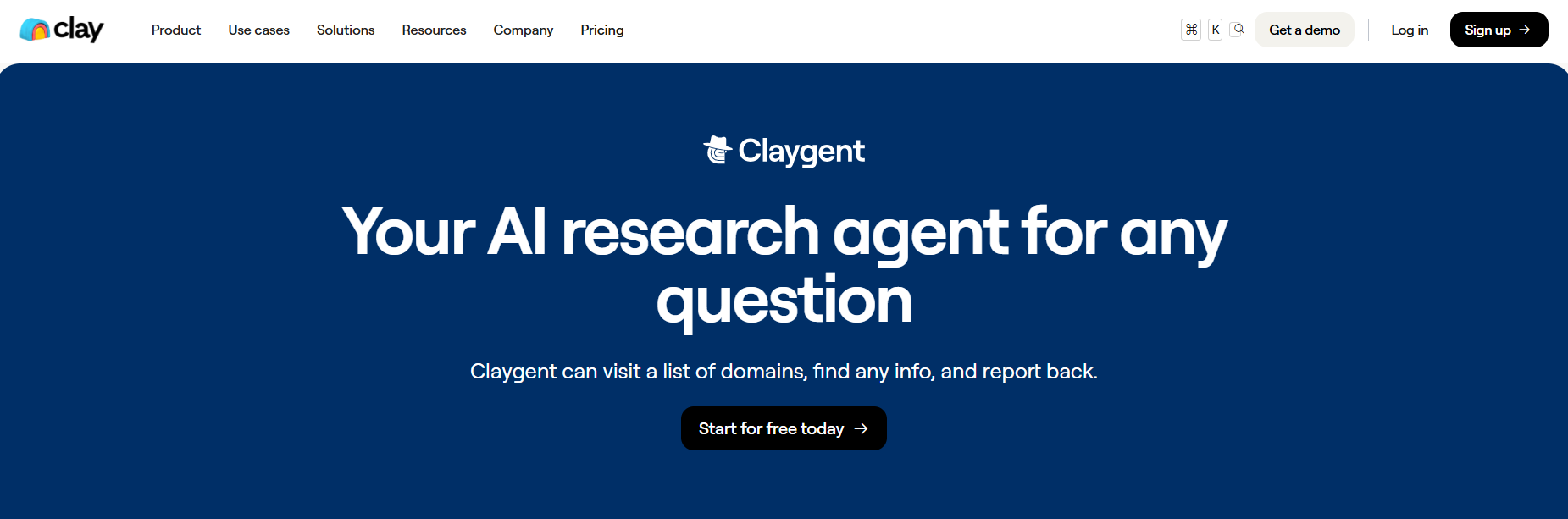
Claygent can visit websites, pull specific information, and add deeper context to your data. For example, it can find use cases, hiring signals, or relevant details about a company that are not available in standard databases. Once your data is enriched, you can filter, score, and move it into workflows. These workflows can send the data to your CRM, trigger alerts, or pass it into outreach tools.
Pros of Clay:
Cons of Clay:
Clay works best when outbound is already running but the data is messy or scattered across tools. It helps you clean that up, connect everything, and act on it in one place.
Instead of guessing who to reach or when, you start working with actual signals and structured data. That makes your outreach more focused and less random.
Best for: All-in-one outbound (data → outreach → deals → analytics)
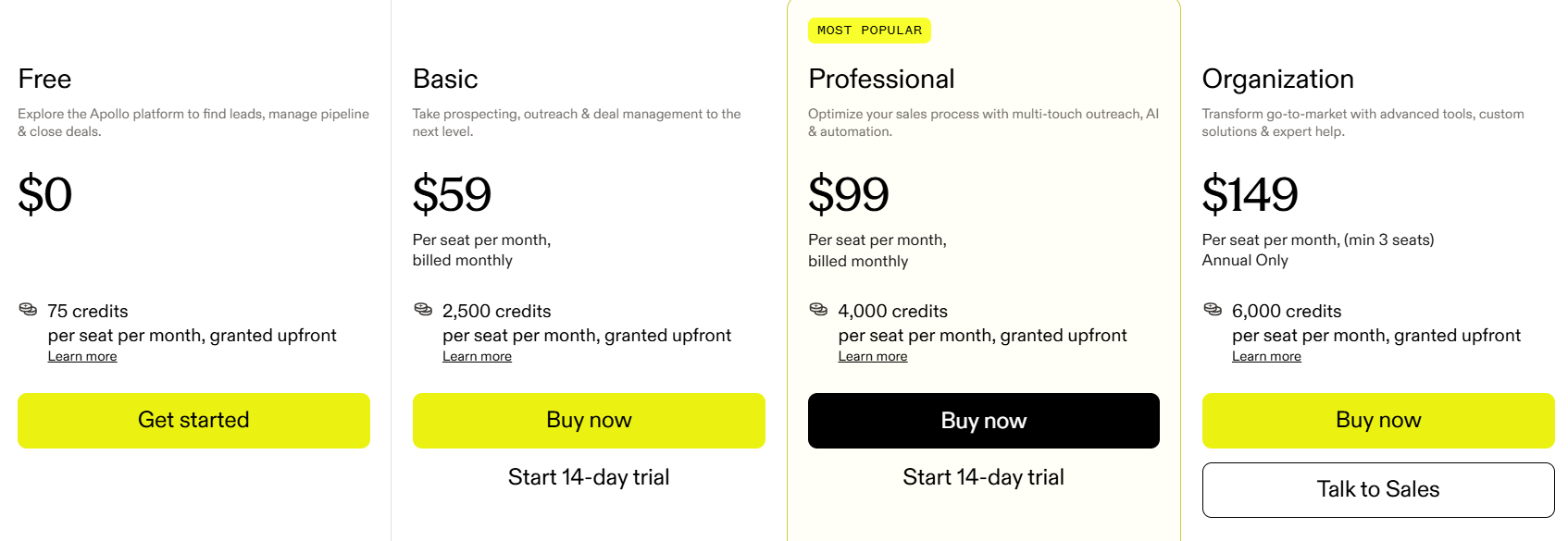
Pricing: Free plan available, paid plans start from ~$59/month
What I like: Combines data, outreach, and CRM workflows in one place
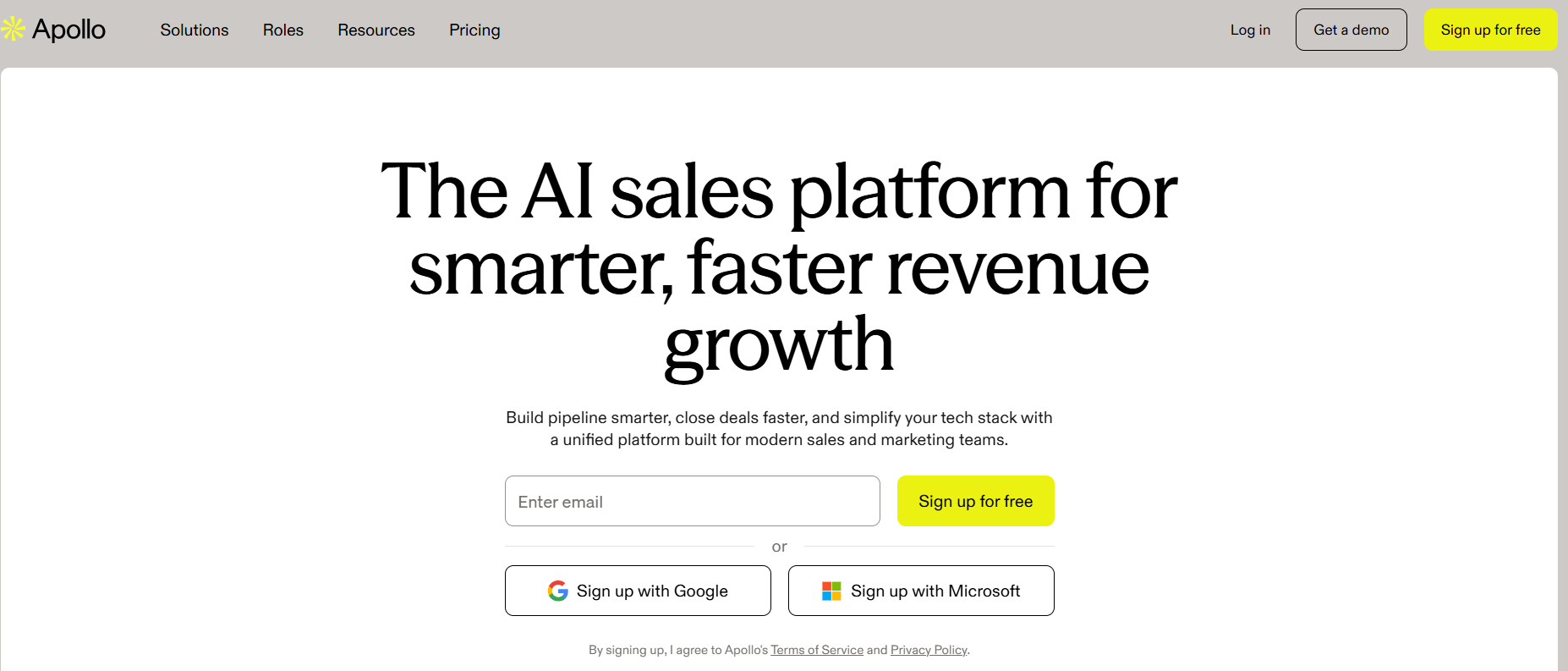
Apollo is not just an AI sales agent. It is a full sales platform that covers most of the outbound process along with data, outreach, and deal tracking. It gives you access to a large B2B database, tools to contact prospects, and AI features to automate tasks like writing emails, building lists, and managing follow-ups.
You can use it to find leads, send emails, track responses, and manage your pipeline without switching between tools.
Apollo works like a connected system where each step flows into the next. You start with targeting, move into outreach, and then manage everything from one place.
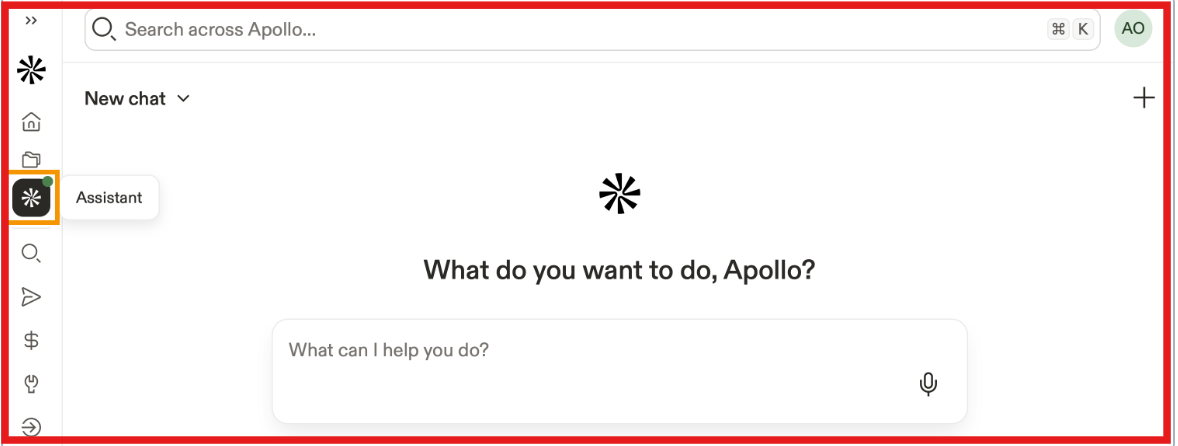
Everything stays connected, so your data, outreach, and pipeline move together instead of being spread across different tools.
Pros of Apollo:
Cons of Apollo:
From what I have seen, Apollo works well when you want everything in one place instead of managing multiple tools.
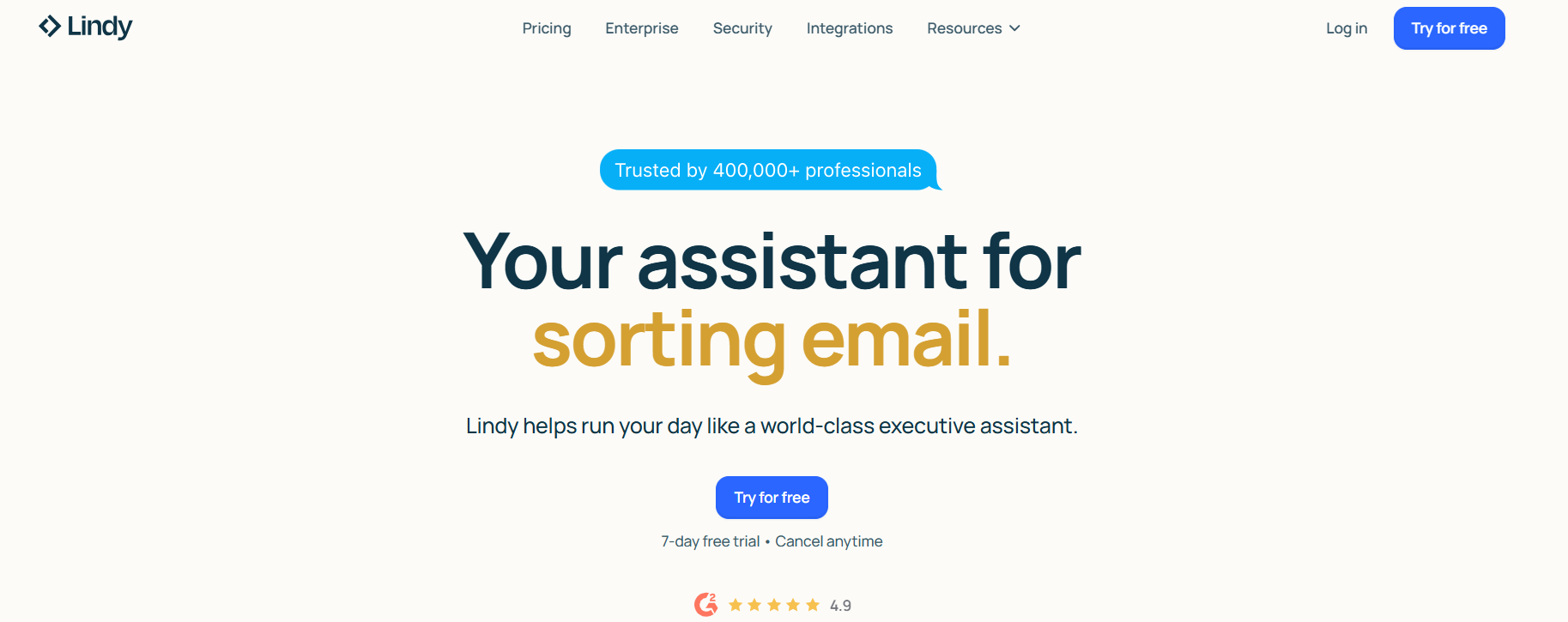
Best for: Personal work automation (email → meetings → follow-ups → reminders)
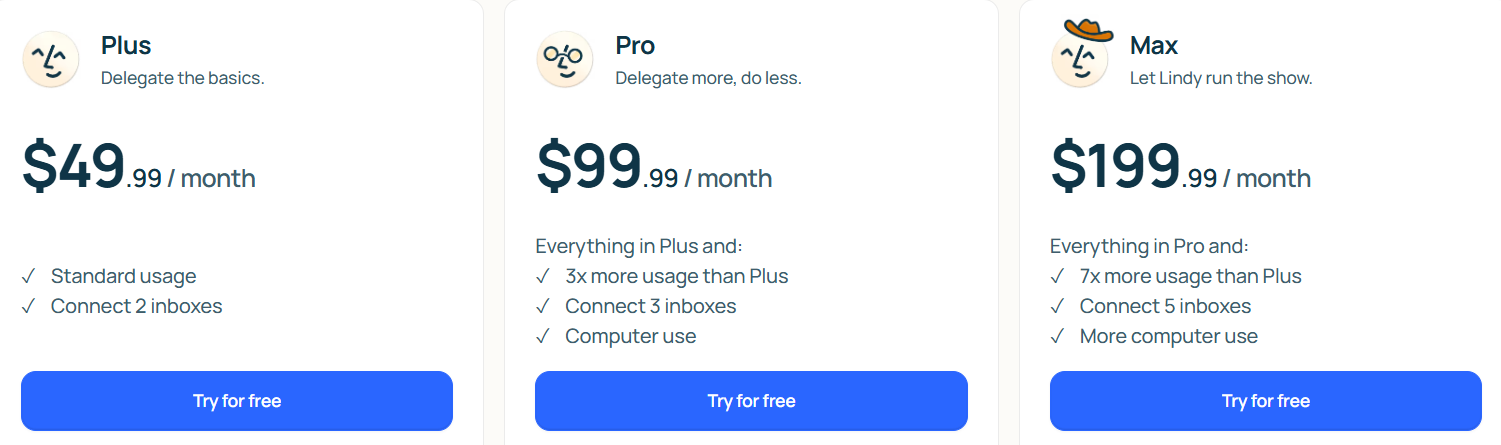
Pricing: Starts at ~$49.99/month
What I like: Handles inbox and meeting work in one assistant instead of needing separate tools
Lindy is a personalized AI assistant that can manage inbox tasks, schedule meetings, prepare for calls, take meeting notes, and remind you about action items. It connects with tools like Gmail, Outlook, calendar apps, Slack, and more.
It is not a true AI SDR or outbound sales platform. It is better thought of as a work assistant that helps individuals or teams handle repetitive tasks faster. The main value of Lindy is not lead generation. The main value is saving time on email, scheduling, and follow-up work.
Lindy works by connecting to the tools you already use, like your email, calendar, and meeting apps. Once connected, it starts helping with the day-to-day work around communication and meetings. It can sort emails, draft replies in your voice, schedule meetings, prepare meeting briefs, record meetings, take notes, and send follow-ups after calls. It also tracks action items and reminders so things do not get missed.
For sales teams, this means Lindy can reduce time spent on admin work around conversations and meetings. But it does not work like a full outbound engine that finds leads, runs prospecting, or manages pipeline on its own. It helps more with execution after communication starts, not with building pipeline from scratch.
Pros of Lindy AI:
Cons of Lindy AI:
From what I have seen, Lindy fits better when the real problem is not finding leads, but keeping up with emails, meetings, and follow-ups once work starts piling up.
It is useful if your day is getting eaten by scheduling, note-taking, and reply drafting. But if you need a tool to prospect, build lists, and run outbound campaigns, Lindy is not really built for that.
Enter your email to get a custom plan & stack recommendation for your business
Please check your mailbox in 5 minutes
The right choice depends on what part of outbound you want to fix.
From what I have seen, tools that only solve one part of outbound still leave gaps. You end up using multiple tools together and managing the process manually. If the goal is to scale outbound without increasing manual work, a system that handles the full flow works better.
That’s why I prefer Agent Frank. It brings prospecting, outreach, follow-ups, and meeting booking into one flow, so outbound runs as a system instead of a set of separate tasks.
If you want to scale outbound without adding more manual work, try Agent Frank and see how it fits your setup.
.png)

.png)
.avif)