
Personalized Outbound Strategy
Get The Right Outbound Strategy In Minutes
Enter your email to get a custom plan & stack recommendation for your business
It's being carefully crafted by AI
Please check your mailbox in 5 minutes
Getting clients from LinkedIn is not a content trick, a connection-request quota game, or a reason to blast every founder in your second-degree network.
The channel works when you treat it like outbound. Define the account. Find the right buyer. Wait for a real signal. Send a short message. Follow up in a controlled sequence. Move serious conversations into email or a call before the thread dies.
That order matters because LinkedIn has two hard constraints people ignore: trust and timing.
So the answer is not “send more connection requests.”
Ahead, I’ll show you how the answer which is to build a LinkedIn client acquisition system that protects your account, prioritizes buying signals, and uses LinkedIn as one touch in a larger pipeline flow.

LinkedIn is the trust and timing channel, not a place to run 17-step spam sequences against people who never showed intent.
Pick one expensive problem, make your profile prove you understand it, warm the account through useful posts and comments, then send short DMs with real context.
Most LinkedIn outreach fails before the first DM.
The profile is vague, the offer is broad, the post history gives no proof, and the message asks for a call before the buyer has any reason to care.
The obvious failure triggers are easy to spot:
LinkedIn has its own trust layer.
It says invitation restrictions can happen when you send many invitations in a short period, when too many are ignored or marked as spam, or when LinkedIn suspects prohibited automation.
It also says repeated suspensions for automated activity can become permanent. Read that as an operating rule: relevance protects pipeline and account health.
That's what Clark Barron warned: tools pushing LinkedIn data without consent are one LinkedIn investigation away from being shut down.

This gives you what Max Murphy frames as the upside: fewer spam DMs, fewer obvious AI comments, and more useful human connections.
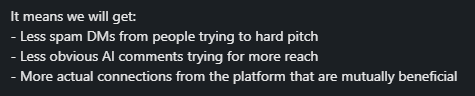
That is the backdrop here: win clients without making the account look like a mass-action machine.
Message quality matters too. LinkedIn’s harmful-message detection can route likely harmful content from unknown senders to spam, and reported conversations can lead to additional action.
A good LinkedIn client acquisition system starts with restraint.
You do not need every founder, every SaaS company, every agency, or every HR leader. You need a group of buyers who have the same painful trigger and would recognize themselves in your profile in 10 seconds.
Use this worksheet before you touch your profile or DM copy:
Bad ICP: “B2B companies that need more clients.”
Good ICP: “Founder-led B2B SaaS teams at $1M-$5M ARR that hired SDRs before fixing deliverability and now need pipeline coverage without burning domains.”
Bad ICP: “Agencies that want more leads.”
Good ICP: “SEO agencies selling retainers above $3K/month that rely on referrals and need 10 qualified founder conversations per month.”
Bad ICP: “Recruiters.”
Good ICP: “Recruiting agencies placing GTM roles for Series A SaaS companies that need warmer founder relationships before job openings are public.”
As Jamie Brindle says, aim for specificity; it makes the rest easier.

Your profile gets sharper. Your posts stop sounding generic. Your comments land in better conversations. Your DMs stop feeling like a script.
Your LinkedIn profile is not there to document your career. It is there to reduce doubt for a specific buyer.
Prospects should understand what you do, who you help, and why they should trust you when they land on your profile.
Before you send a single DM, check the conversion basics:
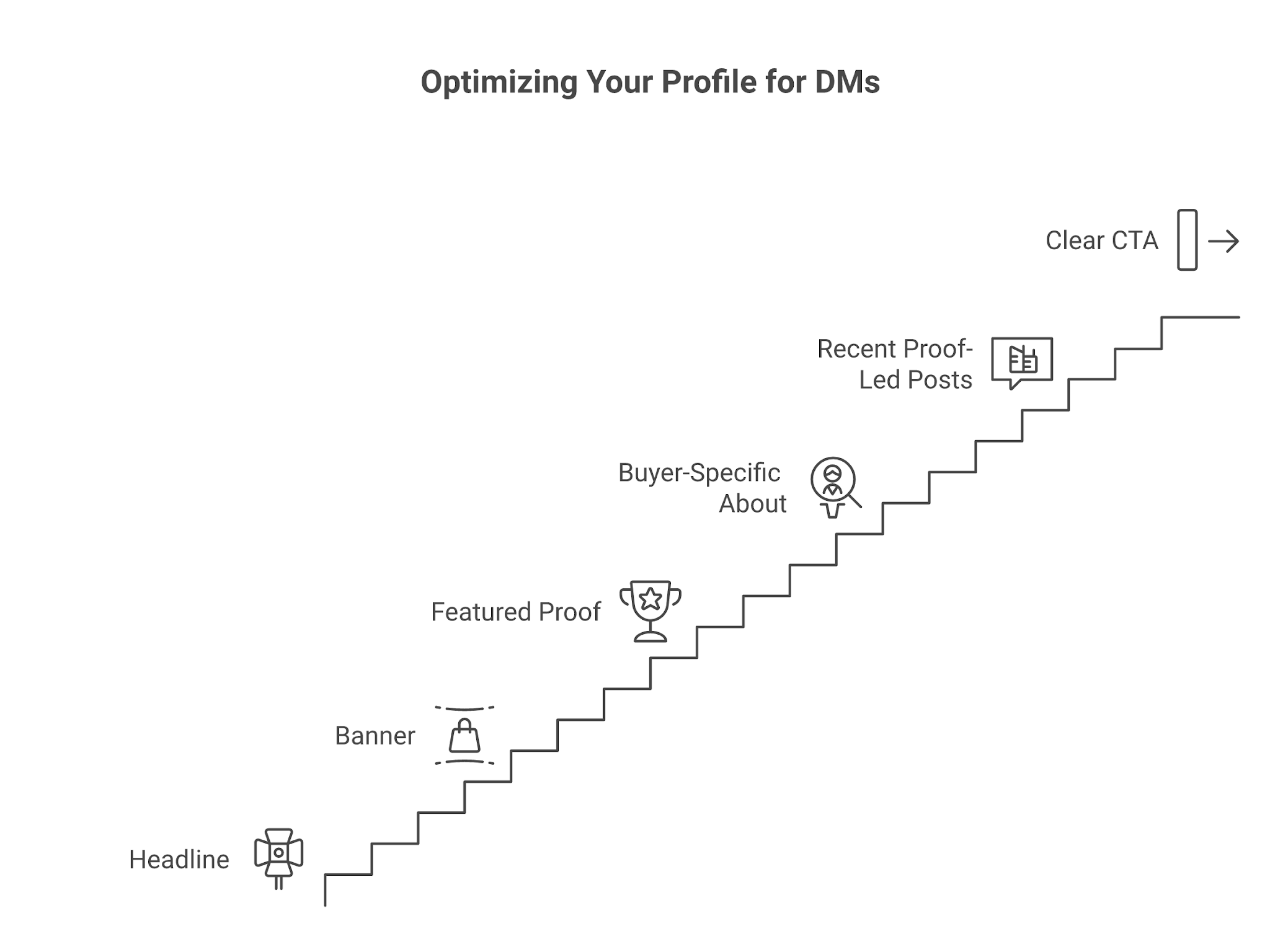
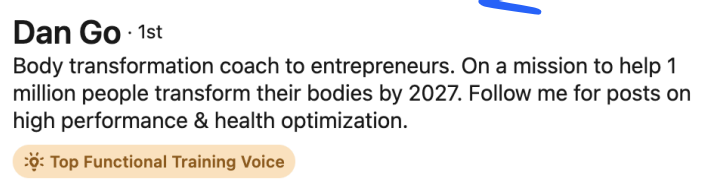
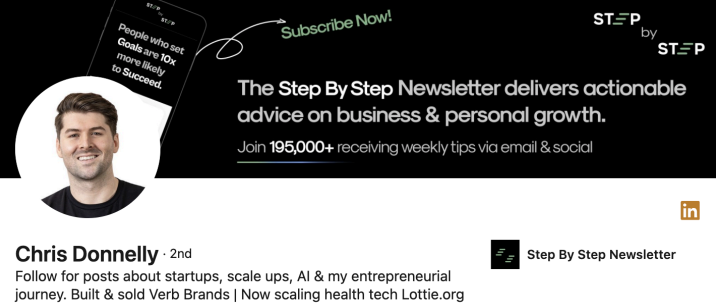
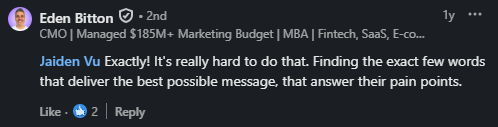
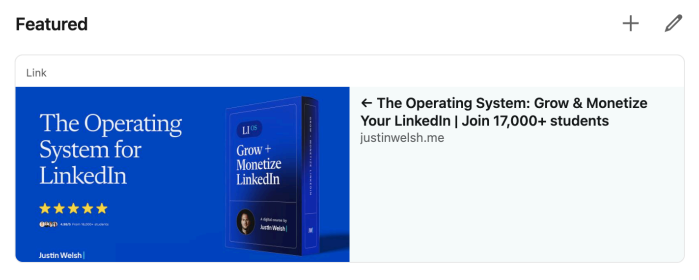
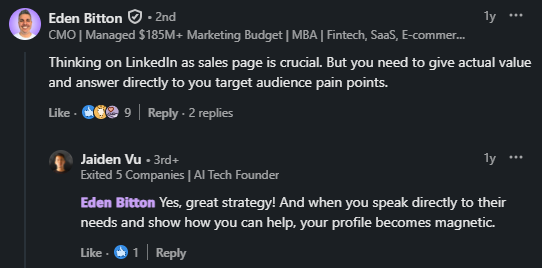
Fix the proof surface before sending more messages.
LinkedIn content is not decoration. It is the proof layer that makes outreach less cold and makes the right 50-500 people more comfortable replying when you show up.
Use five practical post types:
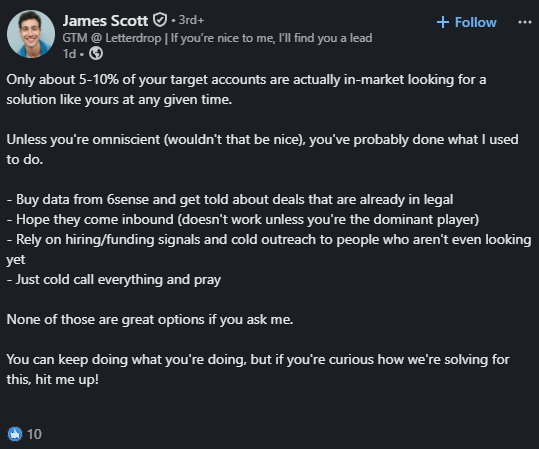
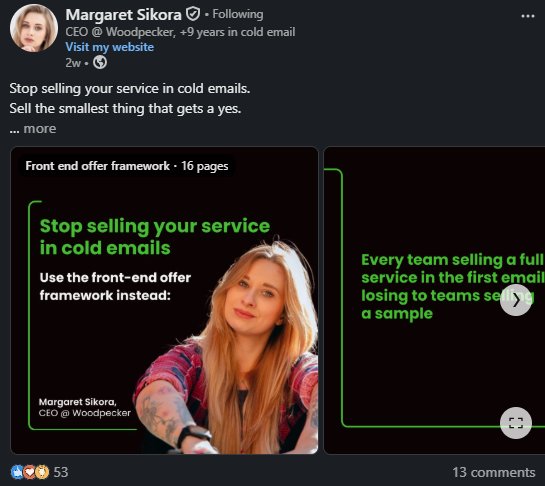
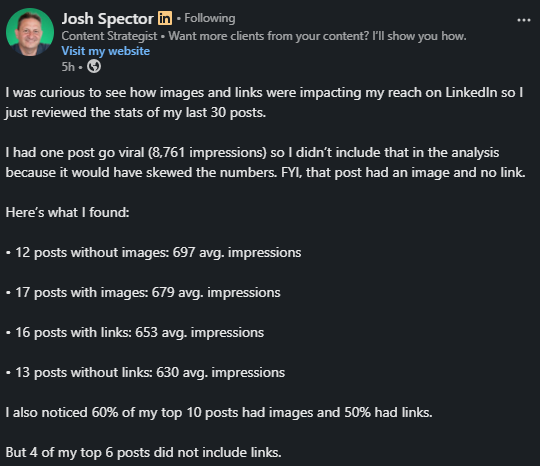
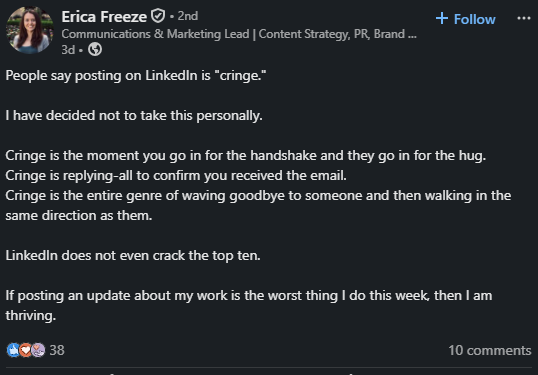
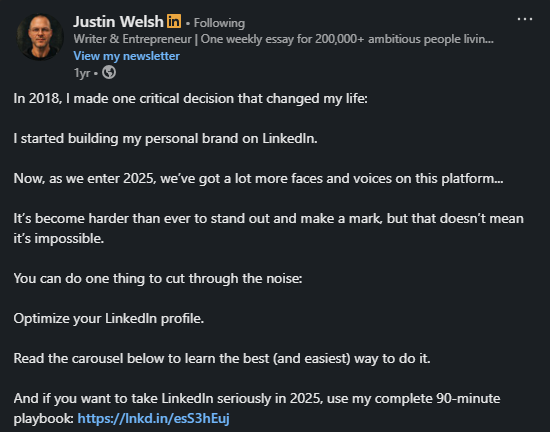
If you have no audience yet, write for the person you plan to contact this week. A post about why agency outbound fails after domain warmup is more useful than a broad post about “sales tips.”
The goal is that a prospect can click your profile after a comment or DM and see relevant thinking.
LinkedIn Account Suspended? 12 Proven Ways To Protect Your LinkedIn Account in 2026
Static lists are where LinkedIn spam begins. Active prospects are better because they give you a reason to start a conversation.
Look for people who are already showing signs of timing:
Filter with five questions:
This is slower than scraping a giant list, but every message starts from a reason.
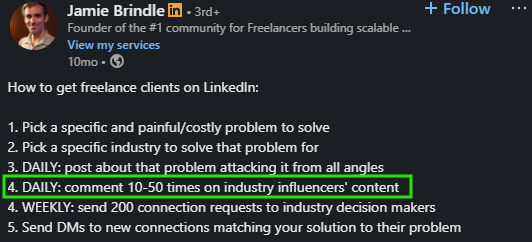
As Jamie, with over 26K followers, mentioned, spend 10-20 minutes a day becoming recognizable to the right people. Not everyone. The right people.
Good engagement adds something. It can sharpen the argument, add a field example, ask a useful question, or respectfully disagree. Empty praise does not count.
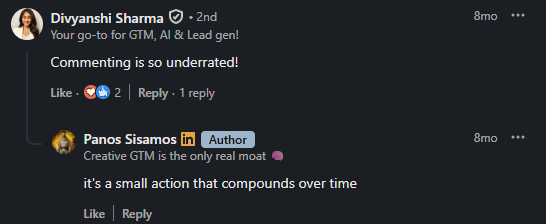
Spam comment: “Great insights, thanks for sharing.”
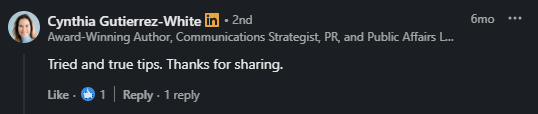
Better comment: “The missing piece here is timing. If a founder just hired two SDRs, deliverability becomes urgent because every bad sequence burns the same domains the team needs next quarter.”
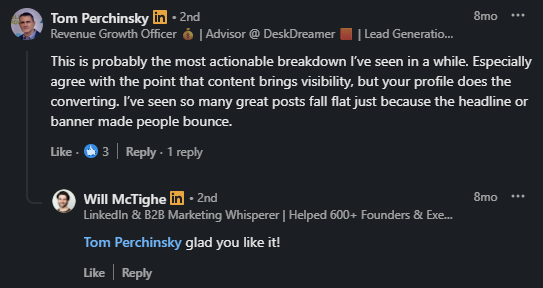
Spam comment: “Love this. DM me.”
Better comment: “This is why I prefer measuring positive replies over accepted connections. Accepted requests only prove the opener worked. Positive replies prove the problem was real.”
After that, a connection request does not feel random. Another comment on the same LinkedIn thread described the platform as mostly built for human-to-human conversations and DMs.
Treat that as the standard: if your comment would look strange coming from a person who might later ask for a sales conversation, do not post it.
7 Ways You Can Manage Multiple LinkedIn Accounts [+3 Tools Recommended]
Keep the request short. Mention the context. Do not pretend you studied their life story because you saw one post.
Connection request:
Saw your comment on outbound hiring after Series A. I work around pipeline coverage and deliverability for founder-led teams. Thought it made sense to connect.
Accepted connection DM:
Thanks for connecting, {{first_name}}. Your point about hiring SDRs before the message is proven is the part most teams skip. Curious: are you already running outbound, or still shaping the motion?
Problem-led DM:
Noticed you are hiring for two AE roles while also posting about entering the US market. Teams at that stage usually hit a coverage problem: not enough qualified conversations across the right accounts. Is that on your plate this quarter?
Follow-up:
Bringing this back once, then I will leave it. If US outbound is active this quarter, happy to send over the 5-point checklist I use before teams scale LinkedIn + email together.
Call invitation:
Makes sense. If pipeline coverage is the priority, a short working session is probably more useful than a long DM thread. Want to compare your current LinkedIn/email motion against the gaps I usually see?
Adapt the structure: context, relevance, low pressure, one clear next step.
Do not pitch because the prospect accepted your request. Move when the prospect gives you a buying signal.
Useful signals include:
The move is simple: summarize what you heard, name the problem, and suggest the smallest useful next step. If there is no problem, do not manufacture one.
LinkedIn rewards patience because buyers remember who did not pressure them.
LinkedIn is a fragile pipeline channel on its own.
DMs get buried. Prospects go inactive for days. Buying committees include people you are not connected with. A conversation that felt warm on Tuesday can be completely cold by Friday.
The fix is not more LinkedIn messages. The fix is a structured follow-up system that picks up exactly where the LinkedIn conversation left off.
Here is the problem most people run into: a prospect replies to your DM with "send me the checklist."
You send it. They go quiet. You follow up once on LinkedIn. Nothing. You do not want to keep pinging them, so you drop it.
That deal did not die because the prospect lost interest. It died because there was no system to continue the conversation across channels.
With Salesforge, the game becomes multi-channel.
Once a prospect gives you a buying signal on LinkedIn, Salesforge lets you run a coordinated email and LinkedIn sequence from one place.

The DM context carries over. The next email references what they already told you. The follow-up timing is controlled, not guesswork.
Primebox consolidates every reply, whether it came through email or LinkedIn, into a single inbox.
You stop switching between platforms, trying to remember where the conversation started or what they said three days ago.
If you are running this workflow through Claude Desktop with the Forge MCP server connected, you can ask Claude all you need to know directly.
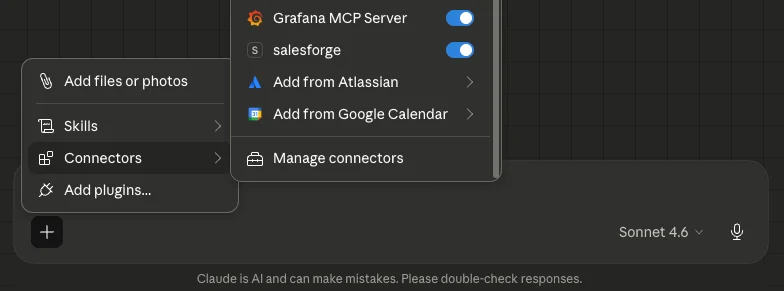
Like which sequences are getting replies, what your Warmforge mailbox health looks like, or pull an ICP-matched prospect list from Leadsforge without opening a single dashboard.
The value is not that it does something new. The value is that it removes the context-switching that causes follow-ups to slip. You stay in one place, and the full picture is visible.
Agent Frank fits here too.
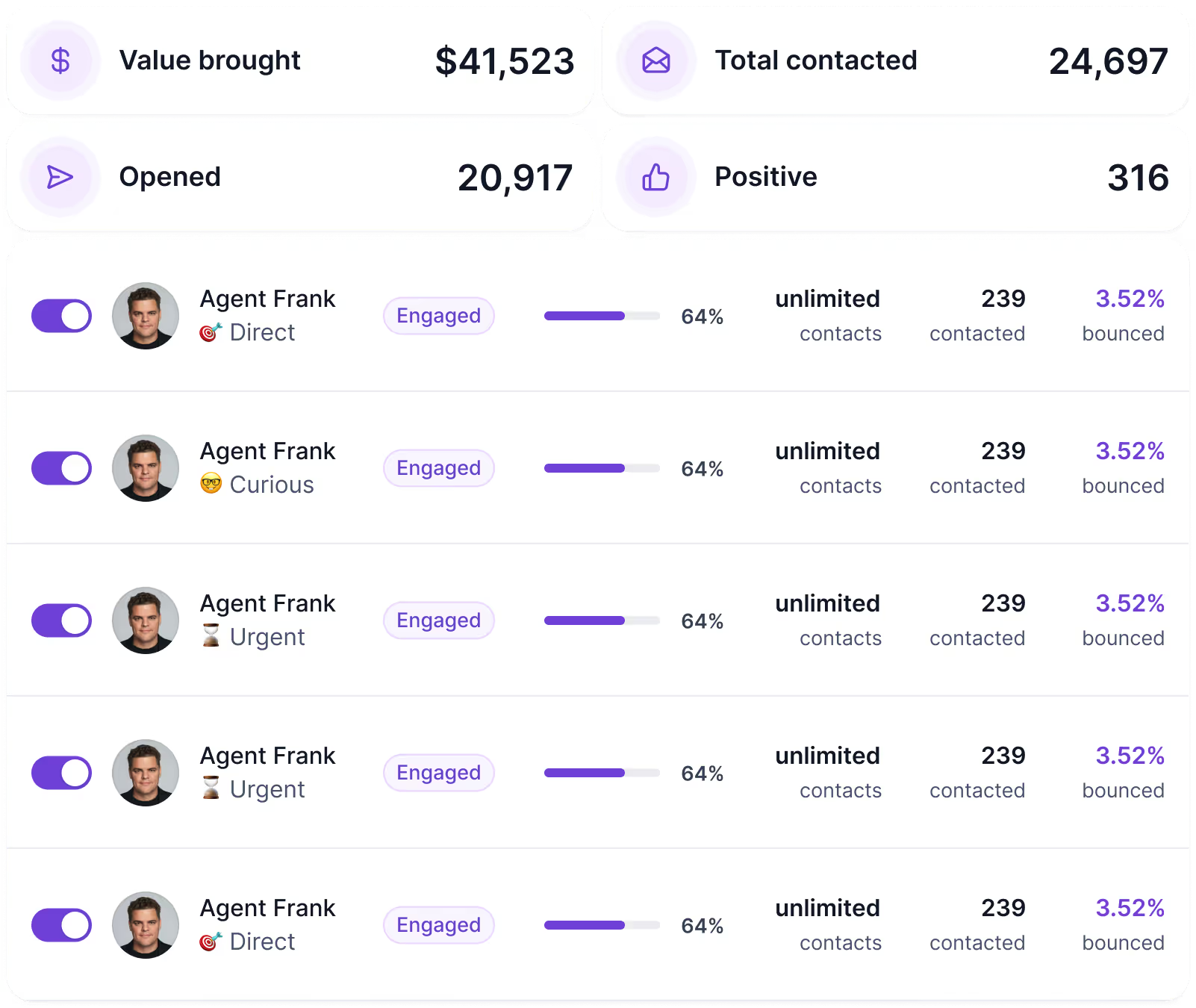
If the volume of open conversations gets to a point where manual tracking breaks down, Agent Frank handles qualified outreach workflows across email and LinkedIn so nothing falls through.
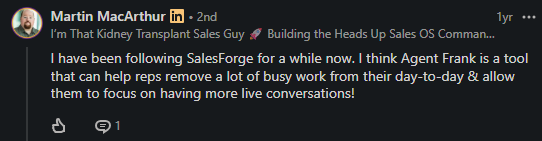
One clear rule: Salesforge does its best work after LinkedIn has already created a signal. Use LinkedIn to earn the conversation.
Use Salesforge to make sure that the conversation actually turns into a meeting.
Follower count is not a pipeline. Impressions are not in the pipeline. Even accepted connections are only a middle metric.
Track the numbers that show whether the system is creating sales conversations:
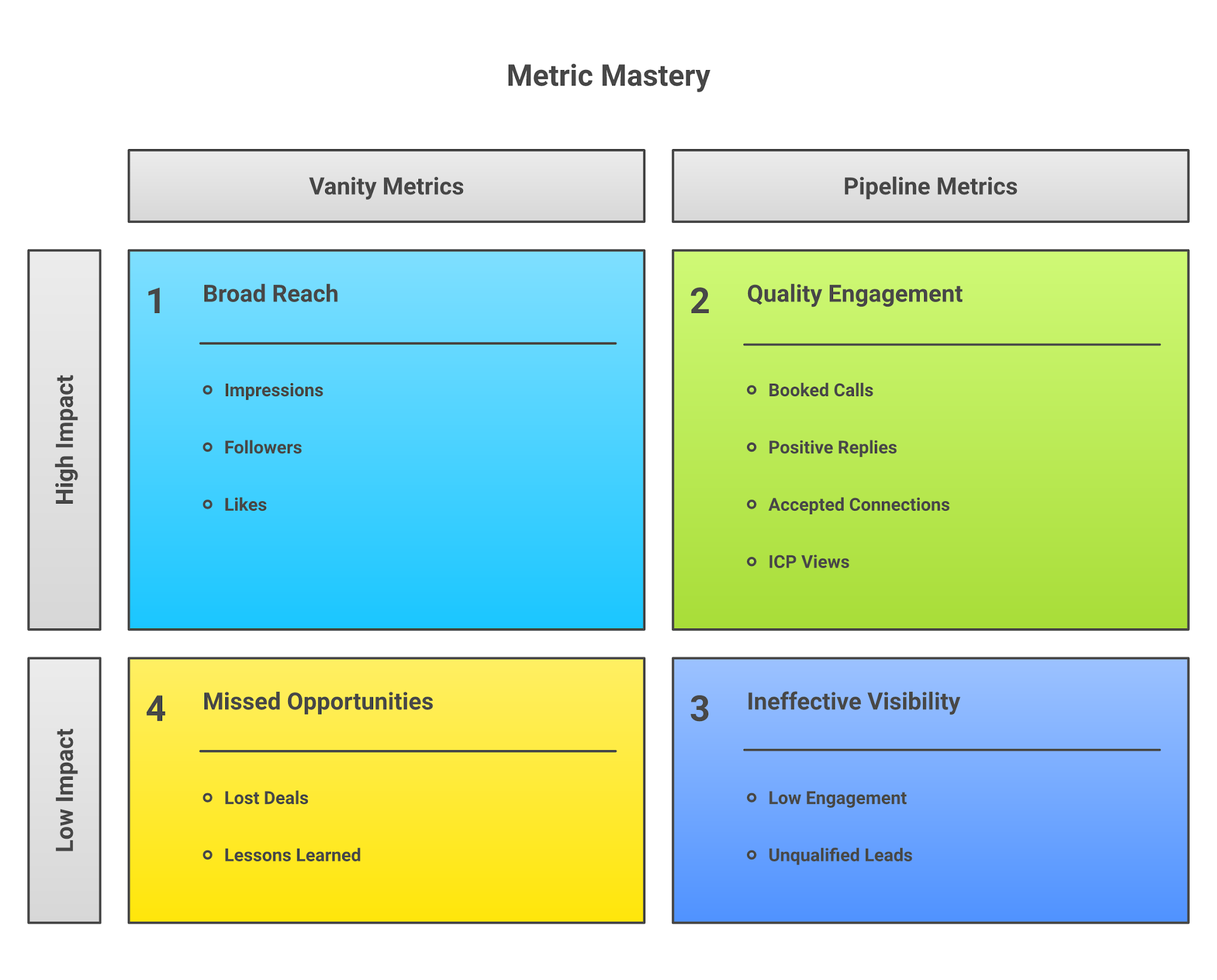
Review the scorecard every Friday. If comments create no profile views, the comments are not specific enough. If accepted connections create no replies, the DM is too broad. If replies create no calls, the offer or timing is weak.
Avoid these mistakes:
Week 1: Fix the buyer and profile. Choose one ICP, write the worksheet, rewrite the headline, update the About section, add proof to Featured, and remove vague positioning.
Week 2: Build content and prospect signals. Publish three posts: one pain education post, one proof/process post, and one point-of-view post. Build a list of 50 prospects from comments, posts, hiring signals, and company triggers.
Week 3: Engage and start soft DMs. Comment on 5-10 relevant posts per day. Send connection requests only where you have context. After acceptance, ask a useful question tied to a real signal.
Week 4: Measure and add follow-up. Review replies, positive replies, and booked calls. Keep what is working, cut weak segments, and move validated conversations into a multi-channel follow-up system.
Expect conversations first. Clients come after trust, fit, and timing line up. For long sales cycles, 30 days should prove message direction, not guarantee closed revenue.
Enter your email to get a custom plan & stack recommendation for your business
Please check your mailbox in 5 minutes

LinkedIn client acquisition is not complicated. It gets messy when people skip relevance and try to replace trust with volume.
Pick one buyer. Fix your profile. Write about the problems they already feel. Engage before you pitch. Send DMs that sound like a person paying attention.
When the channel starts creating real conversations, you need a follow-up system so the pipeline does not depend on whether someone checks LinkedIn this week.
That is where Salesforge fits. Multi-channel sequences, Primebox for reply management, Agent Frank for scale, and the Forge MCP server if you want the full stack visible from one place.
Build trust on LinkedIn. Close the gap with Salesforge.
If your LinkedIn motion is already creating a signal, start your free Salesforge trial and turn those conversations into meetings.
.jpg)

.jpg)

