Running outbound gets complicated faster than most founders expect.
At first, it sounds simple: find the right prospects, send a few emails, connect on LinkedIn, follow up, and book meetings. But once your team starts using separate tools for data, sequencing, LinkedIn activity, calling, and reply management, the workflow becomes harder to control than the outreach itself.
I have been in that position, trying to figure out whether the problem was our targeting, messaging, execution, or simply the fact that too many disconnected tools were involved.
So, if you are considering Buzz.ai because it promises to bring email, LinkedIn, calling, prospecting, and sales engagement into one platform, I know what you are trying to solve.
The question is not whether Buzz.ai has a long feature list. It is whether those features work well enough together to simplify outbound, keep your team productive, and justify the cost.
In this Buzz.ai review, I will look at how the platform works, where it performs well, where it falls short, and whether it is genuinely worth using for sales engagement in 2026.
Buzz.ai is worth considering if you want one platform that brings prospecting, email, LinkedIn, calling, and sales engagement into the same workspace. For teams tired of switching between multiple tools, that all-in-one promise is naturally attractive.
The challenge is that “all-in-one” does not always mean “best workflow for outbound.”
Buzz.ai feels more like a buffet: you get access to a lot of capabilities in one place, but not every part may be as deep, focused, or necessary for your actual outbound motion. That works well if your team wants broad coverage and prefers convenience over specialization.
But if your main goal is scalable outbound across email and LinkedIn, I would look closely at Salesforge, too.
Salesforge feels more like an à la carte outbound system built around the parts that matter most: mailbox infrastructure, deliverability, email sequencing, LinkedIn steps, AI SDR support, and unified reply management. Instead of giving you every possible sales engagement feature, it focuses more directly on helping teams launch, manage, and scale outbound without turning the workflow into a messy tool stack.
So the decision is fairly simple:
Choose Buzz.ai if you want a broad sales engagement platform with multiple channels and prospecting features in one product.
Choose Salesforge if your priority is full outbound execution across email and LinkedIn, with stronger focus on deliverability, mailbox scale, reply handling, and AI-assisted prospecting workflows.
Our view: Buzz.ai is a solid sales engagement platform, but Salesforge is the cleaner choice for teams that care more about outbound execution than having every sales engagement feature under one roof.
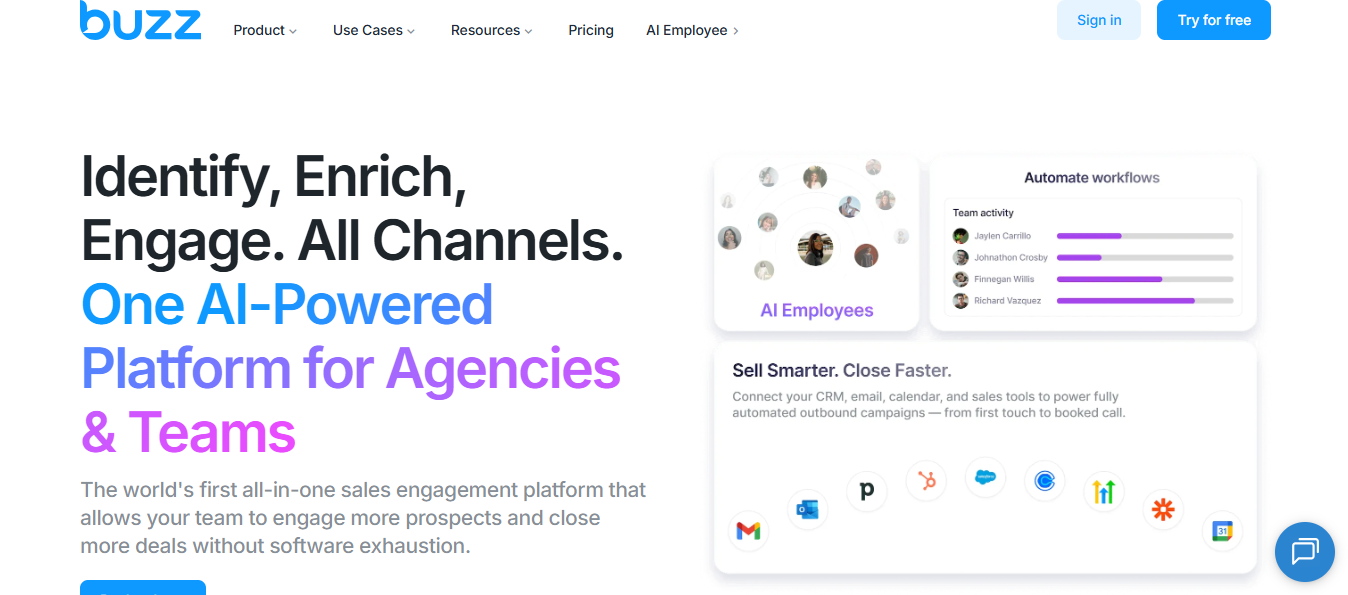
Alt Text: Buzz AI Homepage
Buzz.ai is a sales outreach platform built for teams that want prospecting and engagement to sit closer together.
Instead of using one tool to find leads, another to enrich records, another to run sequences, and another to track replies, Buzz.ai tries to bring those steps into one workspace. The platform includes prospect data, enrichment, email outreach, LinkedIn outreach, phone workflows, video, AI-assisted messaging, inbox features, and reporting.
At a practical level, Buzz.ai is trying to solve three problems:
First, it helps you find the right people and companies to target.
Second, it enriches those records with emails, phone numbers, company data, and other context.
Third, it gives your team ways to reach those prospects across multiple channels.
That is why Buzz.ai is more than a basic sequencing tool. It sits closer to a full sales engagement platform with built-in data and outreach workflows.
From a founder’s point of view, the appeal is easy to understand. When outbound is still messy, every extra tool creates another handoff, another login, another integration, and another place where data can break. Buzz.ai tries to reduce that coordination cost by keeping prospecting, enrichment, outreach, follow-ups, and reporting in one system.
But that is also where buyers need to slow down.
A platform can include a lot of features without every feature being equally strong. So the real question is not just, “Does Buzz.ai have this?” The better question is, “Is this part good enough to replace the dedicated tool I would otherwise use?”
That distinction matters because sales engagement platforms often look impressive on the surface. The value comes from how reliably the core workflow performs once your team starts sending campaigns, managing replies, and scaling activity across accounts.
Buzz.ai is not trying to be a narrow point solution. It is trying to replace or combine several parts of a sales team’s outbound stack.
That is why the product can feel attractive to agency teams, recruiting teams, founders, and sales teams that want coverage across many touchpoints.
But from a cold email perspective, replacing several sales tools only works when the core sending layer is solid.
Domains, mailboxes, warm-up, bounce control, list quality, message quality, and reply routing still decide whether the campaign creates a pipeline.
Buzz.ai has a long feature list. A useful way to review it is by workflow, not by menu item.
For most teams, the workflow is:
Buzz.ai covers many of those steps. The question is how much control you need at each step.
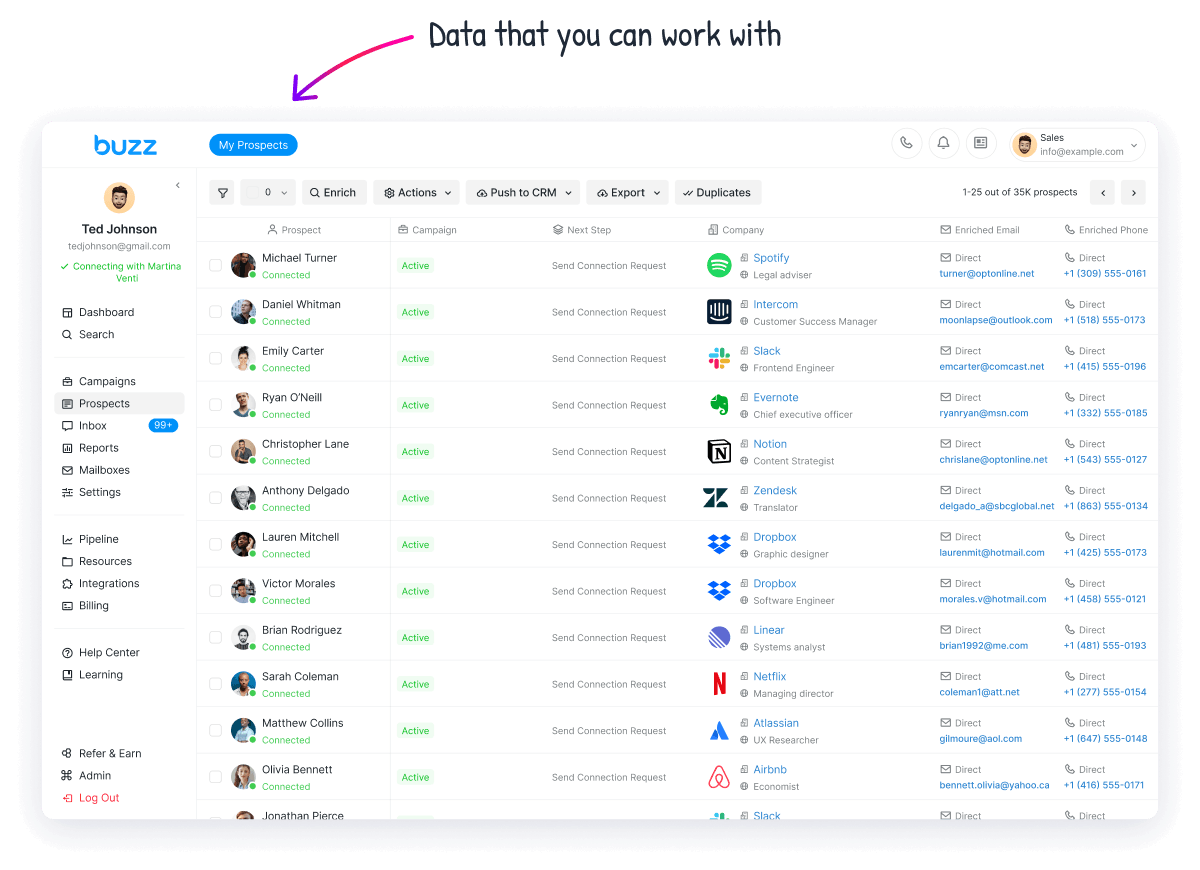
Alt Text: Lead Database in Buzz
The question that matters here is not how large the database is. It is whether the records are accurate enough to send against.
Buzz.ai claims hundreds of millions of B2B leads, with verified emails, phone numbers, funding, company size, and industry fields.
That gives you a clear place in the stack: a way to move from a raw account idea to a usable contact record without buying a separate data tool.
A user shares how Buzz.ai helped them talk to people they would not have been able to contact easily. That is the right sign. The platform can widen access.

Alt Text: User Review
But a big database is not proof of clean data. If the emails bounce or the titles are stale, you pay for it downstream in wasted sends and low replies.
So before you commit, pull 50 accounts your team already knows well and check how many decision-makers are accurate and reachable.
If most of them pass, this is a real strength. If they do not, no amount of volume fixes it.
Verdict: useful for widening access, but treat the data as a starting point you verify, not a finished list you trust.
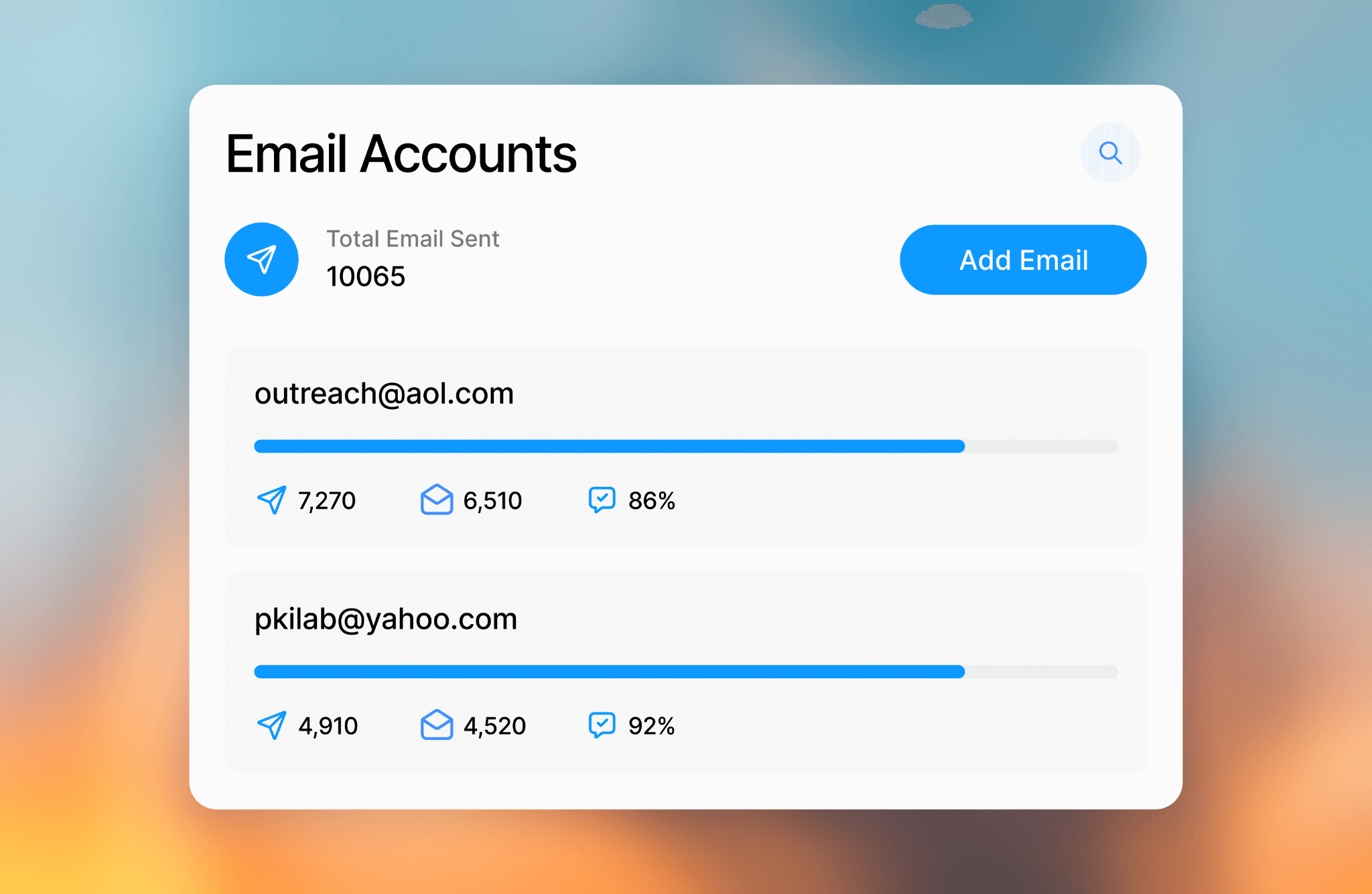
Alt Text: Email Outreach in Buzz
Email is where an all-in-one platform either holds up or quietly costs you pipeline, so this is the part to inspect closely.
Buzz.ai runs email outreach with verification, warm-up, reporting, inbox views, and automated sequences.
It connects inboxes through Gmail, Outlook, AWS, SMTP, and SendGrid. That is a working email setup, not a contact list with a send button.
The limit shows up when you scale. Buzz.ai connects mailboxes you already own and warms them, but it does not provision new domains or mailboxes, and there is no sign of sender rotation across a large pool.
For a team sending a few hundred emails a week, that fits.
For a team whose main channel is high-volume cold email, the ceiling arrives fast, and that is exactly the seam where a deliverability-led platform pulls ahead.
Verdict: solid for supporting volume, thin for teams that need email as the primary engine at scale.
Must Read: 5 Tools To Automate Your Sales Workflow in 2026
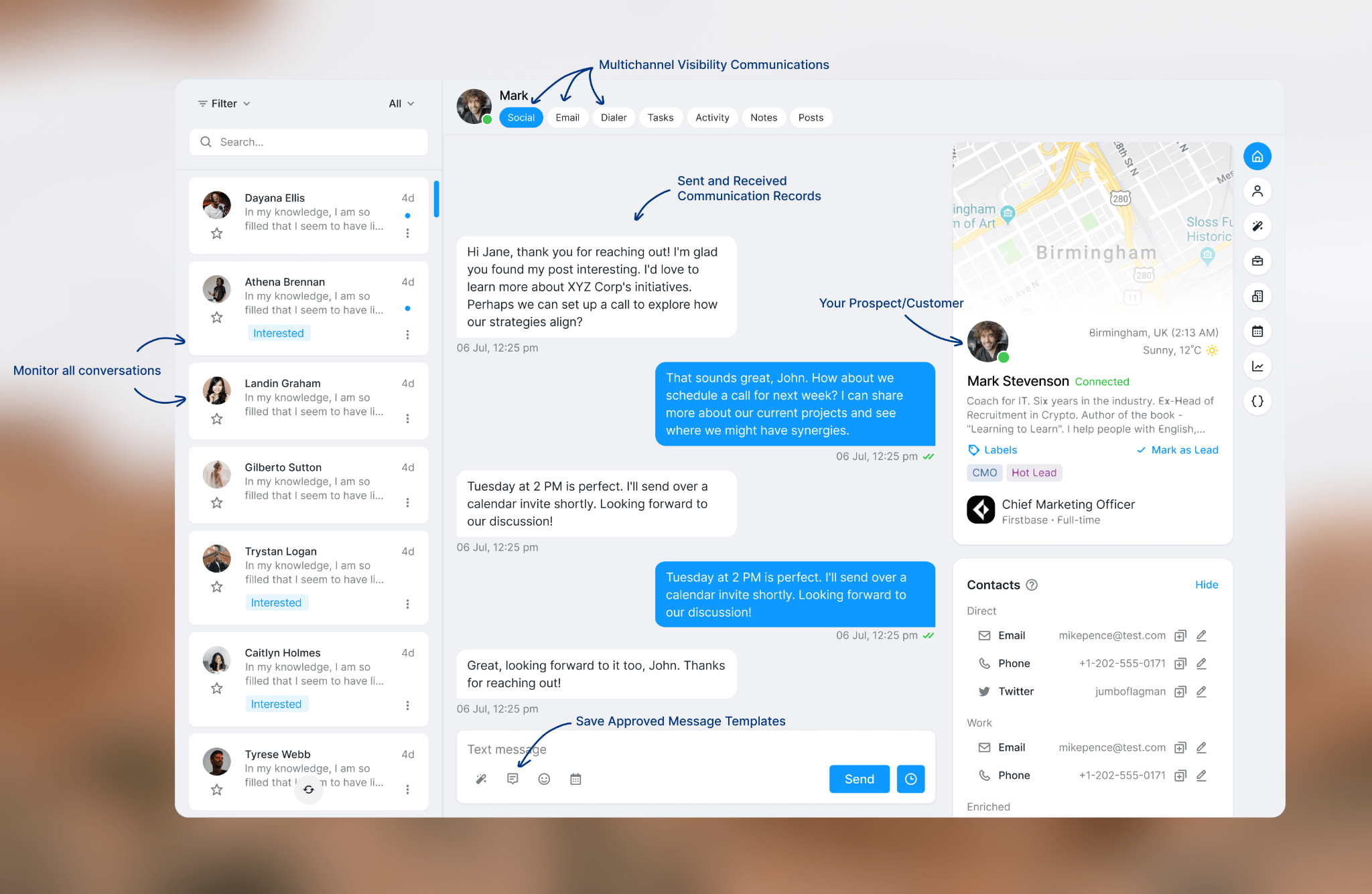
Alt Text: Multi-Channel Outreach
The right reason to run multi-channel is not more touches. It is reaching a prospect where they actually respond, without the channels talking over each other.
Buzz.ai has a strong LinkedIn and social angle: Sales Navigator filter searches, lists, recruiter projects, posts, events, groups, CSVs, connection workflows, and pushing contacts into sequences.
Several users name LinkedIn as the main reason they like the product, and that lands for teams already built around social outreach.

Alt Text: User Review
The caution is restraint. A platform letting you run more activity does not mean each account should. Account age, connection rate, profile quality, and daily limits all decide whether the profile survives.
The feedback here is mixed, with one enterprise user liking the automatic LinkedIn connection but reporting disconnects that ask for a PIN and login.
That is the kind of friction you want to find in a pilot, not after every sequence lives in the tool.
Verdict: a genuine strength for LinkedIn-led teams, provided you pace the activity instead of maxing it.
👉 Run LinkedIn and email outreach from one platform with Salesforge
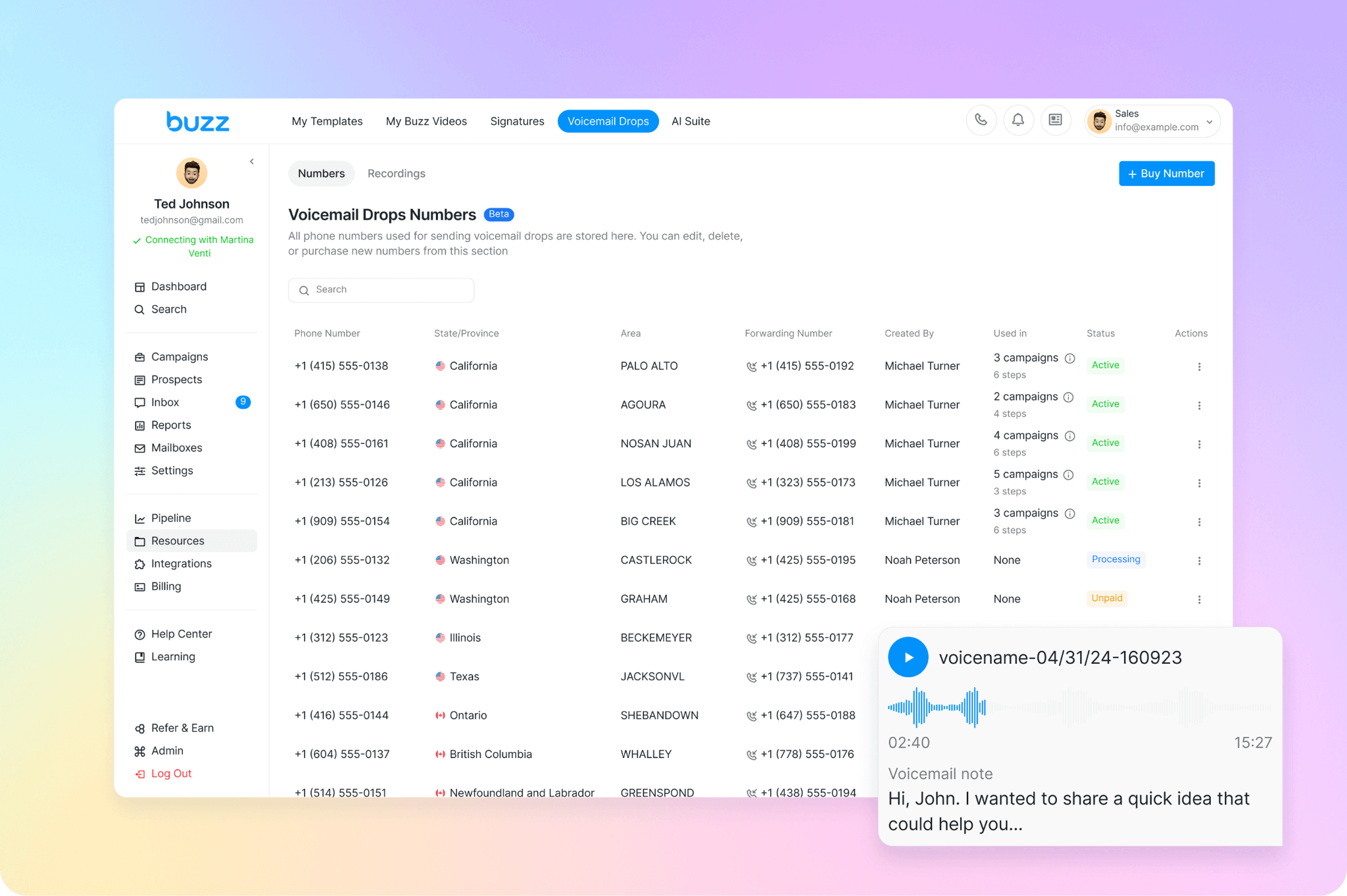
Alt Text: Voicemail in Buzz
These channels earn their place only when the account is worth the extra effort, so the question is fit, not availability.
Buzz.ai is broader than most email-only tools because it adds phone, SMS, and video.
The dialer covers local calling, inbound call forwarding, call recording, manual calling tasks, and voicemail drops.
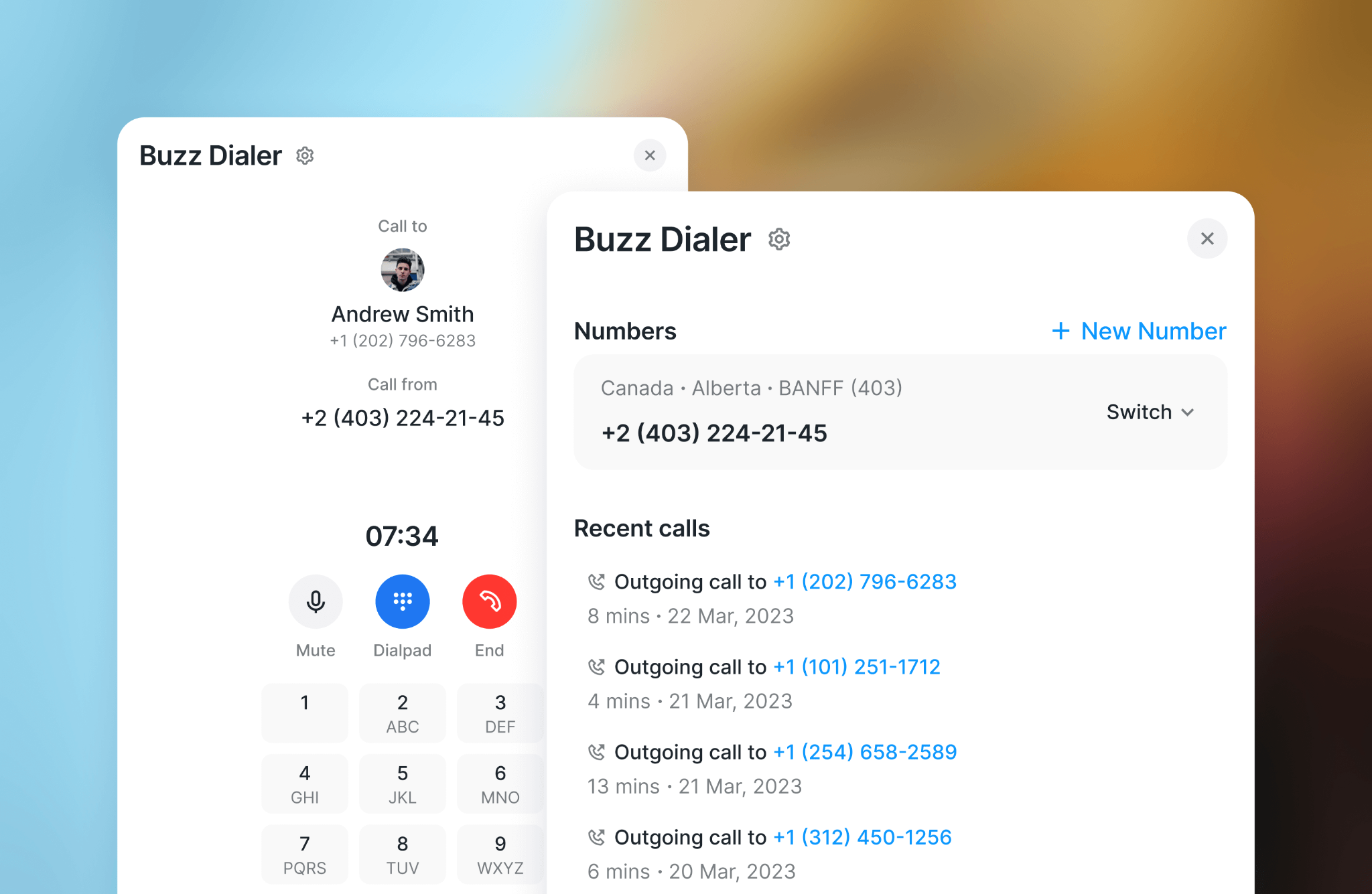
Alt Text: Dialer in Buzz
The video side includes templates, recorded backgrounds, and personalized video steps inside a sequence.
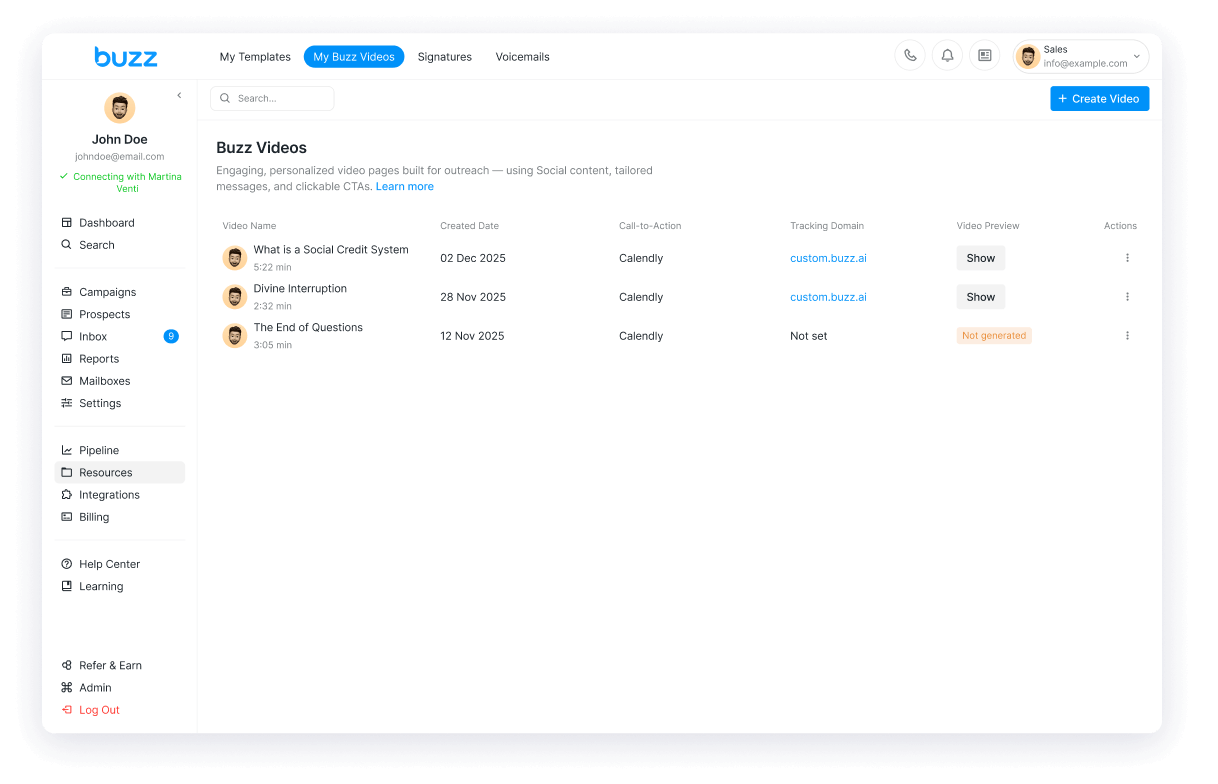
Alt Text: Video Messaging in Buzz
That breadth helps teams selling into markets where email alone falls short: a call after a LinkedIn view, a voicemail after two email touches, a short video to explain a product.
But a dialer does not fix a weak list, and video does not fix a weak offer. Extra touchpoints only help when each one has a reason to exist.
Verdict: worth it for high-value accounts and multi-touch motions, wasted spend on low-fit lists.
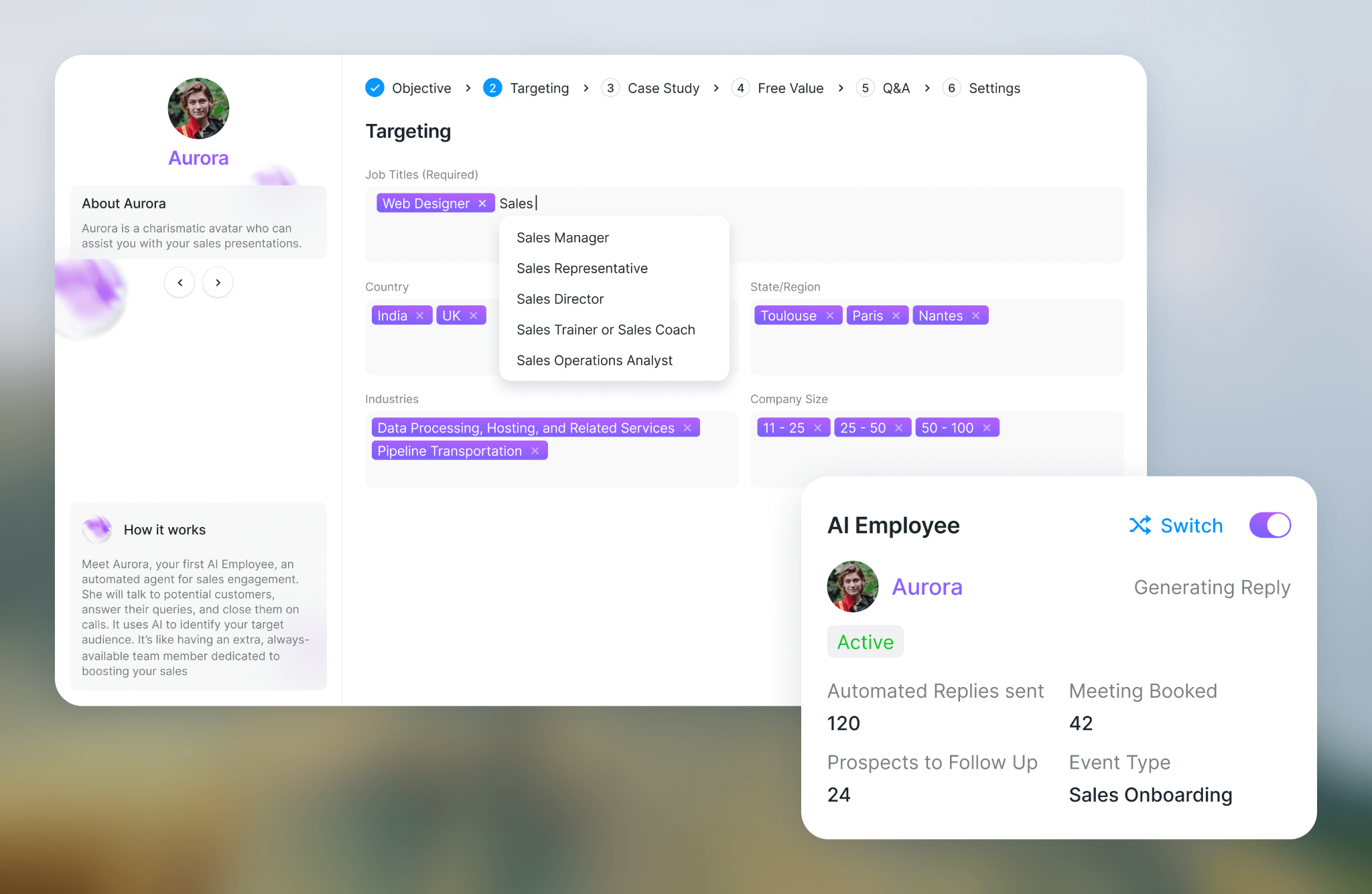
Alt Text: AI Personalization in Buzz
AI personalization should reduce manual work without removing the judgment that makes a message land. That is the line to watch.
Buzz.ai includes inbox sentiment labels, AI reply generation, AI campaign creation, one-to-one icebreakers, AI comments, calling scripts, and message help.
Used as an assistant that speeds up first drafts, reply suggestions, objection handling, and conversation sorting.
The risk is polished but empty outreach. AI can make a message read clean while saying nothing specific, which is worse than a rough message with a real reason to reach out.
A simple test: take 20 AI-generated first lines and count how many are accurate and usable without edits.
If fewer than half pass, keep the AI out of live sequences and use it for drafts only.
Verdict: helpful for scaling a good message, risky if you let it manufacture relevance that is not there.
Must Read: 5 Best Practices to Improve Sender Reputation



.jpg)

