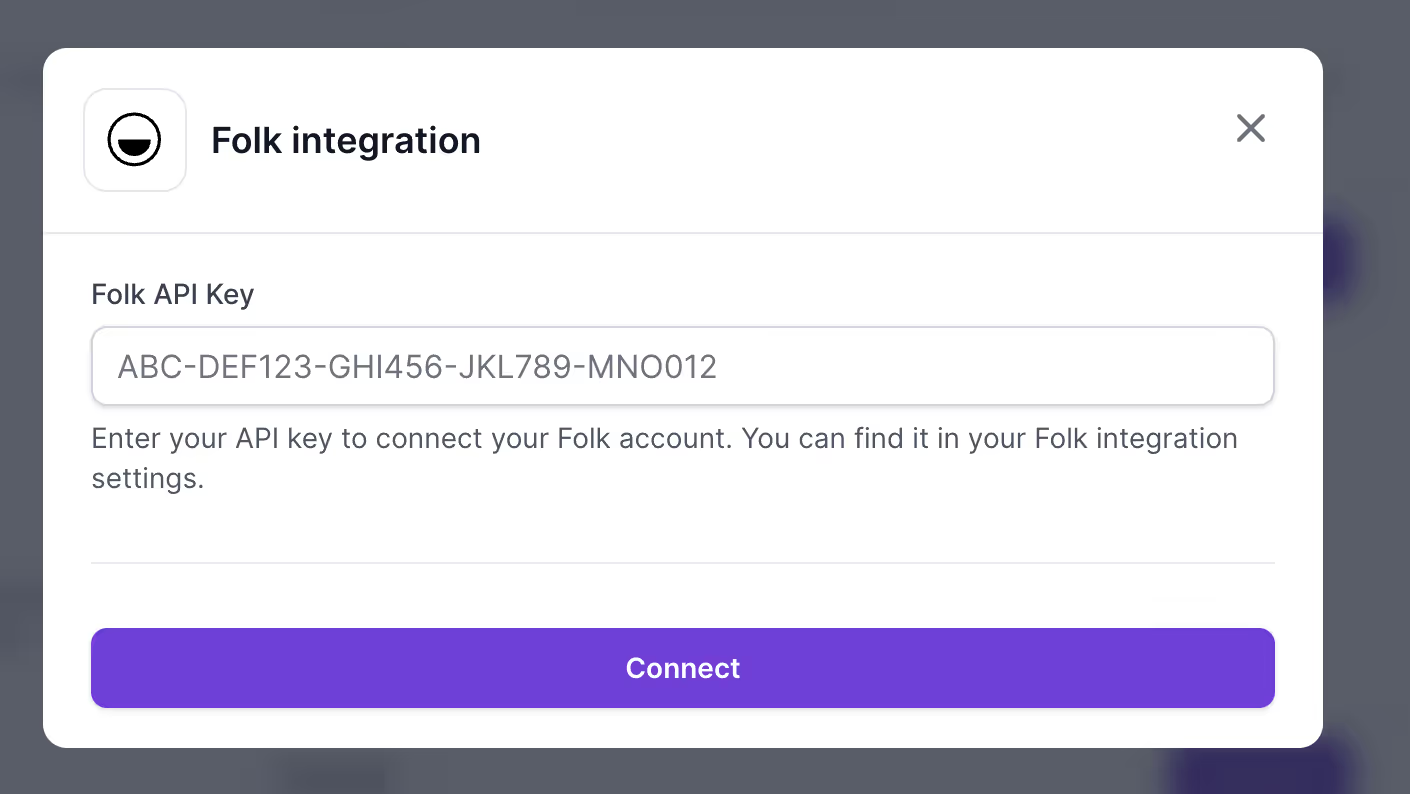
folk is a collaborative CRM built to manage all your relationships in one place. With the Salesforge + folk integration, you can connect your CRM directly to your outreach engine. That means every enriched, organized contact in folk can flow seamlessly into Salesforge - ready for personalized sequences across email and LinkedIn.
What You Can Do With the Integration
Sync contacts from folk into Salesforge: Push folk contacts directly into your Salesforge workspace for outreach.
Assign contacts to sequences: Add folk contacts into multi-channel sequences in Salesforge with just a few clicks.
Keep your CRM updated: Any updates made in folk can be reflected in Salesforge to ensure accuracy.
Map custom fields: Connect folk fields (e.g., company, role, LinkedIn profile) with Salesforge variables to unlock personalization at scale.
How It Works
Step 1: Connect folk to Salesforge
In folk, head to the Integrations section.
Select Salesforge and connect your account using your Salesforge API key.
Step 2: Sync Contacts
Choose the folk contacts or groups you want to send to Salesforge.
Map folk fields (first name, last name, company, job title, email, LinkedIn, etc.) to Salesforge fields.
Step 3: Launch Outreach
Once synced, your folk contacts appear in Salesforge.
Assign them to a sequence to start personalized multi-channel outreach.
Why It Matters
The Salesforge + folk integration bridges the gap between relationship management and outbound execution. Together, they give you:
Seamless workflows - no exporting, cleaning, or uploading data.
Cleaner CRM - keep folk as your source of truth while syncing to Salesforge automatically.
Faster outreach - go from contact organization to live campaigns in minutes.