If you're already using Instantly for cold outreach and thinking about pairing it with Valley for LinkedIn follow-ups, the promise of a smooth integration sounds like a smart move.
It’s made to automate your sales workflow and boost replies without extra tools or manual work.
But does it actually deliver?
In this post, we’ll take a close look at how the Instantly + Valley integration works, and whether this setup is a reliable stack for sales teams running outbound at scale.
Let’s get into it.
Yes. Instantly and Valley are natively integrated.
The integration is available through Instantly’s Automation Builder and can be used on all Email Outreach plans.
It allows Instantly to send leads directly to Valley without manual exports or third-party tools.
Once connected, Instantly can add leads to Valley campaigns automatically based on activity inside Instantly.
There’s no setup outside Instantly is required.
The integration works through Instantly’s Automation Builder.
It connects actions inside Instantly to actions inside Valley.
Inside Instantly, go to the Automations tab and create a new workflow.
This is where you define when a lead should be sent to Valley.
You select what activity should trigger the handoff to Valley. Common triggers include:
These triggers come directly from Instantly and are based on real campaign activity.
After choosing the trigger, you select Valley as the action.
Instantly then sends the lead to Valley automatically.
At this stage:
When the trigger condition is met:
Once the lead reaches Valley:
This allows email outreach in Instantly and LinkedIn follow-ups in Valley to work together without manual steps.
The Instantly and Valley integration is used to move leads from cold email to LinkedIn follow-ups automatically.
It helps sales teams act on email activity instead of letting warm leads go cold.
Teams use this integration to:
The main goal is to turn email engagement into LinkedIn conversations.
Instead of relying on email alone, sales teams use this integration to run email and LinkedIn together, using Instantly for email outreach and Valley for personalized LinkedIn follow-ups.
This makes outbound follow-up faster, more consistent, and easier to scale.
Yes. The Instantly and Valley stack is reliable because the integration is native and runs through Instantly’s Automation Builder.
Leads are sent to Valley only when a defined action happens in Instantly, such as a reply or status change.
This makes the flow predictable and reduces manual errors.
Since the connection does not rely on CSV exports or third-party tools, the risk of broken workflows is lower.
As long as leads include a LinkedIn URL and the automation is tested before activation, the setup works consistently for ongoing outbound campaigns.
Pros
Cons
Native integration built into Instantly
Works only if leads have a LinkedIn URL
No need for CSV exports or Zapier
Limited to the triggers available in Instantly
Automatically moves leads from email to LinkedIn
Custom interest labels are not supported
Reduces manual follow-up work
Requires initial automation setup
Keeps email and LinkedIn outreach connected
Not designed to replace a full CRM
If your workflow already revolves around cold email in Instantly and you want to add LinkedIn follow-ups, this integration can be a good fit.
But if you want email, LinkedIn, warm-up, and automation, in one tool, you may need a more all-in-one platform.
If Instantly and Valley feel limited for your needs, it’s worth looking at an alternative that handles email, LinkedIn, and automation in one place.
Instantly and Valley work well if you already use Instantly and only want to add LinkedIn follow-ups.
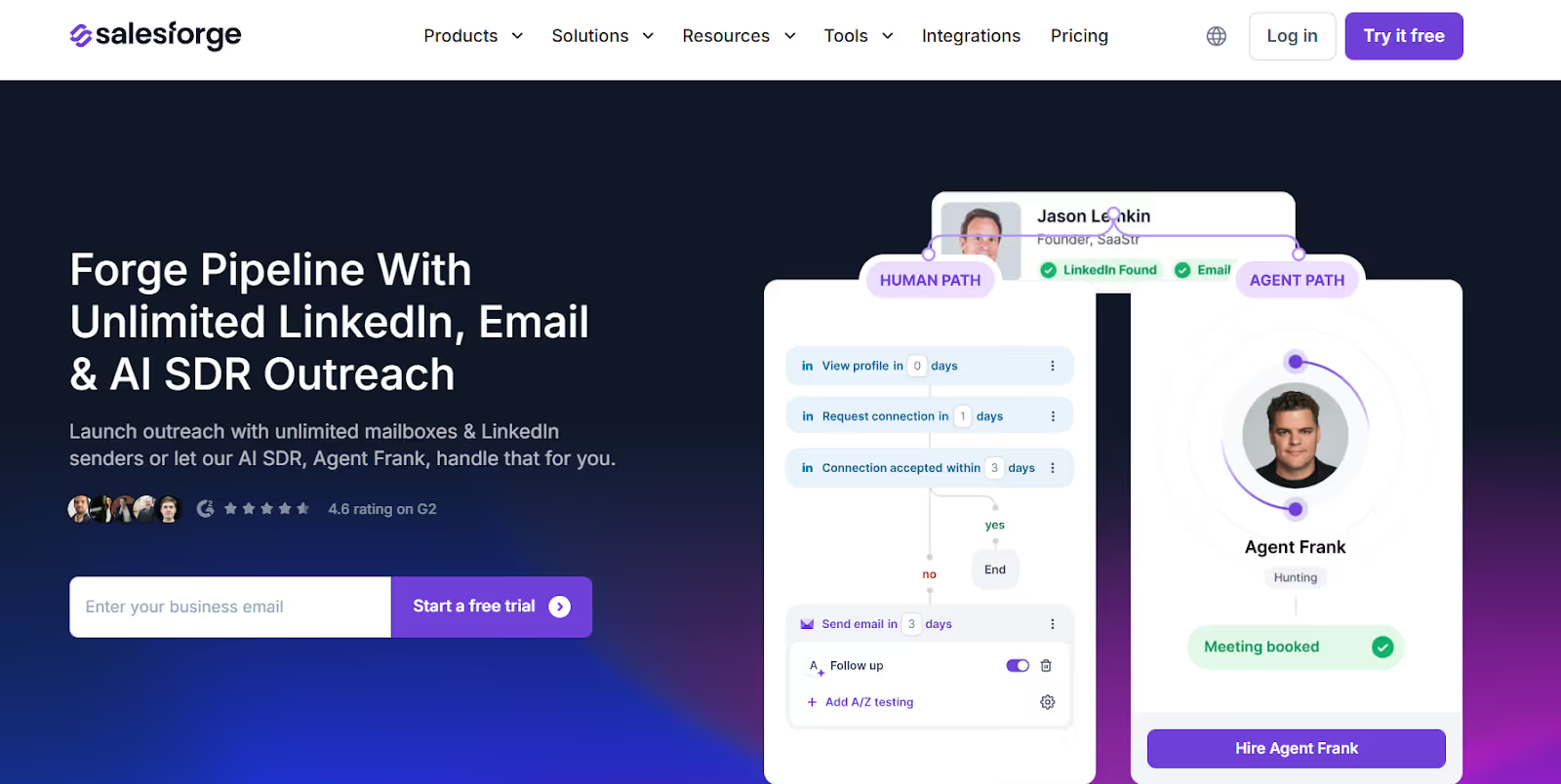
Salesforge, however, is built to handle cold email, LinkedIn outreach, deliverability, and automation in one system.
This removes the need to connect tools, manage workflows, or depend on external infrastructure.
The difference becomes clear when you compare how both setups handle core outbound tasks.
If you’re already using Instantly and just want to add LinkedIn follow-ups, Valley is a solid add-on.
But if you want a single platform that handles everything from cold emails to multi-channel outreach, Salesforge is a simpler, smarter choice.
It’s built for scale, has AI personalization built-in, and removes the need to juggle multiple tools.
Instantly and Valley work well if you already use Instantly and only want to add LinkedIn follow-ups to your email campaigns.
But if you’re looking for a setup that handles cold email, LinkedIn outreach, deliverability, and automation in one place, managing two tools can feel limiting over time.
It combines cold email, LinkedIn outreach, reply management, warm-up, and automation in one system.
You don’t need to connect tools, sync data, or maintain separate workflows as your outreach scales.
If your goal is to run outbound from one place and scale without complexity, Salesforge is the better long-term choice.
Start your 14-day free trial with Salesforge!
.jpg)

.jpg)

.jpg)

