
Personalized Outbound Strategy
Get The Right Outbound Strategy In Minutes
Enter your email to get a custom plan & stack recommendation for your business
It's being carefully crafted by AI
Please check your mailbox in 5 minutes
If you are searching for how to send bulk emails at scale, the answer most people want is a number.
How many domains, inboxes, or sends per day?
I came across a case recently that sums up what goes wrong. An agency owner sent 15,000 emails in a month to home remodelers.
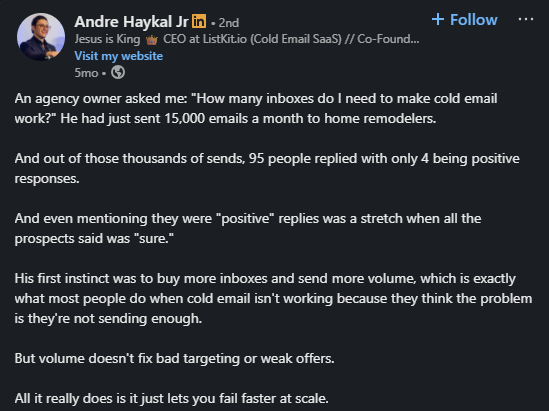
Four positive replies. His first instinct was to buy more inboxes and push more volume.
That is the wrong direction. The number means nothing if the system behind it is broken. More volume on a broken system just means it breaks faster.
What actually holds bulk email together at scale is the order in which you build it.
Infrastructure first, warmup second, list quality third, copy fourth, volume last.
This blog walks through each layer in that order. I'll show how Salesforge ties it all together so the system runs without managing five tools at once.
Sending bulk emails is not just hitting send on a large list. It is a system with multiple layers. Each layer has to work before the next one can.
Most people think scale means sending more emails, but it doesn't. Scale means your system holds up as volume increases.
For that, you need enough domains and mailboxes to distribute your daily send volume safely. For 1,000 emails a day, that is roughly 70 domains and 140 mailboxes.
You need each mailbox warmed up before a single cold email goes out. Skipping this gets you filtered within days.
You need a verified list. A bounce rate above 2% signals providers that something is wrong with your sending behavior.
You need copy that does not read the same to every prospect.
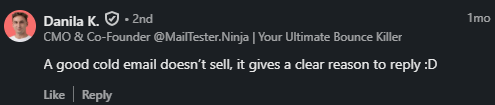
Generic messages get ignored or marked as spam.
And you need a sending platform that handles rotation, sequencing, and deliverability monitoring without manual intervention.
Bottom line: volume is the last variable you adjust, not the first.
Burning a domain happens when you push too much volume through too few sending accounts.
Christian Bonnier, who has sent 10 million cold emails, thinks about scaling bulk email the same way a chess player thinks about pawns.
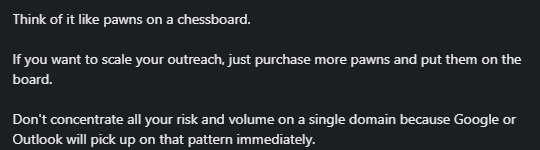
You do not put all your pieces on one square and hope for the best. You spread them across the board.
Each pawn carries a small load. Together, they cover the full board. If one gets taken out, the game does not end.
That is how you distribute your sending volume. Dozens of domains. Hundreds of mailboxes. Each one sends 20–30 emails per day. No single domain carries enough volume to trigger provider flags.
The more pawns you put on the board, the more volume you can move safely. That is the horizontal scale. Not more sends per inbox, more inboxes sending the same safe volume.
As Kirke Männik put it: "The math stopped working because the infrastructure collapsed." That is exactly what happens when your sending setup is not built for volume.
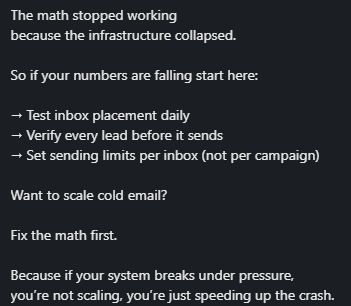
To counter that possibility, Salesforge runs on three infrastructure products: Mailforge, Infraforge, and Primeforge. Each one handles a different layer of your sending setup.

Domains and mailboxes go live in minutes, with SPF, DKIM, and DMARC configured automatically.
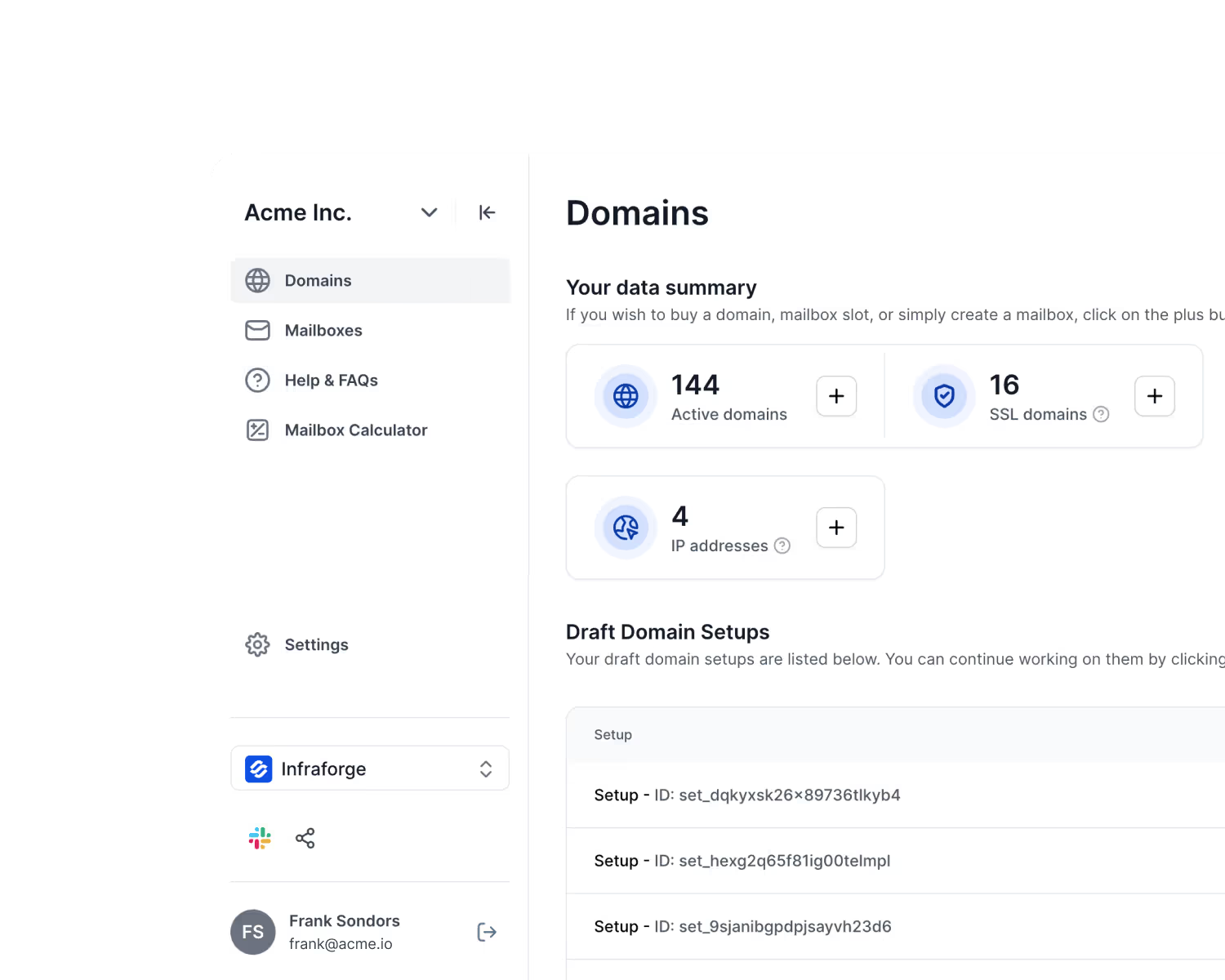
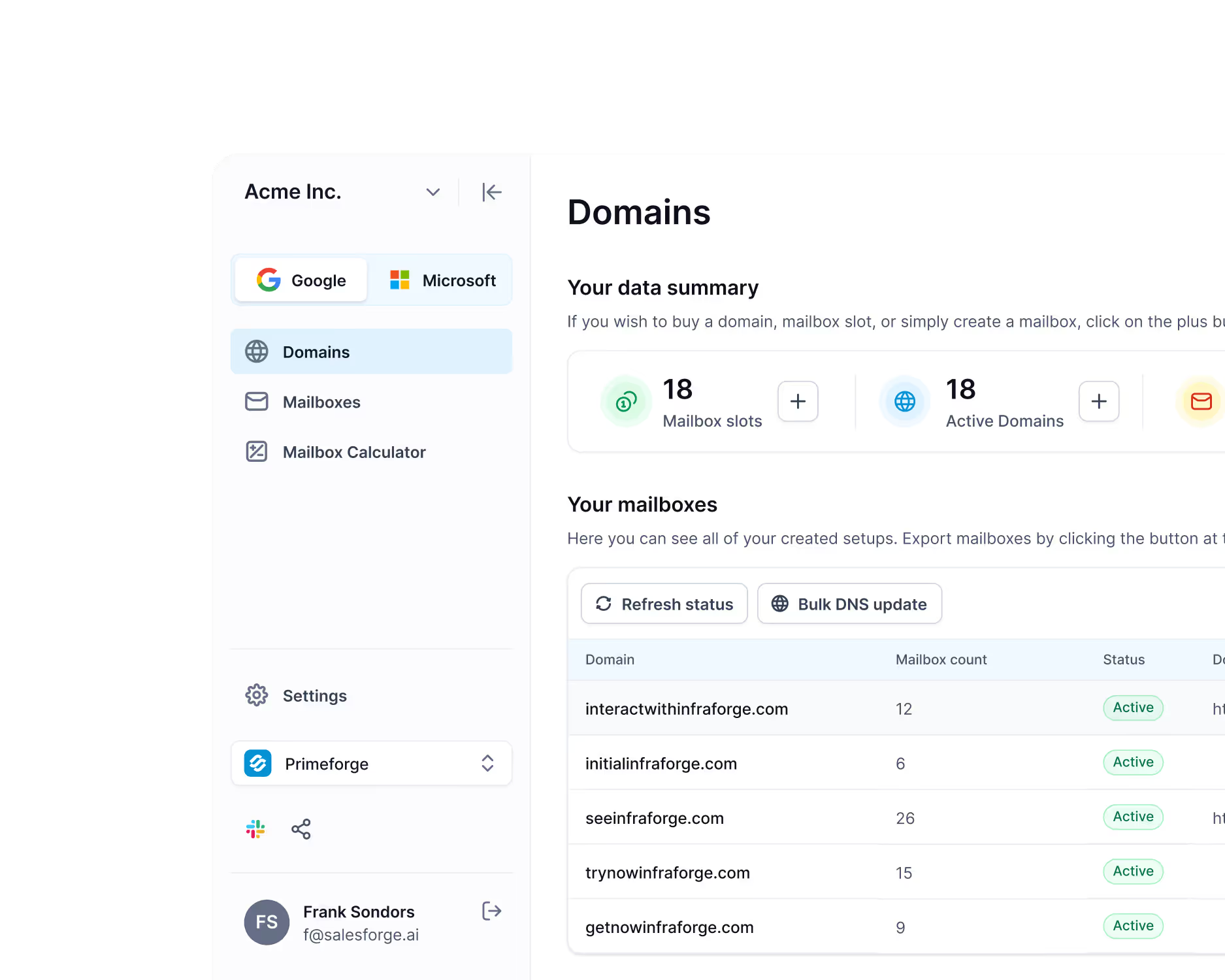
They come with US IP addresses, automated DNS, and mailbox profile pictures already configured. Ready to send in 30 minutes.
Most teams running bulk email at scale use a combination of all three.
Comligo ran 180 Mailforge domains alongside 80 Primeforge domains, 470+ active mailboxes in total, while keeping bounce rates below 5% across every campaign.
Each mailbox sends 20–30 emails per day. To hit 1,000 daily sends, you need roughly 70 domains and 140 mailboxes.
Salesforge handles the rotation automatically; traffic spreads across your active mailboxes based on health and capacity.
Malik Shamsuddin, who has seen this play out across dozens of campaigns, shares: "One bad campaign can torch your primary domain's reputation — forever."
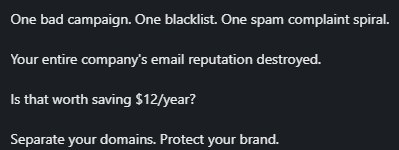
Salesforge keeps your cold outreach domains separate from your primary domain by design. If a sending domain takes a hit, your core business email stays untouched.
You are not increasing sends per inbox as you scale. You are adding more inboxes. That is the distinction that keeps domains alive at volume.
Growth Alliance manages 1,000+ domains and mailboxes across multiple client accounts inside the Forge stack.
Sender reputation stays isolated between accounts by design. One client's campaign does not bleed into another's.
AKOOL reached 214,000+ prospects using this setup. 150+ dedicated mailboxes, each holding a 97–100% sender reputation score across the full campaign duration.
VidLab7 runs campaigns across multiple domains and mailboxes simultaneously, targeting CMOs, Heads of Digital Sales, and Ecommerce CXOs in parallel — without deliverability issues across any segment.
Gisele Zwicker sums up what happens when infrastructure is not built this way: "Good cold email strategy doesn't start with volume. It starts with control. Clean infrastructure. Consistent signals. Inbox you can trust."

The infrastructure is not something you manage manually inside Salesforge. It runs in the background.
You set the sending limits, connect your mailboxes, and the platform handles distribution, rotation, and health monitoring from there.
Enter your email to get a custom plan & stack recommendation for your business
Please check your mailbox in 5 minutes

Every new mailbox starts with zero sending history. Inbox providers do not trust it yet.
Warmup is the process of building that trust before any cold email goes out. Skip it, and your emails land in spam from day one.
Christian Bonnier, who has sent 10 million cold emails, shares: "People get impatient and go straight to spam because they don't want to wait 14 days. But you're just going to go to spam anyway if you rush it."
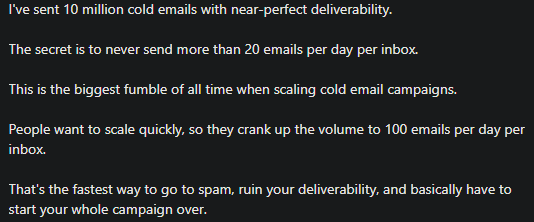
Salesforge runs warmup through Warmforge. It is built into the Forge stack — no separate tool to connect or manage.
Warmforge simulates real sending behavior from day one. It sends and receives emails automatically, mimicking human activity, so inbox providers start building a trust history for your domain.
While that's happening, it tracks four key signals:


Your target heat score before sending any cold email is 85 or above. Comligo warmed 386 mailboxes through Warmforge before launching outreach.
Every mailbox held a heat score of 89 or higher going into their campaigns. Bounce rates stayed below 5% throughout.
The minimum warmup period is 14 days. Volume ramps gradually, around 20% every few days. You do not double-send overnight.
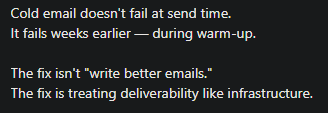
Bally Kehal, who has audited sending domains across dozens of outbound setups, puts it plainly: "Cold email doesn't fail at send time. It fails weeks earlier, during warm-up."
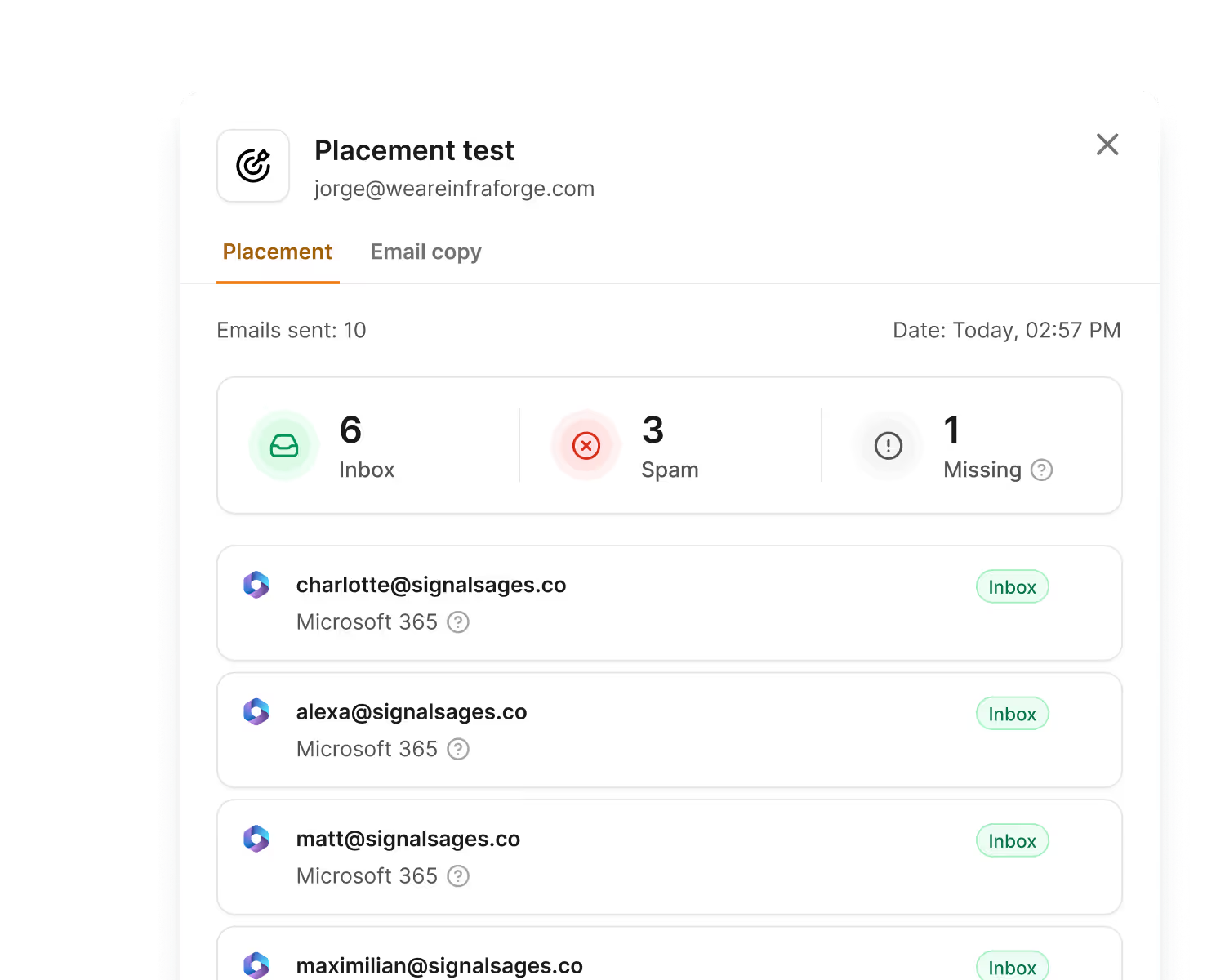
Once a mailbox clears the 85+ heat score threshold, Salesforge marks it as ready. From that point, it enters your active sending rotation.
The rule I follow: keep roughly 50% of your total mailbox capacity warmed and on standby at all times.
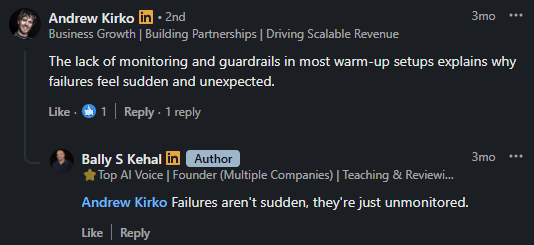
Bally Kehal flags exactly what happens when you do not: "Failures aren't sudden, they're just unmonitored."
A mailbox does not announce when it starts drifting toward spam. Reply rates quietly drop.
By the time you notice, the domain has already taken the hit, and you are starting the warmup clock over from scratch.
Having warmed backups ready means the moment a mailbox gets pulled out of rotation, a healthy one goes in the same day.
Your daily send volume stays consistent, pipeline does not stall while you wait two weeks for a replacement to warm up.
Your list quality determines your deliverability outcomes more than any other variable.
A bad list means high bounce rates. High bounce rates signal inbox providers that something is wrong. Once that signal goes out, your domain reputation drops.
Michel Lieben, who scaled ColdIQ to $6M ARR using cold email, says it directly: "Most emailers spend a lot of time figuring out what to write and little time building their list. Do the opposite."

Before you build anything, check if your market is large enough to run bulk email at scale.
Benjamin Reed, who sent 11 million cold emails in a year, gives a clear framework: 30,000+ companies in your TAM means you have room to test and scale.

Between 10,000 and 30,000 companies, you will burn through your list before you learn anything. Under 10,000 companies, cold email is likely not your channel.
If your TAM is too small, adding more domains and mailboxes will not save the campaign. You will run out of contacts before the system pays off.
Define your ICP before you pull a single contact. Job title, company size, industry, location, and buying signals all go in before you search.
Aditi Puri Batra puts it plainly: "A thousand emails to a weak list will always lose to fifty sent to exactly the right people."

Use signals to prioritize. Recent funding rounds, new hires in relevant roles, expansion into new markets — these tell you who is likely to respond right now, not just who fits your ICP on paper.
Comligo used Leadsforge to generate over 100,000 verified leads across industries in the US. That volume would have been nearly impossible to reach through manual prospecting alone.
"I've used many platforms, and no one beats Salesforge on email deliverability and ease of use. Every week the team adds new features, and the support is excellent!" - Sam Momani, CEO, LinkedDNA
Do not rely on one data source. Single-source lists leave gaps. Gaps mean missing emails. Missing emails mean bounces.
Leadsforge pulls contact data from multiple providers in sequence. If one source does not have the email, the next one tries.
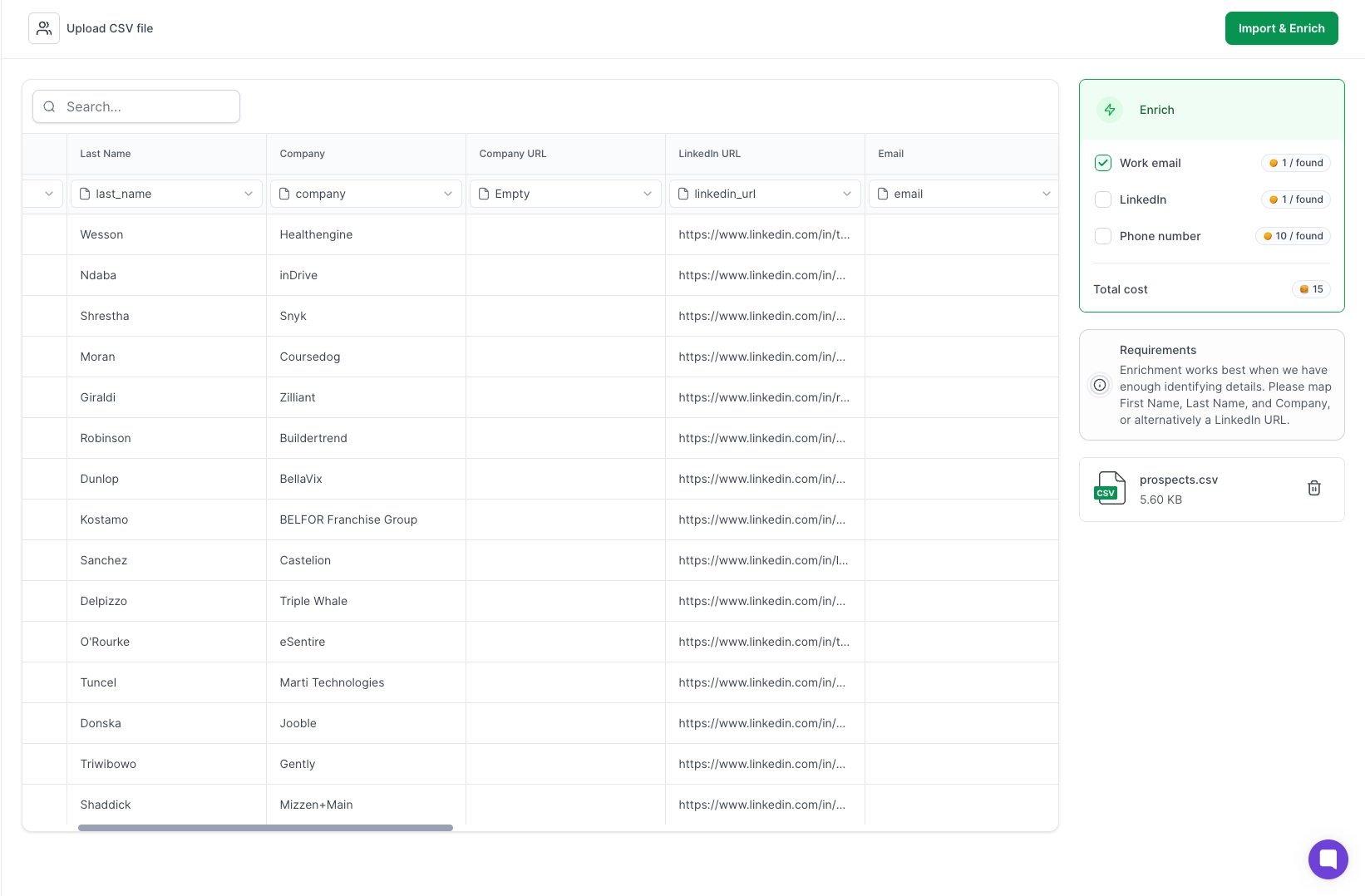
This multi-source approach gives you higher coverage and more accurate data than any single database can provide.
Kobi Omenaka, who spent 27 months going deep on cold email, shares the same thought: "Don't rely on one database. Go deeper with multiple tools and sources."

Every contact needs email verification before it enters a campaign. Your bounce rate needs to stay below 2%. Above that threshold, inbox providers start treating your domain as a risk.
As Andre Haykal Jr suggests, "A bad list will kill your campaign no matter how good your offer is."

Verification is not optional at scale. When you are sending to tens of thousands of contacts, even a 5% bad address rate across a large list creates enough bounces to damage your sender reputation within days.
No infrastructure setup or copy adjustment fixes unverified data once it is already moving through your sequences.
Personalization at scale does not mean inserting a first name and calling it done.
It means your email references something specific to that prospect. Their industry. Their role. A problem they are actively dealing with.
Michel Lieben starts every campaign the same way: write 25 emails manually before automating anything.

That manual phase tells you what language lands, what pain points get responses, and what patterns repeat across your ICP.
Once you have those patterns, you scale them.
Salesforge generates personalized email copy from real prospect data — job title, company size, tech stack, and recent activity. Each email reads like it was written for one person, not pulled from a template.

If you want to take that further without adding headcount, Agent Frank handles the entire personalization workflow autonomously.
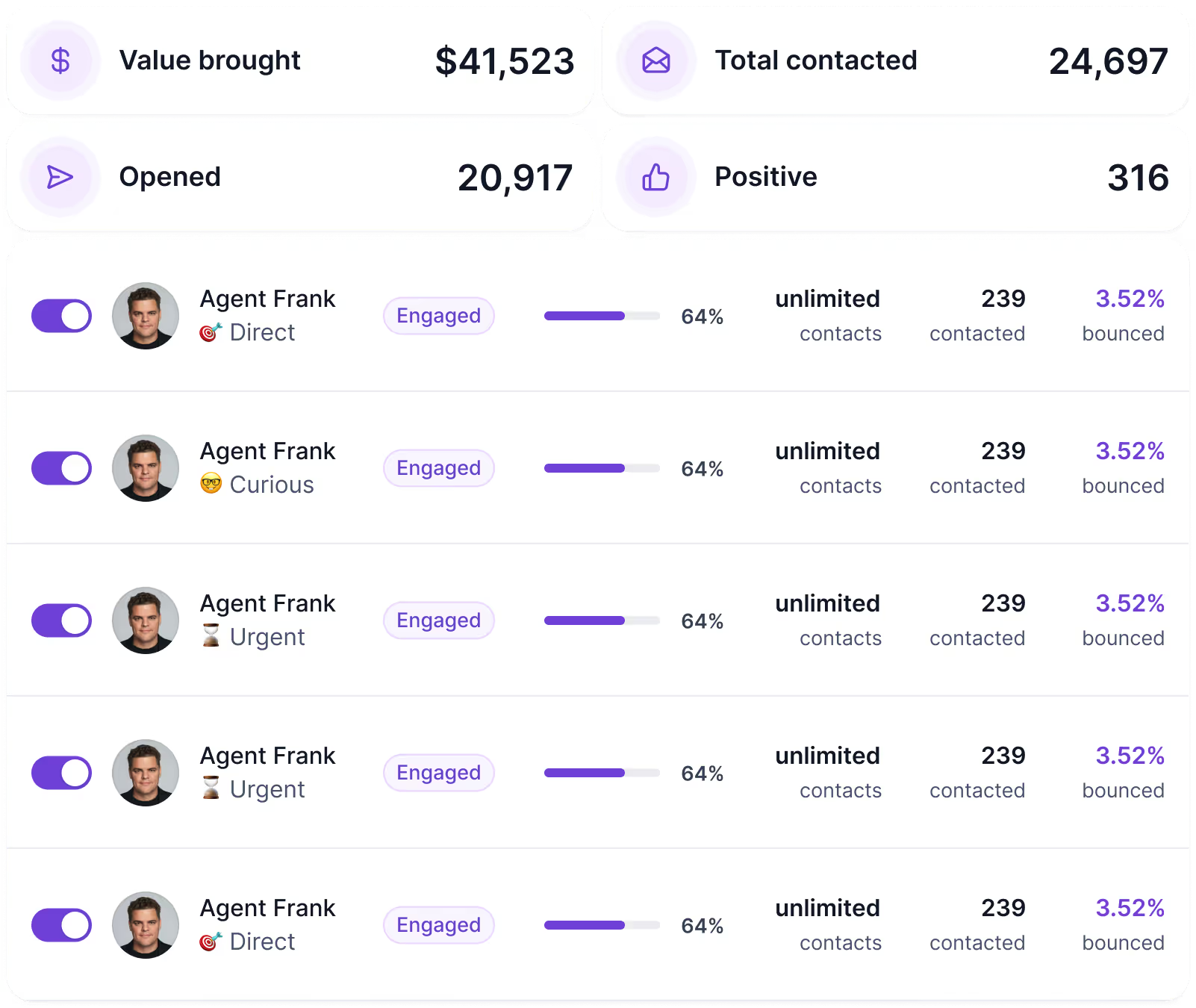
He prospects based on your ICP, writes emails that reference specific pain points per contact, sends sequences, and follows up — without you approving each message. You set the parameters. He runs the outreach.
Yassin Baum puts the goal clearly: "Your email goal is to get a reply, not close a deal."

That changes how you write. You lead with their problem. You ask one question. You do not pitch in the first email.
AKOOL ran this approach across 214,000+ prospects. Their average positive reply rate held at 16% across broad segments and multiple verticals simultaneously.
Writing personalized sequences for multiple ICPs across multiple campaigns takes time. That is where the Salesforge MCP Server changes the workflow.
Once you connect Claude to Salesforge through the MCP, you stop building sequences manually inside dashboards. Instead, you describe what you need in plain language, and Claude does the work.
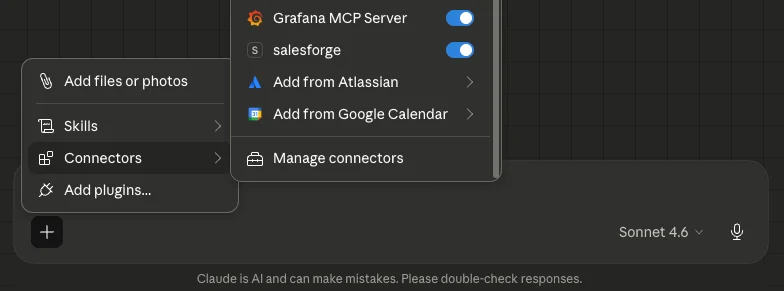
You share your ICP doc, your positioning notes, and three to five past emails that got positive replies. Or to draft a five-step sequence for a specific persona — say, CROs at mid-market SaaS companies dealing with manual pipeline reporting.
Claude reads the context and generates copy that reflects that specific pain point, not a generic template.
You review the drafts. You edit one line. You push the full sequence live into Salesforge in the same session.

That context — the ICP, the pain points, the past winners — is what separates personalized copy from generic copy.
The MCP just makes it faster and more consistent to apply that context at scale across every campaign you run.
For agencies managing bulk email across multiple clients, each client gets a separate MCP instance with its own API keys.
You specify which client in the prompt. Claude pulls the right context and builds sequences for that account only.
How to Automate Cold Email With Claude Code and Salesforge MCP
A single email is not a bulk email system. A sequence is.
Most prospects do not reply to the first email. Replies happen across multiple touches, usually between the third and fifth contact points.
Yassin Baum, who scaled two businesses to 6 and 7 figures using cold email, uses a doctor analogy that gets this right: "When you visit a doctor, they don't start with surgery. They diagnose first, prescribe carefully, and treat step by step."

That is exactly how a sequence should work.
Kobi Omenaka, after 100,000+ sends, backs this up: "Two-step sequences win. Shorter, tighter sequences perform better."

Now, here is where most teams leave the pipeline on the table. Email alone is one touch point. The same prospect you are emailing is also on LinkedIn — and sometimes that is where they respond first.
Salesforge runs email and LinkedIn sequences from the same platform.

While your email sequence follows the five-step structure above, a parallel LinkedIn sequence runs three steps: a blank connection request, one short DM after acceptance, and one follow-up if no reply.
Under 60 words per message. A question, not a pitch.
VidLab7 runs both channels simultaneously across CMOs, Heads of Digital Sales, and Ecommerce CXOs inside Salesforge, without managing separate tools for each channel or manually tracking where each prospect sits across both.
👉 Run LinkedIn and email outreach from one platform with Salesforge
The majority of teams look at open rates first. That is the wrong metric to start with.
Open rates tell you if your subject line worked. They do not tell you if your sales system is healthy.
The signals that actually matter sit one level deeper — at the mailbox level, the bounce rate level, and the sequence step level.
Check every active mailbox once a week. Any mailbox below 1% reply rate over seven days needs attention. Any mailbox with zero replies in a week is likely sitting in spam.
Pause it. Rotate in a warmed backup. Do not wait for the damage to compound across the rest of your sending infrastructure.
The rule I follow: keep 50% of your total mailbox capacity warmed and on standby at all times. When something drops, you replace it the same day. Your daily send volume does not fall. Your domain does not take the hit.
Keep bounce rate below 2%. Above that threshold, inbox providers start flagging your domain as a risk.
The fix is upstream: list verification before sending, not sending adjustments after the fact. If your bounce rate is already climbing, the problem is your list, not your copy.
This is the signal most teams ignore completely.
Knowing whether replies come from email 1 or email 4 tells you exactly where your message lands and where it falls flat.
If replies only come from the breakup email, your first three steps are not working. If replies come from email 2, your case study angle is resonating, but your opening is weak. Each pattern points to a specific fix.
Edward Ma puts it like: "If you increase your volume but your spam rates also increase, Google will lower your volume ceiling. You cannot scale a list that is already generating negative feedback."
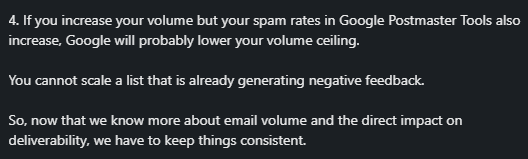
That is the clearest sign your system is not working, not low reply rates, but rising spam complaints while you are still pushing volume.
Salesforge tracks reply data at the sequence step level. Combined with Warmforge heat scores and placement monitoring, you get a view across all three: infrastructure health, copy performance, and list quality, without pulling data from separate tools.
Net New Solutions ran 50 outbound campaigns through this setup. Across 21,643 contacts, they held a 36% open rate and a 43% click rate — and adjusted campaign direction based on exactly where engagement dropped at each step.
Matthew Lucero, who works with B2B outbound teams daily, frames it well.

That is what a working bulk email system looks like. Not just sends going out, but data coming back that tells you what to fix next.
Enter your email to get a custom plan & stack recommendation for your business
Please check your mailbox in 5 minutes
Most people read a blog like this and go straight to buying more domains.
Do not do that.
The system only works in one order. Infrastructure first. Warmup second. Clean the list third. Personalized copy fourth. Volume last. Skip a step and the whole thing falls apart — usually at the worst possible time.
Salesforge is built around that exact order. Mailforge and Infraforge handle your sending infrastructure. Warmforge keeps your mailboxes healthy. Leadsforge fills your pipeline with verified contacts. Salesforge ties the sequences, rotation, and performance tracking together in one place.
AKOOL reached 214,000+ prospects with a 16% positive reply rate. Comligo hit double-digit reply rates across healthcare, libraries, and public education. Net New Solutions ran 50 campaigns and held a 43% click rate.
None of them got there by sending more. They got there by building the system correctly first.
You now have the full picture. The only thing left is to actually build it.
Test the full Forge stack and send your first 1,000 emails safely — free trial, no credit card required.
.jpg)

.png)
