If you get LinkedIn replies, emails, or WhatsApp messages from leads, and you’re struggling to keep up, RogerRoger might be the tool you need.
RogerRoger puts all your sales messages in one place. You don’t have to switch between tabs, apps, or inboxes.
You can see every reply, follow up on time, assign tasks to your team, and track deals on a Kanban board.
In this RogerRogerreview, we’ll walk through how it works, what it does best, where it falls short, and if it’s a good fit for your LinkedIn outreach flow.
Let’s get into it.
RogerRoger Review: Key Takeaways
RogerRoger puts LinkedIn, email, WhatsApp, Instagram, and Telegram messages into one inbox.
It helps you follow up with leads so no conversation is forgotten or missed.
You can turn any message into a task or a deal and track it on a Kanban board.
RogerRoger automatically connects messages, contacts, and deals, so you don’t need to take manual notes.
It does not send automated outreach messages. It focuses on managing replies and follow-ups.
Pricing starts at $19 per month, with bigger plans for growing teams and agencies.
What Is RogerRoger?
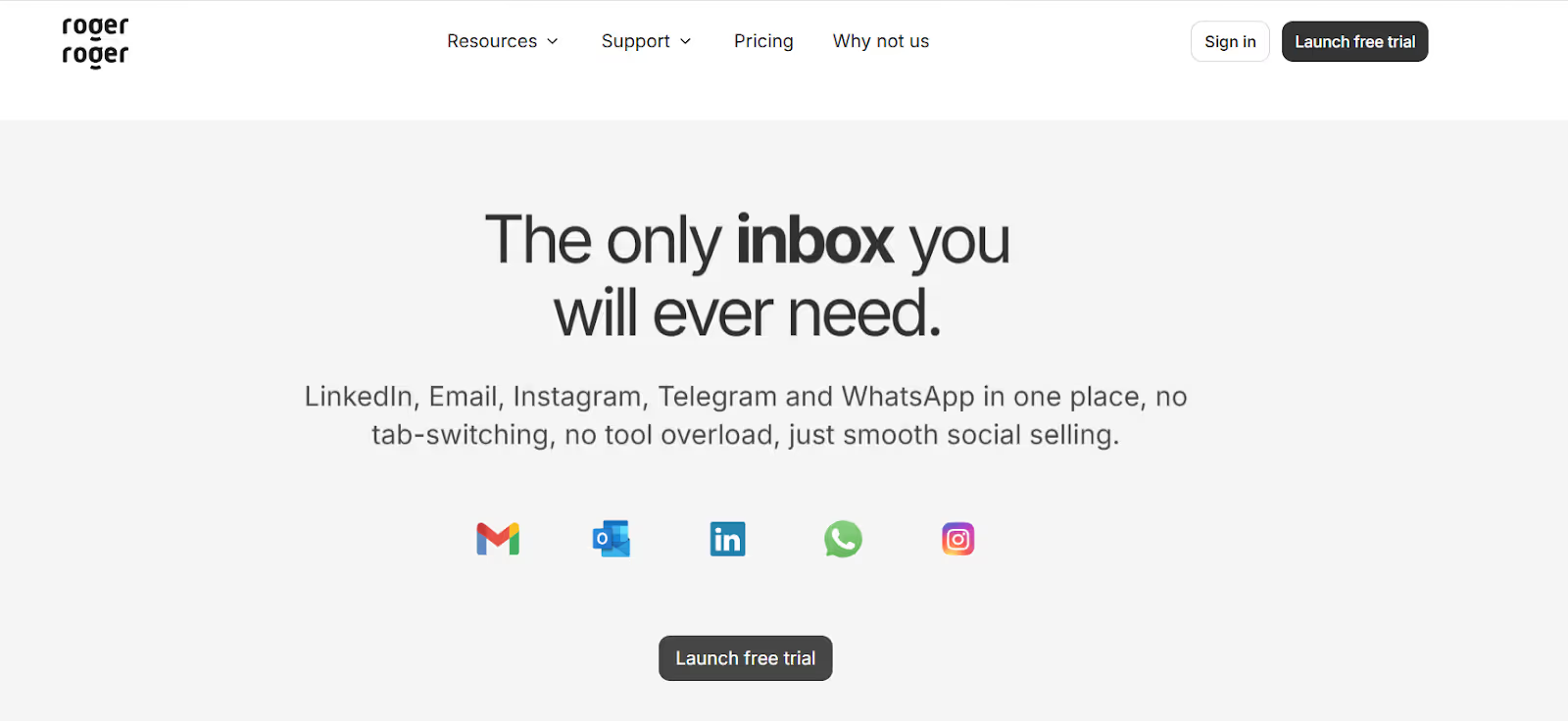
This image shows the RogerRoger homepage
RogerRoger is a conversation and follow-up management tool for LinkedIn outreach.
It brings LinkedIn messages, emails, and WhatsApp into one inbox so you can manage all replies from one place.
The tool is built to prevent missed follow-ups. Every message can be turned into a task or a deal, making it clear what action is needed next.
RogerRoger uses a Kanban board to show your sales pipeline, so you can easily track lead status and deal progress.
It also includes a built-in CRM that automatically links contacts, messages, and deals, removing the need for manual note-taking.
How Does RogerRoger Work?
RogerRoger works by turning all your sales conversations into clear actions.
Instead of just reading messages, you always know what to do next with every reply.
Here is how RogerRoger works:
RogerRoger connects your LinkedIn, email, WhatsApp, Instagram, and Telegram accounts and shows all messages in one unified inbox.
Every new reply appears in the same place, so you never miss a message or switch between tabs.
You can turn any message into a task or a deal as soon as it comes in.
Tasks and deals are shown on a Kanban board, where you can move them between stages as the conversation progresses.
Each contact, message, and deal is automatically linked inside the built-in CRM, so context is never lost.
You can assign conversations, tasks, or deals to yourself or a teammate to make ownership clear.
Shared drafts allow team members to collaborate on replies before sending them.
RogerRoger works alongside your existing sales and outreach tools by organizing replies, not sending campaigns.
In short, RogerRoger turns incoming conversations into organized follow-ups and visible deal progress.
Top Features of RogerRoger
RogerRoger is built to help you manage replies, follow up on leads, and move deals forward without switching tools.
Here are the top features of RogerRoger:
Features Overview
Feature
What It Does
Unified Inbox
Brings LinkedIn, email, WhatsApp, Instagram, and Telegram messages into one inbox so you can manage all conversations from one place.
Deals & Tasks
Lets you turn any message into a deal or a task so every reply has a clear next step.
Kanban Boards
Shows deals and tasks on a drag-and-drop board so you can track pipeline stages and priorities easily.
Team Assignment
Allows you to assign conversations, tasks, or deals to teammates to make ownership clear.
Shared Drafts
Enables team members to collaborate on replies before sending messages.
Team Collaboration
Keeps all messages in one place so teams can work together without duplicate replies.
Integrations & API
Works alongside outreach tools, CRMs, and automation tools, with API and webhooks available on higher plans.
RogerRoger Pricing
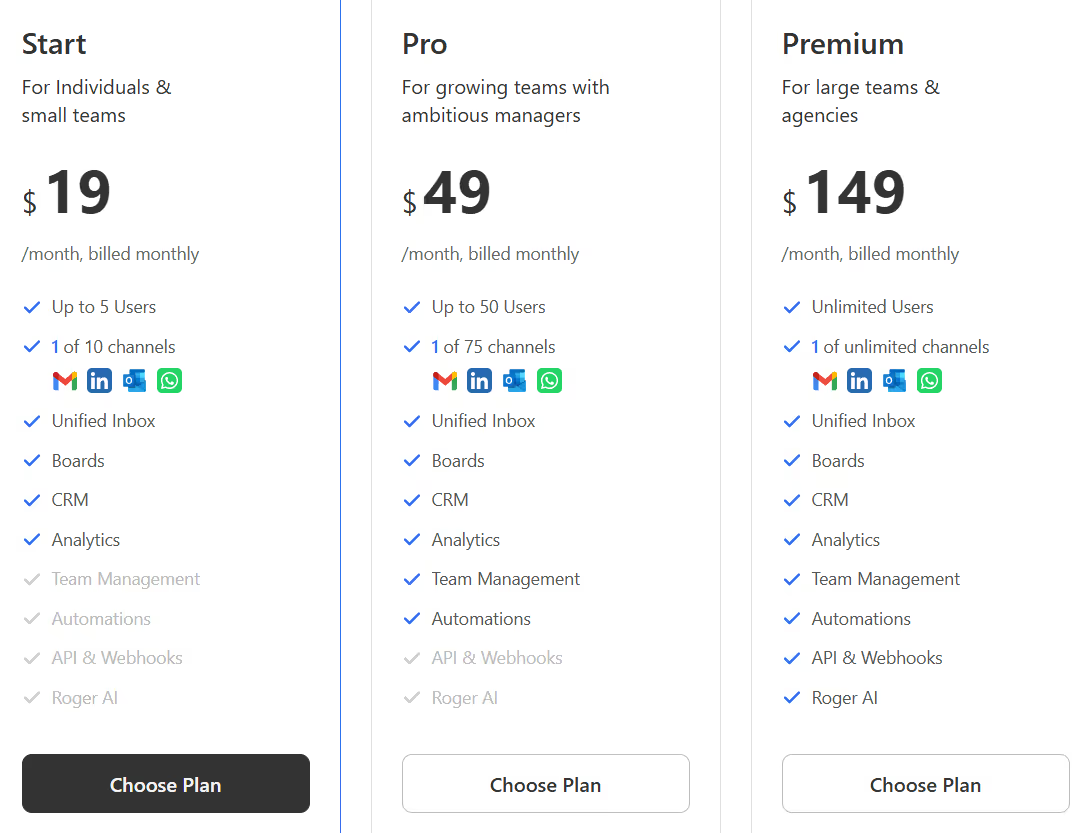
This image shows the RogerRoger pricing
RogerRoger has three pricing plans. You can start with a free trial and no credit card is required.
I. Starter – $19/month: Up to 5 users, 1 connected channel, Unified inbox, boards, CRM, and analytics
II. Pro – $49/month: Up to 50 users, up to 75 connected channels, includes automations, API & webhooks, and Roger AI
III. Premium – $149/month: Unlimited users, unlimited channels, full feature access for large teams and agencies
IV. Free Trial: Full access to Pro features, email, LinkedIn, and WhatsApp can be connected
Top Pros and Cons of RogerRoger
Pros & Cons
Pros
Cons
Brings LinkedIn, email, WhatsApp, Instagram, and Telegram into one unified inbox
Reduces tab switching by managing all conversations in one place
Turns messages into deals or tasks with clear next steps
Visual Kanban boards make it easy to track pipeline and priorities
Built-in CRM automatically links contacts, messages, and deals
Strong follow-up system with reminders to prevent missed leads
Does not run outbound outreach or message automation
Outreach campaigns require external tools
API is still in closed beta
Built mainly for follow-up and deal management, not lead sourcing
Advanced automations and API access are limited to higher plans
May feel heavy for solo users with very low message volume
Is RogerRoger Right for You?
RogerRoger is right for you if you manage conversations across LinkedIn, email, and WhatsApp and want everything in one inbox.
It works best for sales teams, founders, and agencies that handle many replies and follow-ups every day.
The tool is useful if you want to turn messages into tasks or deals and track progress using Kanban boards.
It is a good fit if you work with a team and need shared inboxes, assignments, and collaboration on replies.
RogerRoger may not be ideal if you want to run automated outreach campaigns or need a lead generation tool.
Best RogerRoger Alternative for LinkedIn Outreach – Salesforge
If RogerRoger helps you manage replies and follow-ups but feels limited when it comes to starting conversations and scaling outreach, Salesforge is a stronger alternative, especially for teams that want to generate pipeline, not just organize messages.
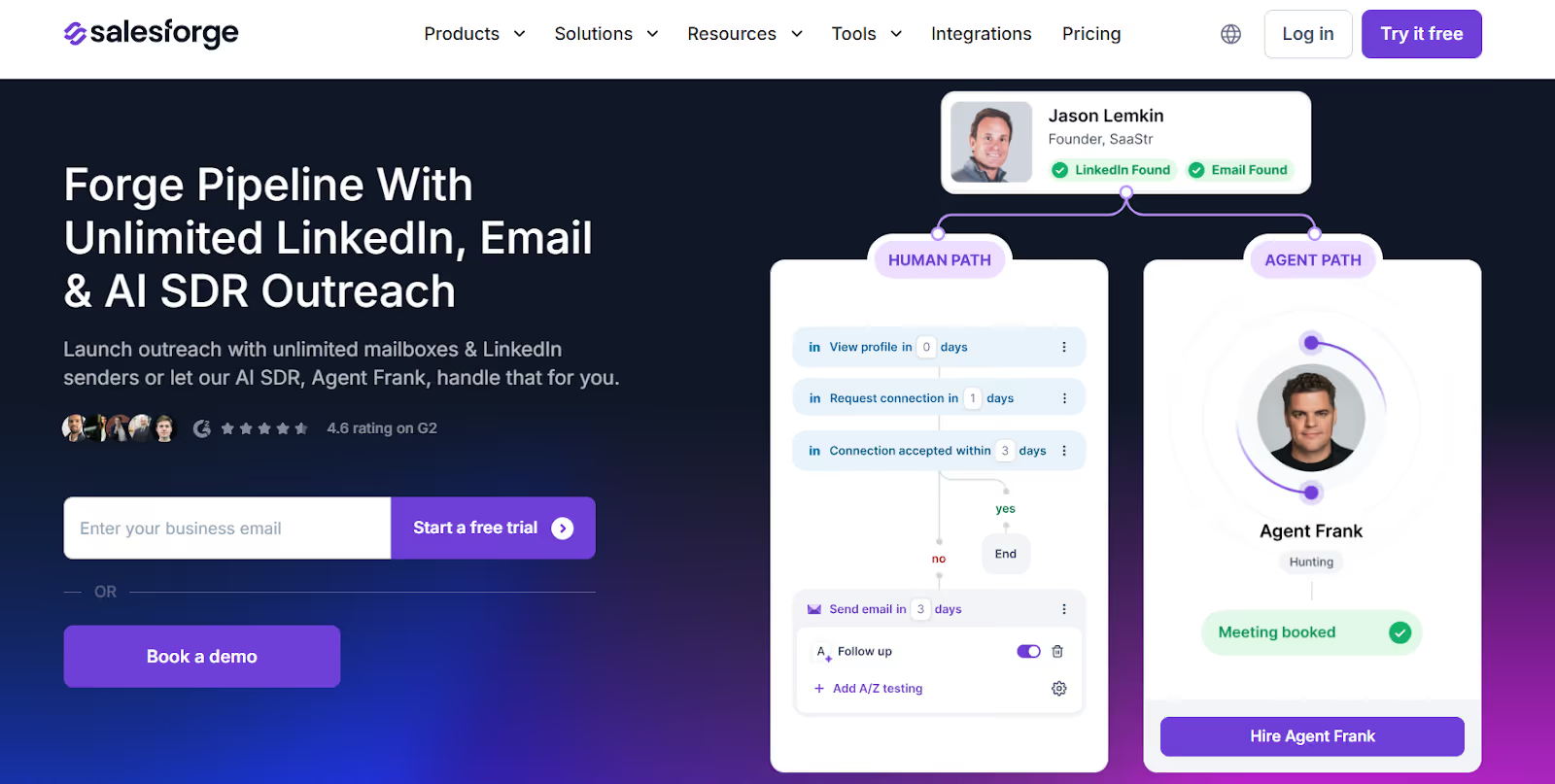
This image shows the Salesforge homepage
Salesforge is a multi-channel outbound sales platform built for LinkedIn and cold email outreach.
Instead of only managing conversations after replies, Salesforge helps you launch outreach campaigns, automate follow-ups, and book meetings from one place.
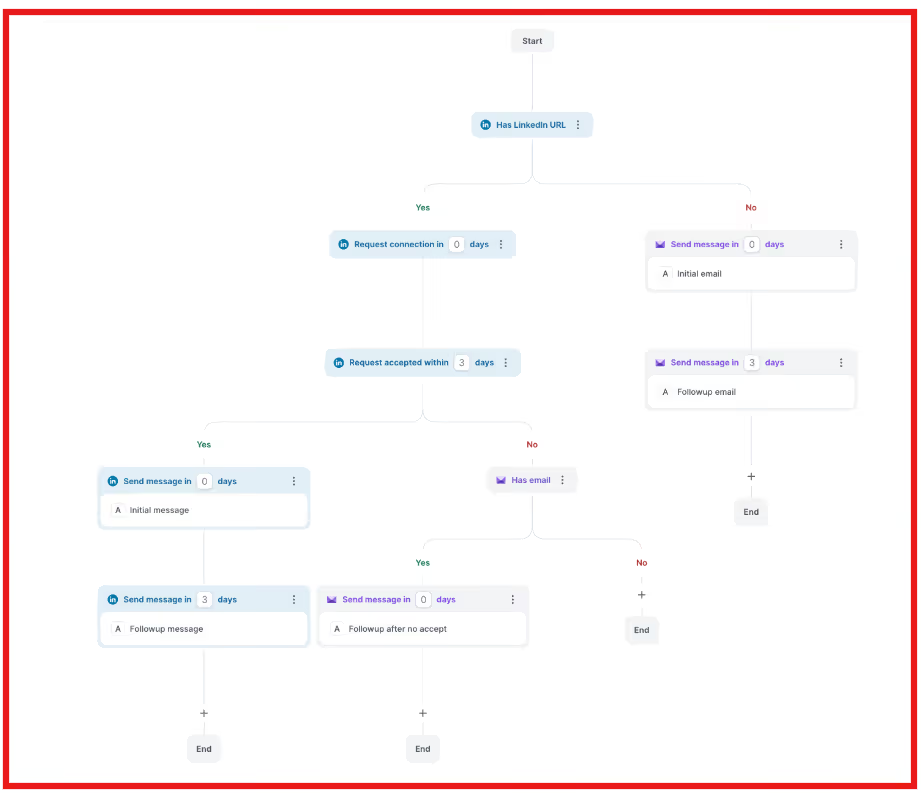
Salesforge lets you run LinkedIn and email outreach together using conditional multi-channel sequences.
This image shows the Multichannel sequences of Salesforge
You can connect unlimited LinkedIn senders and unlimited email mailboxes, allowing every person on your team to send outreach without seat-based limits.
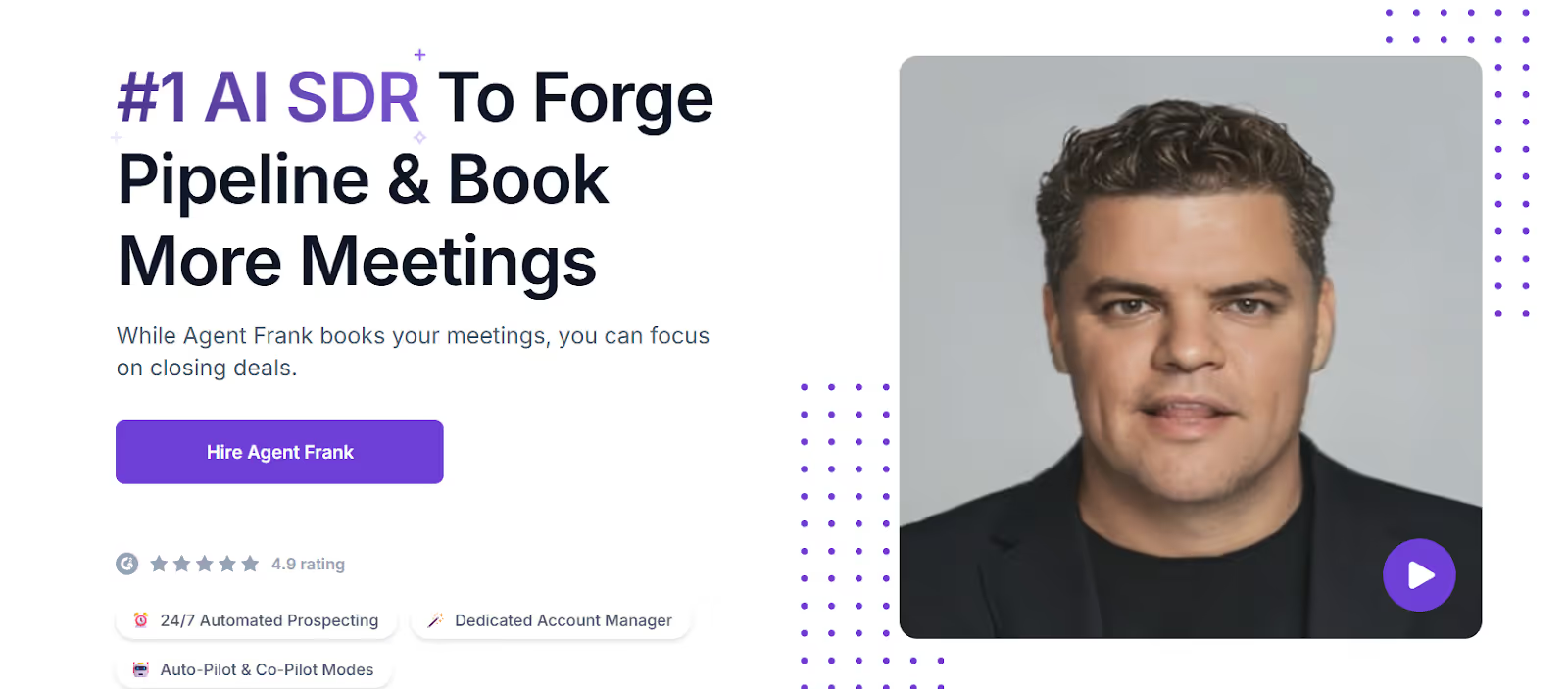
This image shows the AI SDR by Salesforge
Salesforge also includes an AI SDR called Agent Frank, who can handle prospecting, message writing, follow-ups, and meeting booking automatically.
RogerRoger vs Salesforge: Feature Comparison
RogerRoger vs Salesforge — Feature Comparison
Feature
RogerRoger
Salesforge
Platform Type
Conversation & follow-up management
Multi-channel outreach platform
Core Function
Manage replies and deals
Generate pipeline and book meetings
LinkedIn Outreach
No automation
Automated LinkedIn outreach
Email Outreach
Not supported
Built-in cold email
Unified Inbox
Yes
Yes (Primebox™)
AI SDR
No
Agent Frank
Scaling Outreach
Limited
Unlimited senders & mailboxes
Best For
Follow-ups & deal tracking
Outbound pipeline generation
If your main goal is to stay organized after prospects reply, RogerRoger can work well.
But if you want to start conversations, scale LinkedIn and email outreach, and generate consistent pipeline, Salesforge is the better RogerRoger alternative.
Is RogerRoger the Right Tool for LinkedIn Outreach?
RogerRoger is the right tool if you already get LinkedIn replies and need a clear way to track follow-ups and deals.
It helps you organize conversations and make sure no reply is missed.
However, RogerRoger does not help you find prospects or send outreach messages.
It is not built to start LinkedIn conversations or scale outbound efforts.
If your goal is to reach new prospects, send LinkedIn and email messages at scale, and book meetings, Salesforge is a better fit.
Salesforge lets you run outreach campaigns, automate follow-ups, and manage all replies in one place.
I dug through Workflows.io's five services, its $4K to $12K pricing bands, ten published case studies, and how it stacks up against certified outbound alternatives.
I dug through corebits.io, the gtm.corebits.io subdomain, and every case study across their three engines to give you an honest read before you book the discovery call.
Read this Vantage Profiles review for a clear look at its LinkedIn account rental service, pricing, identity risks, customer feedback, and whether it is worth using.



.jpg)