If you're using Instantly and Aimfox, or considering it, the integration between the two sounds like a solid win, offering more automation and less manual work.
But how well do they actually work together?
In this article, we’ll look at what the Instantly + Aimfox integration really does, where it hits limits, and what that means for your outbound workflows.
Let’s begin!
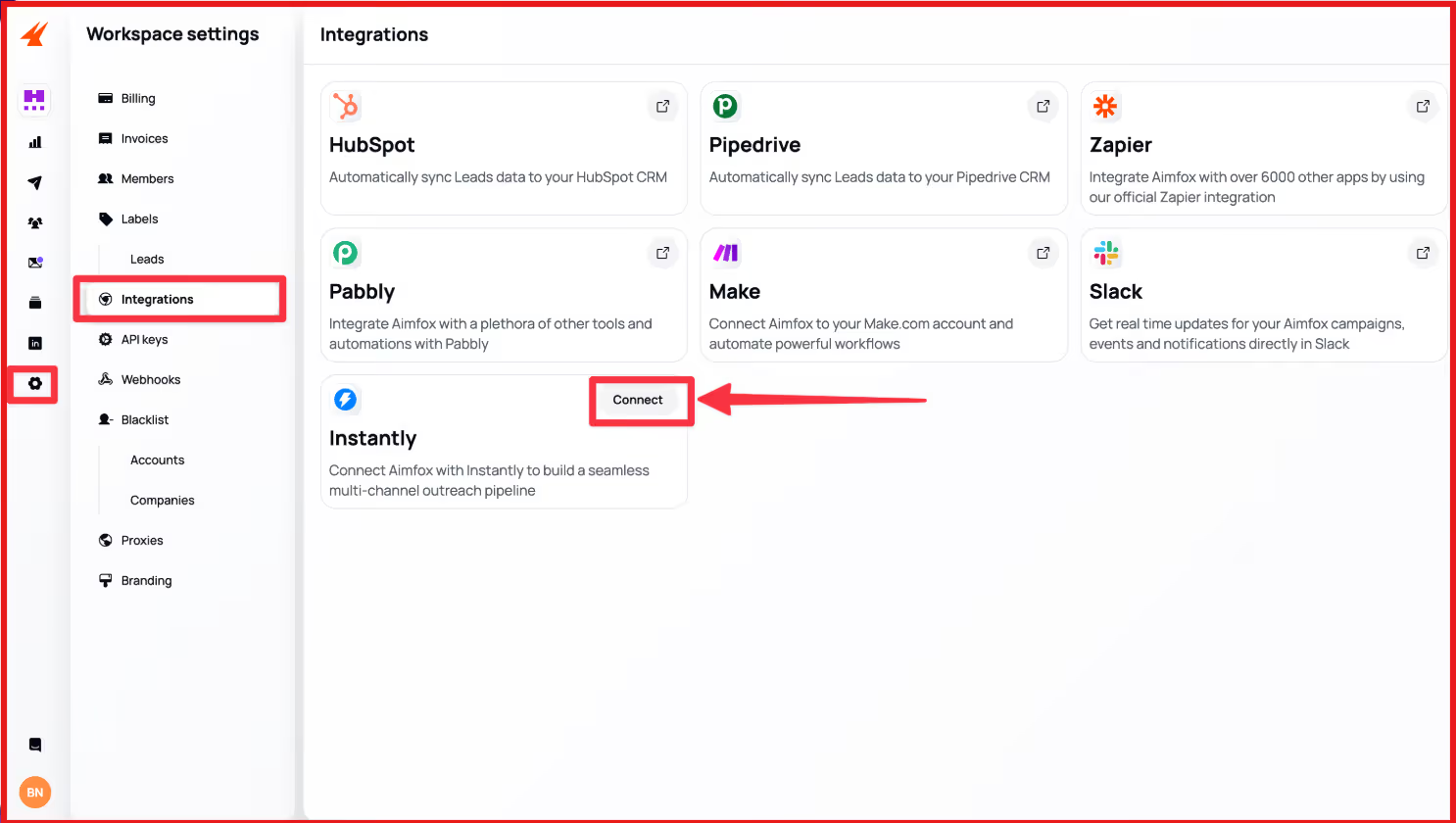
Yes. Instantly and Aimfox can be connected.
The integration works through automations inside Instantly, where actions in Instantly can trigger steps in Aimfox.
This allows leads to move from email outreach into LinkedIn campaigns without manual exports.
It’s an official integration, but it’s not a full, always-on sync between both tools.
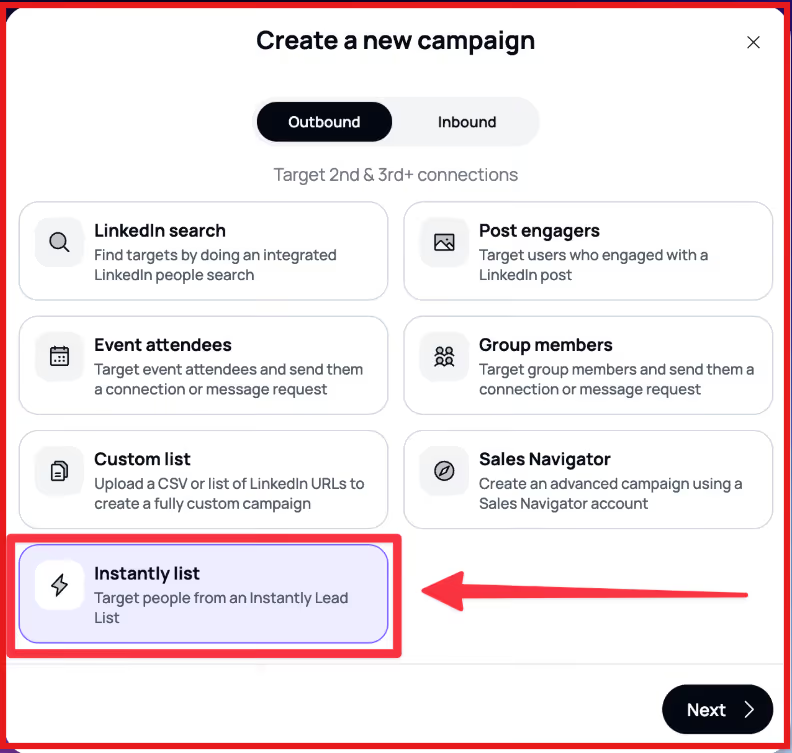
The Instantly + Aimfox integration is built around automation workflows inside Instantly.
Instead of syncing everything by default, you decide when a lead should move from email outreach into LinkedIn outreach.
You start by creating a new automation from the Automations section in Instantly.
This automation defines a simple rule: when a specific event happens in Instantly, perform an action in Aimfox.
You can name the automation, test it, review its history, and turn it on or off at any time.
Next, you choose the event that should start the workflow. Instantly supports triggers such as:
This trigger decides exactly when a lead should be sent to Aimfox.
Once the trigger is set, you add Aimfox as the action step.
Instantly connects to your Aimfox account and lets you choose what should happen there.
The primary action used in this integration is to add a profile to an Aimfox campaign.
This is how leads are automatically movedfrom Instantly into LinkedIn campaigns in Aimfox.
When the automation runs, Instantly sends key lead details to Aimfox, including:
A LinkedIn profile URL is required for the lead to be added to an Aimfox campaign.
Before turning the automation on, Instantly lets you test the step to make sure the data is passed correctly.
Once activated:
From this point, the workflow runs automatically in the background.
The Instantly and Aimfox integration connects email outreach with LinkedIn outreach using simple automation rules.
It helps teams move leads between tools without manual work.
Here’s what it gives you:
While the integration helps connect email and LinkedIn outreach, it has clear limits.
Here’s what’s missing from the Instantly and Aimfox integration:
These limitations don’t mean Instantly and Aimfox can’t work together.
For many teams, the setup is good enough to connect email and LinkedIn at a basic level.
However, when outbound volume increases or workflows become more complex, managing multiple tools and automations can start to slow teams down.
That’s usually when teams begin looking for a simpler way to run email and LinkedIn outreach in one place.
When you run Instantly with Aimfox, you’re essentially combining two strong tools to cover email and LinkedIn outreach.
The setup works, but it relies on automations and manual coordination to keep everything aligned.
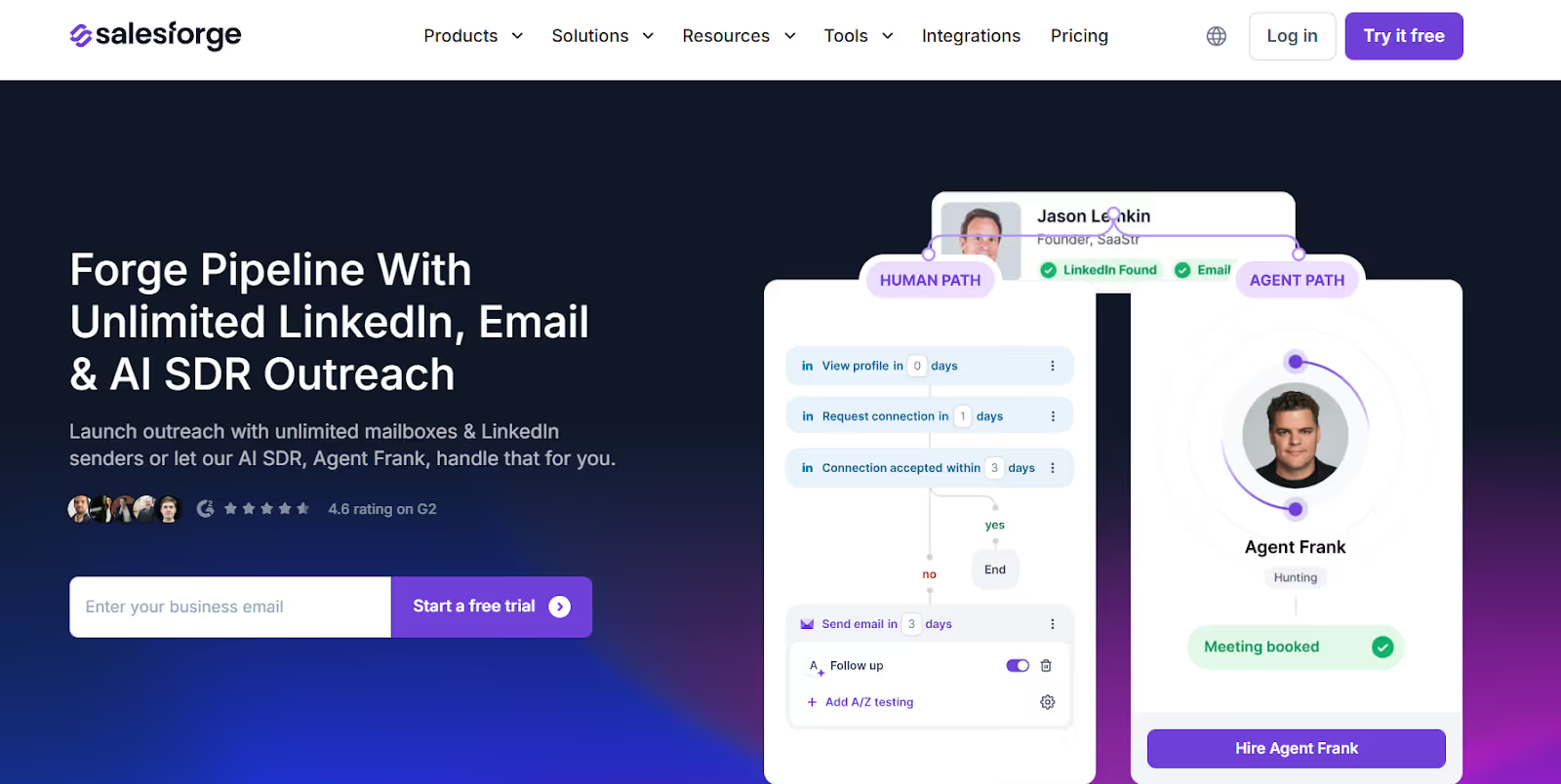
Salesforge is a single platform where you can run email and LinkedIn outreach, see all replies, and scale campaigns without using multiple tools.
Instead of connecting email, LinkedIn, warm-up, replies, and automation through integrations, Salesforge brings them into a single workflow built for scale.
Instantly + Aimfox is a reasonable choice if you’re comfortable managing multiple tools and maintaining the connection between them.
Salesforge is better suited for teams that want a single system to run email, LinkedIn, deliverability, replies, and AI-led outreach without relying on integrations.
This makes Salesforge a better alternative when your outbound setup needs to scale without adding complexity.
The Instantly + Aimfox setup can work if your goal is basic multi-channel outreach.
You get email and LinkedIn outreach, but you also get extra setup, split data, and ongoing manual work to keep everything running smoothly.
If your outbound needs are simple and you’re fine managing multiple tools, the integration may be enough. But as outreach volume grows, the gaps become more noticeable.
Salesforge is built for teams that want fewer tools and fewer moving parts.
It brings email, LinkedIn outreach, replies, warm-up, and AI-driven outreach into one place, making it easier to scale without adding complexity.
If you’re looking to simplify your outbound stack and run everything from one platform, Salesforge is worth trying.
Start your 14-day free trial with Salesforge!



.jpg)

