So, you may have heard of Clay - it's pretty popular in the B2B world, especially for all of us in sales and marketing who need that extra something to enrich data and personalize outreach.
Maybe you've wondered, is Clay as good as everyone says, or will it be a good fit for your team?
Well, you’re in the right place!
In this Clay review, I'll walk you through all that it offers to help you make a decision if it is the right choice for you. Here's a fast look at what's in store for you.
By the end of this review, you'll know whether Clay is worth it for scaling your outreach and making your data work for you.
Ready to dive in? Let's get started!
Clay is here for data enrichment and personalized outreach, built for sales and growth teams to automate their outreach efforts.
In Clay, it is a lot easier to get leads and contact data right by using data from more than 100 sources.

The platform has an AI agent. It helps in creating personalized outreach messages to make every contact personal.
Now, imagine having to do this for hundreds of prospects; instead of researching each one manually, Clay's AI agent does this for you.
It pulls information, enriches data, and constructs targeted messages. This frees up time for you to return to what matters—closing deals.
Clay also provides you with a structured dashboard where you can build your lead lists, enrich the data, and manage outreach in one place.
Explore: 20+ AI Agents
Alright, let’s explore Clay's functions and why it’s useful for handling outreach or managing data. I’ve used it for long enough to know exactly where it shines, so here’s the lowdown.

Say you’ve got a list of emails but need more context. Clay can turn basic info into something valuable by adding job titles, company sizes, and relevant insights.

If I’m reaching out to a big list, Clay’s AI steps in to make each message unique, based on who the contact is and what they do. I’ve seen higher response rates because of this.

For inbound leads, Clay’s auto-enrichment means that by the time a lead lands in my CRM, it’s fully scored and ready for follow-up. I don’t need to waste time on extra steps.
Clay’s features are all about saving you time and making outreach smarter. It handles the data work so you can focus on building real connections.
While Clay offers flexibility, its pricing can add up quickly, especially for startups or small teams needing advanced features.
Now, lets see how you setup your Workflow within Clay.
Setting up Clay is straightforward and gets you ready to dive right into data enrichment and outreach. Let’s break down the steps so you can get started quickly.


Once you’re all set up, you’ll be ready to use Clay for streamlined, data-enriched outreach. This setup ensures you have everything you need in one place, ready to go.
How to Enrich Data with Clay?
Let me explain how data enrichment works in Clay. It turns basic contact information into a full, useful profile for each lead.
When you know more about who you’re reaching out to, your messages can be more specific and relevant, leading to better responses.
Here’s how you can use Clay’s data enrichment step-by-step.


With Clay’s data enrichment, you’re not just collecting random details; you’re building useful profiles that help you connect with each lead on a personal level.
Alright, let’s go over the good and the not-so-good sides of using Clay.
Hearing from people who use it daily gives a clear picture of where Clay can help you and where you might need to adjust. Here’s a quick table for you to understand.
| Pros | Cons |
|---|---|
| Saves Time on Data Gathering | Limited to Outreach Use Cases |
| Personalizes Outreach at Scale | Learning Curve for Advanced Features |
| Easy-to-Use Interface | Dependency on CRM Integration |
| Smooth CRM Integration | Cost Concerns |
| Community Support on Slack | Niche Focus |
Let’s dive into the real benefits of using Clay.
Clay simplifies data gathering, personalizes outreach, and enhances workflows with its intuitive interface and reliable integrations.
These limitations highlight potential challenges for users considering Clay, especially those outside its core use case or with specific needs.
Clay simplifies data enrichment and personalization but leaves major gaps in your outreach process. Here's why.
It helps you gather data from more than 100 sources, thus solving the problem of finding correct lead details.
However, Clay doesn't manage your outreach pipeline entirely; you still need other tools for sending emails.
For instance, after the enrichment of data, to do email campaigning properly, you would need an integration. It's added complexity, for instance.
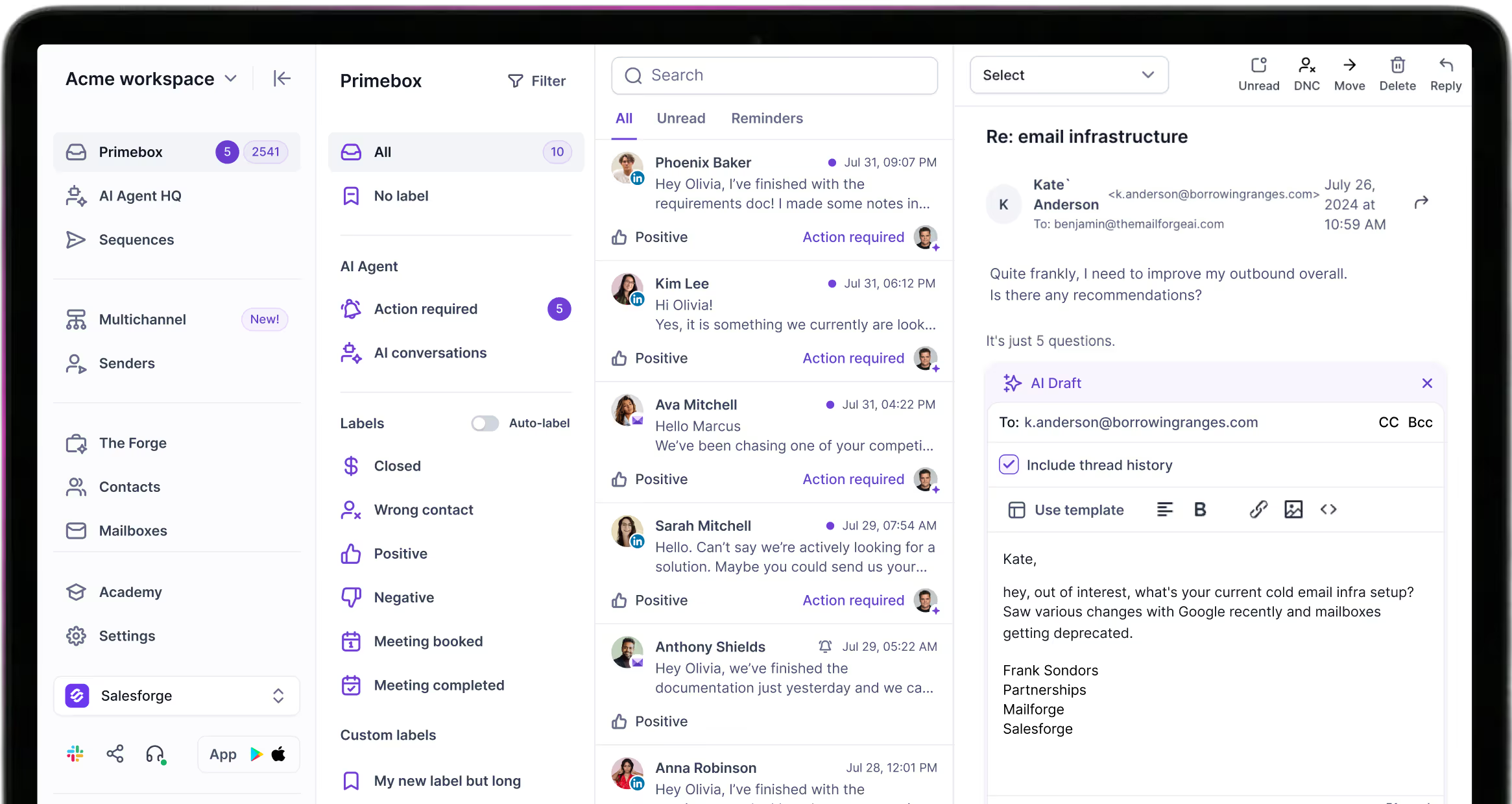
Take Agent Frank, for example, because it does data enrichment, personalization, and cold outreach in one platform.
With Agent Frank, you won't have to create infrastructure or juggle a lot of tools. It saves time and effort.
Rely on Clay alone, and you get to spend extra time doing the integrations and managing how your workflows go. That surely slows you down.
So, is Clay worth it? It depends. Consider some options that make everything a single tool for complete outreach, like Agent Frank.
If you’re looking for a complete solution, this comparison can help you select the right solution based on your needs.
| Feature | Clay | Agent Frank |
|---|---|---|
| Core Functionality | Data enrichment and personalization | Full outreach automation and lead generation |
| Data Enrichment | Access to 100+ data sources for lead enrichment | Limited; focuses on automating lead sourcing and outreach |
| Personalization | AI creates tailored messages | Fully automated outreach, learning over time for better targeting |
| Outreach Automation | Requires integration with other tools for outreach | Handles everything from prospecting to booking meetings |
| Workflow Complexity | Needs multiple tools for a complete outreach setup | All-in-one solution; replaces 20+ tools |
| Cost | Starts at $134/month for basic plans | $499/month for full automation |
| Setup Time | Requires configuring enrichment, CRM, and outreach tools | Simple 4-step onboarding process |
| Flexibility | Allows integration with CRMs and tools | Offers Auto-pilot and Co-pilot modes for control and monitoring |
| Scalability | Suitable for data-heavy workflows | Ideal for scaling outreach and reducing manual tasks |
| Learning Curve | Steeper for advanced features | Easy setup; learns and improves with usage |
| Team Augmentation | Primarily a data enrichment tool | Acts as a virtual SDR to augment your sales team |
| Best For | Teams focused on enriching data for personalized outreach | Businesses wanting a hands-free solution for lead generation and outreach |
No doubt, Clay has proven to be a powerful tool for enhancing data and personalization.
Such ease in collecting accurate lead information through different sources and crafting personalized outreach messages was never as easy as it is now.
However, again, it doesn't cover the full cold outreach spectrum.
That can get quite complicated, especially when you have to add other tools on top for email campaigns, integrations, and CRM workflows.
For teams that need only data enrichment, Clay could be a perfect fit, but not for those seeking an all-in-one solution.
Agent Frank does it all in one place: data enrichment, outreach automation, and campaign management. It's a better choice for businesses wanting to save time and avoid juggling multiple tools.
Your ultimate call depends on what's fit in relation to the workflow. Clay does very well if you are exclusively focused on a data enrichment specialty solution; and yet, if your wish extends to full outreach automation, maybe Agent Frank can suit and value your simplicity. Knowingly choose one based on the goal.