I spent some time going through Crono to see if it actually simplifies outbound or just bundles everything into one tool.
Short answer? It does a few things well, but starts to show friction once you use it at scale.
Crono tries to handle prospecting, sequences, and CRM workflows in one place.
On the surface, that sounds useful.
But once I looked deeper into how it works with real lists and campaigns, a few issues stood out.
These are also reflected in user reviews:
At the same time, users consistently say it’s intuitive and keeps everything in one place.
In this Crono.one review, I’ll walk you through:
If you’re evaluating Crono for your outbound workflow, this should save you the time I spent figuring it out.
Yes, but only if you already run structured outbound.
From what I saw, Crono works when you know exactly how your outbound process is set up. It helps you keep everything in one place, but it’s not something I’d use to move fast.
It’s okay for:
It’s not ideal for:
My take: I’d use Crono for control. Not when I need speed.
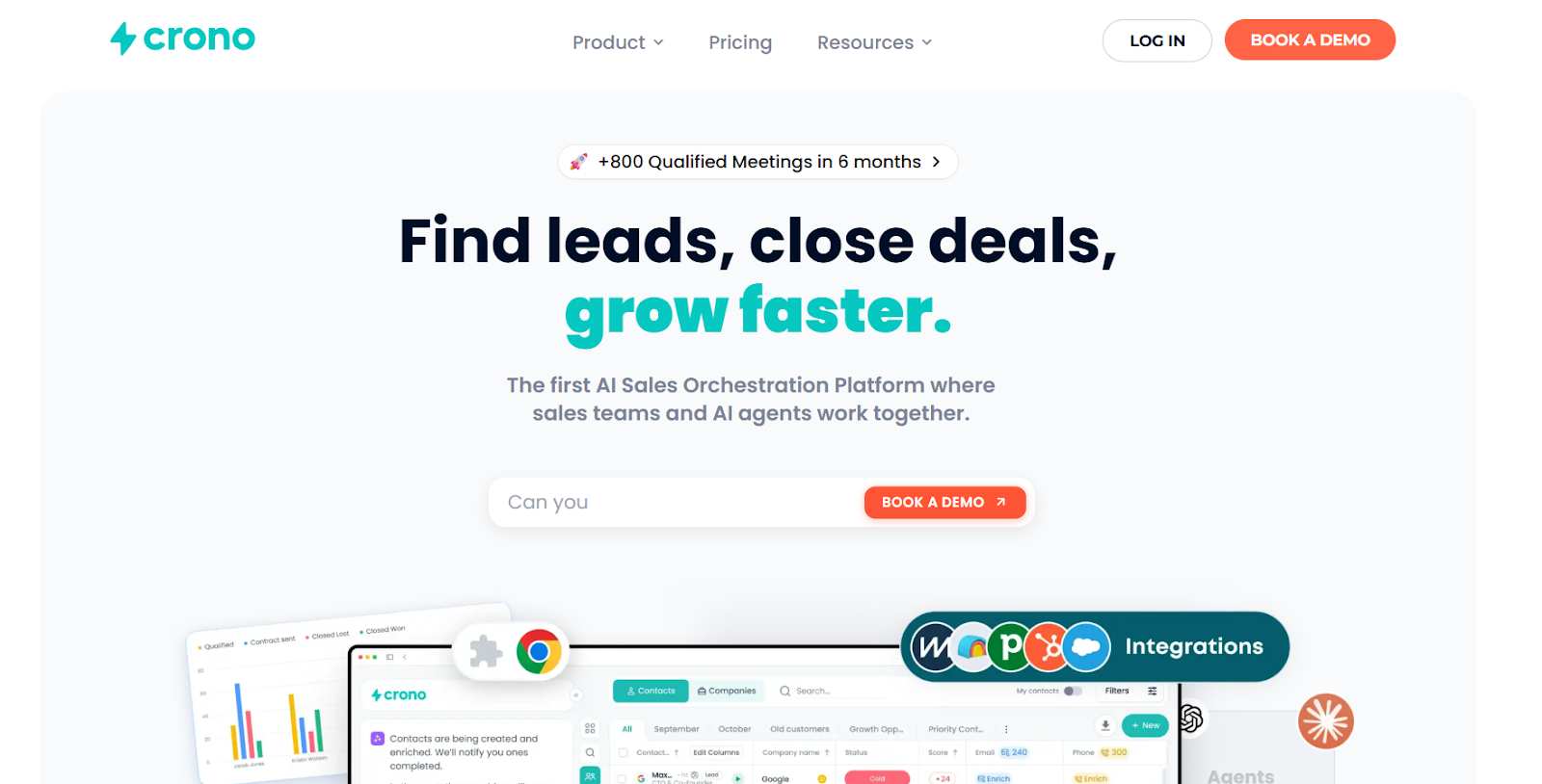
Crono is an AI GTM platform built for B2B sales teams.
It helps you manage your entire sales process in one place.
You can:
Crono connects your data, tools, and workflows into a single system where sales teams and AI agents work together.
It acts as an execution layer. This means you can go from finding a lead to closing a deal without switching between tools.
The platform also uses signals and data to help you focus on the right prospects.
Crono works as a single system where your entire sales process runs.
It brings your sales tools and workflows together in one system.
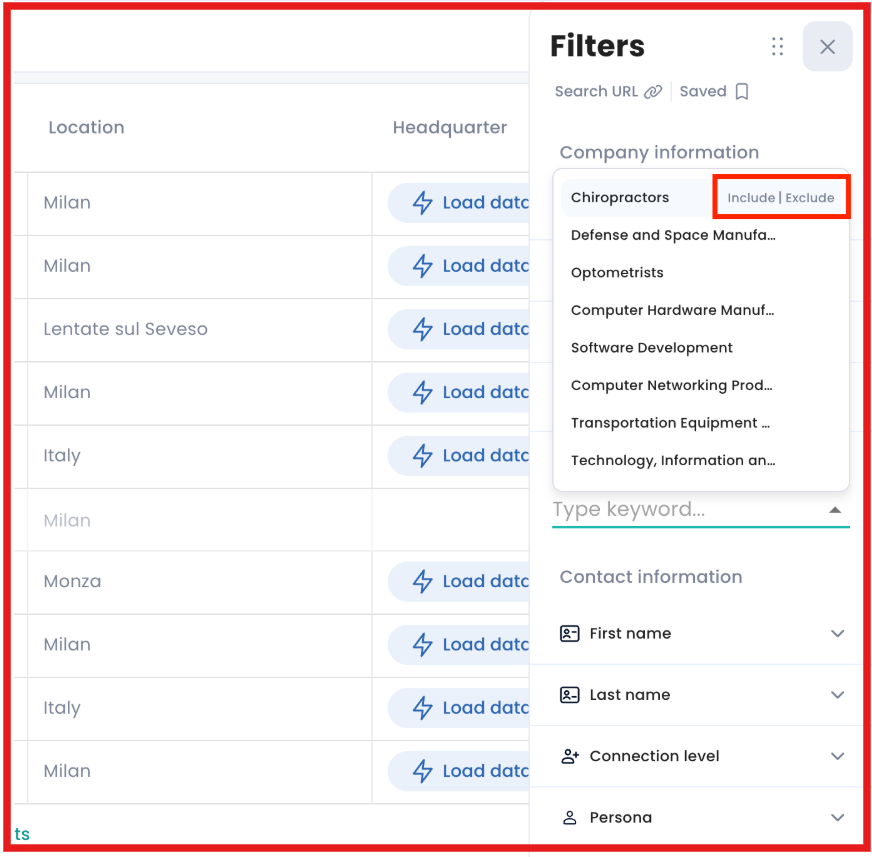
I can find new leads directly inside Crono using filters based on my ideal customer.
It pulls data from LinkedIn and lets me build targeted lists fast.
Once leads are added, I can enrich them with emails and phone numbers.
Each enrichment uses credits and pulls data from multiple sources.
This helps improve data accuracy before outreach.
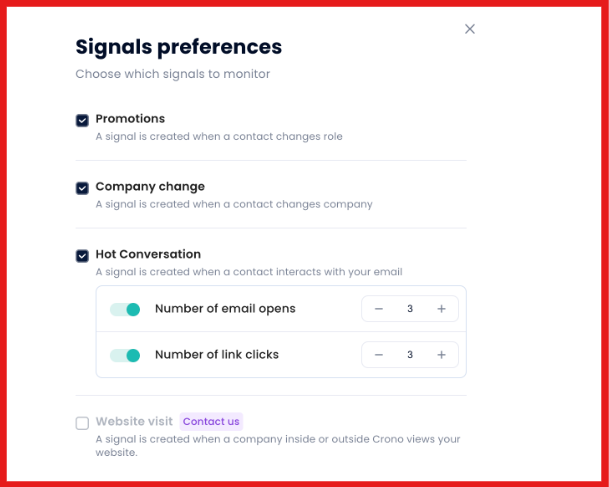
Crono tracks signals like job changes, company updates, and engagement.
These signals help me know which leads are more likely to convert.
So I focus only on high-intent prospects instead of guessing.
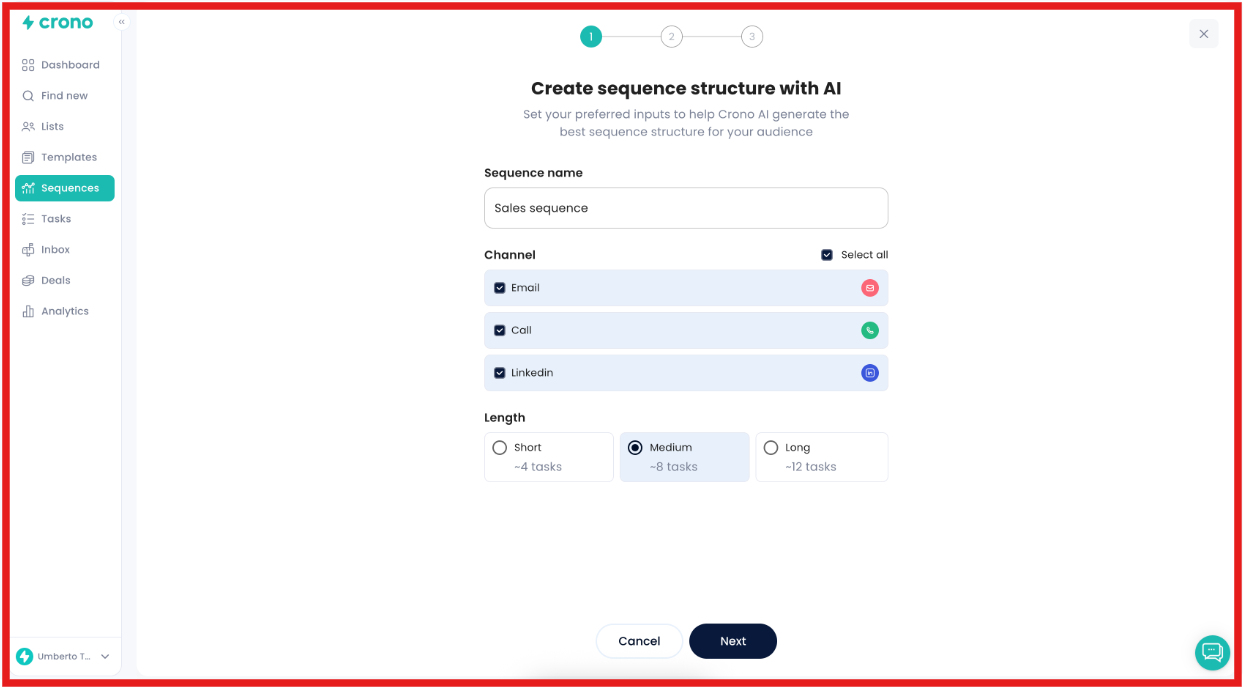
I can create multichannel sequences using email, LinkedIn, and calls. Crono’s AI helps write and personalize messages at scale.
It can generate or rewrite messages based on lead data.
Once the sequence is live, Crono automates follow-ups and tasks. AI agents and sales reps work together to run campaigns.
This reduces manual work and keeps everything moving.
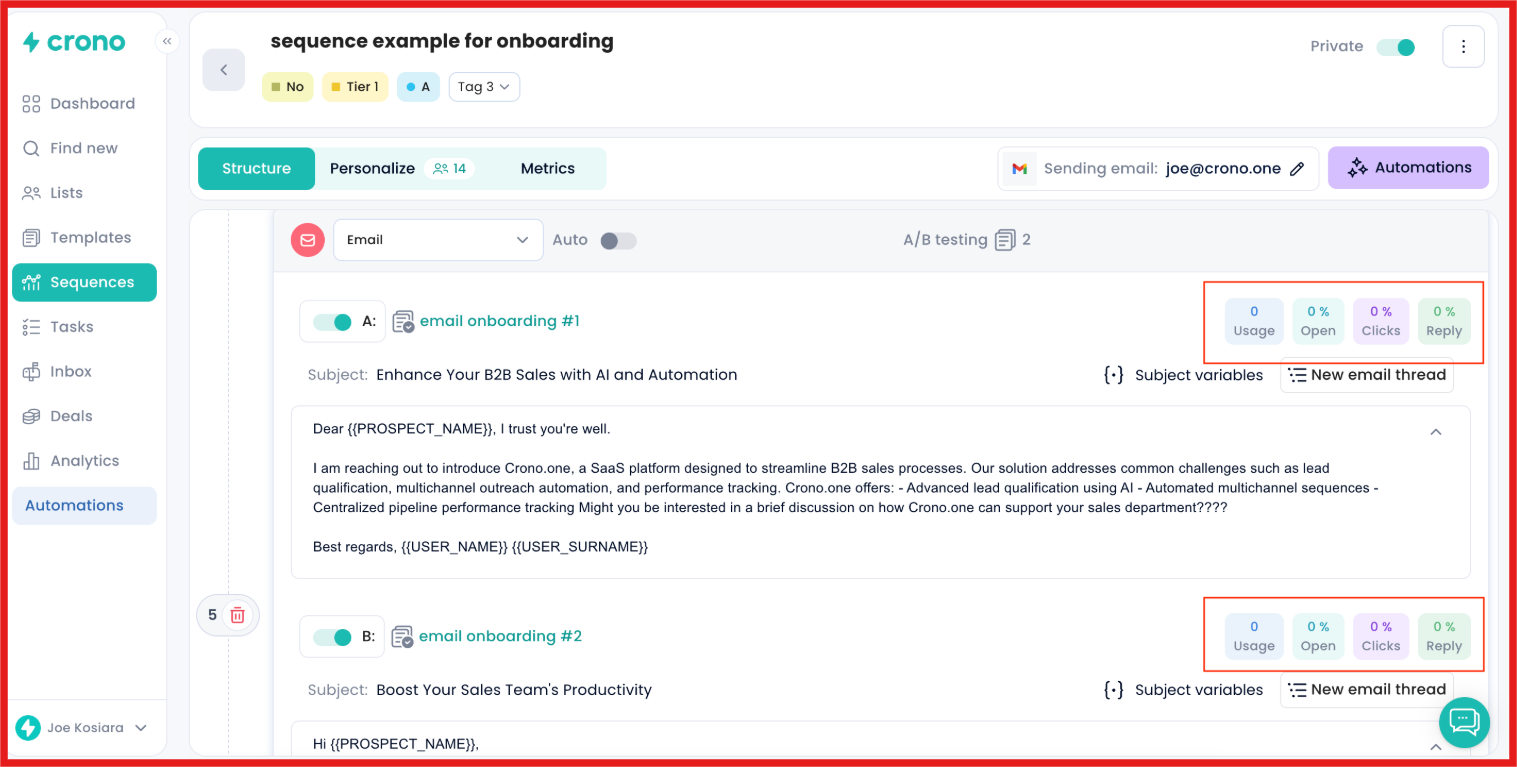
Crono tracks replies, engagement, and deal progress in real time. I can see what is working and adjust quickly. Everything stays synced with CRM tools like HubSpot or Salesforce.
Crono takes you from lead → outreach → deal in one workflow.You don’t need separate tools for each step.
Crono is built to help you manage outbound in one workflow.
It combines lead generation, outreach, and tracking into a single system.
Here are the main features that define how Crono works:
These features work together to help you go from finding leads to running outreach.
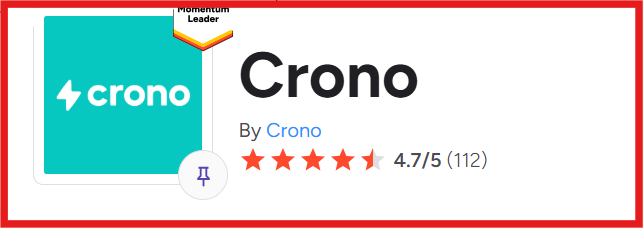
Crono has a 4.7/5 rating on G2 from 112 reviews.
From what I saw, most users find it easy to use after setup.
Many say it saves time on daily outreach work. I noticed users like managing prospecting, sequences, and tracking in one place.

AI writing and automation help them move faster. Support is often described as quick and helpful.
There are a few gaps as well. Some users say contact data is not always accurate.
I also saw that it can feel complex at first. A few mention slower performance with large lists.

Others say integrations, workflows, and credit usage could be clearer.

From what I saw, Crono works best when you already have an outbound process. It is not a tool to learn outbound from scratch.
It is built to help you automate and manage what you are already doing.
I. Crono is a good fit if you:
II. Crono may not be the right fit if you:
Crono is built for teams that want one system to manage outbound workflows.
If your goal is to simplify execution, it fits well.
But if your goal is flexibility or control, you may prefer a different setup.
Crono works when I want to manage outreach and sales workflows in one place. But it focuses more on execution than finding leads from scratch.
When I want to build a pipeline quickly, Leadsforge feels more direct. Leadsforge works like a search engine for B2B leads.
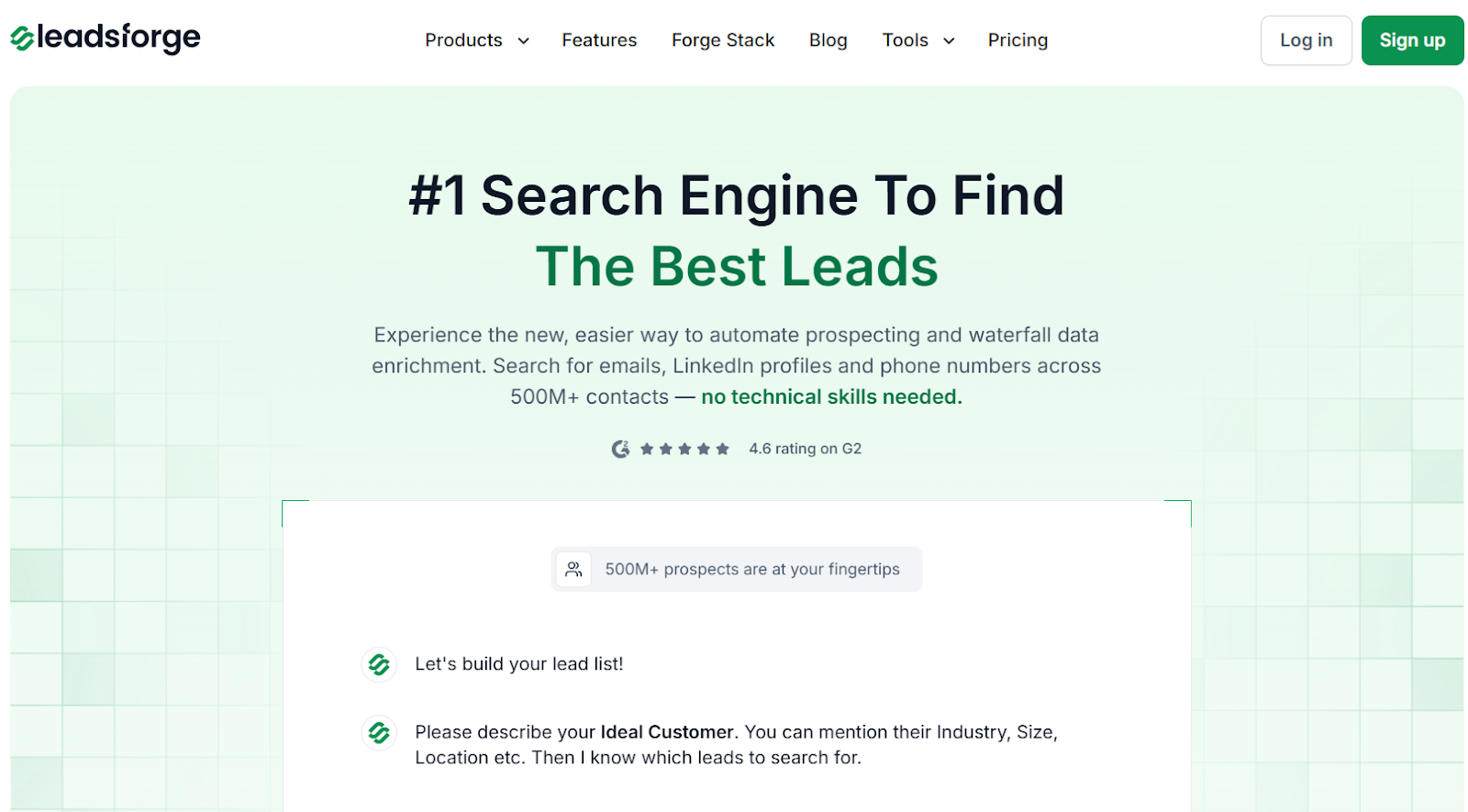
I describe my ideal customer in simple words, and it returns matching contacts.
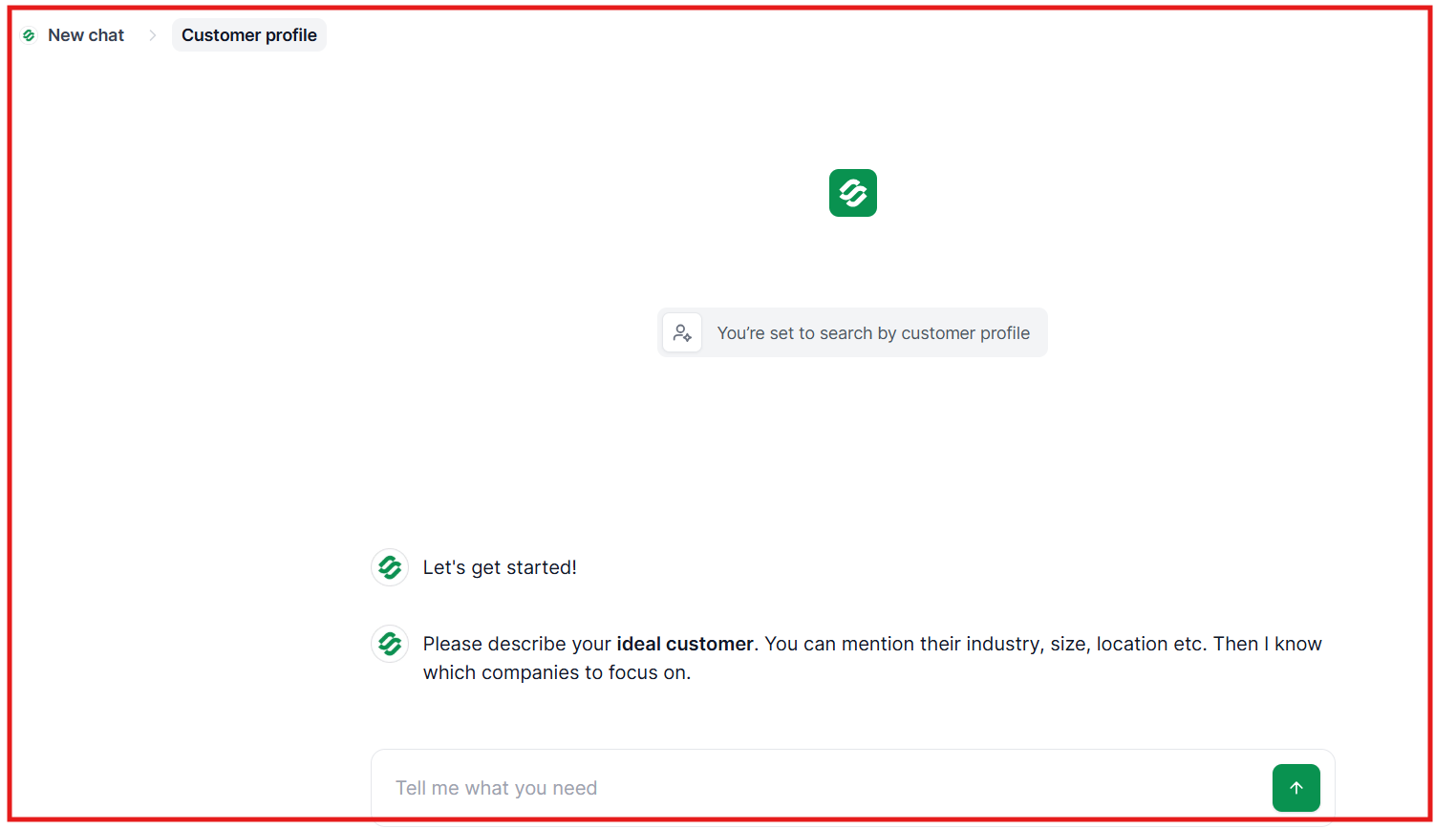
I can enrich each lead with emails, LinkedIn profiles, and phone numbers before exporting.
Leadsforge also connects multiple data sources.
If one source does not return data, it checks others to find matches. This improves coverage and reduces missing data.
Leadsforge also includes intent signals. I can find leads based on hiring activity, company changes, or buying signals.
Once the list is ready, I can export it or push it into Salesforge and start outreach.
If the goal is to manage outreach workflows, Crono works.
But if the goal is to find leads, enrich them, and start outreach faster, Leadsforge fits better.
If I want to manage and automate outbound, Crono is a solid option.
But when I just need to find leads and start fast, it feels slower.
Leadsforge is more ideal for that. I can describe my ICP, get verified leads, and push them into Salesforge to start outreach.
Try Leadsforge and get 100 free credits to build your lead list faster.



.jpg)

